How do I use the Playful Mirror Selfie Prompt (Cat Ears Headband) template?
Choose the primary action to open PicX Studio with the available template settings. Review the model and format, personalize the creative direction, and generate when ready.
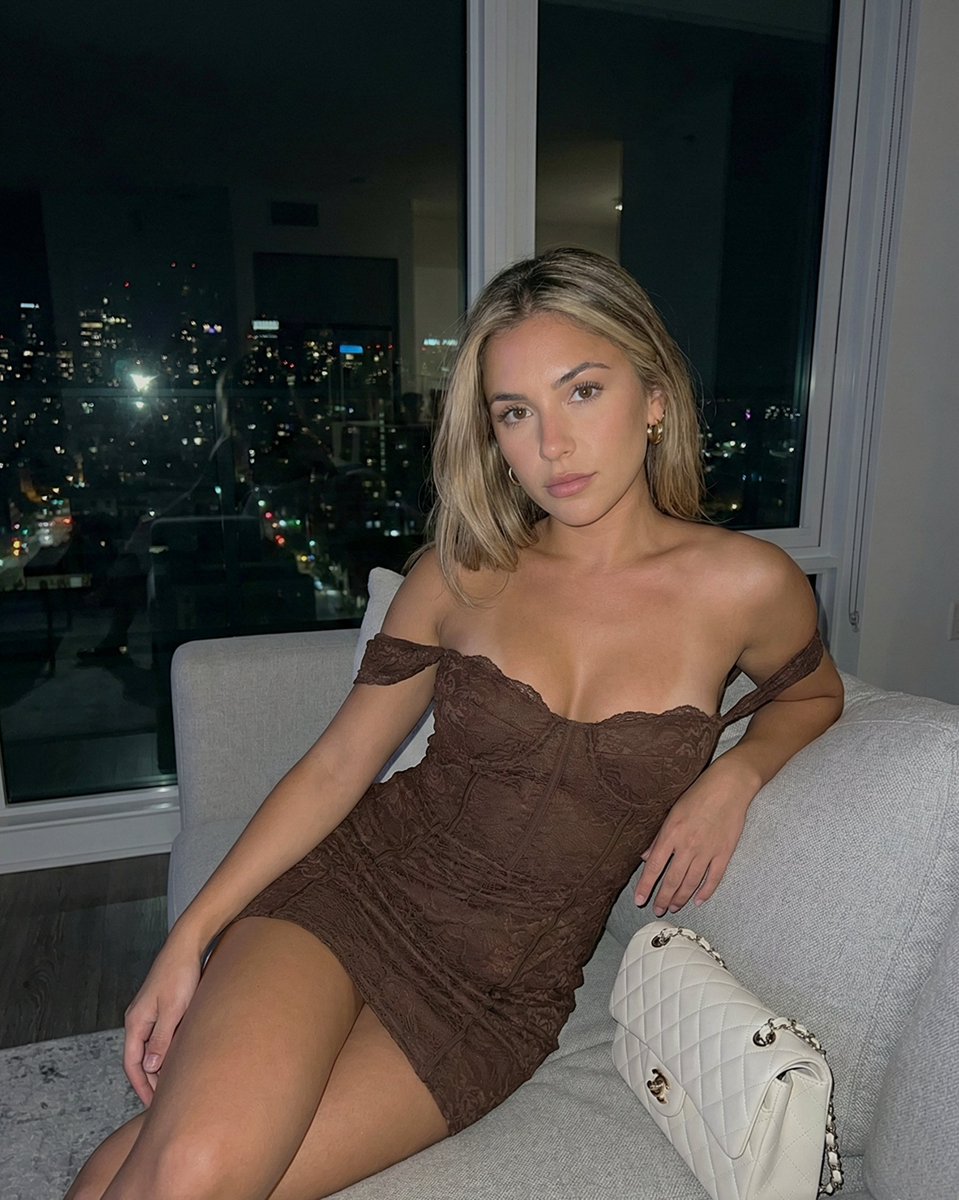
A detailed JSON prompt for Nano Banana Pro to generate a photorealistic mirror selfie of a young woman with a playful expression (tongue sticking out), wearing a yellow brocade corset, gingham mini-skirt, and a white fluffy cat ears headband, with specific details about the background and lighting. Change the subject, setting, or lighting one variable at a time.

{ "image_generation_prompt": { "subject": { "demographics": { "gender": "female", "age_group": "young adult", "skin_tone": "fair" }, "hair": { "color": "{argument name="hair color" default="blonde"}", "length": "long", "style": "straight/wavy", "accessory": "white fluffy cat ears headband" }, "face": { "expression": {Use the face without any change. "mood": "playful", "mouth": "tongue sticking out, slight smile", "gaze": "looking up and to the left" }, "makeup": { "eyes": "light makeup with winged liner", "lips": "pink color", } }, "wardrobe": { "upper_body": { "item": "corset", "material": "brocade", "color": "{argument name="corset color" default="yellow"}", "details": ["front lacing", "trim"] }, "lower_body": { "item": "mini skirt", "pattern": "gingham", "color": "yellow", "details": ["ruffled layers", "white lace trim"] }, "leg_wear": { "item": "thigh-high socks", "color": "white", "details": "yellow stripes at the top" }, "accessories": { "neck": "yellow collar choker with small silver bell", "ears": "small stud earrings", "wrist": "delicate gold bracelet" } }, "pose": { "action": "taking mirror selfie", "hand_position": "holding phone in right hand", "posture": "standing" } }, "scene": { "environment": { "location": "modern apartment interior", "flooring": "grey wood plank", "walls": "grey tiled section" }, "lighting": { "source": "natural daylight", "direction": "from floor-to-ceiling windows", "quality": "bright" }, "background_elements": { "windows": "large floor-to-ceiling, showing bright daytime cityscape and sky", "furniture": { "left": "large brown teddy bear leaning against wall", "right": [ "white upholstered armchair", "wooden side table", "clear glass vase on shelf" ] } }, "foreground_elements": { "props": "green artificial ivy plant hanging", "overlays": { "text_content": "HIII", "text_color": "white", "position": "overlaying background near the chair" } } }, "technical_specifications": { "medium": "photography", "sub_genre": "mirror selfie", "device_prop": "white iPhone", "composition": "reflection showing subject and room context", "aspect_ratio": "2:3" } } }
Choose the primary action to open PicX Studio with the available template settings. Review the model and format, personalize the creative direction, and generate when ready.
Yes. You can change the subject, setting, lighting, mood, format, and available model controls before creating your image.
This template is free to open and customize. Generation usage is shown in PicX Studio before you create.
© 2026 PicX Studio. All rights reserved.

Start with Nano Banana 2, which is the model associated with this template. You can compare another compatible model for a different finish.
Follow a topic to a crawlable collection of related PicX Studio templates.
43,474 public templates available. Verified via the PicX Studio public templates API; refreshed hourly.





![nano-banana-grwm-mirror-selfie-pink — Nano Banana 2
Prompt (JSON):
{
"type": "image_prompt",
"description": {
"subject": {
"main": "[NAME] com o](/_next/image?url=https%3A%2F%2Fcdn.picxstudio.com%2Fuploads%2Ftweet_img_10a_612da6f9-cf6d-417e-bdd5-cc1300d1d830.jpg&w=828&q=100)





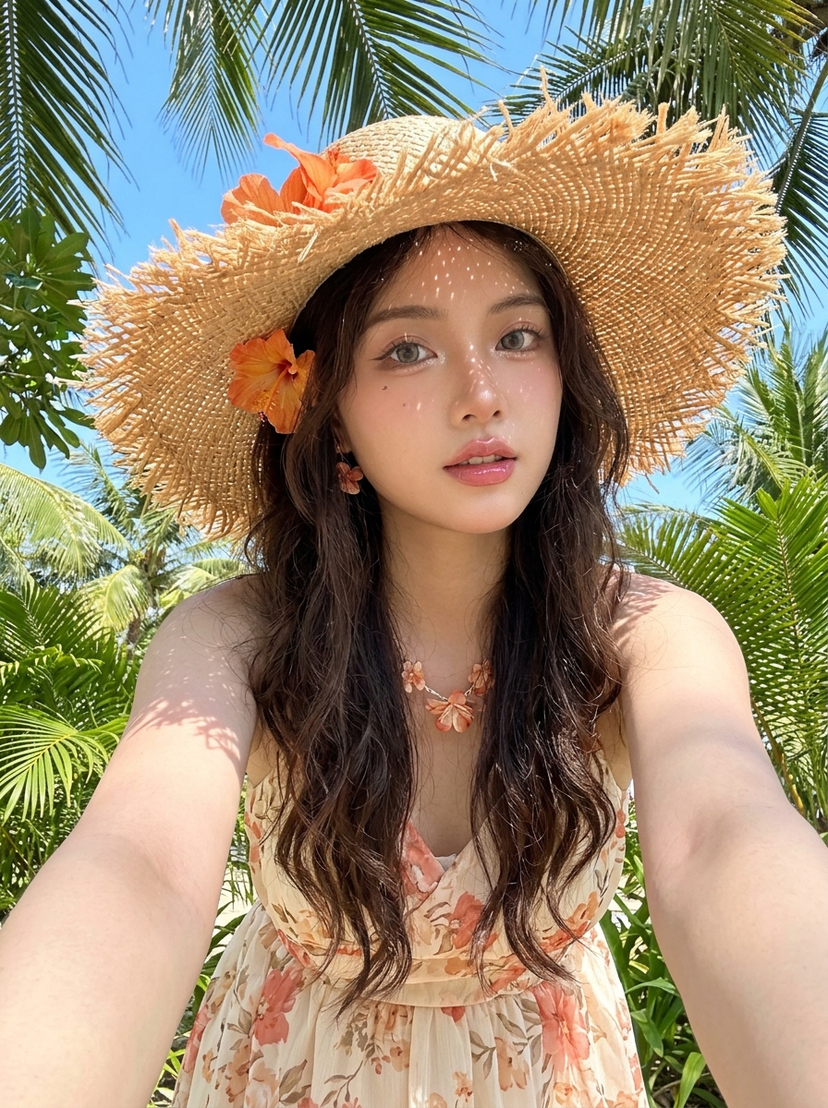


![Naive doodle-style subject illustration — A doodle-style {argument name="subject" default="[subject]"}, naive lines, humorous shape exaggeration](https://pbs.twimg.com/media/G6Wl2YxbsAARB2b.jpg)