
Y2K Digital Camera Selfie
Captures a nostalgic early-2000s digital camera aesthetic with hazy lighting, mirror reflections, and Y2K-style accessories.
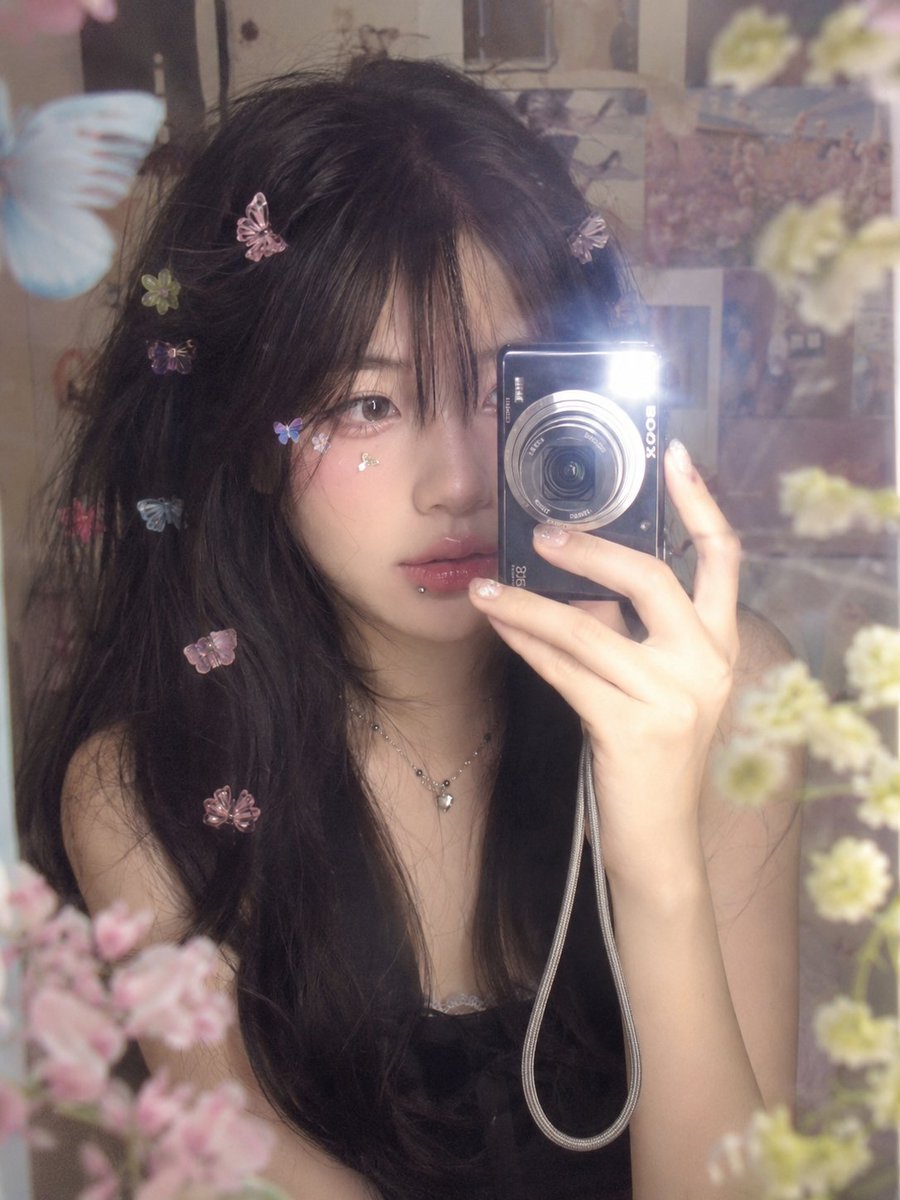
- Prompt included
- Model and format preset
- Free template
The prompt behind this image
Copy the exact prompt behind Y2K Digital Camera Selfie, or open it in the studio and make it yours.
Ultra-realistic dreamy vintage digital-camera mirror selfie of a {argument name="subject" default="young East Asian woman"} with long, voluminous black hair and soft wispy bangs covering part of her forehead. Her hair is decorated with {argument name="hair accessories" default="multiple tiny colorful butterfly and flower-shaped clips"} scattered naturally throughout. She has large expressive dark eyes, soft fair skin, subtle pink blush, glossy natural pink lips, delicate facial features, and a tiny silver lip piercing below her lower lip. She looks directly into the camera with a calm, slightly dreamy expression while holding a {argument name="camera type" default="compact black digital camera"} close to her face, partially covering one side of her face. She wears a delicate layered necklace with a small pendant and a dark sleeveless top. Small colorful butterfly and flower stickers are placed naturally on her cheeks and hair. The photo is taken through a mirror in a softly lit bedroom or cozy indoor space, with dreamy pastel decorations and soft out-of-focus floral shapes reflected around her. Strong early-2000s digital-camera aesthetic, hazy glow, soft focus, subtle flash reflection, gentle bloom, slight lens softness, realistic skin texture, natural imperfections, muted pastel tones, intimate candid composition, shallow depth of field, nostalgic Y2K atmosphere, high detail, photorealistic, vertical portrait, authentic compact-camera image quality.
How to use Y2K Digital Camera Selfie in 3 steps
- 1Upload ImagePNG, JPG or paste
Add your photo
Upload the photo the template builds on. The prompt, model and format are already set.
- 2…a portrait of your subject in softgolden-hour light, 85mm…
Personalize
Edit the subject and creative details for your destination.
- 3Generate
Generate
Press Generate — your image is created in PicX Studio, so you can compare it with the original and refine one variable at a time.
More like this
Templates with the same subject, style or setup. Open one to see its prompt.
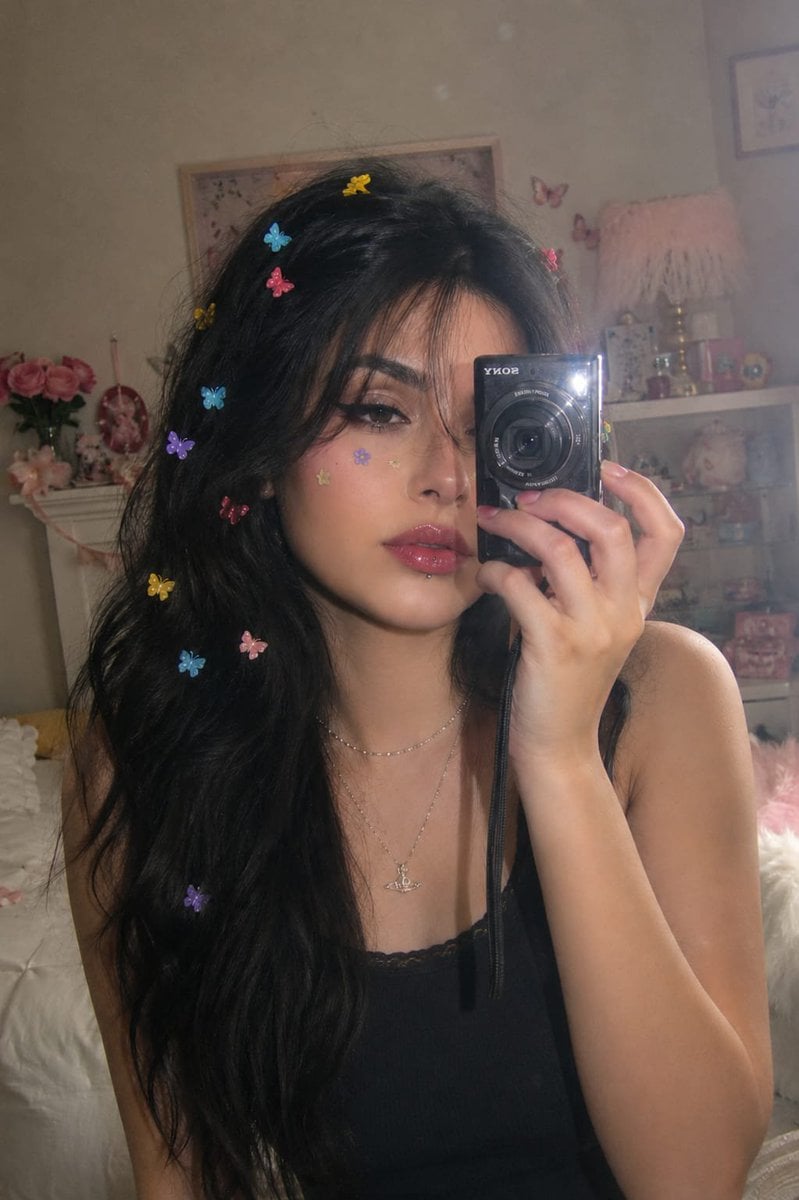
Dreamy Y2K Digital Camera Mirror Selfie

Gen Z Triple Selfie Collage — Y2K Flash Photography
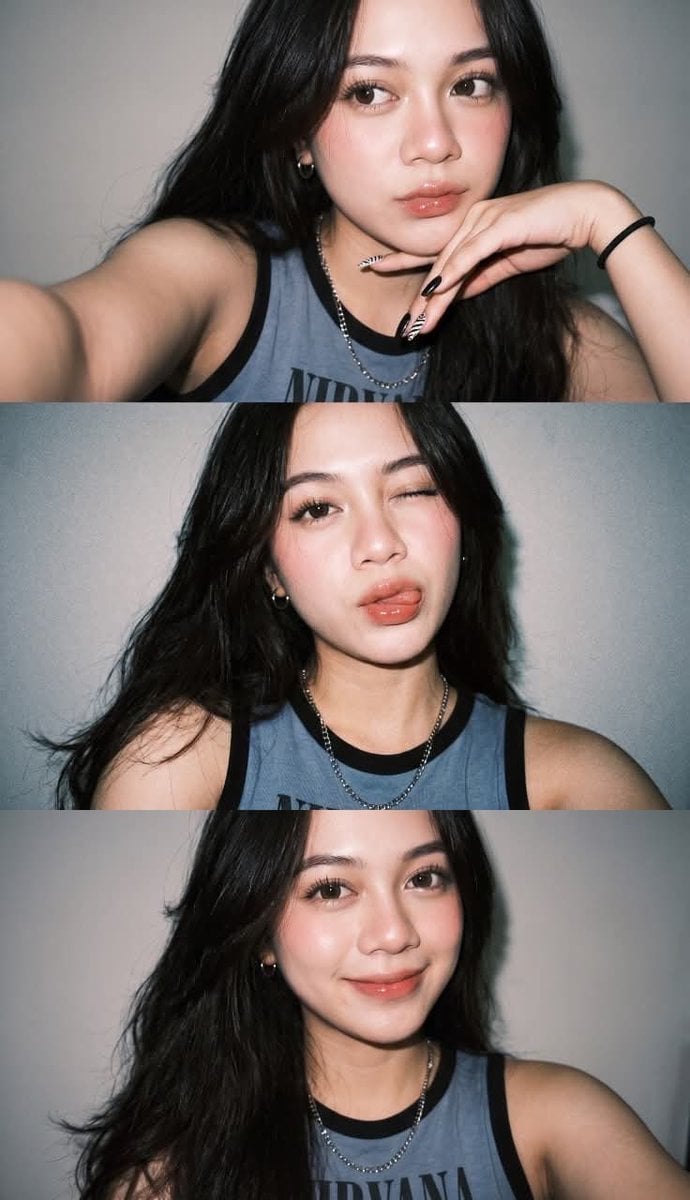
Gen Z Flash Selfie Triple Collage
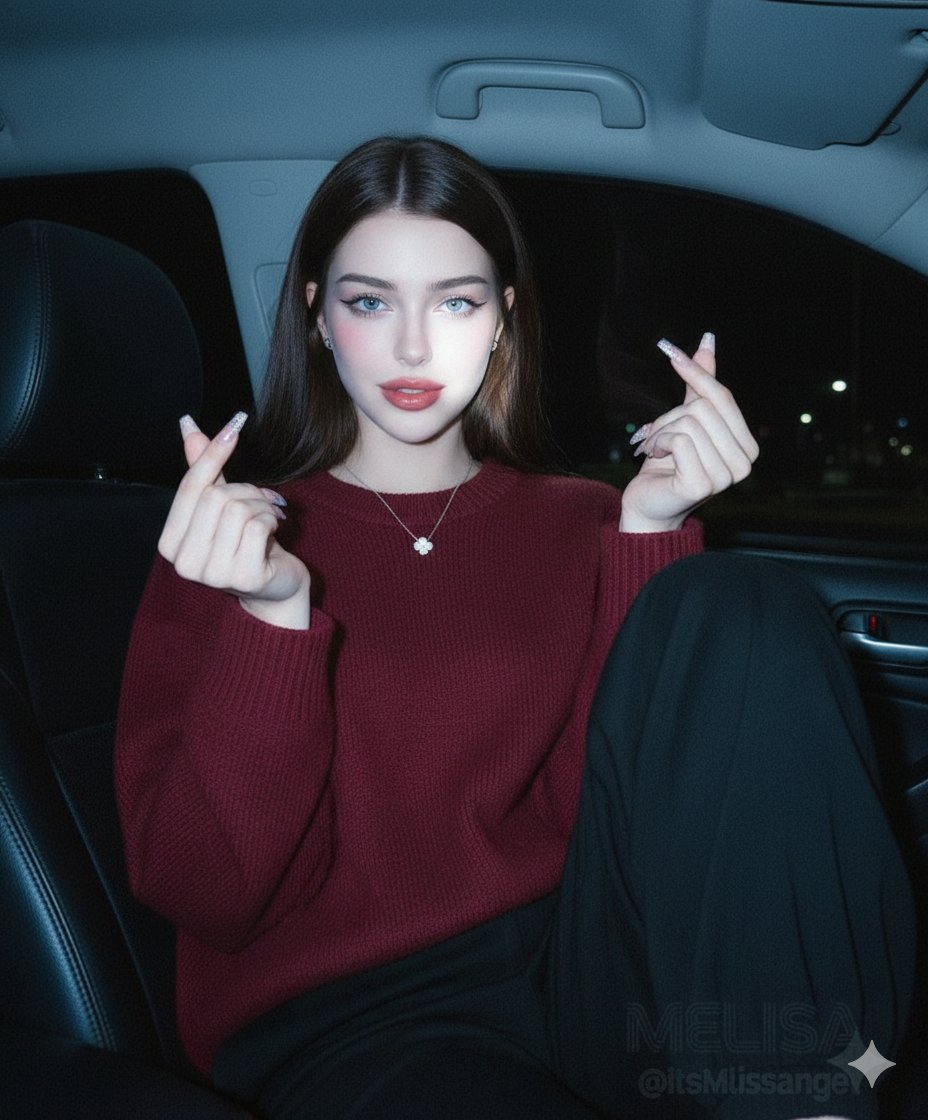
Vintage Digital Camera Car Selfie Prompt
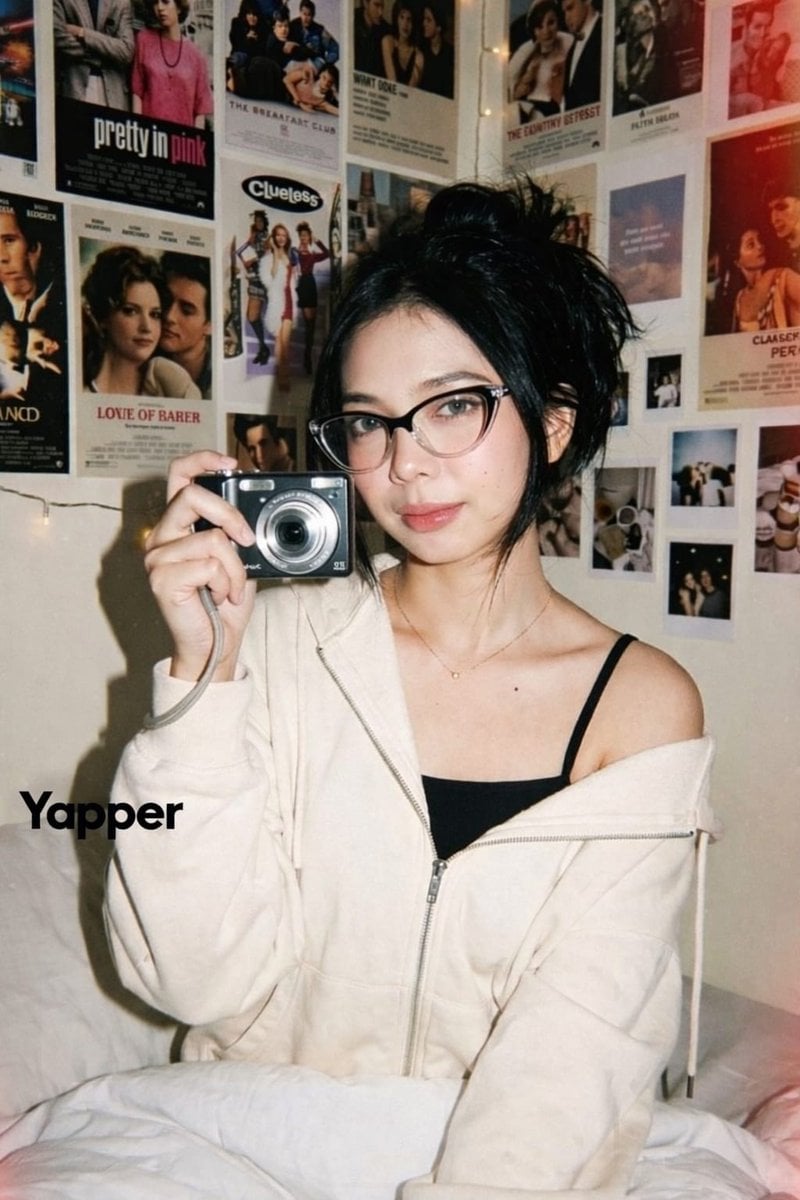
Y2K Candid Digital Camera Portrait of a Young Woman
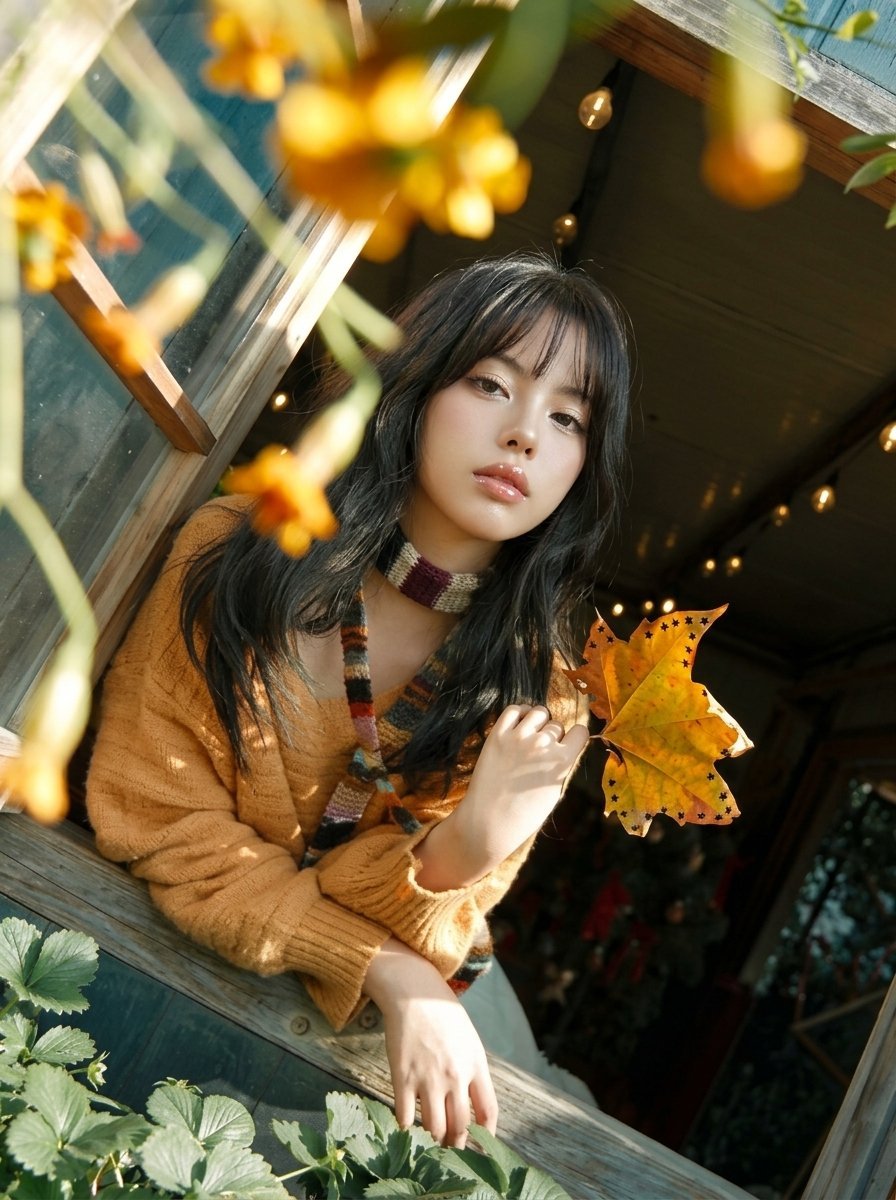
Y2K Windowsill Maple Leaf — Early 2000s Digital Photo

Rooftop Fisheye — Cat-Ear Balaclava at Golden Hour

Felt & Knit 3D Character — Photo-Exact Face, Pixar-Quality Plush Figurine

Eid al-Adha Cute Chaos — Fisheye Selfie with Farm Selfie, Mosque & Animals

Cat Photobomb Selfie — 0.5x Wide Angle Café Chaos

Surreal Cat Astronaut — Humanoid Face Freefall
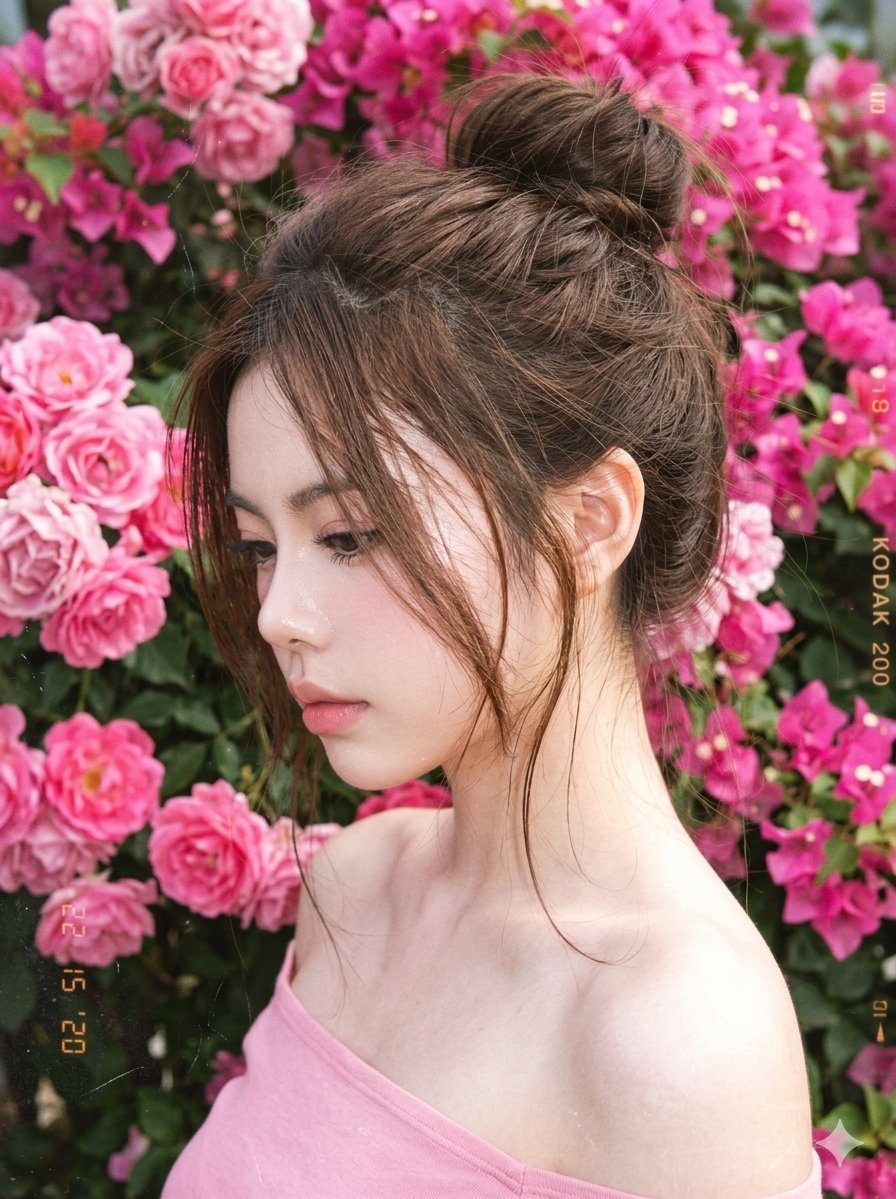
Y2K Style Digital Portrait
Make it yours
Y2K Digital Camera Selfie works as-is. These are the safest ways to change it without losing the look.
Change one field
Copy a single group, rewrite it, and generate again so you can see what that field is doing.
Keep the frame, change the subject
Hold the composition and light of Y2K Digital Camera Selfie, then swap wardrobe, props or the person for a new take.
| If the result… | Why | Fix |
|---|---|---|
| The result drifts from the preview | Too many fields changed at once. | Reuse Y2K Digital Camera Selfie as-is first, then change one group — subject, light, or setting. |
| The model over-stylizes the scene | The prose prompt leaves finish and camera underspecified. | Add one camera or lighting sentence and stay on GPT Image 2. |
More GPT Image 2 templates
Other prompts made for GPT Image 2.

Six VTuber Japanese Logo Sheet

Realistic Portrait of Woman and Deer

The Vista Modular Condo Poster

AI Model Routing Comparison Infographic

2.5D Anime Art Board

Isometric Productivity Desk Scene

New York Double Exposure Poster

Four-Panel AI Landscape Comparison

Japanese Tatami Lifestyle Magazine Cover

NESCAFÉ Coffee Map Poster
More image prompts
Fresh picks from across the catalog.

Branded Crumpled Stickers (Placeholder)
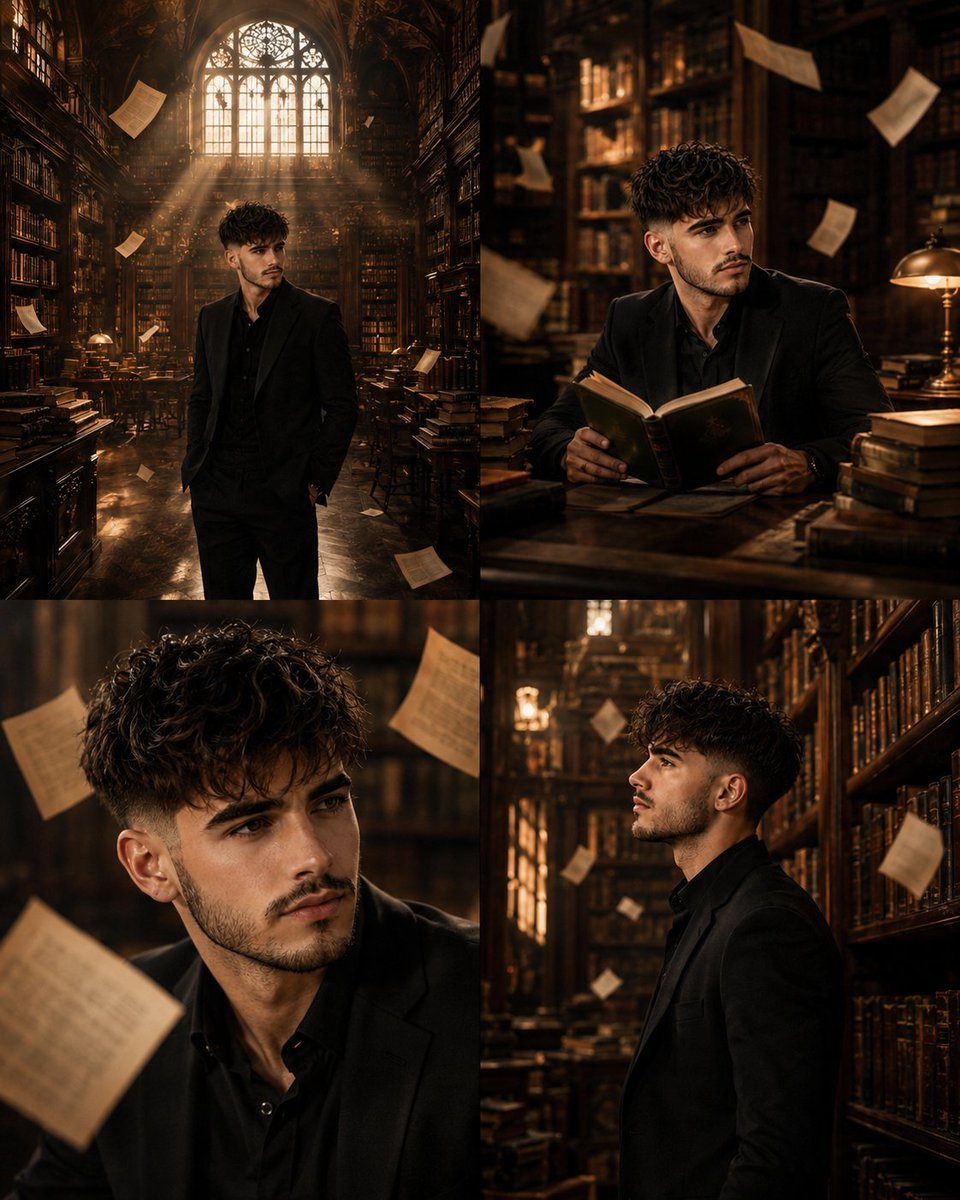
Surreal Library Multi-Angle Portrait
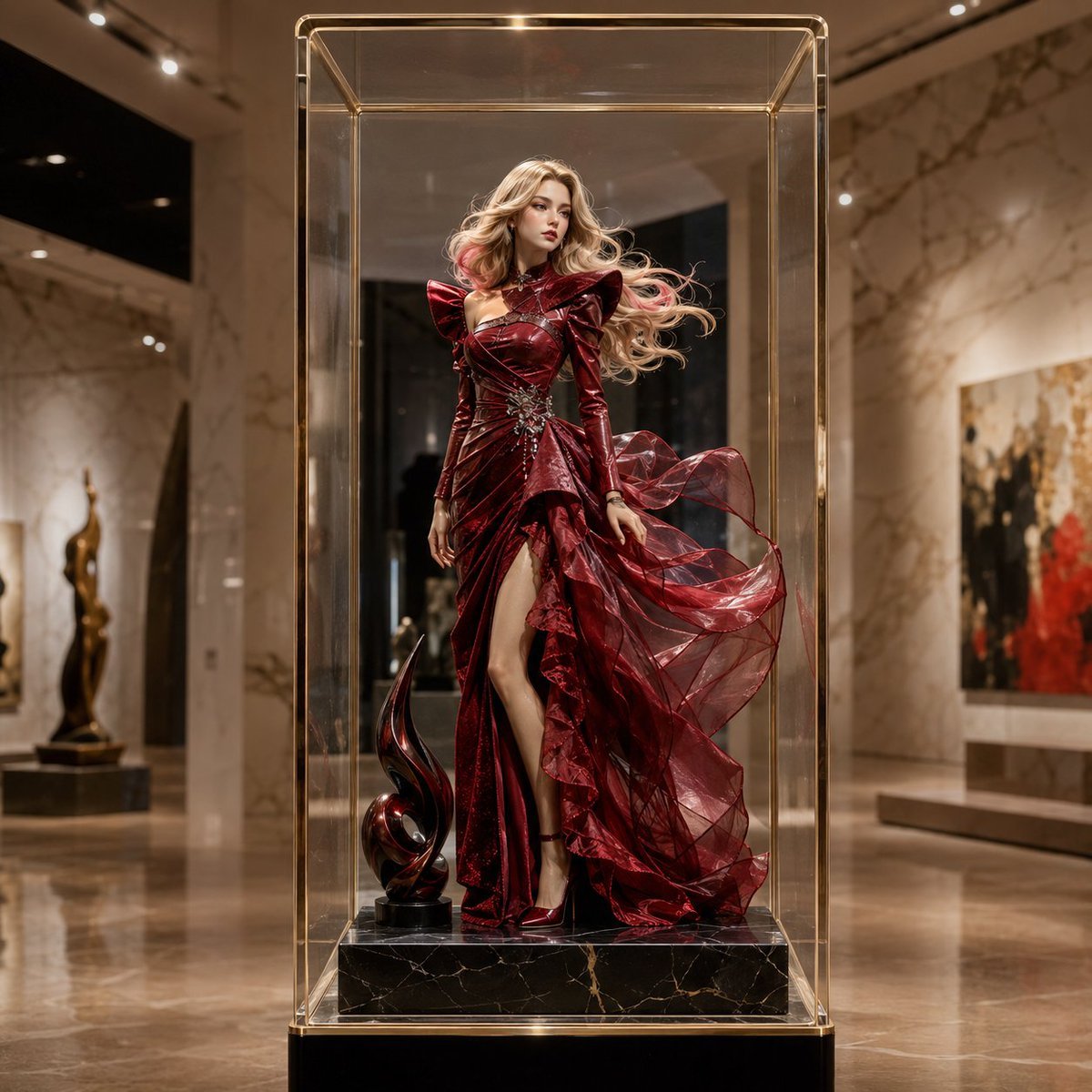
Luxury Museum Acrylic Case Visual
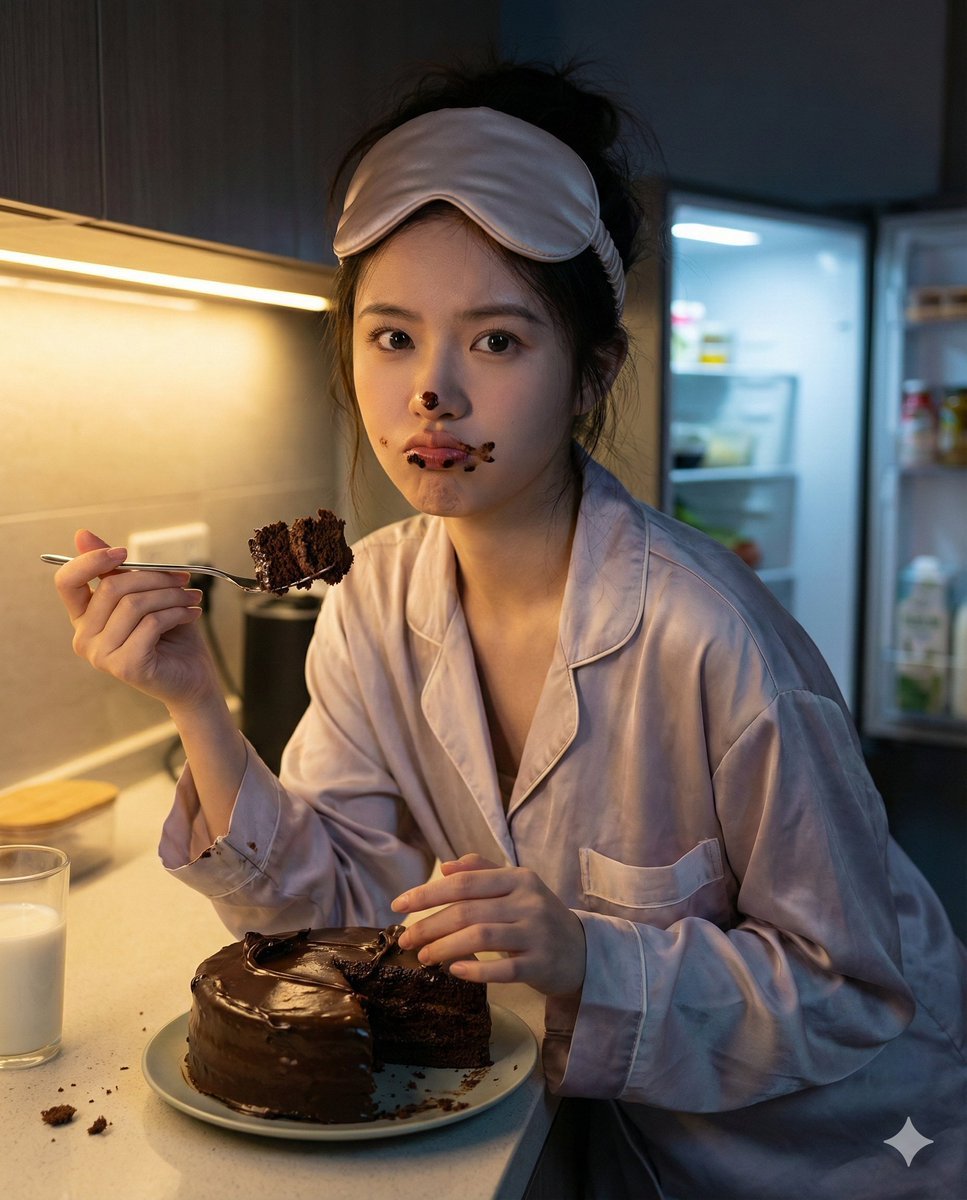
Nano Banana Pro Hyper-Realistic Midnight Snack Portrait Prompt
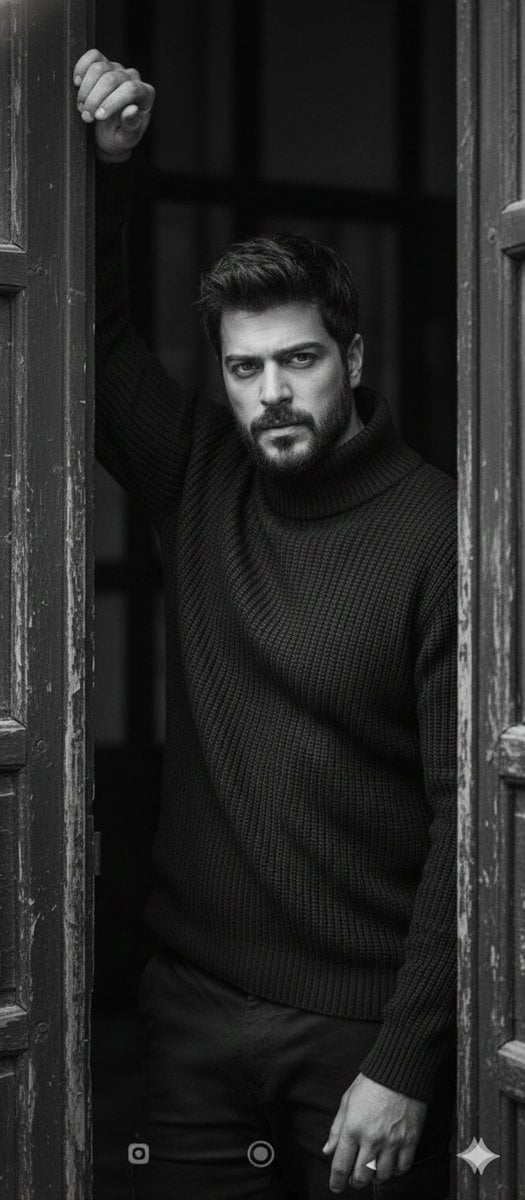
Black and White Fine-Art Doorway Portrait
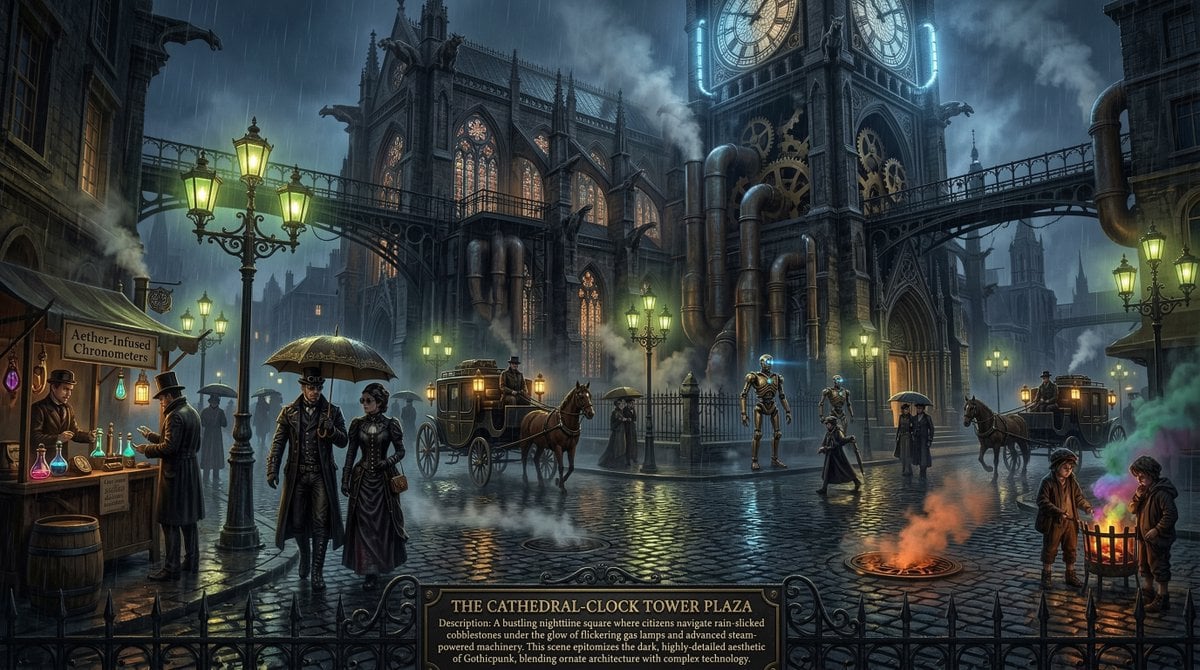
Universal Mono Punk Scene Generator
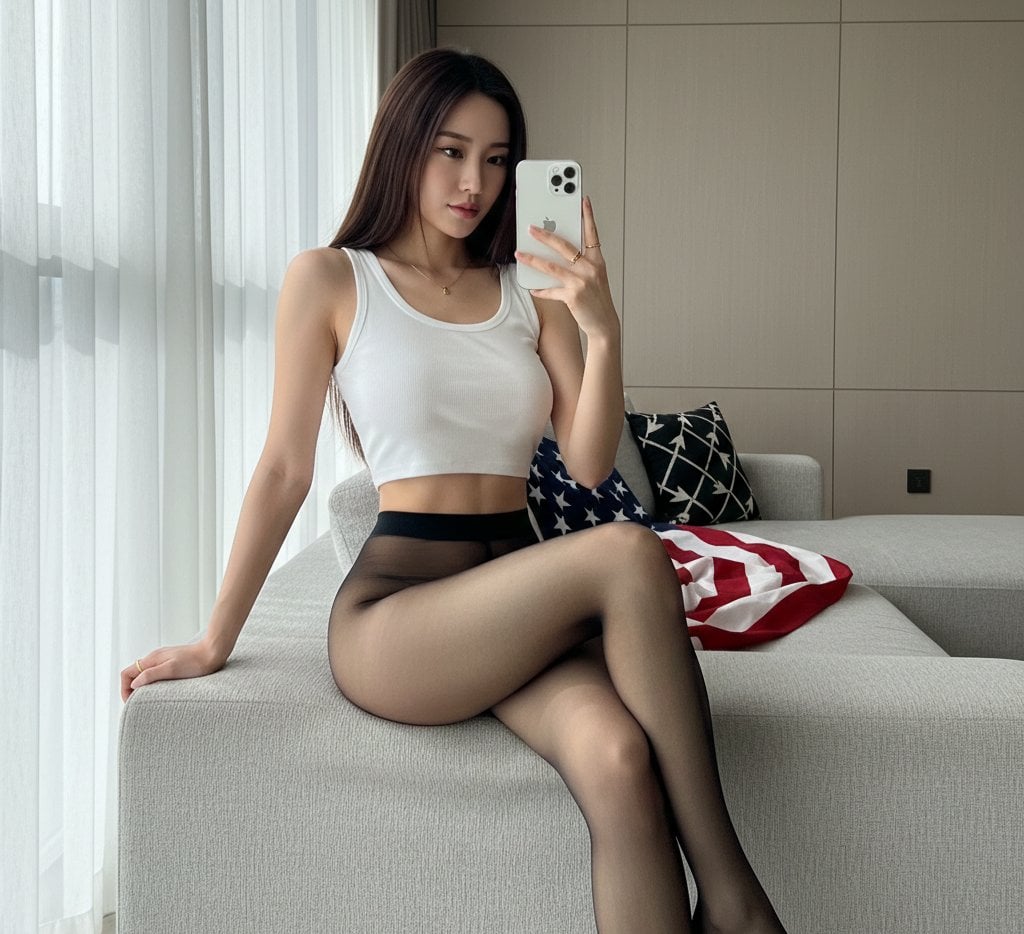
Mirror Selfie with Hosiery and Flag Background Prompt
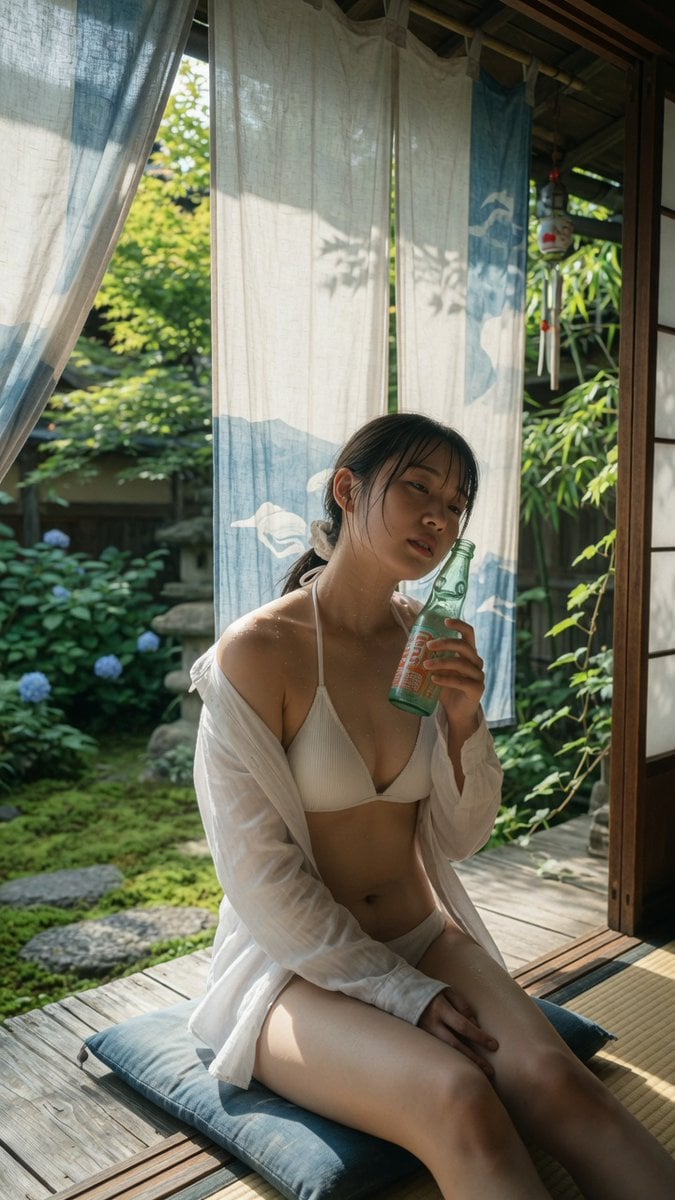
Japanese Veranda Summer Portrait
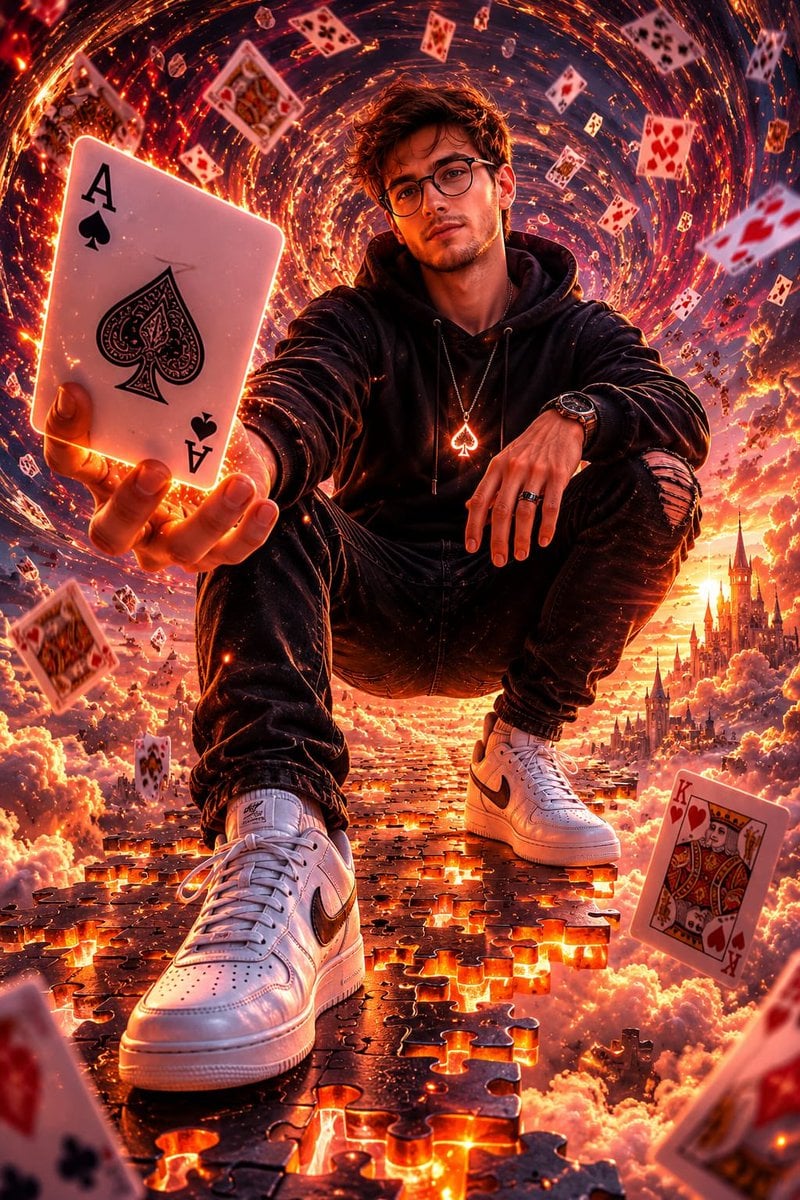
Fantasy Card Master Portrait
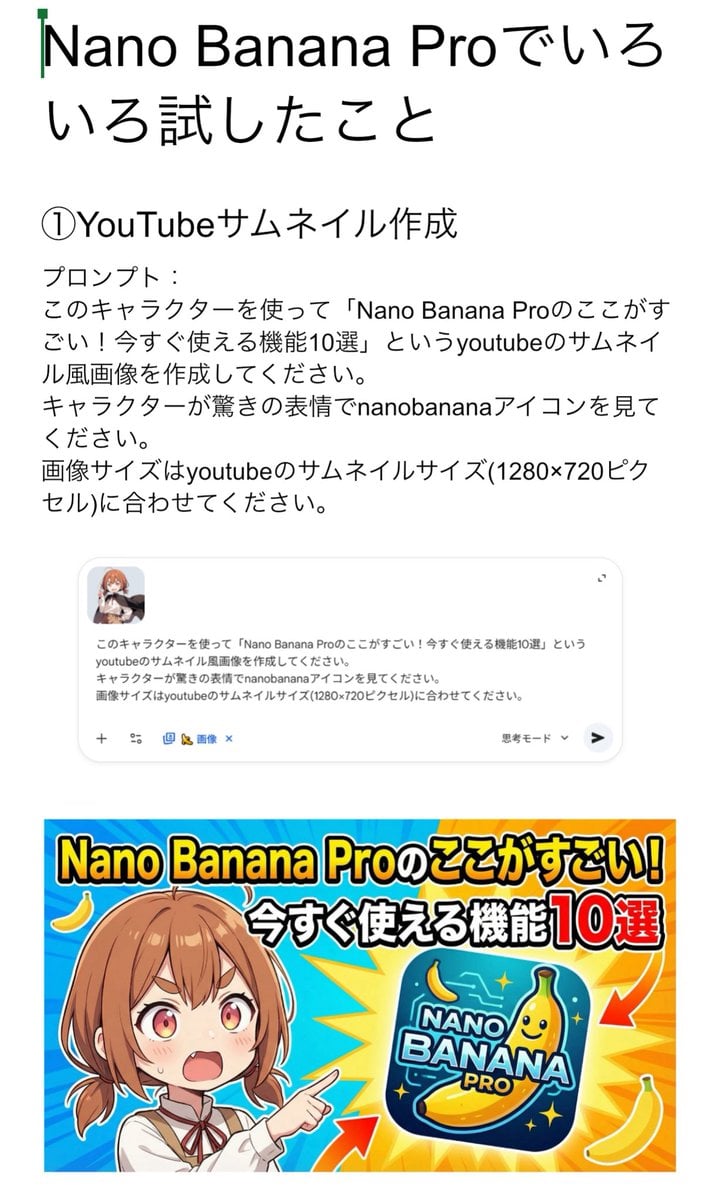
YouTube thumbnail for Nano Banana Pro features
Browse template categories
Y2K Digital Camera Selfie questions
How do I use the Y2K Digital Camera Selfie template?
Add your photo if the template asks for one, edit the prompt if you like — the template's model and format are already selected — and press Generate. Your version opens in PicX Studio.
Can I customize the Y2K Digital Camera Selfie template?
Yes. You can change the subject, setting, lighting, mood, format, and available model controls before creating your image.
Is the Y2K Digital Camera Selfie template free?
Opening and editing this template is free. Generating uses credits, shown on the Generate button when you are signed in.
Which AI model should I use?
Start with GPT Image 2, which is the model associated with this template. You can compare another compatible model for a different finish.
Looking for something else? Browse all templates.

Your photo, any look
Thousands of ready templates for every top image and video model, from one credit balance.