How do I use the Social Media Anime Fashion Lineup template?
Choose the primary action to open PicX Studio with the available template settings. Review the model and format, personalize the creative direction, and generate when ready.
Generates a full-body anime-style lineup personifying X, Instagram, Threads, and TikTok as fashionable streetwear characters for social media concept art. Change the subject, setting, or lighting one variable at a time.
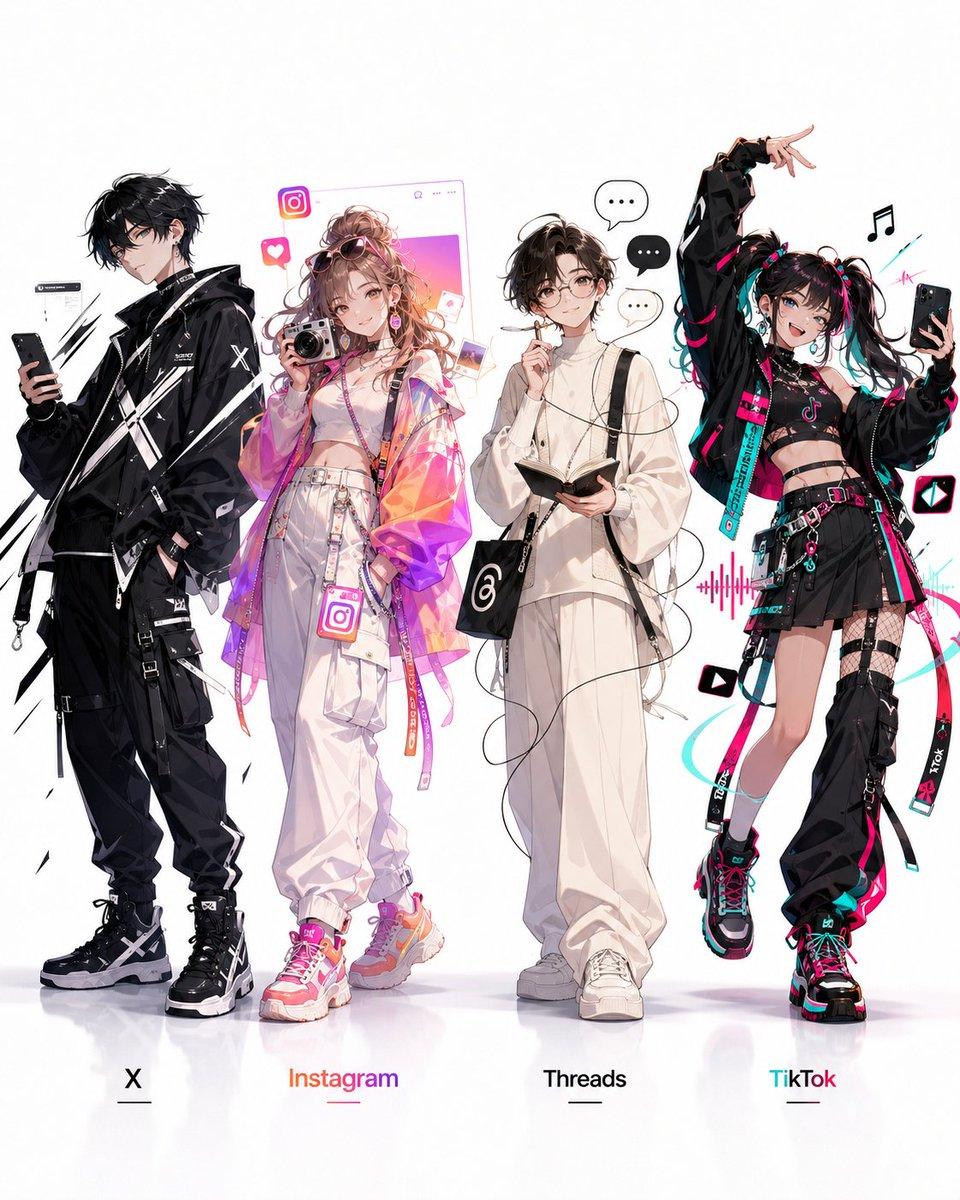
Create a clean full-body anime fashion lineup on a white studio background with glossy floor reflection, showing exactly 4 human personifications of social media platforms standing side by side, each with a bottom label and small underline: {argument name="first platform label" default="X"}, {argument name="second platform label" default="Instagram"}, {argument name="third platform label" default="Threads"}, and {argument name="fourth platform label" default="TikTok"}. Style is high-detail modern Japanese illustration, streetwear techwear, crisp line art, soft painterly shading, fashionable idol-like poses, abundant platform-themed accessories, no scenery, no watermark. Character 1, X: tall slim young man in all-black layered techwear with oversized black jacket, straps, buckles, black cargo pants, black high-top sneakers, angular white X graphics across the coat and shoes, holding a black smartphone, black messy hair, cool detached pose, sparse black slash motifs and small UI fragments around him. Character 2, Instagram: trendy young woman in pastel neon colors, curly voluminous light brown hair, pink sunglasses on head, white crop top and high-waisted baggy white pants, translucent iridescent pink-orange-purple jacket, colorful belts and straps, pink-orange sneakers, carrying a compact camera, surrounded by exactly 5 Instagram-themed elements: one large Instagram logo near her head, one heart notification icon, one floating profile-window frame behind her, one small photo card, and one Instagram logo badge hanging near her waist; her bottom label is gradient orange-pink. Character 3, Threads: soft minimalist young man in loose all-white outfit, cream oversized shirt and wide pants, white sneakers, black shoulder bag with the Threads spiral logo, holding an open notebook or small book with thin cable-like black threads looping around his body, calm thoughtful pose with hand near chin, surrounded by exactly 3 speech bubbles containing ellipses; his bottom label is black. Character 4, TikTok: energetic young woman in black cyberpunk idol streetwear with vivid cyan and hot-pink accents, twin ponytails with colored streaks and ribbons, cropped black top, oversized black jacket, short black skirt with belts, fishnet/strap leg details, chunky platform sneakers, one leg lifted and one arm raised in a dance pose while holding a smartphone for a selfie; include TikTok logos, music notes, waveform graphics, play-button icons, cyan/pink ribbons and straps, plus a small floating TikTok app icon near her. Keep the four characters evenly spaced, full body visible from head to shoes, faces can be softly simplified or obscured for a concept-sheet look, with a bright white background and subtle floor reflections.
Choose the primary action to open PicX Studio with the available template settings. Review the model and format, personalize the creative direction, and generate when ready.
Yes. You can change the subject, setting, lighting, mood, format, and available model controls before creating your image.
This template is free to open and customize. Generation usage is shown in PicX Studio before you create.
Start with GPT Image 2, which is the model associated with this template. You can compare another compatible model for a different finish.
© 2026 PicX Studio. All rights reserved.

Follow a topic to a crawlable collection of related PicX Studio templates.
43,474 public templates available. Verified via the PicX Studio public templates API; refreshed hourly.
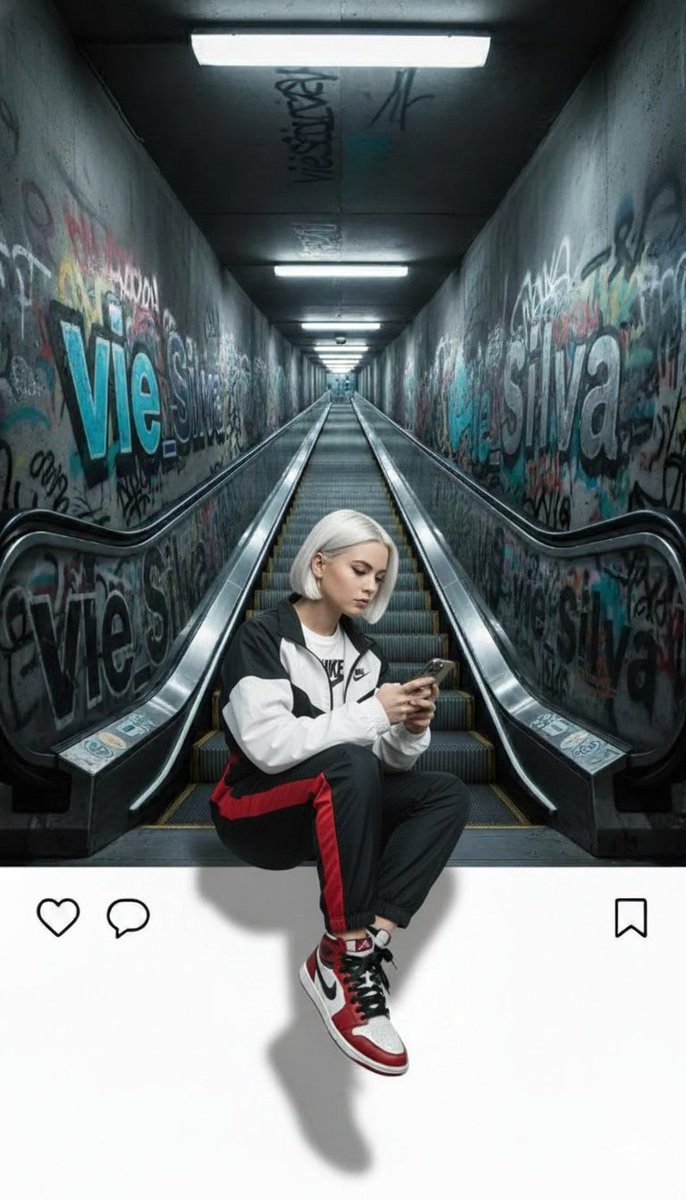
![Act as a Social Media Art Director and Digital Collage Artist — [BRAND NAME = CHANGE TO YOUR BRAND].
Act as a Social Media Art Director and Digital Collage Art](https://images.meigen.ai/tweets/2048802776419799152/0.jpg)


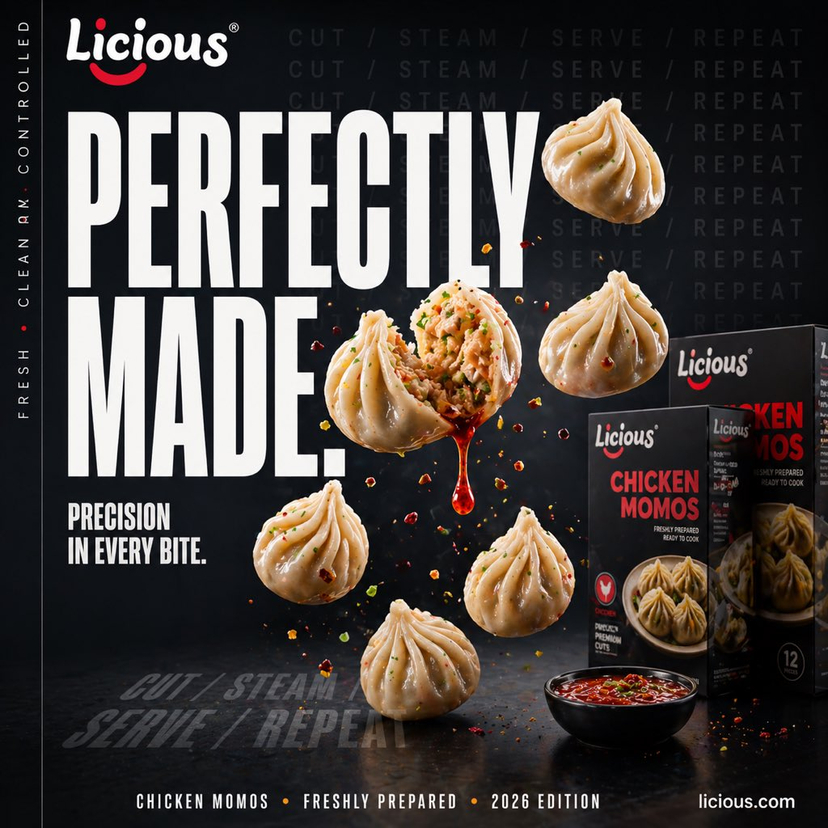
![Act as a Social Media Art Director and Digital Collage Artist — [BRAND NAME = AUTO VAULT MOTORS]
[CAR MODEL = HYUNDAI CRETA 2025 • SX (O) TOP MODEL]
[PRICE = ₹1](https://images.meigen.ai/tweets/2049019141093528045/0.jpg)


![Act as a Social Media Art Director and Digital Collage Artist — [BRAND NAME]
Act as a Social Media Art Director and Digital Collage Artist specializing in bold](https://images.meigen.ai/tweets/2048963140222861357/0.jpg)




![Minimalist Flat Vector Travel Poster — Premium minimalist flat-vector travel poster for {argument name="city name" default="[CITY_NAME]"}, 3:4 vertical format.](https://cms-assets.youmind.com/media/1787917359711_3ug846_HQX205cbMAA6F6S-300x400.jpg)