
3D Pop-out Social Media Portrait
A creative prompt that generates a 3D pop-out effect where a character appears to be breaking out of a social media interface on a smartphone screen.
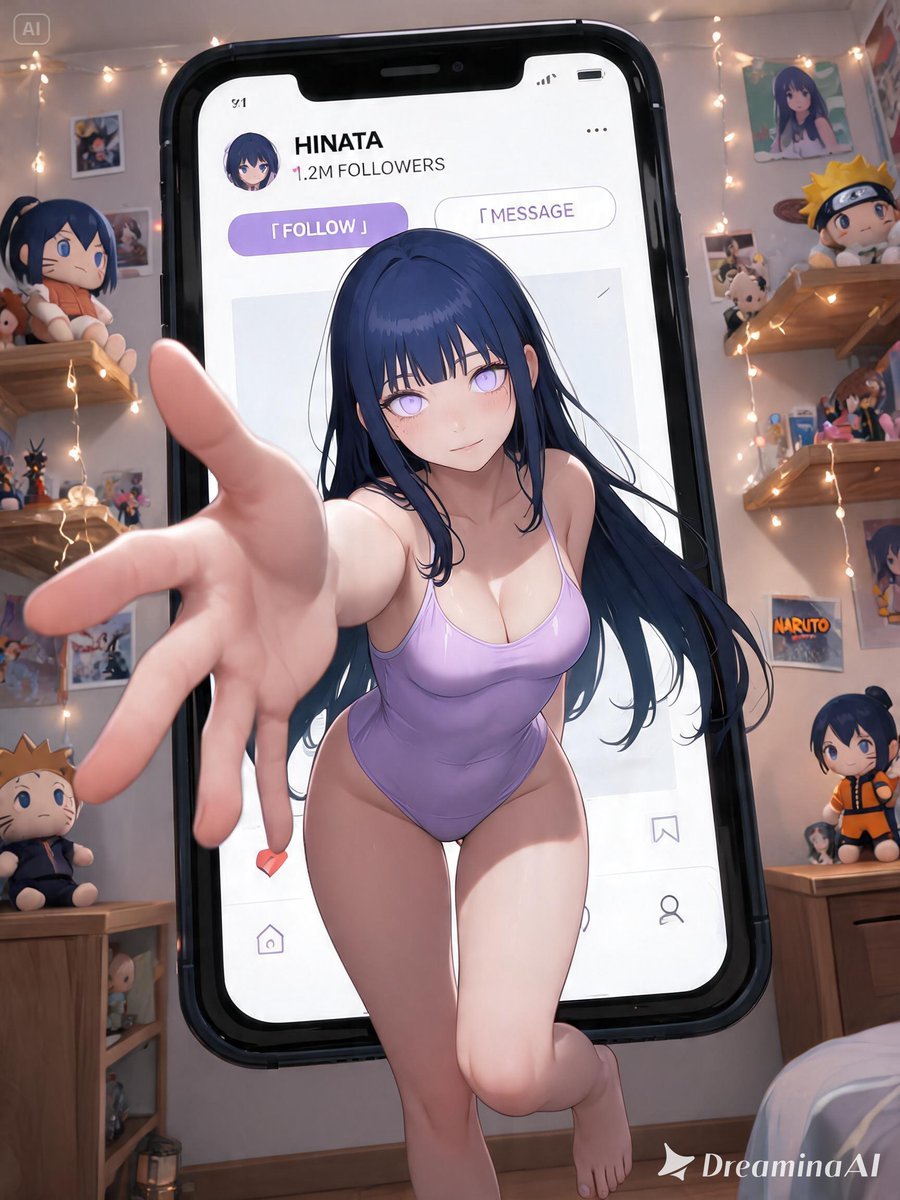
- Prompt included
- Model and format preset
- Free template
The prompt behind this image
Copy the exact prompt behind 3D Pop-out Social Media Portrait, or open it in the studio and make it yours.
风格:3D Pop-out Social Media Portrait 海报风格; 内容:主体为来自{argument name="作品" default="原神"}的{argument name="角色" default="芙宁娜"}cosplay 写实照片人物。请根据【角色】在原作中的设定,自动还原其最具辨识度的五官气质、发型发色、瞳色、妆容、服装轮廓、标志性配色、饰品、道具与角色氛围,确保人物一眼可被识别。若提供参考图,则脸部、发型、妆容与服装细节必须严格保持与参考图一致,不改变五官、发型、妆容与衣服设计。 人物坐在一个巨大的智能手机屏幕中,整体构图像日系 ins 风社交媒体个人主页界面。人物采用强烈广角透视构图,从手机画面中“突破”出来,一只手朝镜头伸出,手部有明显近大远小效果,身材傲人,腿和脚跨出手机边框,营造强烈 3D pop-out、夸张景深与冲出屏幕的视觉冲击感。 手机 UI 为原创的高级社交媒体界面设计,{argument name="平台" default="Instagram"}UI界面,风格类似真实社交平台但不要直接复制任何真实平台 UI。界面包含:用户名、头像、粉丝数、Follow 按钮、帖文缩略图、点赞、评论、分享等元素。整体 UI 设计需高级、时尚、干净、精致,具有日系社交媒体个人主页氛围。 背景是一个与【作品】和【角色】气质相匹配的主题房间:房间内堆满与【作品】相关的玩偶、角色周边、海报、拍立得、cosplay 照片与收藏品;墙上贴满角色写真、同人风海报、胶片照片与装饰贴纸;加入大量符合【作品】世界观的装饰元素、主题道具、花枝、漂浮花瓣、灯串、亚克力立牌、收藏柜与日式 idol 房间氛围。背景需要体现强烈粉丝房间、二次元潮流空间、梦幻收藏屋的感觉。 整体色调根据【角色】的标志性配色自动匹配,并以珍珠白作为高级底色,加入角色主色、少量粉色点缀与柔和高光。整体风格融合:日系时尚、Y2K aesthetic、idol aesthetic、和风、二次元潮流感、梦幻社交媒体视觉、时尚杂志封面设计。 画面要求:高级商业摄影质感、时尚杂志封面感、电影级打光、超精细皮肤质感、五官清晰、高动态范围、超高解析度、超高细节、明显景深、光影层次丰富、水晶般闪耀高光、画面通透梦幻、真实摄影棚质感、精致后期调色、photorealistic cosplay poster、masterpiece quality。 镜头语言:低角度广角镜头、强烈透视、近大远小、dynamic perspective、cinematic composition,强化人物冲出手机屏幕的震撼感。人物手部、腿部、脚部与手机边框产生明显前后空间关系,手机屏幕、UI 元素、人物身体与背景房间形成多层纵深,营造极强 3D pop-out 社交媒体海报效果。 避免:不要出现真实社交平台 Logo,不要直接复制真实平台 UI,不要改变【角色】核心外貌特征,不要错误服装设计,不要多余手指,不要畸形手部,不要多余肢体,不要低清晰度,不要塑料感,不要过度 AI 感,不要文字乱码,不要水印,不要字幕。
How to use 3D Pop-out Social Media Portrait in 3 steps
- 1Upload ImagePNG, JPG or paste
Add your photo
Upload the photo the template builds on. The prompt, model and format are already set.
- 2…a portrait of your subject in softgolden-hour light, 85mm…
Personalize
Edit the subject and creative details for your destination.
- 3Generate
Generate
Press Generate — your image is created in PicX Studio, so you can compare it with the original and refine one variable at a time.
More like this
Templates with the same subject, style or setup. Open one to see its prompt.
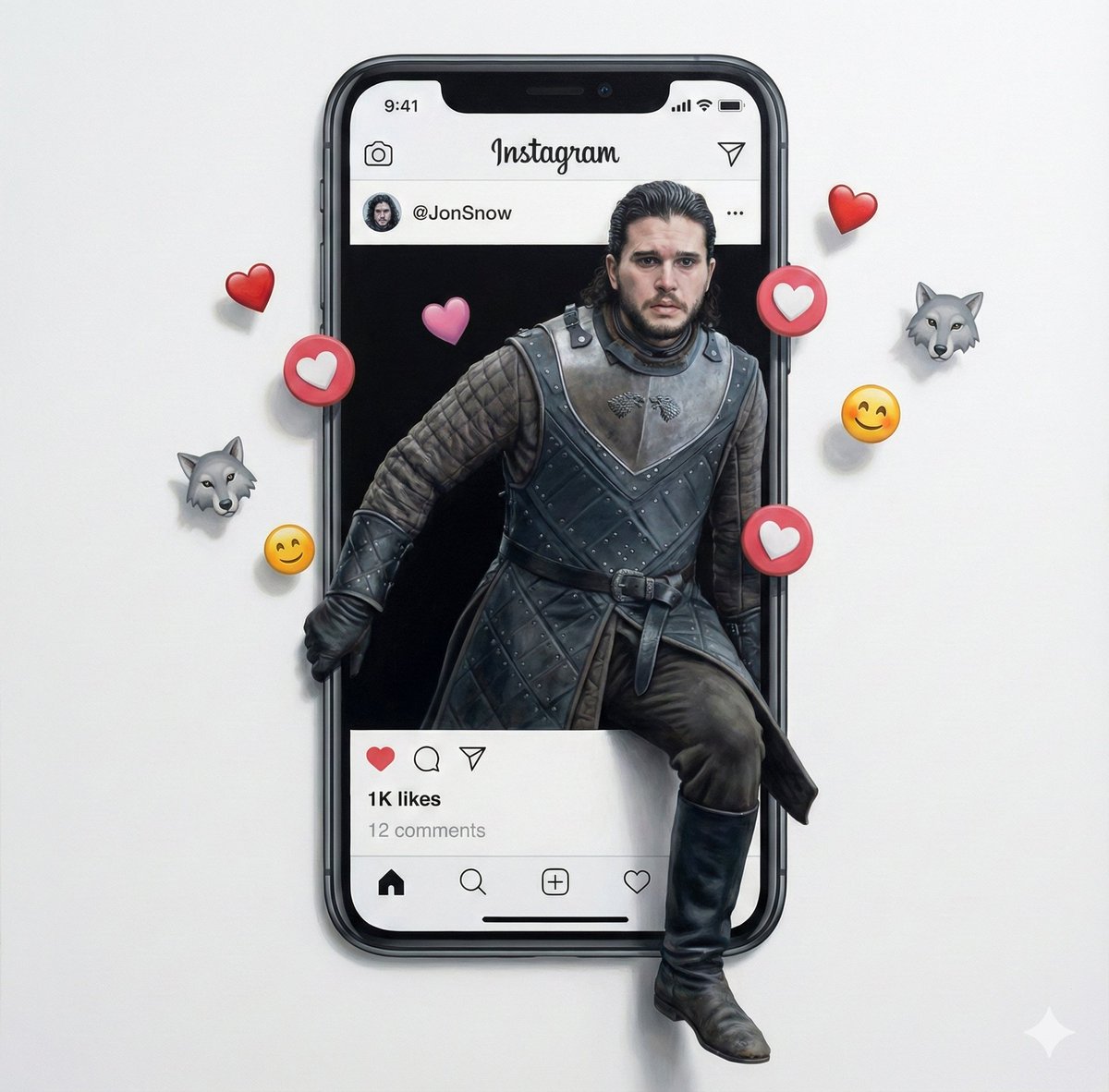
Trompe l'oeil subject stepping out of social media screen
Detailed Social Media Mirror Selfie Portrait

Cinema Date Popcorn Realistic By Nano Ba

Couture Fashion Editorial Woman and Drag
Split Portrait - Mixed Media

Found Photograph: Us, 1970

80s Couple Studio Portrait

80s Bollywood Star

80s Golden Hour Cinema

Me in 1985

1985 Studio Portrait

Hyper-Realistic Minecraft POV Portrait
Make it yours
3D Pop-out Social Media Portrait works as-is. These are the safest ways to change it without losing the look.
Change one field
Copy a single group, rewrite it, and generate again so you can see what that field is doing.
Keep the frame, change the subject
Hold the composition and light of 3D Pop-out Social Media Portrait, then swap wardrobe, props or the person for a new take.
| If the result… | Why | Fix |
|---|---|---|
| The result drifts from the preview | Too many fields changed at once. | Reuse 3D Pop-out Social Media Portrait as-is first, then change one group — subject, light, or setting. |
| The model over-stylizes the scene | The prose prompt leaves finish and camera underspecified. | Add one camera or lighting sentence and stay on GPT Image 2. |
More GPT Image 2 templates
Other prompts made for GPT Image 2.

Six VTuber Japanese Logo Sheet

Realistic Portrait of Woman and Deer

The Vista Modular Condo Poster

AI Model Routing Comparison Infographic

2.5D Anime Art Board

Isometric Productivity Desk Scene

New York Double Exposure Poster

Four-Panel AI Landscape Comparison

Japanese Tatami Lifestyle Magazine Cover

NESCAFÉ Coffee Map Poster
More image prompts
Fresh picks from across the catalog.
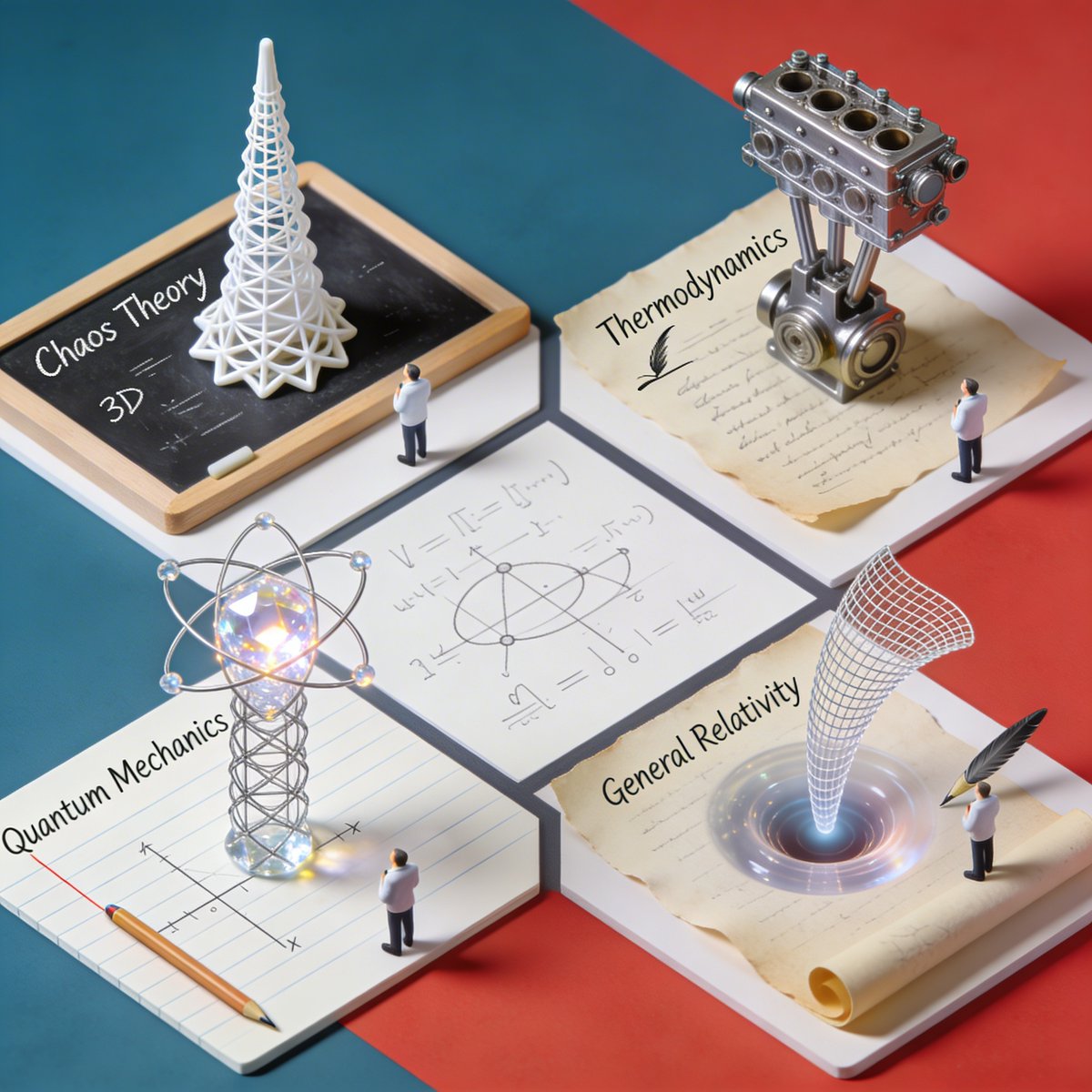
Nano Banana Pro Science Prompt Template
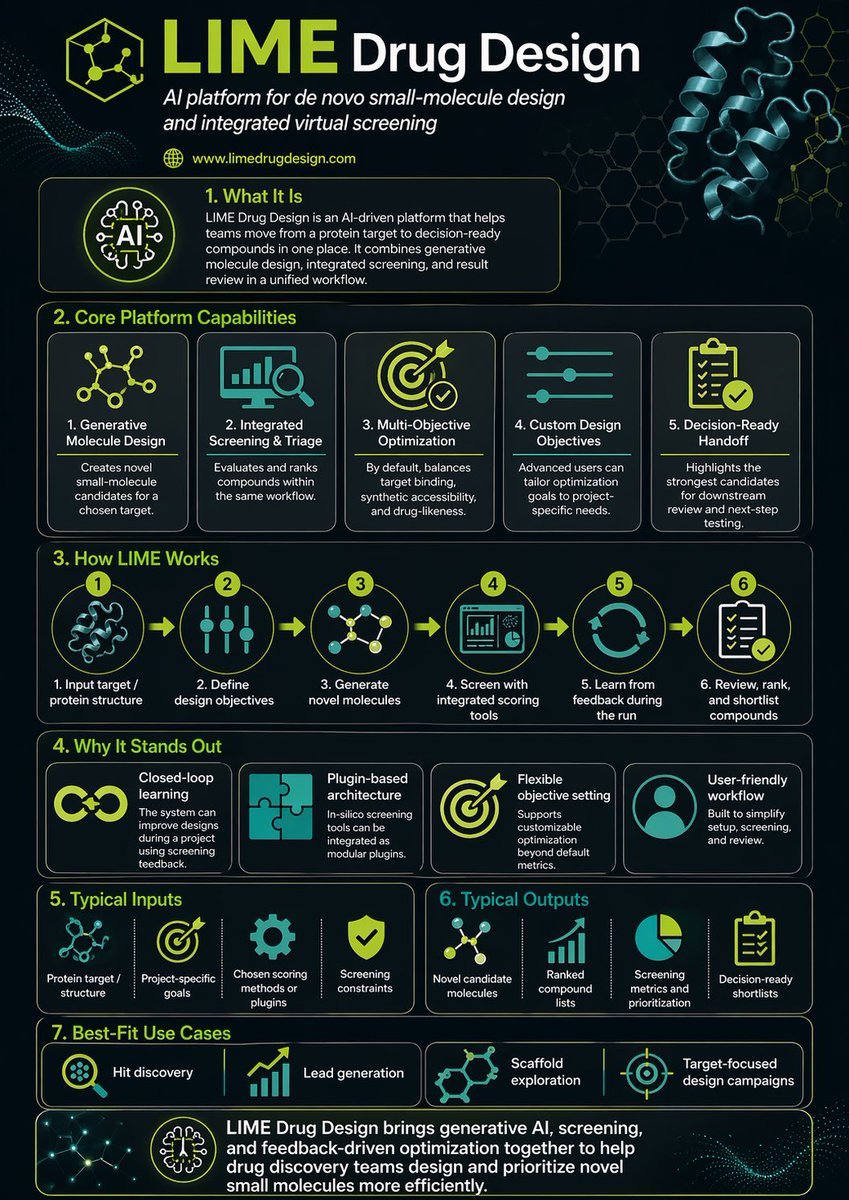
Scientific Infographic for Pharmaceutical Research
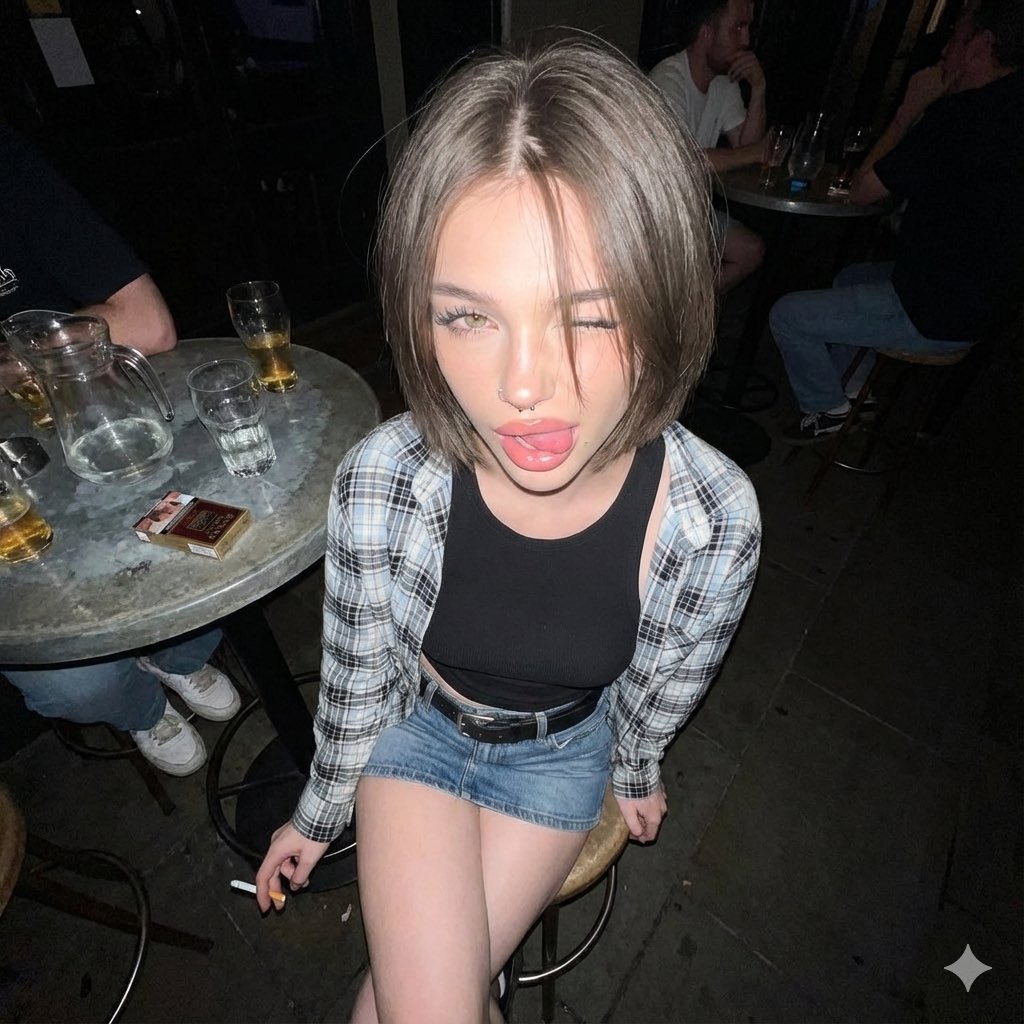
Y2K Grunge Flash Photography Portrait JSON
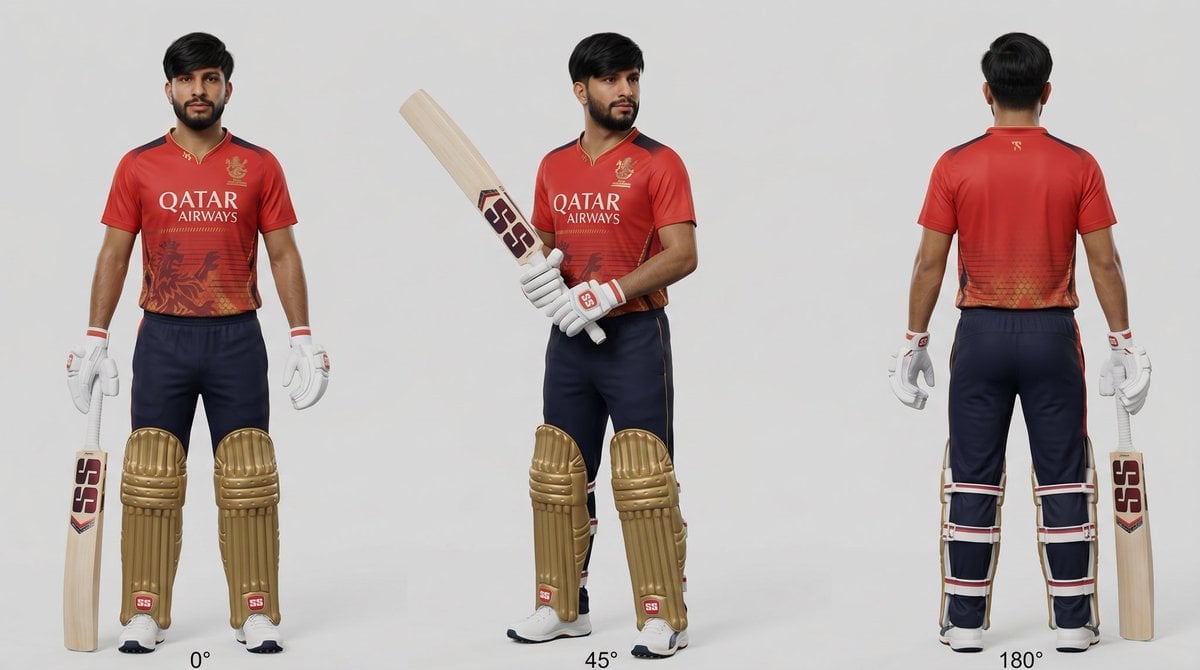
Cricket Player Three-Angle Character Sheet
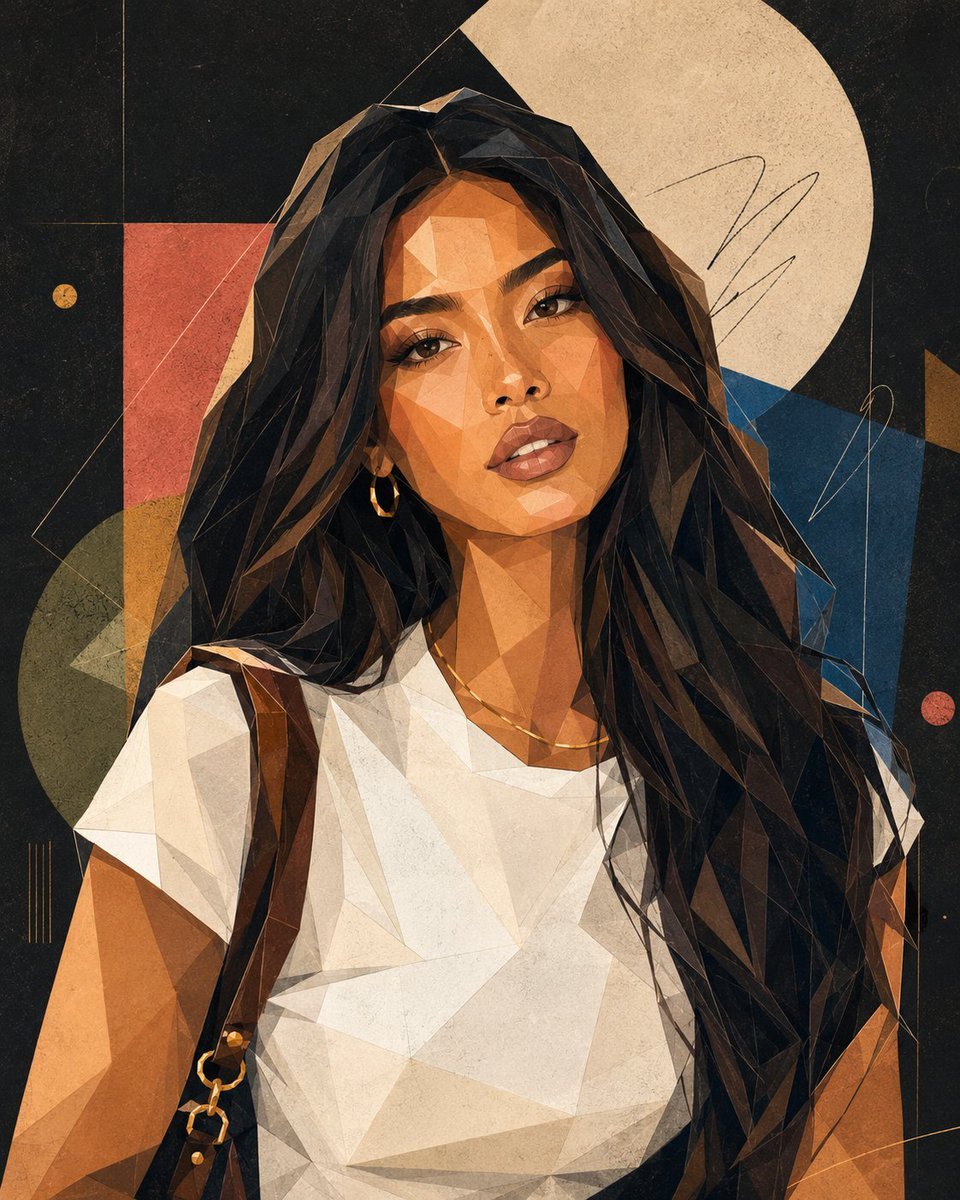
Modern Geometric Polygon Portrait
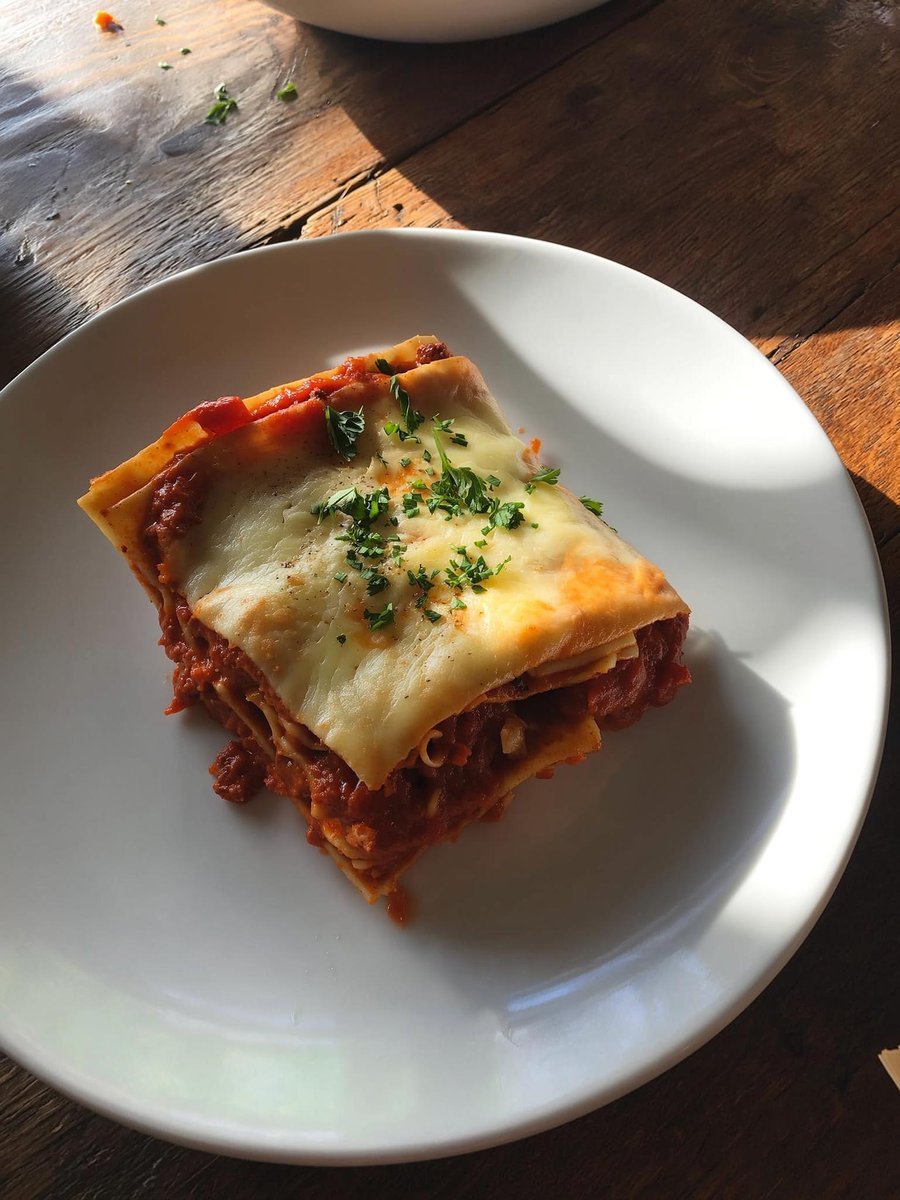
Japanese labeled-ingredients dish photo
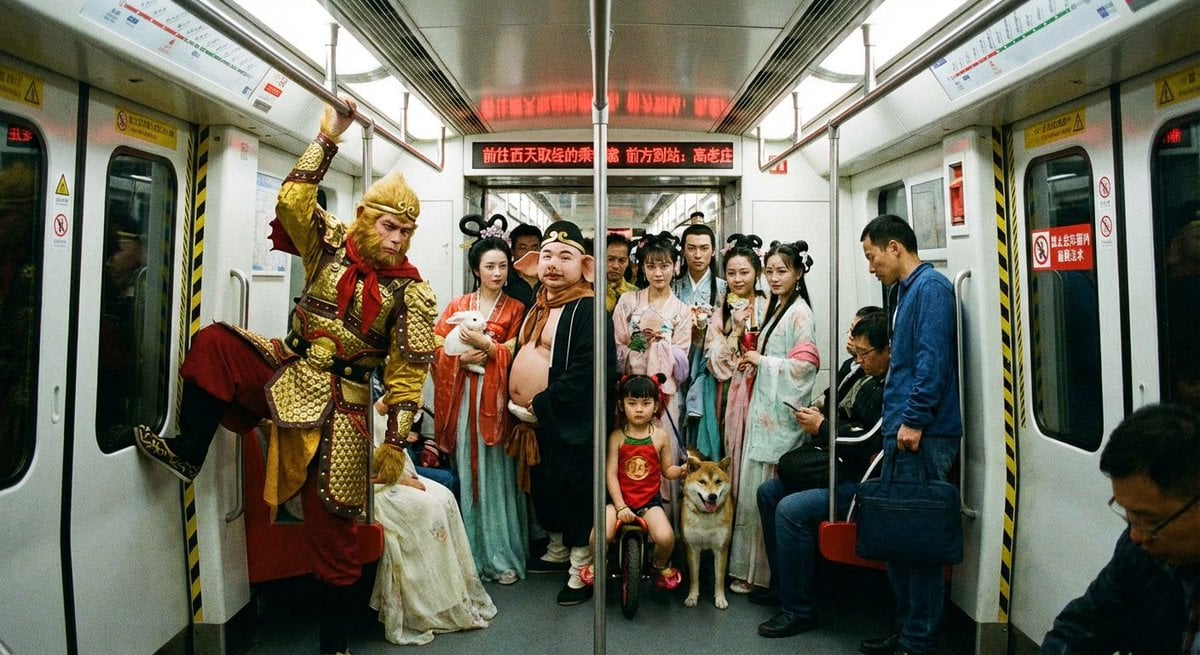
Mythical characters on a crowded Beijing subway
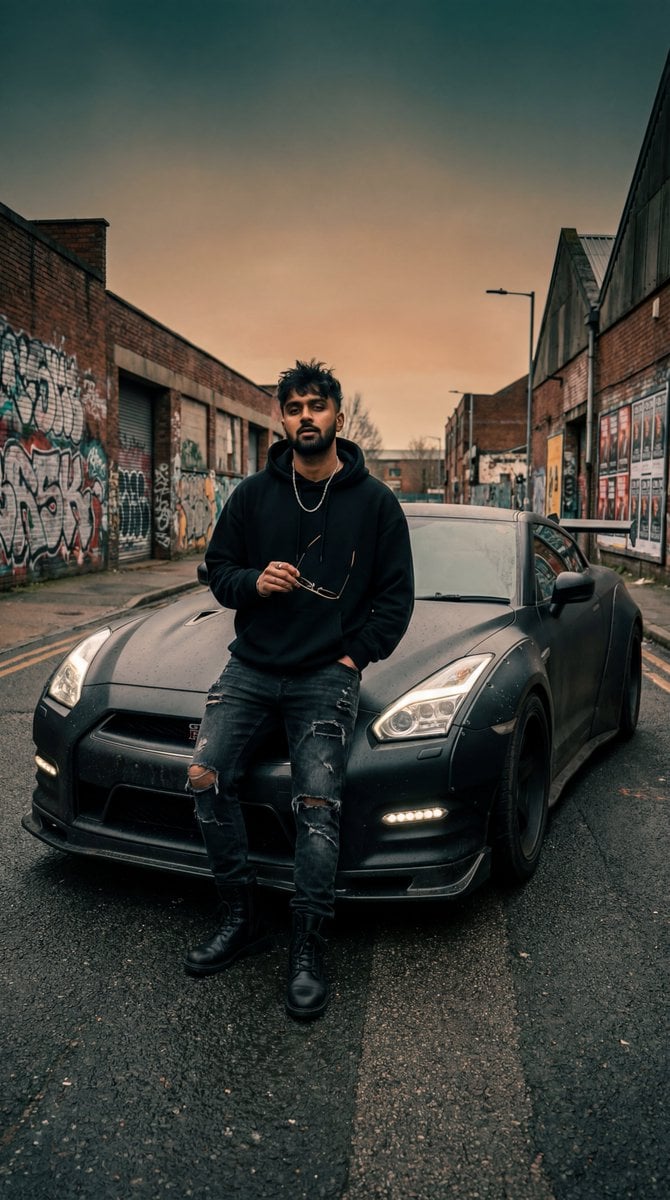
Grunge Street Photography Portrait with a Sports Car
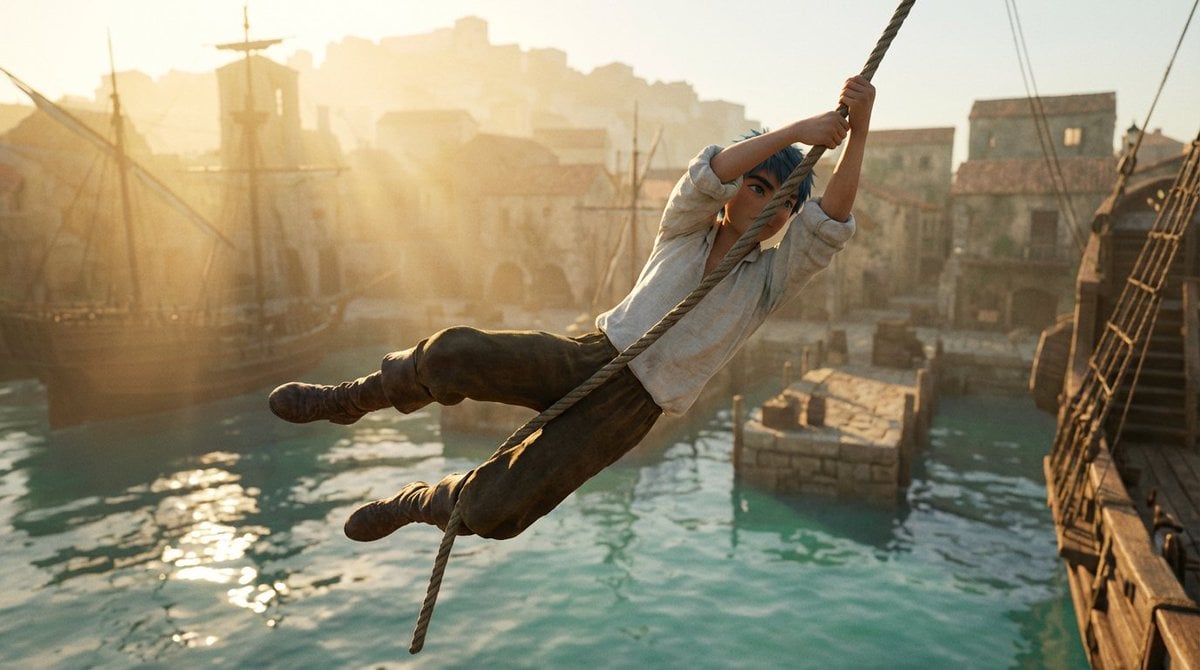
Frozen Action Shot of Character Swinging on a Rope
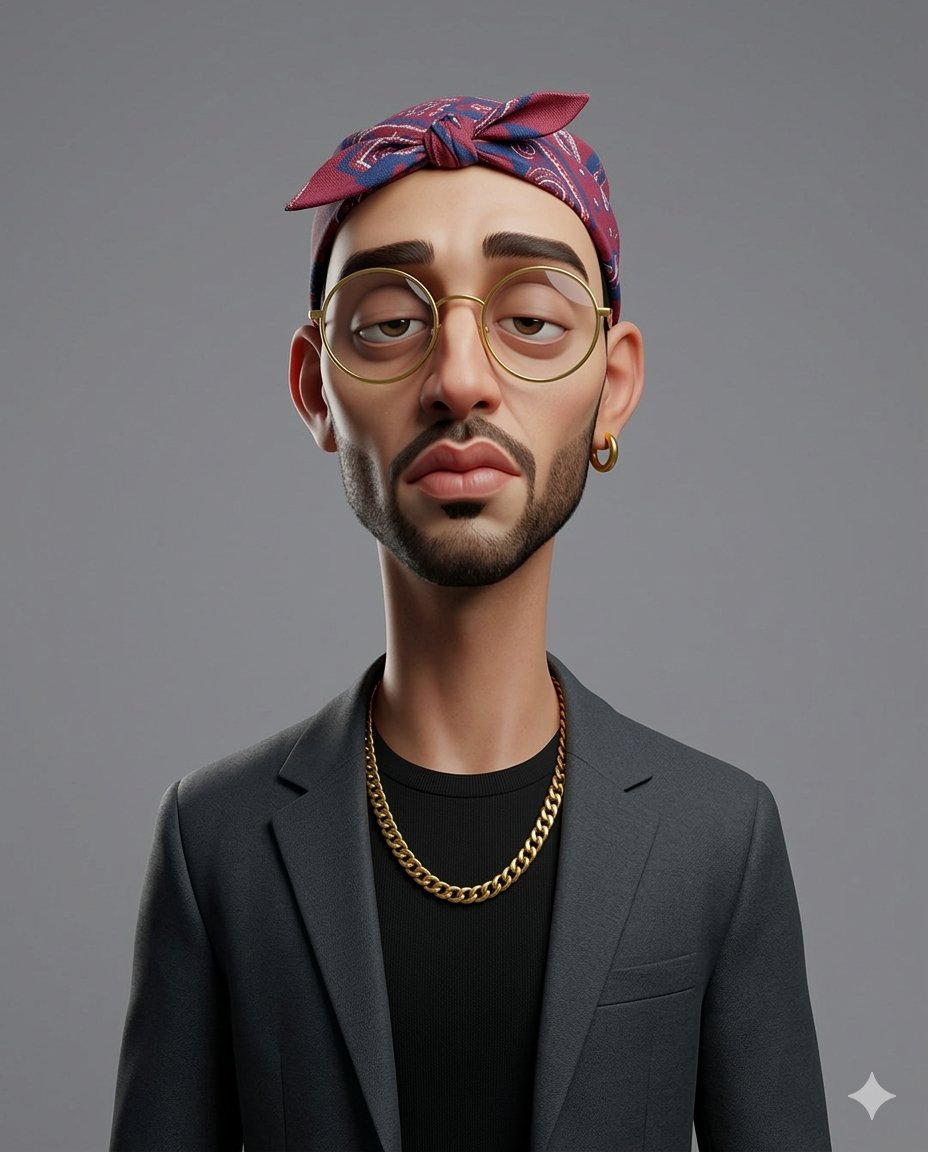
Exaggerated 3D Caricature Character Portrait
Browse template categories
3D Pop-out Social Media Portrait questions
How do I use the 3D Pop-out Social Media Portrait template?
Add your photo if the template asks for one, edit the prompt if you like — the template's model and format are already selected — and press Generate. Your version opens in PicX Studio.
Can I customize the 3D Pop-out Social Media Portrait template?
Yes. You can change the subject, setting, lighting, mood, format, and available model controls before creating your image.
Is the 3D Pop-out Social Media Portrait template free?
Opening and editing this template is free. Generating uses credits, shown on the Generate button when you are signed in.
Which AI model should I use?
Start with GPT Image 2, which is the model associated with this template. You can compare another compatible model for a different finish.
Looking for something else? Browse all templates.

Your photo, any look
Thousands of ready templates for every top image and video model, from one credit balance.