
Natural Social Media Style Photo Prompt
A set of 30 precise instructions designed to generate highly realistic portraits that look like authentic smartphone photos for social media, avoiding common AI-generated artifacts.
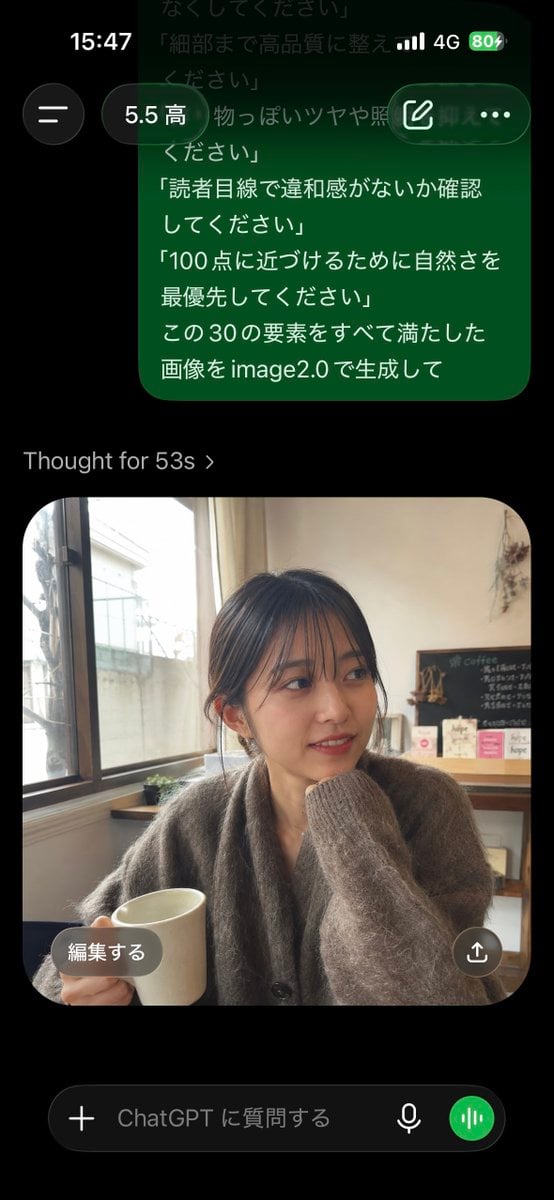
- Prompt included
- Model and format preset
- Free template
The prompt behind this image
Copy the exact prompt behind Natural Social Media Style Photo Prompt, or open it in the studio and make it yours.
「SNSに実在しそうな自然な写真にしてください」 「過度な加工感はなくしてください」 「現実にありそうな1枚として成立させてください」 「完璧すぎない自然な雰囲気にしてください」 「AIっぽく見える要素は避けてください」 「スマホで撮影したような質感にしてください」 「自然光で撮ったようにしてください」 「背景を少しだけぼかしてください」 「日常のワンシーンのようにしてください」 「カメラ目線ではなく自然な視線にしてください」 「手や指に違和感が出ないようにしてください」 「表情を作り込みすぎず自然にしてください」 「髪の流れを自然に整えてください」 「肌をなめらかにしすぎないでください」 「人物と背景の光の向きを合わせてください」 「生活感のある背景を入れてください」 「背景だけ浮かないよう自然にしてください」 「影の位置を現実的にしてください」 「服・髪・背景の境目を自然にしてください」 「XやInstagramに流れてきても違和感ない雰囲気で」 「アイコンにも投稿にも使いやすい構図にしてください」 「文字を載せても見やすい余白を作ってください」 「一目で雰囲気が伝わる画像にしてください」 「見る人が保存したくなる自然な雰囲気で」 「不自然な加工・歪み・破綻をなくしてください」 「細部まで高品質に整えてください」 「作り物っぽいツヤや照明を抑えてください」 「読者目線で違和感がないか確認してください」 「100点に近づけるために自然さを最優先してください」 この30の要素をすべて満たした画像を{argument name="主体" default="美女"}で生成して
How to use Natural Social Media Style Photo Prompt in 3 steps
- 1
Open
The prompt is already in the box next to the preview, with the template's model and format selected.
- 2…a portrait of your subject in softgolden-hour light, 85mm…
Personalize
Edit the subject and creative details for your destination.
- 3Generate
Generate
Press Generate — your image is created in PicX Studio, so you can compare it with the original and refine one variable at a time.
More like this
Templates with the same subject, style or setup. Open one to see its prompt.

Minimalist Skincare Product Water Stone Still
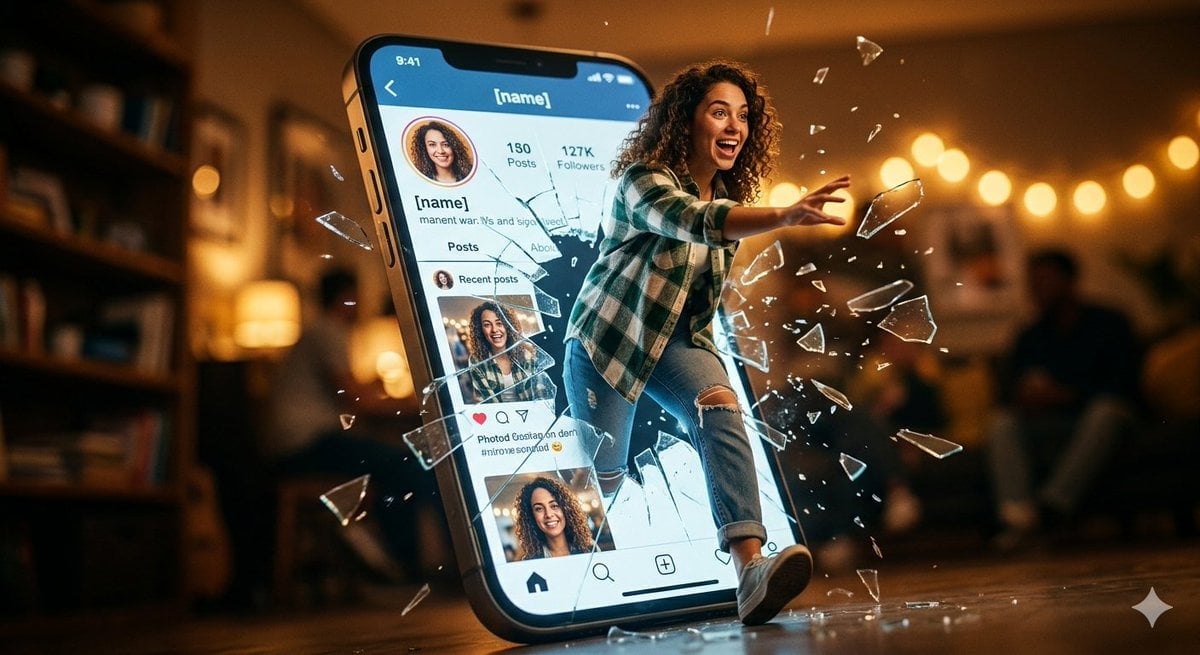
Shattered Screen Social Media Ad
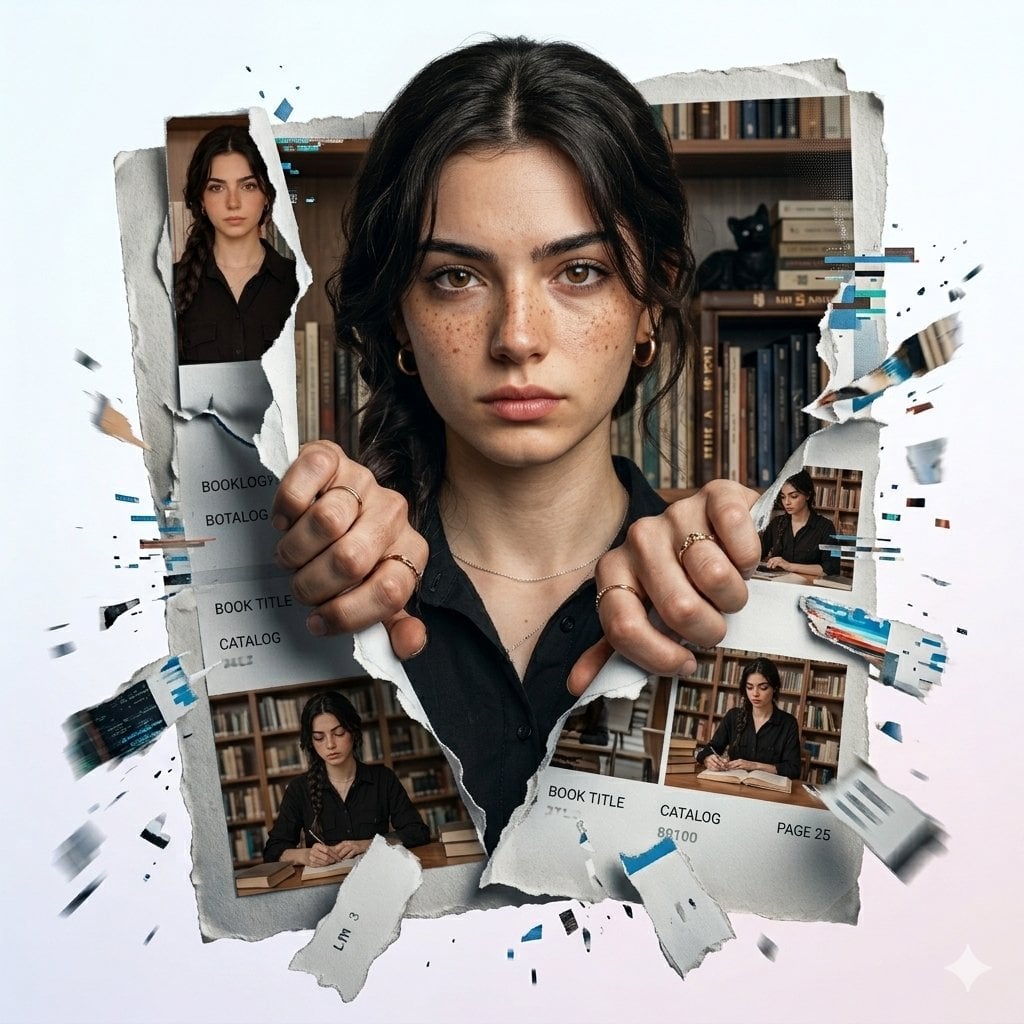
Torn Social Media Profile Art
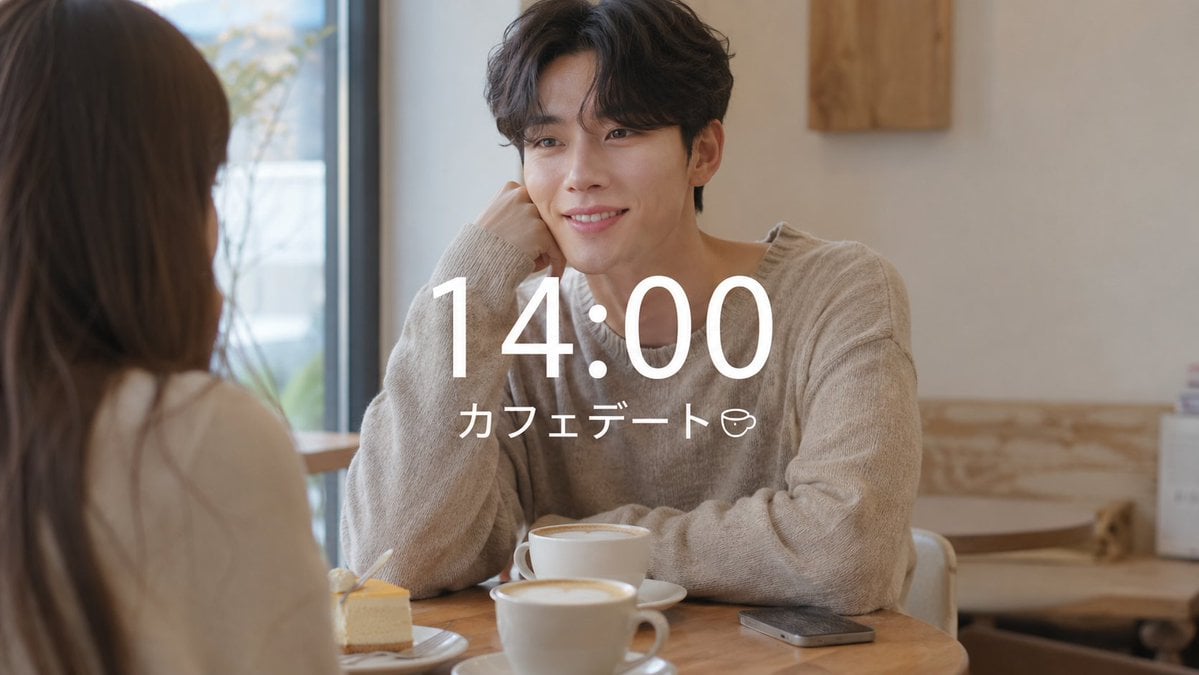
VLOG Style Social Media Post
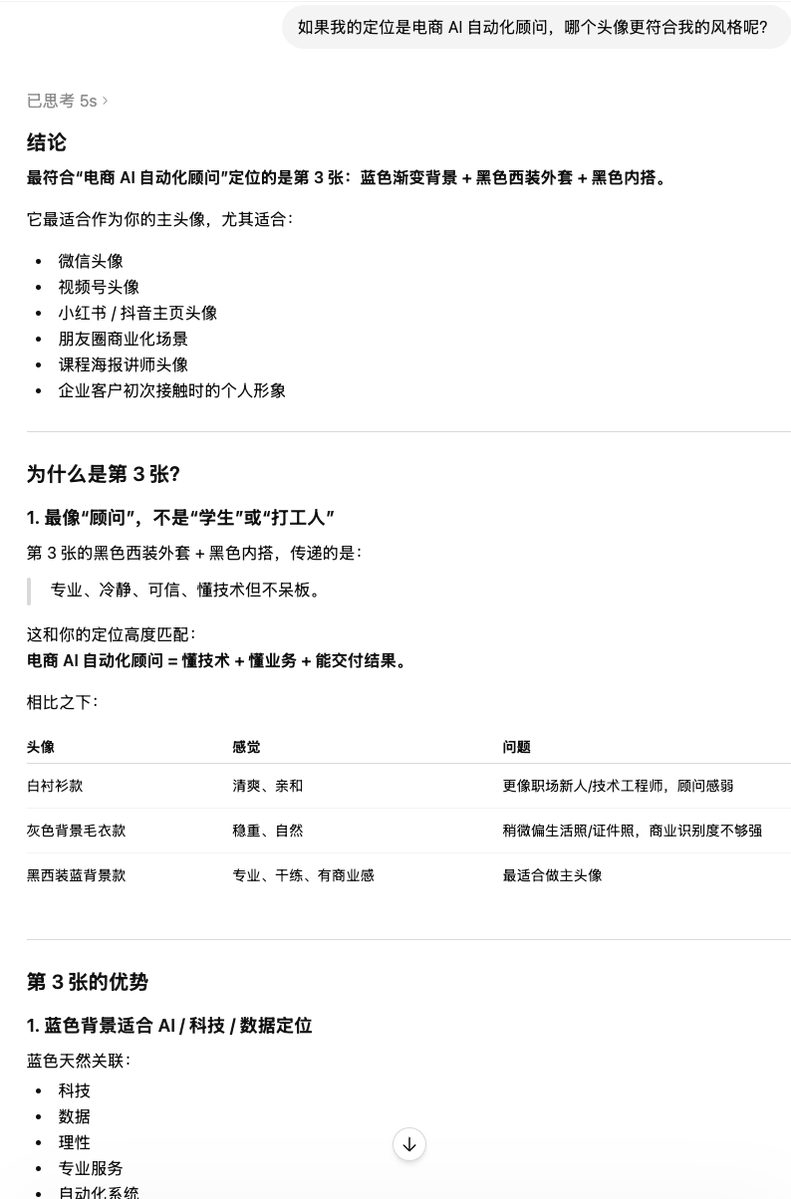
Clean Professional Social Media Avatar

Social Media Magazine Cover
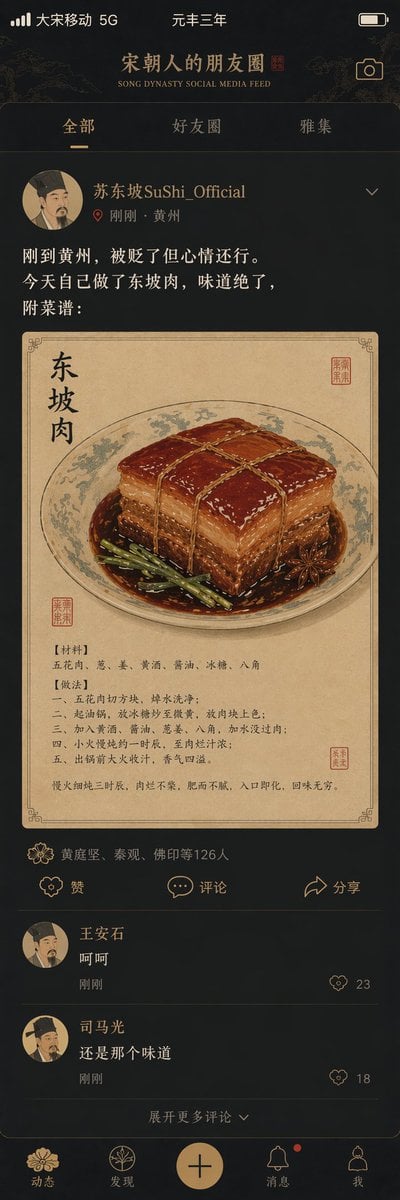
Song Dynasty Social Media Feed

Social Media Meme Cover
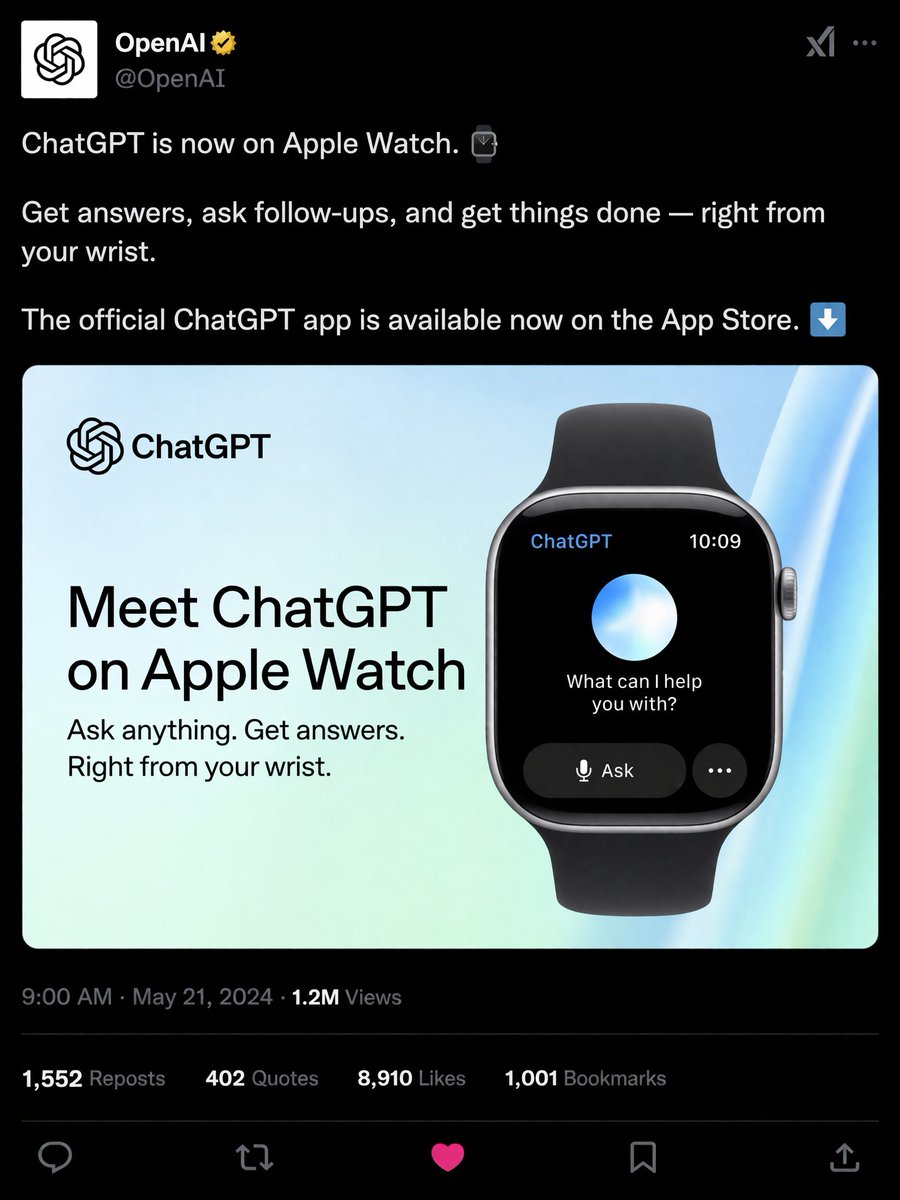
Social Media Product Announcement Mockup
Social Media Pet Avatar Creator
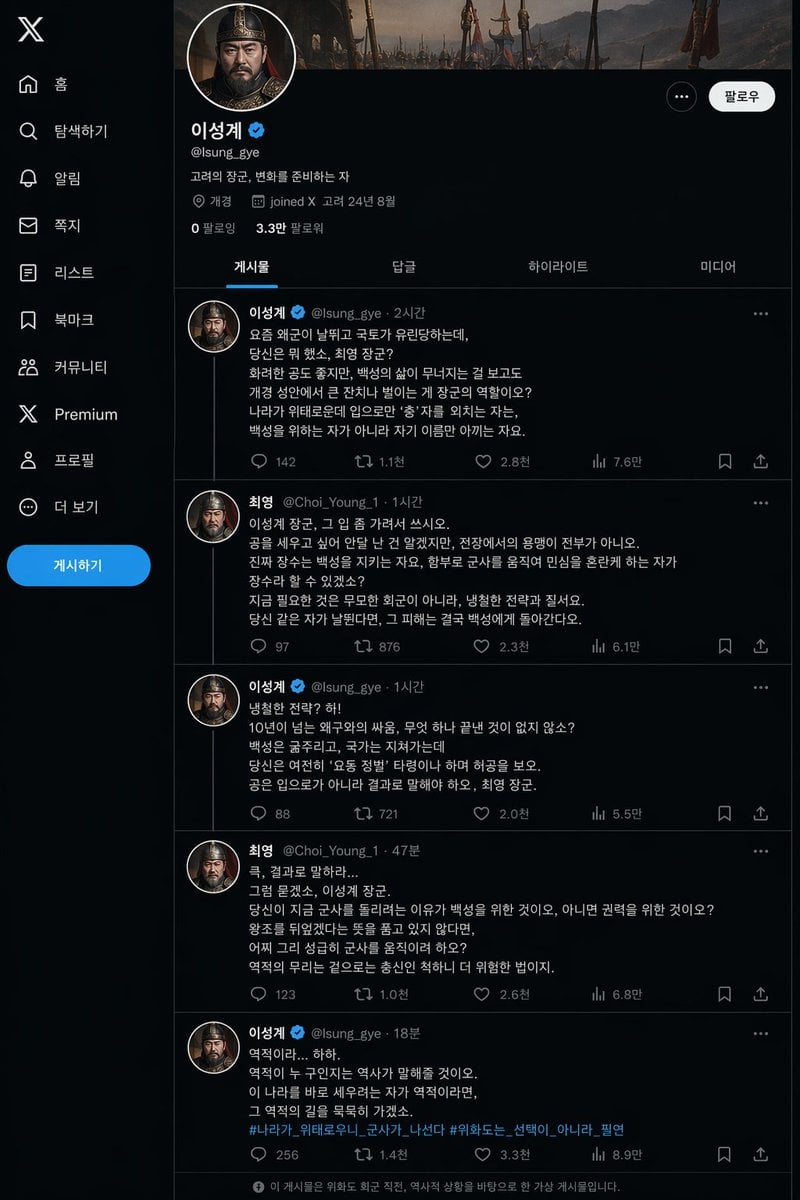
Historical Social Media Feed Mockup
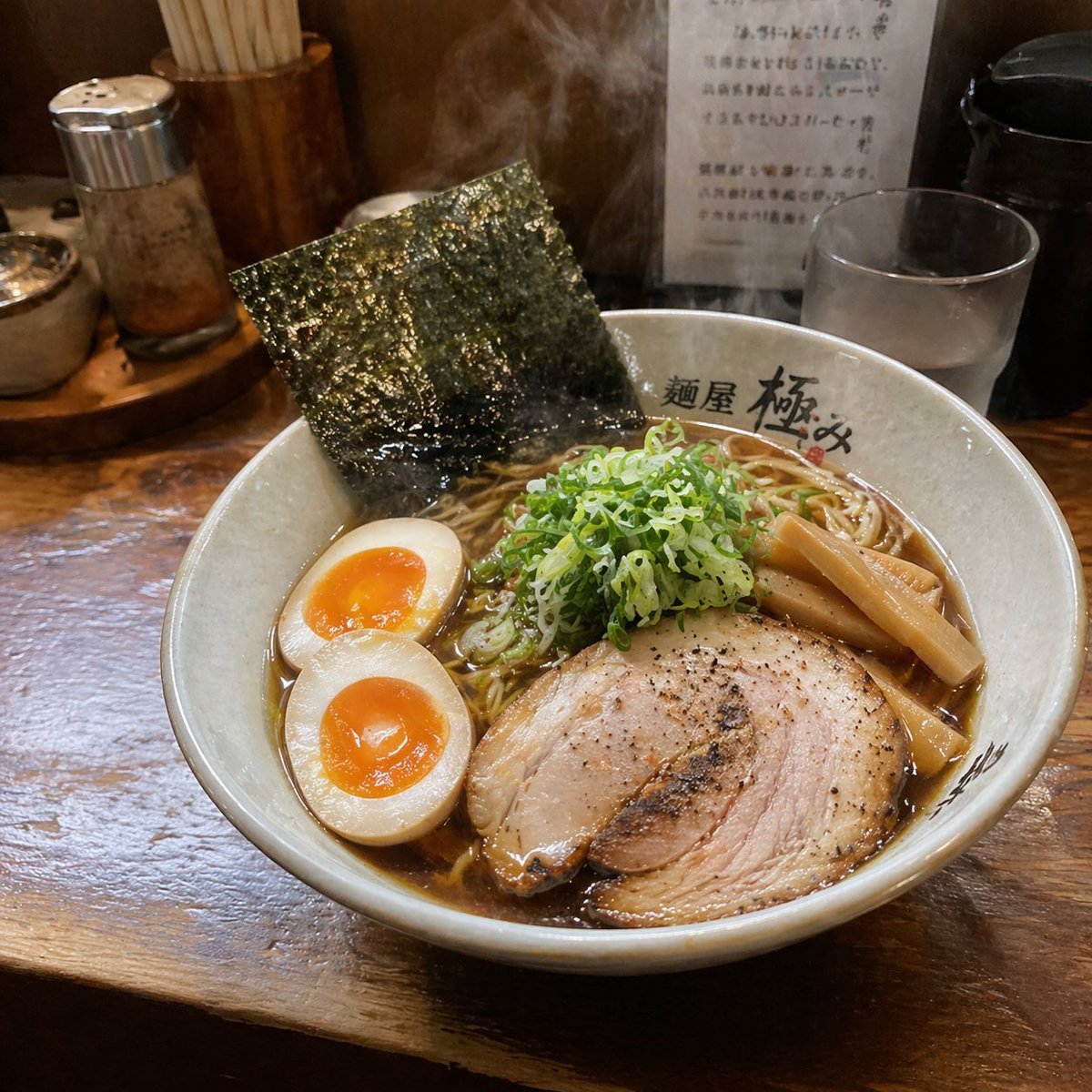
Realistic Social Media Food Photography
Make it yours
Natural Social Media Style Photo Prompt works as-is. These are the safest ways to change it without losing the look.
Change one field
Copy a single group, rewrite it, and generate again so you can see what that field is doing.
Keep the frame, change the subject
Hold the composition and light of Natural Social Media Style Photo Prompt, then swap wardrobe, props or the person for a new take.
| If the result… | Why | Fix |
|---|---|---|
| The result drifts from the preview | Too many fields changed at once. | Reuse Natural Social Media Style Photo Prompt as-is first, then change one group — subject, light, or setting. |
| The model over-stylizes the scene | The prose prompt leaves finish and camera underspecified. | Add one camera or lighting sentence and stay on GPT Image 2. |
More GPT Image 2 templates
Other prompts made for GPT Image 2.

Six VTuber Japanese Logo Sheet

Realistic Portrait of Woman and Deer

The Vista Modular Condo Poster

AI Model Routing Comparison Infographic

2.5D Anime Art Board

Isometric Productivity Desk Scene

New York Double Exposure Poster

Four-Panel AI Landscape Comparison

Japanese Tatami Lifestyle Magazine Cover

NESCAFÉ Coffee Map Poster
More image prompts
Fresh picks from across the catalog.
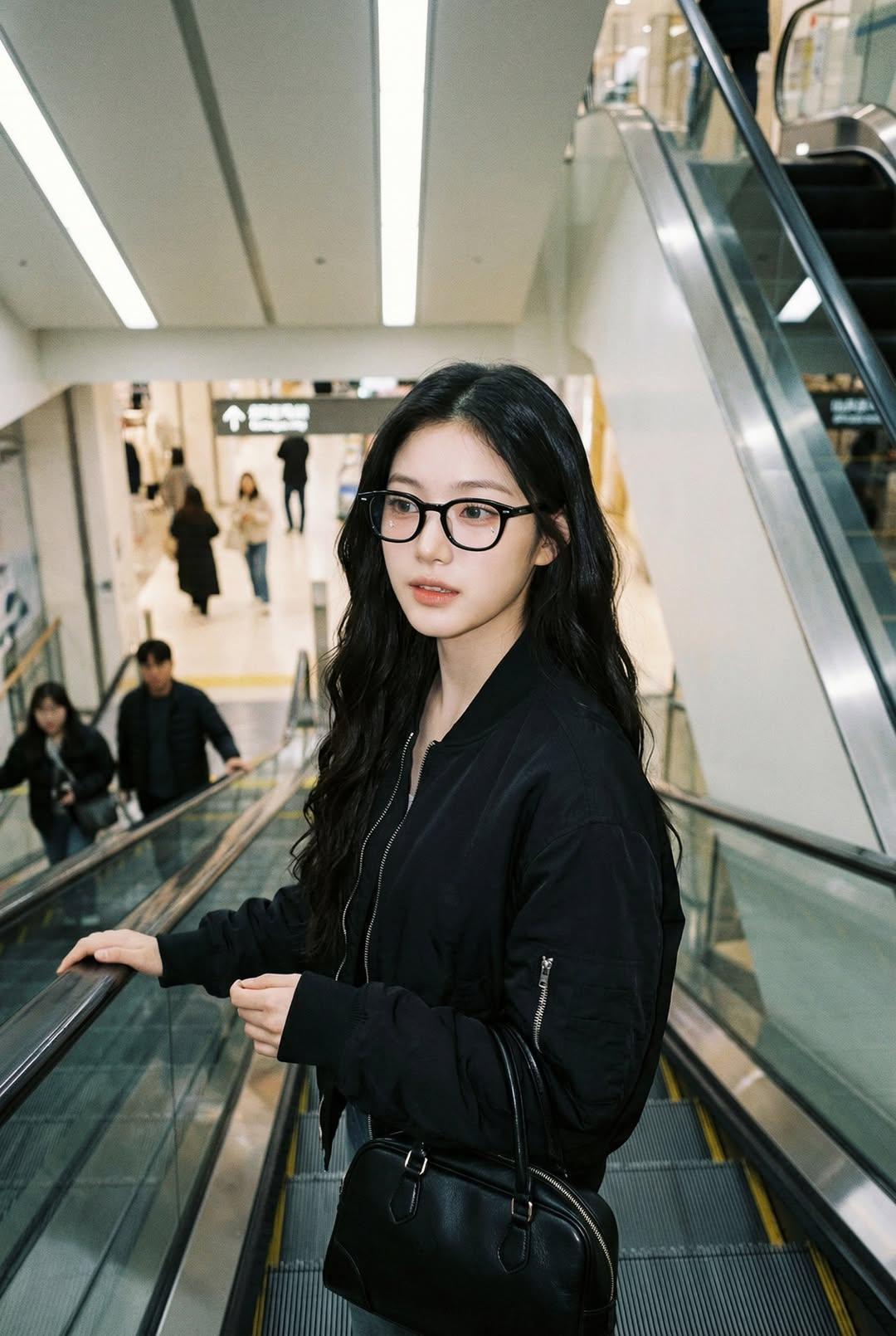
Nano Banana Pro — Escalator Candid Portrait
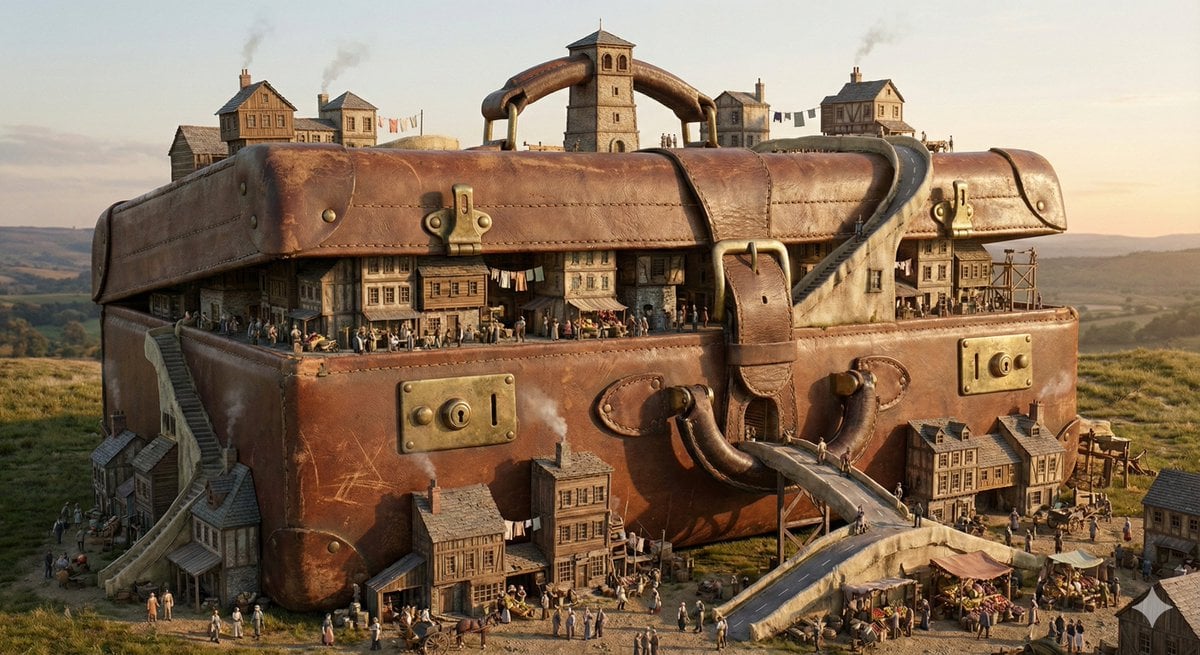
Everyday Object Reimagined as a City
Image Consistency and Style Transfer Prompt
Kobe Harbor Boar Battle Cartoon
Cinematic Portrait of a Confident Young Man in an Urban Setting
Editorial-Style Marketing Banner for Premium Tech
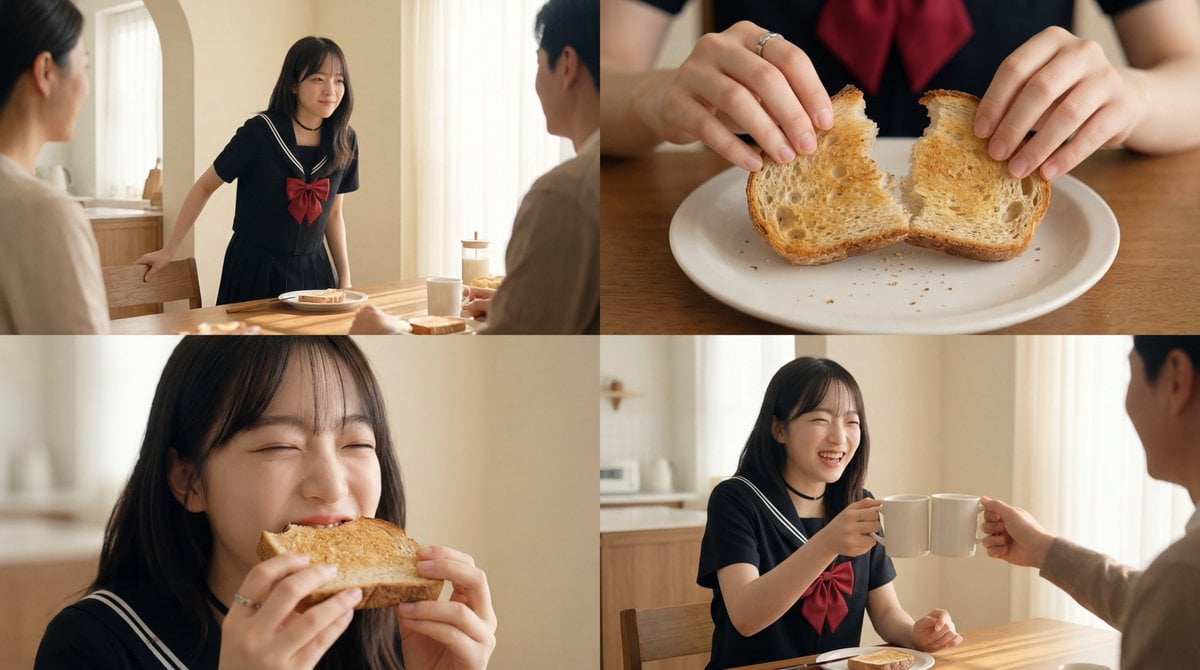
Cinematic Breakfast Scene
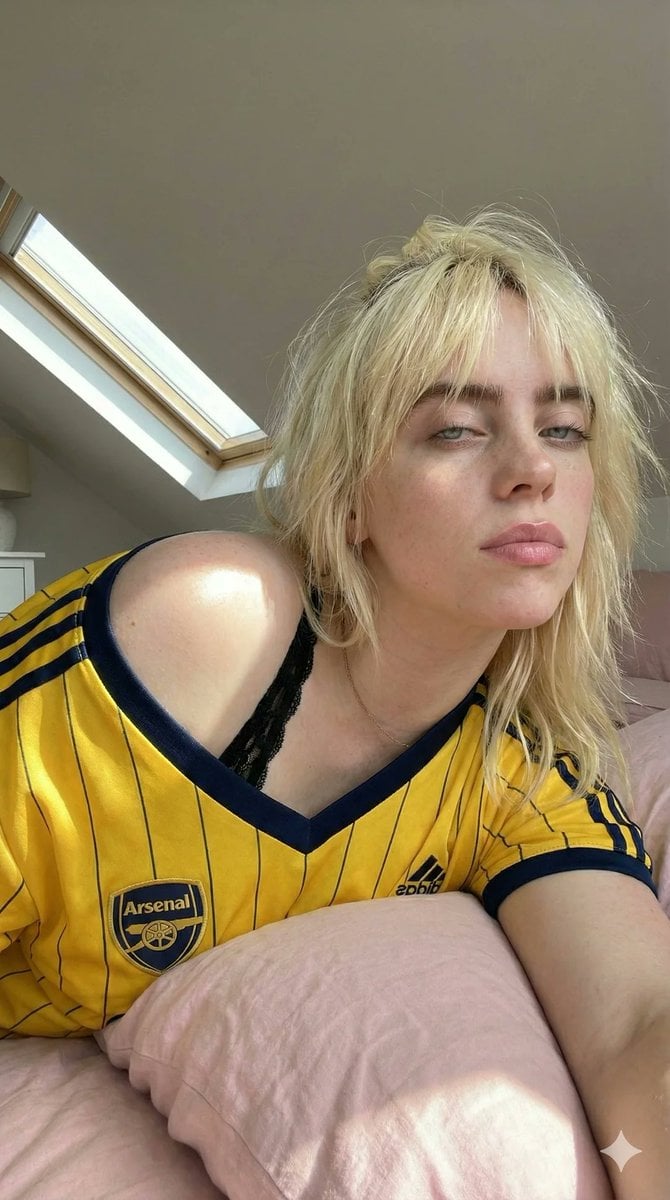
Photorealistic Soccer Jersey Selfie Portrait
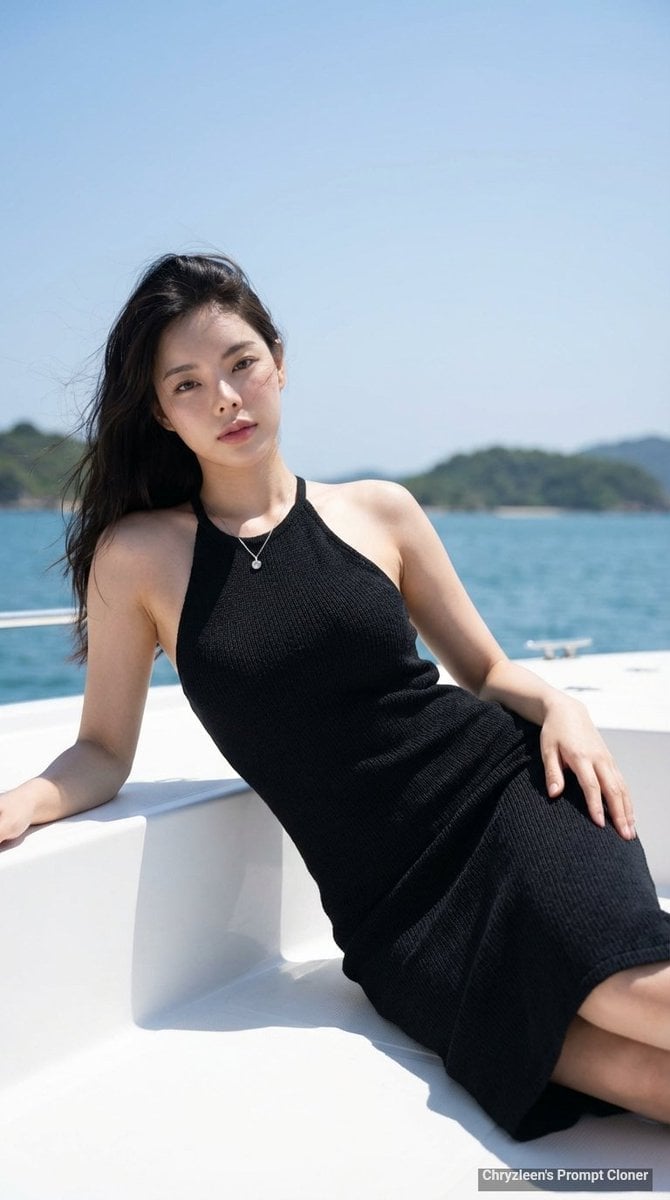
Hyper-Realistic Portrait on a Boat
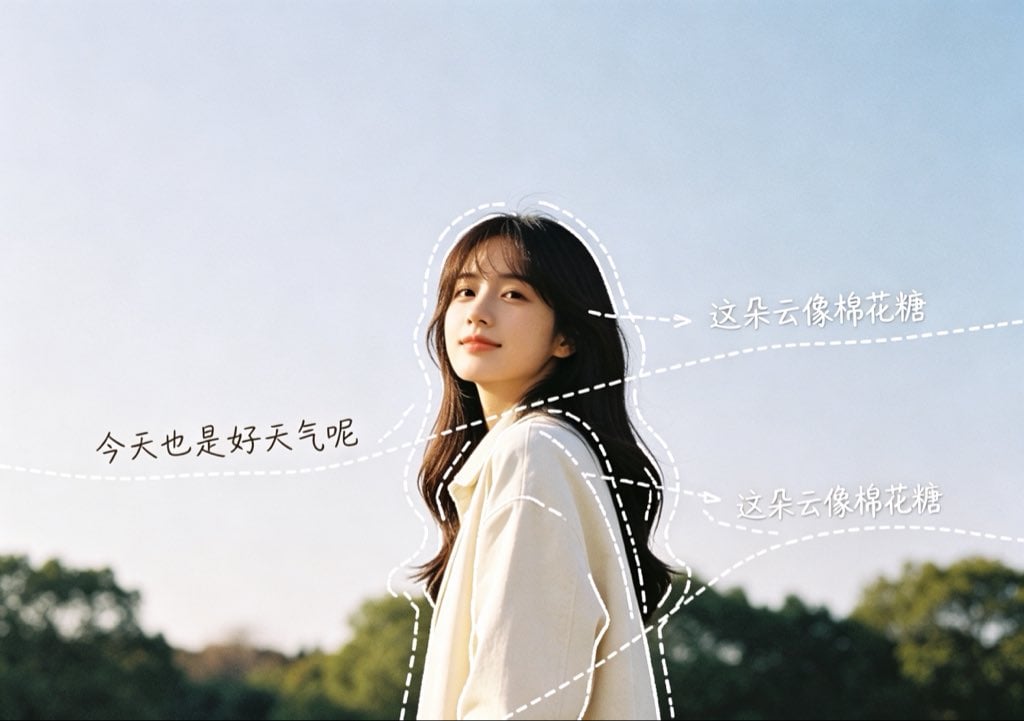
Diary-Style Annotated Portrait
Browse template categories
Natural Social Media Style Photo Prompt questions
How do I use the Natural Social Media Style Photo Prompt template?
Add your photo if the template asks for one, edit the prompt if you like — the template's model and format are already selected — and press Generate. Your version opens in PicX Studio.
Can I customize the Natural Social Media Style Photo Prompt template?
Yes. You can change the subject, setting, lighting, mood, format, and available model controls before creating your image.
Is the Natural Social Media Style Photo Prompt template free?
Opening and editing this template is free. Generating uses credits, shown on the Generate button when you are signed in.
Which AI model should I use?
Start with GPT Image 2, which is the model associated with this template. You can compare another compatible model for a different finish.
Looking for something else? Browse all templates.

Your photo, any look
Thousands of ready templates for every top image and video model, from one credit balance.