How do I use the Stylish Man Perfume Mirror Portrait template?
Choose the primary action to open PicX Studio with the available template settings. Review the model and format, personalize the creative direction, and generate when ready.
Generates a realistic fashion-lifestyle portrait of a well-dressed man spraying perfume in an ornate designer mirror.

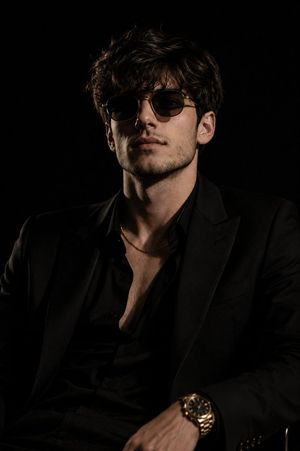
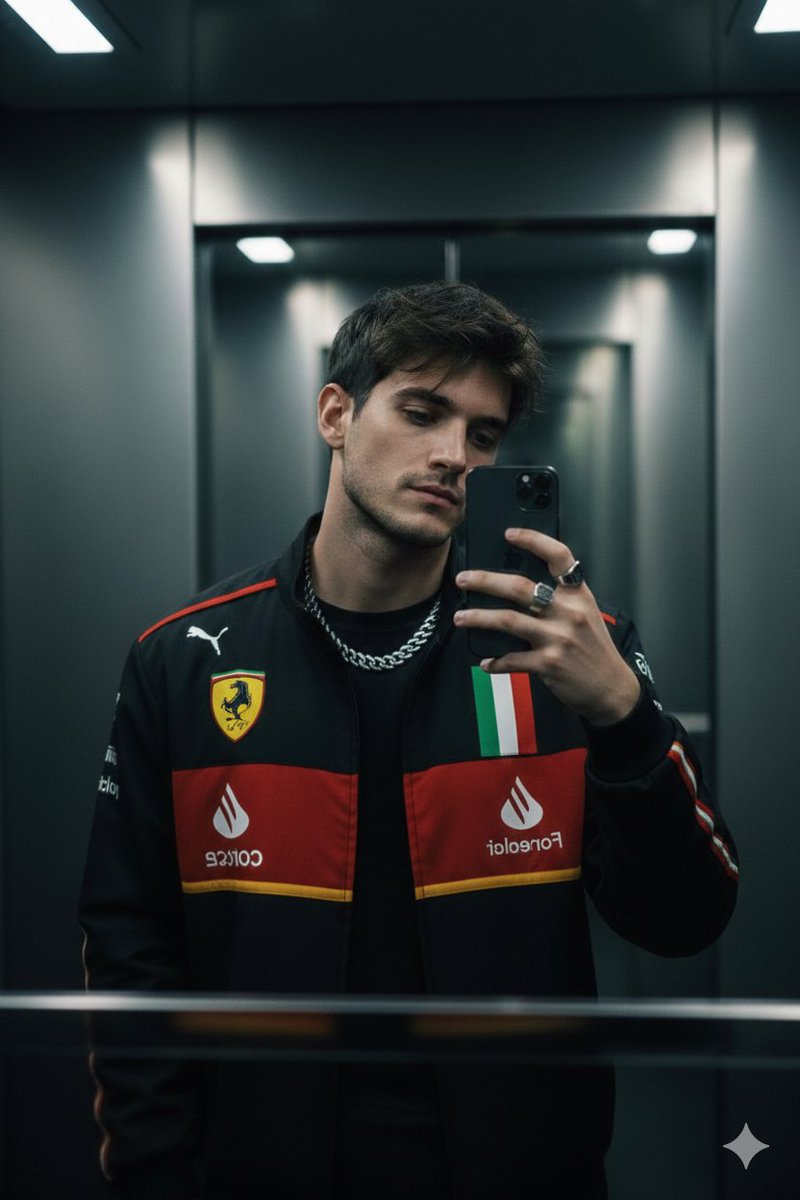
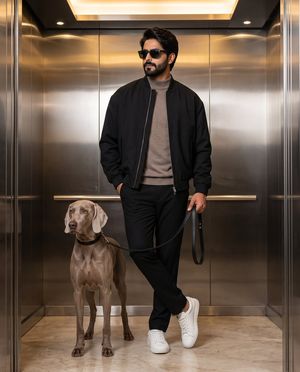
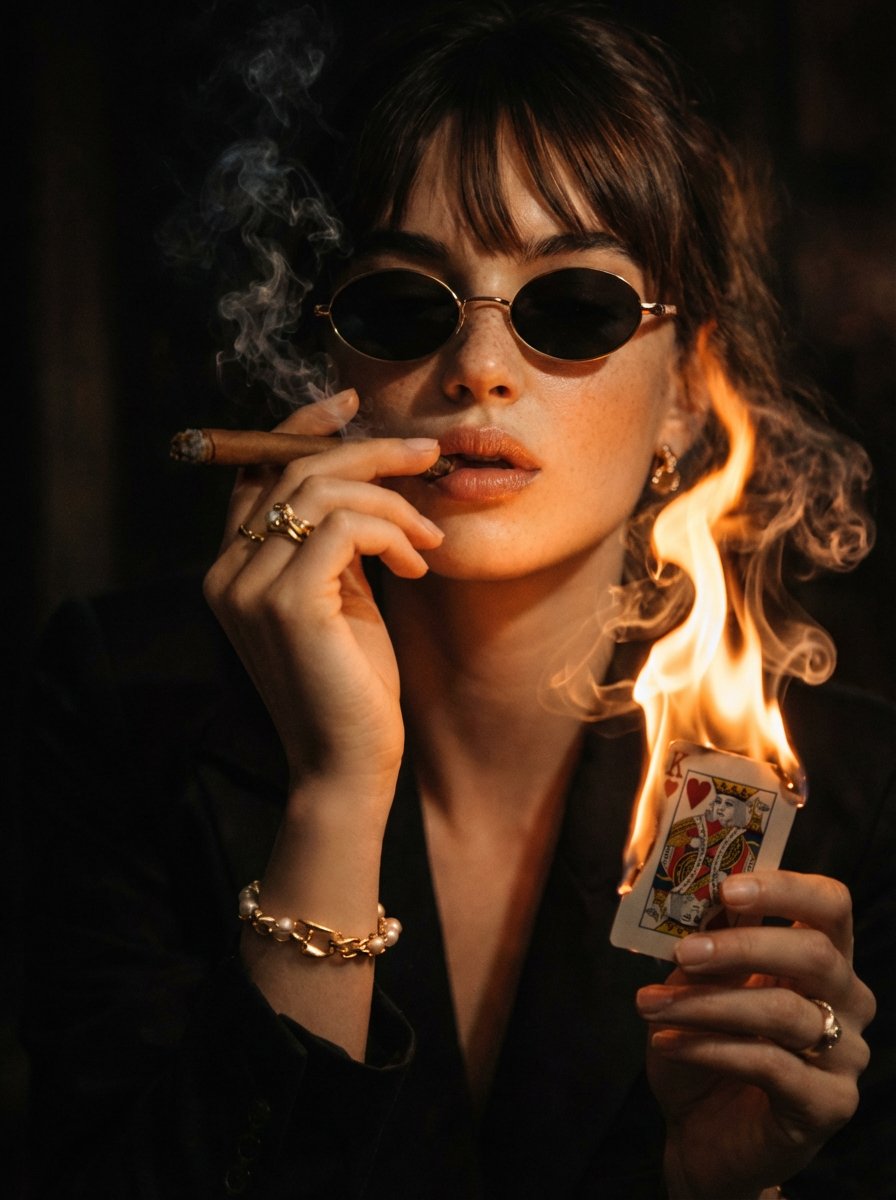
Create a realistic vertical mirror selfie portrait of a {argument name="character description" default="stylish young South Asian man in his late 20s to early 30s with medium olive skin, thick dark brown swept-back hair, and a neatly trimmed full beard"} standing indoors in front of an ornate designer mirror. He wears a {argument name="outfit" default="black kurta with a short button placket and black pajama trousers"}, with the sleeves casually rolled to the forearms. Show exactly 4 prominent accessories: black sunglasses resting on top of his head, a silver luxury wristwatch on his left wrist, a dark ring on his right hand, and a small black perfume bottle in his right hand. He is spraying perfume toward his neck and collarbone, with a visible mist cloud in front of his chest; his left hand lightly adjusts the collar. His expression is calm, confident, and slightly serious, gazing at his reflection rather than the camera. Frame him through a large cream-colored baroque mirror with elaborate carved scrollwork along the top and sides, including the lower mirror edge visible. The background is a softly blurred modern dressing area with a bright window on the right, gray curtains, and faint shelves of grooming products on the left. Use natural daylight, shallow depth of field, realistic skin texture, soft highlights, and a polished fashion-lifestyle photography look. Vertical 9:16 composition, waist-up framing, no text, no watermark.
Choose the primary action to open PicX Studio with the available template settings. Review the model and format, personalize the creative direction, and generate when ready.
Yes. You can change the subject, setting, lighting, mood, format, and available model controls before creating your image.
This template is free to open and customize. Generation usage is shown in PicX Studio before you create.
Start with GPT Image 2, which is the model associated with this template. You can compare another compatible model for a different finish.
Follow a topic to a crawlable collection of related PicX Studio templates.