
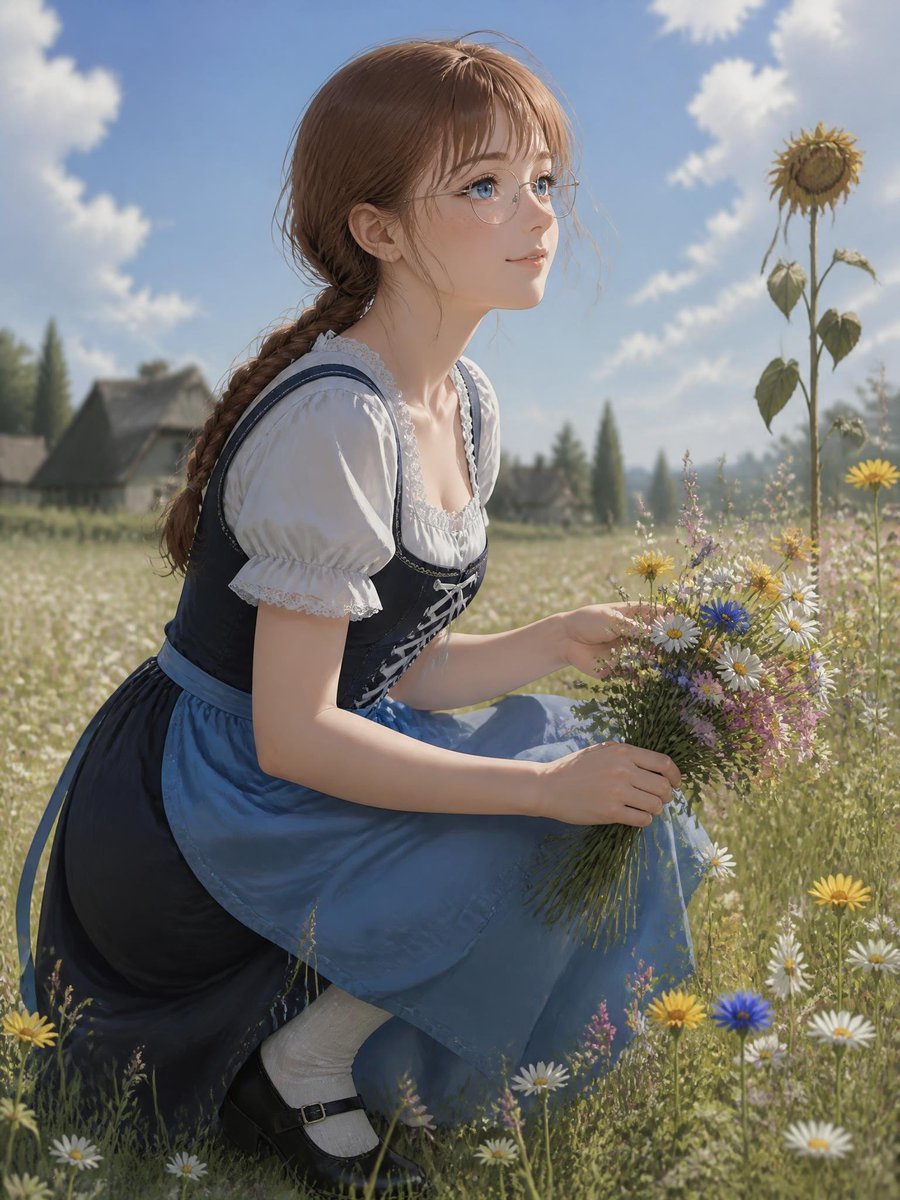
Anime Girl in Wildflower Meadow
A detailed text prompt for generating a serene vertical anime pastoral portrait of a braided girl gathering flowers in a sunlit countryside meadow.
- Prompt included
- Model and format preset
- Free template
The prompt behind this image
Copy the exact prompt behind Anime Girl in Wildflower Meadow, or open it in the studio and make it yours.
Create a highly detailed vertical anime-style pastoral portrait of a young woman with {argument name="hair color" default="warm light brown"} hair braided over one shoulder, soft loose bangs, fair skin, blue eyes, and delicate round wire-frame glasses. She is crouching in a sunlit wildflower meadow, turned slightly toward the viewer as if she has just looked back, with a gentle curious expression and parted lips. She wears a traditional European countryside dress: white puff-sleeve blouse with lace trim, dark navy fitted bodice with crisscross lacing, a blue apron over a long dark skirt, white socks, and black strap shoes. Her hands hold one gathered bouquet containing exactly 5 visible flower types: white daisies, yellow daisy-like flowers, blue cornflowers, small pink blossoms, and fine green stems. Around her in the meadow are scattered daisies and wildflowers, with one tall sunflower standing on the right side of the frame. The background shows a soft-focus rural village with small cottages, distant trees, and rolling fields under a bright blue sky with fluffy white clouds. Use warm natural daylight, gentle backlighting, soft depth of field, painterly-realistic anime rendering, luminous skin, fine hair detail, delicate fabric texture, and a serene summer atmosphere. Vertical composition, subject filling most of the frame, cinematic but wholesome, no text, no watermark.
How to use Anime Girl in Wildflower Meadow in 3 steps
- 1Upload ImagePNG, JPG or paste
Add your photo
Upload the photo the template builds on. The prompt, model and format are already set.
- 2…a portrait of your subject in softgolden-hour light, 85mm…
Personalize
Edit the subject and creative details for your destination.
- 3Generate
Generate
Press Generate — your image is created in PicX Studio, so you can compare it with the original and refine one variable at a time.
More like this
Templates with the same subject, style or setup. Open one to see its prompt.
Enchanted Anime Style Meadow Girl
Anime Girl Meadow Reading

Teen Girl Alpine Lake Mountain View
Traditional Hanbok Portrait in Wildflower Meadow
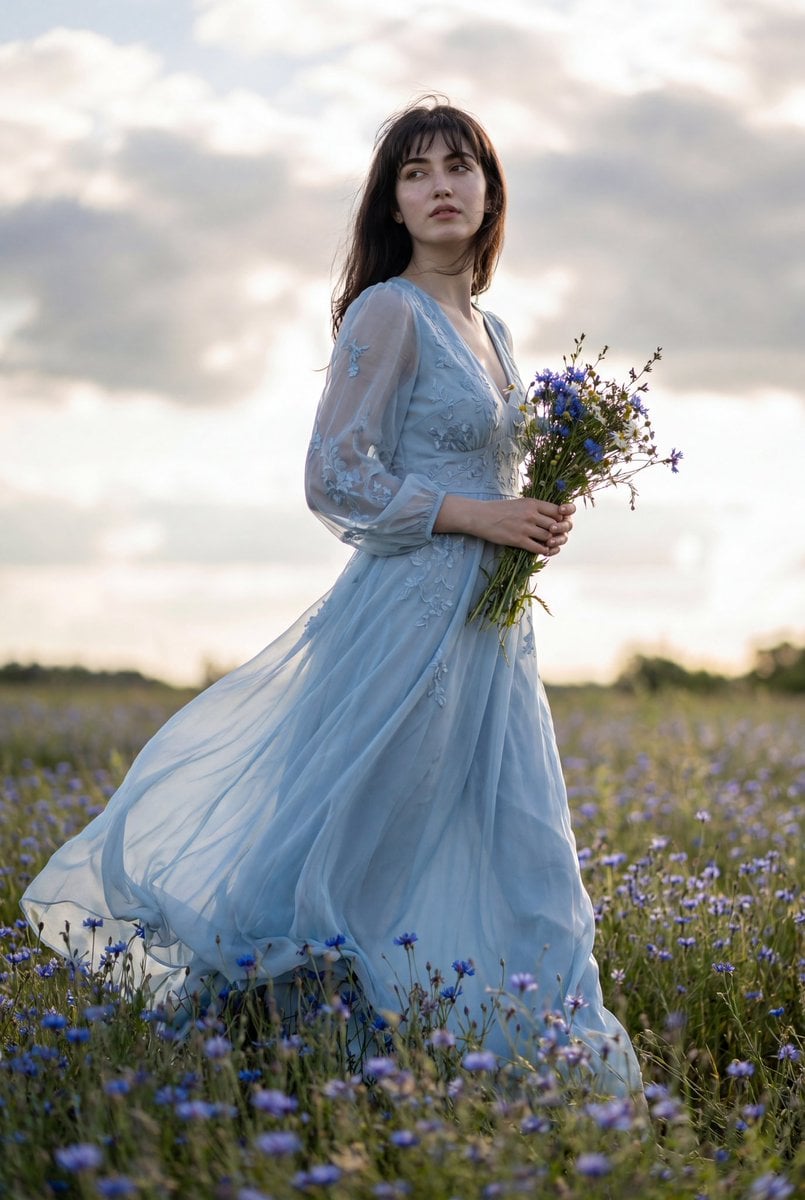
Flowing Gown Wildflower Meadow

Cel 2D Finale Fireworks

Cel 2D Garden Maze

Cel 2D Rooftop Concert

Cel 2D Bicycle Coast

Cel 2D Castle Gate

Cel 2D Kitchen Chaos

Cel 2D Carnival Ride
Make it yours
Anime Girl in Wildflower Meadow works as-is. These are the safest ways to change it without losing the look.
Change one field
Copy a single group, rewrite it, and generate again so you can see what that field is doing.
Keep the frame, change the subject
Hold the composition and light of Anime Girl in Wildflower Meadow, then swap wardrobe, props or the person for a new take.
| If the result… | Why | Fix |
|---|---|---|
| The result drifts from the preview | Too many fields changed at once. | Reuse Anime Girl in Wildflower Meadow as-is first, then change one group — subject, light, or setting. |
| The model over-stylizes the scene | The prose prompt leaves finish and camera underspecified. | Add one camera or lighting sentence and stay on GPT Image 2. |
More GPT Image 2 templates
Other prompts made for GPT Image 2.

Six VTuber Japanese Logo Sheet

Realistic Portrait of Woman and Deer

The Vista Modular Condo Poster

AI Model Routing Comparison Infographic

2.5D Anime Art Board

Isometric Productivity Desk Scene

New York Double Exposure Poster

Four-Panel AI Landscape Comparison

Japanese Tatami Lifestyle Magazine Cover

NESCAFÉ Coffee Map Poster
More image prompts
Fresh picks from across the catalog.
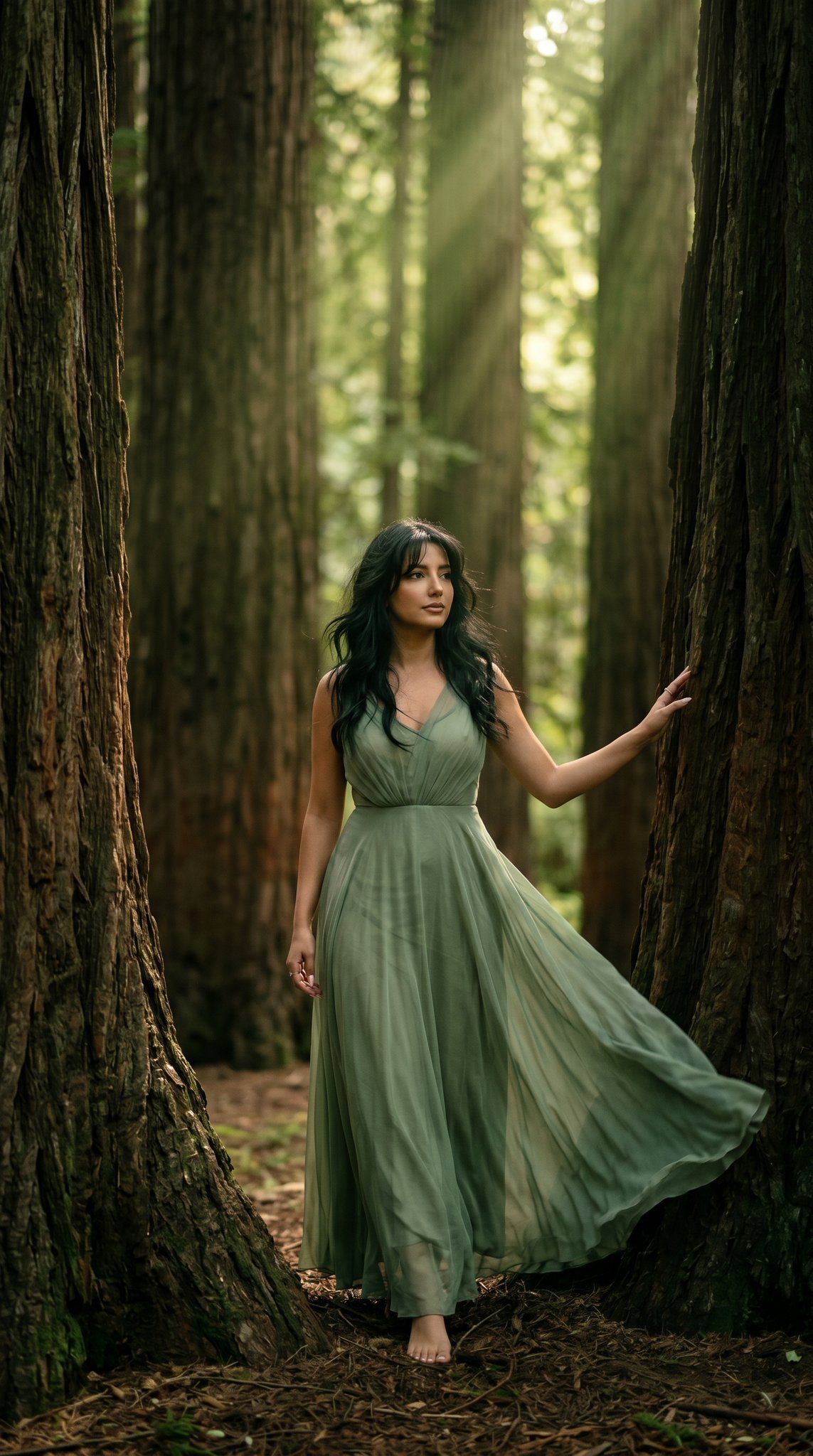
23 California Redwood Forest — California Series
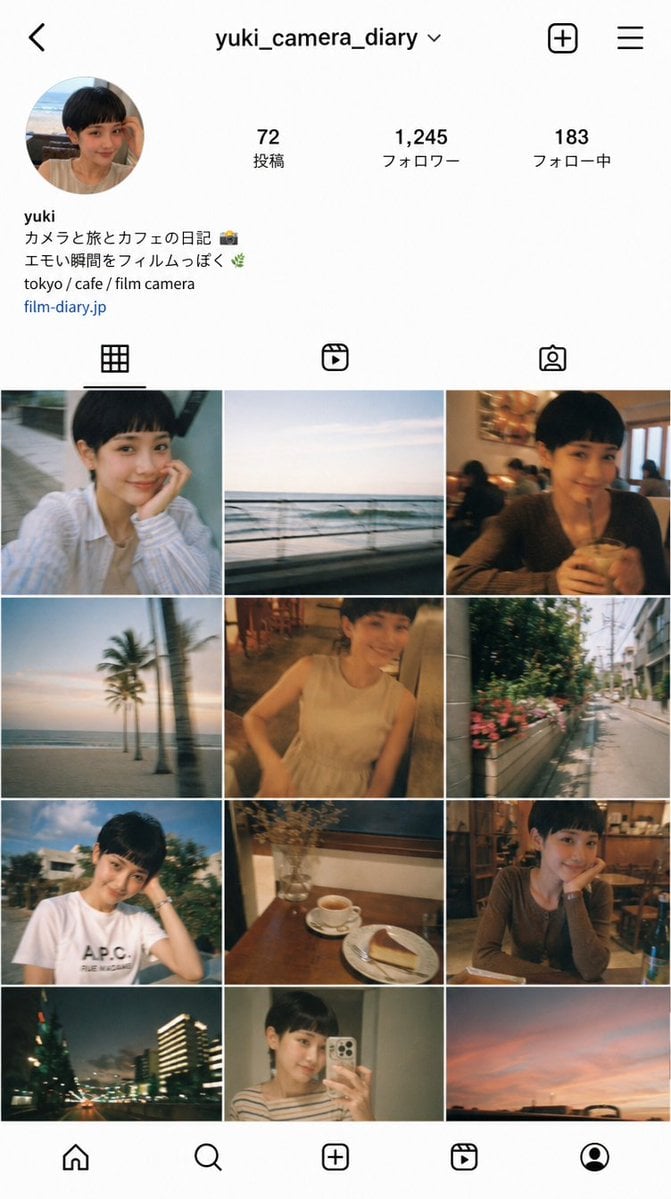
Instagram Profile Grid Aesthetic
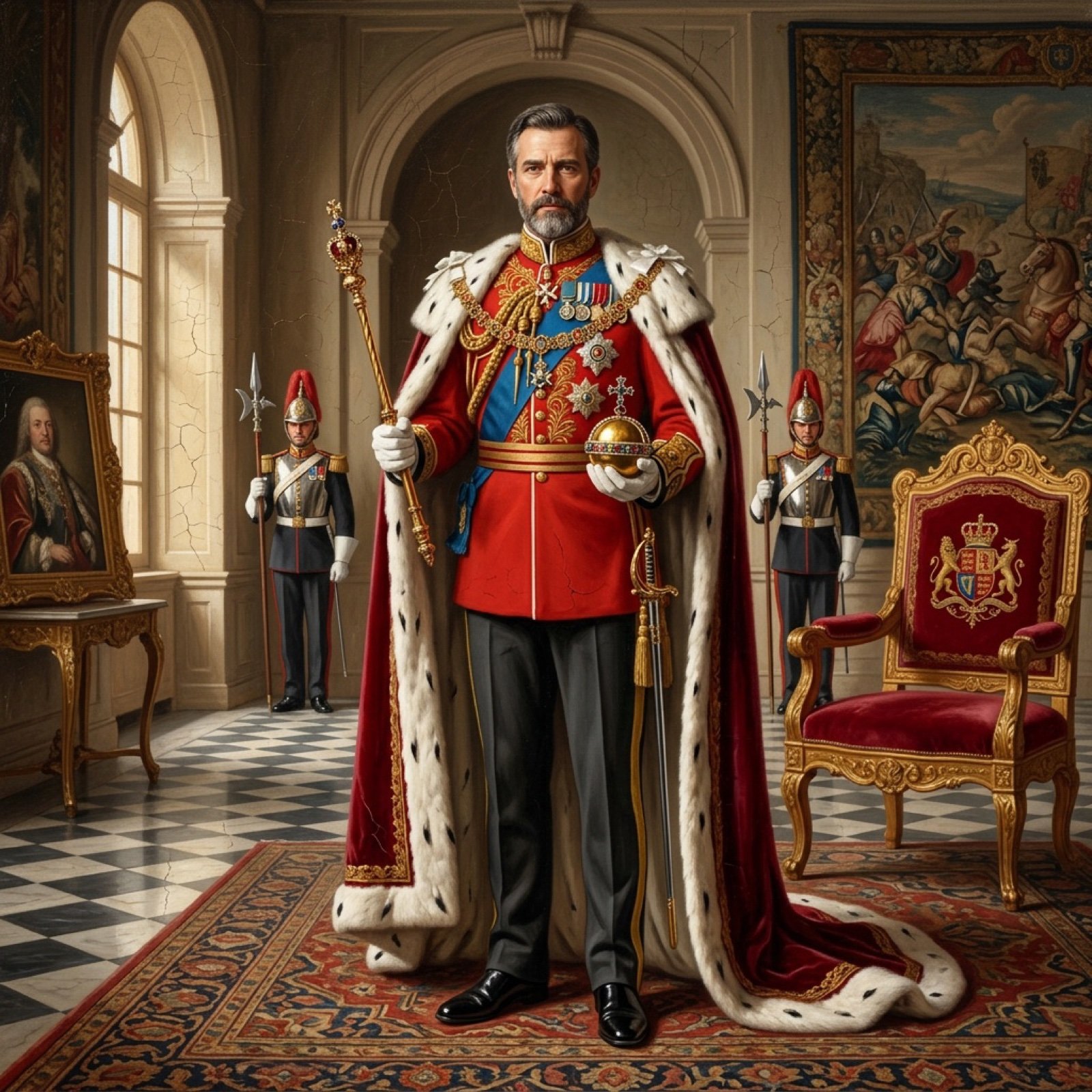
Detailed Oil Painting Prompt for a Regal King Portrait
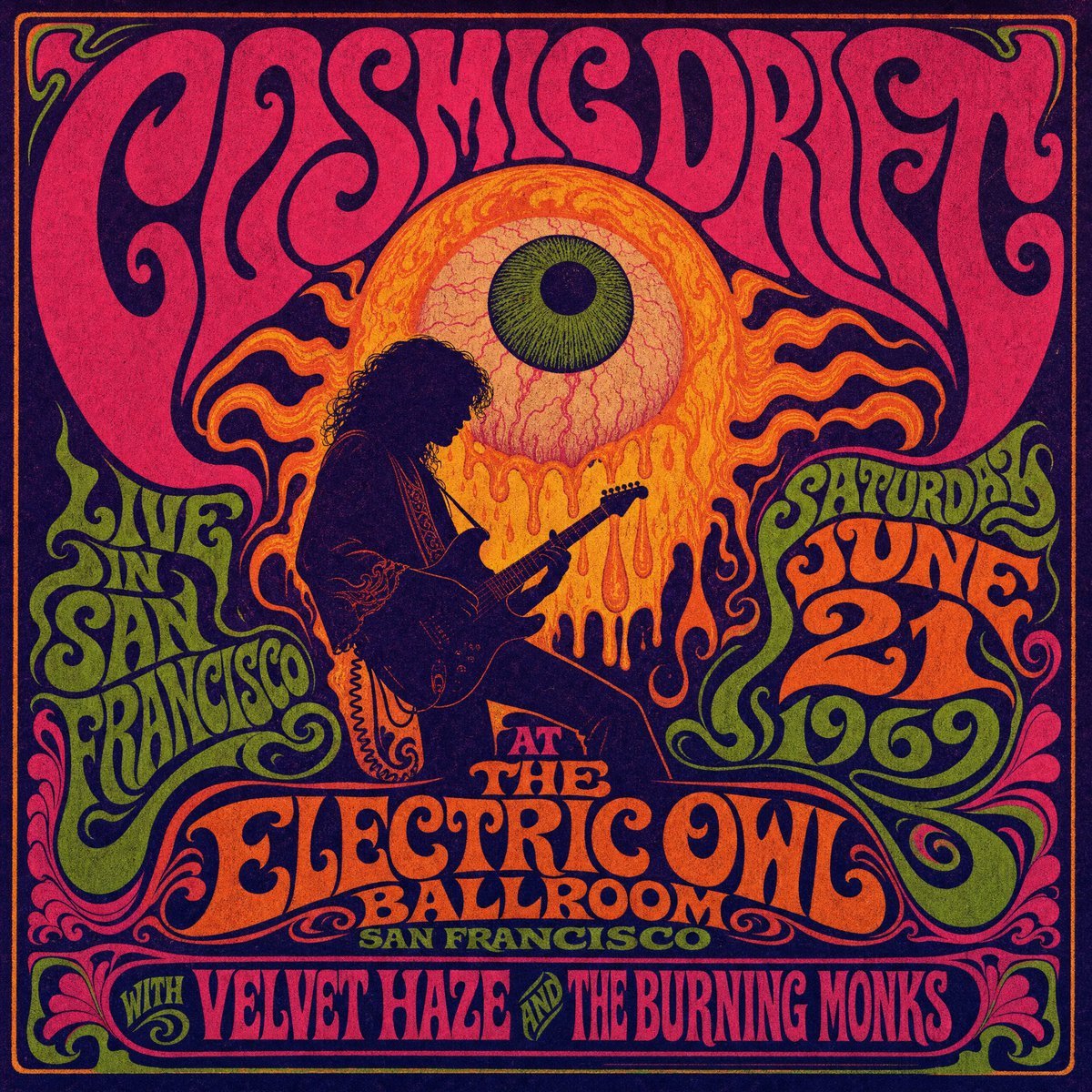
Psychedelic Cosmic Drift Concert Poster

Kawaii Dessert Advertisement

Sports Car and Airliner in Hangar
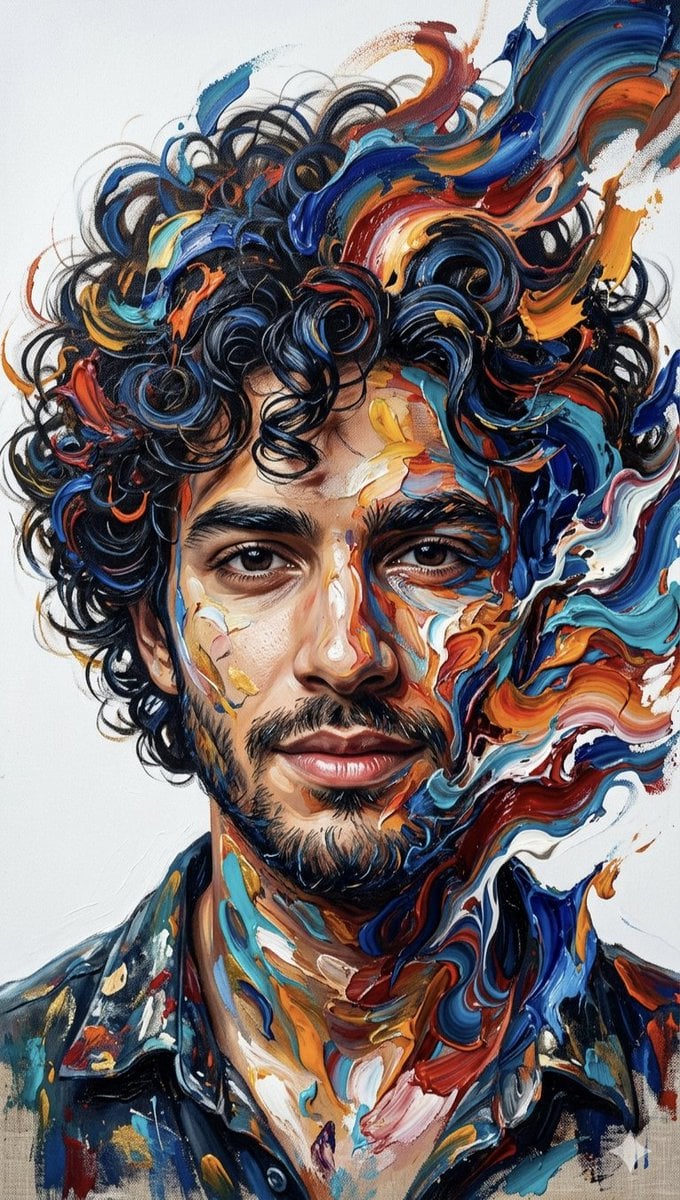
Abstract Impasto Portrait Prompt

Pongal Festival Photo Prompt for Gemini Nano Banana

Cinematic Night Urban Portrait with Luxury SUV
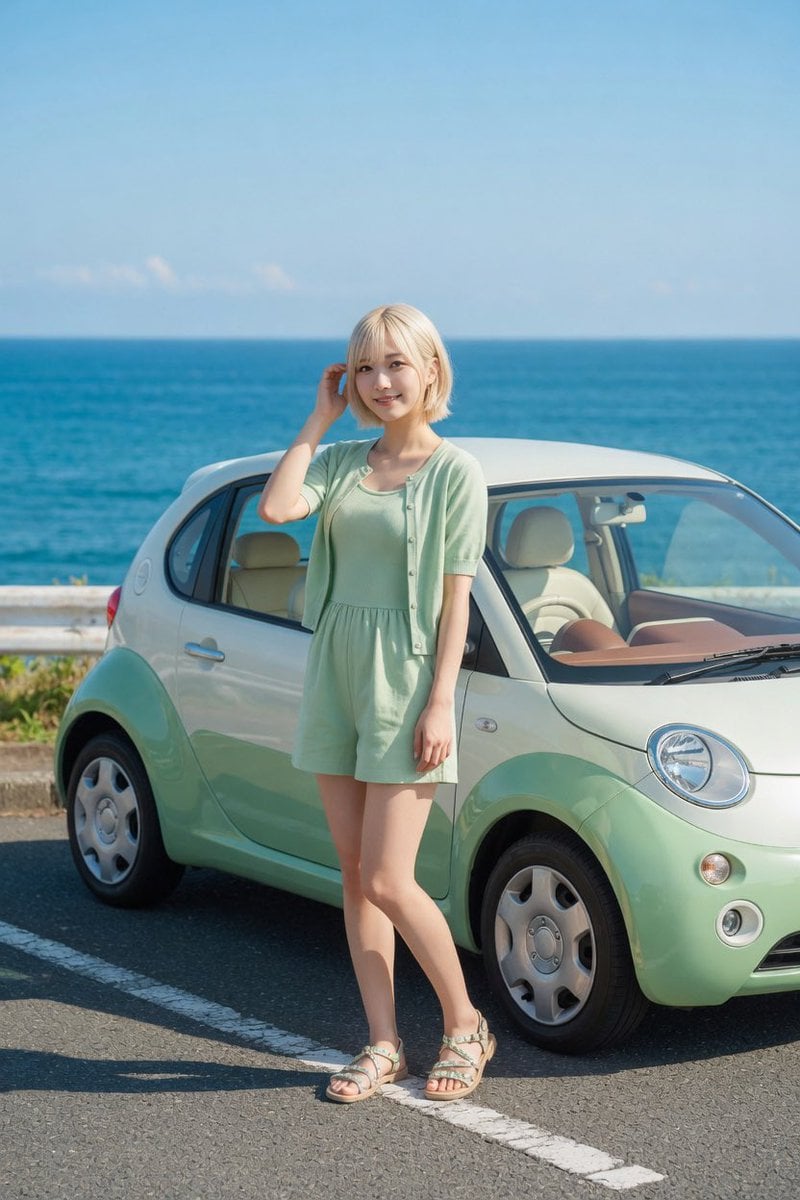
Mint Compact Car by the Sea
Browse template categories
Anime Girl in Wildflower Meadow questions
How do I use the Anime Girl in Wildflower Meadow template?
Add your photo if the template asks for one, edit the prompt if you like — the template's model and format are already selected — and press Generate. Your version opens in PicX Studio.
Can I customize the Anime Girl in Wildflower Meadow template?
Yes. You can change the subject, setting, lighting, mood, format, and available model controls before creating your image.
Is the Anime Girl in Wildflower Meadow template free?
Opening and editing this template is free. Generating uses credits, shown on the Generate button when you are signed in.
Which AI model should I use?
Start with GPT Image 2, which is the model associated with this template. You can compare another compatible model for a different finish.
Looking for something else? Browse all templates.

Your photo, any look
Thousands of ready templates for every top image and video model, from one credit balance.