How do I use the Intimate Sensual Portrait Prompt template?
Choose the primary action to open PicX Studio with the available template settings. Review the model and format, personalize the creative direction, and generate when ready.
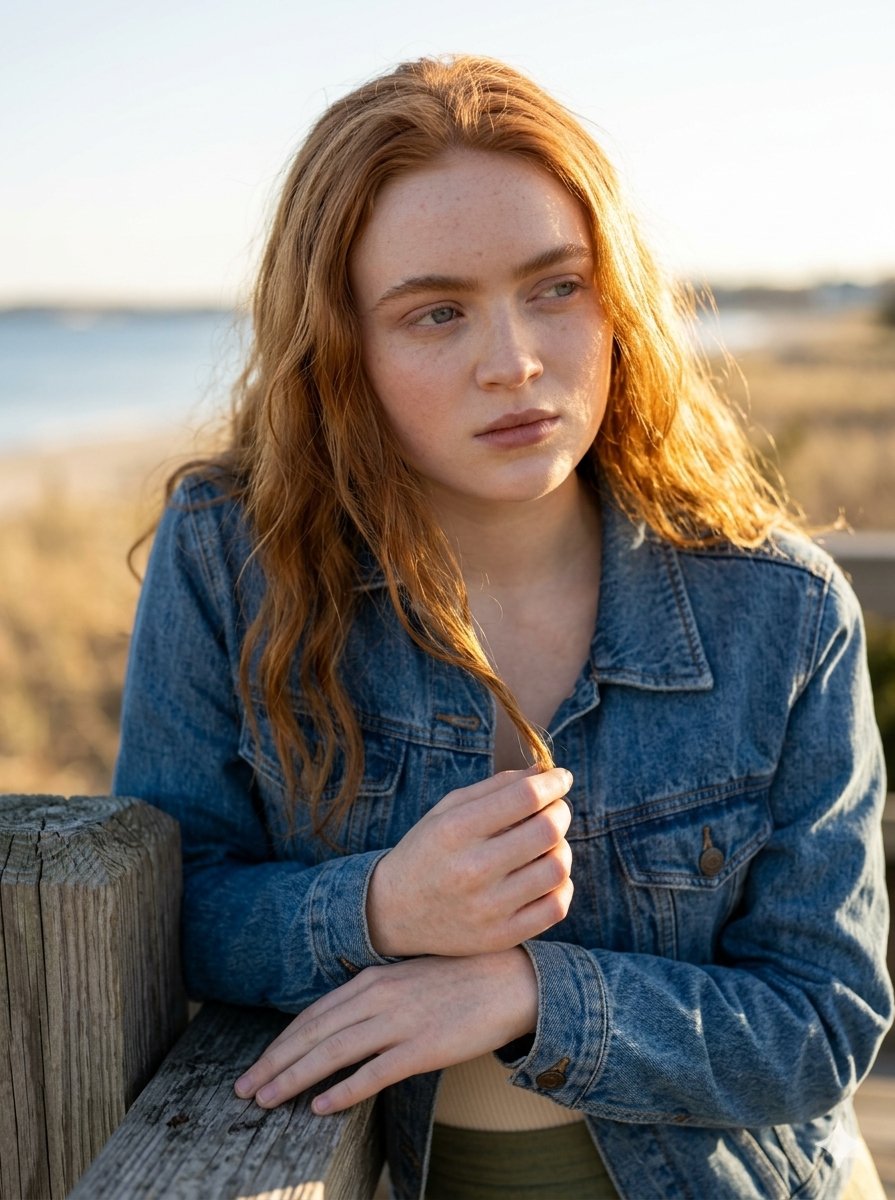
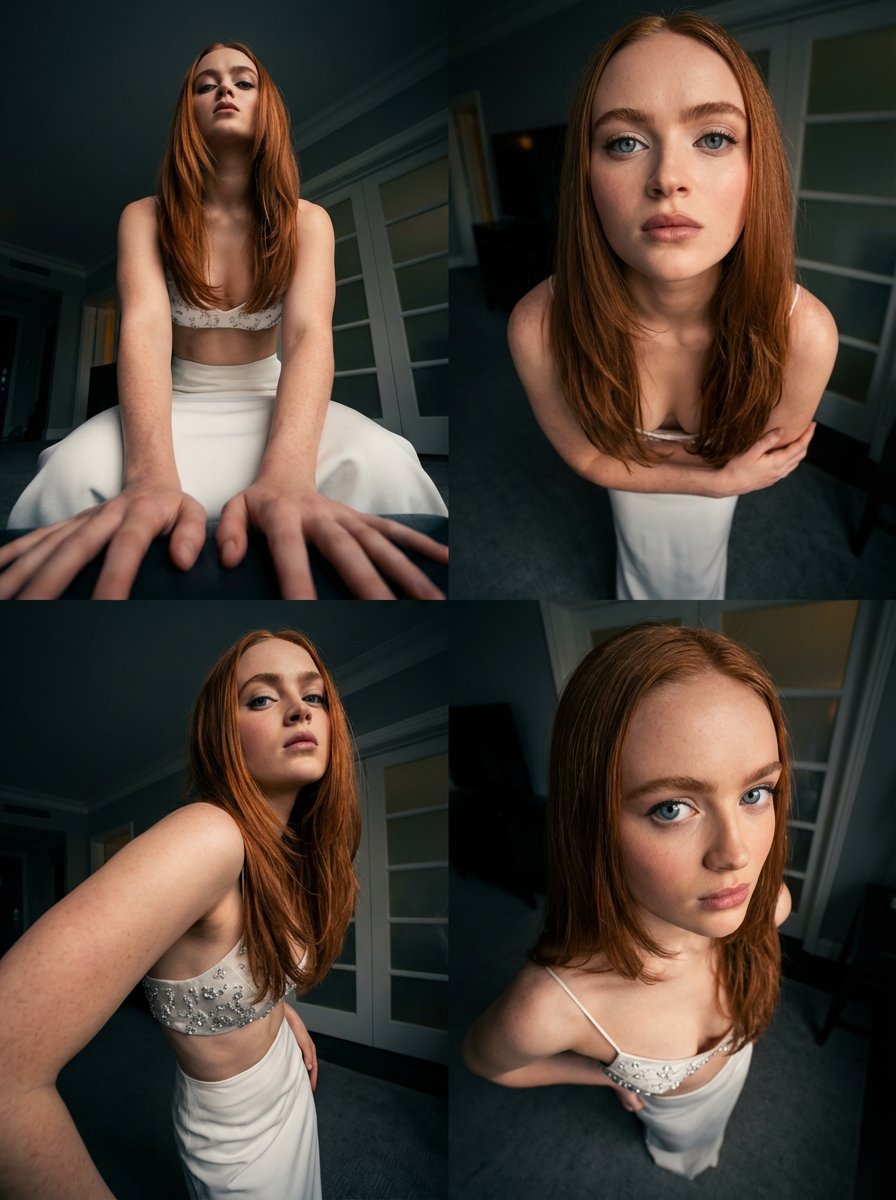
An ultra-realistic, cinematic prompt for generating an intimate portrait of two athletic young women sharing an almost-kiss in an abandoned Mediterranean courtyard, emphasizing detailed skin texture, warm golden hour lighting, and sensual tension. (free to use) — Free AI image template on PicX Studio.
Two stunning young women in their early 20s sharing an intimate, sensual almost-kiss, foreheads touching, lips barely apart, eyes closed in pleasure, soft natural sunlight filtering through old stone archway, romantic abandoned Mediterranean or Southern European courtyard, golden hour warm lighting, gentle shadows, detailed skin texture with light sheen of sweat, subtle freckles and natural skin imperfections, one woman with long wavy dark brown hair wearing tight grey cotton crop top, the other with long straight black hair in delicate white lace bralette, both extremely toned athletic bodies, defined abs, narrow waists, both wearing low-rise fitted blue jeans, sensual tension, erotic but elegant mood, intimate embrace, one arm raised holding onto the wall, bodies pressed close, cinematic composition, shallow depth of field, shot on 85mm lens, ultra-realistic, photorealistic, 8k, highly detailed skin pores and fabric texture, natural outdoor light, masterpiece, award-winning fashion/erotic photography style
Use Intimate Sensual Portrait Prompt to plan an AI image around nano-banana-2 generation. Match the preview's composition first, then personalize the subject, setting, and mood for your own project.
Use the primary action to load the template settings in PicX Studio.
Adjust the subject and creative details for your destination.
Create the image, compare the result with the preview, and refine one variable at a time.
A continuous mix — similar concepts first, woven with same-model prompts and fresh picks from the catalog.
Choose the primary action to open PicX Studio with the available template settings. Review the model and format, personalize the creative direction, and generate when ready.
Yes. You can change the subject, setting, lighting, mood, format, and available model controls before creating your image.
This template is free to open and customize. Generation usage is shown in PicX Studio before you create.
Start with nano-banana-2, which is the model associated with this template. You can compare another compatible model for a different finish.
Follow a topic to a crawlable collection of related PicX Studio templates.
39,155 public templates available. Verified via the PicX Studio public templates API; refreshed hourly.
A continuous mix — similar concepts first, woven with same-model prompts and fresh picks from the catalog.