
Anime Girl on Garden Bench
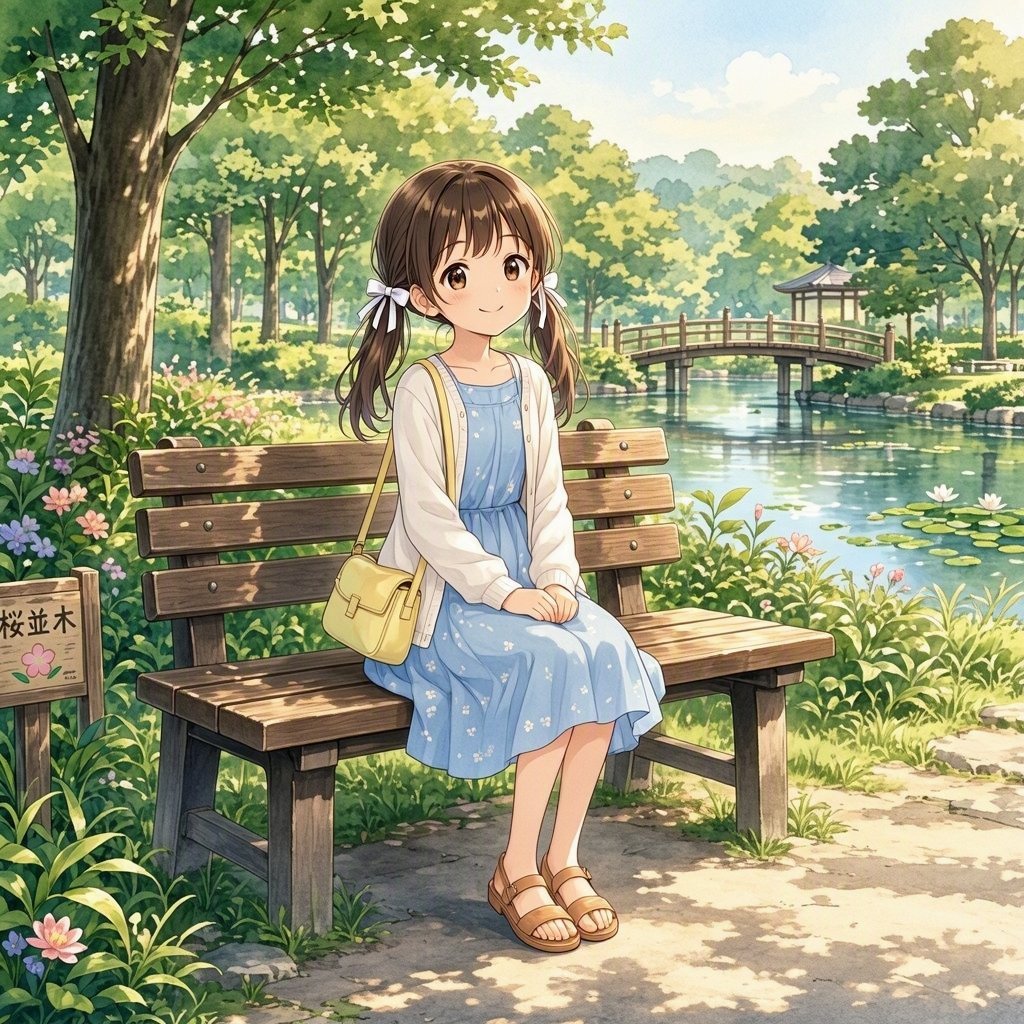
A gentle anime illustration prompt for creating a young girl seated on a park bench in a sunlit Japanese garden by a pond.
- Prompt included
- Model and format preset
- Free template
The prompt behind this image
Copy the exact prompt behind Anime Girl on Garden Bench, or open it in the studio and make it yours.
Create a soft, detailed anime-style illustration of a young girl sitting on a wooden park bench beside a calm pond in a lush Japanese garden. The girl is centered slightly left, with {argument name="hair color" default="warm brown"} hair in twin low pigtails tied with white ribbon bows, large gentle brown eyes, a small smile, and a peaceful, shy posture with both hands folded on her lap. She wears a light blue sleeveless dress with tiny white floral patterns, a white cardigan, tan strappy sandals, and a small pale yellow crossbody satchel. The setting is a bright spring or early summer park with dappled sunlight, dense green trees, flowering plants, grasses, lily pads, and a reflective pond behind her. Include exactly one wooden arched bridge in the mid-background crossing the water, exactly one small pavilion or gazebo on the far right bank, exactly one large tree trunk on the far left foreground, and exactly one small wooden sign at the lower left with simple Japanese characters and a pink flower symbol. Use a square canvas, warm daylight, soft watercolor-like rendering, delicate linework, rich foliage detail, sparkling reflections on the water, and a wholesome nostalgic mood. Avoid modern city elements, extra characters, logos, watermarks, or random added text beyond the small sign.
How to use Anime Girl on Garden Bench in 3 steps
- 1Upload ImagePNG, JPG or paste
Add your photo
Upload the photo the template builds on. The prompt, model and format are already set.
- 2…a portrait of your subject in softgolden-hour light, 85mm…
Personalize
Edit the subject and creative details for your destination.
- 3Generate
Generate
Press Generate — your image is created in PicX Studio, so you can compare it with the original and refine one variable at a time.
More like this
Templates with the same subject, style or setup. Open one to see its prompt.












Make it yours
Anime Girl on Garden Bench works as-is. These are the safest ways to change it without losing the look.
Change one field
Copy a single group, rewrite it, and generate again so you can see what that field is doing.
Keep the frame, change the subject
Hold the composition and light of Anime Girl on Garden Bench, then swap wardrobe, props or the person for a new take.
| If the result… | Why | Fix |
|---|---|---|
| The result drifts from the preview | Too many fields changed at once. | Reuse Anime Girl on Garden Bench as-is first, then change one group — subject, light, or setting. |
| The model over-stylizes the scene | The prose prompt leaves finish and camera underspecified. | Add one camera or lighting sentence and stay on GPT Image 2. |
More GPT Image 2 templates
Other prompts made for GPT Image 2.

Six VTuber Japanese Logo Sheet

Realistic Portrait of Woman and Deer

The Vista Modular Condo Poster

AI Model Routing Comparison Infographic

2.5D Anime Art Board

Isometric Productivity Desk Scene

New York Double Exposure Poster

Four-Panel AI Landscape Comparison

Japanese Tatami Lifestyle Magazine Cover

NESCAFÉ Coffee Map Poster
More image prompts
Fresh picks from across the catalog.

Documentary Portrait of Resilience in Protest

Minimalist Monochrome Fashion Triptych

Ultra-Photorealistic Luxury Pop-Up Store Prompt
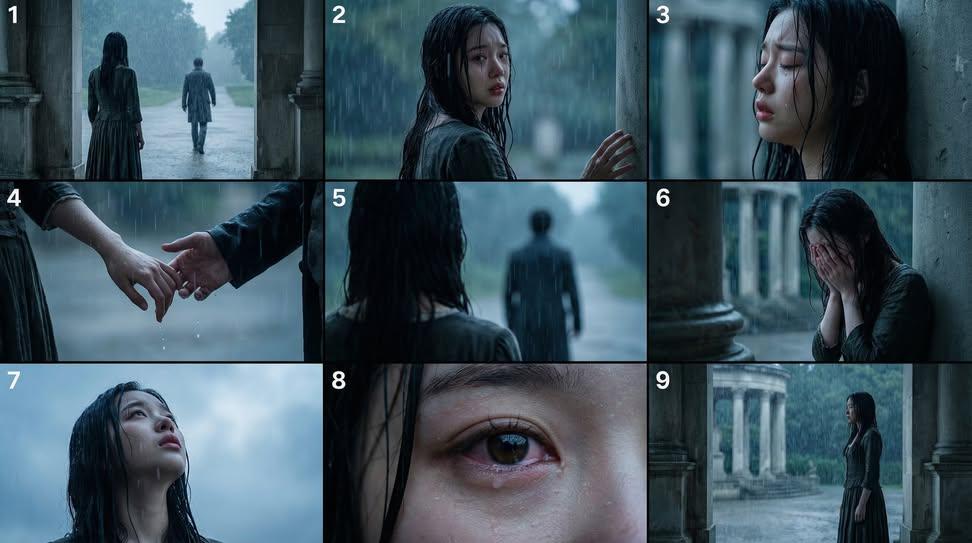
Cinematic Storyboard Generation Prompt
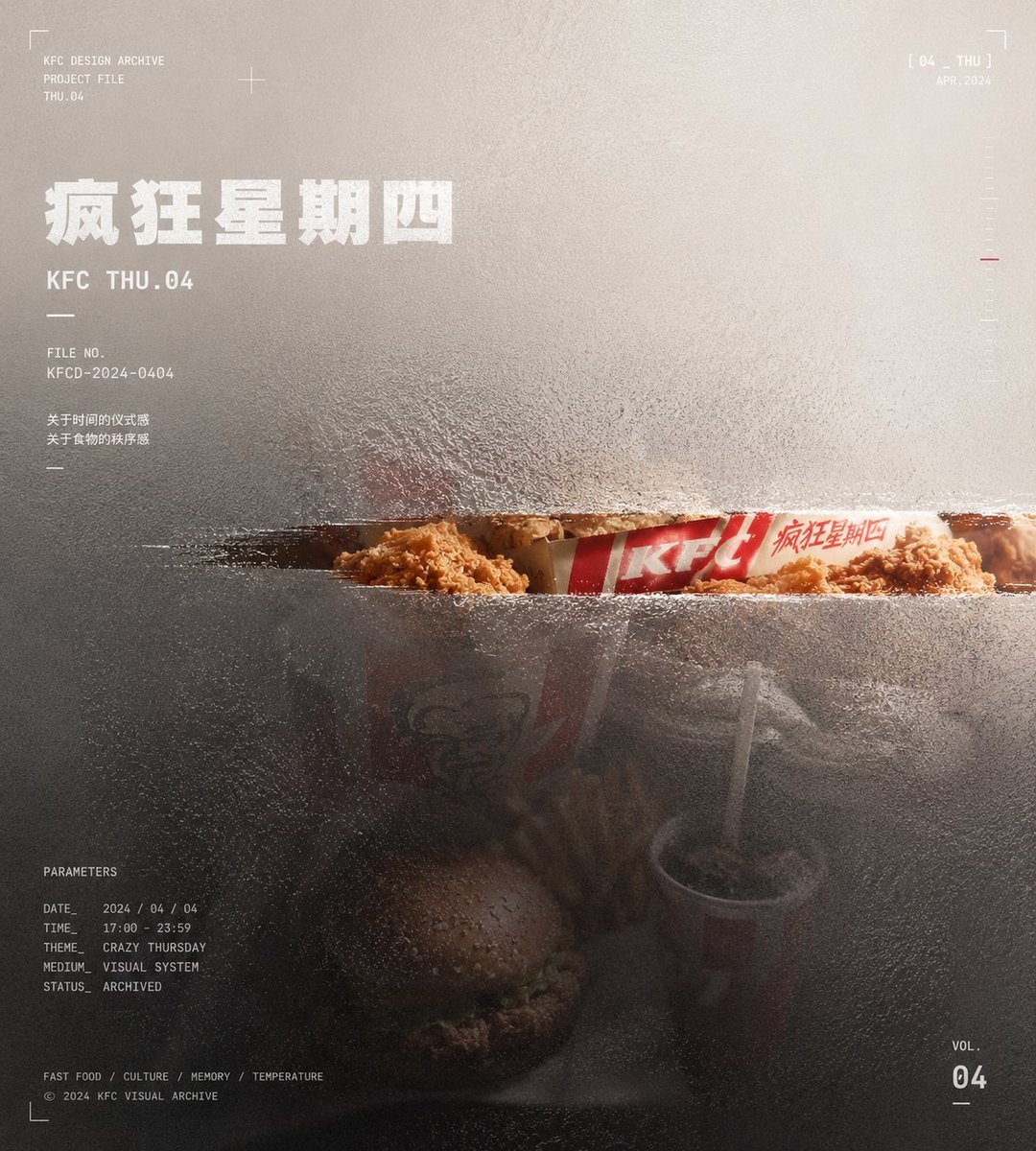
Frosted Glass Portfolio Cover Aesthetic
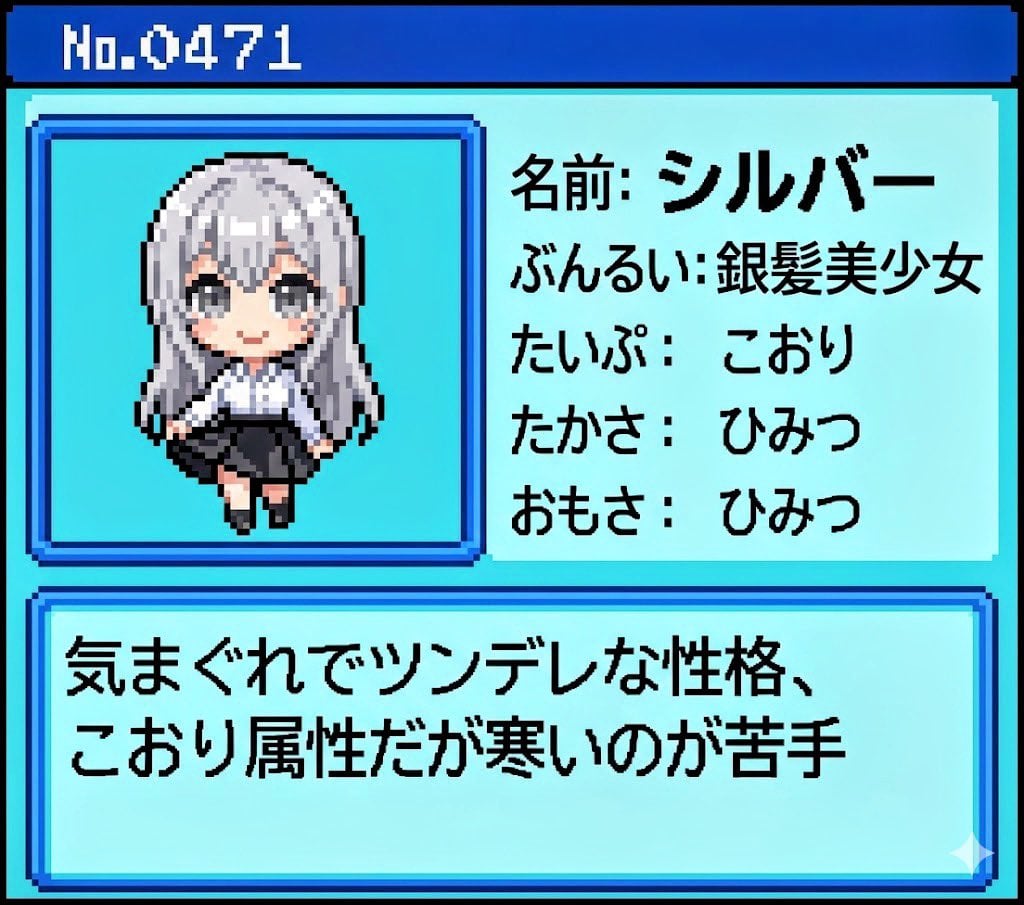
Generating Pokémon Zukan (Illustrated Guide) Style Art
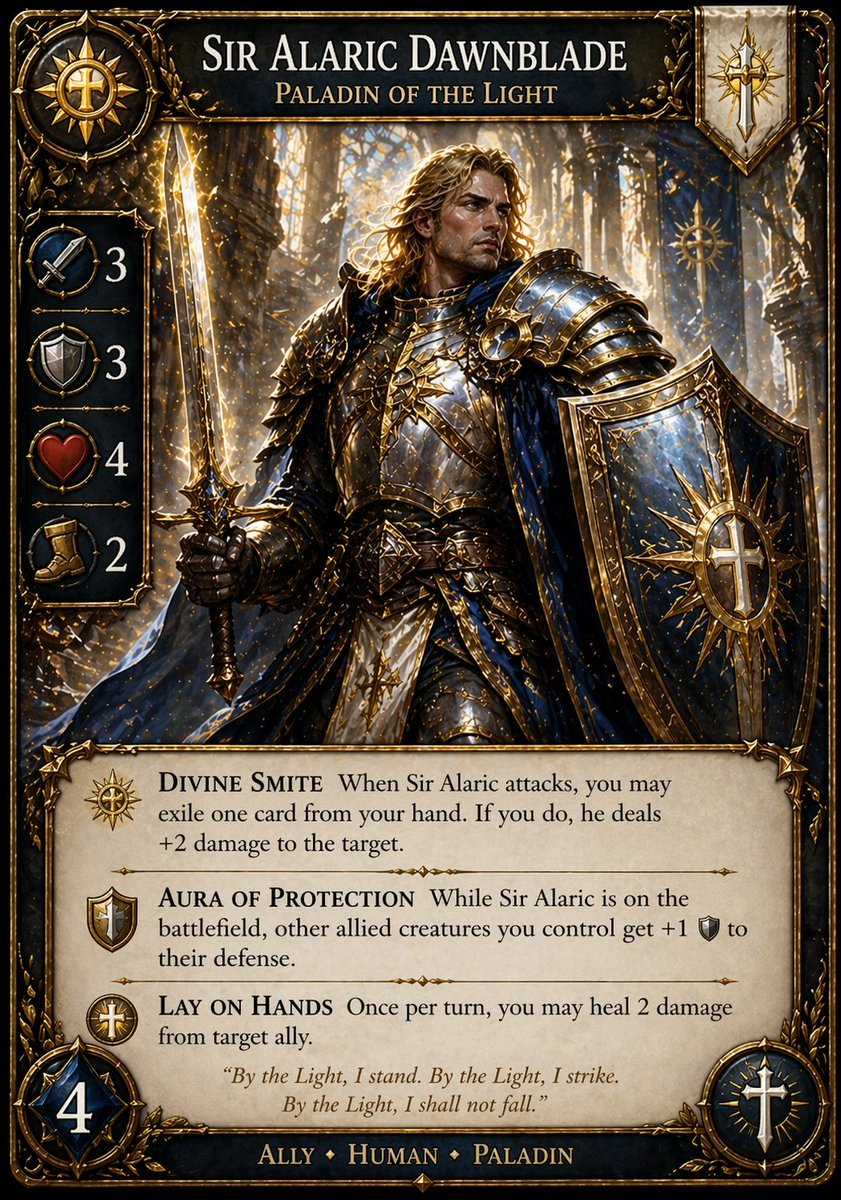
Fantasy Paladin Trading Card
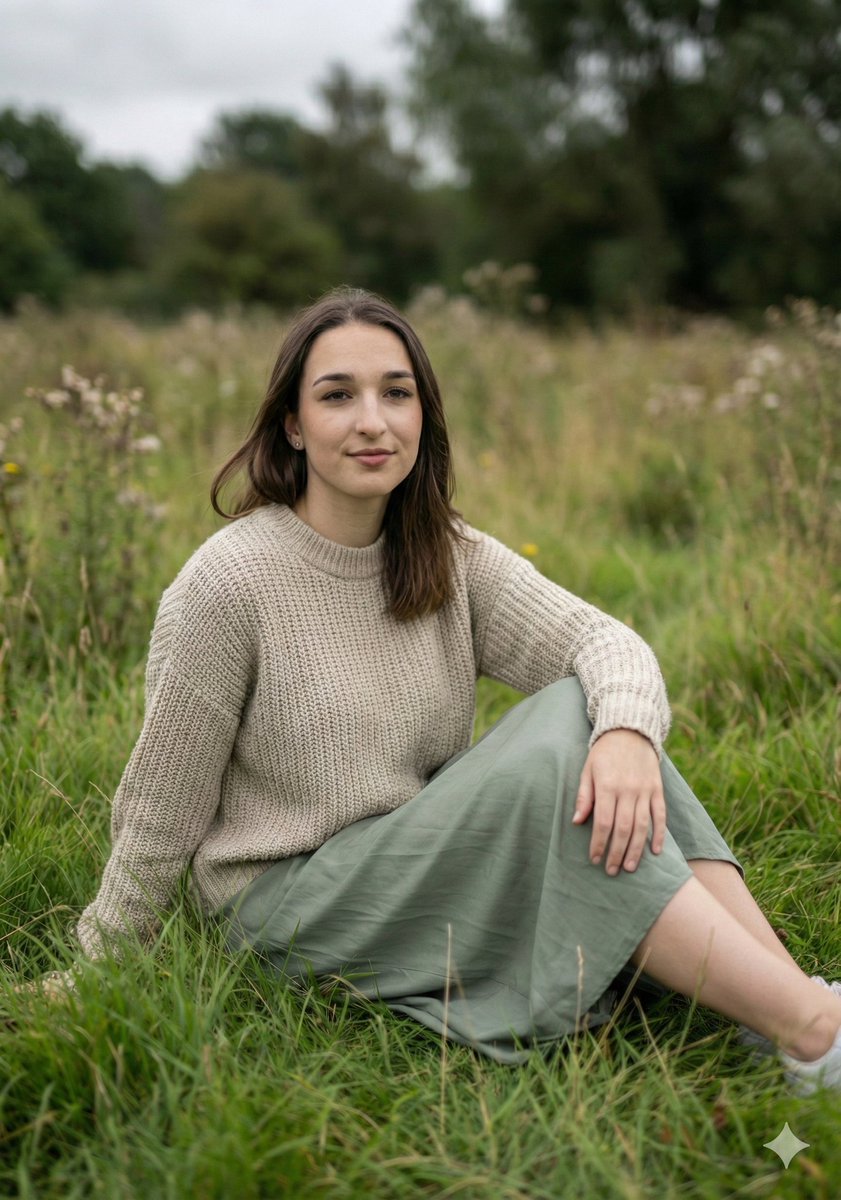
Serene Portrait in a Meadow with Shallow DOF

Photorealistic Winter Portrait with Identity Preservation

Consistent Character Reference Sheet
Browse template categories
Anime Girl on Garden Bench questions
How do I use the Anime Girl on Garden Bench template?
Add your photo if the template asks for one, edit the prompt if you like — the template's model and format are already selected — and press Generate. Your version opens in PicX Studio.
Can I customize the Anime Girl on Garden Bench template?
Yes. You can change the subject, setting, lighting, mood, format, and available model controls before creating your image.
Is the Anime Girl on Garden Bench template free?
Opening and editing this template is free. Generating uses credits, shown on the Generate button when you are signed in.
Which AI model should I use?
Start with GPT Image 2, which is the model associated with this template. You can compare another compatible model for a different finish.
Looking for something else? Browse all templates.

Your photo, any look
Thousands of ready templates for every top image and video model, from one credit balance.