
Anime Girl Under Sakura Blossoms
Generates a romantic vertical anime portrait of a schoolgirl on a spring balcony framed by cherry blossoms and a city view.
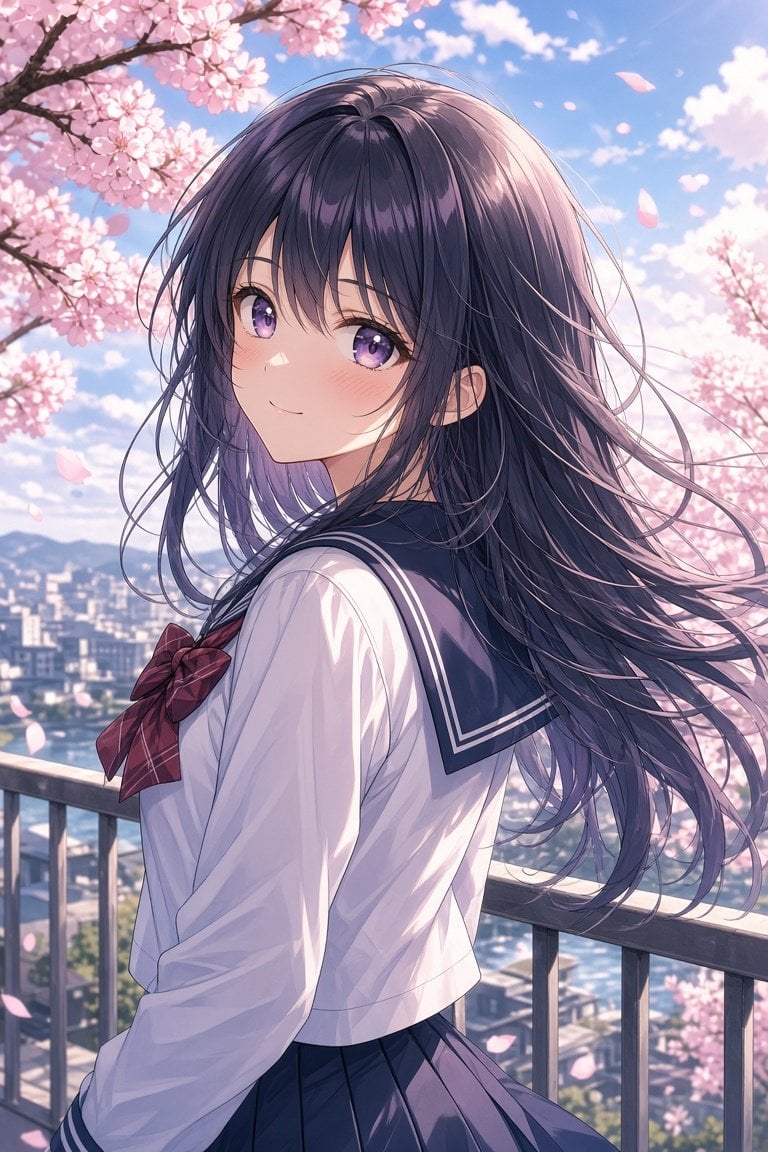
- Prompt included
- Model and format preset
- Free template
The prompt behind this image
Copy the exact prompt behind Anime Girl Under Sakura Blossoms, or open it in the studio and make it yours.
Create a polished anime-style vertical portrait of a {argument name="character type" default="high school girl"} standing on an outdoor balcony during spring cherry blossom season. She is shown from the waist up in a three-quarter back pose, turning her head over her shoulder to smile softly at the viewer. She has long flowing {argument name="hair color" default="dark violet-black"} hair with many fine windblown strands, large sparkling {argument name="eye color" default="purple"} eyes, a gentle expression, and a light blush. She wears a classic Japanese sailor school uniform: white long-sleeve blouse, navy sailor collar with white stripe trim, navy pleated skirt, and a {argument name="bow color" default="deep red plaid"} bow at the chest. The setting is a city overlook with a metal balcony railing in the foreground, a softly blurred urban skyline and distant mountains below, and abundant pink cherry blossom branches framing the upper left and right sides. Include many drifting sakura petals in the breeze. Use bright clear blue sky, fluffy white clouds, warm spring sunlight, soft rim lighting on the hair, delicate pastel colors, high-detail anime rendering, clean line art, glossy eyes, cinematic depth of field, romantic atmosphere, and portrait orientation. Avoid text, watermark, extra characters, distorted hands, or cropped face.
How to use Anime Girl Under Sakura Blossoms in 3 steps
- 1Upload ImagePNG, JPG or paste
Add your photo
Upload the photo the template builds on. The prompt, model and format are already set.
- 2…a portrait of your subject in softgolden-hour light, 85mm…
Personalize
Edit the subject and creative details for your destination.
- 3Generate
Generate
Press Generate — your image is created in PicX Studio, so you can compare it with the original and refine one variable at a time.
More like this
Templates with the same subject, style or setup. Open one to see its prompt.











Make it yours
Anime Girl Under Sakura Blossoms works as-is. These are the safest ways to change it without losing the look.
Change one field
Copy a single group, rewrite it, and generate again so you can see what that field is doing.
Keep the frame, change the subject
Hold the composition and light of Anime Girl Under Sakura Blossoms, then swap wardrobe, props or the person for a new take.
| If the result… | Why | Fix |
|---|---|---|
| The result drifts from the preview | Too many fields changed at once. | Reuse Anime Girl Under Sakura Blossoms as-is first, then change one group — subject, light, or setting. |
| The model over-stylizes the scene | The prose prompt leaves finish and camera underspecified. | Add one camera or lighting sentence and stay on GPT Image 2. |
More GPT Image 2 templates
Other prompts made for GPT Image 2.

Six VTuber Japanese Logo Sheet

Realistic Portrait of Woman and Deer

The Vista Modular Condo Poster

AI Model Routing Comparison Infographic

2.5D Anime Art Board

Isometric Productivity Desk Scene

New York Double Exposure Poster

Four-Panel AI Landscape Comparison

Japanese Tatami Lifestyle Magazine Cover

NESCAFÉ Coffee Map Poster
More image prompts
Fresh picks from across the catalog.
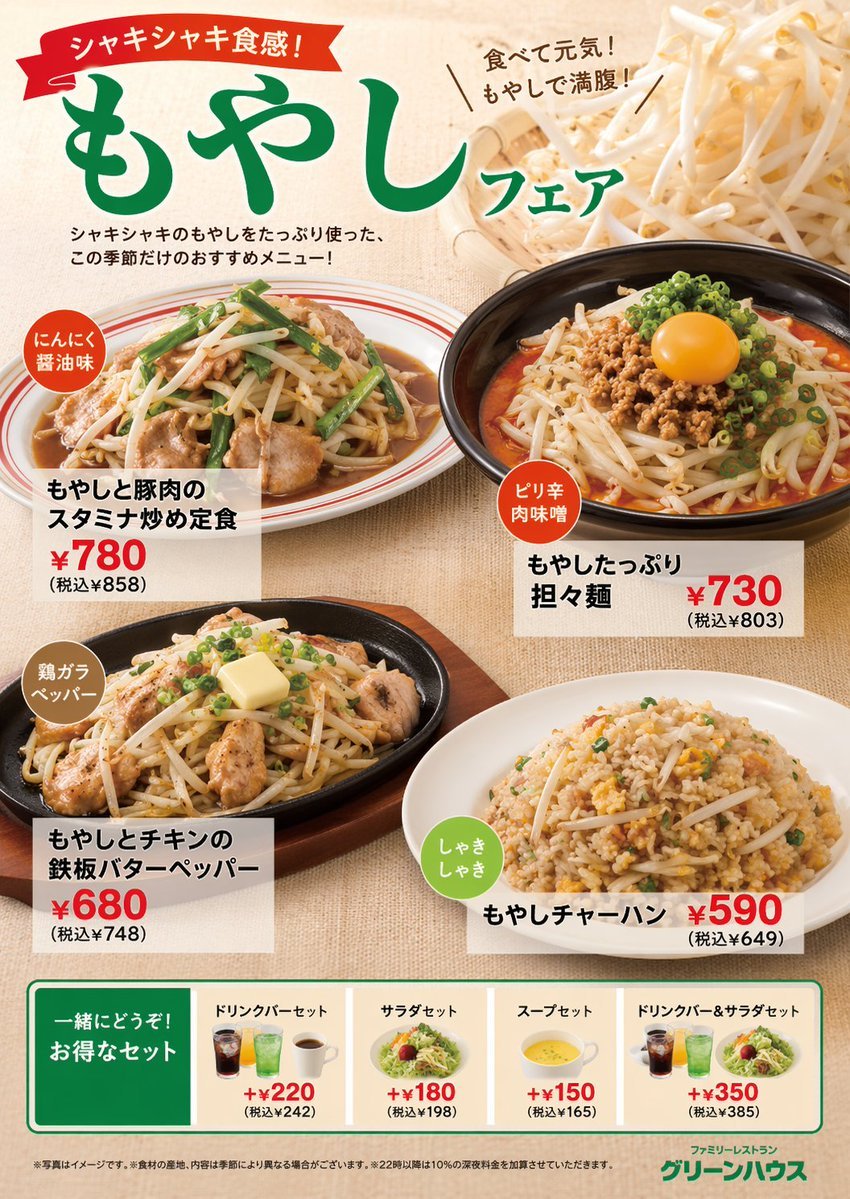
Japanese Restaurant Promotional Menu Poster
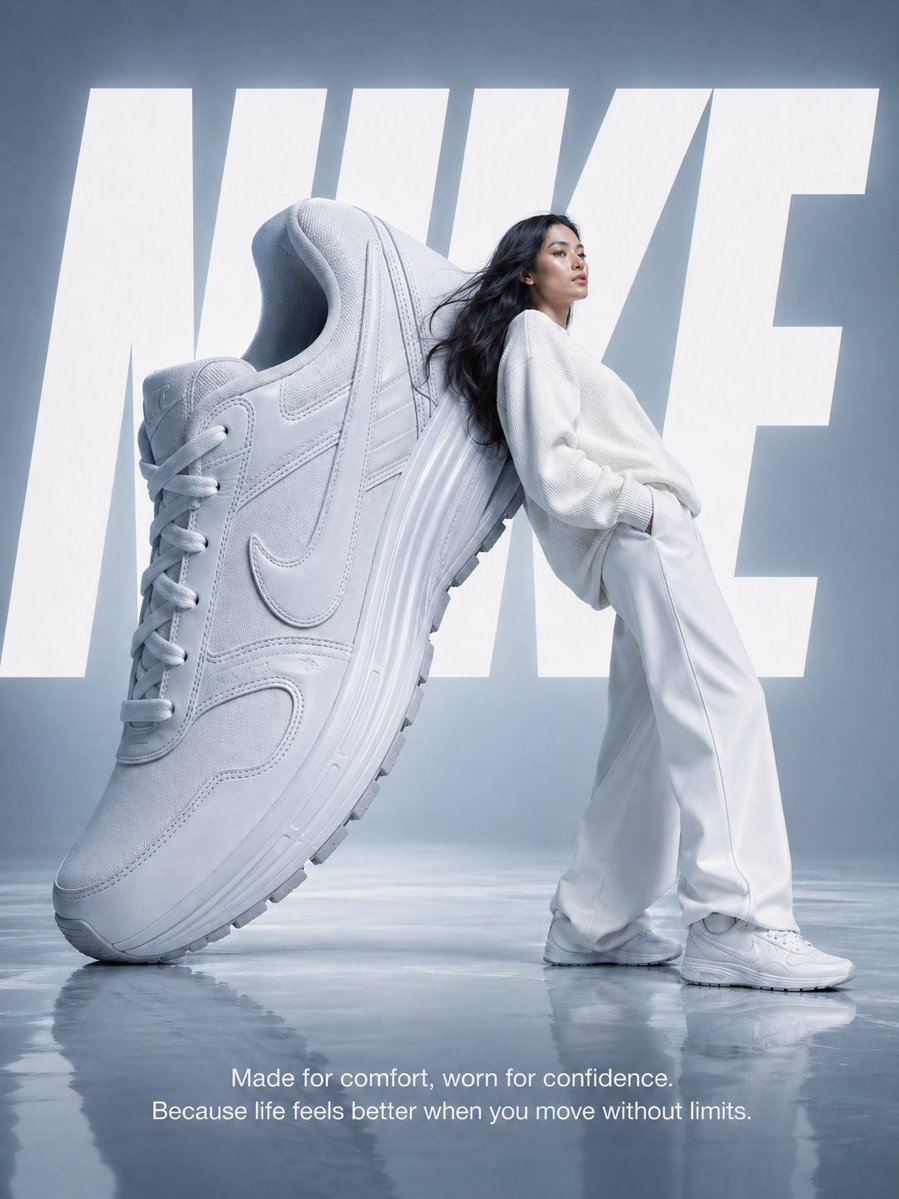
Nike Surreal Poster From Reference
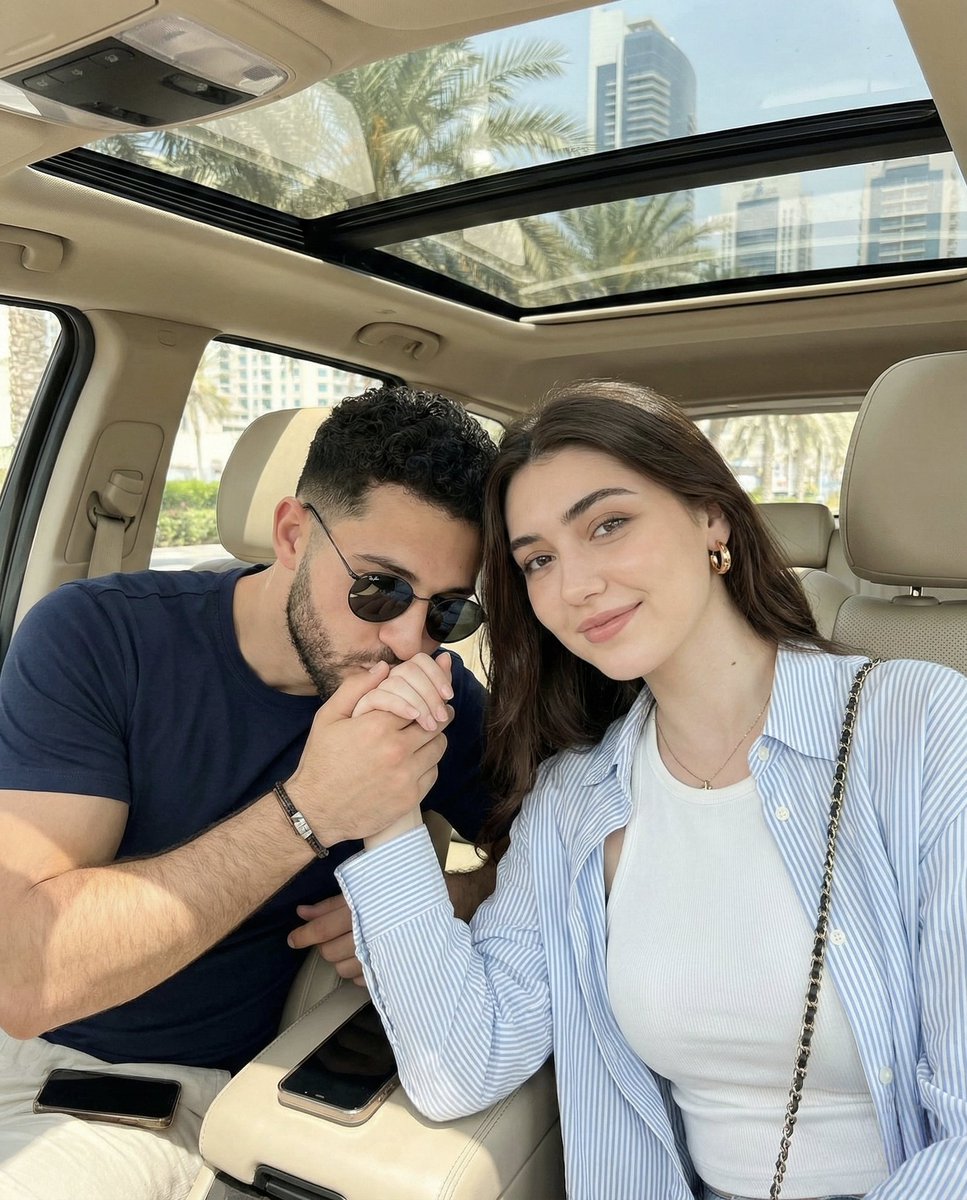
Candid Car Interior Lifestyle Photo of Couple
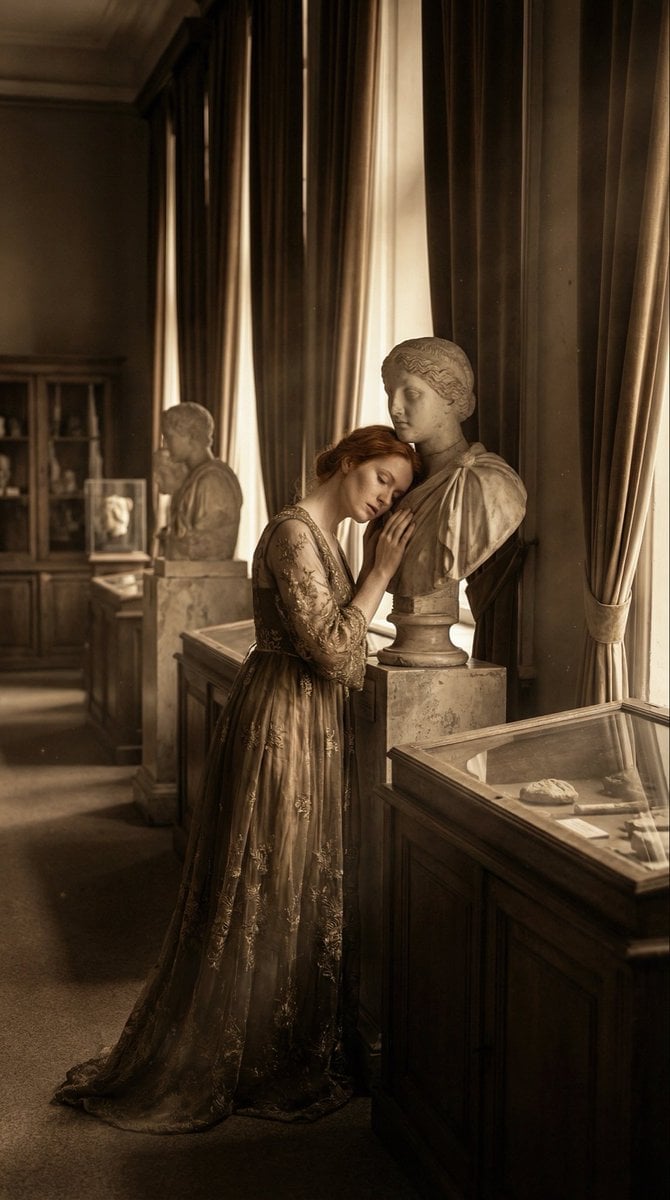
Melancholic Marble Bust Portrait
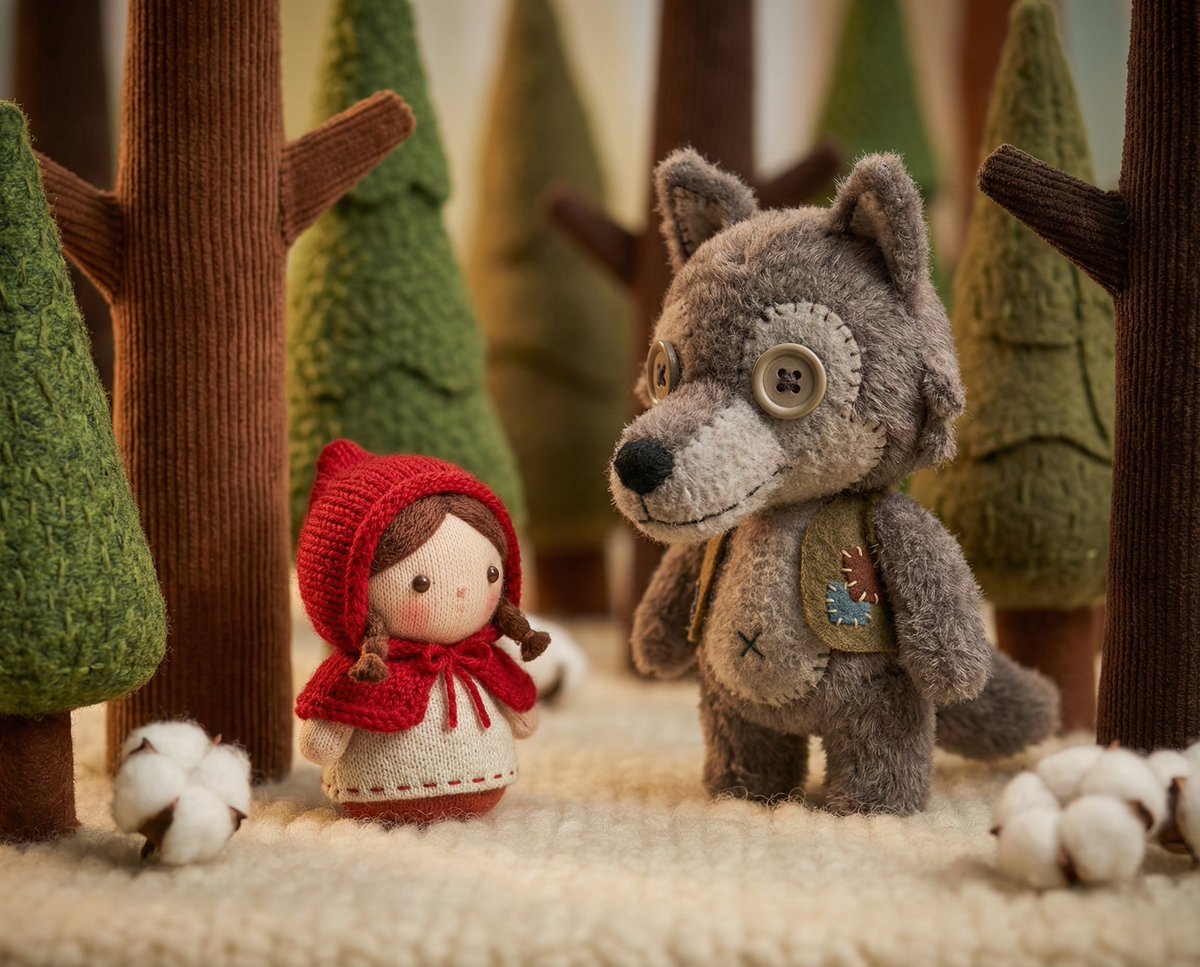
Whimsical Plush Toy Diorama of Little Red Riding Hood
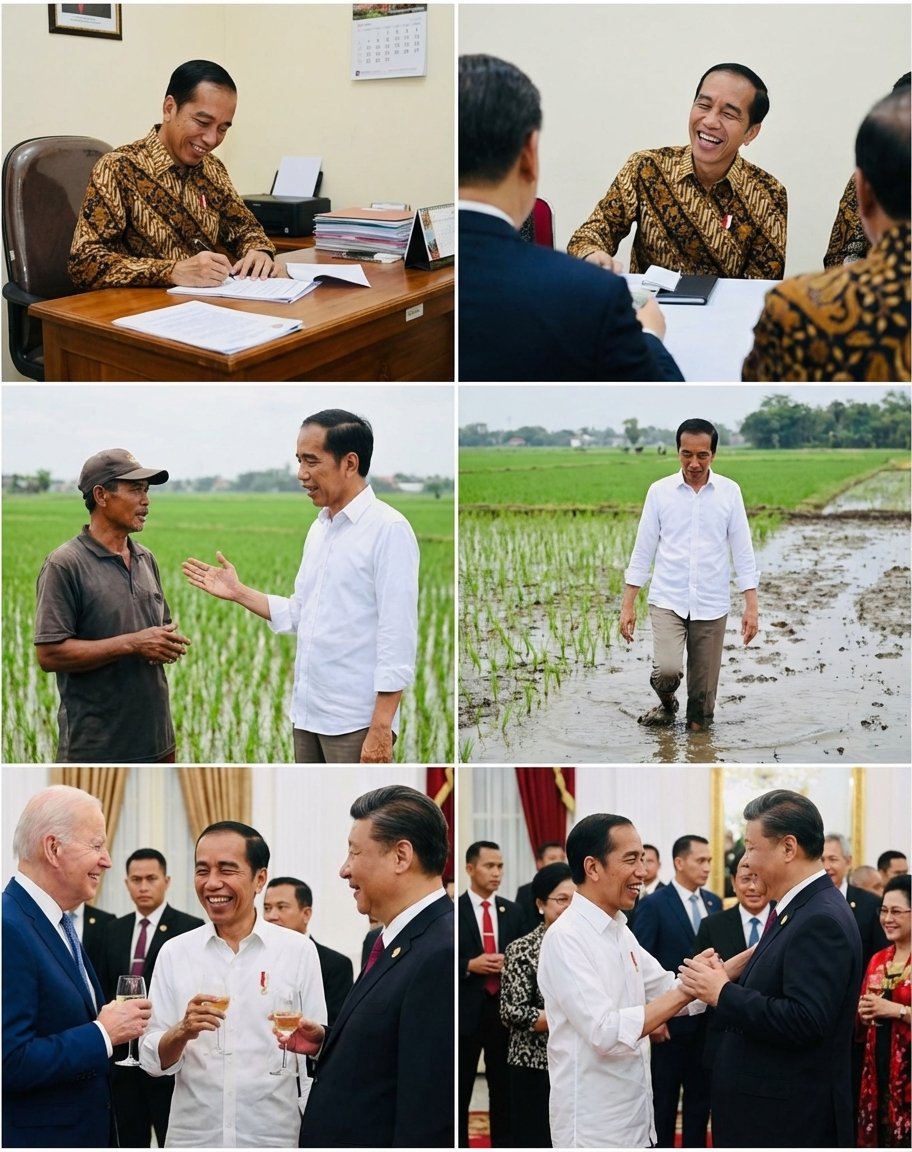
Candid series of Indonesian president photos
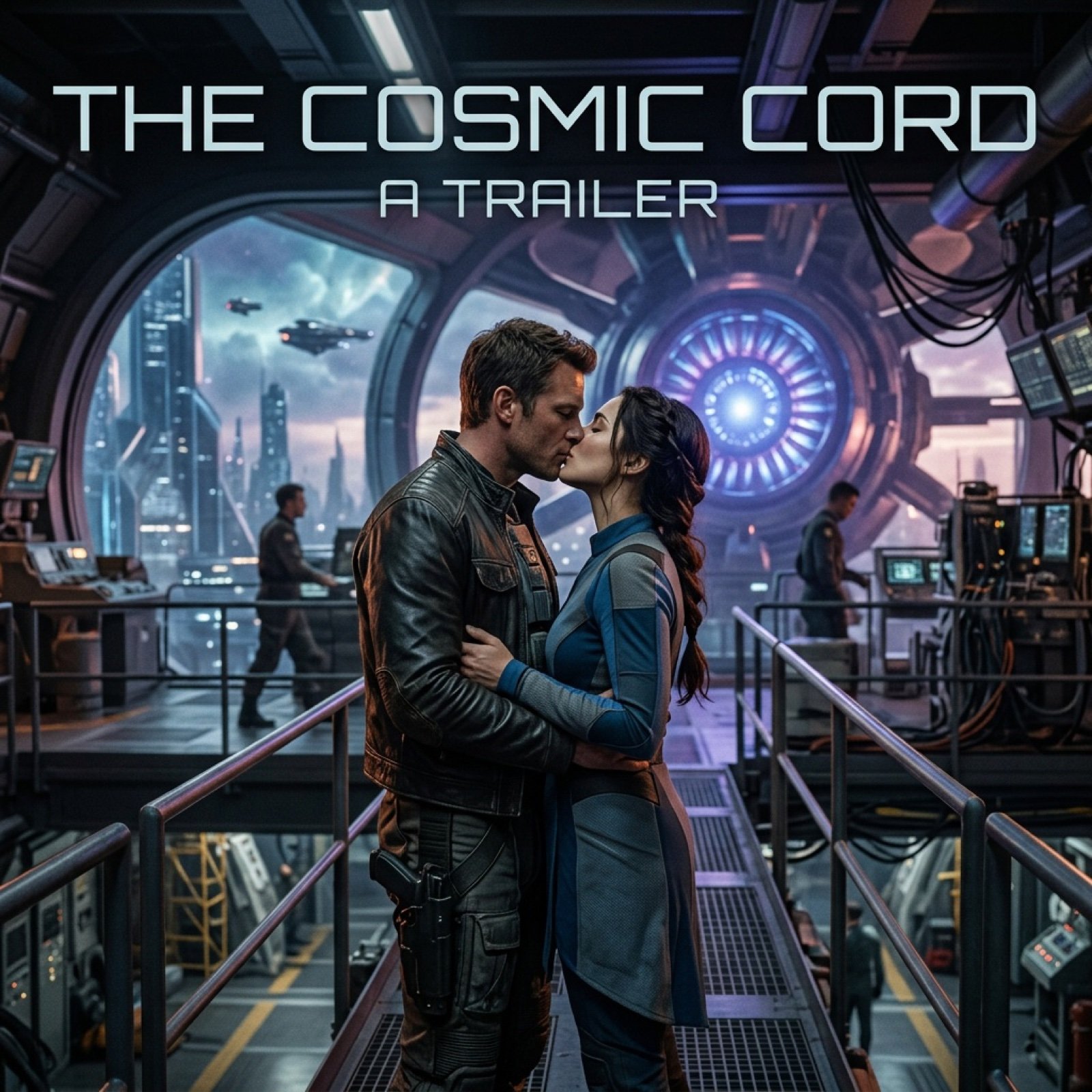
Cinematic Sci-Fi Romance Trailer Scene
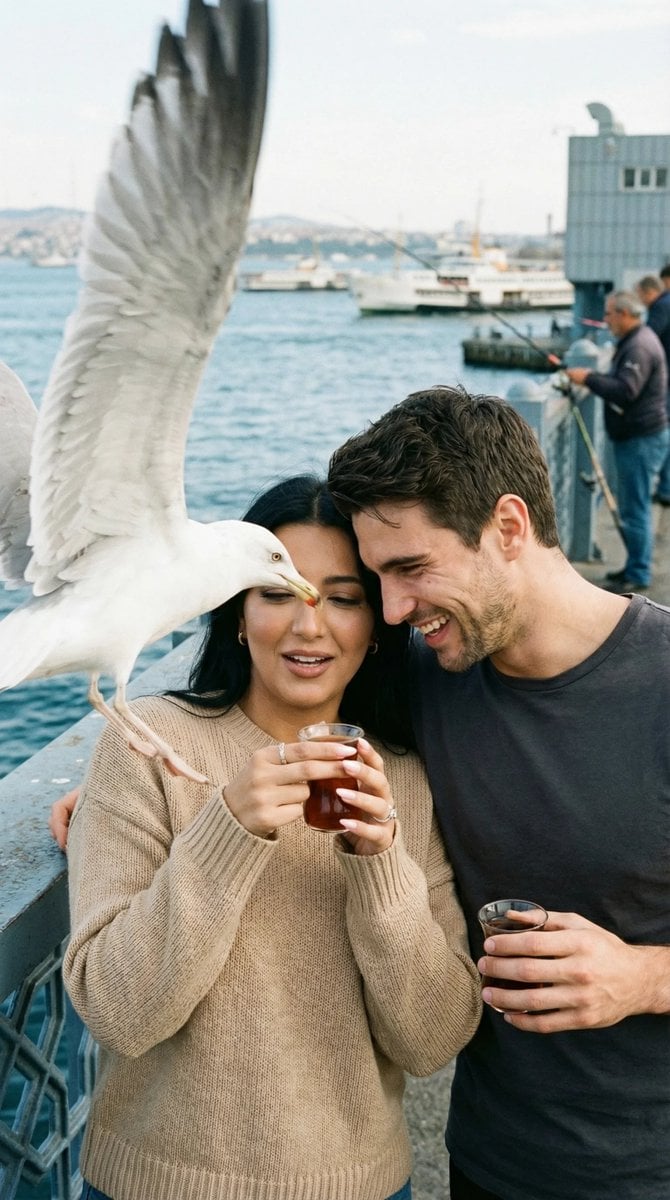
Photorealistic Candid Street Romance Prompt (Galata Bridge)
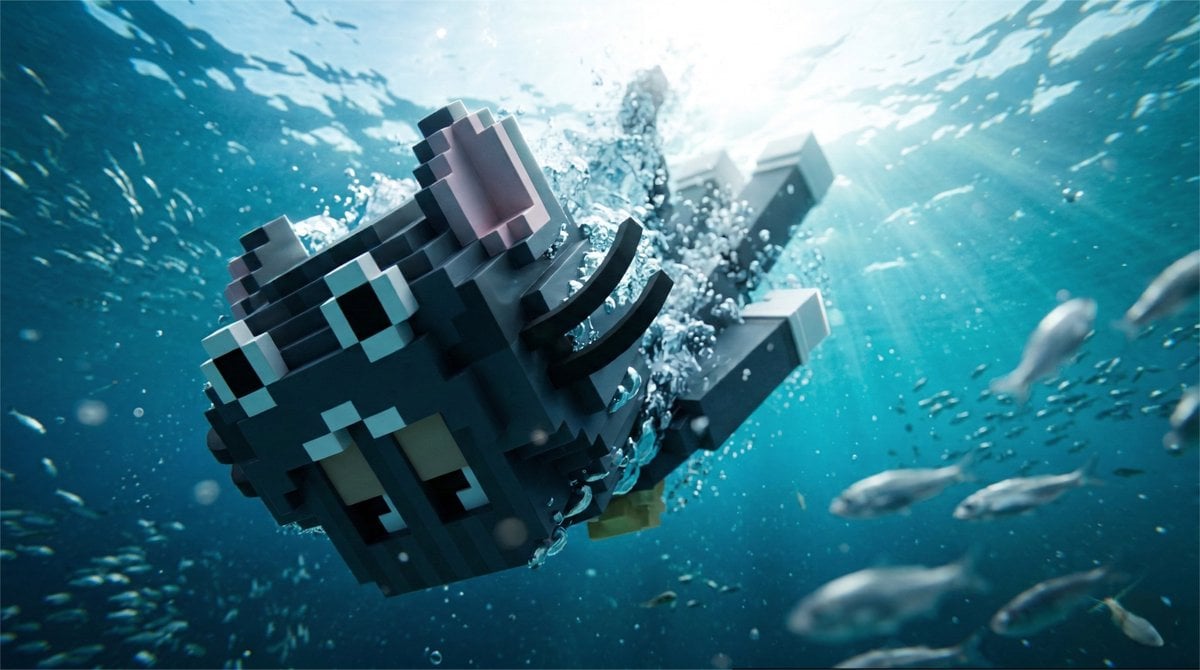
Cinematic Underwater Dive Scene
Cosmic Spawn Brand Poster
Browse template categories
Anime Girl Under Sakura Blossoms questions
How do I use the Anime Girl Under Sakura Blossoms template?
Add your photo if the template asks for one, edit the prompt if you like — the template's model and format are already selected — and press Generate. Your version opens in PicX Studio.
Can I customize the Anime Girl Under Sakura Blossoms template?
Yes. You can change the subject, setting, lighting, mood, format, and available model controls before creating your image.
Is the Anime Girl Under Sakura Blossoms template free?
Opening and editing this template is free. Generating uses credits, shown on the Generate button when you are signed in.
Which AI model should I use?
Start with GPT Image 2, which is the model associated with this template. You can compare another compatible model for a different finish.
Looking for something else? Browse all templates.

Your photo, any look
Thousands of ready templates for every top image and video model, from one credit balance.