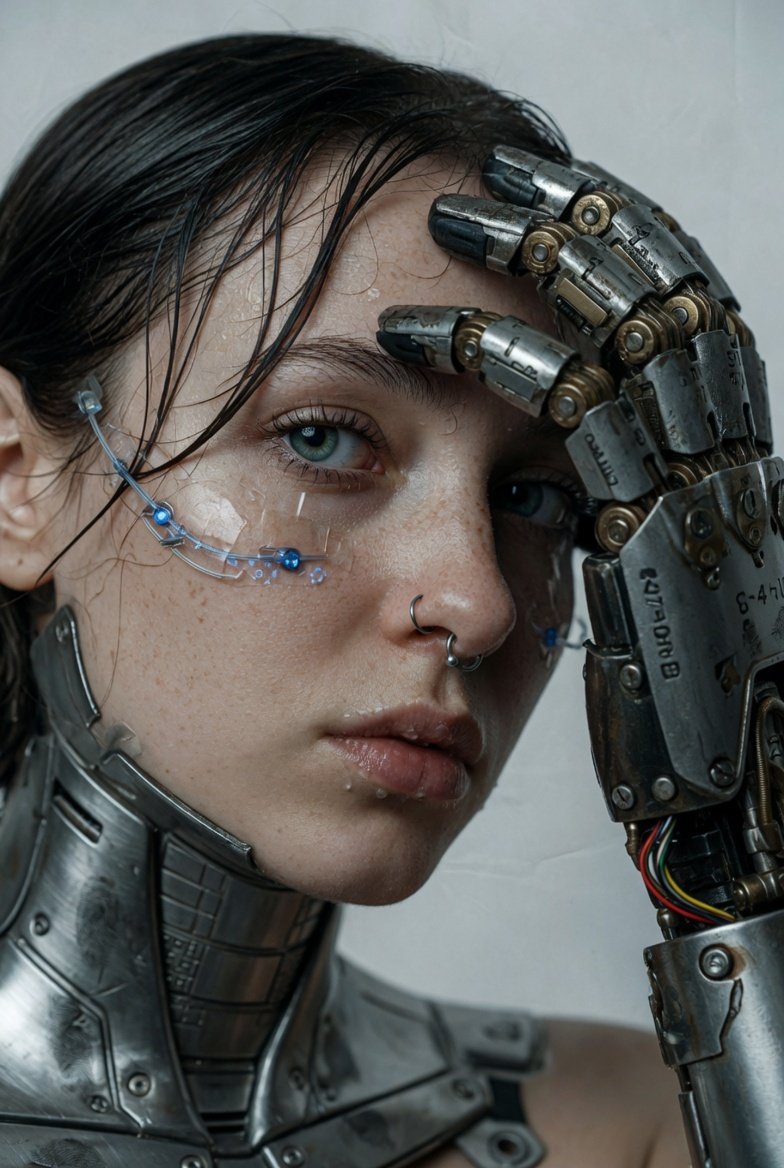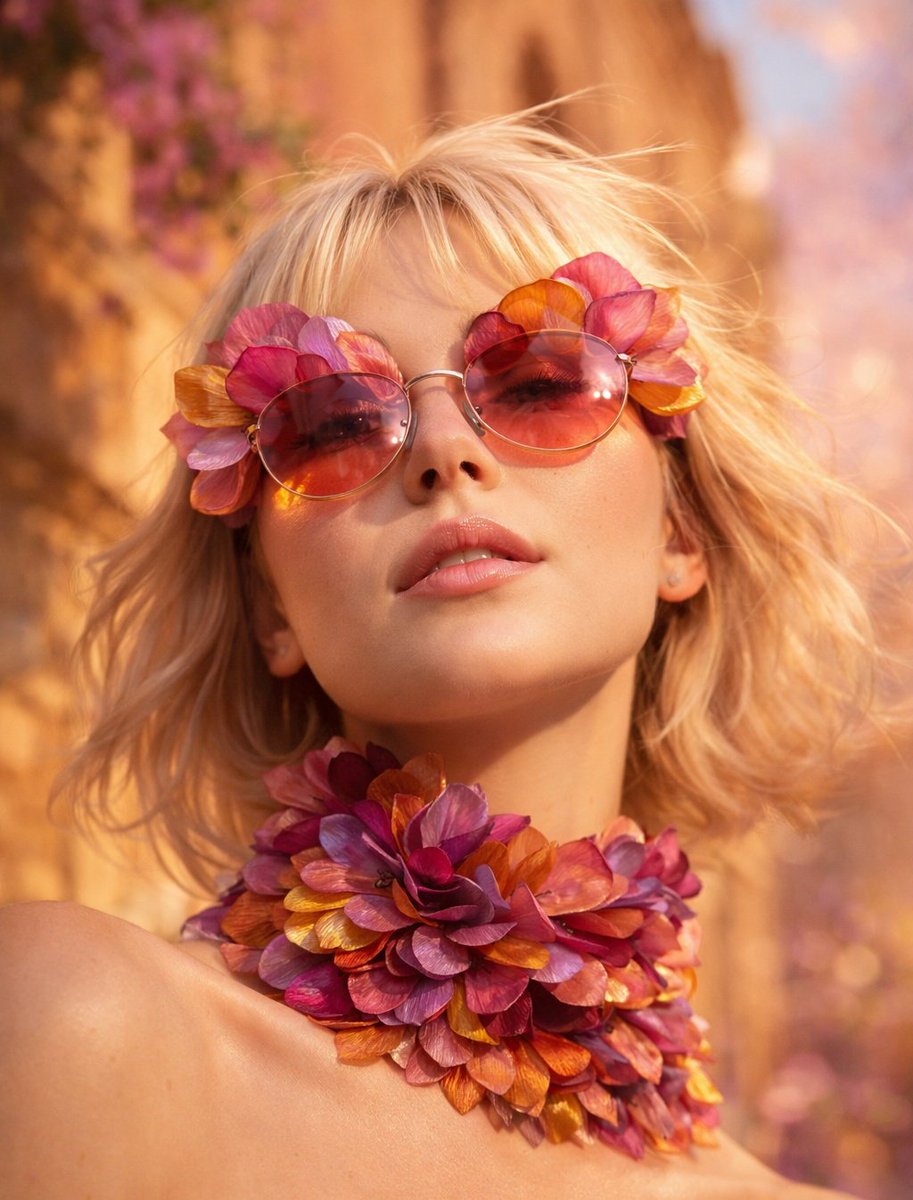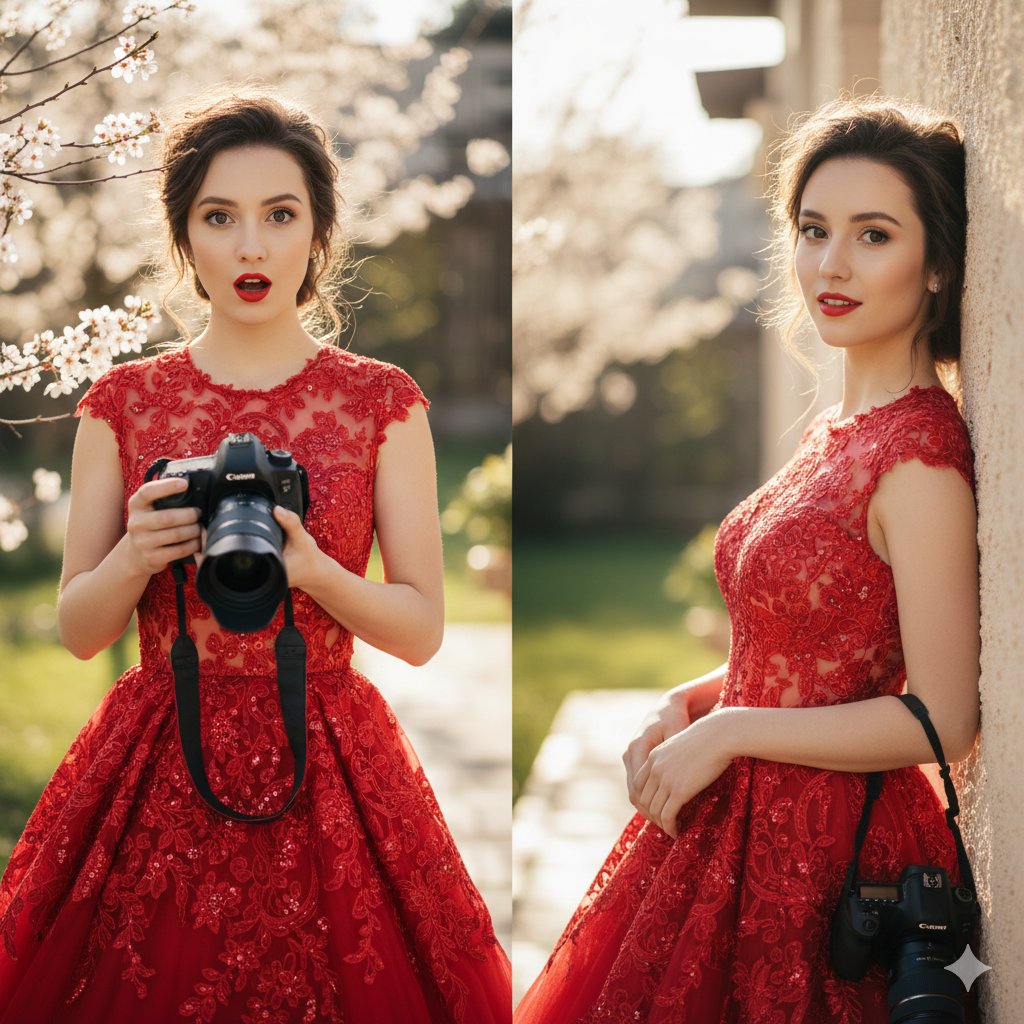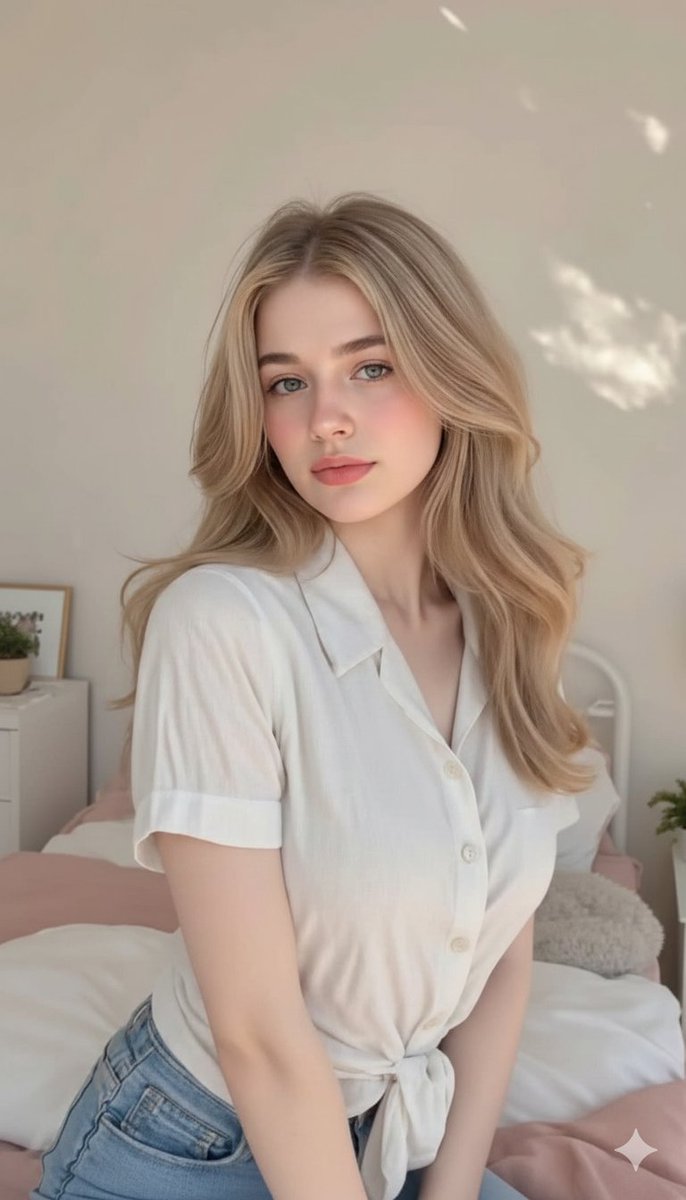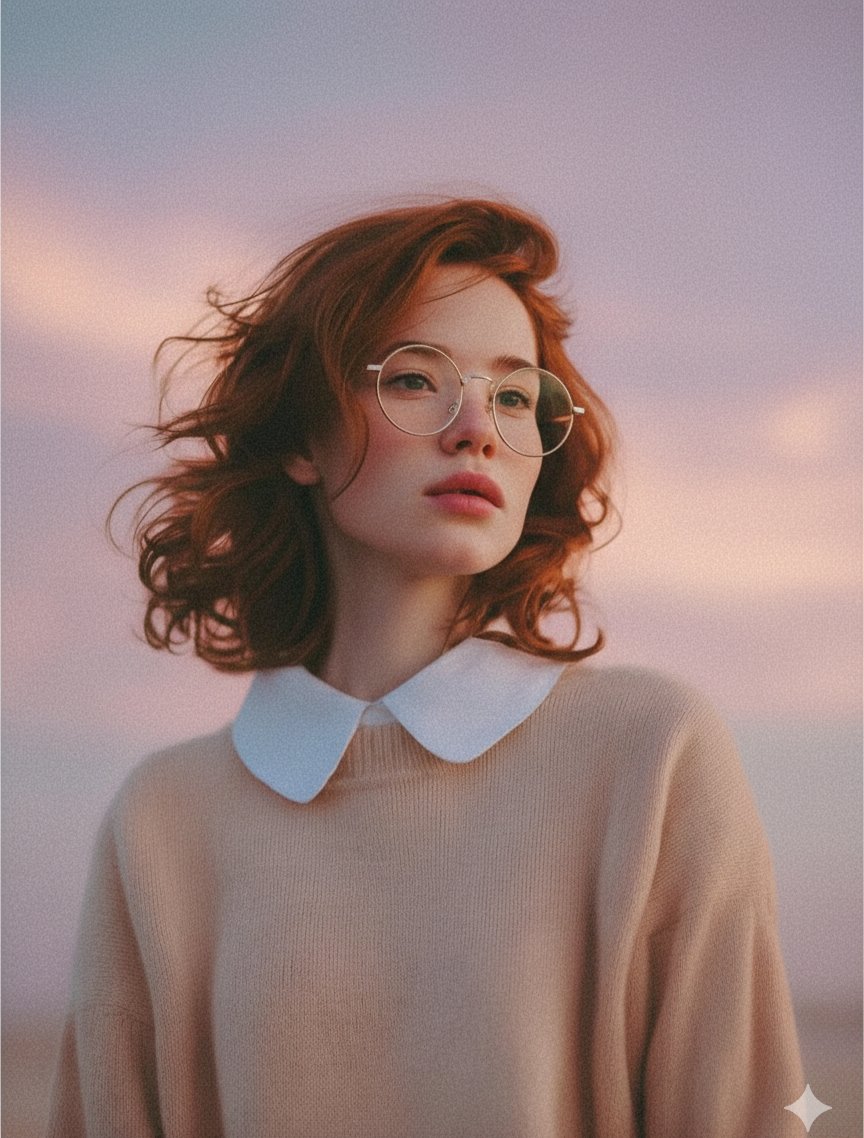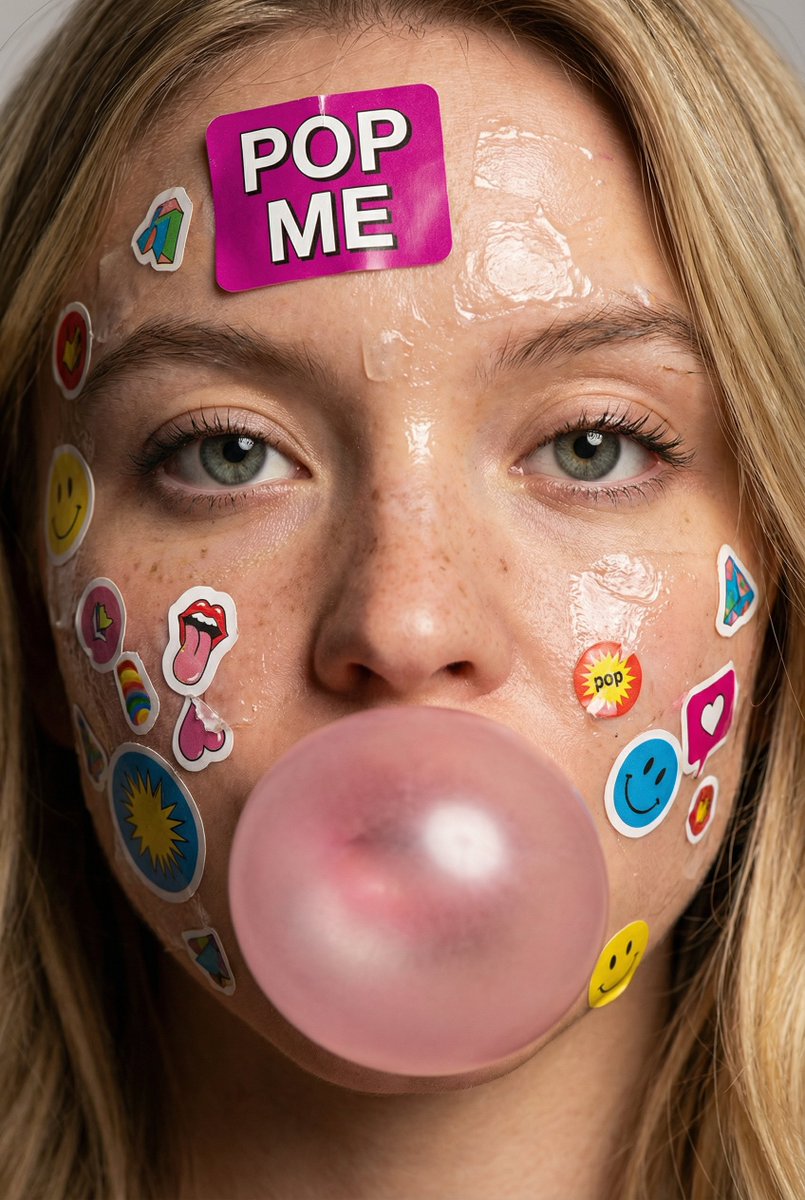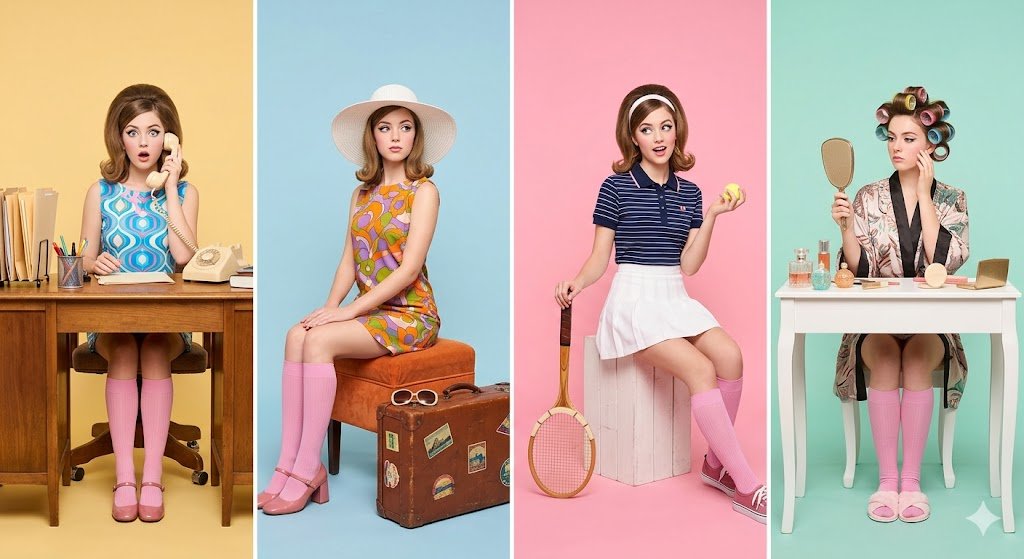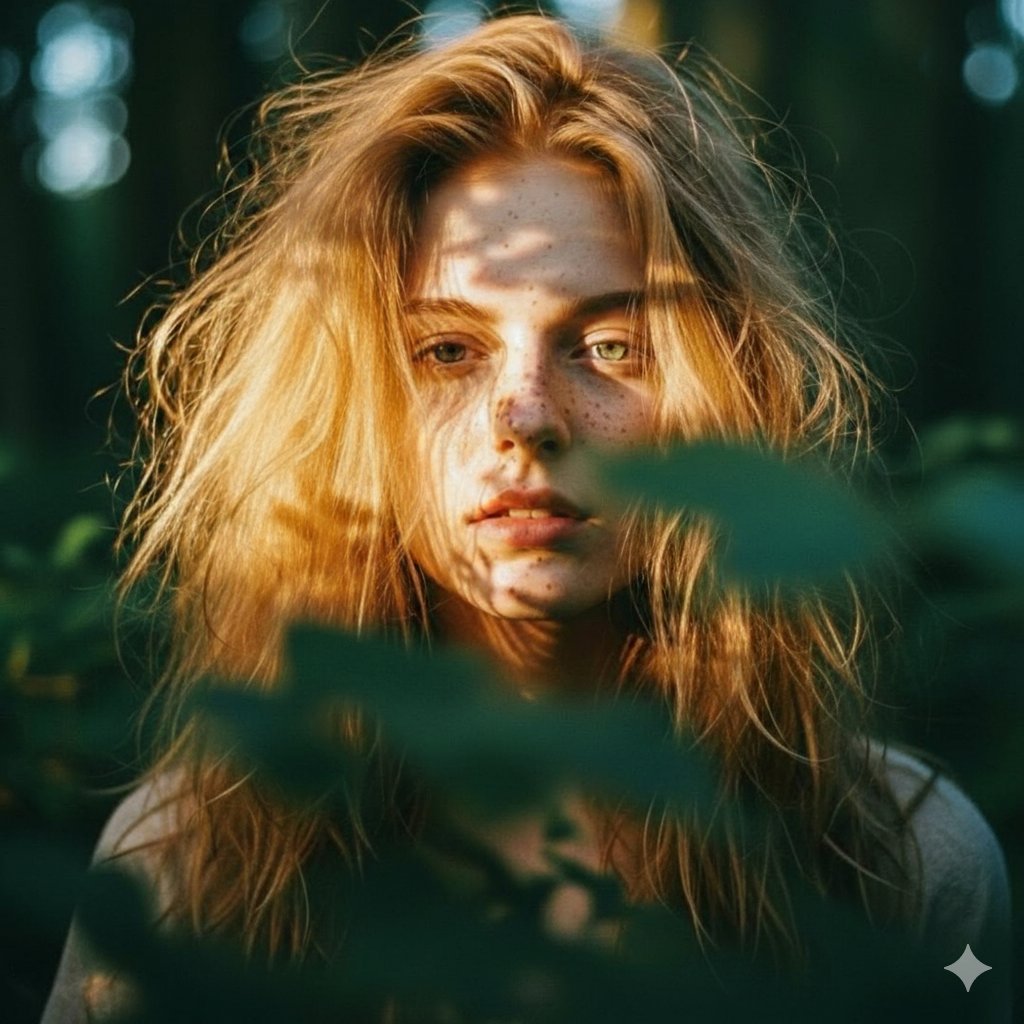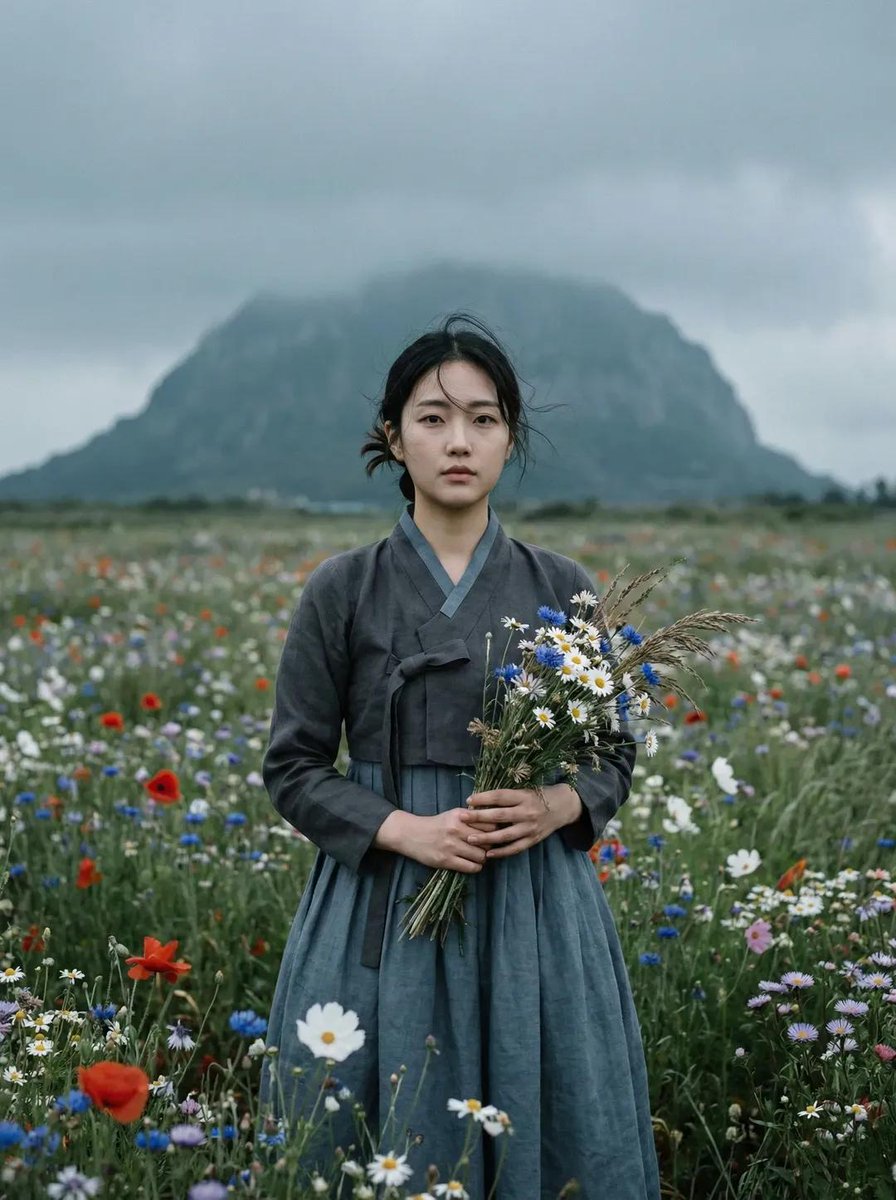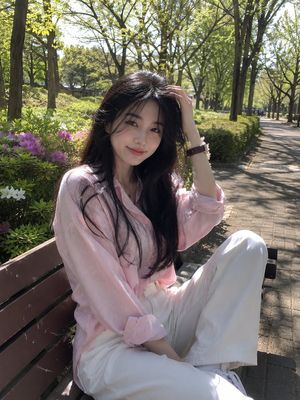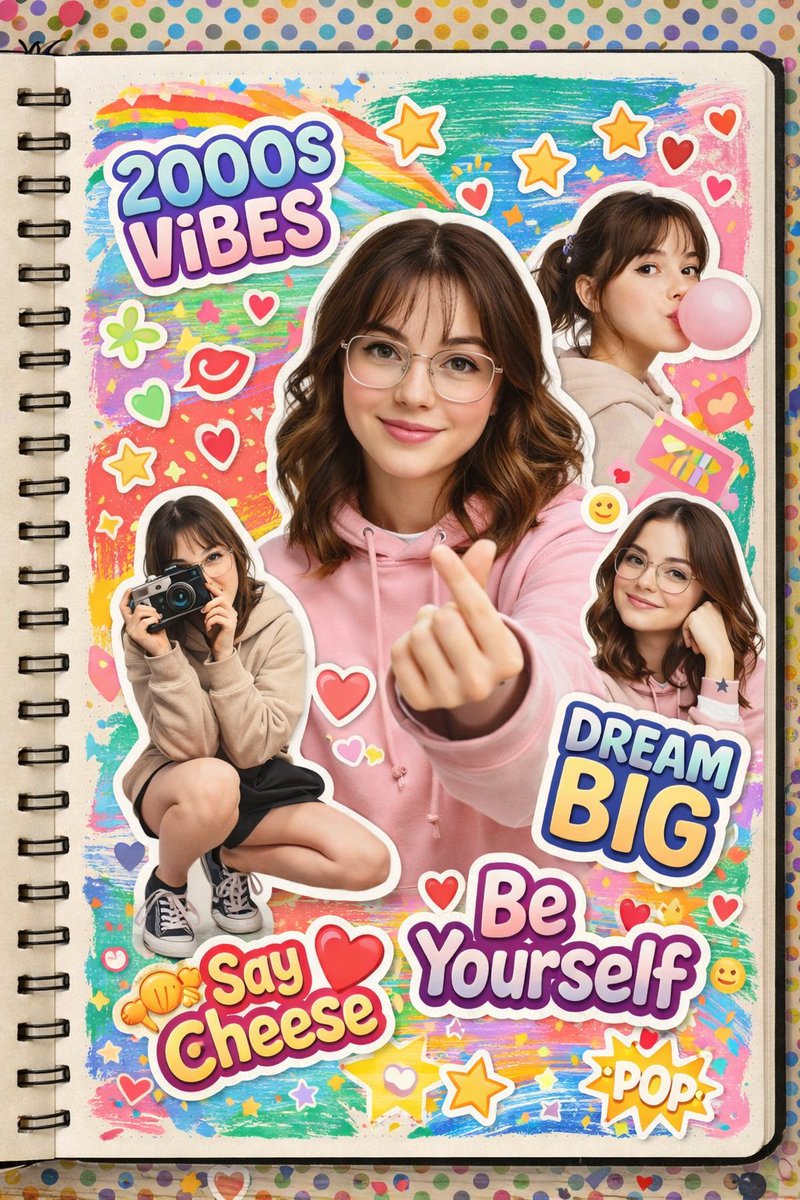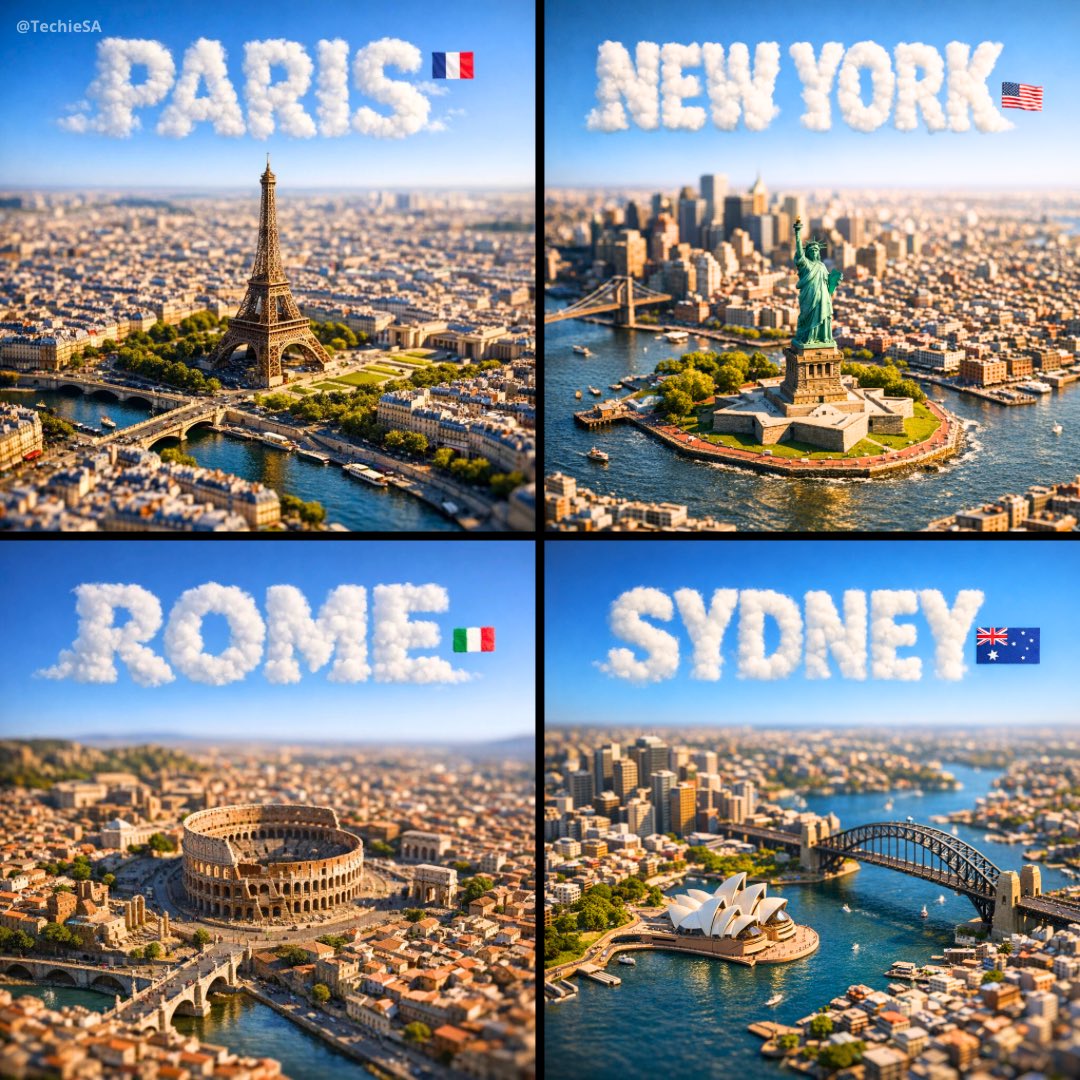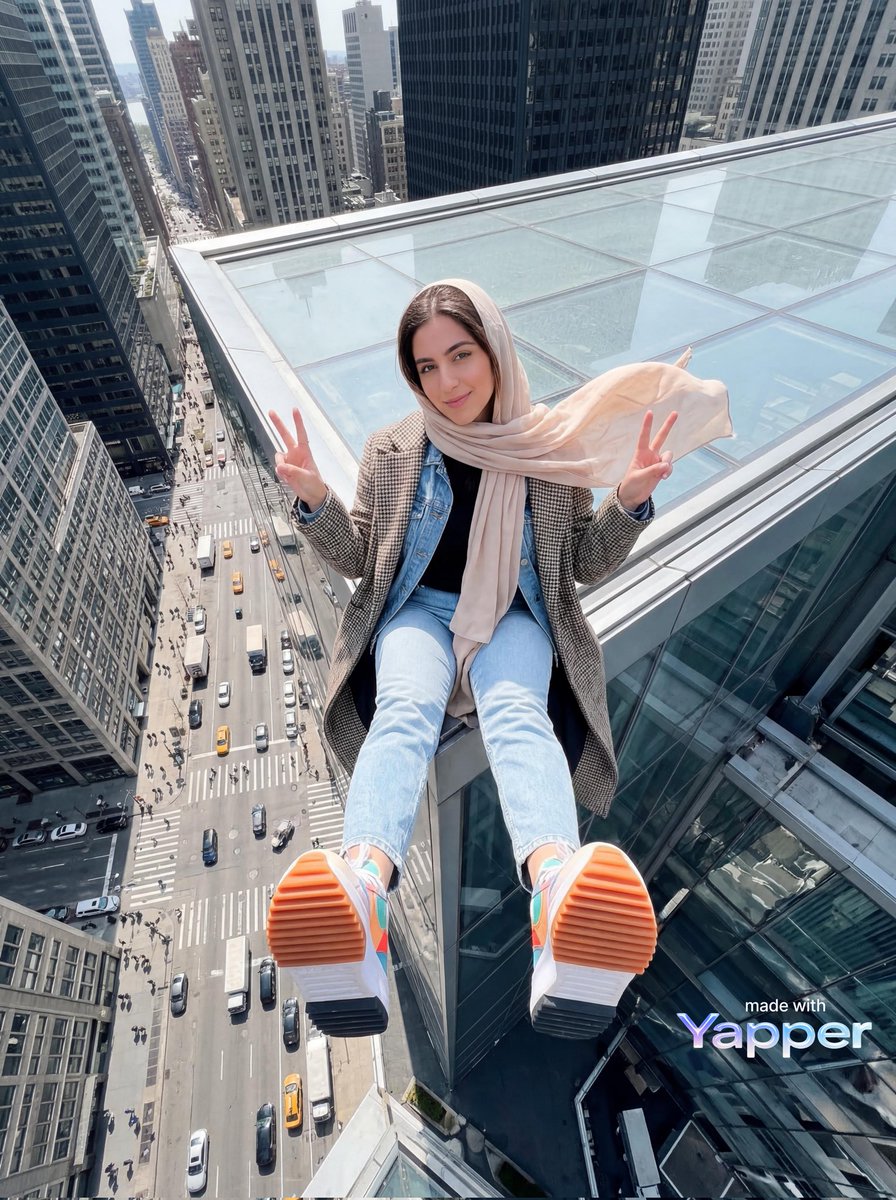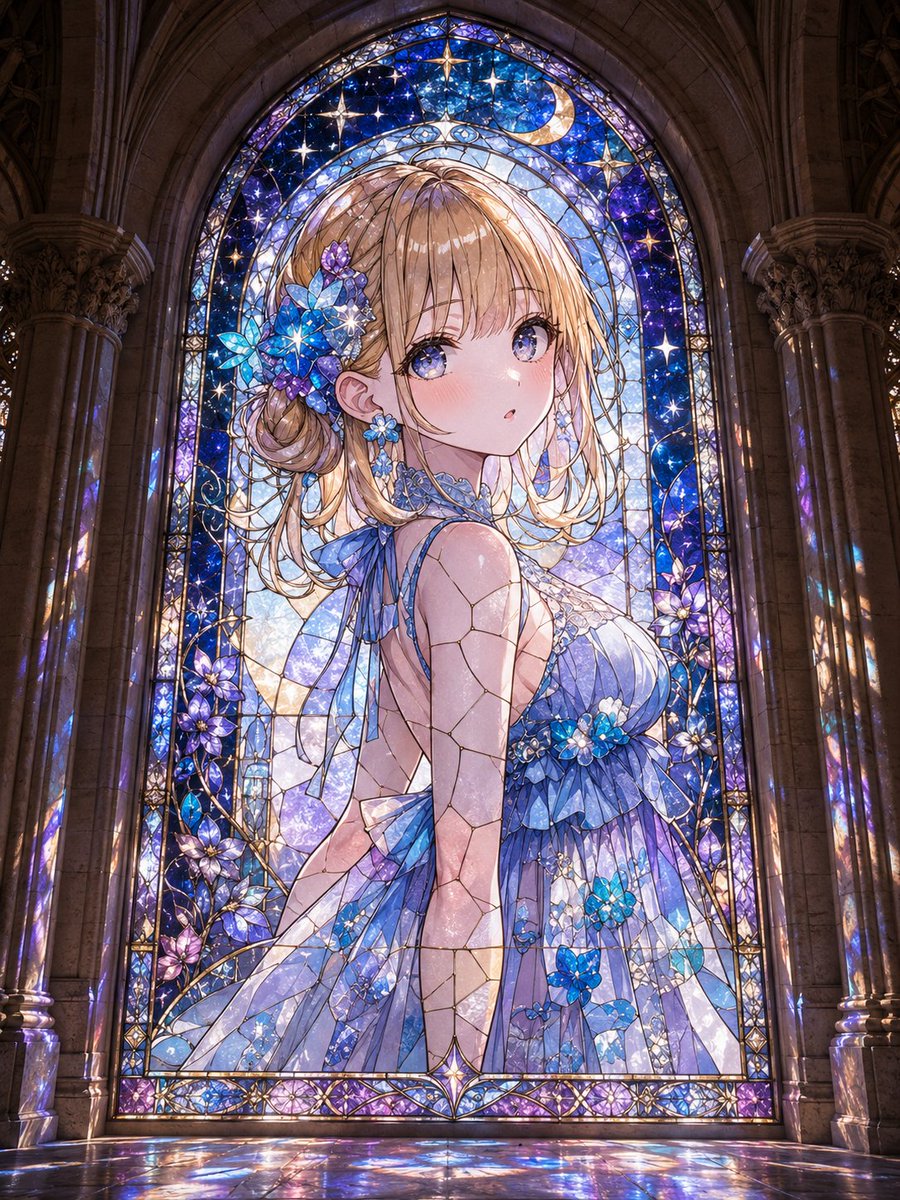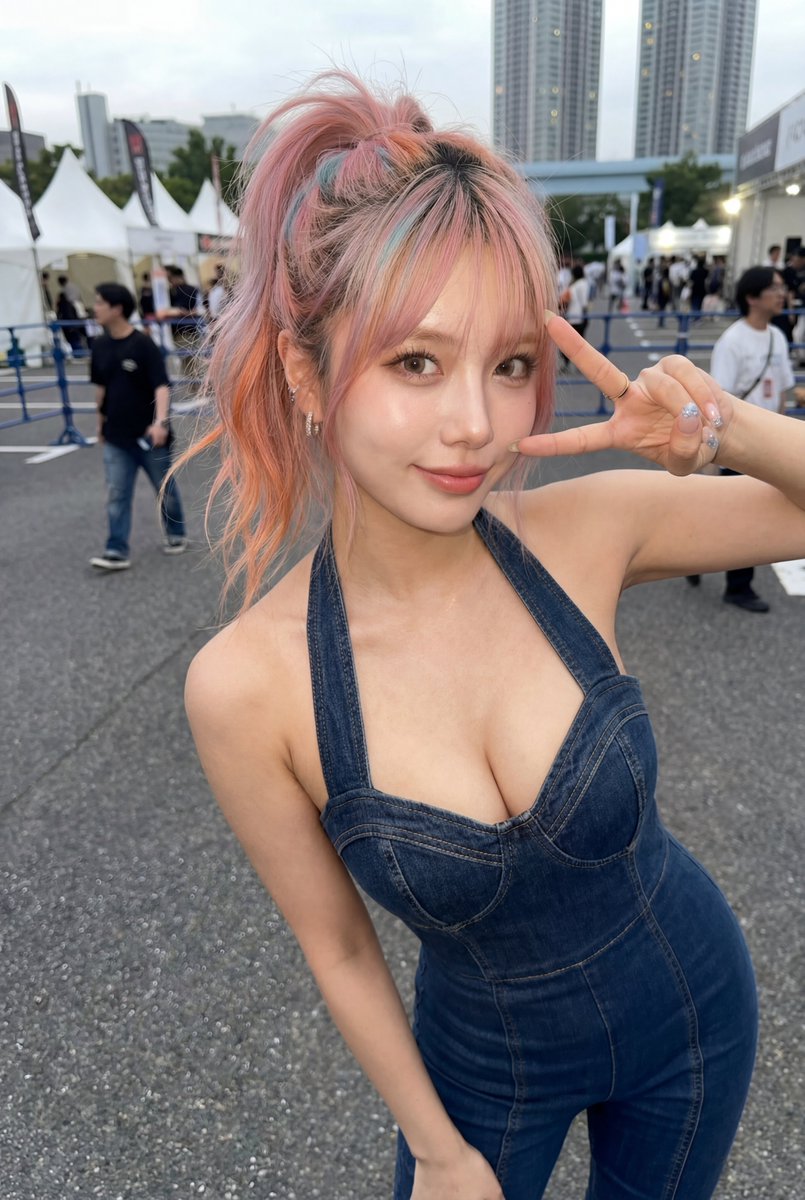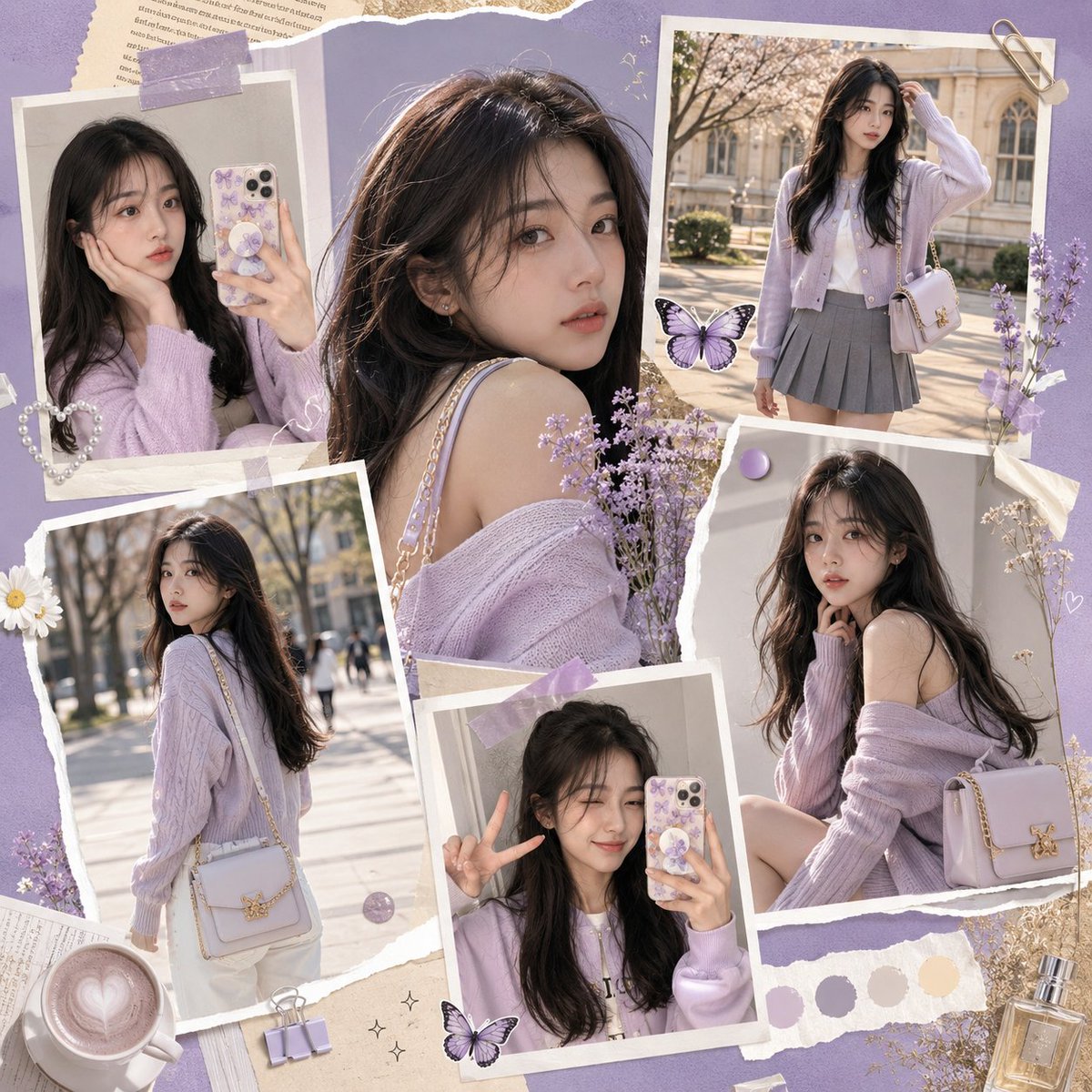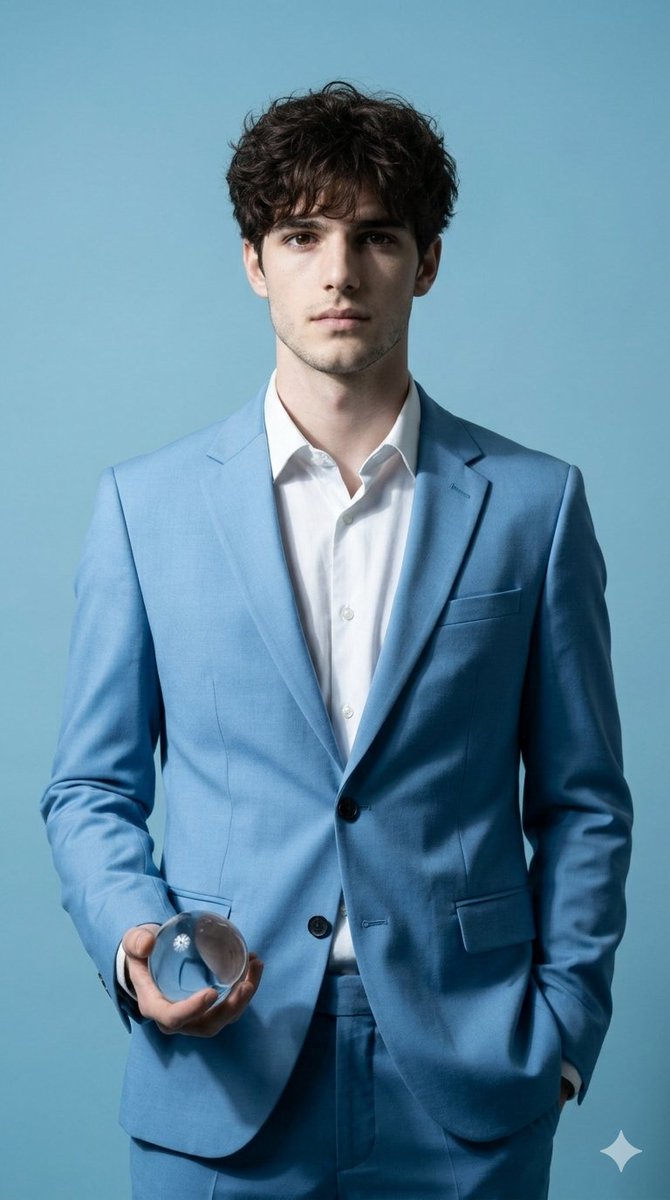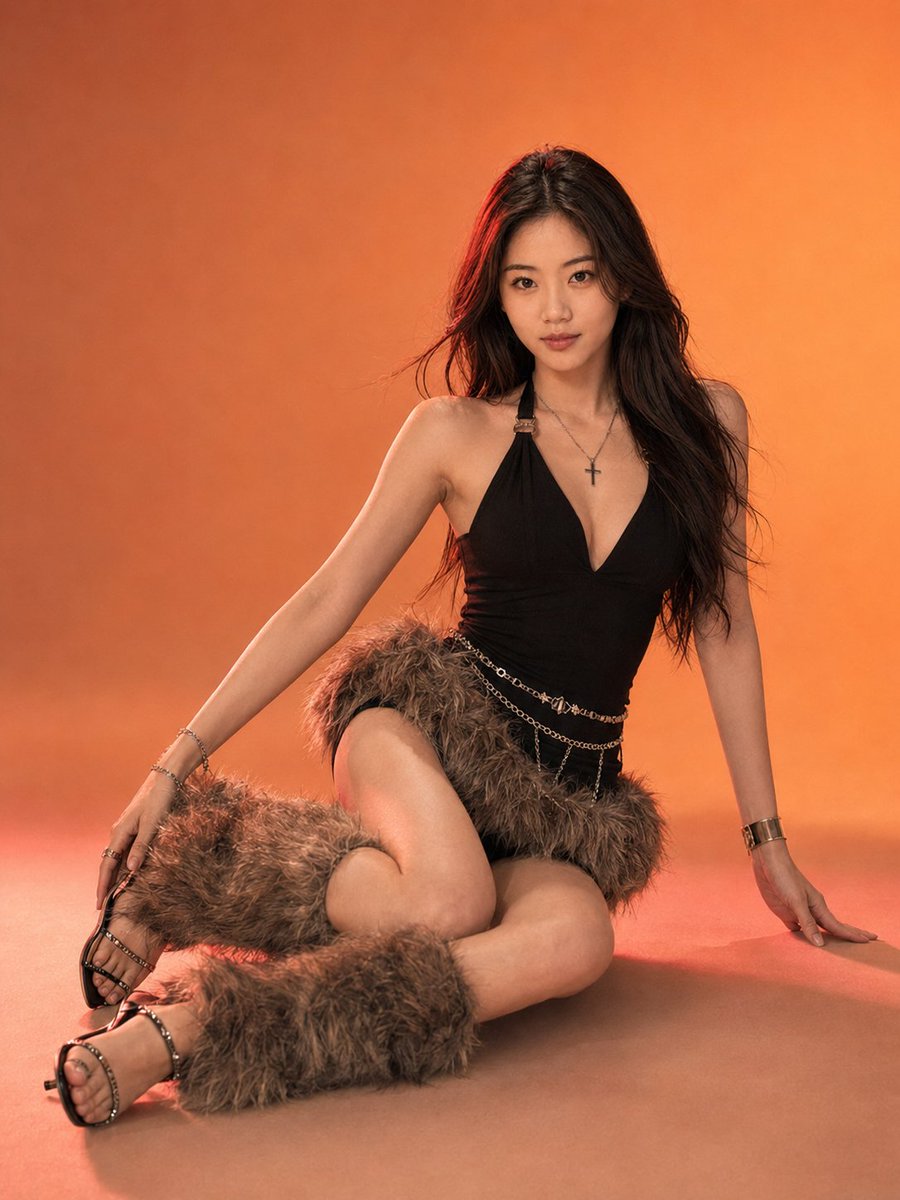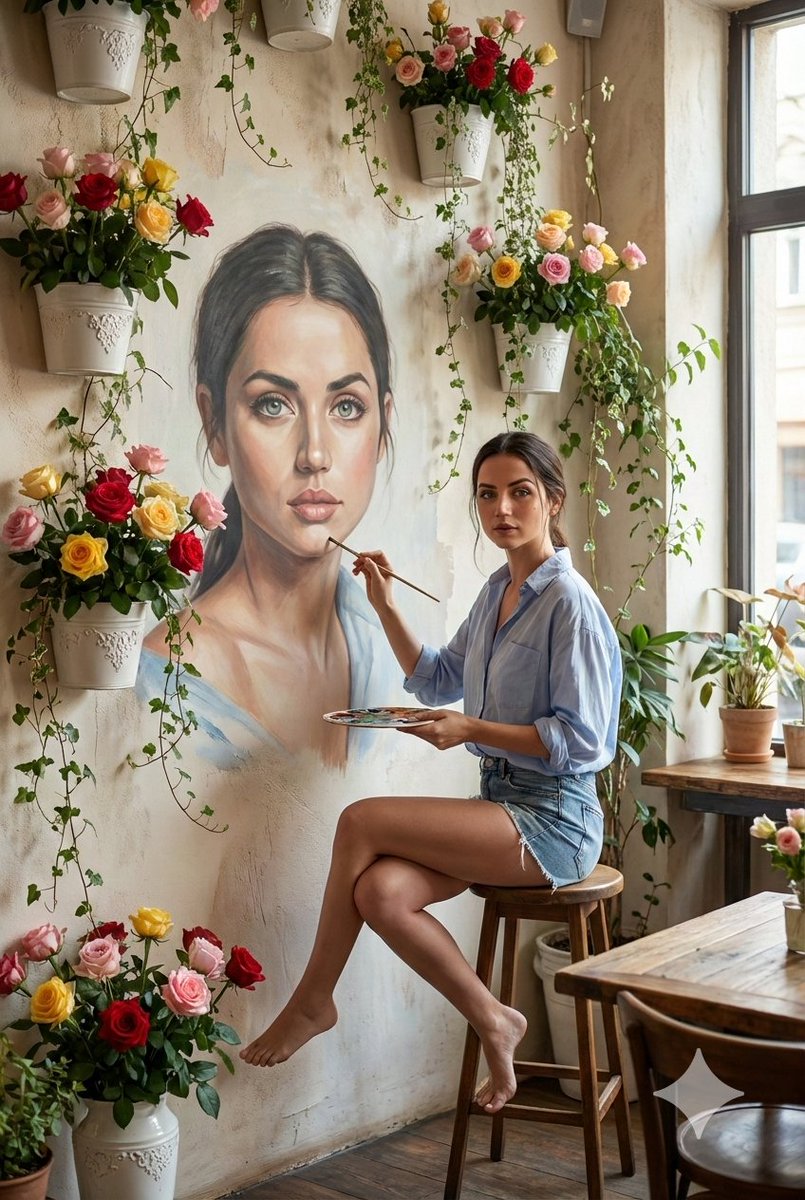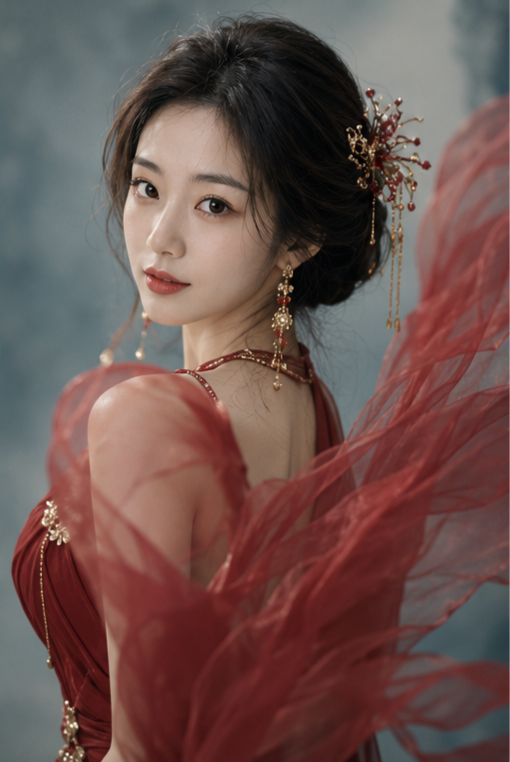
How do I use the Photorealistic Close-up Portrait of a Young Woman template?
Edit the prompt in the box under the preview — the template's model and format are already selected — and press Generate. Your version appears right on this page.

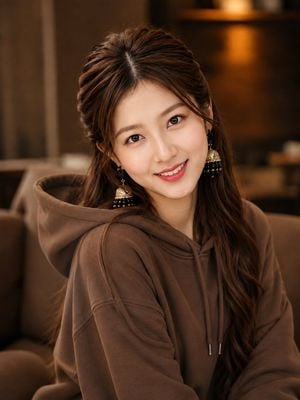
A detailed prompt for creating a highly photorealistic close-up portrait with an emphasis on skin texture, hair details, and soft indoor lighting.

This template uses your photo — add one with the + button.
Use the provided reference image as the main visual reference. Create a highly photorealistic close-up portrait of a {argument name="subject" default="young woman"} with long, straight, silky {argument name="hair color" default="dark-brown"} hair, parted naturally in the center and falling loosely over her shoulders. Preserve the same facial structure, soft features, natural eyebrows, almond-shaped dark eyes, delicate nose, smooth fair skin, and soft pink-red lips. She is looking toward the camera with a gentle, subtle smile and a calm, elegant expression.\n\nShe is wearing a simple {argument name="clothing" default="light-gray sweatshirt"} with a relaxed fit. Capture her from the shoulders up in a slightly turned three-quarter pose, with her face angled gently toward the camera. Use a warm, cozy indoor background with soft brown and beige tones, naturally blurred with shallow depth of field.\n\nPhotorealistic skin texture, realistic hair strands, natural facial details, soft warm ambient lighting, subtle highlights, realistic shadows, cinematic portrait photography, 85mm lens look, shallow depth of field, high detail
Edit the prompt in the box under the preview — the template's model and format are already selected — and press Generate. Your version appears right on this page.
Yes. You can change the subject, setting, lighting, mood, format, and available model controls before creating your image.
Opening and editing this template is free. Generating uses credits, shown on the Generate button when you are signed in.
Start with GPT Image 2, which is the model associated with this template. You can compare another compatible model for a different finish.
Follow a topic to a crawlable collection of related PicX Studio templates.