
Industrial Loft Lifestyle Selfie
Industrial Loft Lifestyle Selfie is a ready photo look.
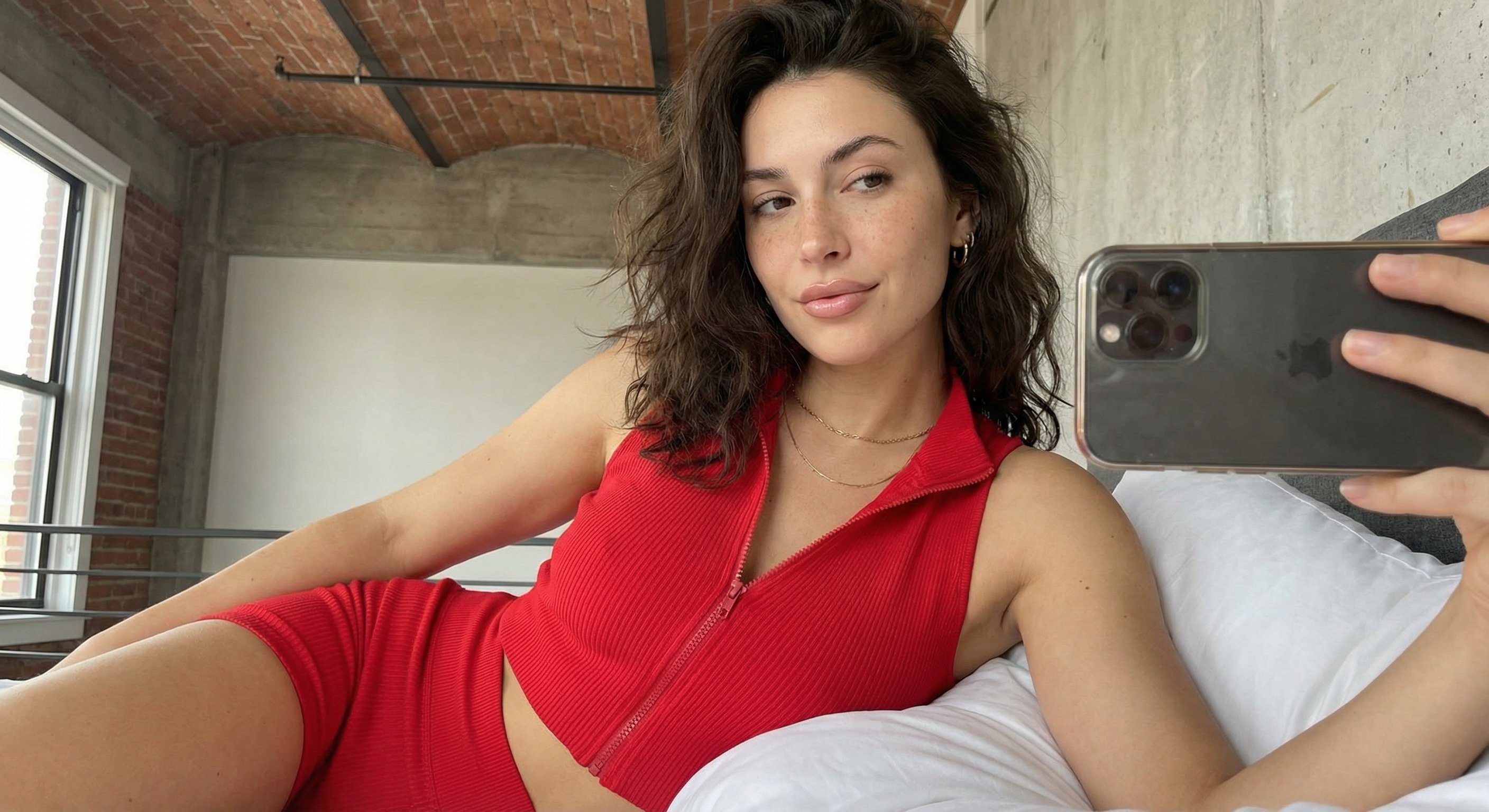
- Prompt included
- Model and format preset
- Free template
The prompt behind this image
Copy the exact prompt behind Industrial Loft Lifestyle Selfie, or open it in the studio and make it yours.
- Type
- selfie
- Subject › Gender
- female
- Subject › Age Range
- mid-20s
- Subject › Skin Tone
- fair with pink undertones
- Subject › Features › Hair
- long wavy dark brown hair
- Subject › Features › Eyes
- -brown eyes
- Subject › Features › Skin Texture
- natural skin with visible pores, light freckles, slight blush on cheeks
- Subject › Features › Makeup
- minimal makeup, glossy lips, soft pink tones
- Subject › Expression
- soft, slightly sultry gaze, relaxed face
- Pose
- reclining on a bed, upper body slightly leaned back, one arm extended holding the camera for a selfie
- Outfit › Top
- red fitted zip-up crop top with low neckline
- Outfit › Bottom
- matching red fitted shorts
- Environment › Location
- modern industrial bedroom
- Environment › Details
- exposed brick arched ceiling, concrete textured walls, white metal bed frame, minimalist setup, TV on stand in background
- Lighting › Type
- natural light
- Lighting › Quality
- soft and diffused
- Lighting › Direction
- coming from side, evenly lighting face
- Camera › Device
- smartphone (iPhone style)
- Camera › Angle
- wide-angle front camera
- Camera › Framing
- close-up to mid-body selfie
- Camera › Focus
- sharp focus on subject, background slightly soft but not blurred
- Camera › Effects
- no filter, no beauty smoothing, realistic texture
- Style
- realistic, candid, lifestyle, UGC-style
- Mood
- intimate, relaxed, confident
Raw JSON
{ "type": "selfie", "subject": { "gender": "female", "age_range": "mid-20s", "skin_tone": "fair with pink undertones", "features": { "hair": "long wavy dark brown hair", "eyes": "-brown eyes", "skin_texture": "natural skin with visible pores, light freckles, slight blush on cheeks", "makeup": "minimal makeup, glossy lips, soft pink tones" }, "expression": "soft, slightly sultry gaze, relaxed face" }, "pose": "reclining on a bed, upper body slightly leaned back, one arm extended holding the camera for a selfie", "outfit": { "top": "red fitted zip-up crop top with low neckline", "bottom": "matching red fitted shorts" }, "environment": { "location": "modern industrial bedroom", "details": [ "exposed brick arched ceiling", "concrete textured walls", "white metal bed frame", "minimalist setup", "TV on stand in background" ] }, "lighting": { "type": "natural light", "quality": "soft and diffused", "direction": "coming from side, evenly lighting face" }, "camera": { "device": "smartphone (iPhone style)", "angle": "wide-angle front camera", "framing": "close-up to mid-body selfie", "focus": "sharp focus on subject, background slightly soft but not blurred", "effects": "no filter, no beauty smoothing, realistic texture" }, "style": "realistic, candid, lifestyle, UGC-style", "mood": "intimate, relaxed, confident" }How to use Industrial Loft Lifestyle Selfie in 3 steps
- 1
Open
The prompt is already in the box next to the preview, with the template's model and format selected.
- 2…a portrait of your subject in softgolden-hour light, 85mm…
Personalize
Edit the subject and creative details for your destination.
- 3Generate
Generate
Press Generate — your image is created in PicX Studio, so you can compare it with the original and refine one variable at a time.
More like this
Templates with the same subject, style or setup. Open one to see its prompt.
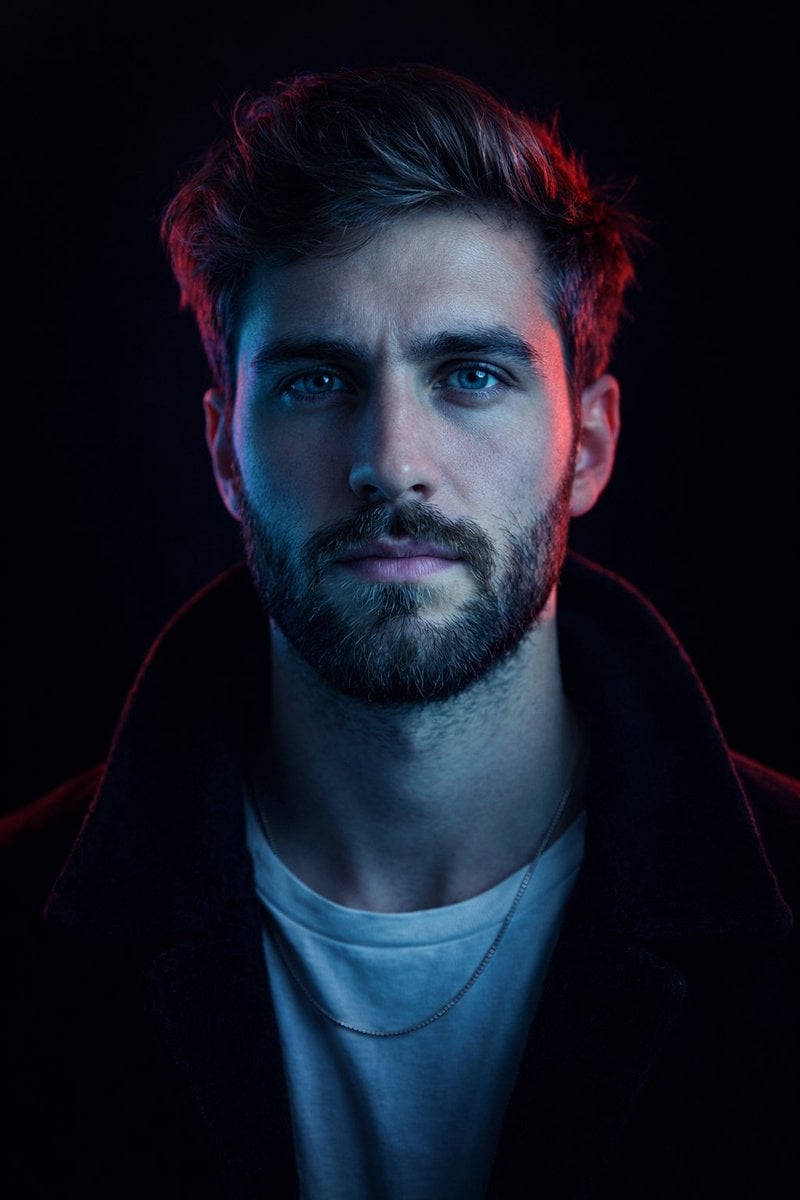
Mirror Selfie Chibi Characters Pixar Style
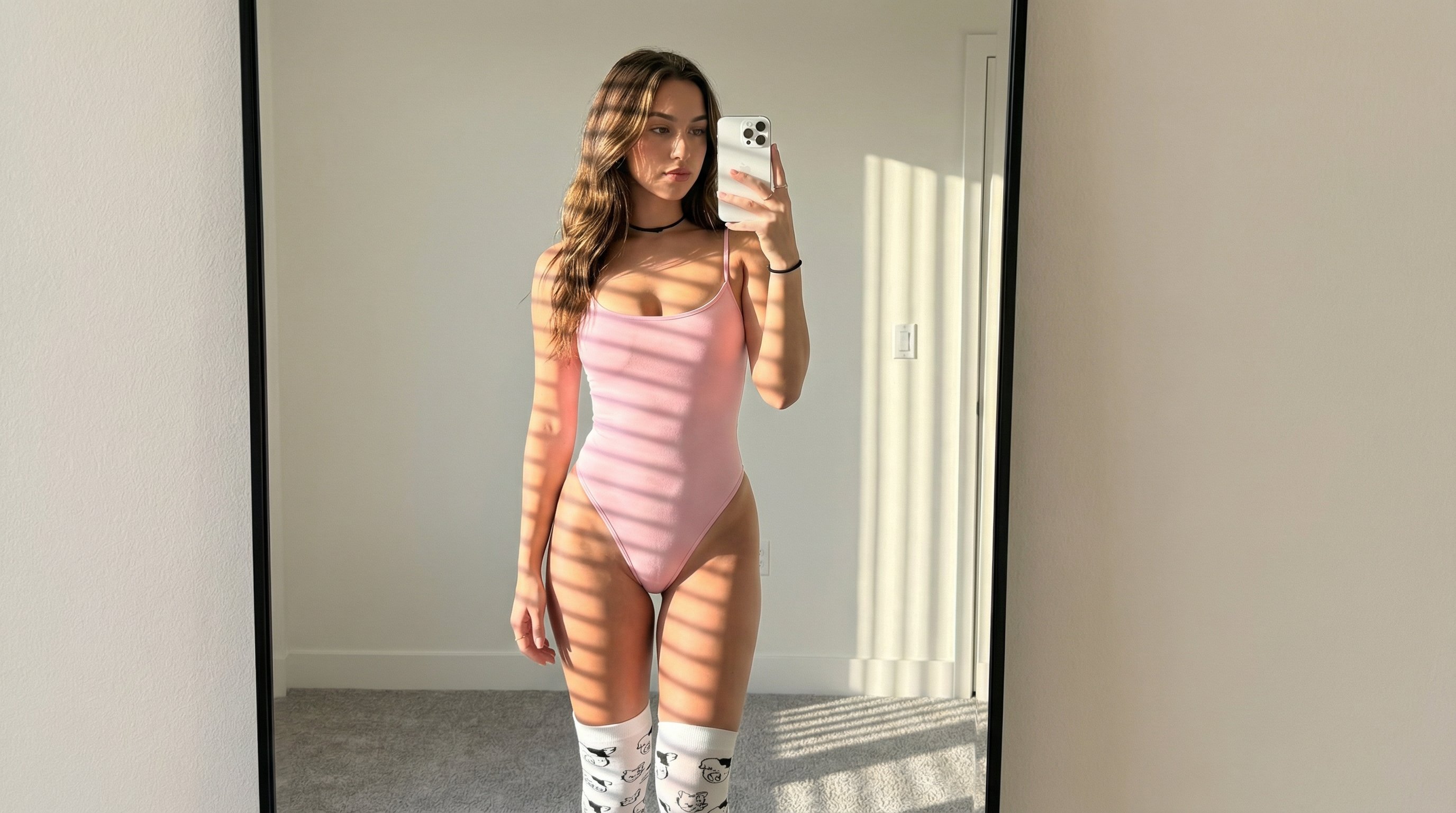
Minimalist Golden Hour Selfie
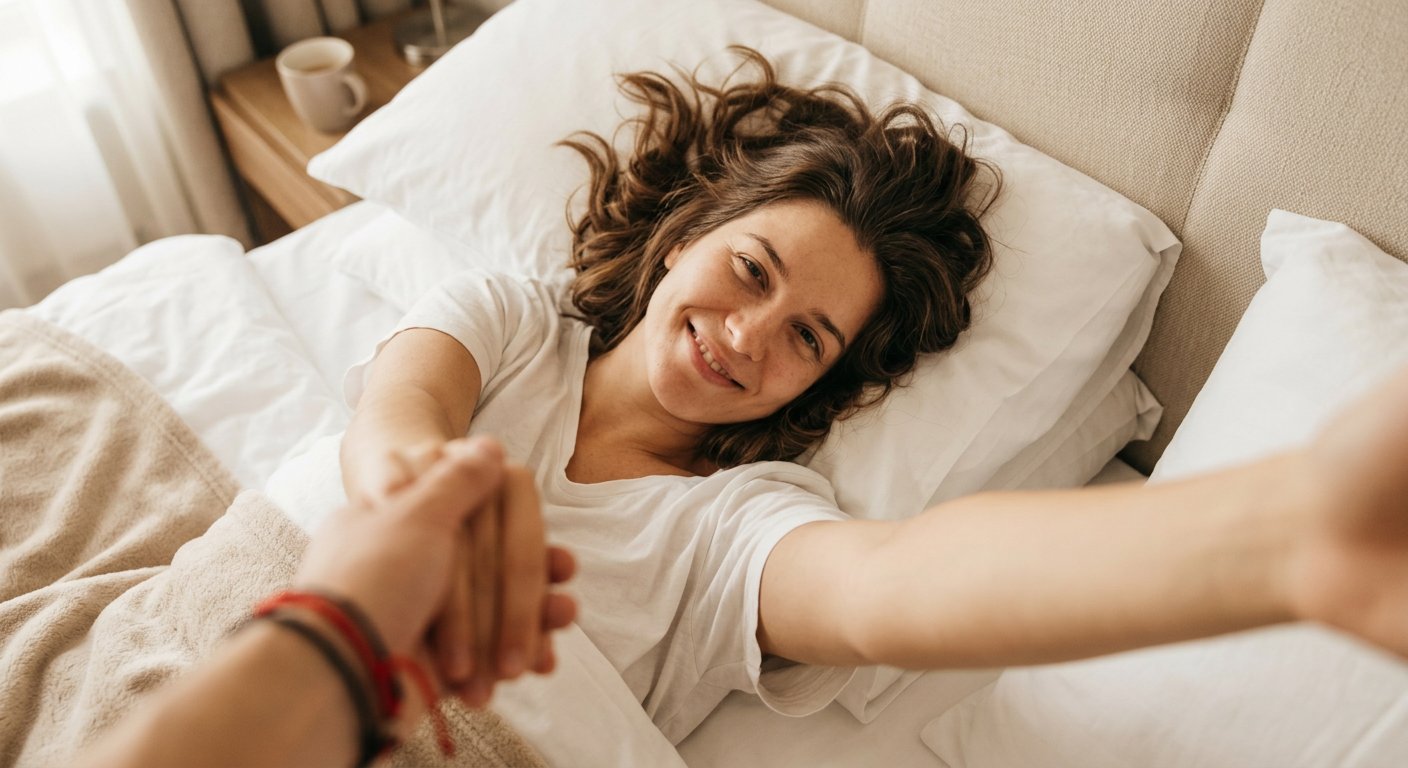
Candid Morning Bedside Selfie
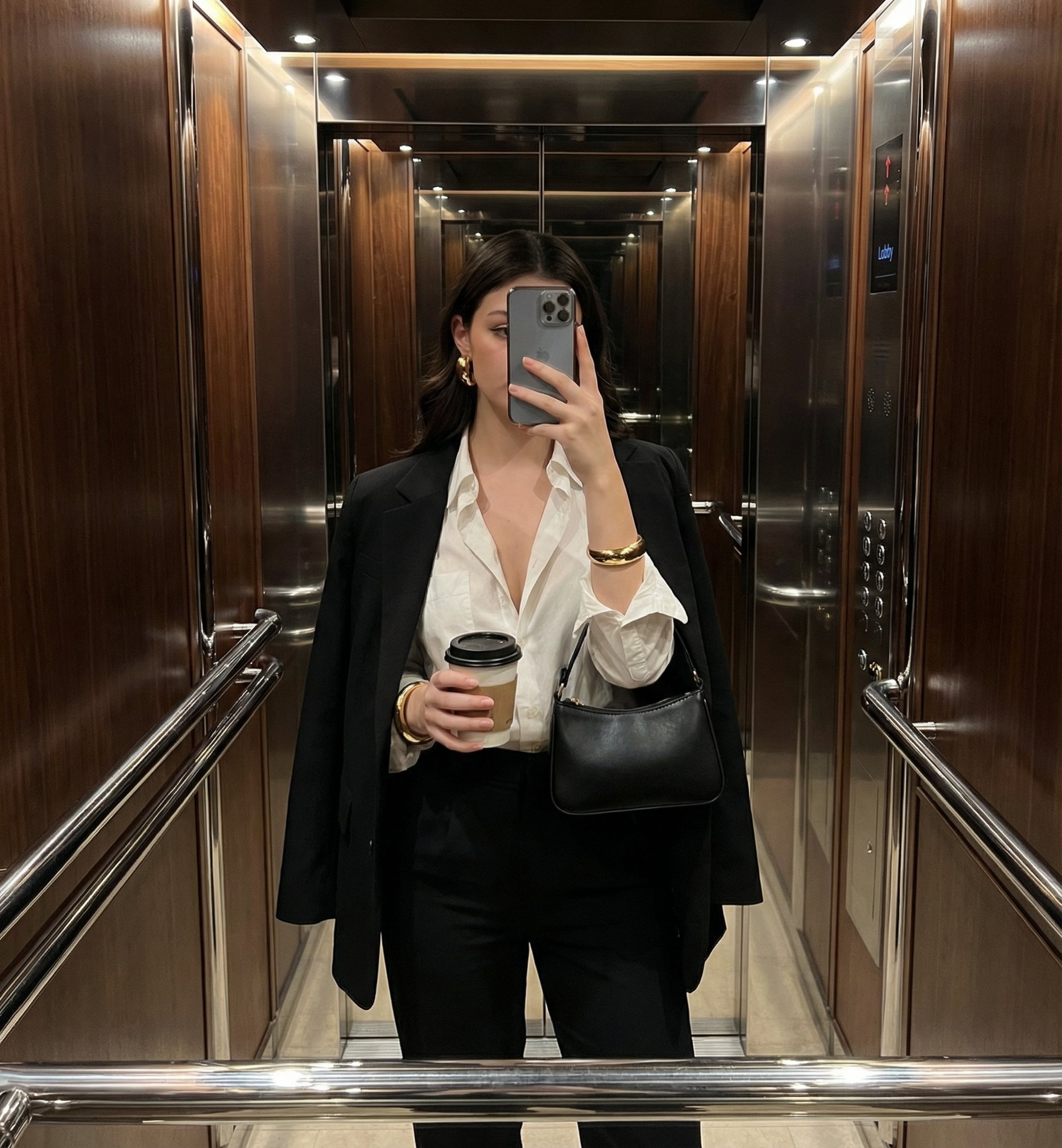
Mirror Selfie
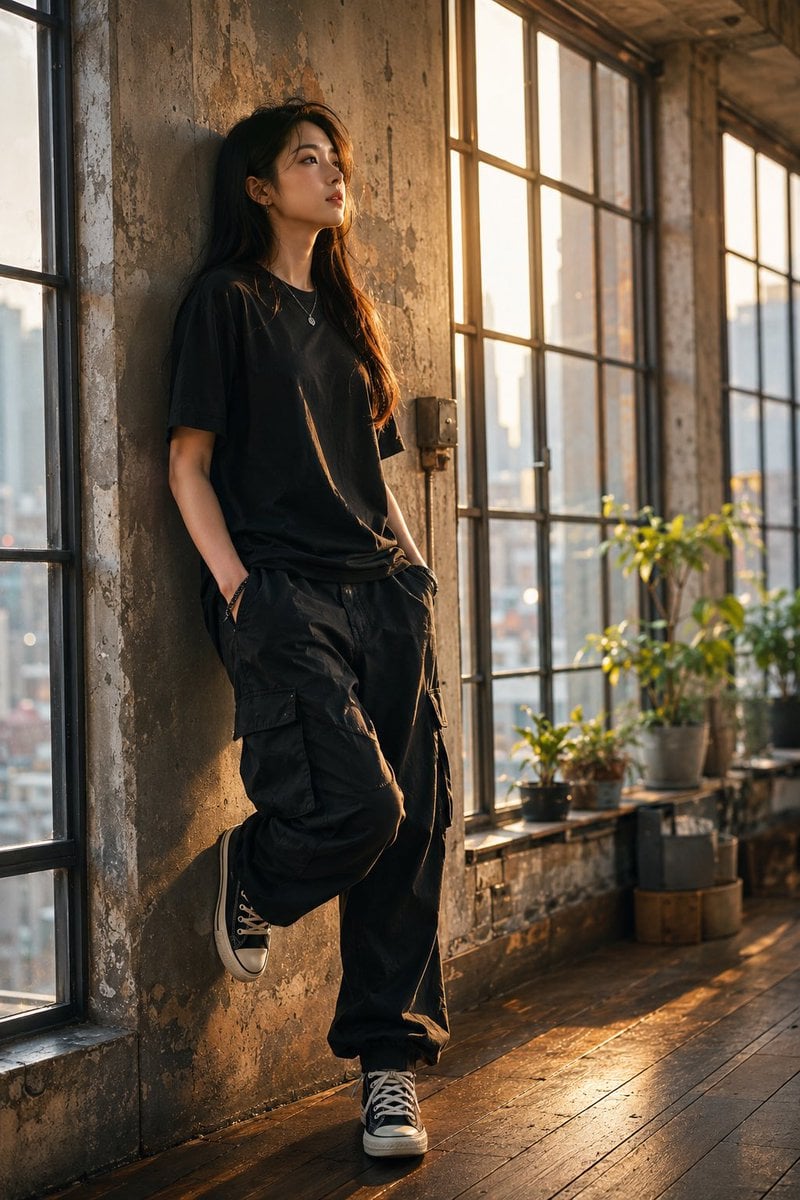
Golden Hour Industrial Loft Portrait

Rooftop Fisheye — Cat-Ear Balaclava at Golden Hour
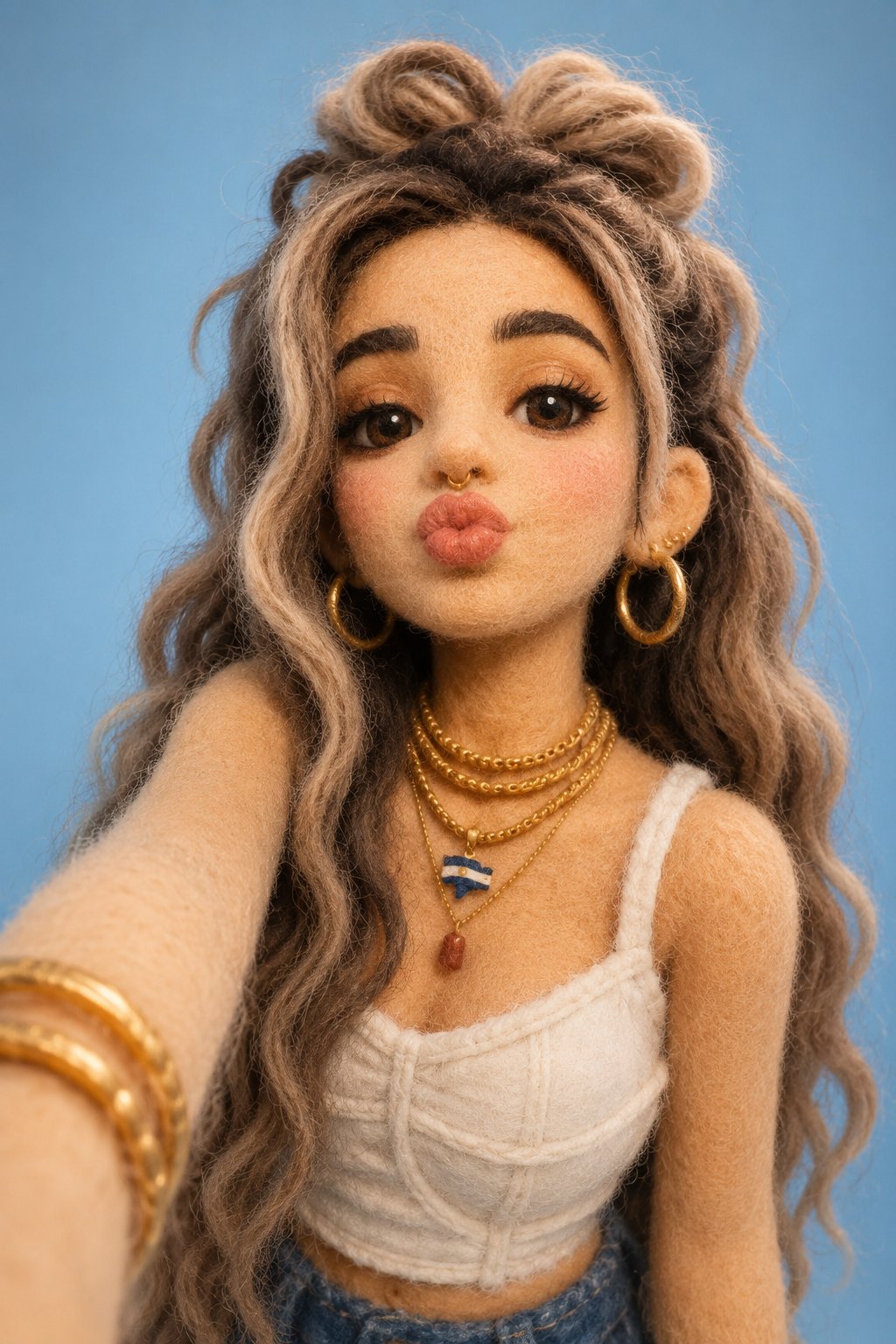
Felt & Knit 3D Character — Photo-Exact Face, Pixar-Quality Plush Figurine

Surreal Cat Astronaut — Humanoid Face Freefall
A k.pop idol on the stage with mic
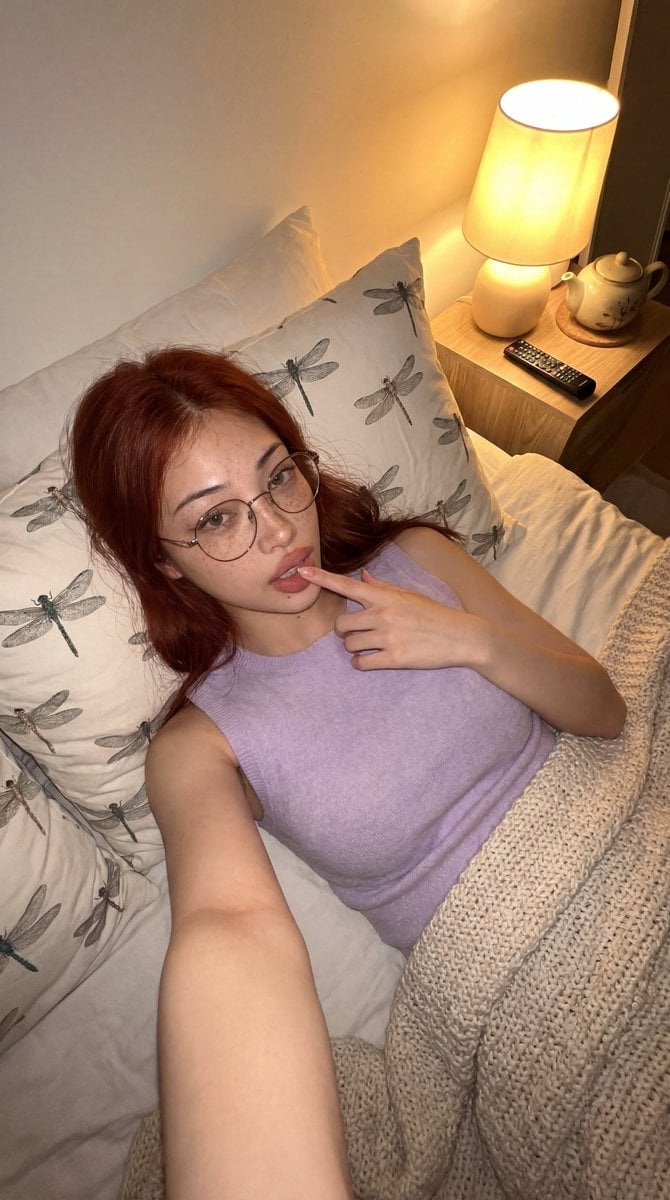
Cozy Bedroom Lifestyle Selfie
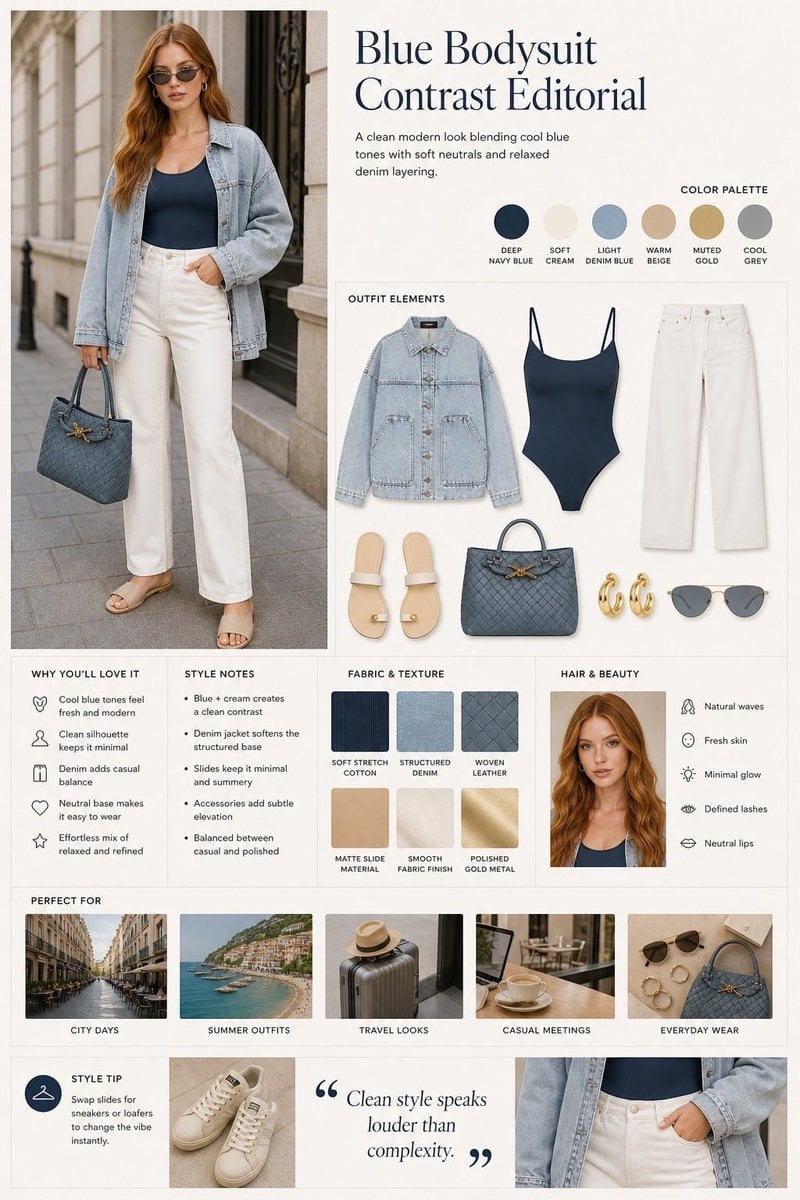
Minimalist Fashion Editorial Split Layout

Warm Window Side Café Studio Portrait
Make it yours
Industrial Loft Lifestyle Selfie works as-is. These are the safest ways to change it without losing the look.
Swap the setting
Keep the rest of the prompt and replace the location block. The current setting is “modern industrial bedroom”.
Swap the light
One lighting change is enough to compare takes. Current light: “natural light”.
Change one field
Copy a single group, rewrite it, and generate again so you can see what that field is doing.
| If the result… | Why | Fix |
|---|---|---|
| The result drifts from the preview | Too many fields changed at once. | Reuse Industrial Loft Lifestyle Selfie as-is first, then change one group — subject, light, or setting. |
| PicX Studio ignores part of the JSON | Some models flatten or skip nested keys. | Keep the same values and paste them as a short paragraph instead. |
More image prompts
Fresh picks from across the catalog.
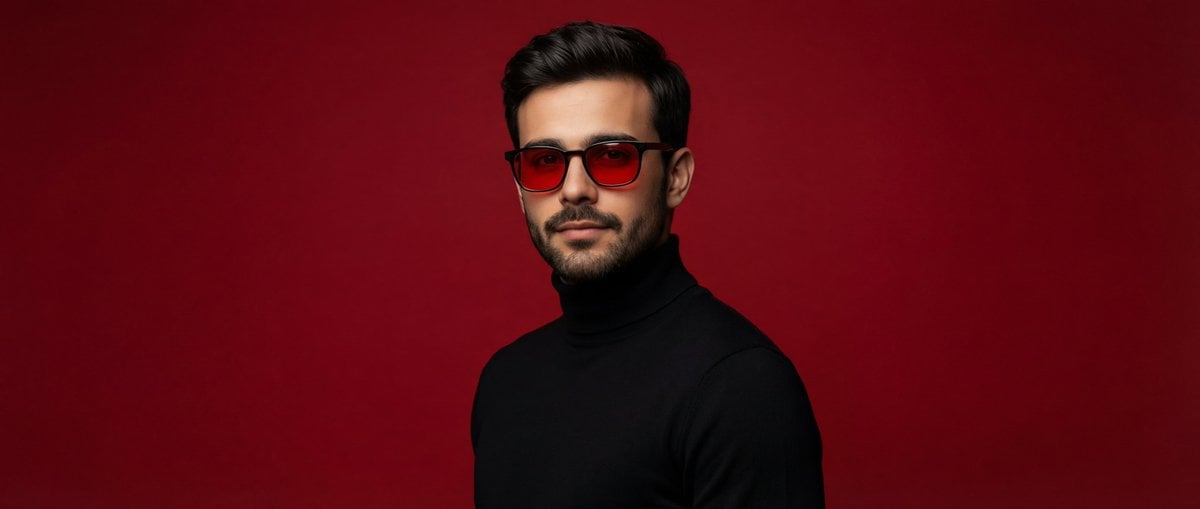
Editorial Portrait of Man in Turtleneck
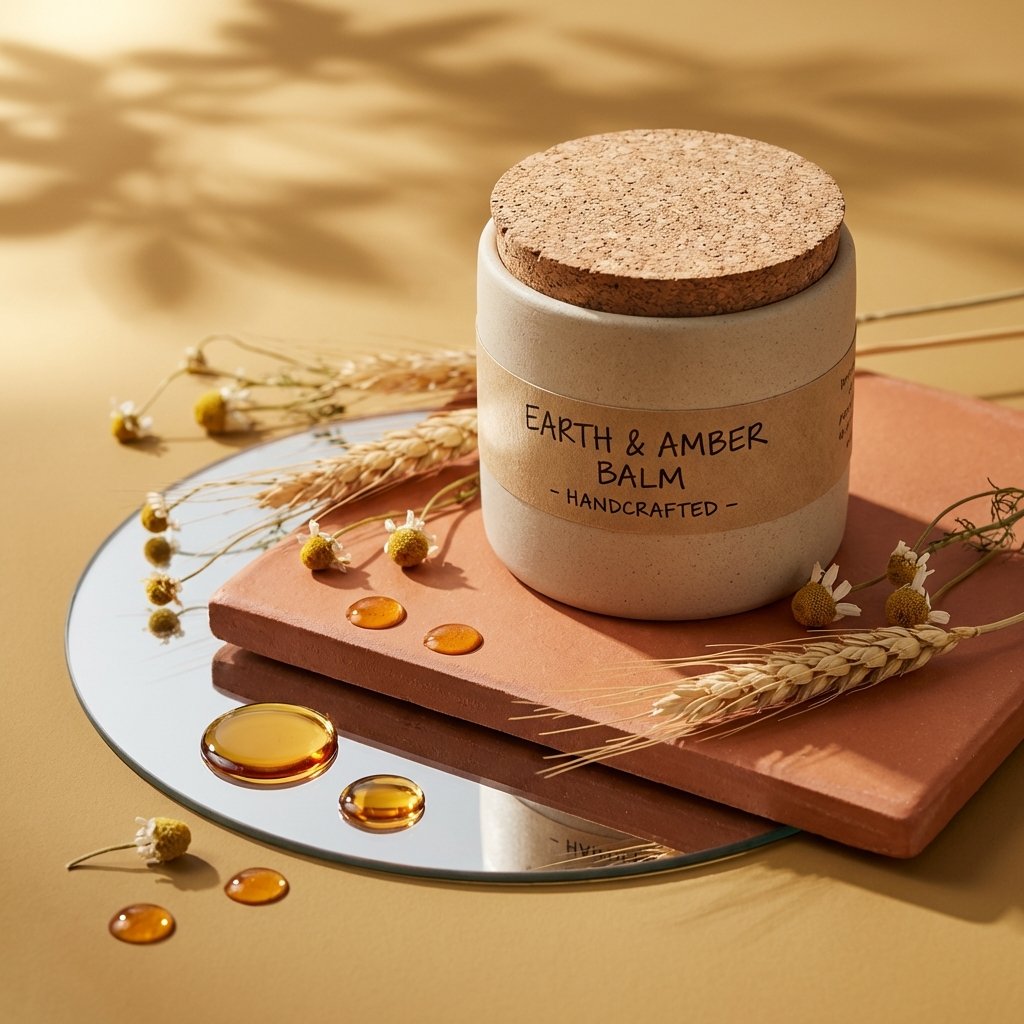
Luxury Skincare Product Photography
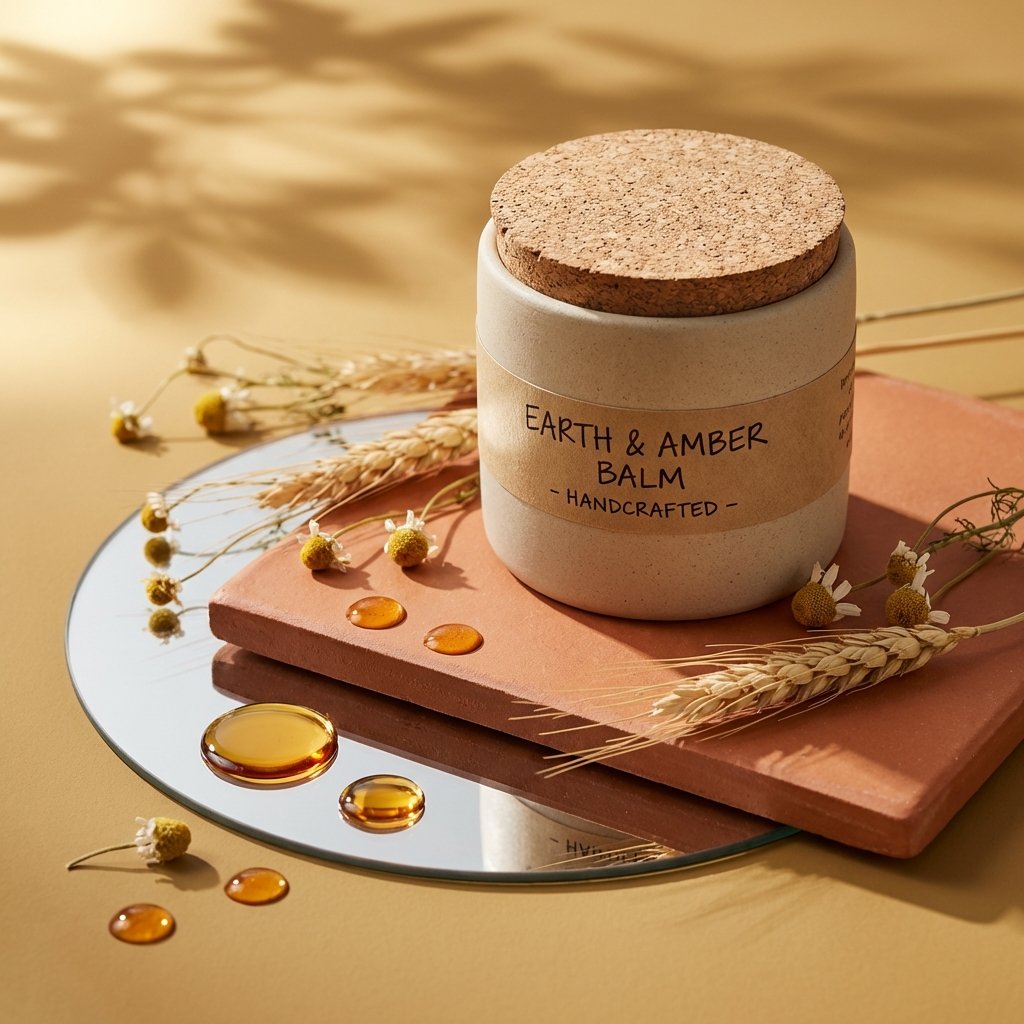
Luxury Product Photography Template

AI Video Generation Prompt for Flying Superhero
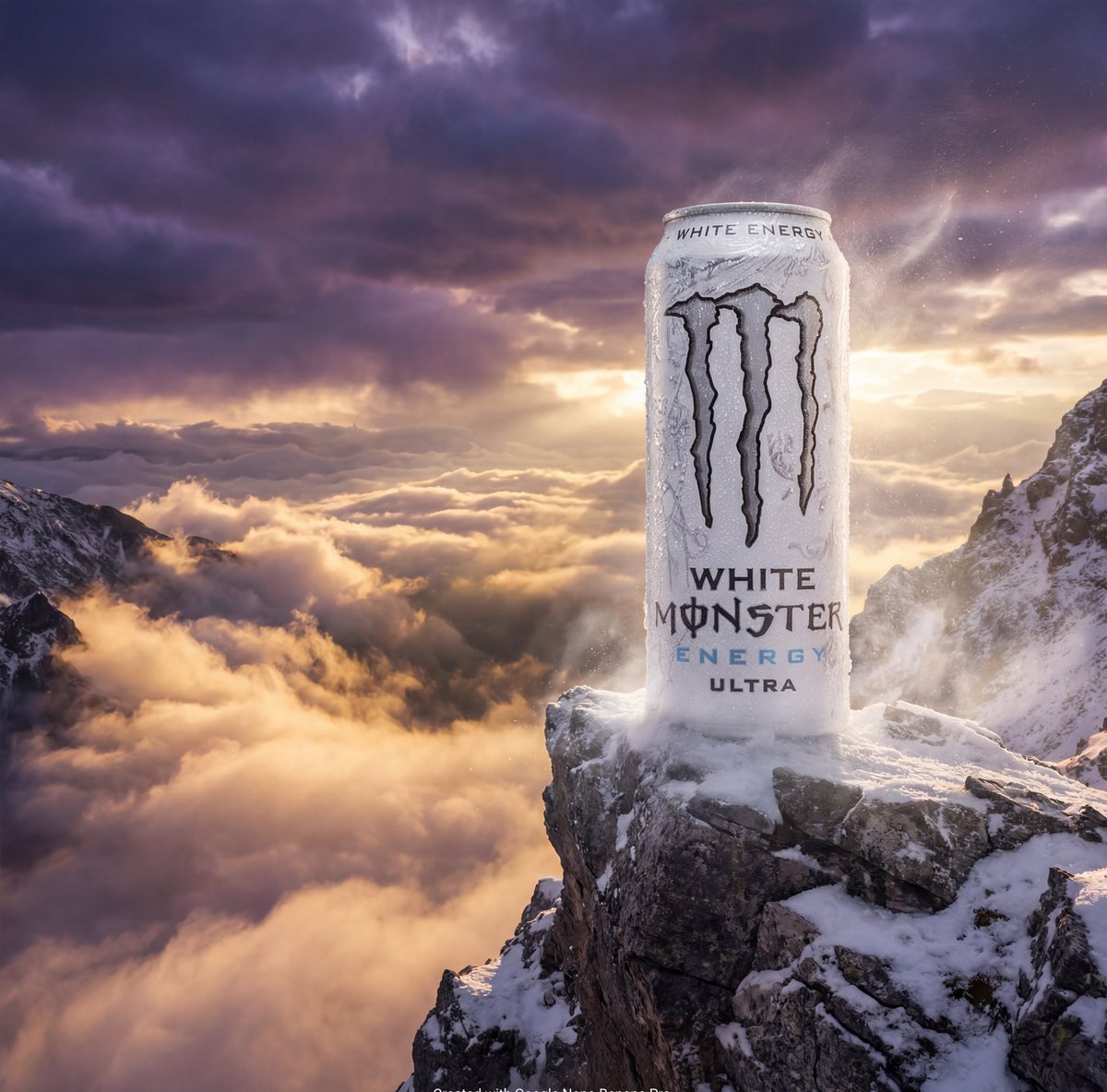
Product Ad: Monster Energy Can on Mountain Peak

Photorealistic Omikuji (Fortune Slip) Design
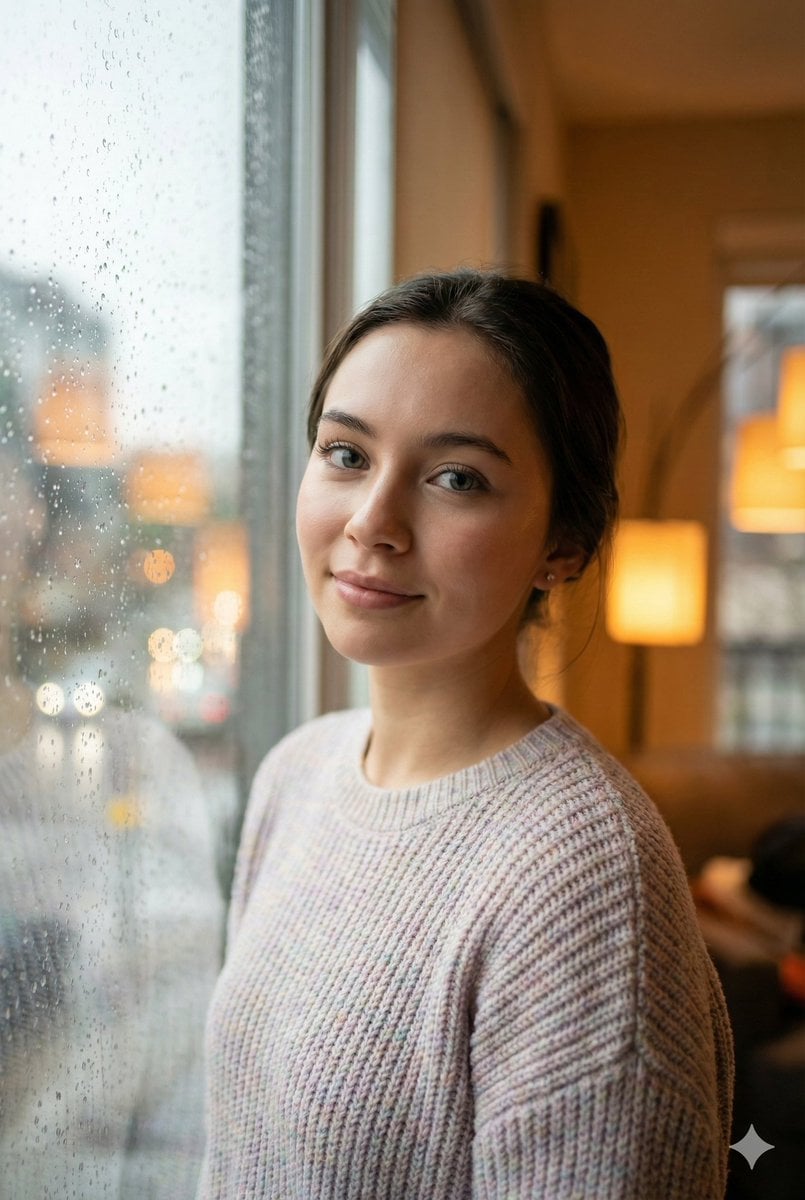
Cozy Realism Rainy Day Portrait Prompt

Horned Five-Tailed Leopard Beast
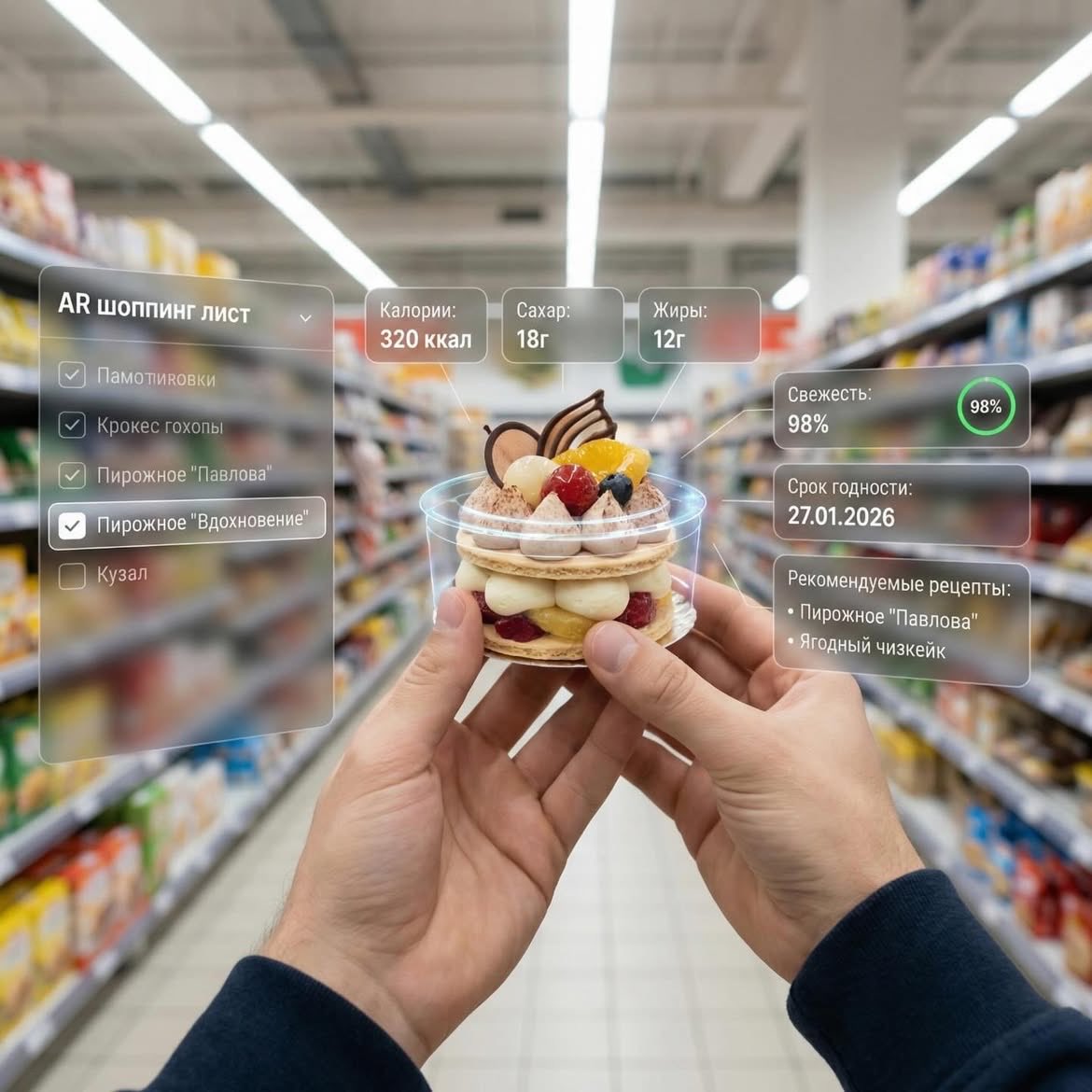
Augmented Reality UI Overlays on Food Items
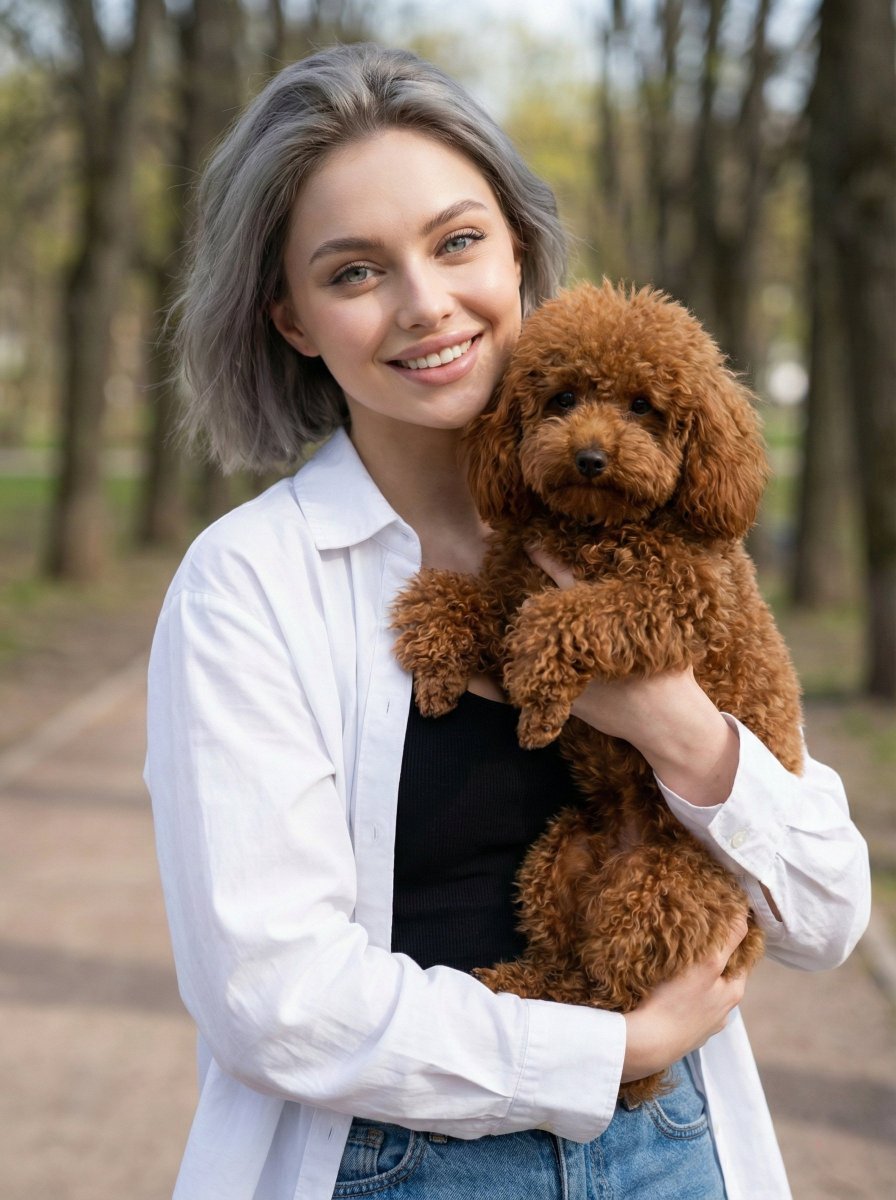
Detailed JSON Prompt for Lifestyle Portrait Photography
Browse template categories
Industrial Loft Lifestyle Selfie questions
How do I use the Industrial Loft Lifestyle Selfie template?
Add your photo if the template asks for one, edit the prompt if you like — the template's model and format are already selected — and press Generate. Your version opens in PicX Studio.
Can I customize the Industrial Loft Lifestyle Selfie template?
Yes. You can change the subject, setting, lighting, mood, format, and available model controls before creating your image.
Is the Industrial Loft Lifestyle Selfie template free?
Opening and editing this template is free. Generating uses credits, shown on the Generate button when you are signed in.
Which AI model should I use?
Choose a compatible model in PicX Studio based on the style, speed, and output controls your project needs.
Looking for something else? Browse all templates.

Your photo, any look
Thousands of ready templates for every top image and video model, from one credit balance.