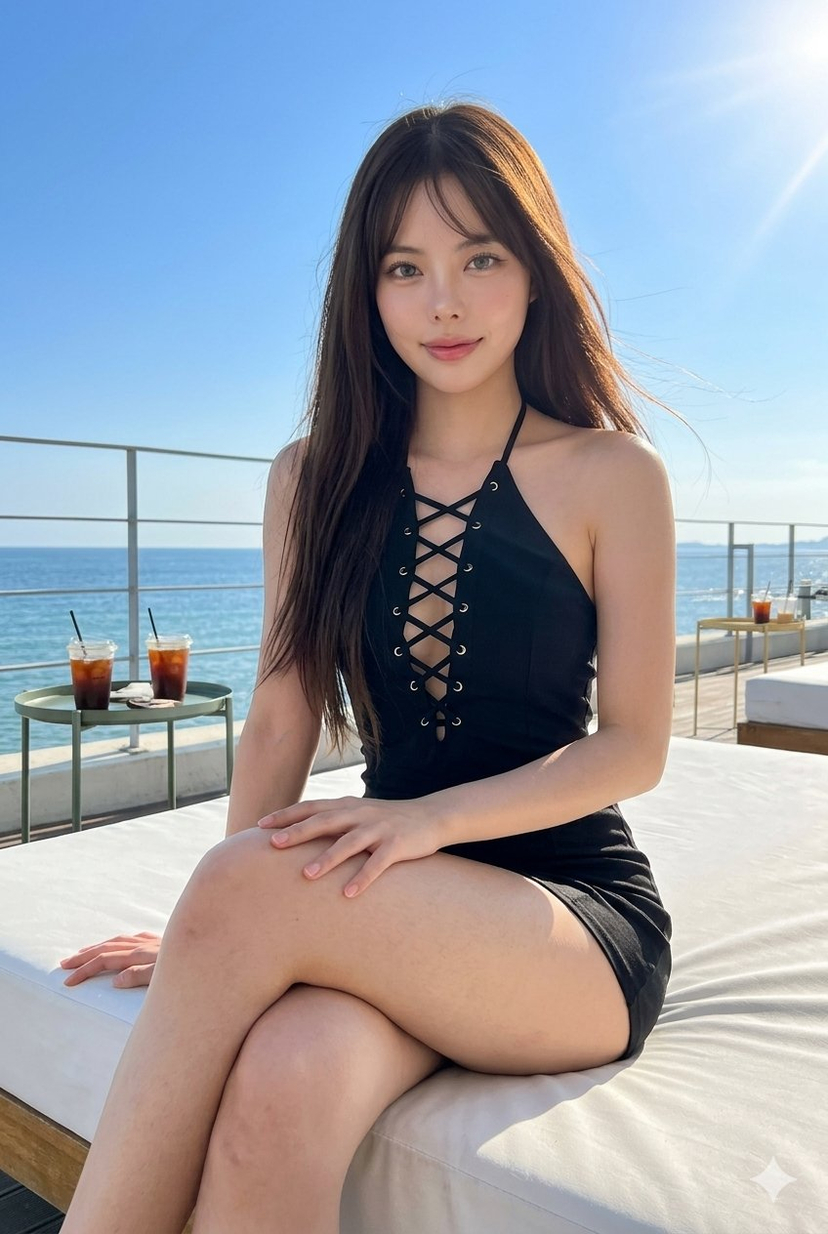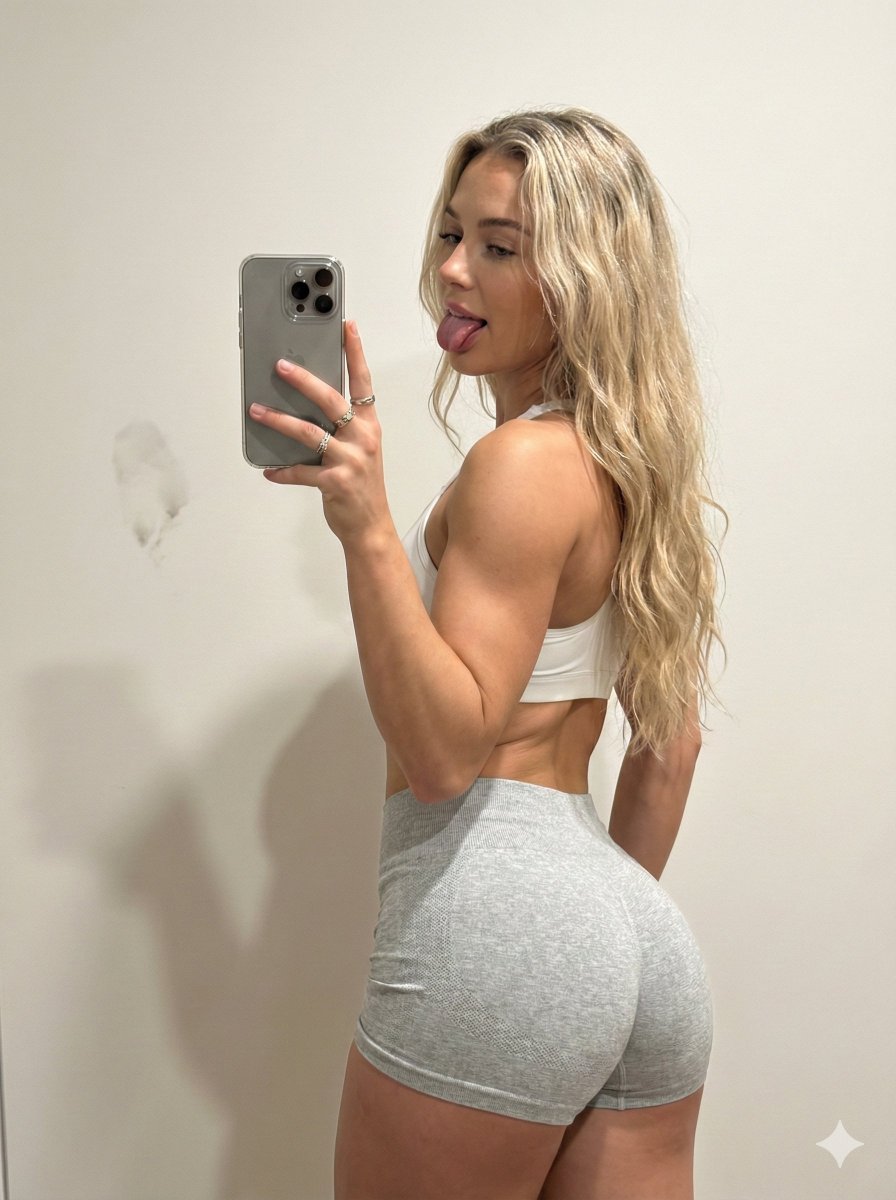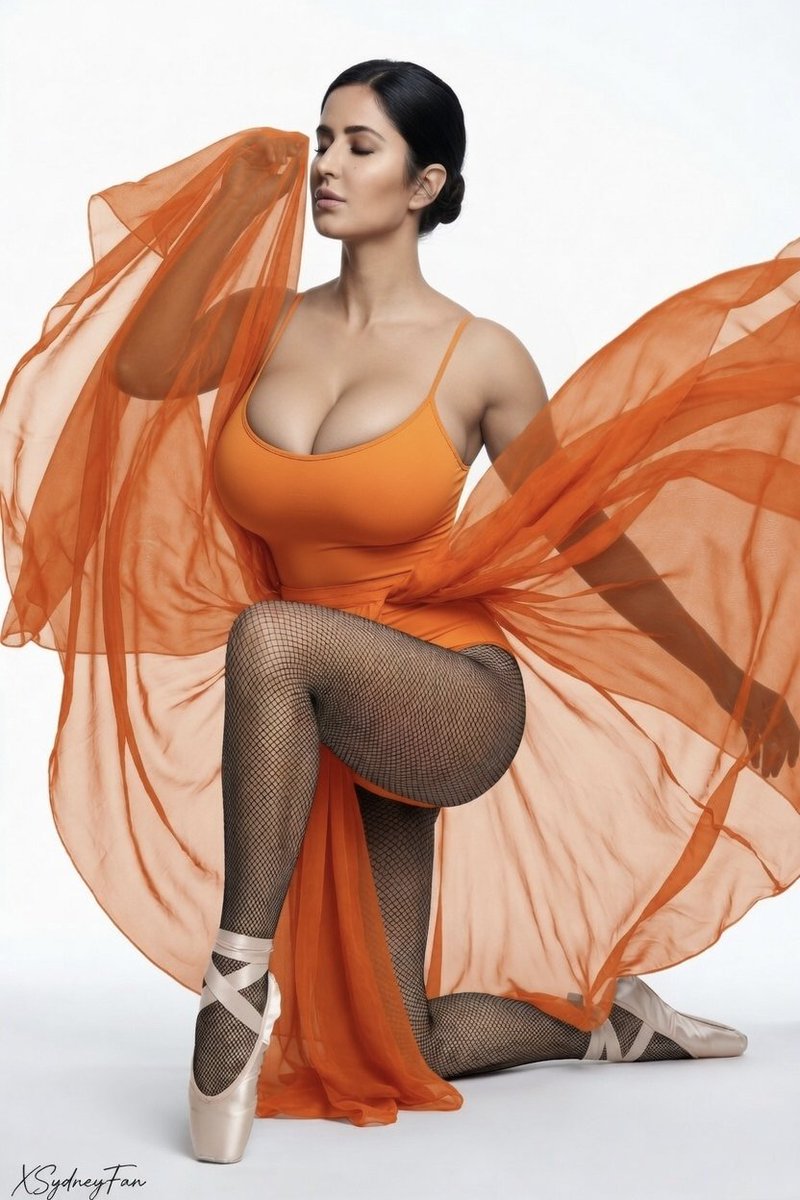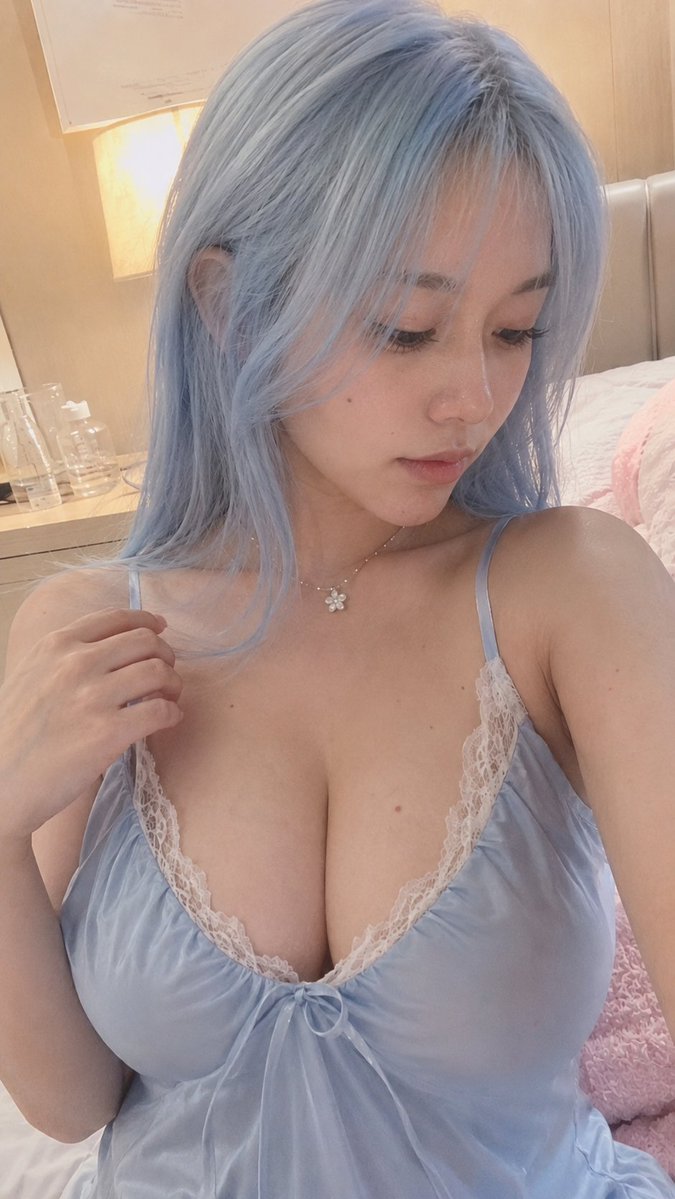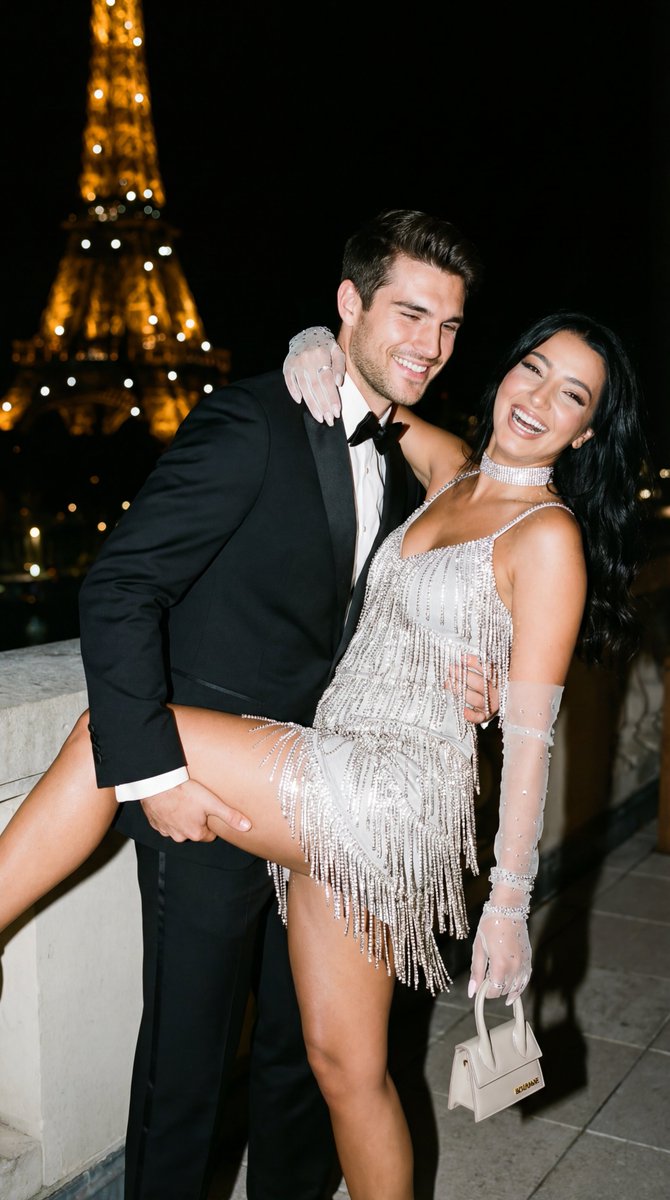
How do I use the Influencer Fitness Studio Mirror Selfie template?
Choose the primary action to open PicX Studio with the available template settings. Review the model and format, personalize the creative direction, and generate when ready.
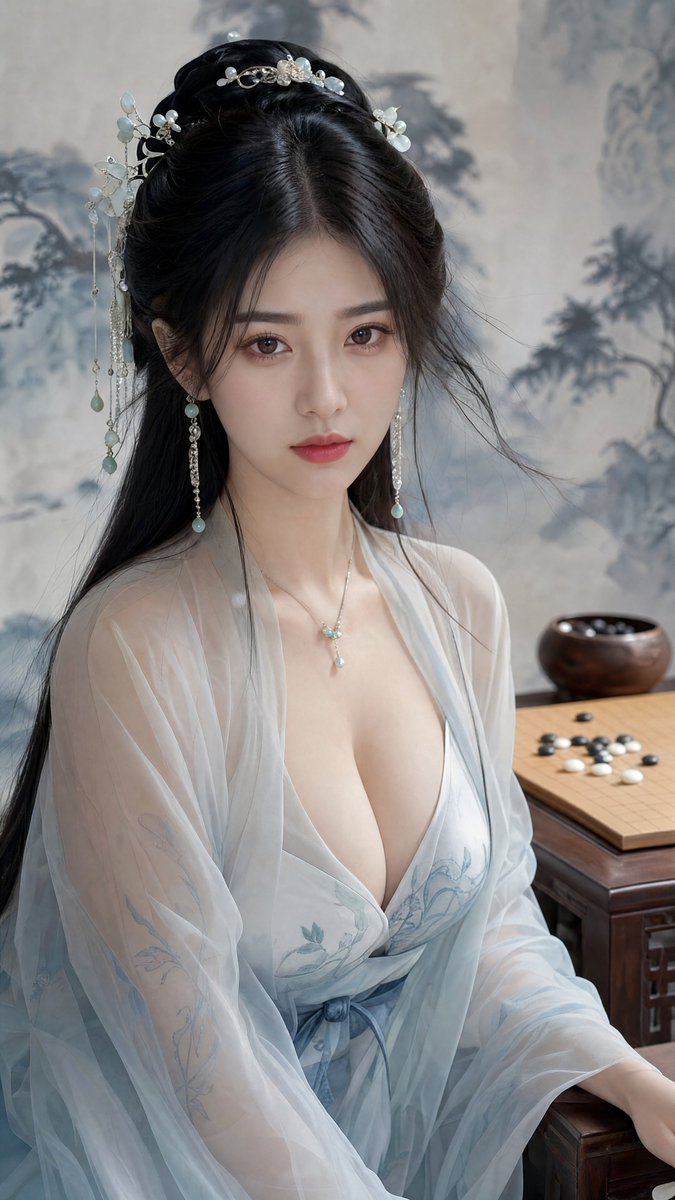
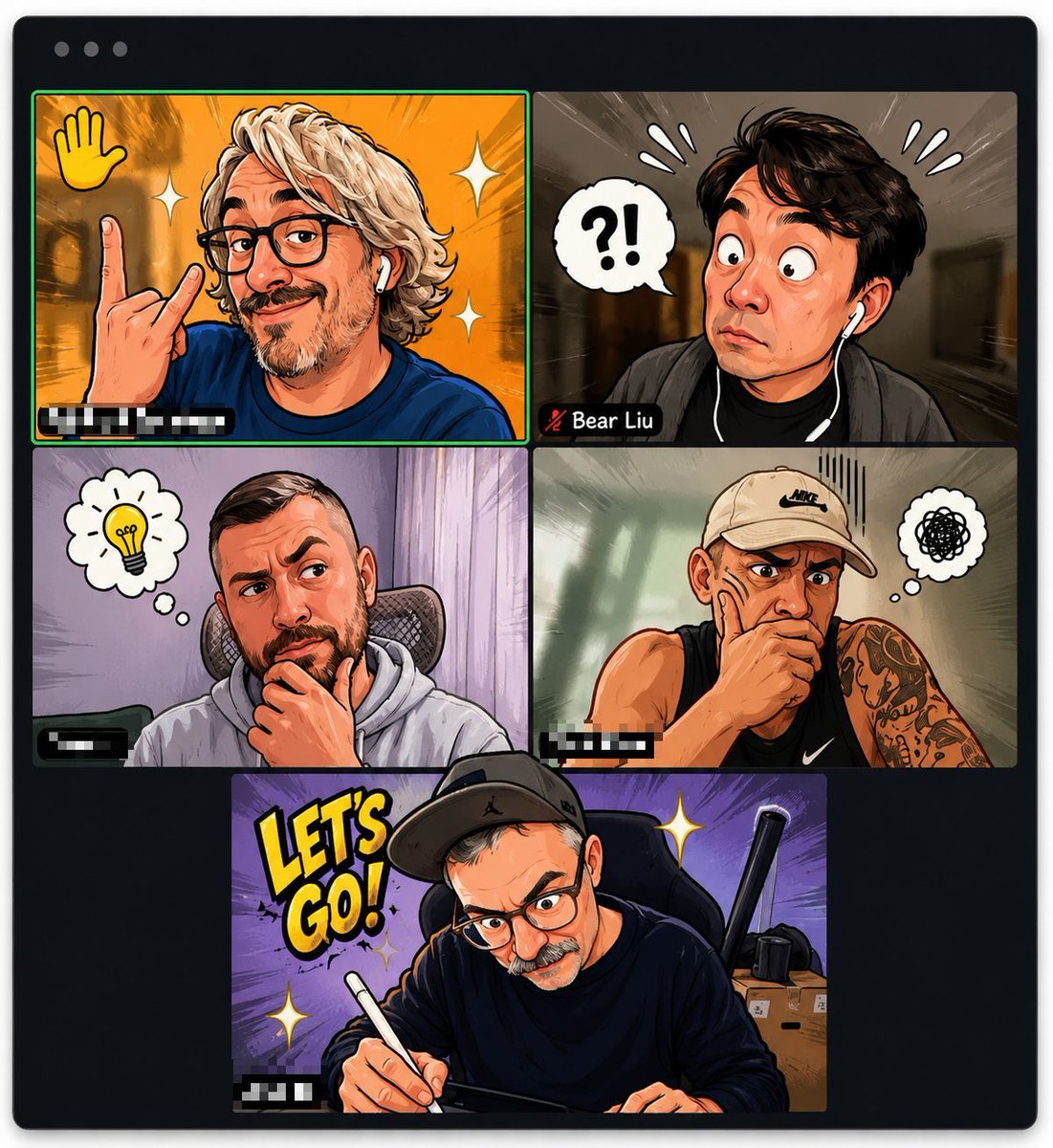
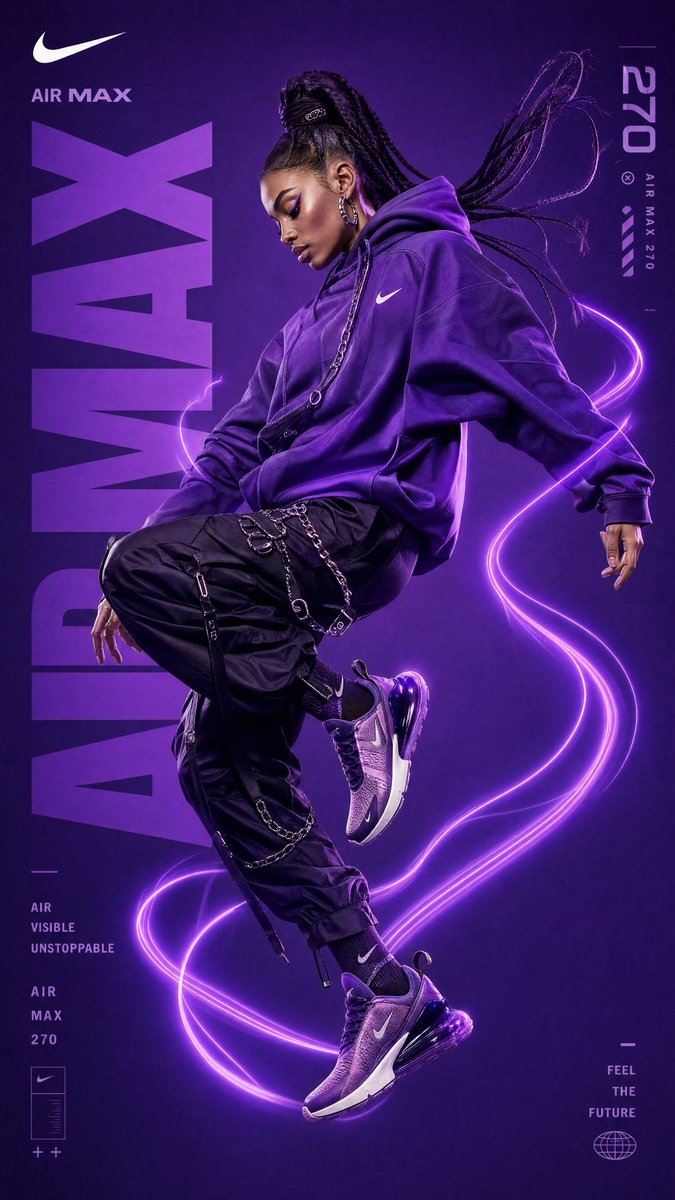
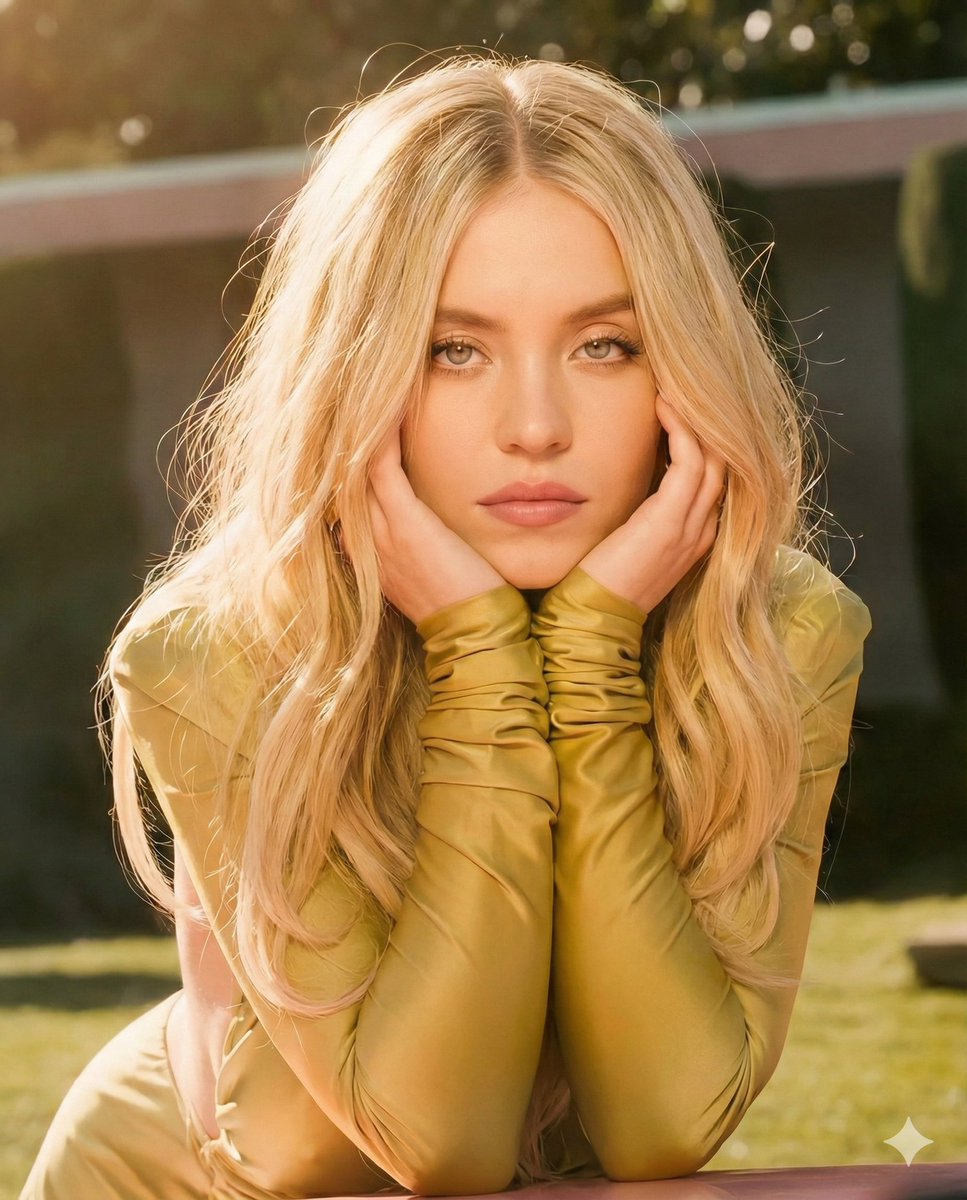
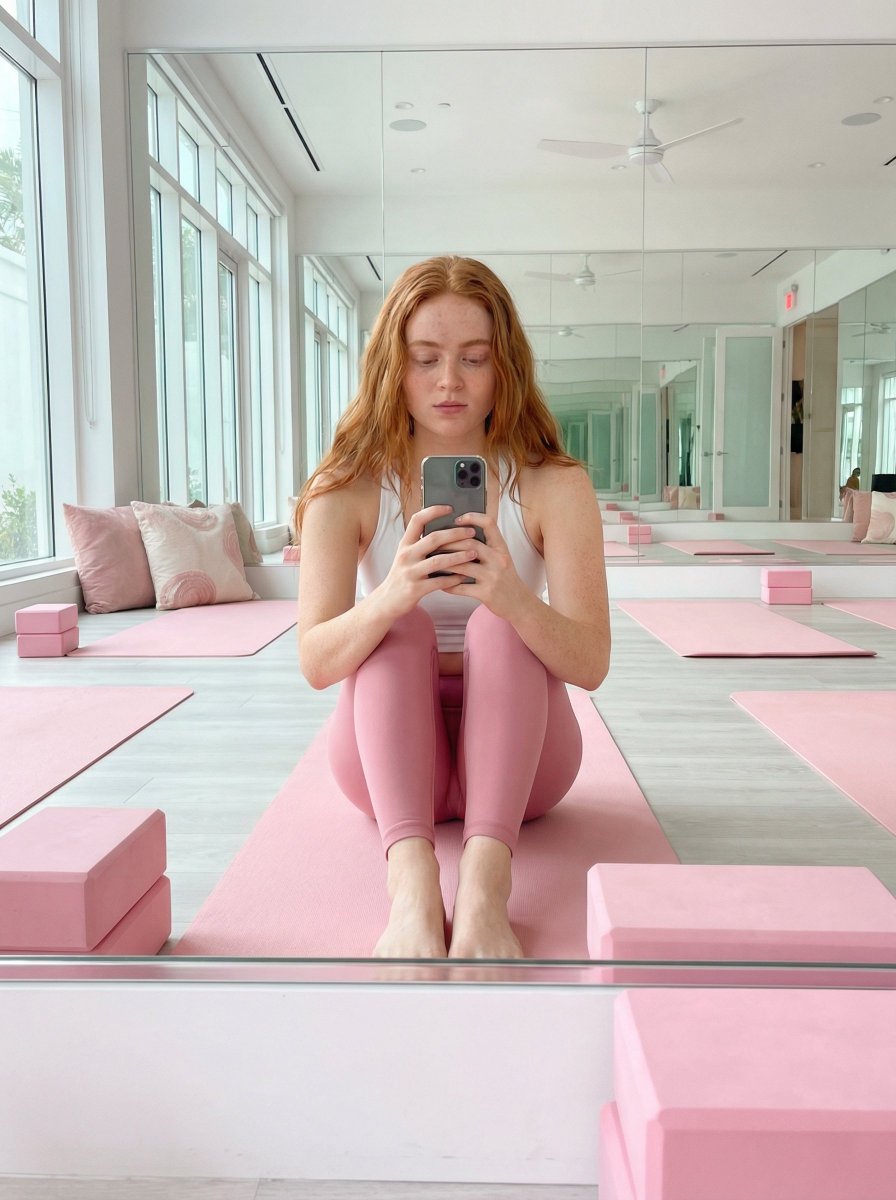
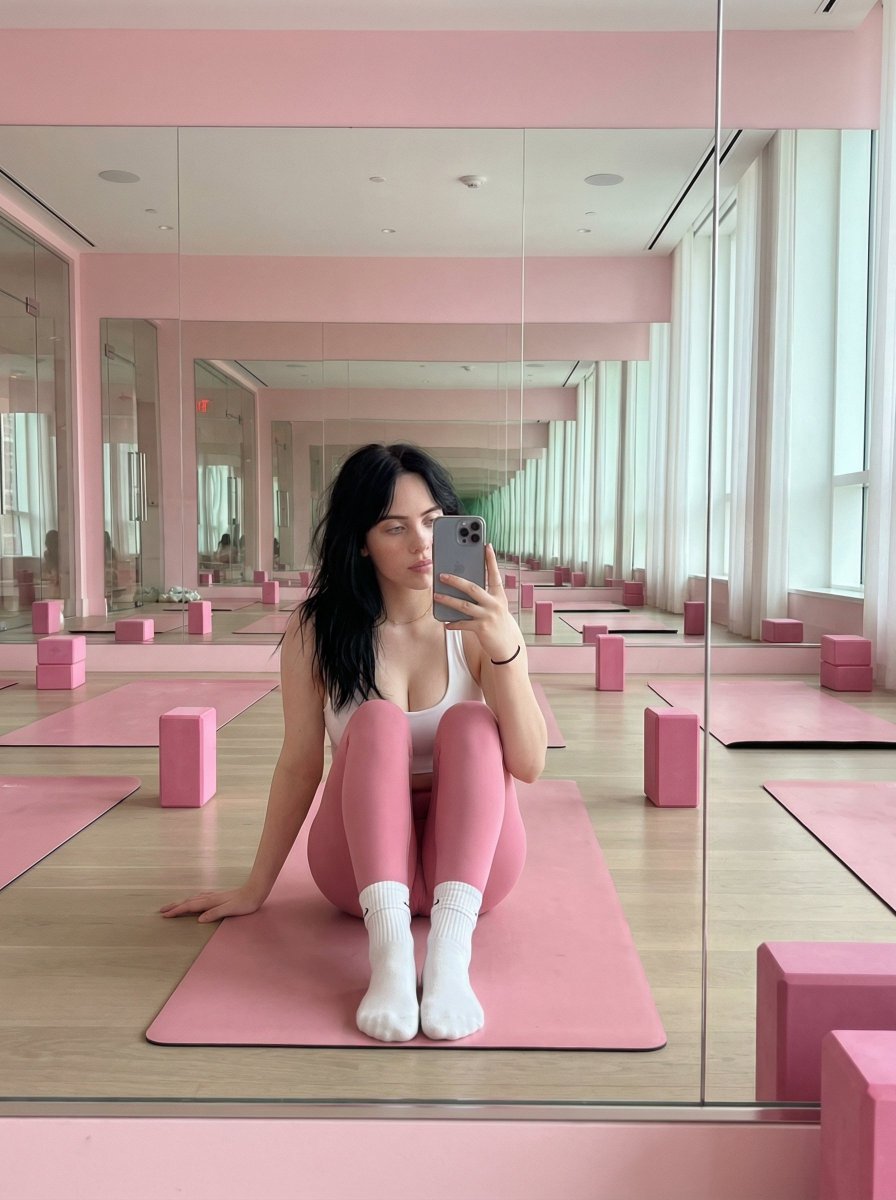
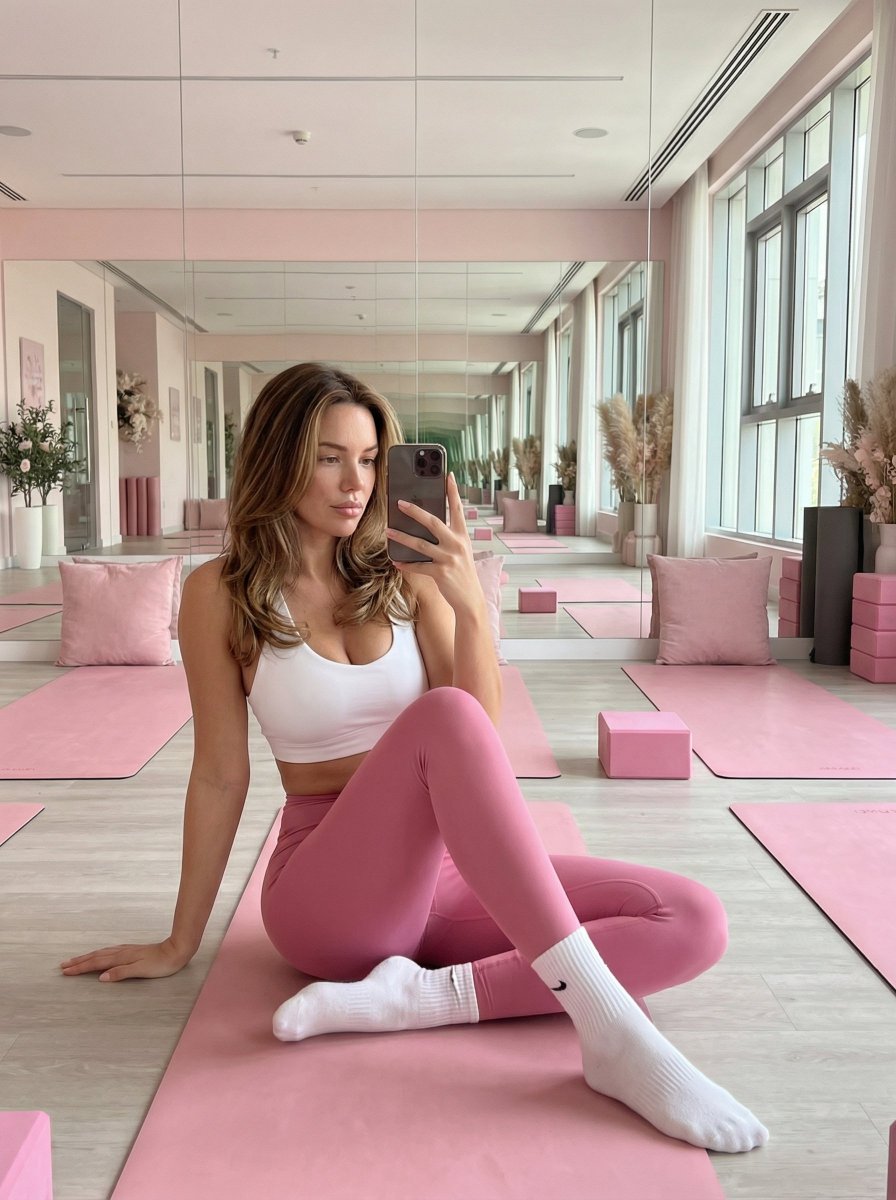
A prompt for generating an image of a beautiful young woman with an hourglass figure taking a frontal mirror selfie in a bright, modern fitness studio dominated by pink decor. The prompt specifies the pose (sitting on a pink yoga mat, holding a phone), attire (white sports top, tight pink leggings), and the overall influencer aesthetic. (free to use) — Free AI image template on PicX Studio.
{ "character": { "identity": "Beautiful young woman", "appearance": "Natural yet glamorous look, smooth skin, long dark brown hair worn loose with soft waves", "body_type": "Slim and curvy hourglass figure with a narrow waist, naturally full chest, and well-proportioned hips", "pose": "Sitting on a pink yoga mat in a bright fitness studio, one leg bent, taking a frontal mirror selfie while holding a phone in front of her face", "expression": "Confident, relaxed, and subtly seductive" }, "outfit": { "top": "{argument name="top color and style" default="White sports top with a deep but elegant neckline"}", "bottom": "{argument name="bottom color and style" default="Tight pink leggings that accentuate the figure"}", "accessories": "White socks", "style": "Trendy, feminine fitness wear with an influencer aesthetic" }, "environment": { "location": "Bright, modern fitness studio", "color_scheme": "Pink-dominant color palette", "decor": "Pink pillows, yoga blocks, mats, stylish furniture, and decorative accents", "architecture": "Mirrored walls and large windows allowing soft natural daylight", "atmosphere": "Fresh, stylish, studio-like, Instagram-ready aesthetic" } }
Use Influencer Fitness Studio Mirror Selfie to plan an AI image around nano-banana-2 generation. Match the preview's composition first, then personalize the subject, setting, and mood for your own project.
Use the primary action to load the template settings in PicX Studio.
Adjust the subject and creative details for your destination.
Create the image, compare the result with the preview, and refine one variable at a time.
A continuous mix — similar concepts first, woven with same-model prompts and fresh picks from the catalog.
Choose the primary action to open PicX Studio with the available template settings. Review the model and format, personalize the creative direction, and generate when ready.
Yes. You can change the subject, setting, lighting, mood, format, and available model controls before creating your image.
This template is free to open and customize. Generation usage is shown in PicX Studio before you create.
Start with nano-banana-2, which is the model associated with this template. You can compare another compatible model for a different finish.
Follow a topic to a crawlable collection of related PicX Studio templates.
39,155 public templates available. Verified via the PicX Studio public templates API; refreshed hourly.
A continuous mix — similar concepts first, woven with same-model prompts and fresh picks from the catalog.