
style AI videos using Seedance 2 with tools like C... (IMAGE-NANO_BANANA)
style AI videos using Seedance 2 with tools like C... (IMAGE-NANO_BANANA) is a ready photo look.
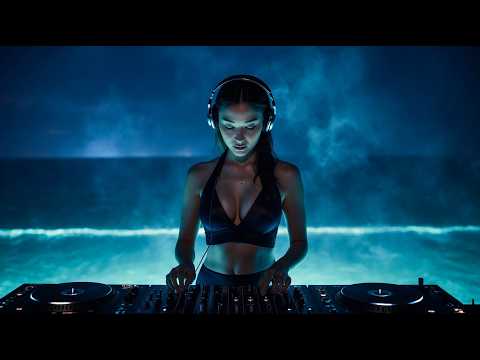
- Prompt included
- Model and format preset
- Free template
The prompt behind this image
Copy the exact prompt behind style AI videos using Seedance 2 with tools like C... (IMAGE-NANO_BANANA), or open it in the studio and make it yours.
style AI videos using Seedance 2 with tools like ChatGPT, invideo, and Higgsfield. You’ll learn how to:
How to use style AI videos using Seedance 2 with tools like C... (IMAGE-NANO_BANANA) in 3 steps
- 1
Open
The prompt is already in the box next to the preview, with the template's model and format selected.
- 2…a portrait of your subject in softgolden-hour light, 85mm…
Personalize
Edit the subject and creative details for your destination.
- 3Generate
Generate
Press Generate — your image is created in PicX Studio, so you can compare it with the original and refine one variable at a time.
More like this
Templates with the same subject, style or setup. Open one to see its prompt.
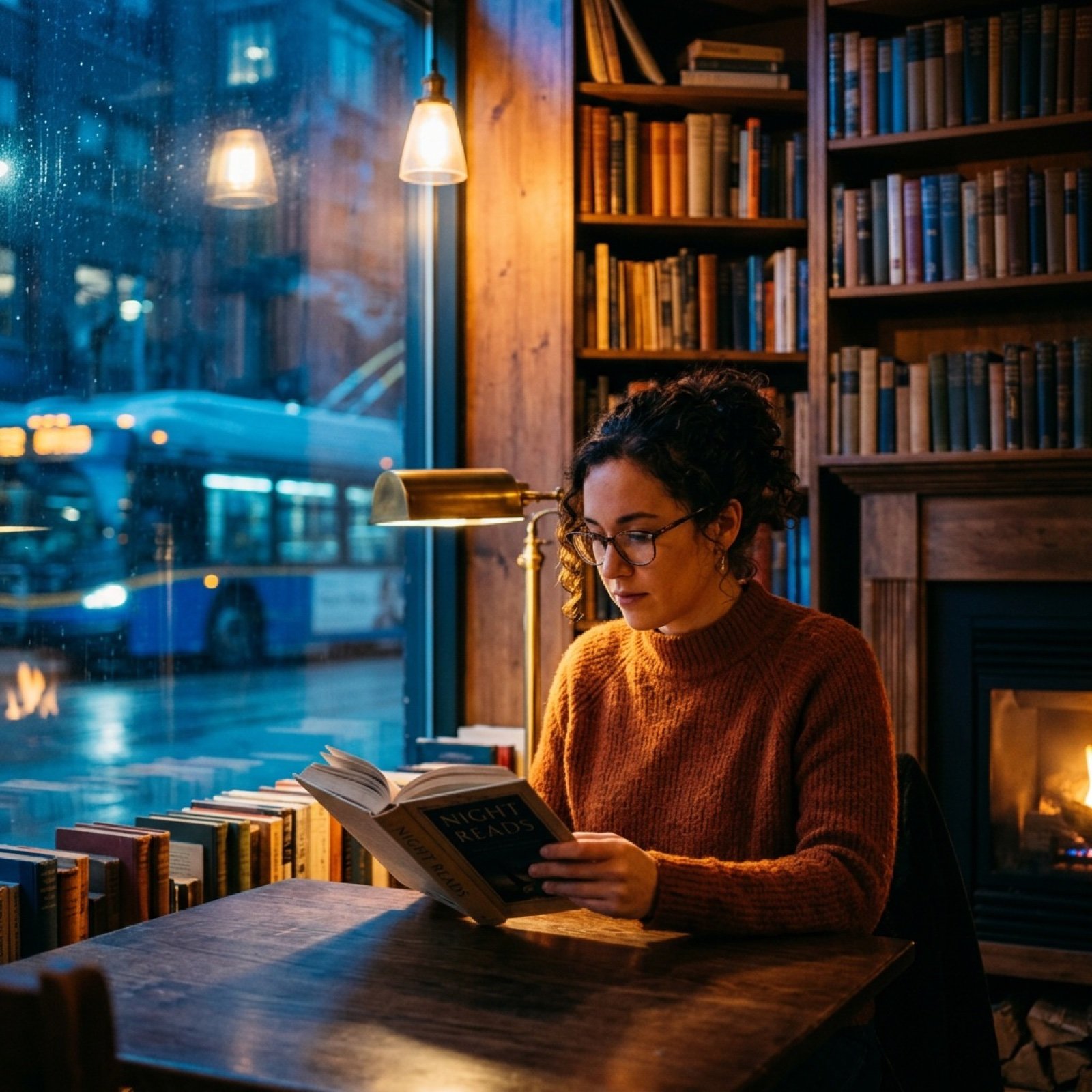
cinematography style warm amber and cool blue colo... (IMAGE-NANO_BANANA)
Image-to-Image Workflow for RPG Maker Pixel Maps using Nano Banana
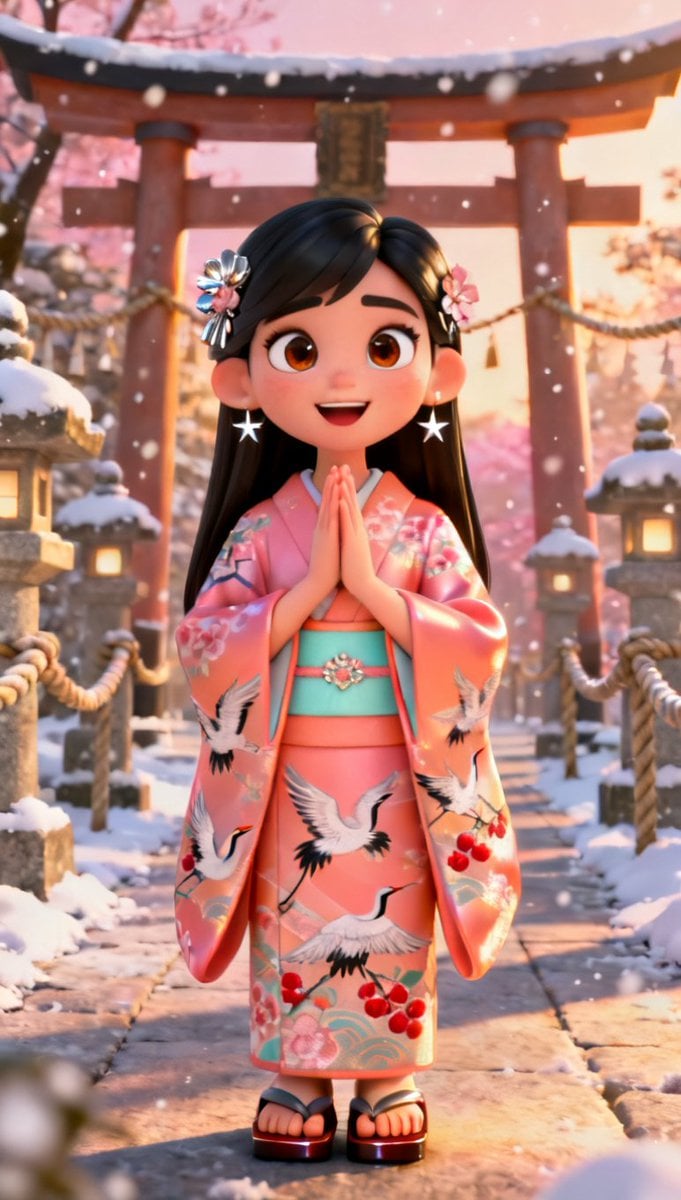
Infographic Generation from Images and Text using Nano Banana Pro
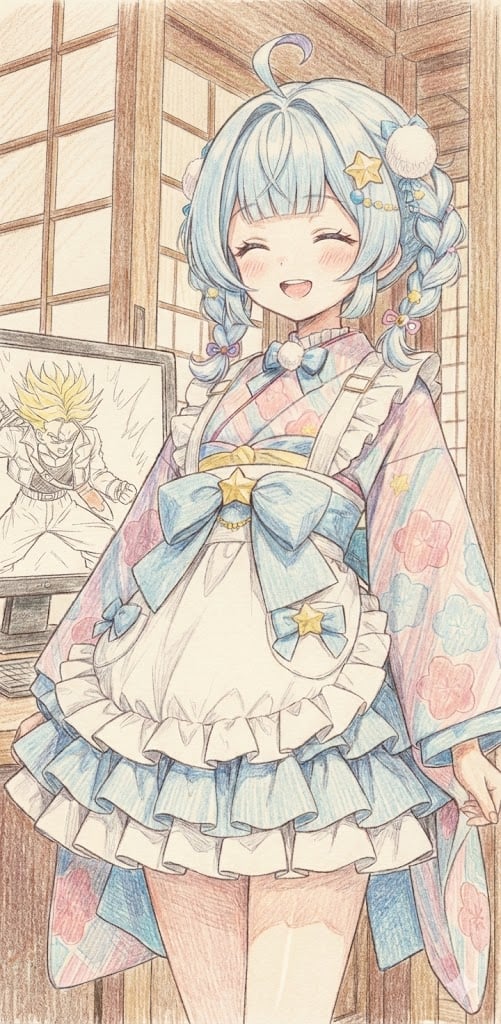
Image generation of Suu Mizumiya using Nano Banana Pro
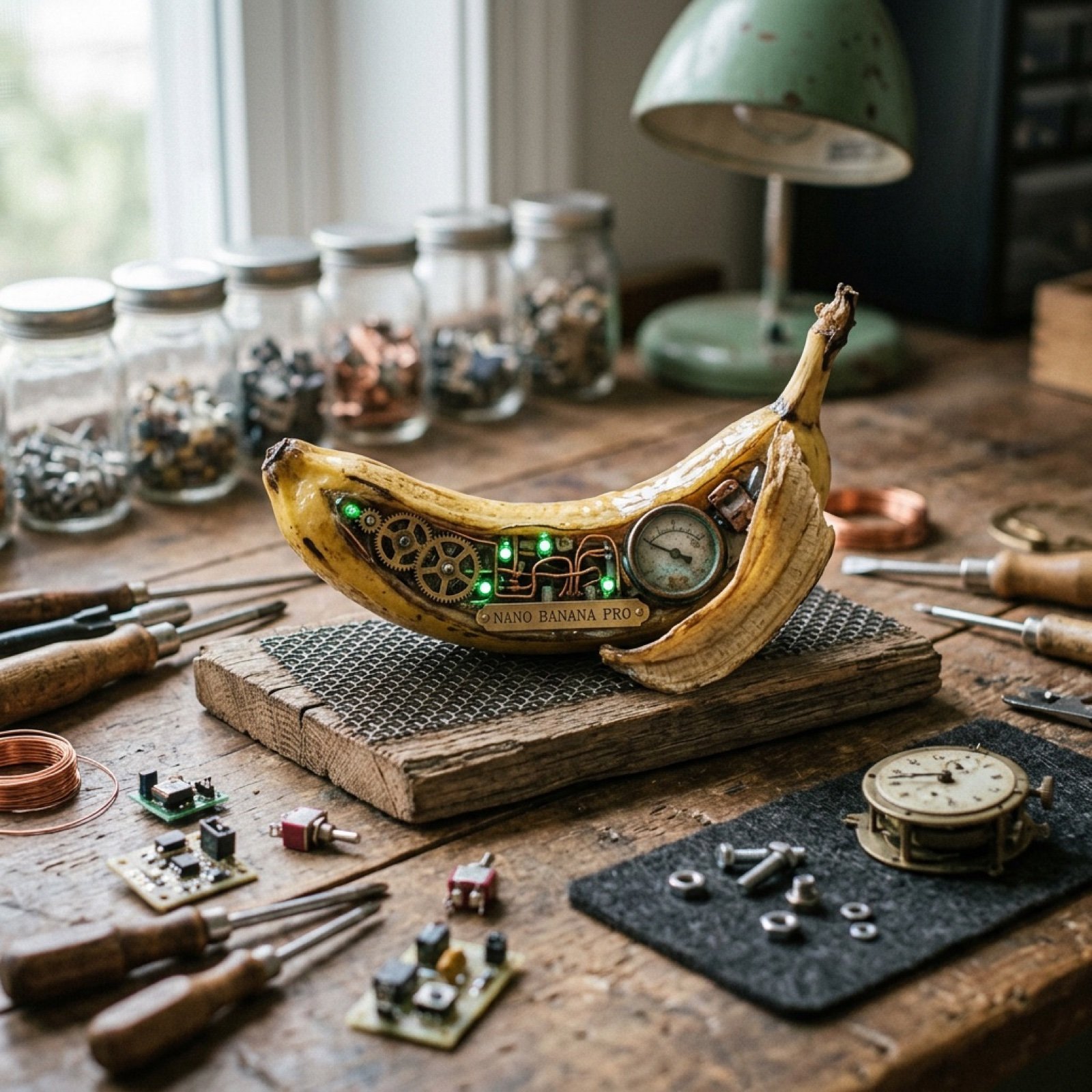
Nano Banana Pro Prompt Using Image Reference
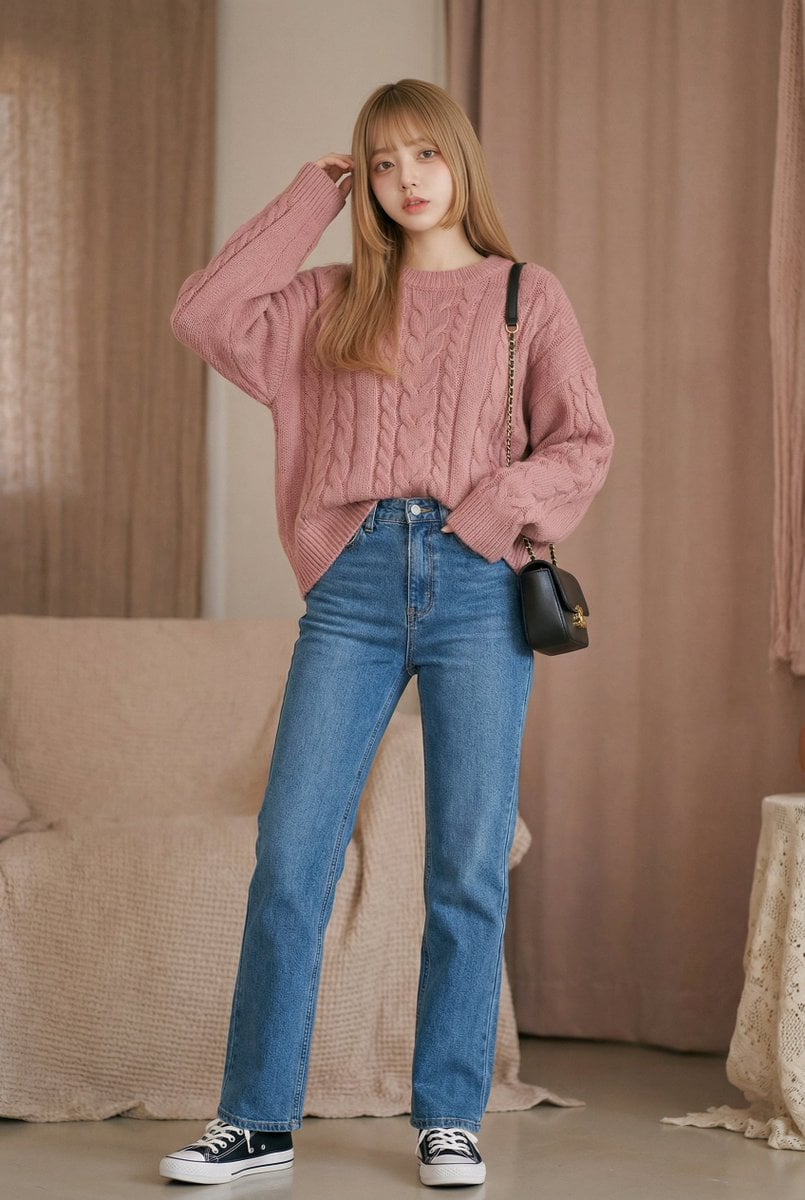
Vlog Style Video Generation from Nano Banana Pro Image using Google Veo 3.1
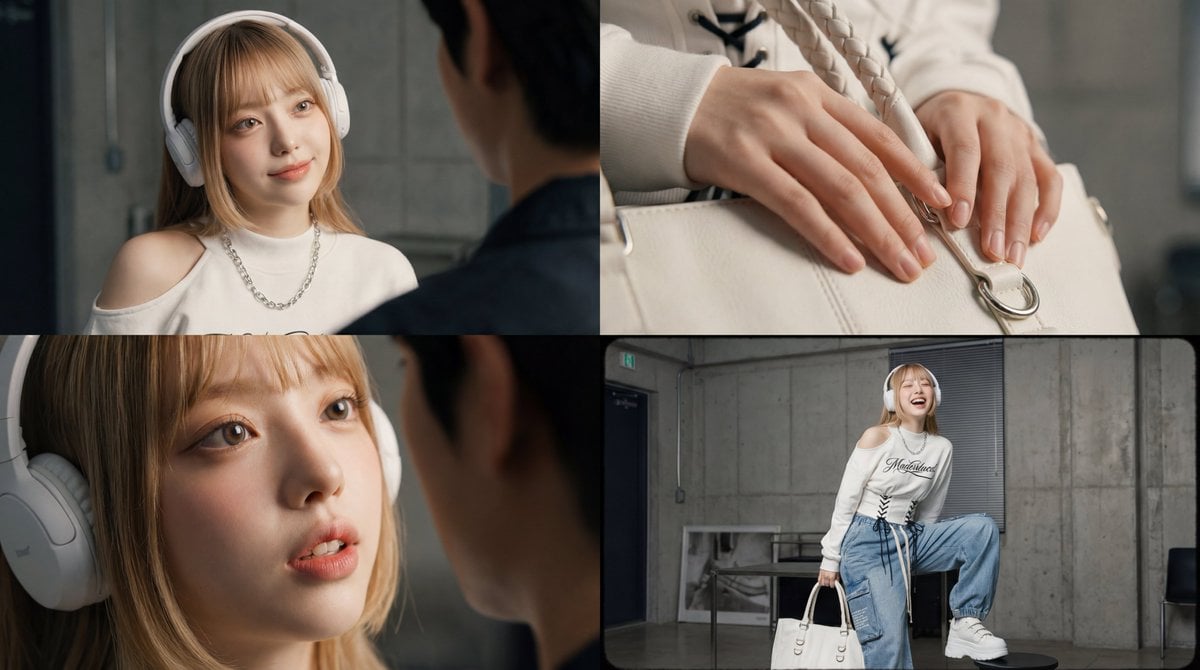
Kling 3.0 video using Nano Banana Pro images
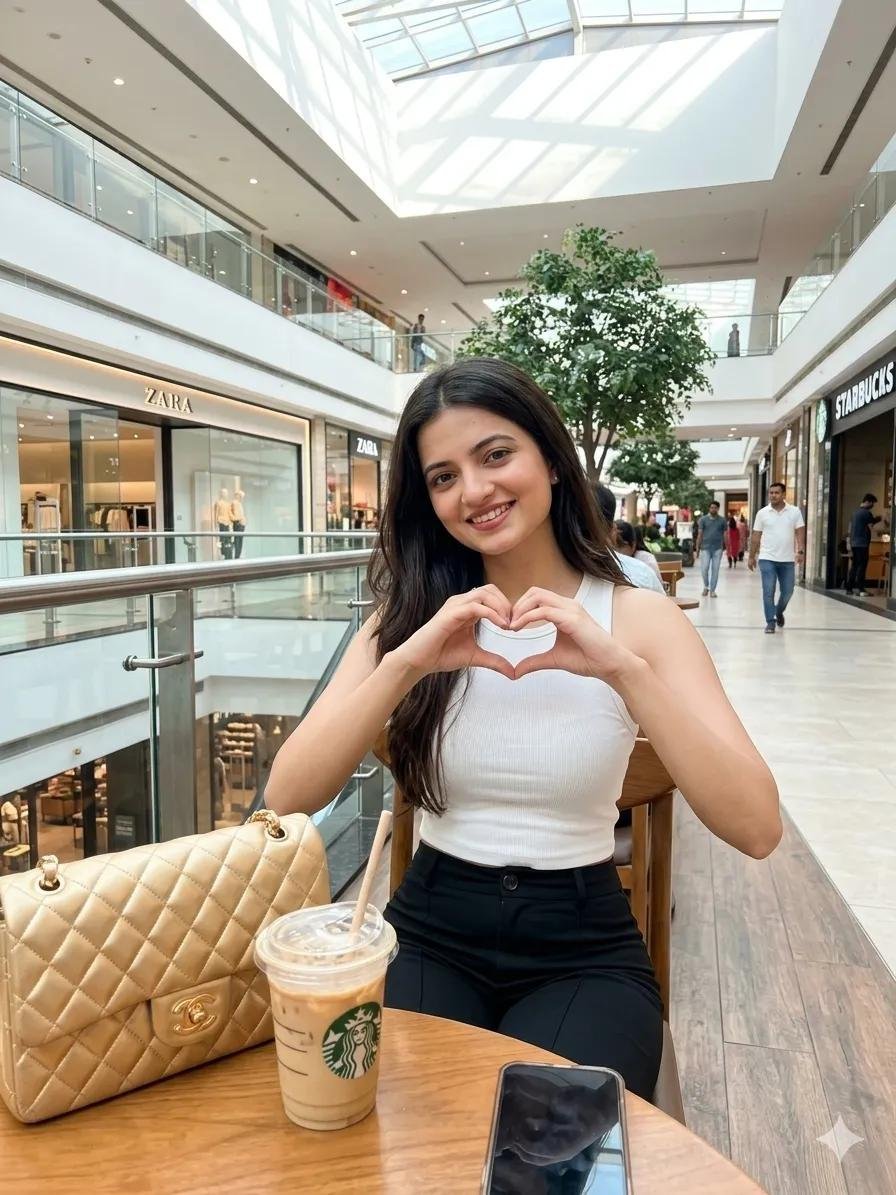
X Ayzalnooor24521 Gemini Nano Banana Pro
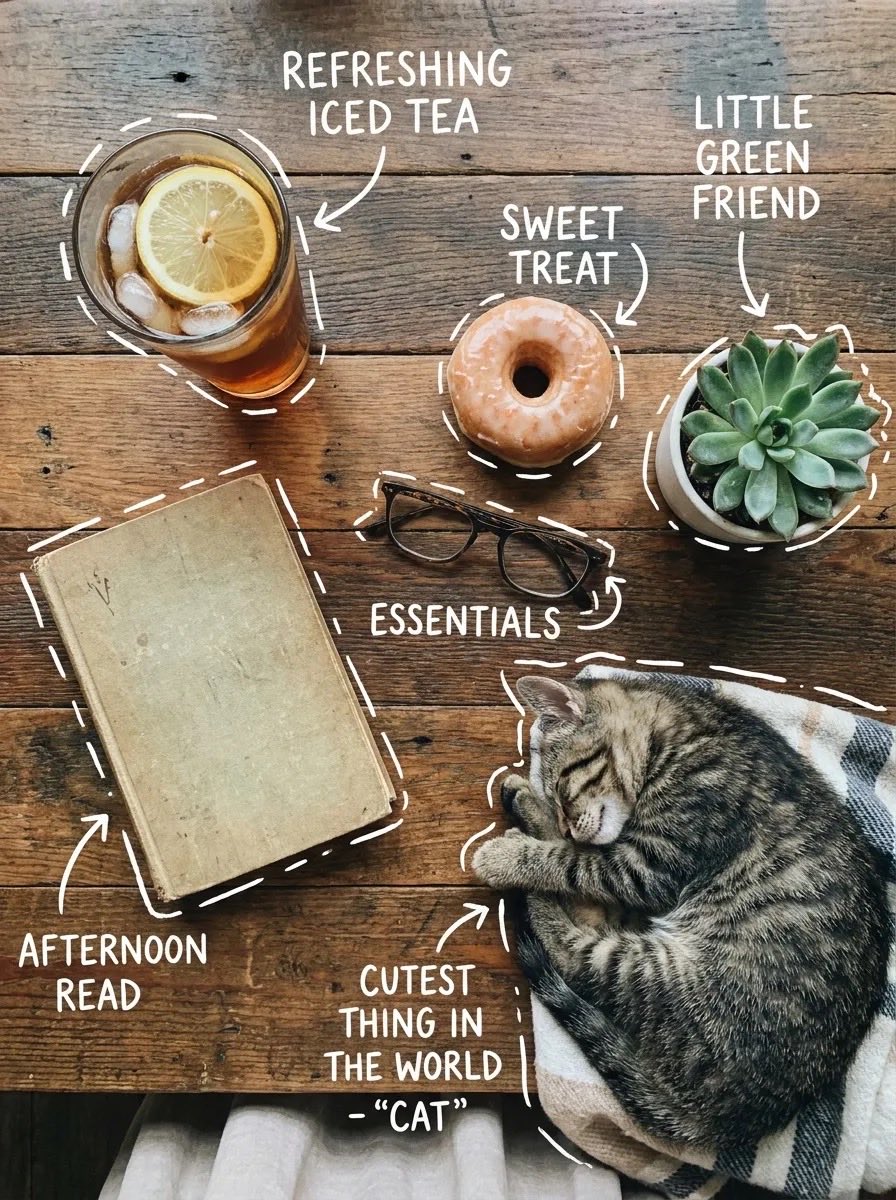
X Sairah 0 Google Gemini Nano Banana Pro
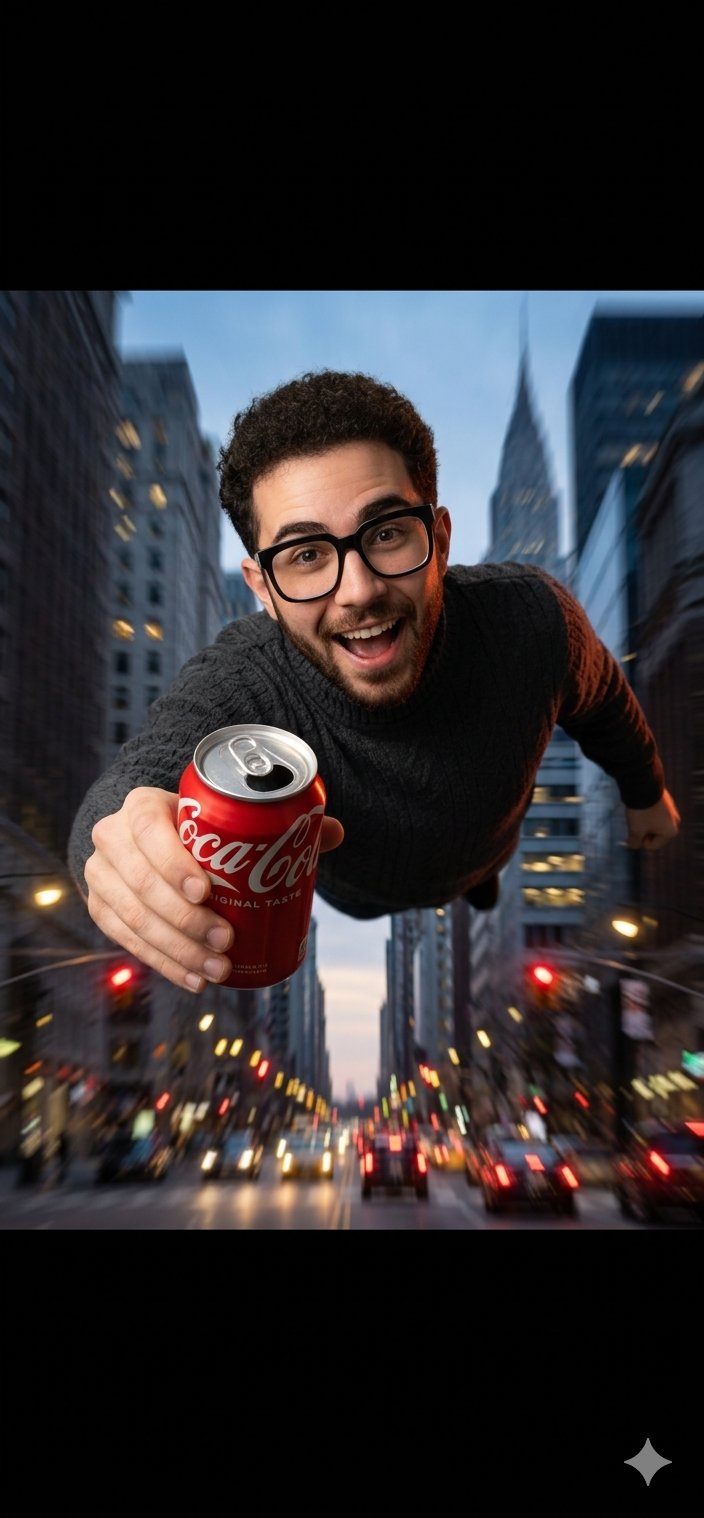
X Fujimoto Hina Create with Nano Banana Pro on Gemini App
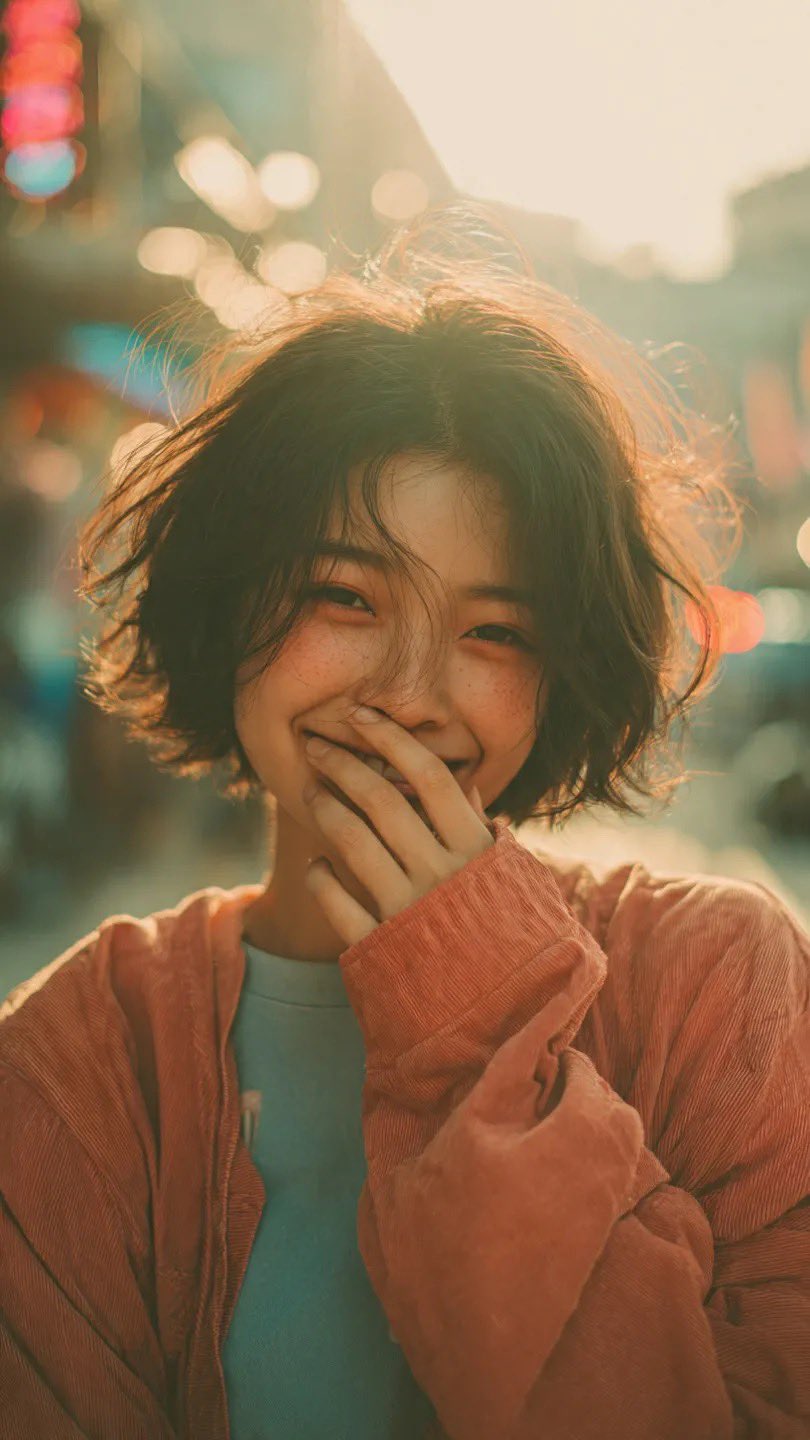
X Sairah 0 Gemini Nano Banana Pro
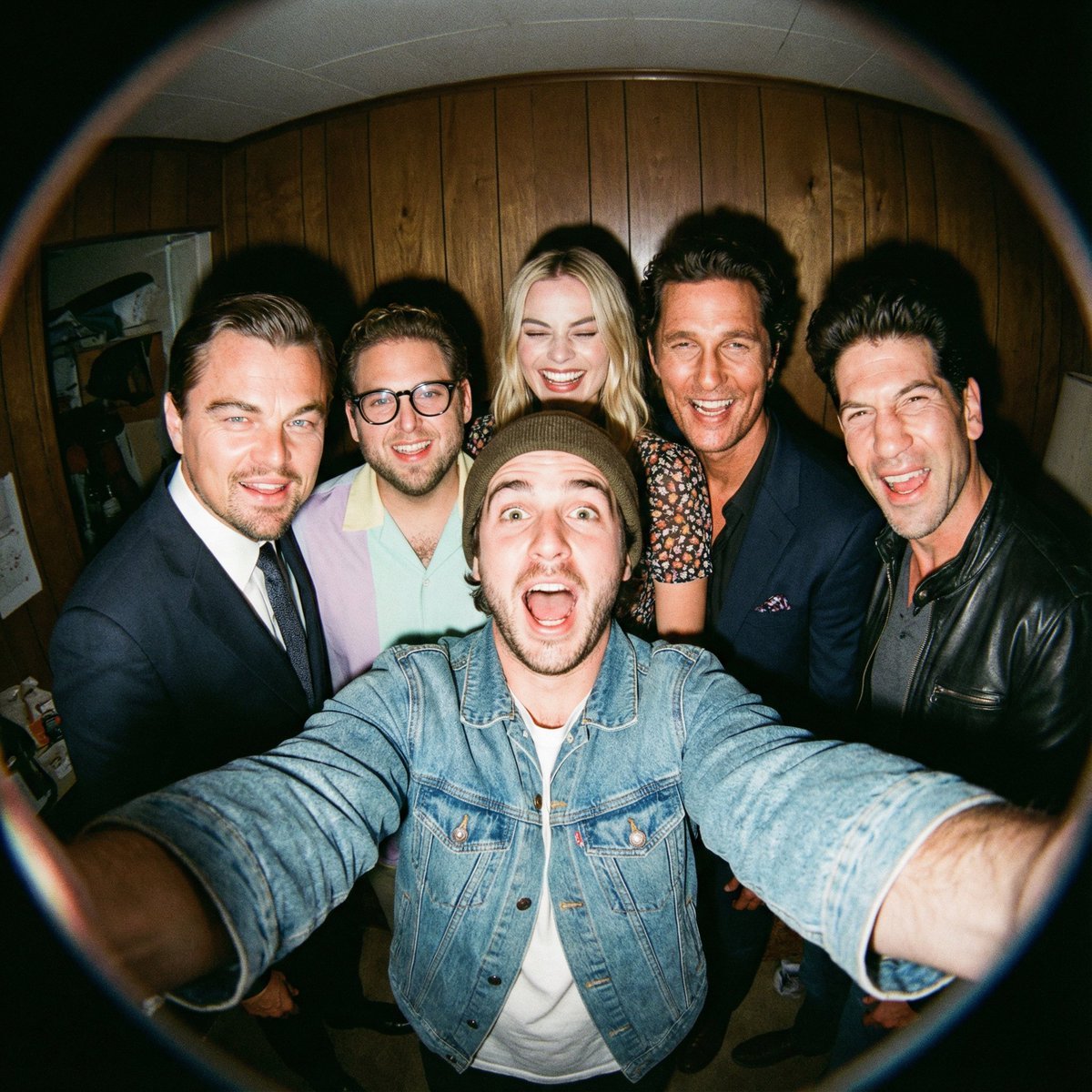
Fisheye selfie with movie characters using Nano Banana Pro
Make it yours
style AI videos using Seedance 2 with tools like C... (IMAGE-NANO_BANANA) works as-is. These are the safest ways to change it without losing the look.
Change one field
Copy a single group, rewrite it, and generate again so you can see what that field is doing.
Keep the frame, change the subject
Hold the composition and light of style AI videos using Seedance 2 with tools like C... (IMAGE-NANO_BANANA), then swap wardrobe, props or the person for a new take.
| If the result… | Why | Fix |
|---|---|---|
| The result drifts from the preview | Too many fields changed at once. | Reuse style AI videos using Seedance 2 with tools like C... (IMAGE-NANO_BANANA) as-is first, then change one group — subject, light, or setting. |
| The model over-stylizes the scene | The prose prompt leaves finish and camera underspecified. | Add one camera or lighting sentence and stay on PicX Studio. |
More image prompts
Fresh picks from across the catalog.
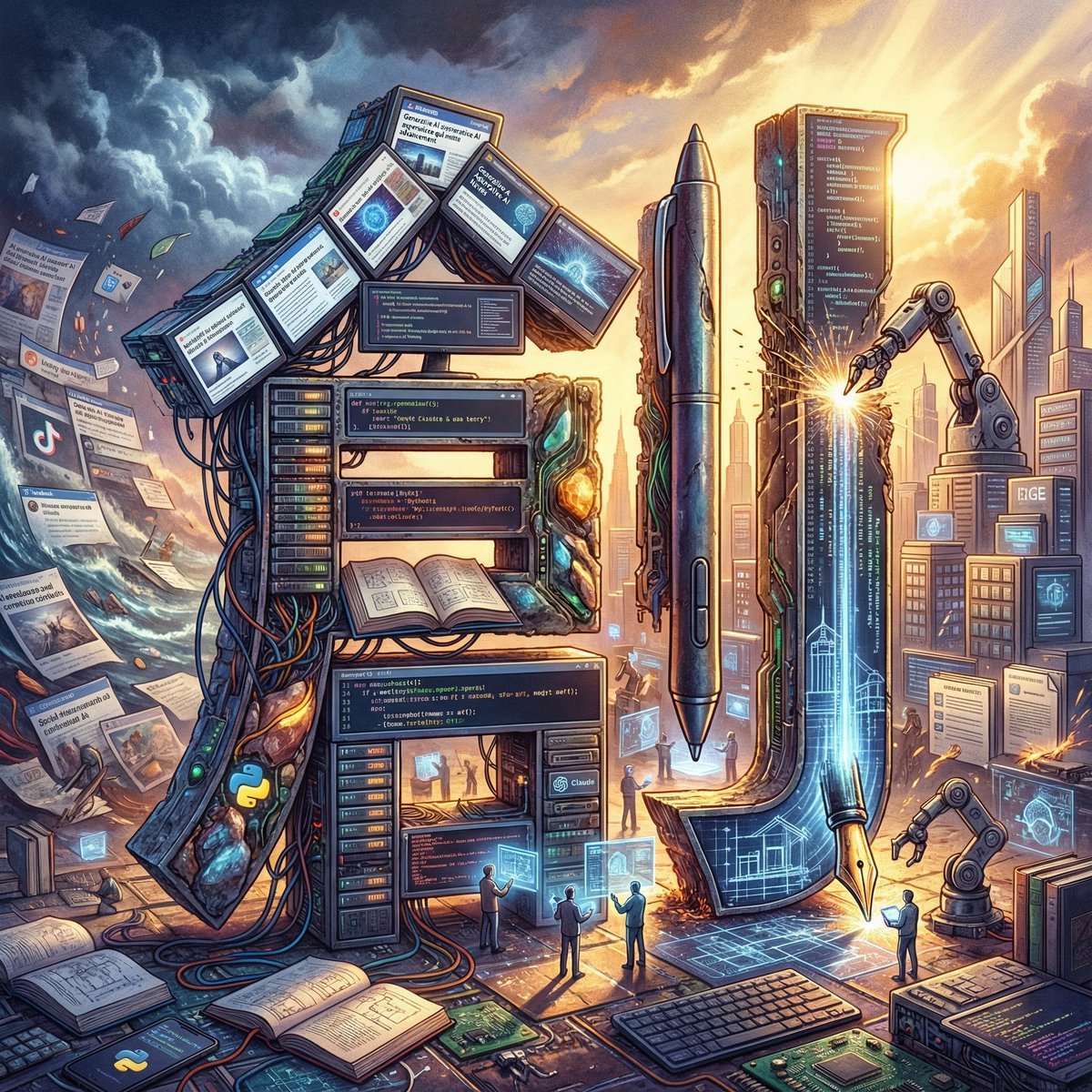
Epic Figurative Art Prompt for 'Kanji of the Year'
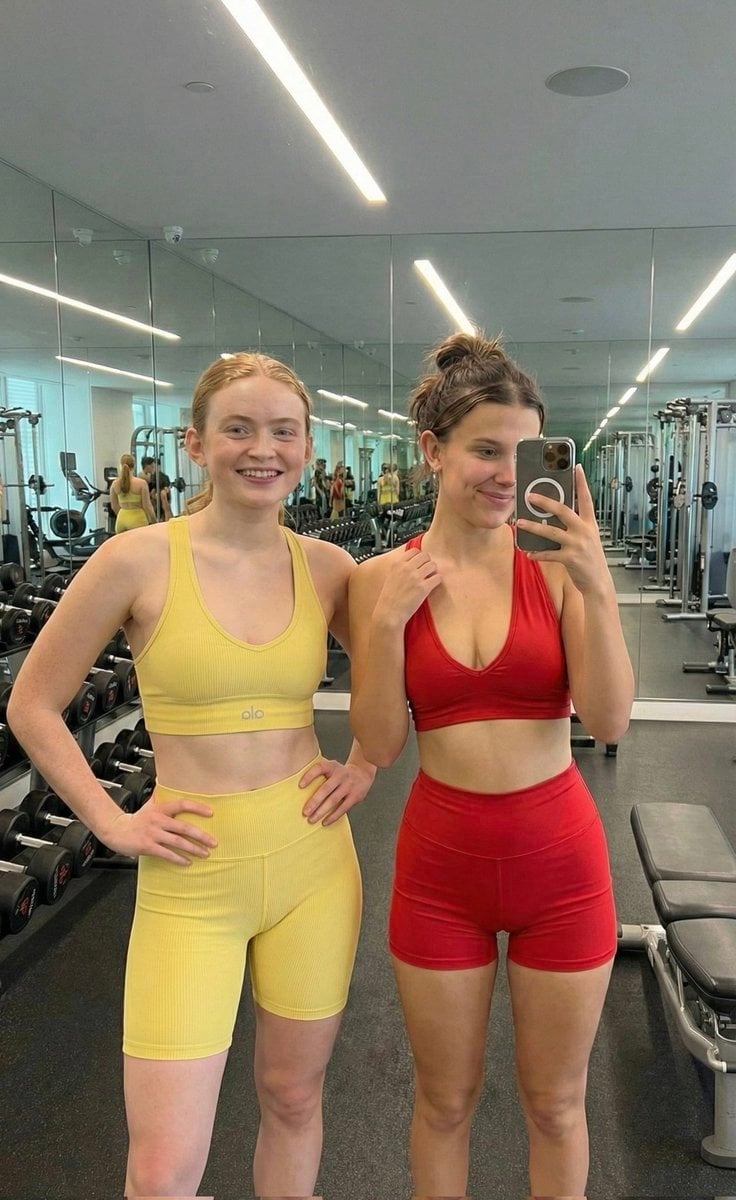
Macro Photography of Galaxy Ice Cream Scoop
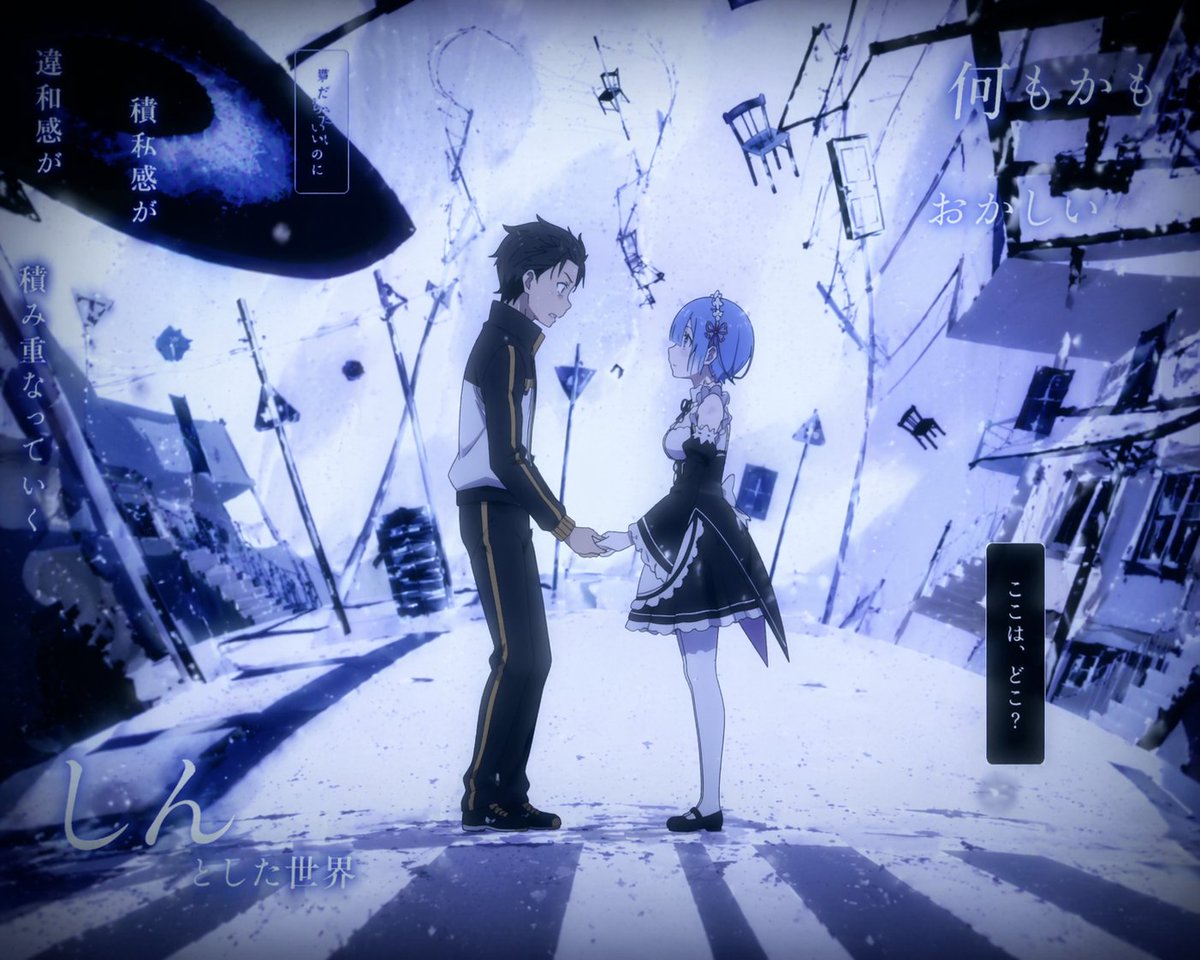
Surreal Anime Couple Illustration with Text Overlays
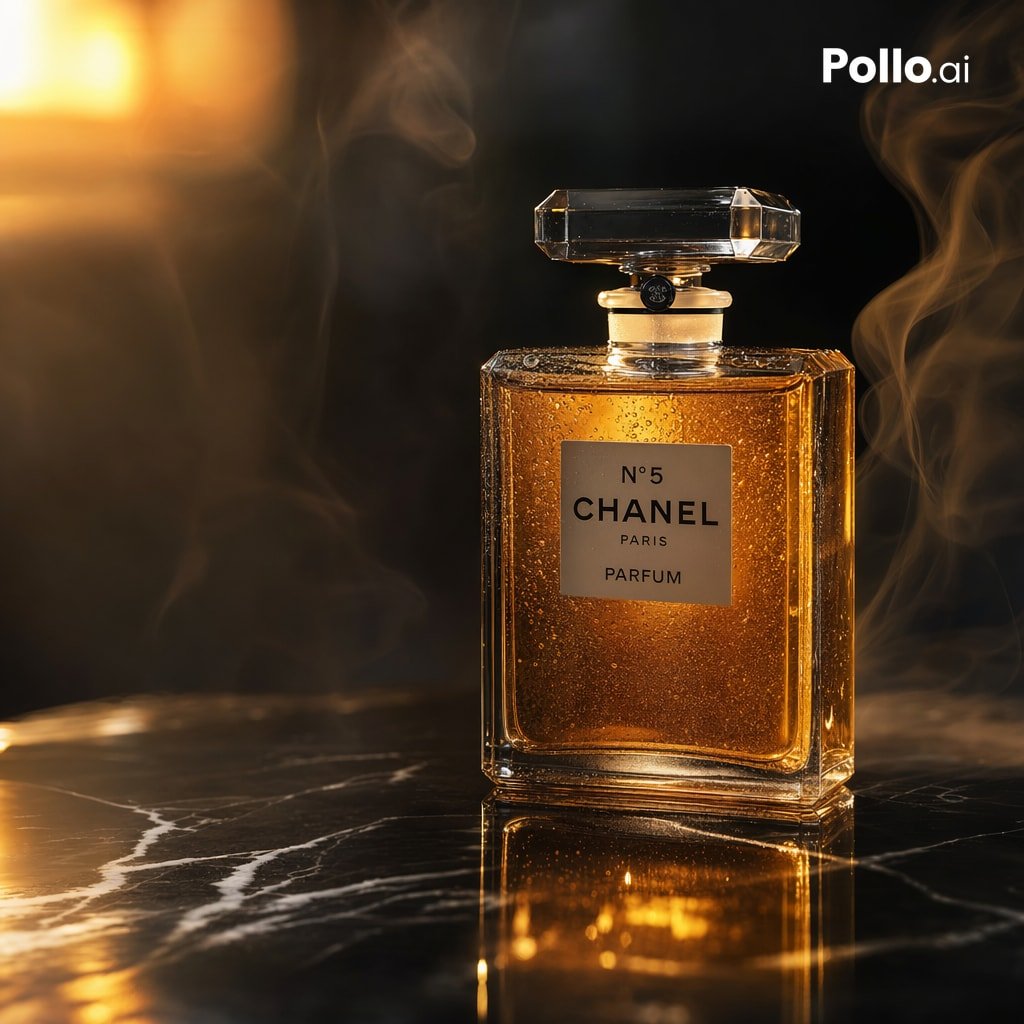
Luxury Amber Perfume Ad
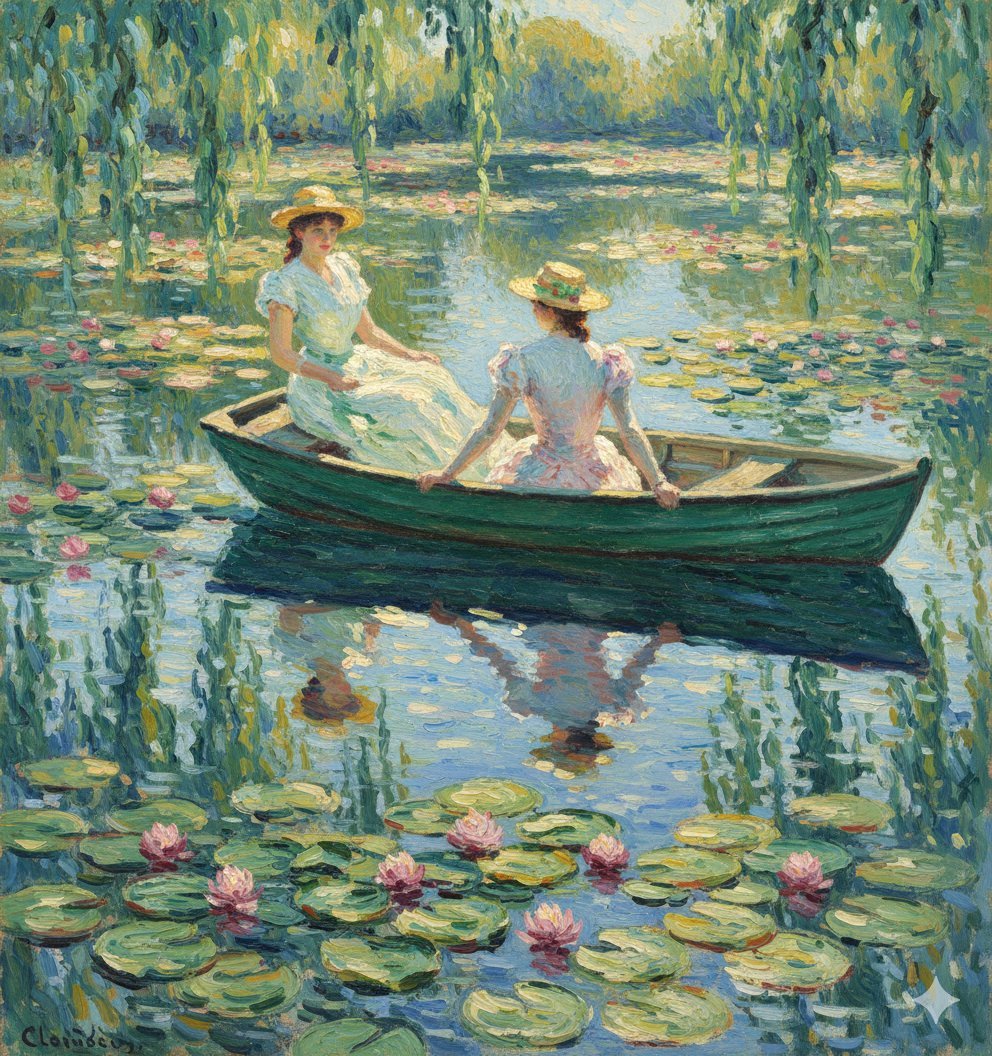
Monet Style Boat Ride Image Generation
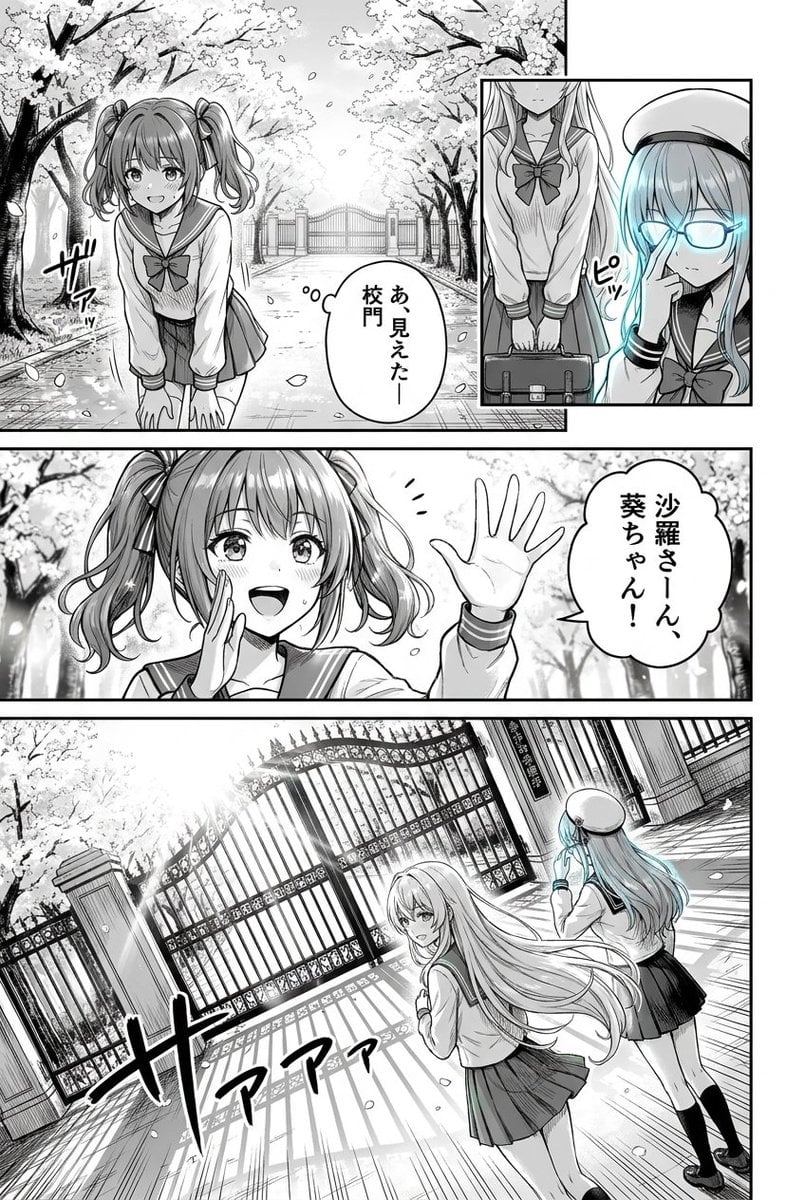
Cherry Blossom School Gate Manga Page
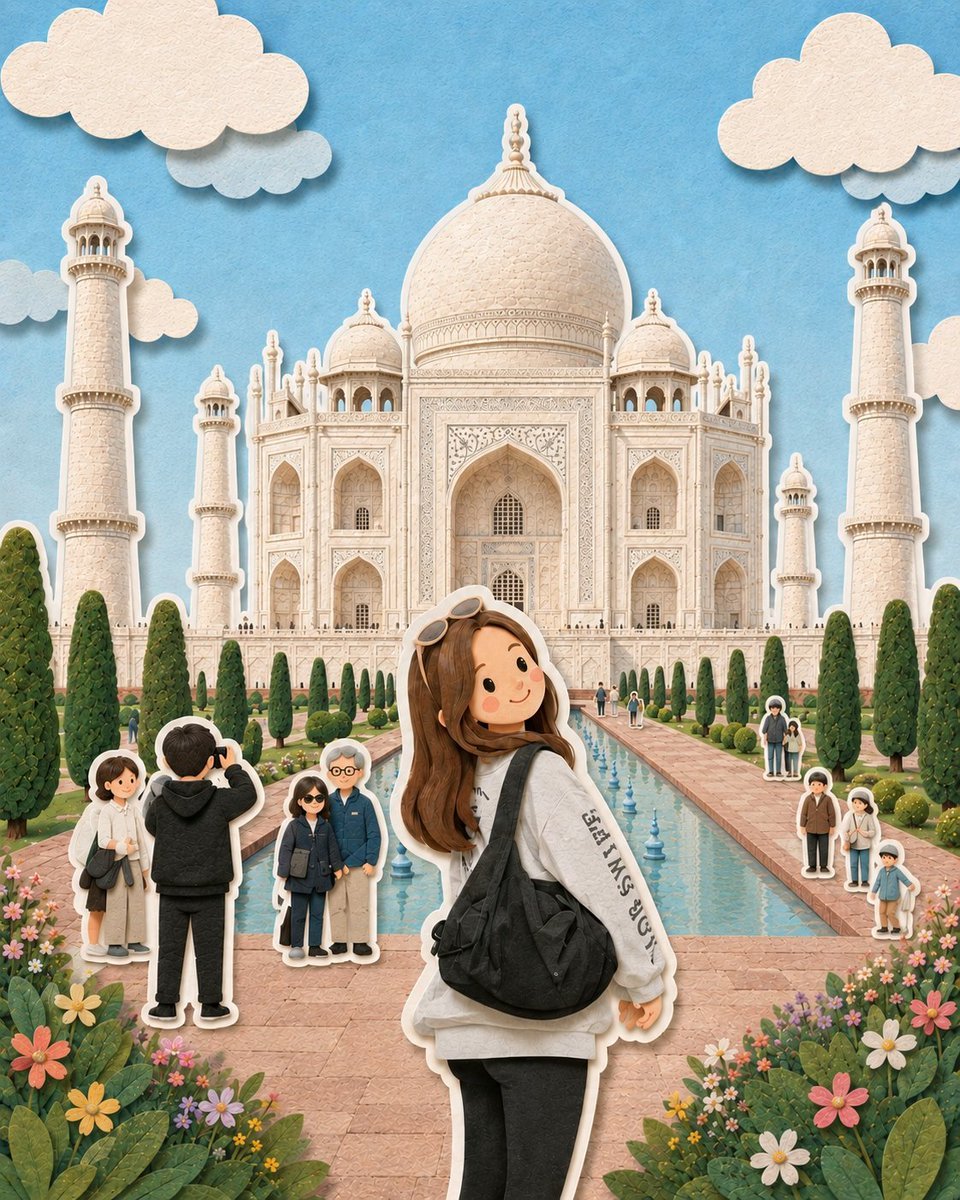
Paper-Cut Diorama Illustration
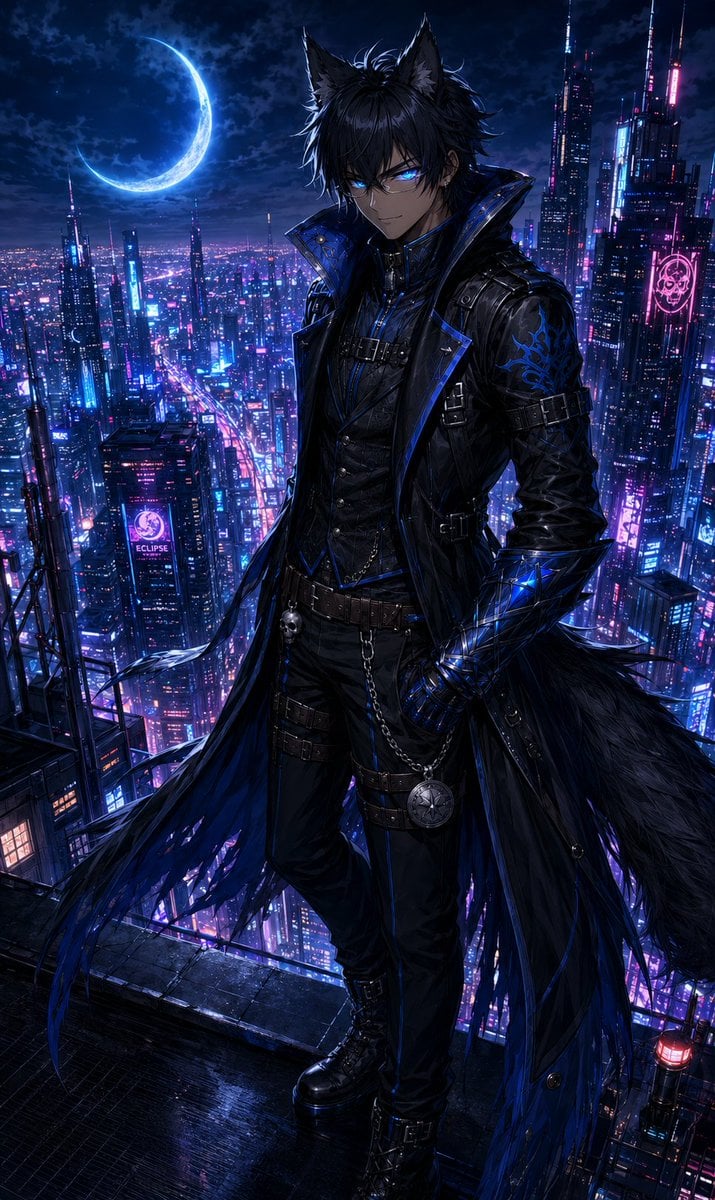
Neon Rooftop Character Portrait
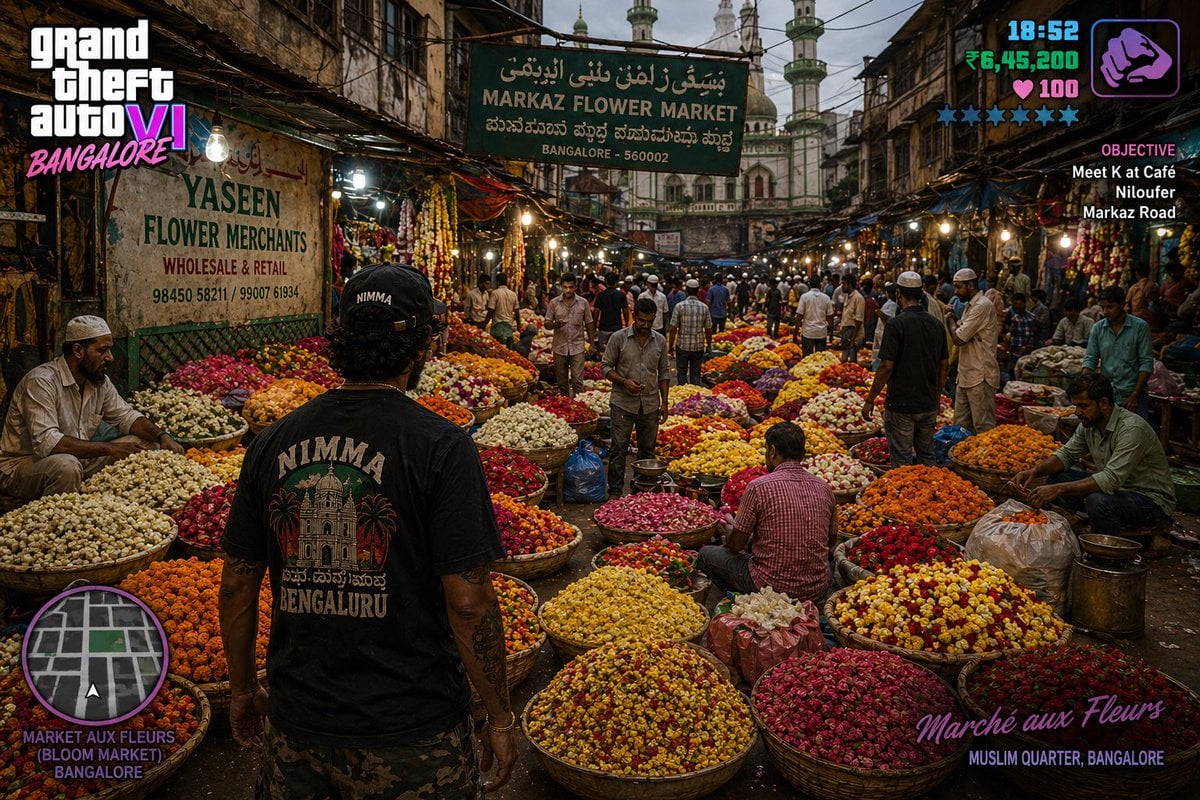
Gpt2 Game Asset Gta 6 in Bangalore Flower Market
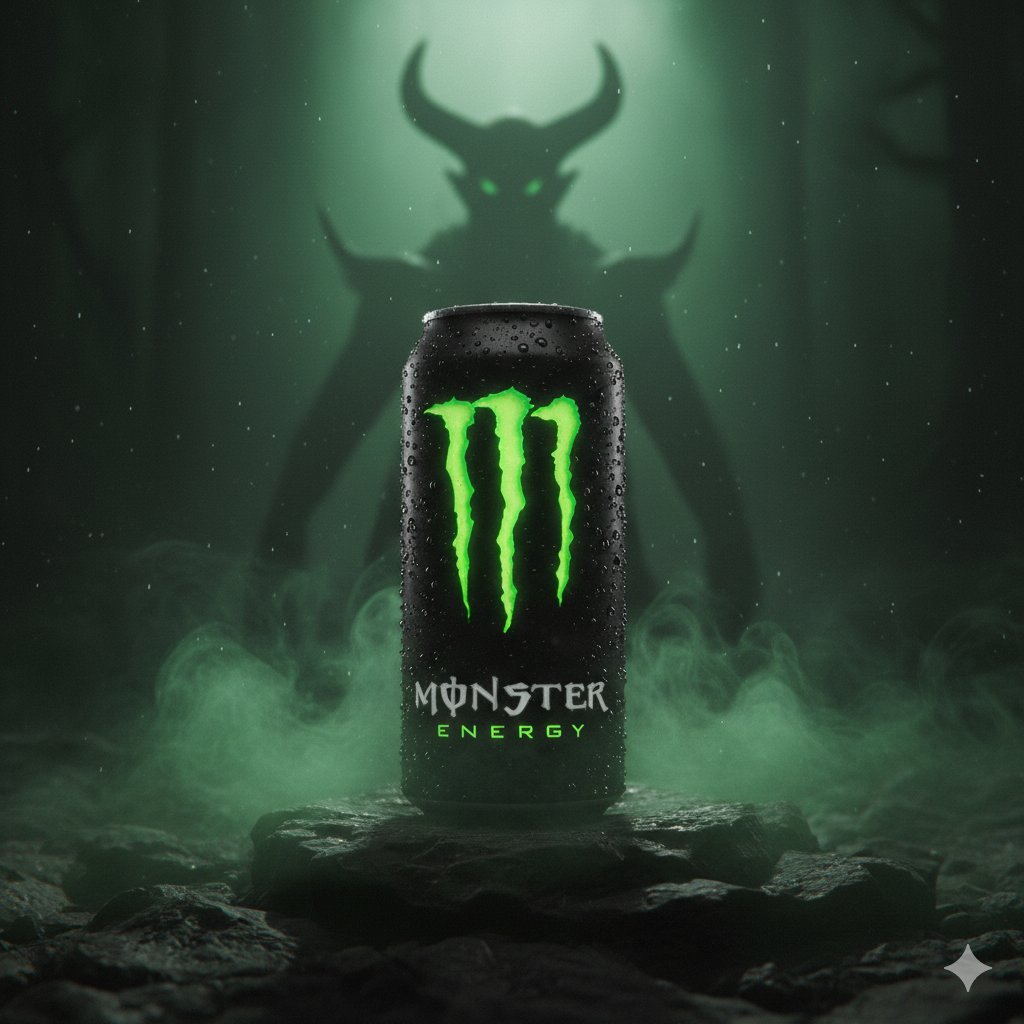
Dark Fantasy Product Shot of Monster Energy Drink
Browse template categories
style AI videos using Seedance 2 with tools like C... (IMAGE-NANO_BANANA) questions
How do I use the style AI videos using Seedance 2 with tools like C... (IMAGE-NANO_BANANA) template?
Add your photo if the template asks for one, edit the prompt if you like — the template's model and format are already selected — and press Generate. Your version opens in PicX Studio.
Can I customize the style AI videos using Seedance 2 with tools like C... (IMAGE-NANO_BANANA) template?
Yes. You can change the subject, setting, lighting, mood, format, and available model controls before creating your image.
Is the style AI videos using Seedance 2 with tools like C... (IMAGE-NANO_BANANA) template free?
Opening and editing this template is free. Generating uses credits, shown on the Generate button when you are signed in.
Which AI model should I use?
Choose a compatible model in PicX Studio based on the style, speed, and output controls your project needs.
Looking for something else? Browse all templates.

Your photo, any look
Thousands of ready templates for every top image and video model, from one credit balance.