How do I use the Curvy Mirror Selfie in Calvin Klein Underwear template?
Choose the primary action to open PicX Studio with the available template settings. Review the model and format, personalize the creative direction, and generate when ready.
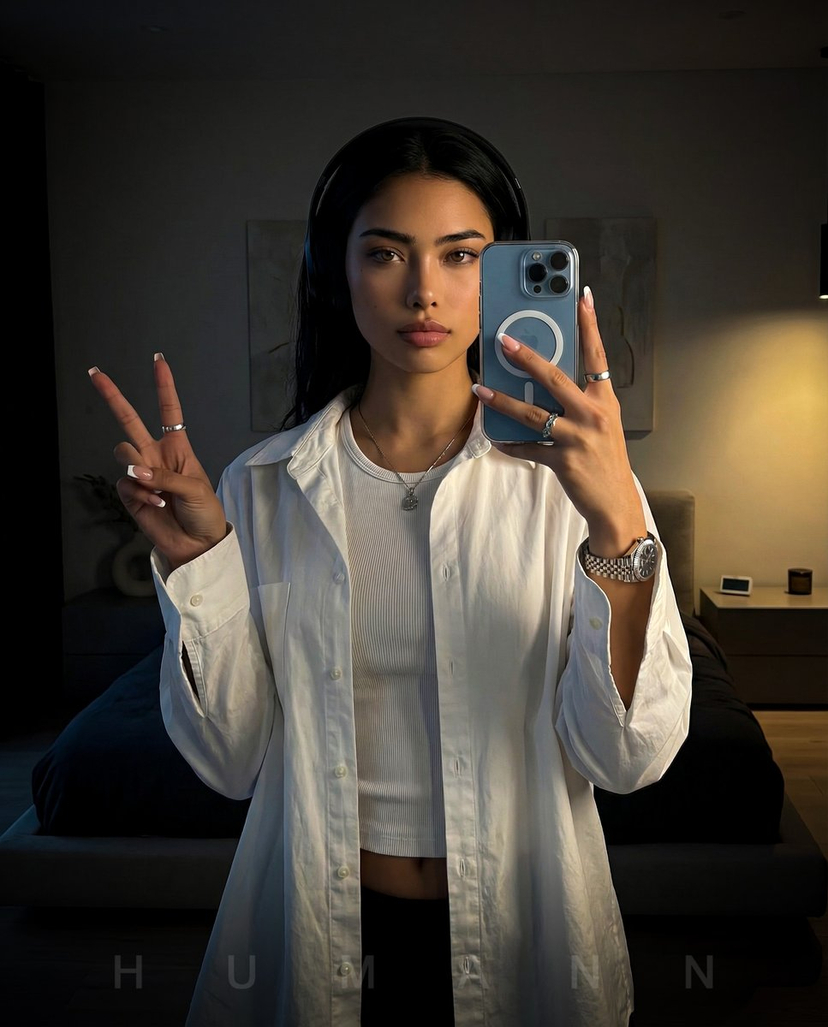
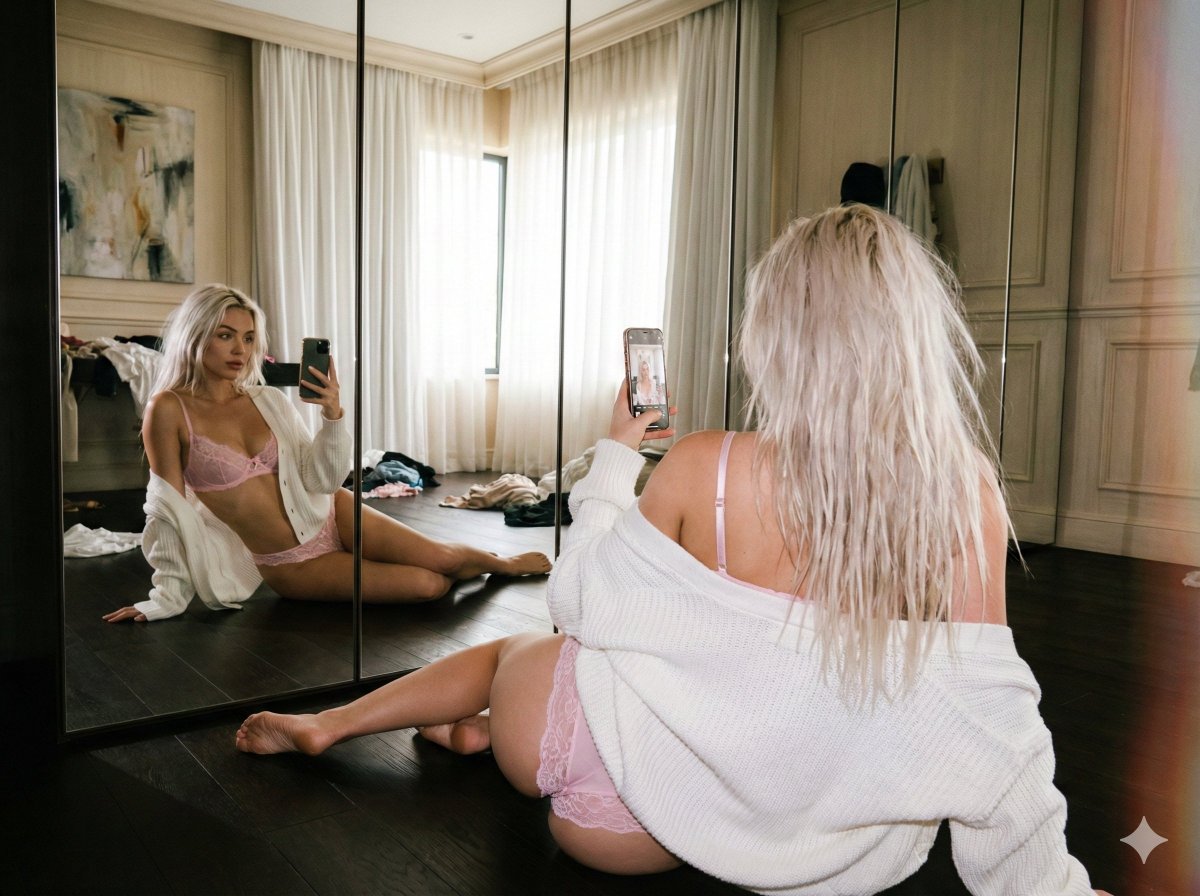
A highly detailed, structured prompt for generating a photorealistic mirror selfie of a young woman with a voluptuous, hourglass figure. Change the subject, setting, or lighting one variable at a time.

{ "subject": { "description": "Young woman with a voluptuous, hourglass figure taking a mirror selfie. She has shoulder-length blonde hair cut in a bob, parted to the side and tucked behind one ear. Her skin is fair with a natural, slightly warm tone.", "attire": { "top": "White ribbed sleeveless crop top, fitting tightly across the chest, ending just below the bust line.", "bottom": "Grey melange boy-short style underwear with a visible elastic waistband featuring the 'Calvin Klein' logo text. The fabric conforms tightly to the hips and glutes." }, "anatomy": { "build": "Curvy and fit physique with highly accentuated proportions. Significant bust volume with natural heaviness and projection. Narrow, defined waist creating a sharp hip-to-waist ratio. Hips are wide and glutes are prominent and round, emphasized by the side profile angle. Thighs are full and soft.", "details": "Natural skin texture, no visible tattoos, soft facial features." } }, "pose": { "body_orientation": "Standing in side profile, facing slightly towards the right of the frame, with the torso twisted slightly towards the mirror.", "limbs": { "left_arm": "Raised, elbow bent, holding a smartphone up to capture the reflection.", "right_arm": "Extended downwards, resting naturally near the hip/thigh.", "legs": "Standing with weight primarily on the back leg, front leg slightly bent at the knee.", "head": "Turned to face the mirror/phone screen directly." }, "expression": "Neutral, relaxed gaze focused on the phone screen/mirror reflection." }, "environment": { "setting": "Interior room, likely a bedroom or living area, facing a large glass balcony door or floor-to-ceiling window.", "background": "The reflection in the glass shows a high-rise city skyline with multiple skyscrapers and buildings under a cloudy sky, suggesting late afternoon or sunset. A blurred cart with various bottles is visible in the room behind the subject.", "elements": "Glass surface creating reflections, architectural lines of the window frame." }, "camera": { "type": "Mirror selfie shot with a smartphone.", "perspective": "Eye-level relative to the subject, capturing the reflection in a glass surface.", "framing": "Medium shot (knees up), centered on the subject's body curve.", "device_visible": "Blue/Grey smartphone (iPhone Pro style with three cameras) held in the left hand." }, "lighting": { "source": "Natural daylight entering from the exterior window/balcony behind the subject (in reality) and reflected in the mirror.", "quality": "Soft, diffused natural light with a slightly warm golden hour cast.", "shadows": "Soft shadows defining the musculature of the abdomen and the curve of the spine; subtle shading on the side of the face away from the light source." }, "mood_and_expression": { "vibe": "Casual, confident, candid, influencer-style.", "emotion": "Relaxed, self-assured." }, "style_and_realism": { "aesthetic": "Realistic
Choose the primary action to open PicX Studio with the available template settings. Review the model and format, personalize the creative direction, and generate when ready.
Yes. You can change the subject, setting, lighting, mood, format, and available model controls before creating your image.
This template is free to open and customize. Generation usage is shown in PicX Studio before you create.
Start with Nano Banana 2, which is the model associated with this template. You can compare another compatible model for a different finish.
Follow a topic to a crawlable collection of related PicX Studio templates.
43,474 public templates available. Verified via the PicX Studio public templates API; refreshed hourly.












![nano-banana-grwm-mirror-selfie-pink — Nano Banana 2
Prompt (JSON):
{
"type": "image_prompt",
"description": {
"subject": {
"main": "[NAME] com o](/_next/image?url=https%3A%2F%2Fcdn.picxstudio.com%2Fuploads%2Ftweet_img_10a_612da6f9-cf6d-417e-bdd5-cc1300d1d830.jpg&w=828&q=100)




![Naive doodle-style subject illustration — A doodle-style {argument name="subject" default="[subject]"}, naive lines, humorous shape exaggeration](https://pbs.twimg.com/media/G6Wl2YxbsAARB2b.jpg)