How do I use the Monochrome Fashion Python Portrait template?
Choose the primary action to open PicX Studio with the available template settings. Review the model and format, personalize the creative direction, and generate when ready.
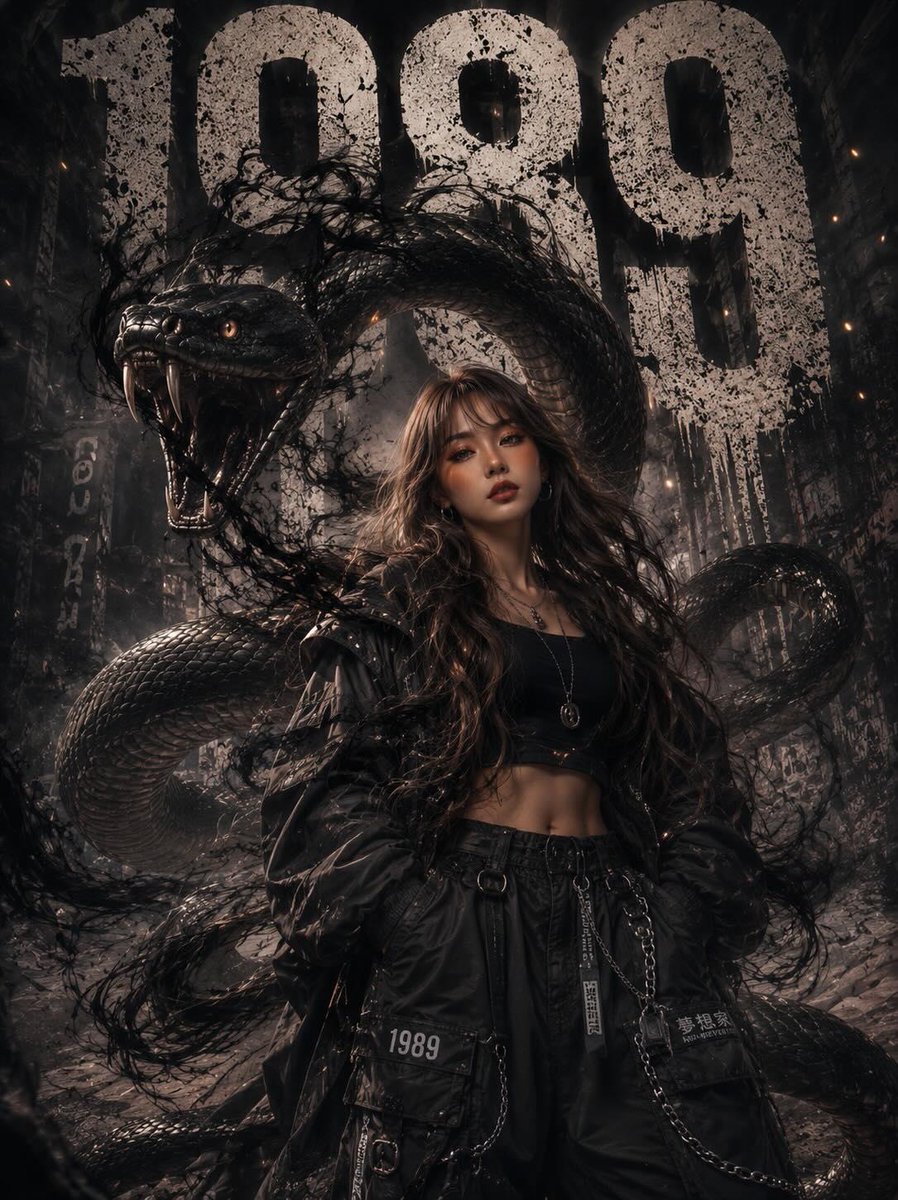
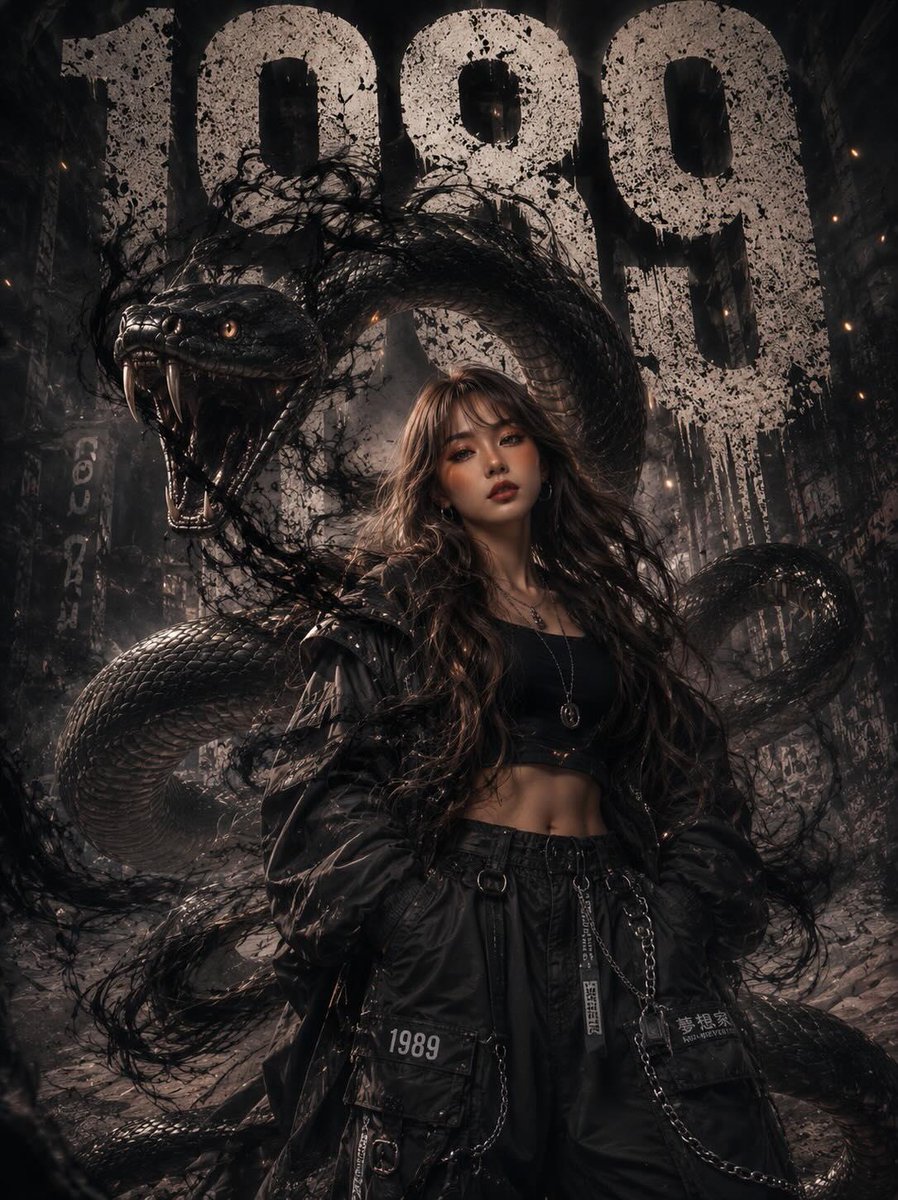
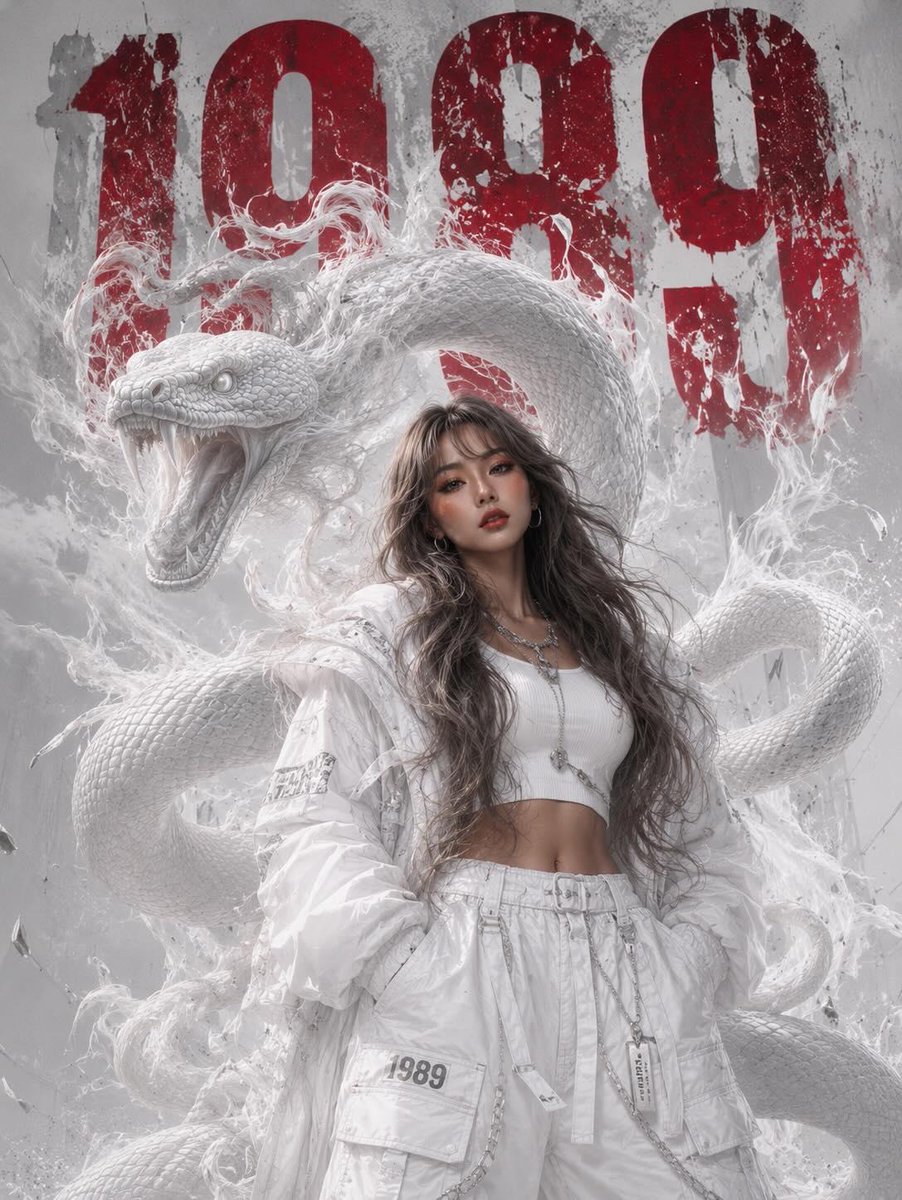
A high-fashion monochromatic white editorial portrait of a woman with a massive albino python and bold black typography. (free to use) — Free AI image template on PicX Studio.
Ultra-realistic high-fashion editorial portrait of a {argument name="subject" default="beautiful young Asian woman"} standing confidently in a monochromatic white urban environment, wearing {argument name="outfit" default="modern luxury white streetwear fashion"}. Oversized white bomber jacket, fitted white crop top, layered white cargo pants with metallic chains, white tactical sneakers, silver jewelry, subtle glossy makeup, soft matte skin texture, long voluminous ash-brown wavy hair with wispy bangs flowing naturally in the wind. A massive realistic {argument name="animal" default="albino python"} emerges behind and around her body, partially concealed within thick swirling white smoke and atmospheric fog. The snake appears lifelike with detailed scales, realistic muscle tension, natural reflections, visible texture, sharp eyes, and subtle movement. The environment is almost entirely white — white architecture, white smoke, white clothing, white textures, white lighting — creating a clean monochromatic aesthetic. Large distressed black “1989” typography dominates the background in bold industrial font, the only dark element in the entire composition. Strong contrast between the black numbers and the all-white scene. Shot like a luxury fashion campaign, realistic photography, cinematic urban atmosphere, natural skin texture, highly detailed eyes, realistic hair strands, authentic fabric folds, realistic smoke physics, dramatic directional lighting, shallow depth of field, crisp focus, realistic proportions, modern editorial photography, Vogue magazine aesthetic, street luxury styling, high dynamic range, photorealistic, ultra detailed, 85mm lens, soft cinematic shadows, studio-quality color grading, real-world textures, professional fashion photography, no fantasy elements, no CGI appearance, no cartoon style, no anime aesthetic.
Use Monochrome Fashion Python Portrait to plan an AI image around gpt-image-2 generation, themes such as en and gpt-image-2. Match the preview's composition first, then personalize the subject, setting, and mood for your own project.
Use the primary action to load the template settings in PicX Studio.
Adjust the subject and creative details for your destination.
Create the image, compare the result with the preview, and refine one variable at a time.
A continuous mix — similar concepts first, woven with same-model prompts and fresh picks from the catalog.
Choose the primary action to open PicX Studio with the available template settings. Review the model and format, personalize the creative direction, and generate when ready.
Yes. You can change the subject, setting, lighting, mood, format, and available model controls before creating your image.
This template is free to open and customize. Generation usage is shown in PicX Studio before you create.
Start with gpt-image-2, which is the model associated with this template. You can compare another compatible model for a different finish.
Follow a topic to a crawlable collection of related PicX Studio templates.
39,157 public templates available. Verified via the PicX Studio public templates API; refreshed hourly.
A continuous mix — similar concepts first, woven with same-model prompts and fresh picks from the catalog.