How do I use the Instagram Post template?
Edit the prompt in the box under the preview — the template's model and format are already selected — and press Generate. Your version appears right on this page.
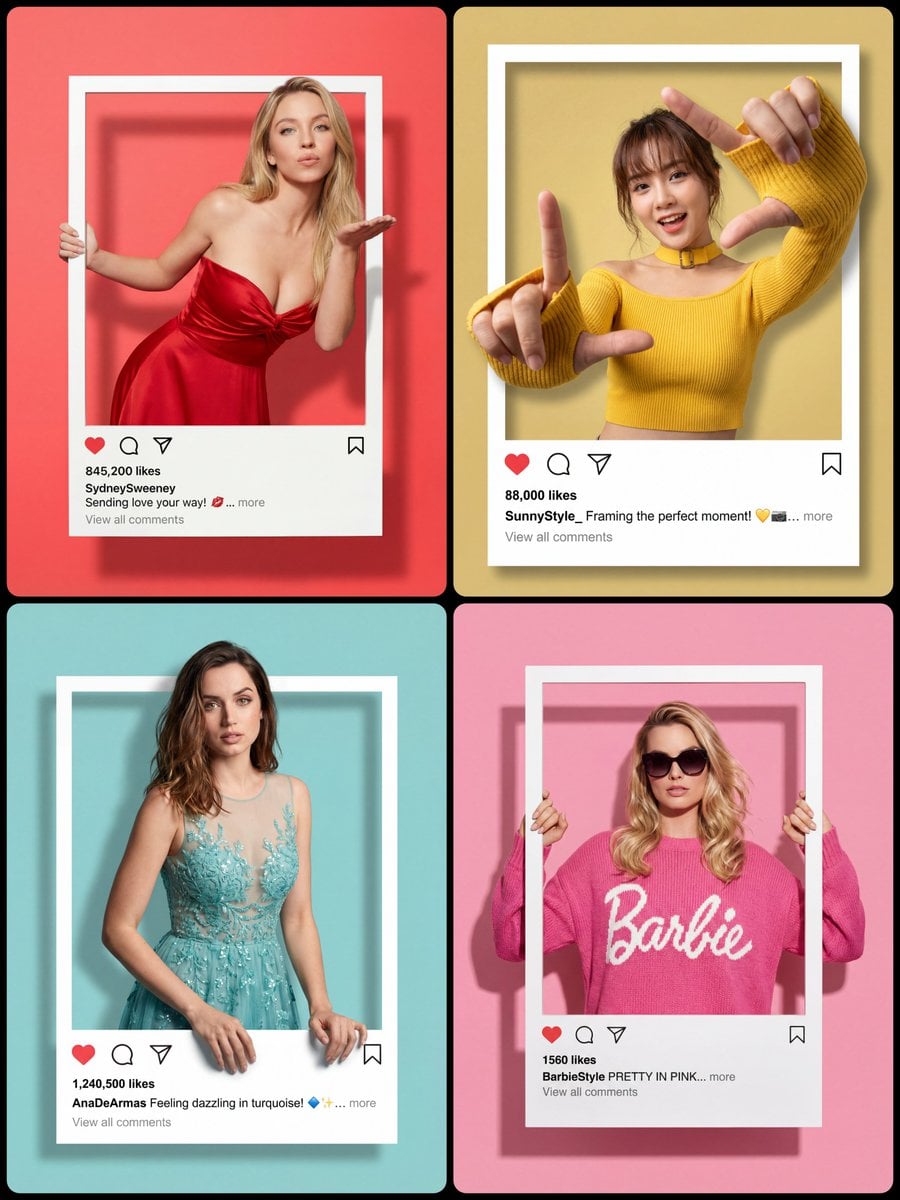
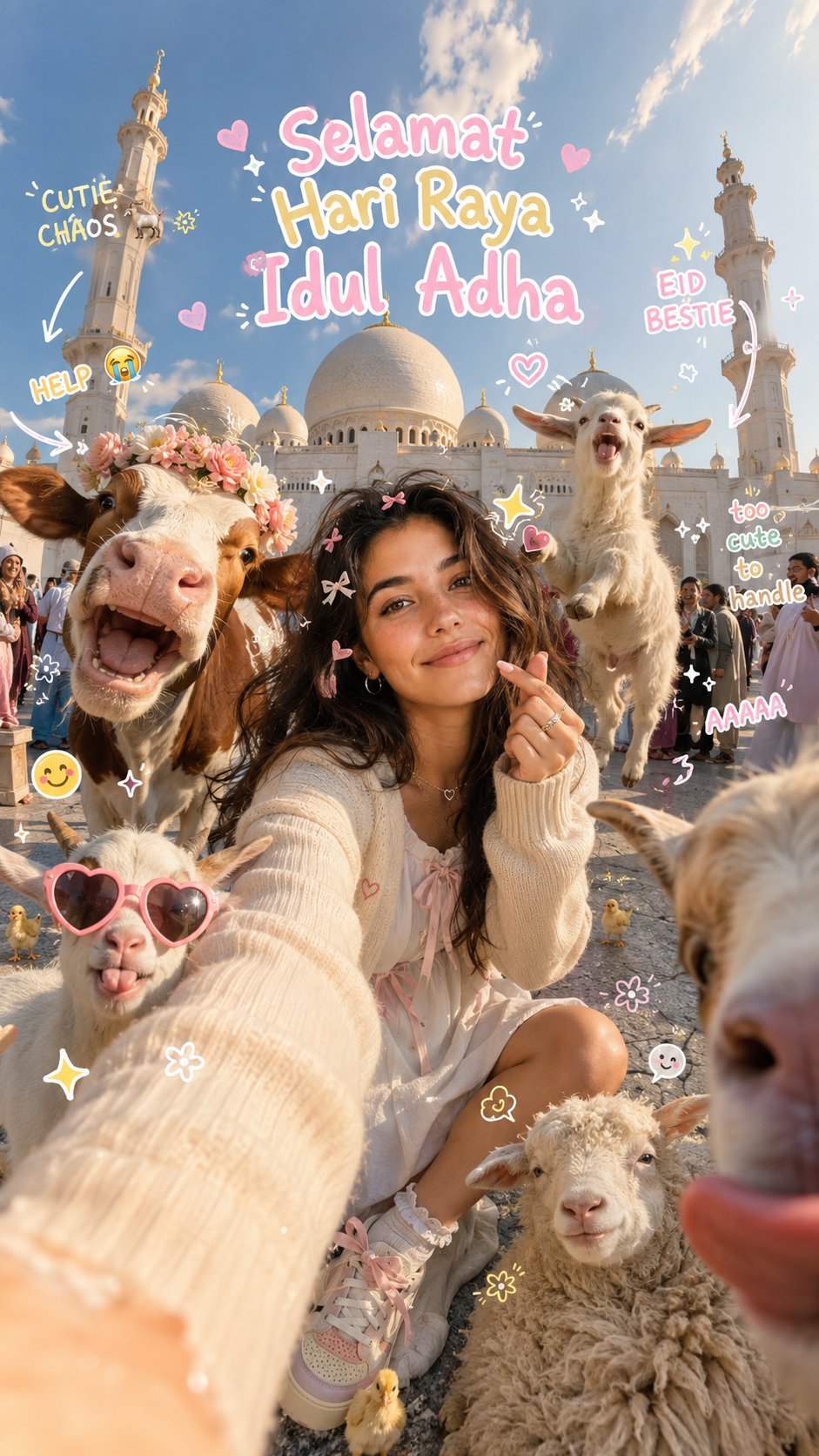
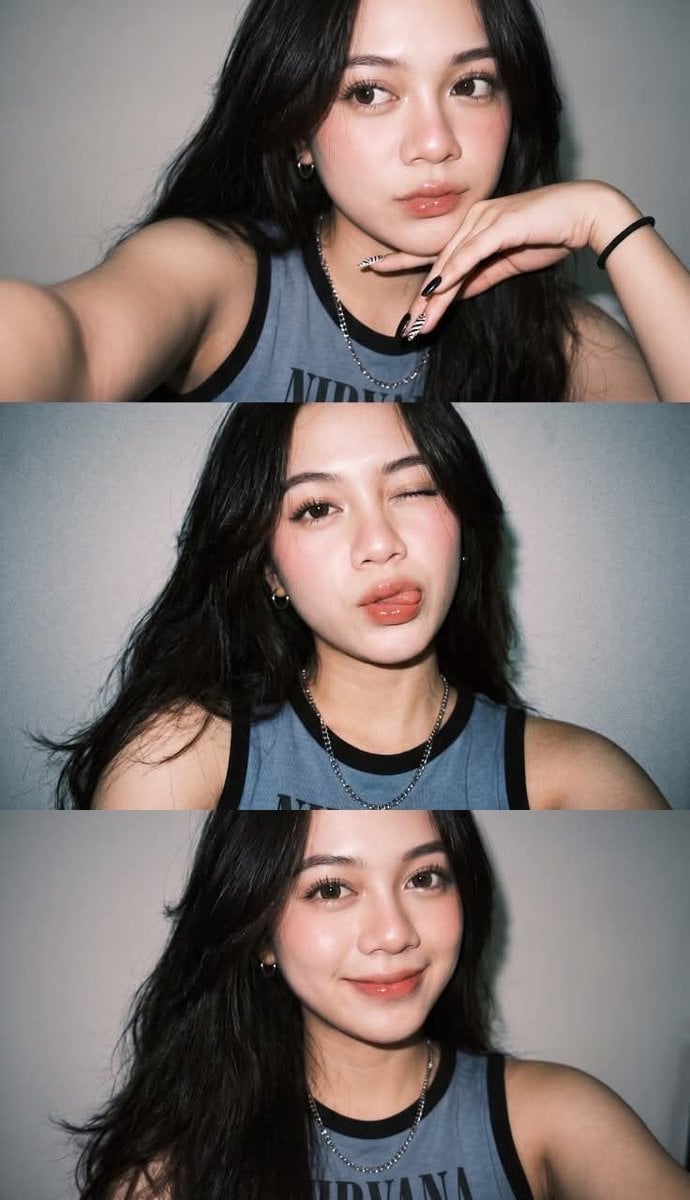
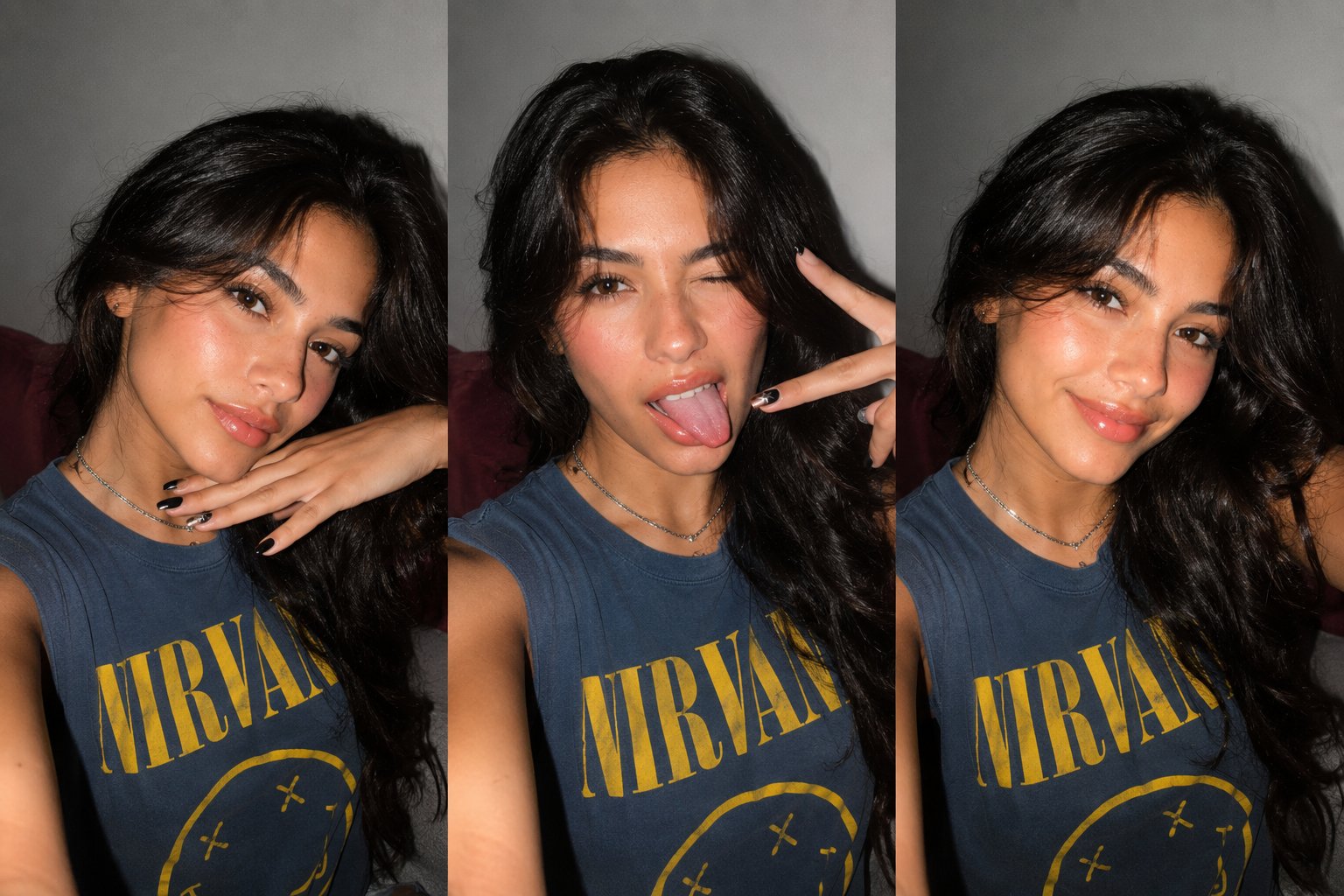
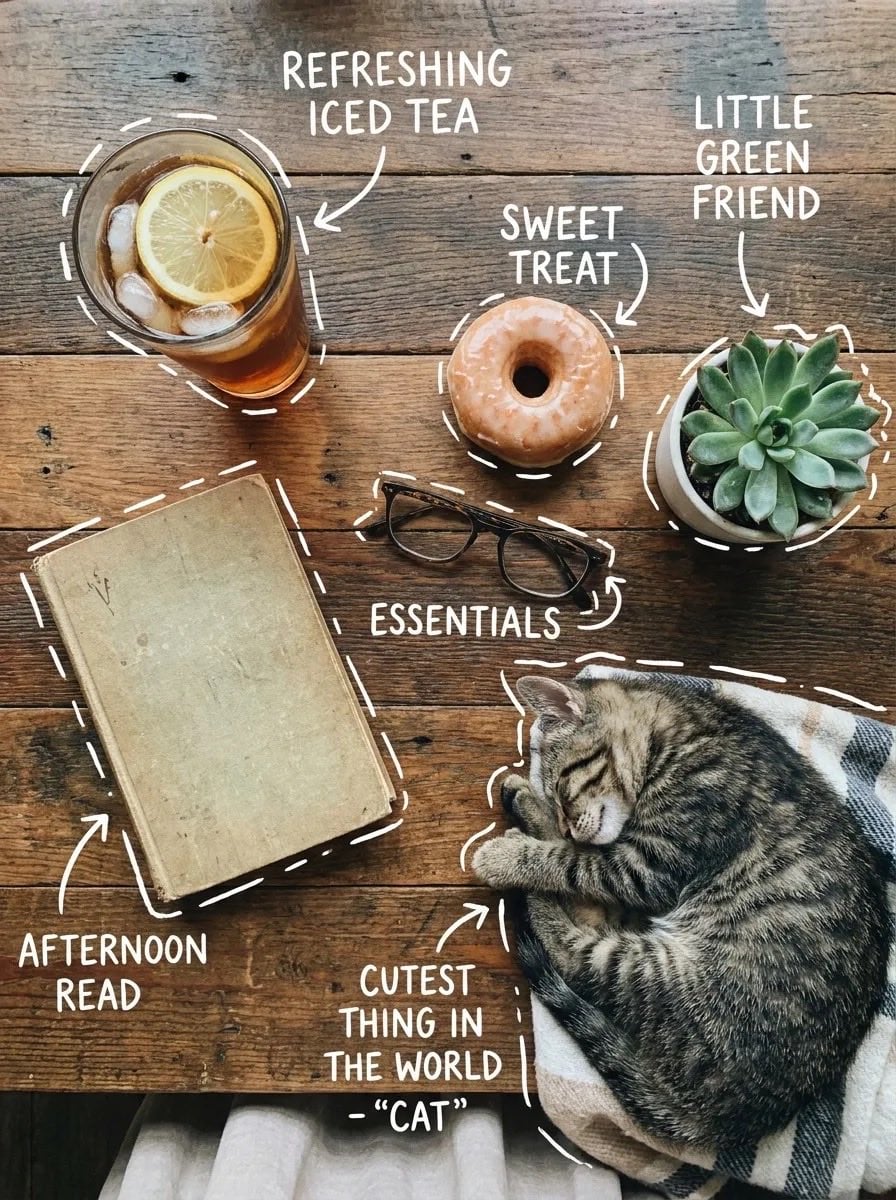
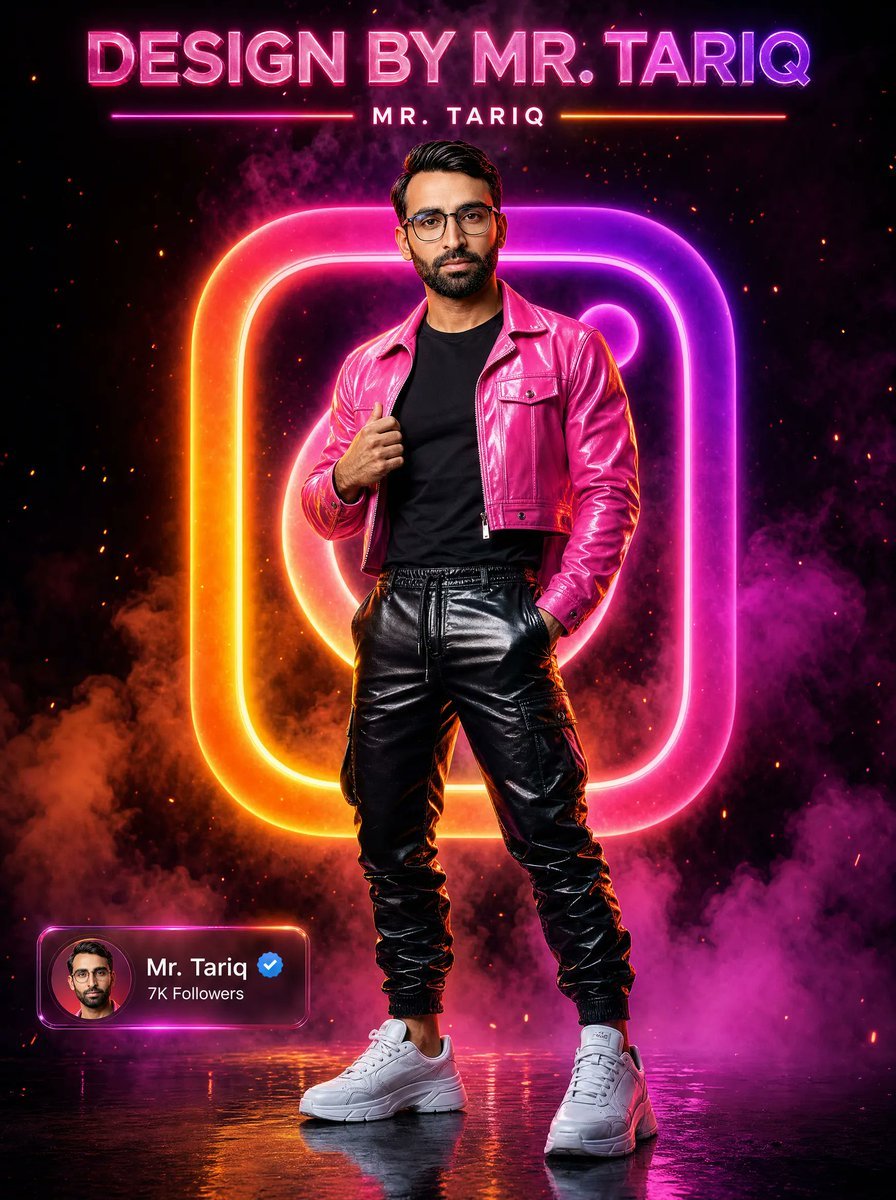
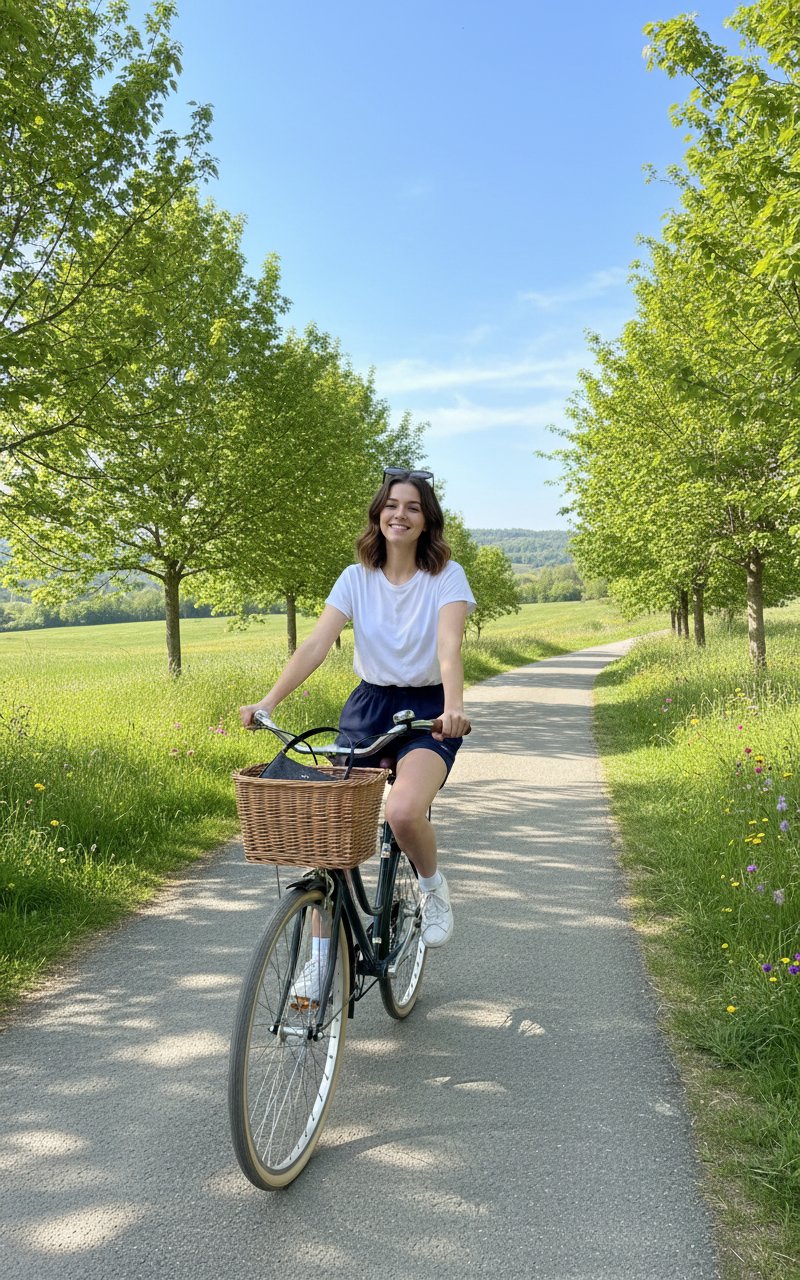
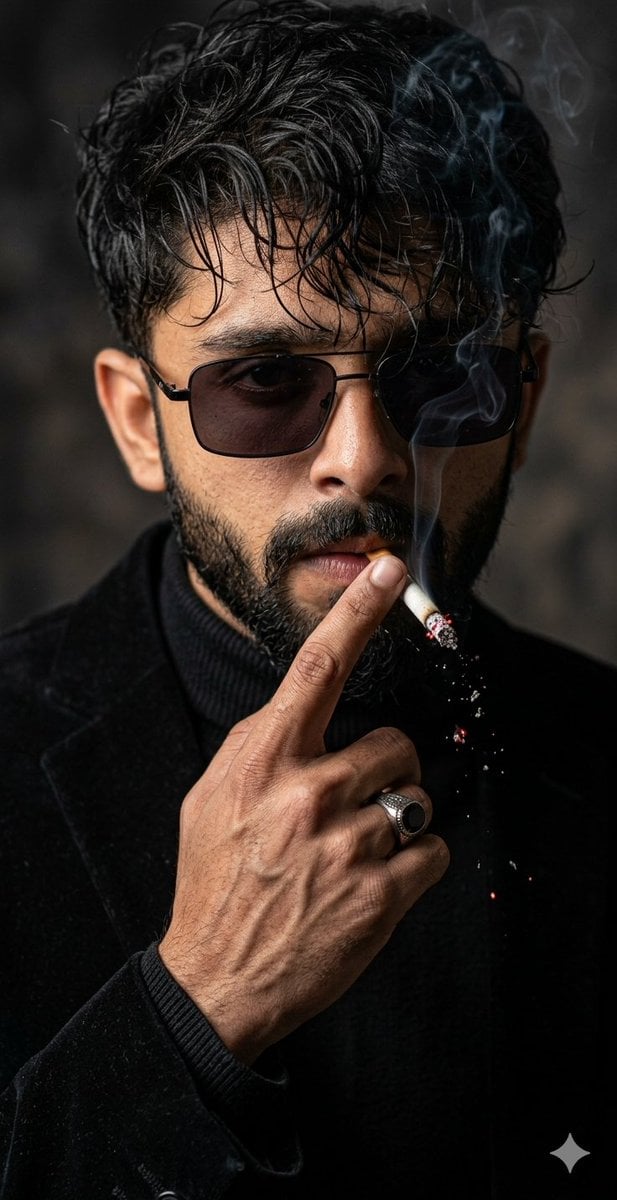
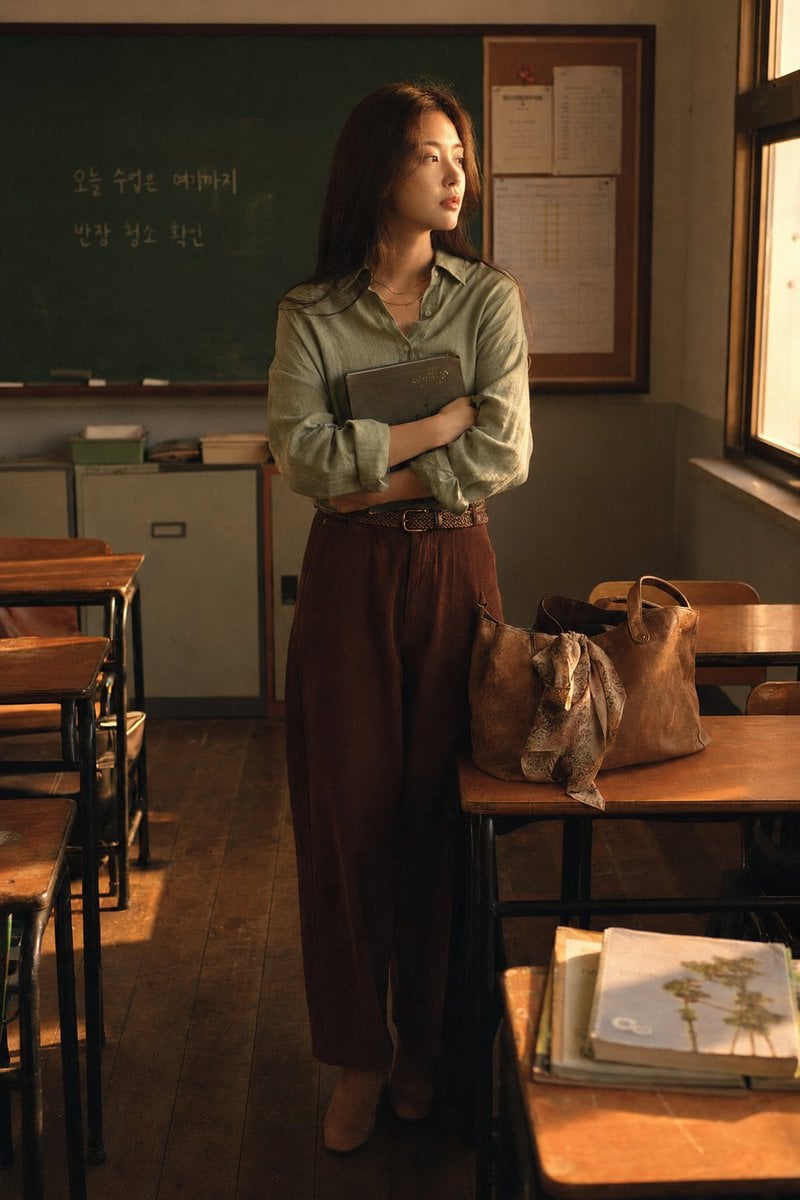
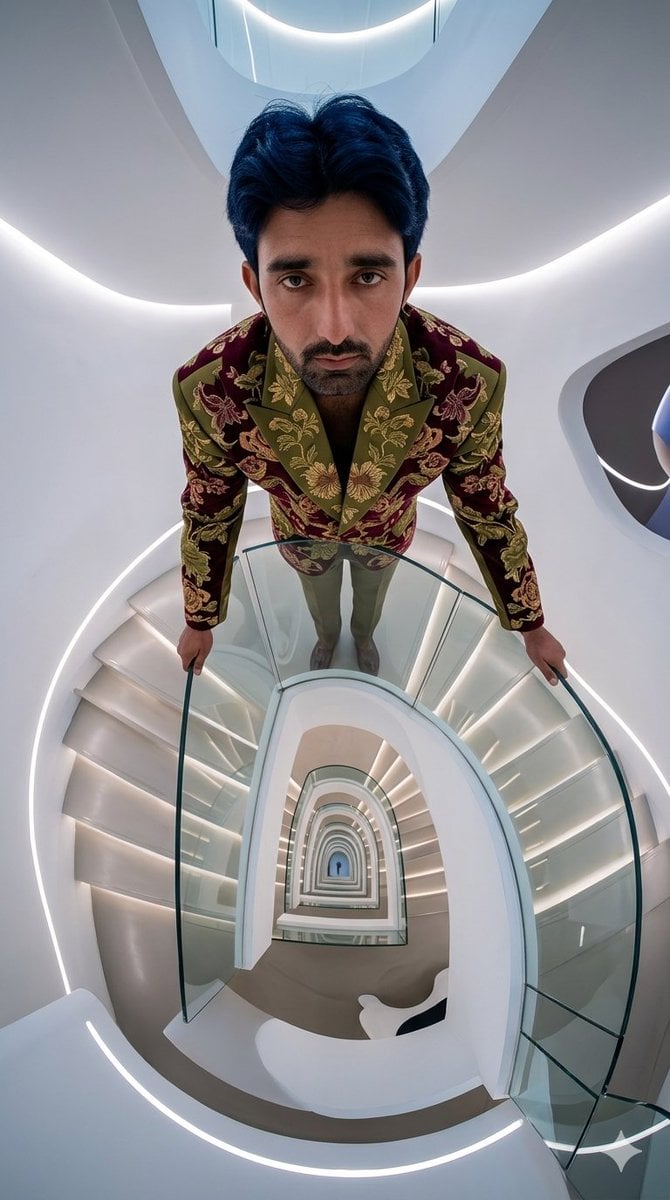
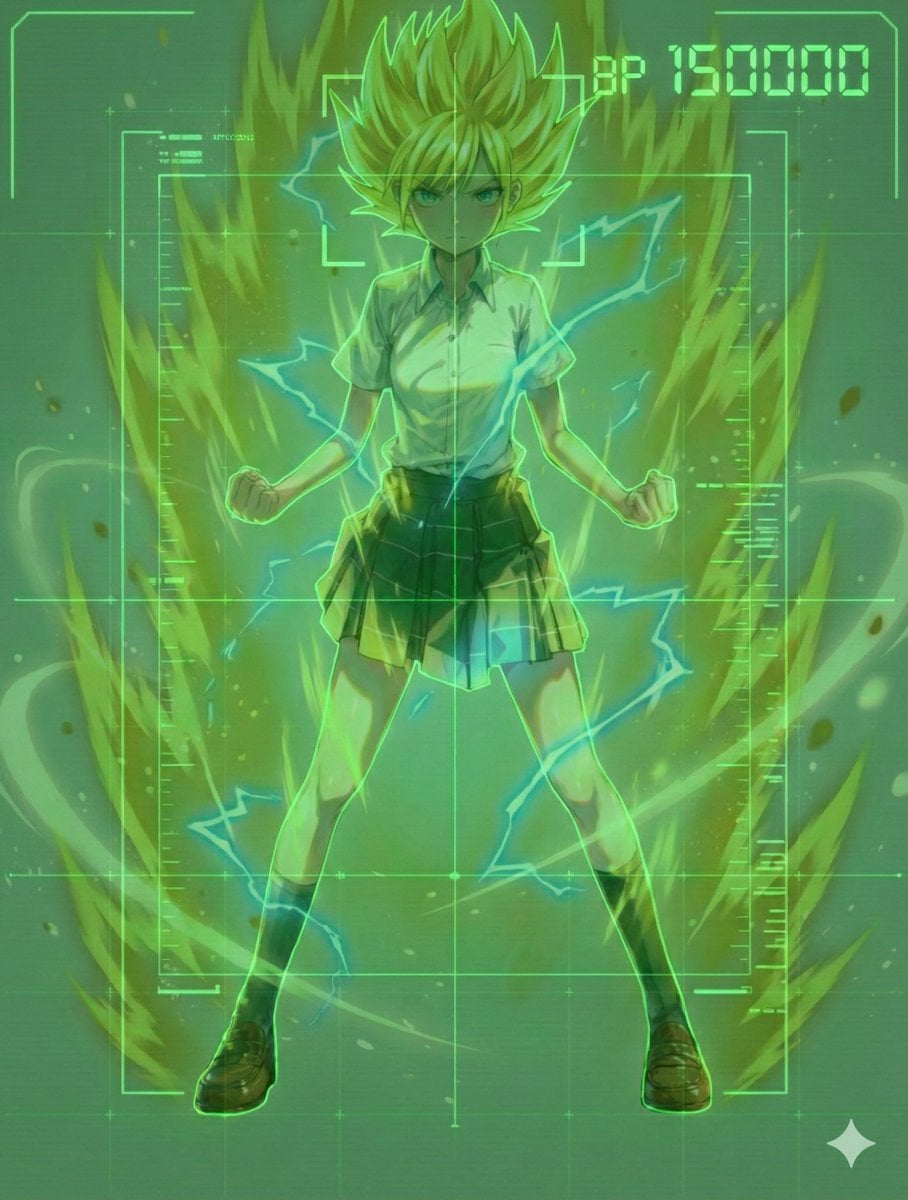
Instagram Post is a ready photo look.

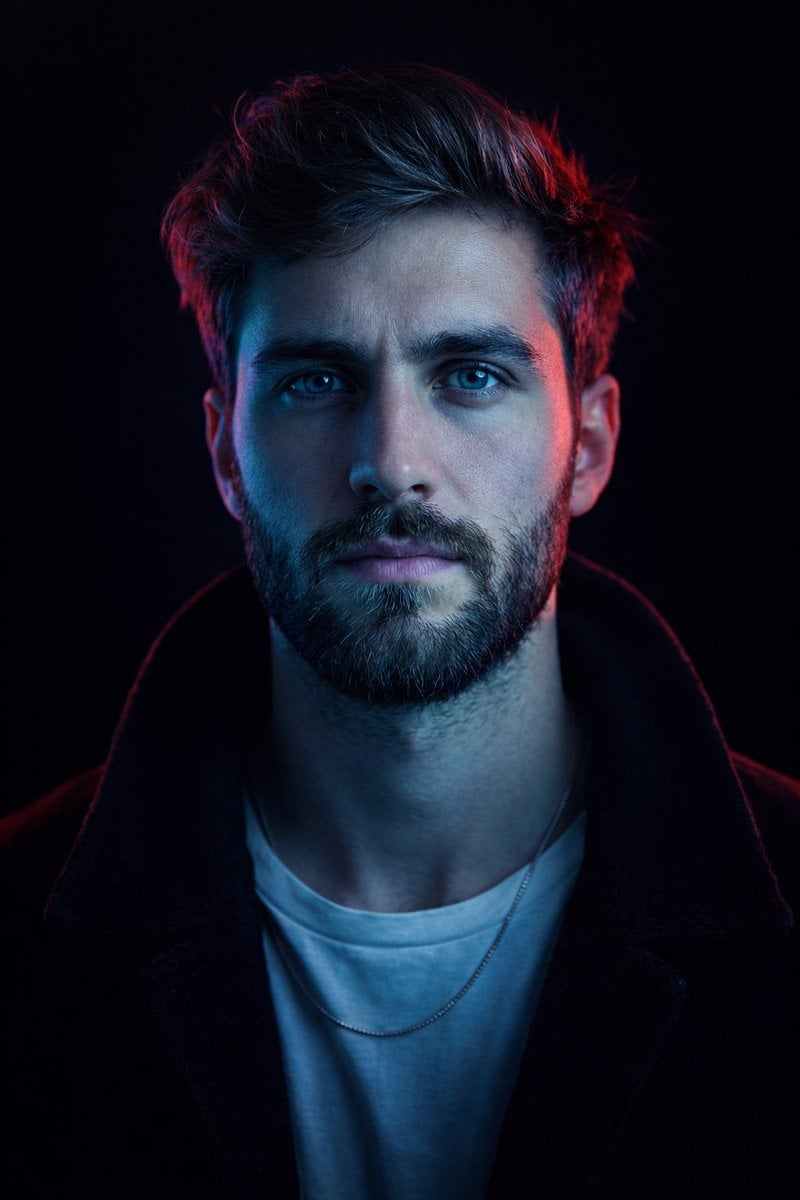
headshot of smiling uploaded image wearing casual clothes posing for dating app headshot. outdoor blurry background. the lighting is warm, possibly from a setting sun, creating a soft glow around him, enhancing the casual and relaxed vibe of the image. the setting seems to be outdoors, likely in an urban environment, with the blurred background hinting at a street or park-like area. this image likely portrays a possibly in a lifestyle or fashion-related context
headshot of smiling uploaded image wearing casual clothes posing for dating app headshot. outdoor blurry background. the lighting is warm, possibly from a setting sun, creating a soft glow around him, enhancing the casual and relaxed vibe of the image. the setting seems to be outdoors, likely in an urban environment, with the blurred background hinting at a street or park-like area. this image likely portrays a possibly in a lifestyle or fashion-related context
Edit the prompt in the box under the preview — the template's model and format are already selected — and press Generate. Your version appears right on this page.
Yes. You can change the subject, setting, lighting, mood, format, and available model controls before creating your image.
Opening and editing this template is free. Generating uses credits, shown on the Generate button when you are signed in.
Choose a compatible model in PicX Studio based on the style, speed, and output controls your project needs.
Follow a topic to a crawlable collection of related PicX Studio templates.