
Instagram Post Aesthetics
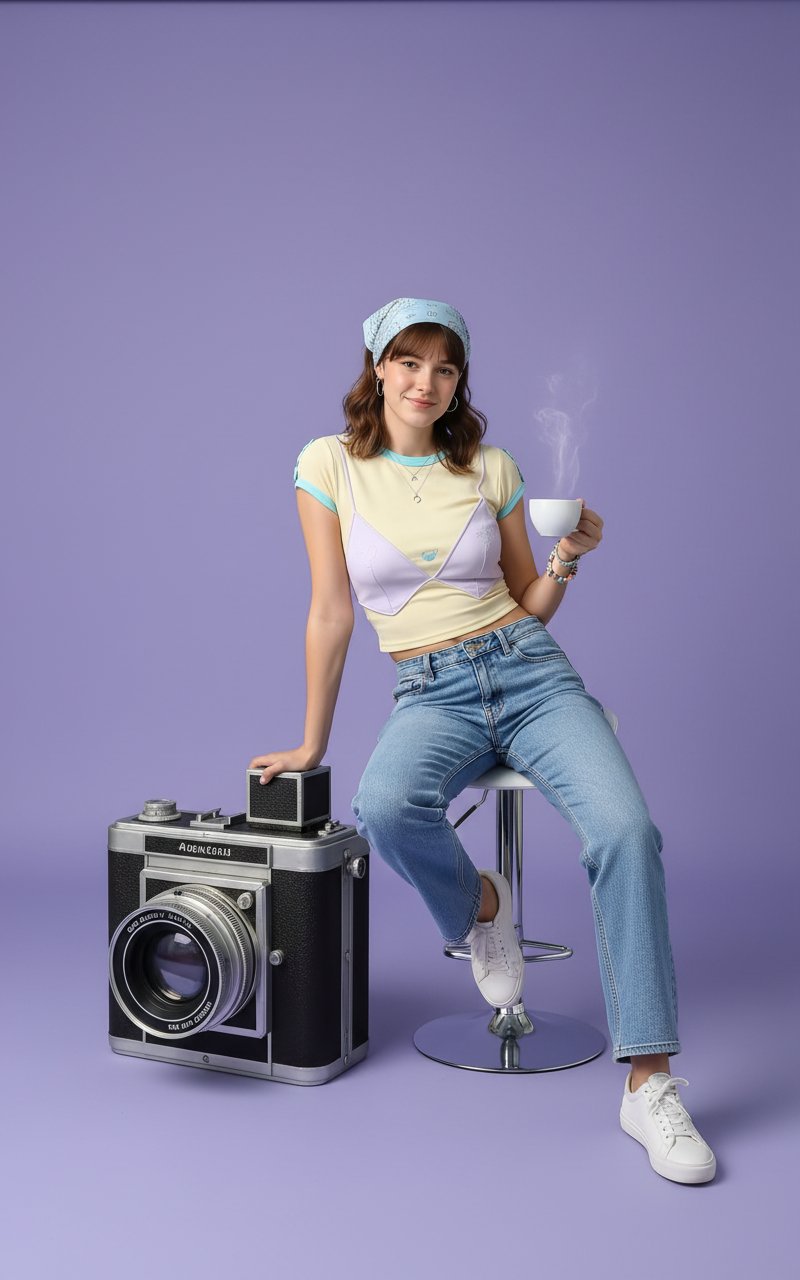
Instagram Post Aesthetics is a ready photo look.
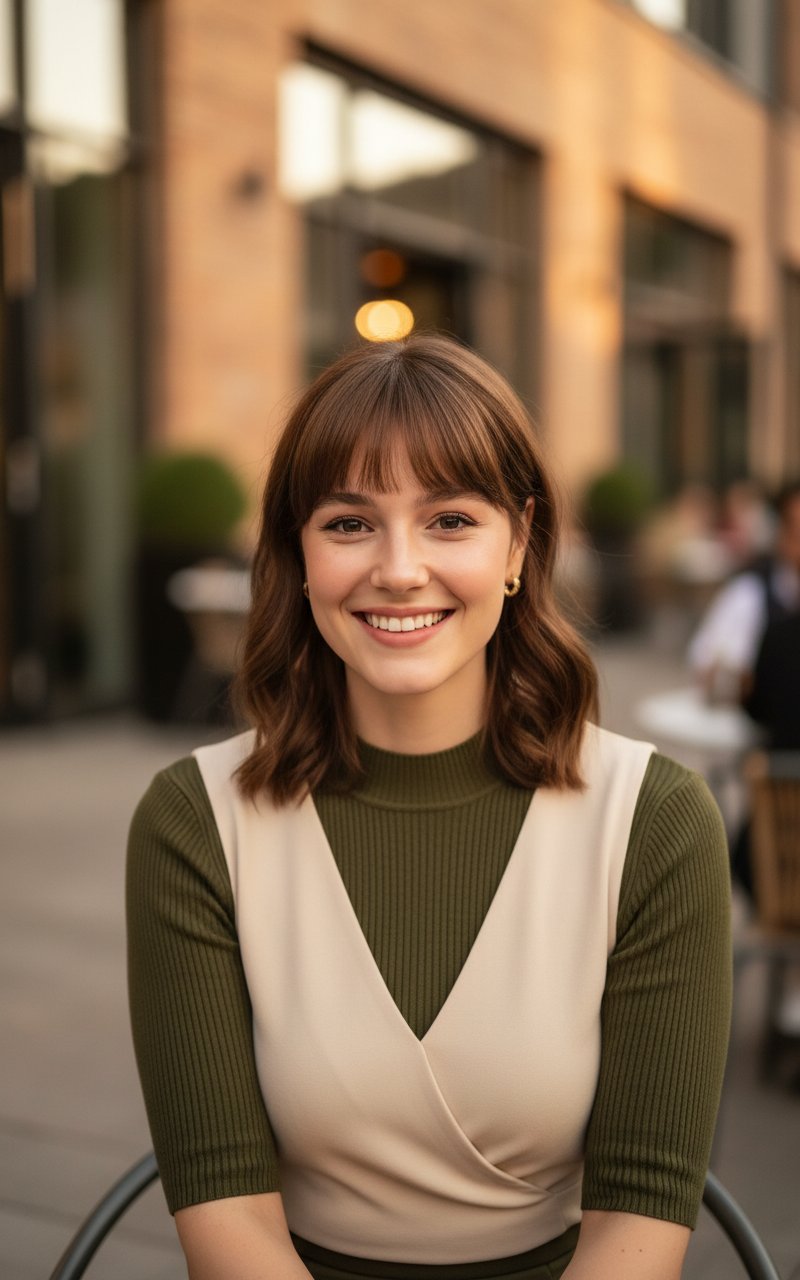
- Prompt included
- Model and format preset
- Free template
The prompt behind this image
Copy the exact prompt behind Instagram Post Aesthetics, or open it in the studio and make it yours.
Transform the uploaded image into a high-quality, realistic portrait of a confident, feminine model styled for a modern dating profile photo. Maintain the same person’s face, facial structure, expressions, and hairstyle exactly as in the uploaded image — only refine and slightly enhance them for a professional, polished look. The lighting should be soft and flattering, emphasizing natural beauty and confidence. The background should be clean and minimalistic (such as a softly blurred outdoor café, studio setting, or warm sunset ambiance), ensuring the focus remains on the person.
How to use Instagram Post Aesthetics in 3 steps
- 1Upload ImagePNG, JPG or paste
Add your photo
Upload the photo the template builds on. The prompt, model and format are already set.
- 2…a portrait of your subject in softgolden-hour light, 85mm…
Personalize
Edit the subject and creative details for your destination.
- 3Generate
Generate
Press Generate — your image is created in PicX Studio, so you can compare it with the original and refine one variable at a time.
More like this
Templates with the same subject, style or setup. Open one to see its prompt.
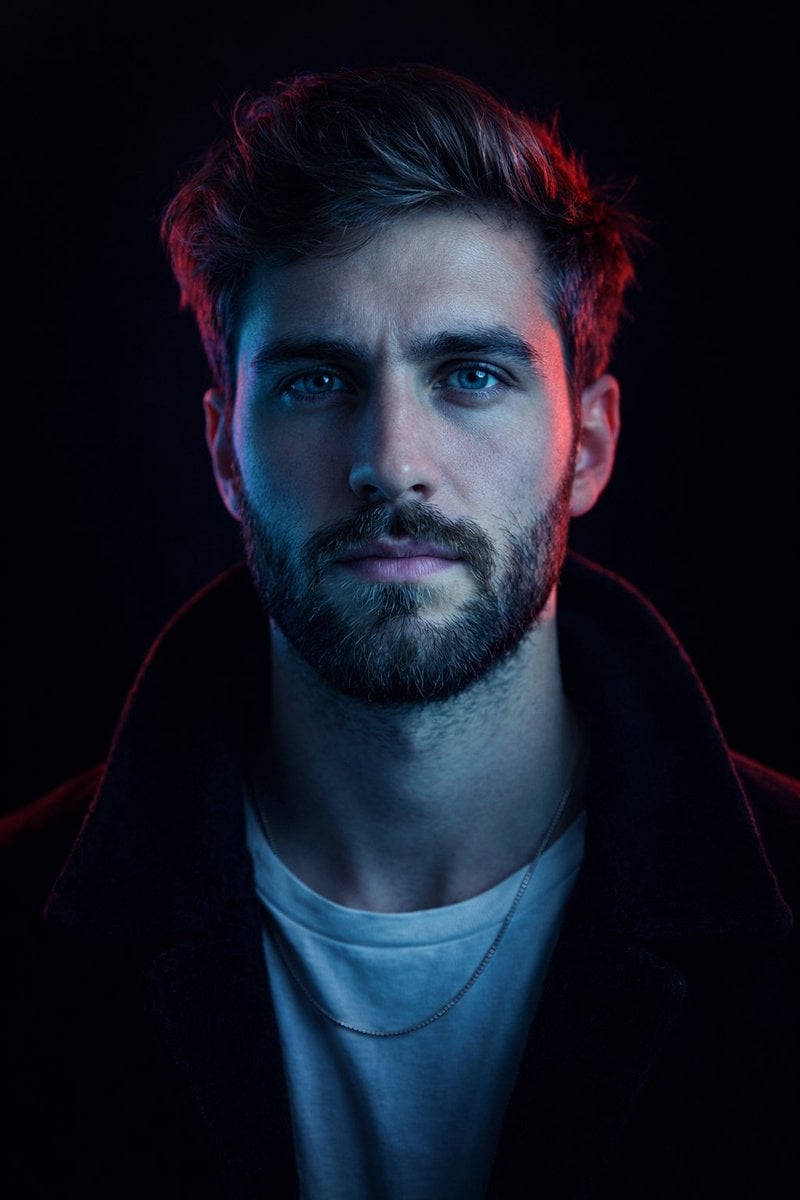
Mirror Selfie Chibi Characters Pixar Style
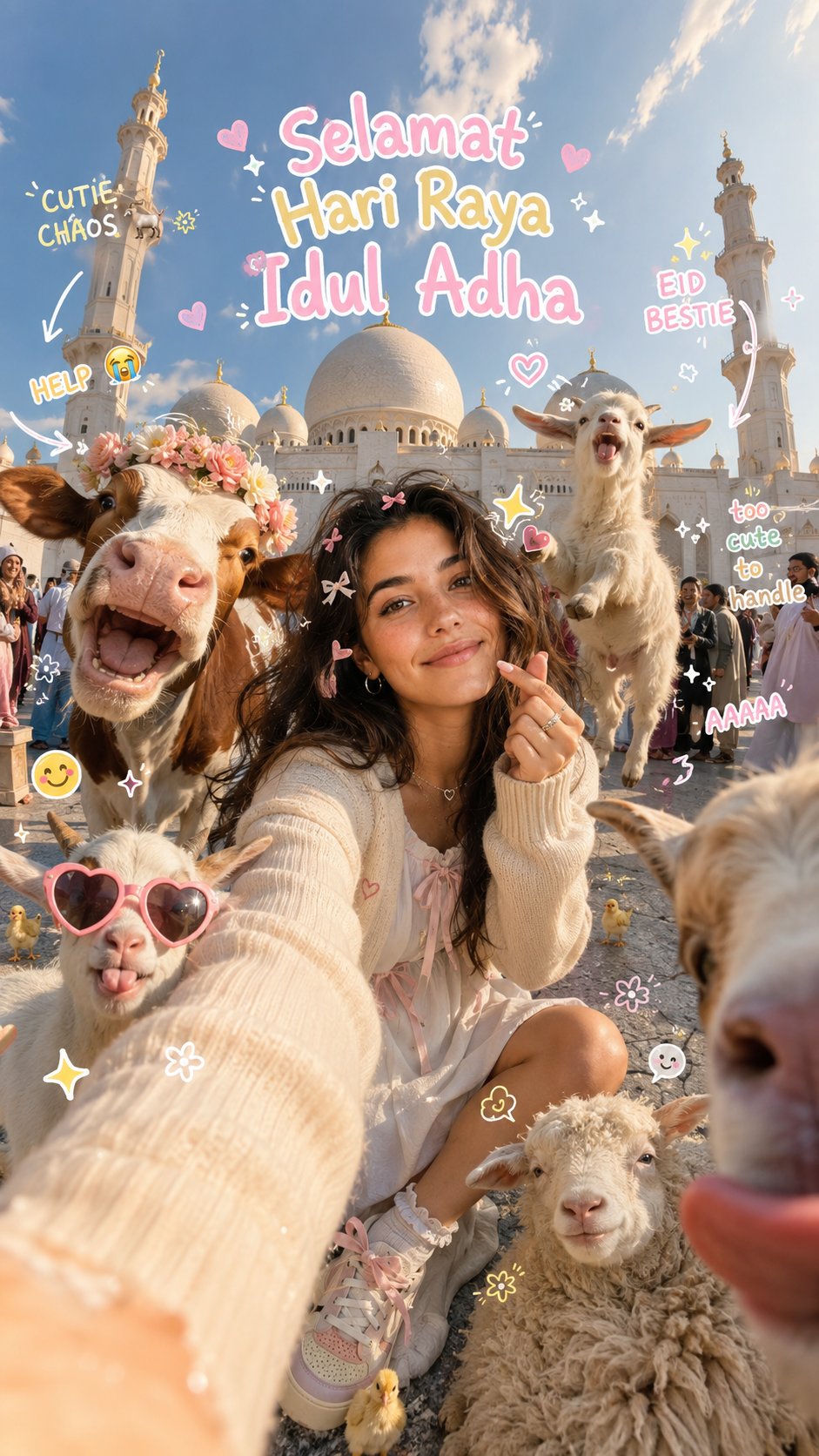
Eid al-Adha Cute Chaos — Fisheye Selfie with Farm Selfie, Mosque & Animals
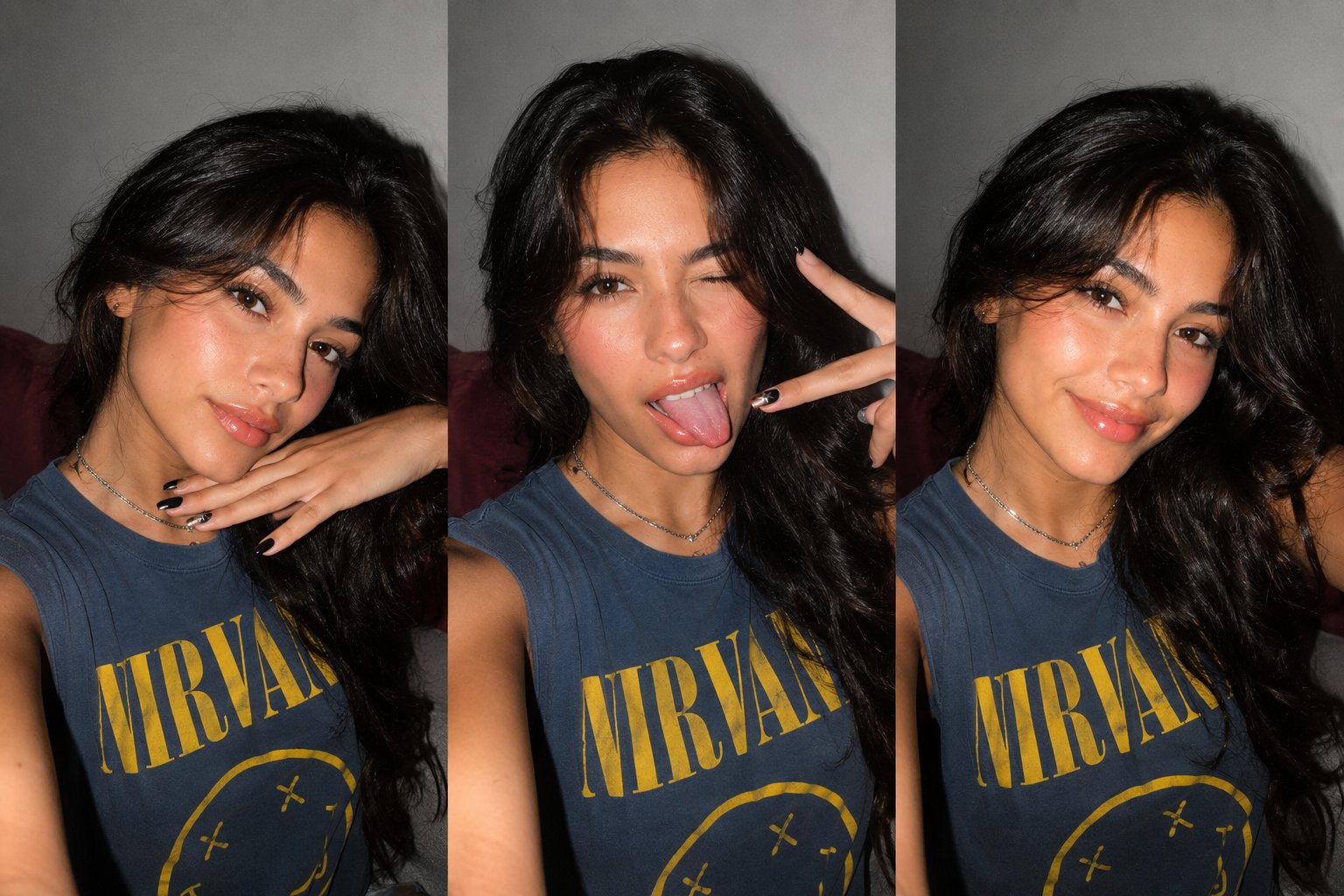
Gen Z Triple Selfie Collage — Y2K Flash Photography
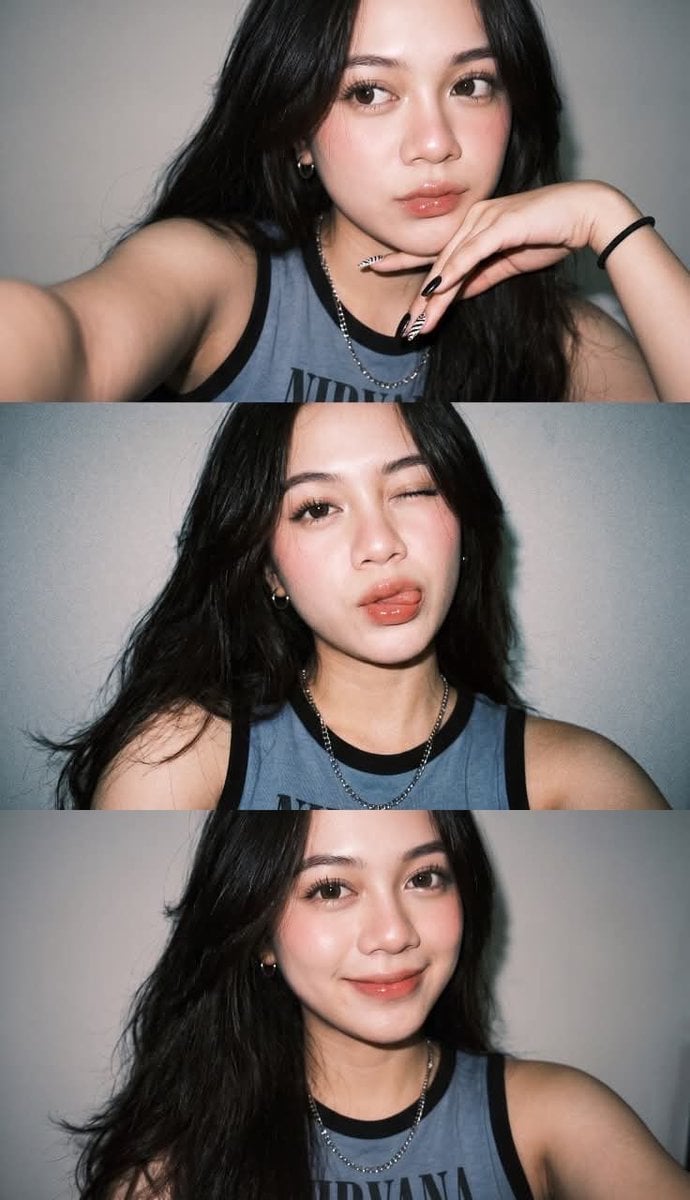
Gen Z Flash Selfie Triple Collage
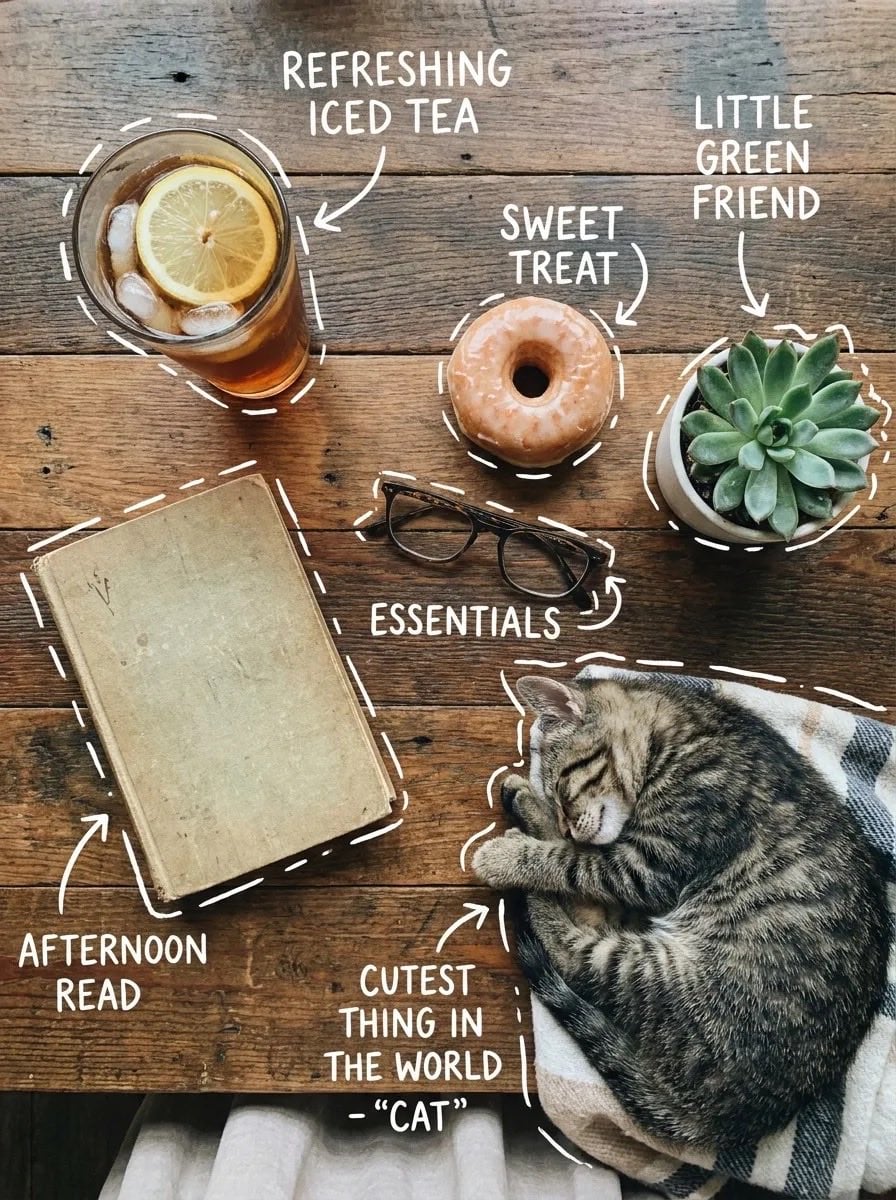
Cozy Food Flat Lay Doodle Labels
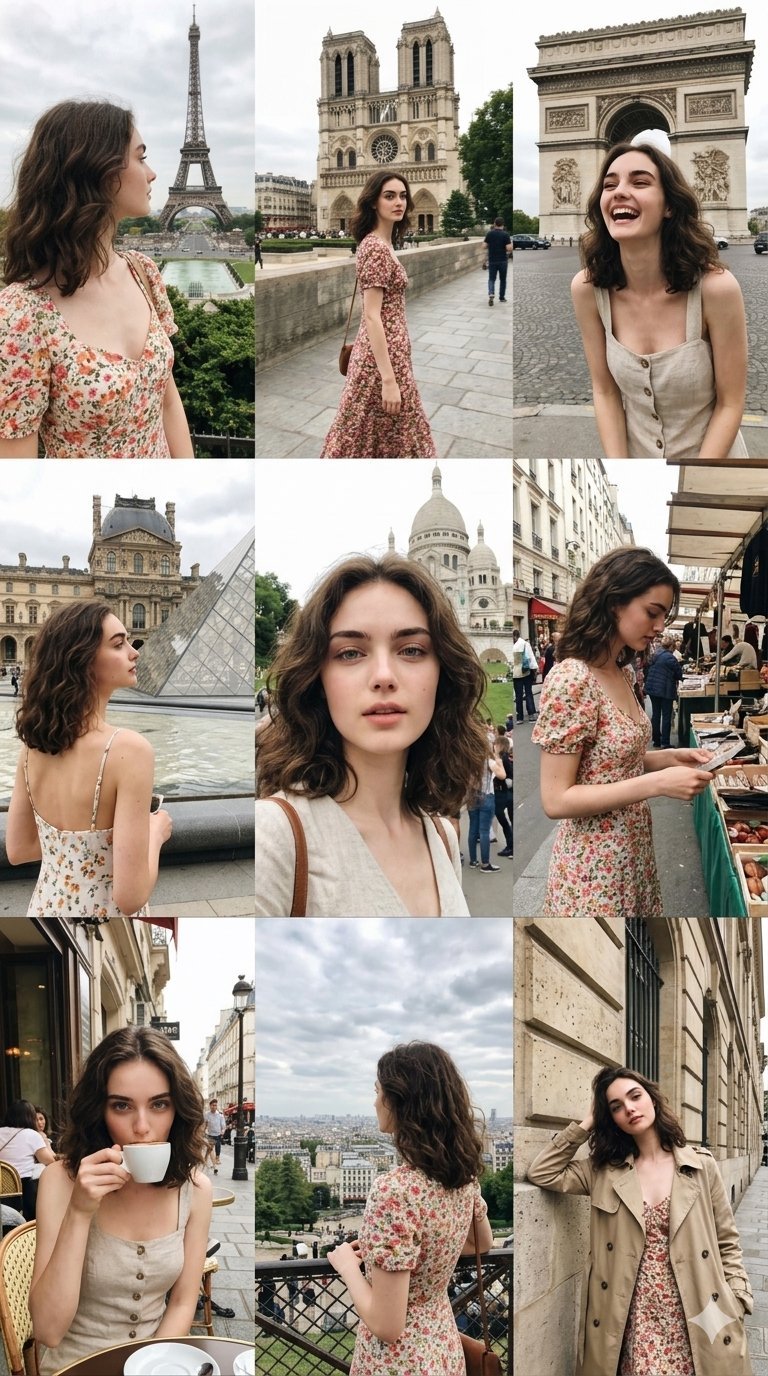
Paris Travel Collage Grid - Face Reference
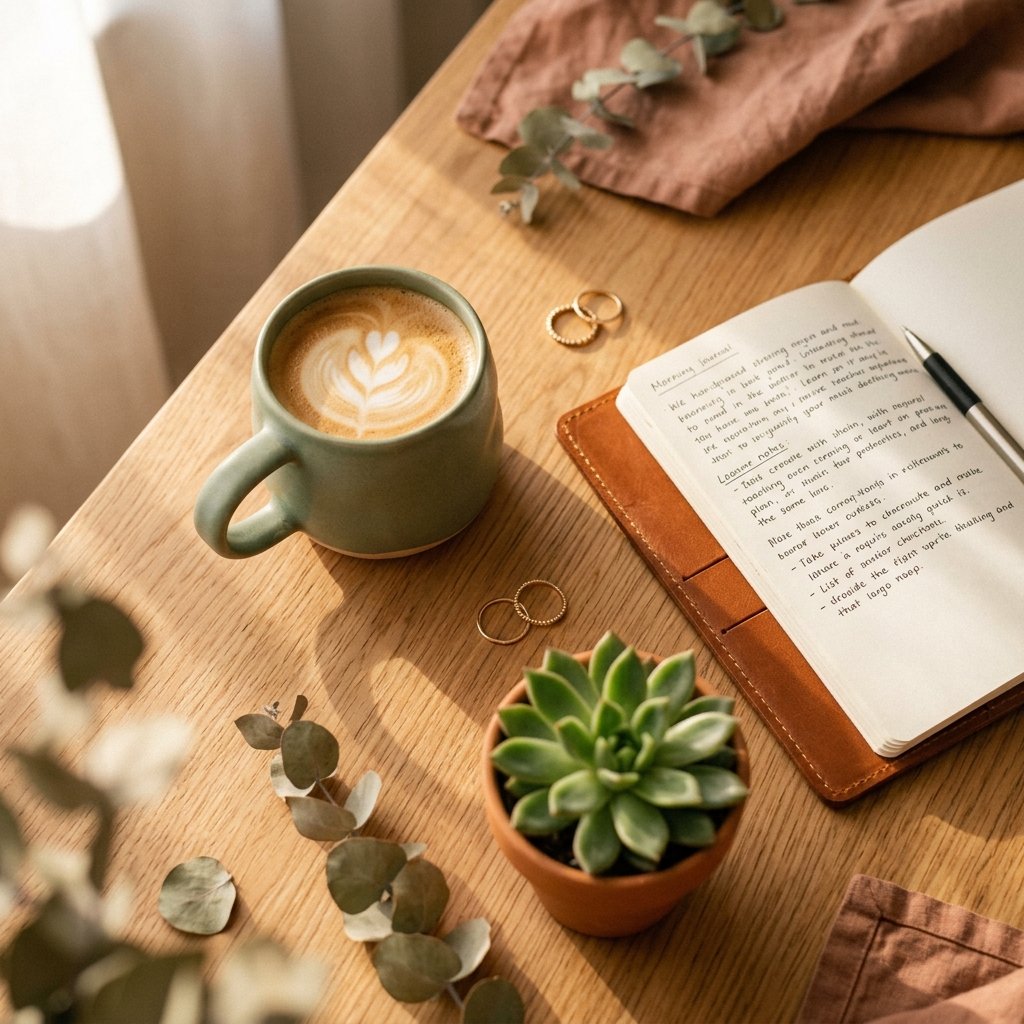
Instagram Feed Grid
Photoshoot

Oriental Aesthetics Ink Wash Poster
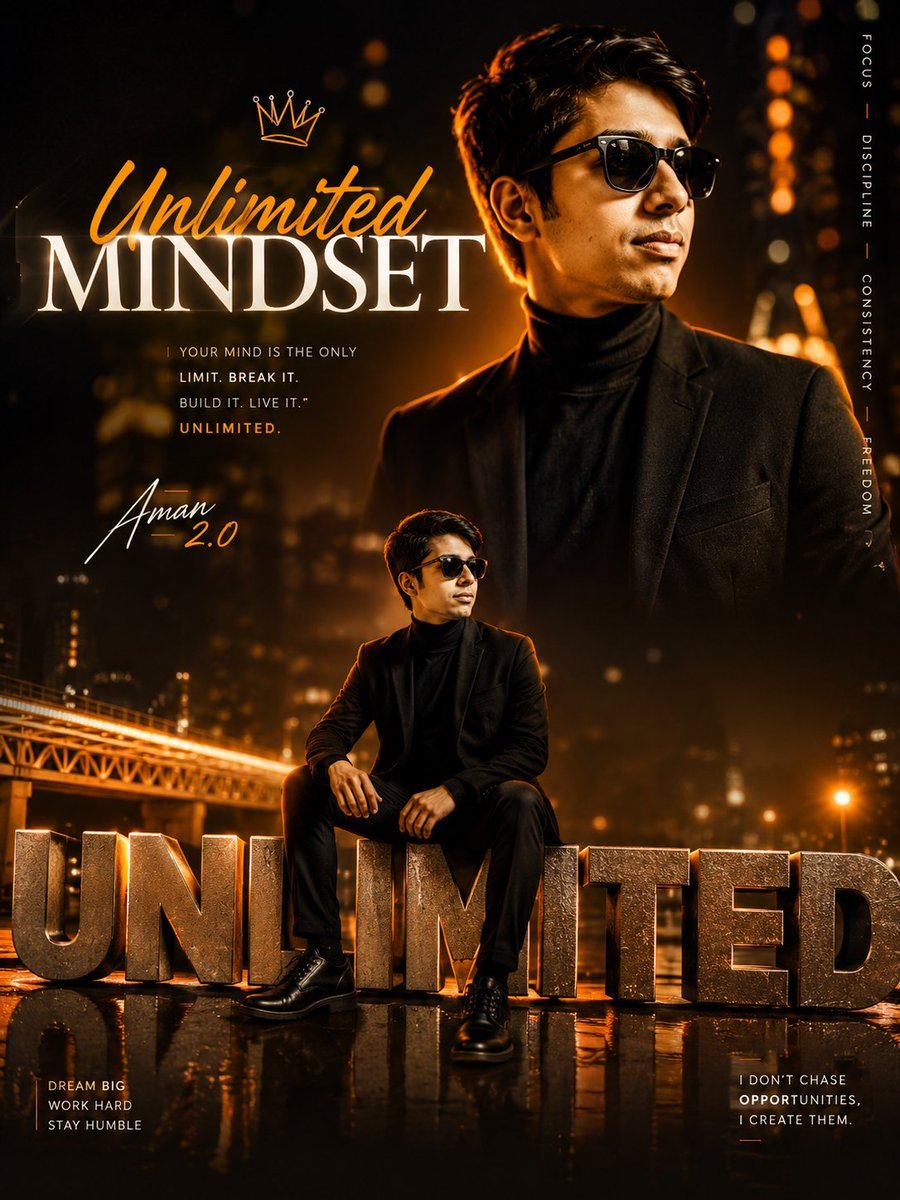
Instagram Milestone Celebration Poster

Oriental Aesthetics Silhouette Poster
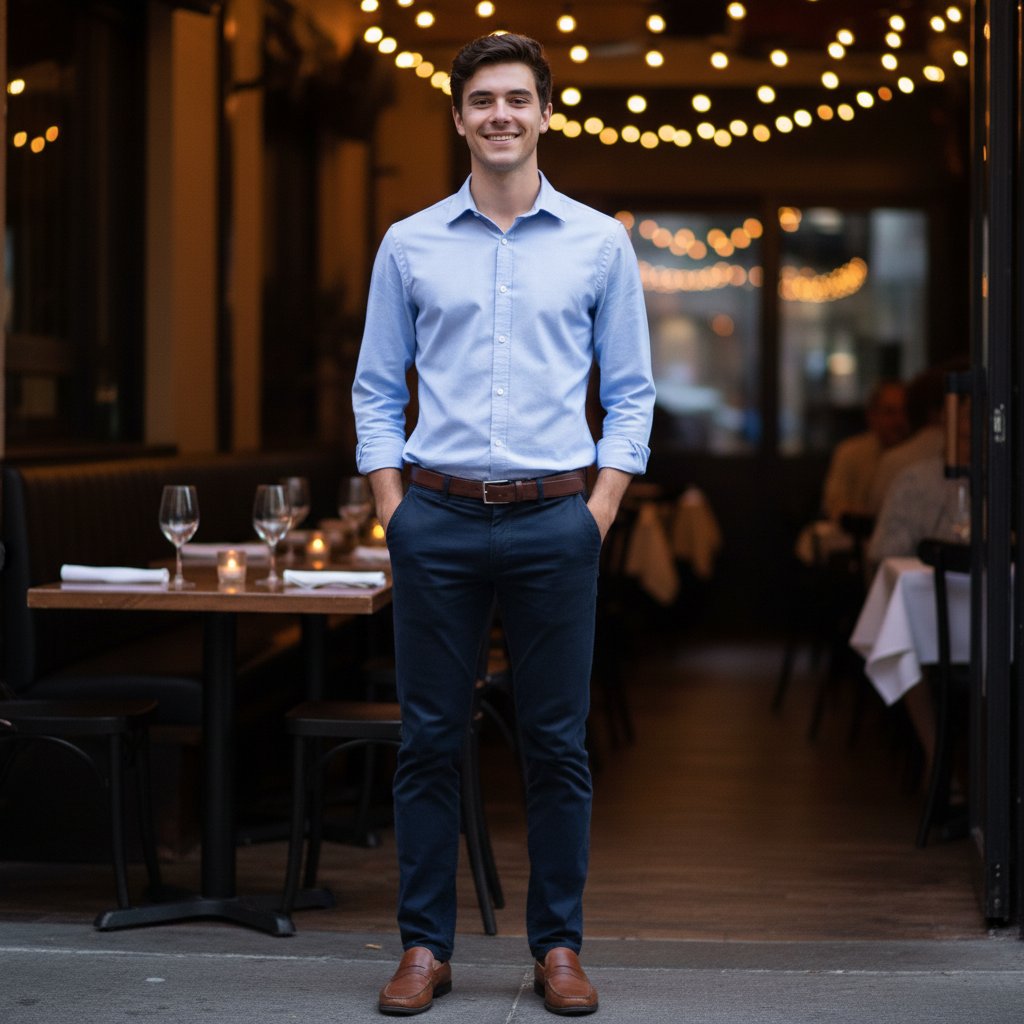
Instagram Smart Post
Make it yours
Instagram Post Aesthetics works as-is. These are the safest ways to change it without losing the look.
Change one field
Copy a single group, rewrite it, and generate again so you can see what that field is doing.
Keep the frame, change the subject
Hold the composition and light of Instagram Post Aesthetics, then swap wardrobe, props or the person for a new take.
| If the result… | Why | Fix |
|---|---|---|
| The result drifts from the preview | Too many fields changed at once. | Reuse Instagram Post Aesthetics as-is first, then change one group — subject, light, or setting. |
| The model over-stylizes the scene | The prose prompt leaves finish and camera underspecified. | Add one camera or lighting sentence and stay on PicX Studio. |
More image prompts
Fresh picks from across the catalog.
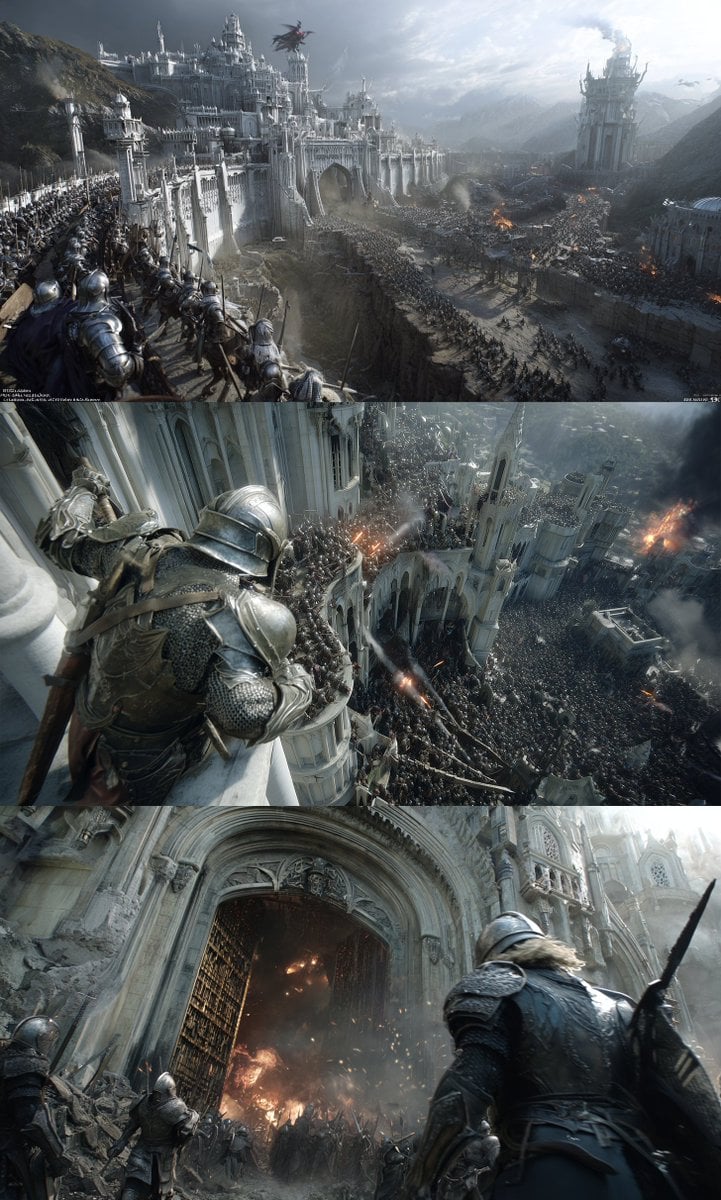
Hyper-realistic cinematic conversion prompt for nano-banana-pro
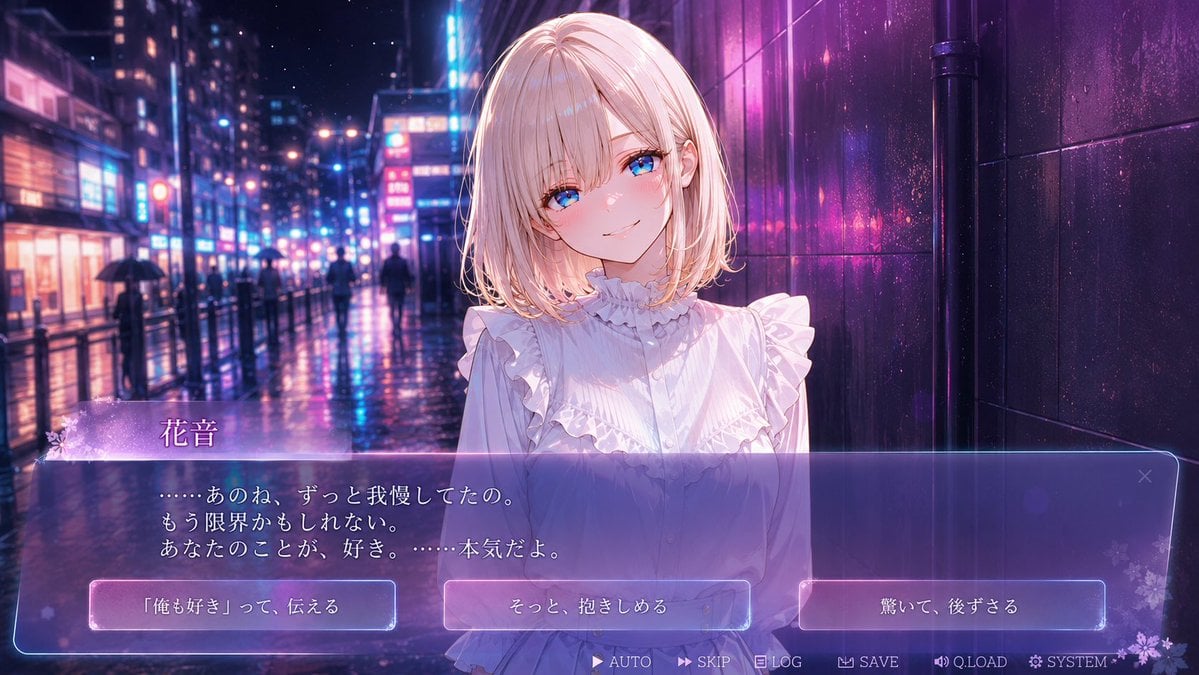
Rainy Neon Visual Novel Confession
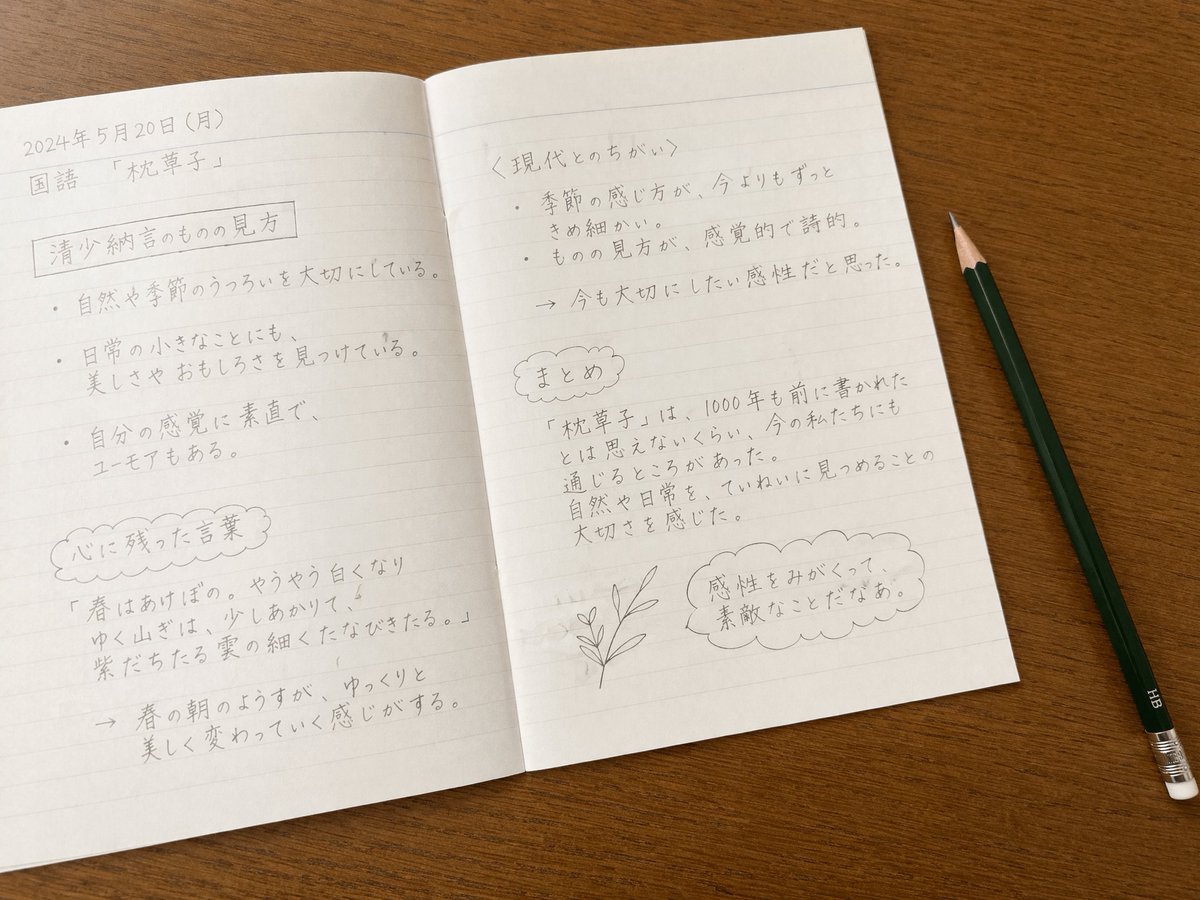
Handwritten Japanese Study Notes

Cute Amigurumi Wizard Plush
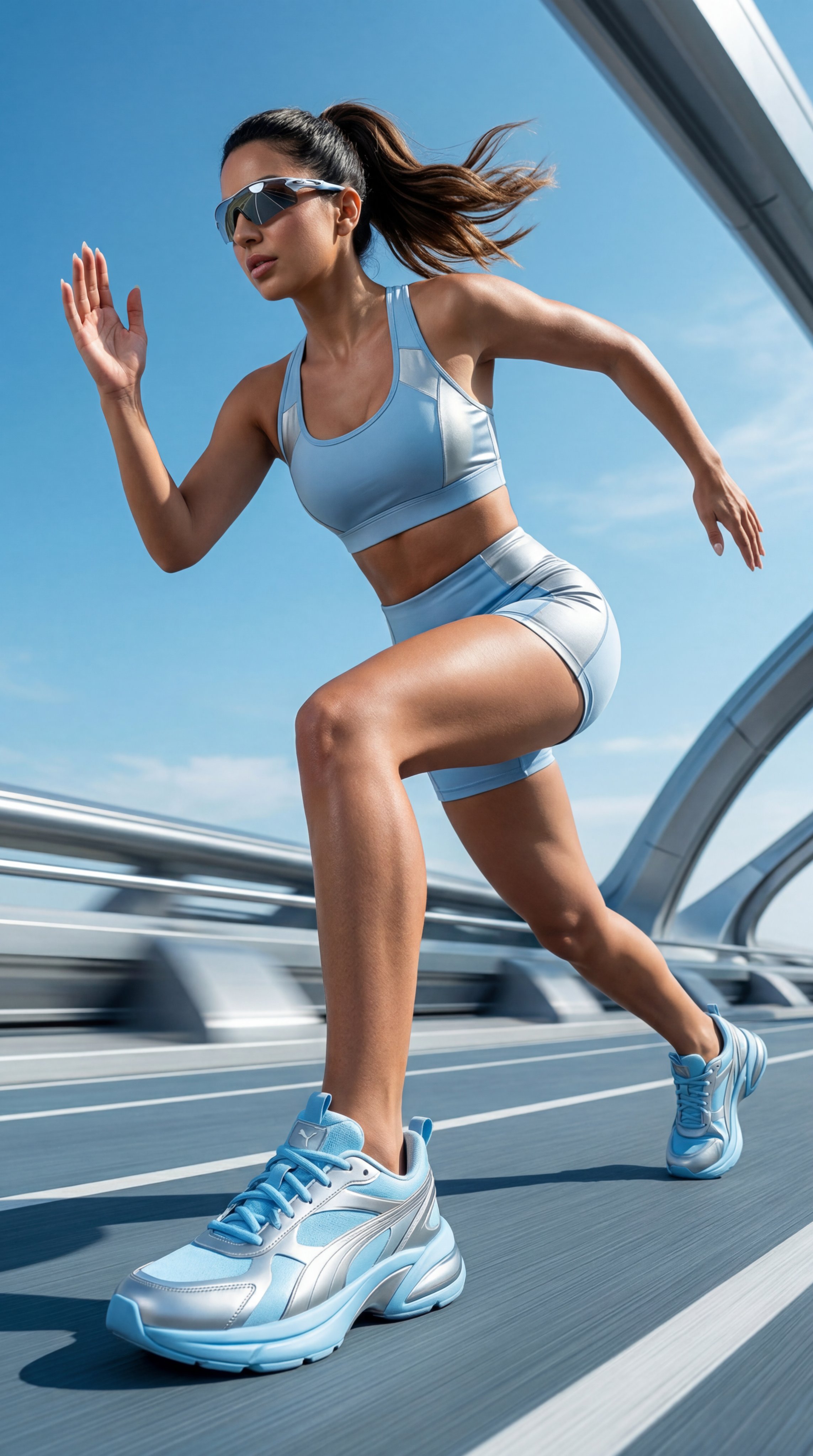
untitled
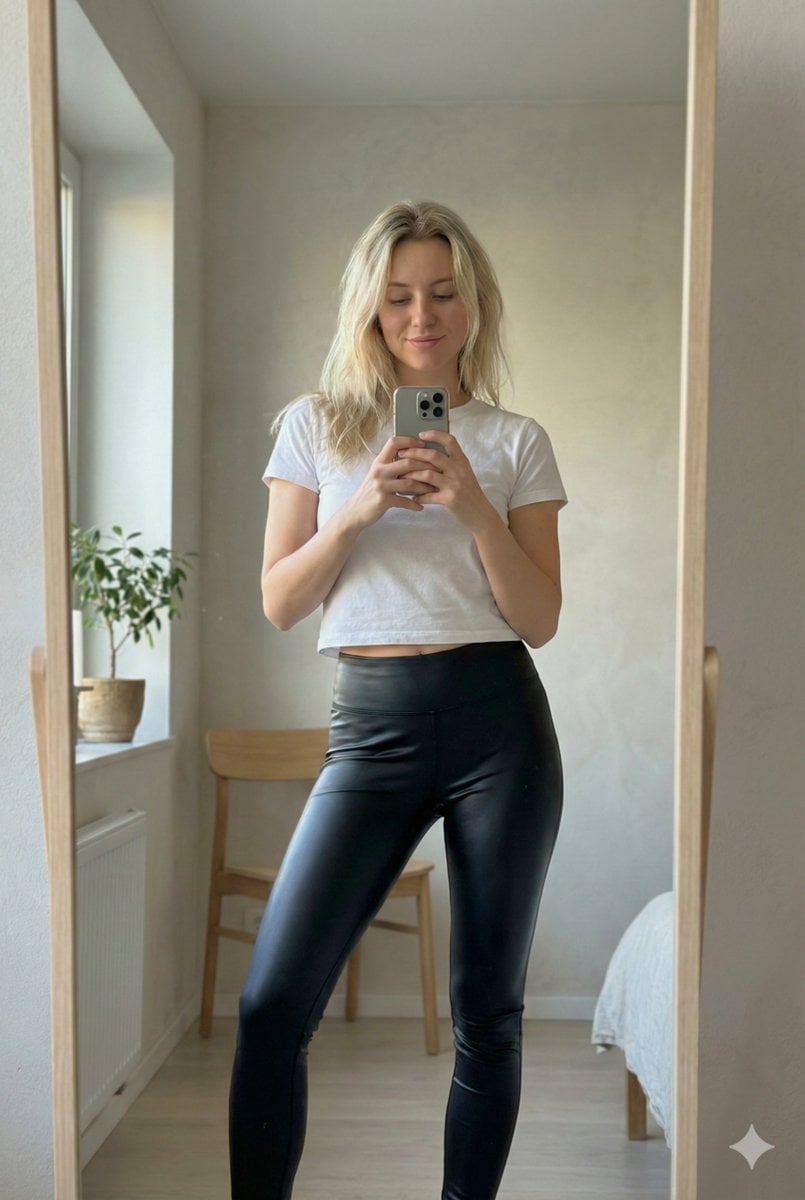
Ultra Photorealistic iPhone Mirror Selfie (JSON)
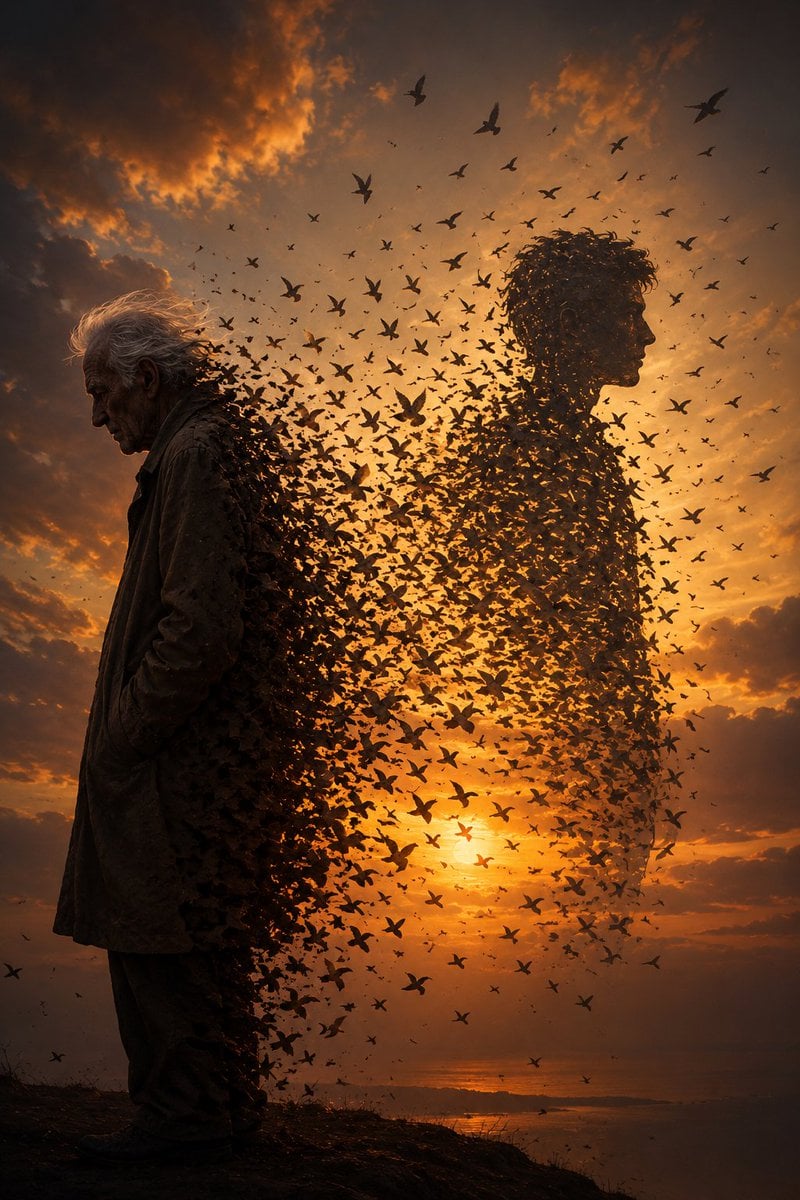
Elderly Man Dissolving Into Birds
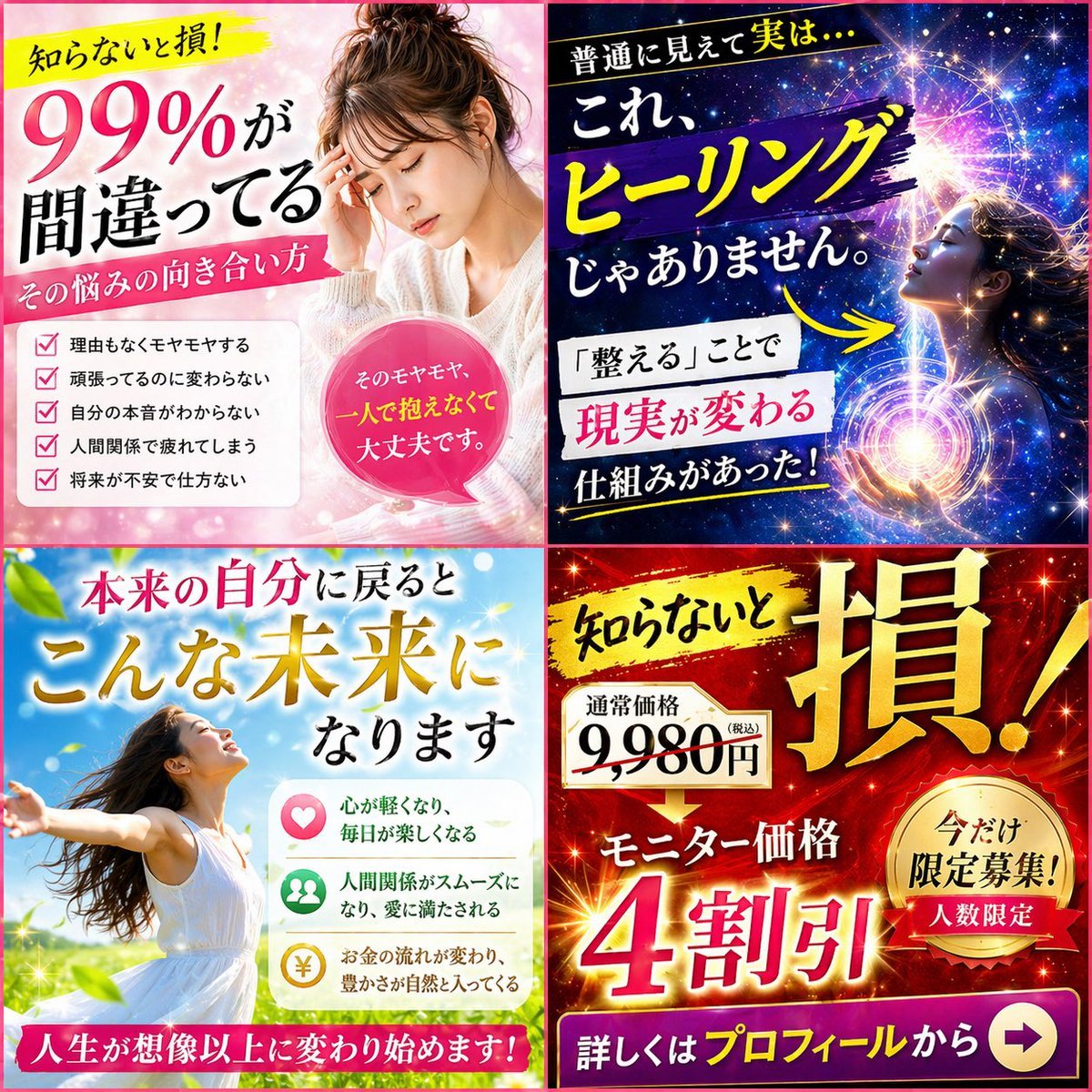
Japanese Four-Panel Healing Ad Collage
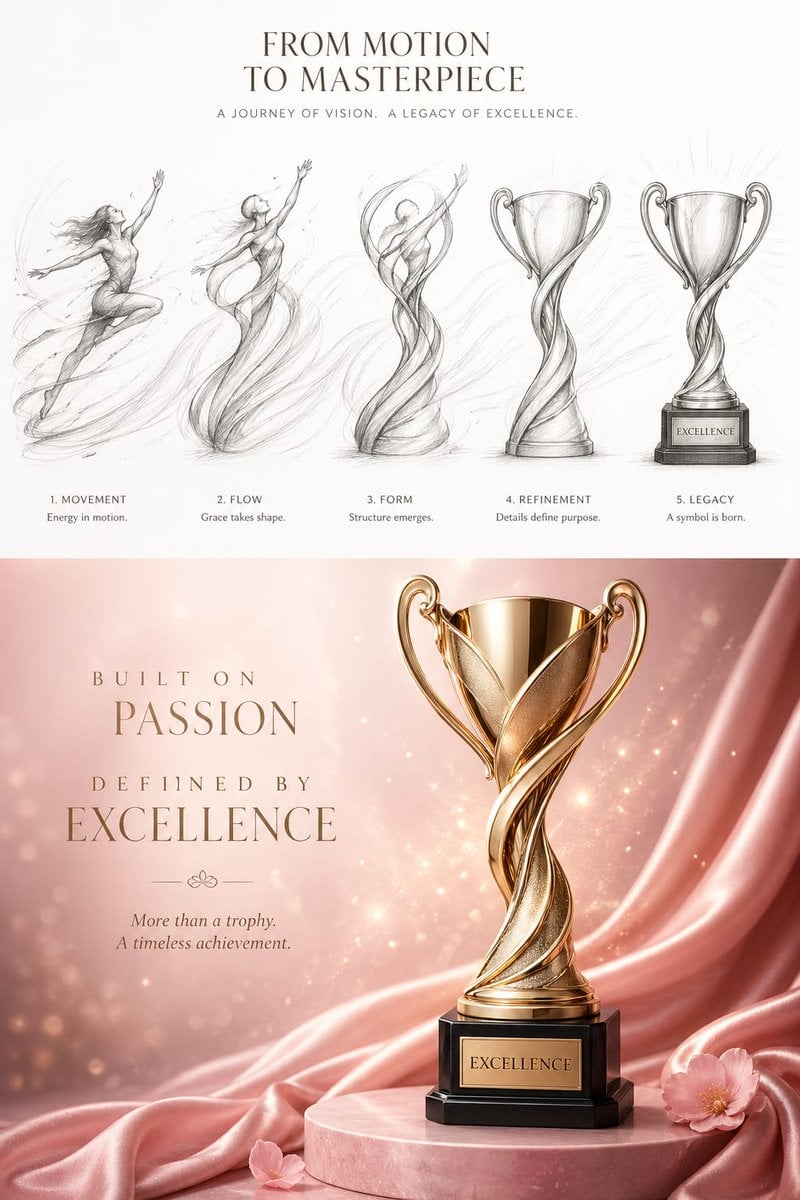
Artistic Luxury Trophy Design Poster
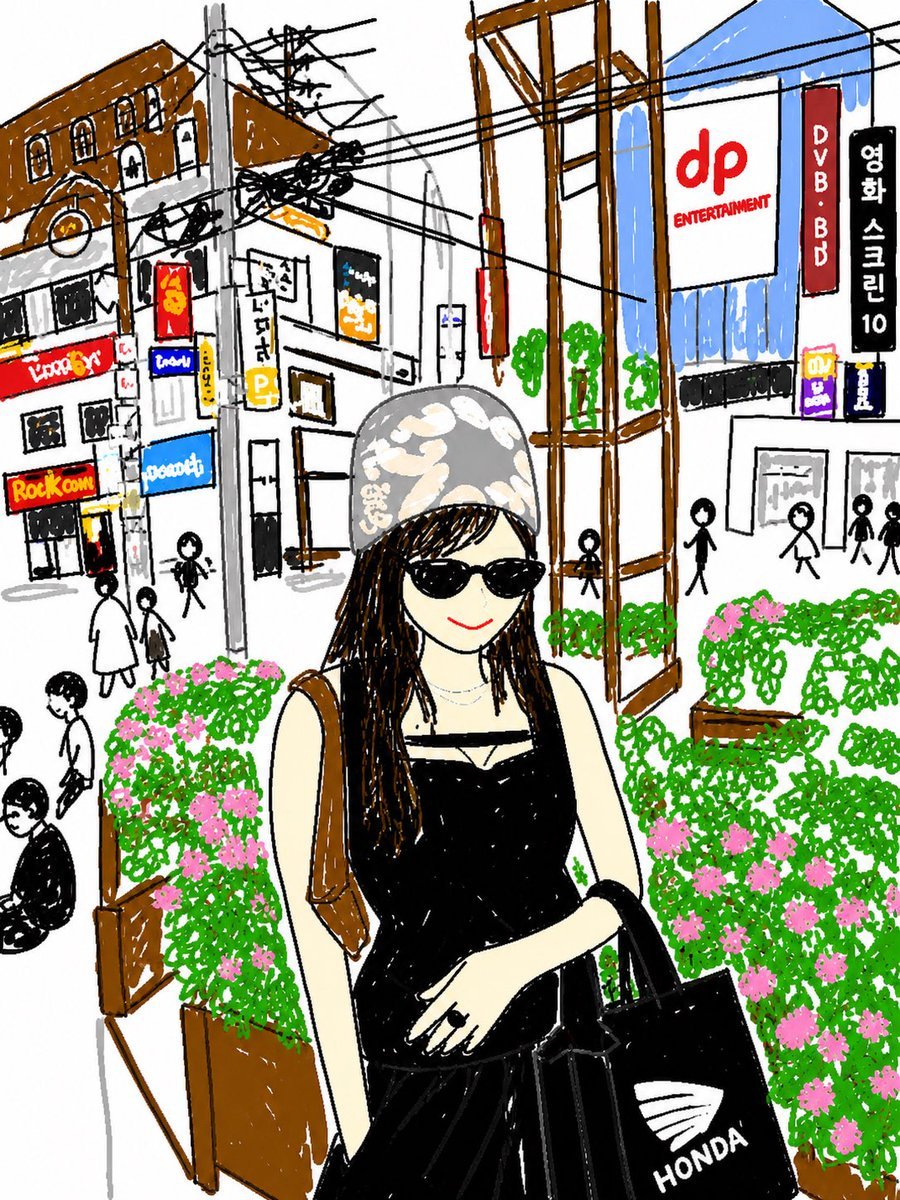
Cute Hand-Drawn Korean Street Portrait
Browse template categories
Instagram Post Aesthetics questions
How do I use the Instagram Post Aesthetics template?
Add your photo if the template asks for one, edit the prompt if you like — the template's model and format are already selected — and press Generate. Your version opens in PicX Studio.
Can I customize the Instagram Post Aesthetics template?
Yes. You can change the subject, setting, lighting, mood, format, and available model controls before creating your image.
Is the Instagram Post Aesthetics template free?
Opening and editing this template is free. Generating uses credits, shown on the Generate button when you are signed in.
Which AI model should I use?
Choose a compatible model in PicX Studio based on the style, speed, and output controls your project needs.
Looking for something else? Browse all templates.

Your photo, any look
Thousands of ready templates for every top image and video model, from one credit balance.