How do I use the Photoreal Candid Fireworks Couple Selfie Prompt template?
Choose the primary action to open PicX Studio with the available template settings. Review the model and format, personalize the creative direction, and generate when ready.

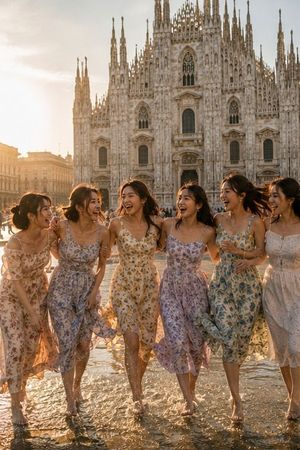
A highly structured prompt for generating an ultra-photorealistic, candid couple selfie taken at a night festival. It requires strict face identity lock for both subjects, featuring the man kissing the woman's cheek while fireworks explode in the background, emphasizing natural handheld motion blur and the glow of the fireworks. (free to use) — Free AI image template on PicX Studio.
{ "generation_request": { "meta_data": { "tool": "NanoBanana Pro", "task_type": "photoreal_candid_fireworks_couple_selfie", "version": "v1.0_FIREWORKS_CROWD_CHEEK_KISS_MOTION_BLUR_NO_TEXT_EN", "priority": "highest", "language": "en" }, "references": { "reference_image_female": { "source": "UPLOAD_REFERENCE_IMAGE (REQUIRED)", "purpose": "FACE_IDENTITY_LOCK_FEMALE", "strict_lock": true, "face_similarity_priority": "MAX", "no_identity_blending": true, "no_beautify": true, "no_age_shift": true, "preserve_skin_texture": true, "preserve_facial_proportions": true }, "reference_image_male": { "source": "UPLOAD_REFERENCE_IMAGE (OPTIONAL)", "purpose": "FACE_IDENTITY_LOCK_MALE", "strict_lock": true, "face_similarity_priority": "MAX", "no_identity_blending": true, "no_beautify": true, "no_age_shift": true, "preserve_skin_texture": true, "preserve_facial_proportions": true }, "reference_image_style": { "source": "UPLOAD_REFERENCE_IMAGE (OPTIONAL)", "purpose": "STYLE_COMPOSITION_ANCHOR", "strict_lock": false, "preserve_lighting": true, "preserve_palette": true, "preserve_vibe": true, "preserve_composition": true } }, "global_constraints": { "rating": "PG-13", "no_explicit_sexual_content": true, "no_nudity": true, "no_text": true, "no_logos": true, "no_watermark": true }, "output_settings": { "aspect_ratio": "9:16", "orientation": "portrait", "resolution_target": "ultra_high_res", "render_style": "ultra_photoreal_candid_event_photo", "sharpness": "crisp_but_natural", "film_grain": "subtle", "color_grade": "warm_night_event", "dynamic_range": "natural_not_hdr", "skin_rendering": "real_texture_no_retouch" }, "global_rules": { "camera_language": "handheld smartphone photo, close range, slightly wide lens feel, candid composition, realistic motion blur", "lighting_language": "nighttime event lighting + fireworks glow, mild on-camera flash feel, bright highlights from fireworks, natural shadows", "authenticity_markers": "realistic crowd depth, accurate hands/fingers, no AI glow, no HDR, no plastic skin, faces must match references exactly" }, "prompt": "A photorealistic candid couple selfie at a crowded night festival with large fireworks exploding in the sky behind them ({argument name="fireworks colors" default="gold and red"} bursts). The adult man kisses the woman's cheek; the woman is smiling widely toward the camera. Close-up framing from chest/shoulders up, intimate embrace with arms around each other. The image has natural handheld motion blur on the faces (like a real spontaneous phone shot), while the fireworks remain vivid in the background. Warm "
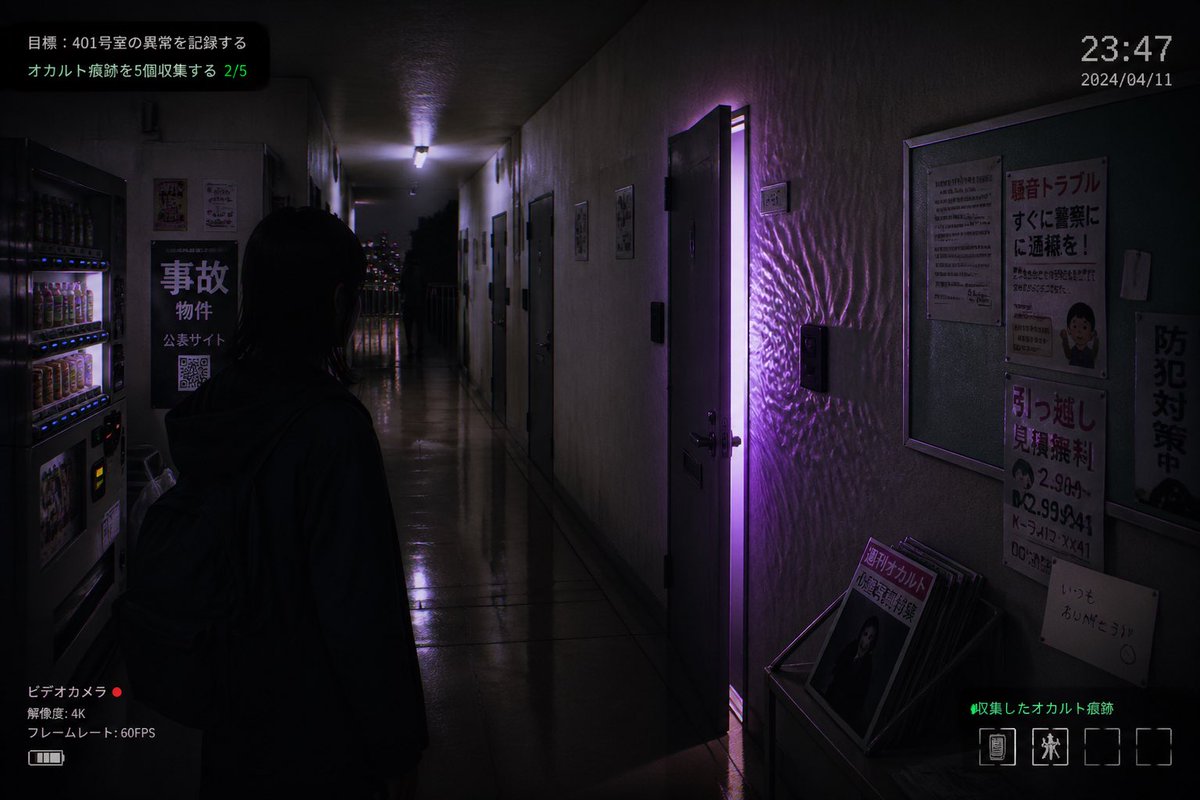
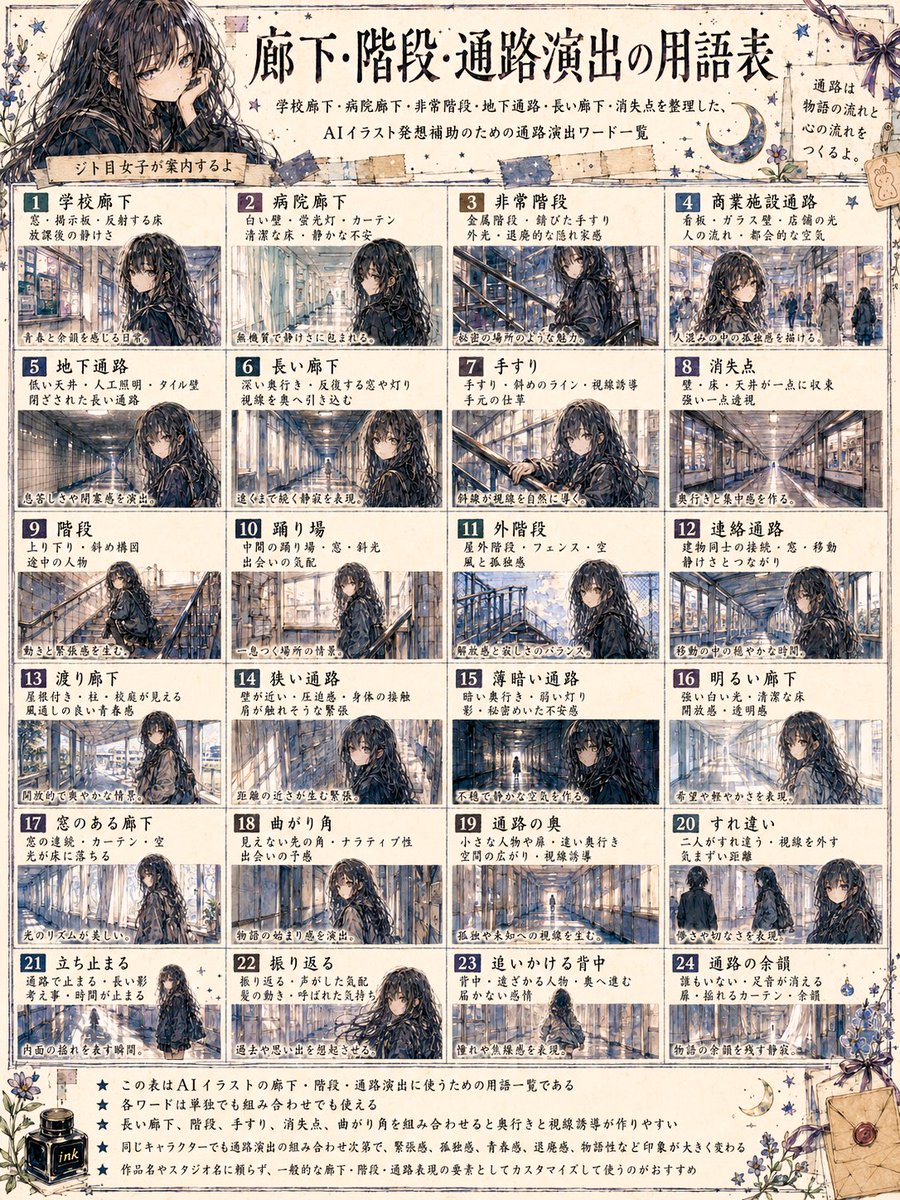
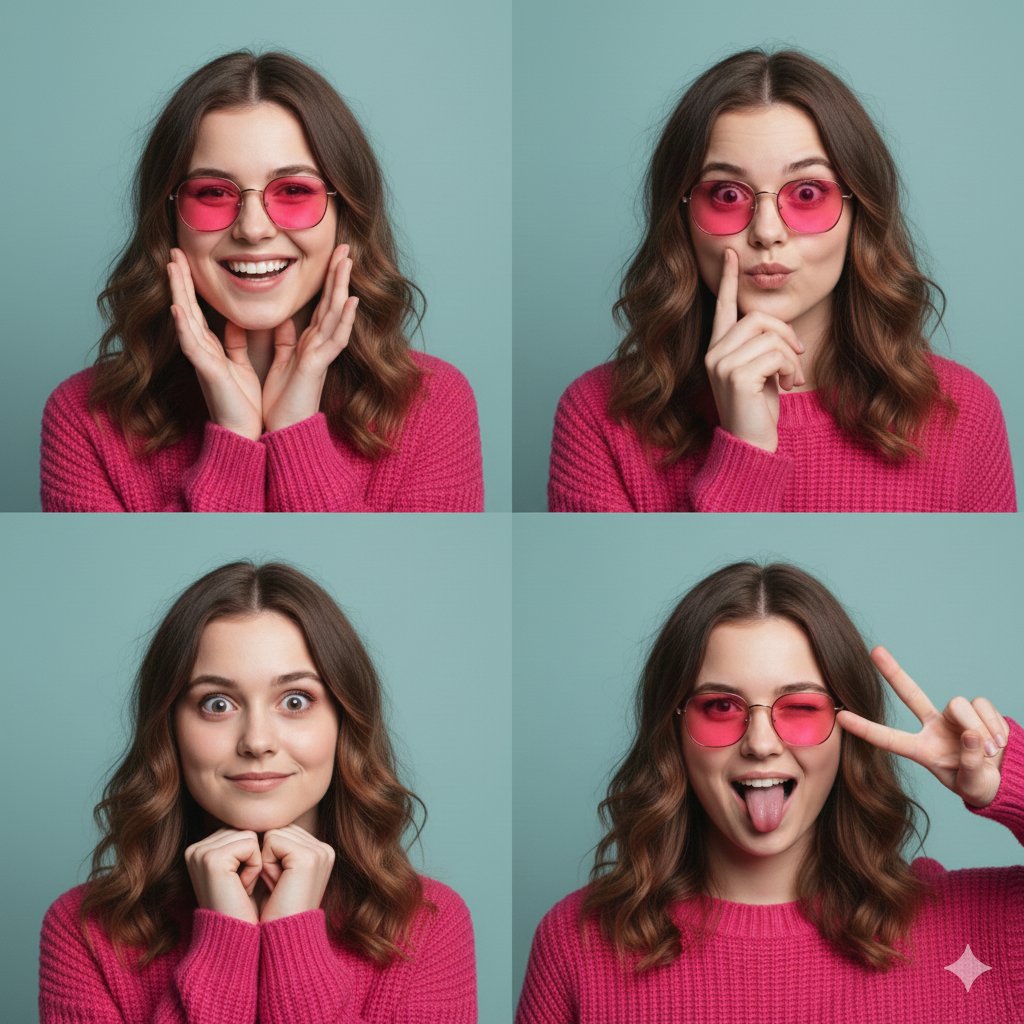
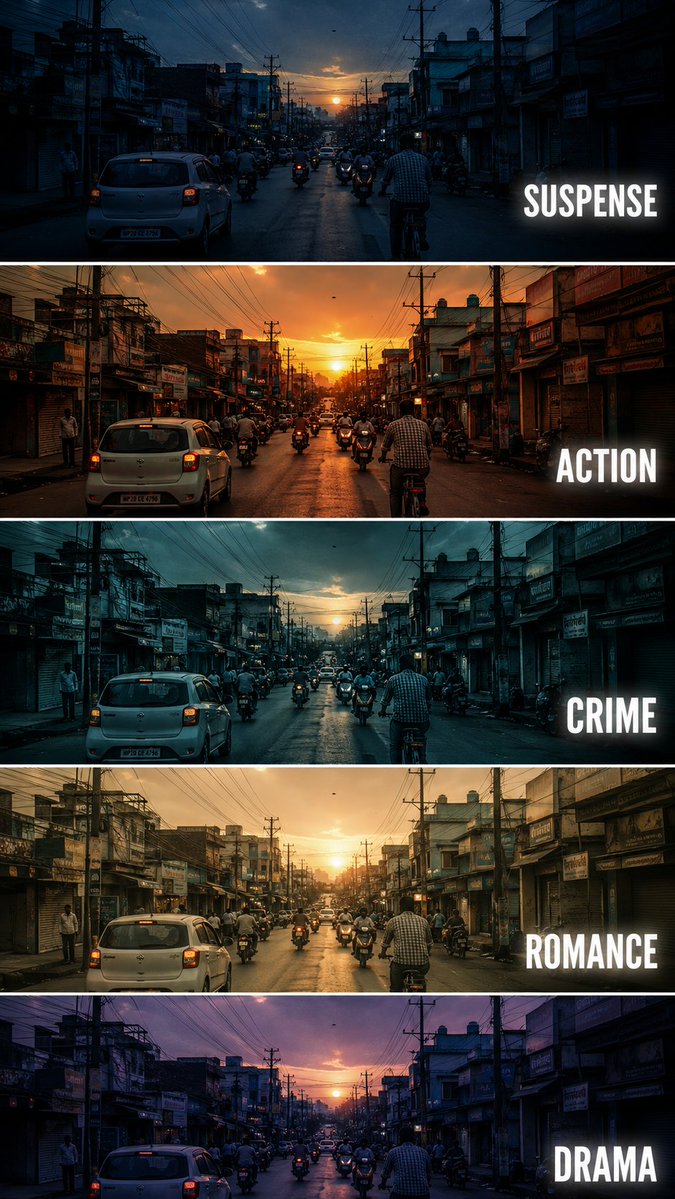
Use Photoreal Candid Fireworks Couple Selfie Prompt to plan an AI image around nano-banana-2 generation. Match the preview's composition first, then personalize the subject, setting, and mood for your own project.
Use the primary action to load the template settings in PicX Studio.
Adjust the subject and creative details for your destination.
Create the image, compare the result with the preview, and refine one variable at a time.
A continuous mix — similar concepts first, woven with same-model prompts and fresh picks from the catalog.
Choose the primary action to open PicX Studio with the available template settings. Review the model and format, personalize the creative direction, and generate when ready.
Yes. You can change the subject, setting, lighting, mood, format, and available model controls before creating your image.
This template is free to open and customize. Generation usage is shown in PicX Studio before you create.
Start with nano-banana-2, which is the model associated with this template. You can compare another compatible model for a different finish.
Follow a topic to a crawlable collection of related PicX Studio templates.
39,155 public templates available. Verified via the PicX Studio public templates API; refreshed hourly.
A continuous mix — similar concepts first, woven with same-model prompts and fresh picks from the catalog.