How do I use the Dual Celebrity Photo Shoot Analysis Prompt template?
Choose the primary action to open PicX Studio with the available template settings. Review the model and format, personalize the creative direction, and generate when ready.
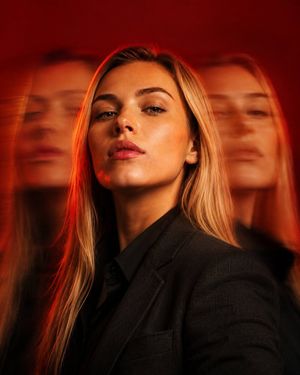
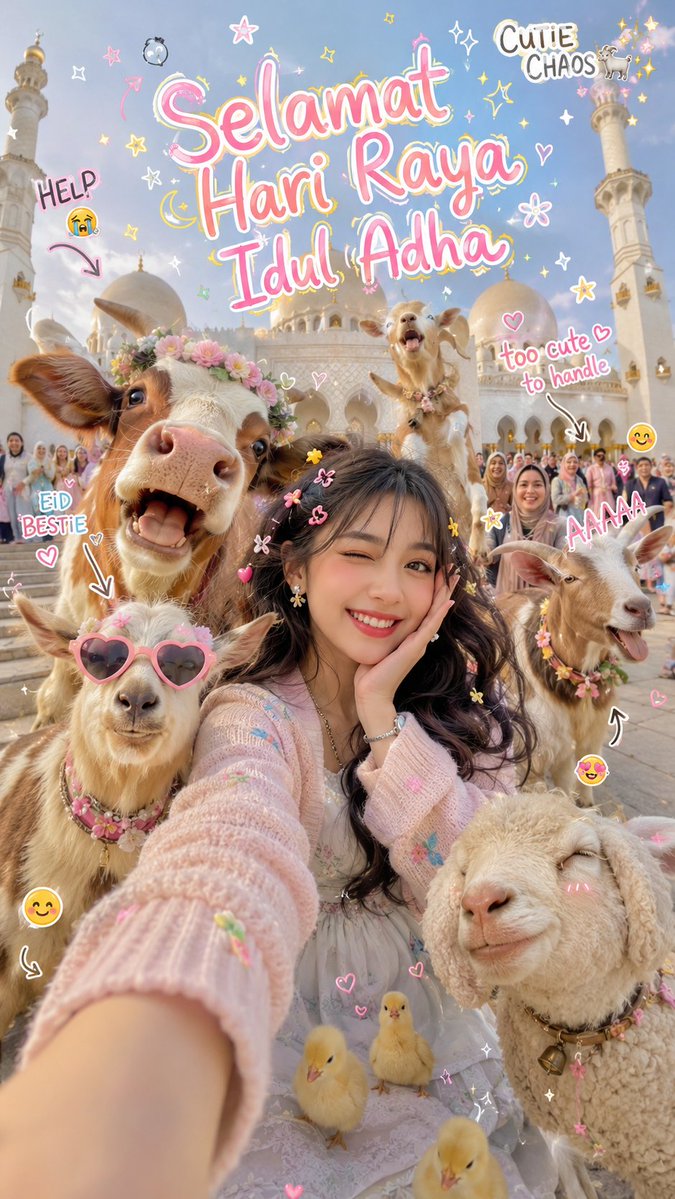
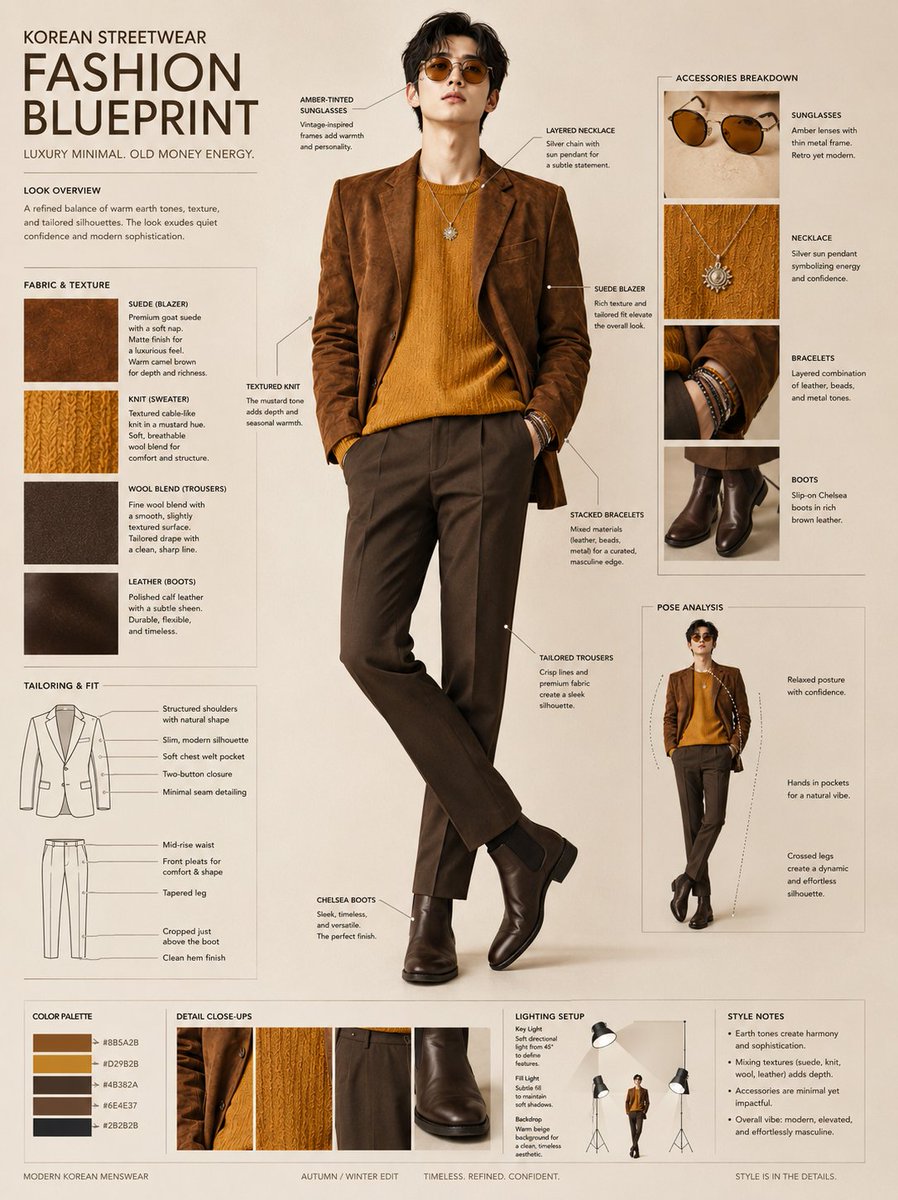
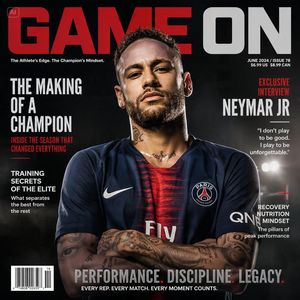
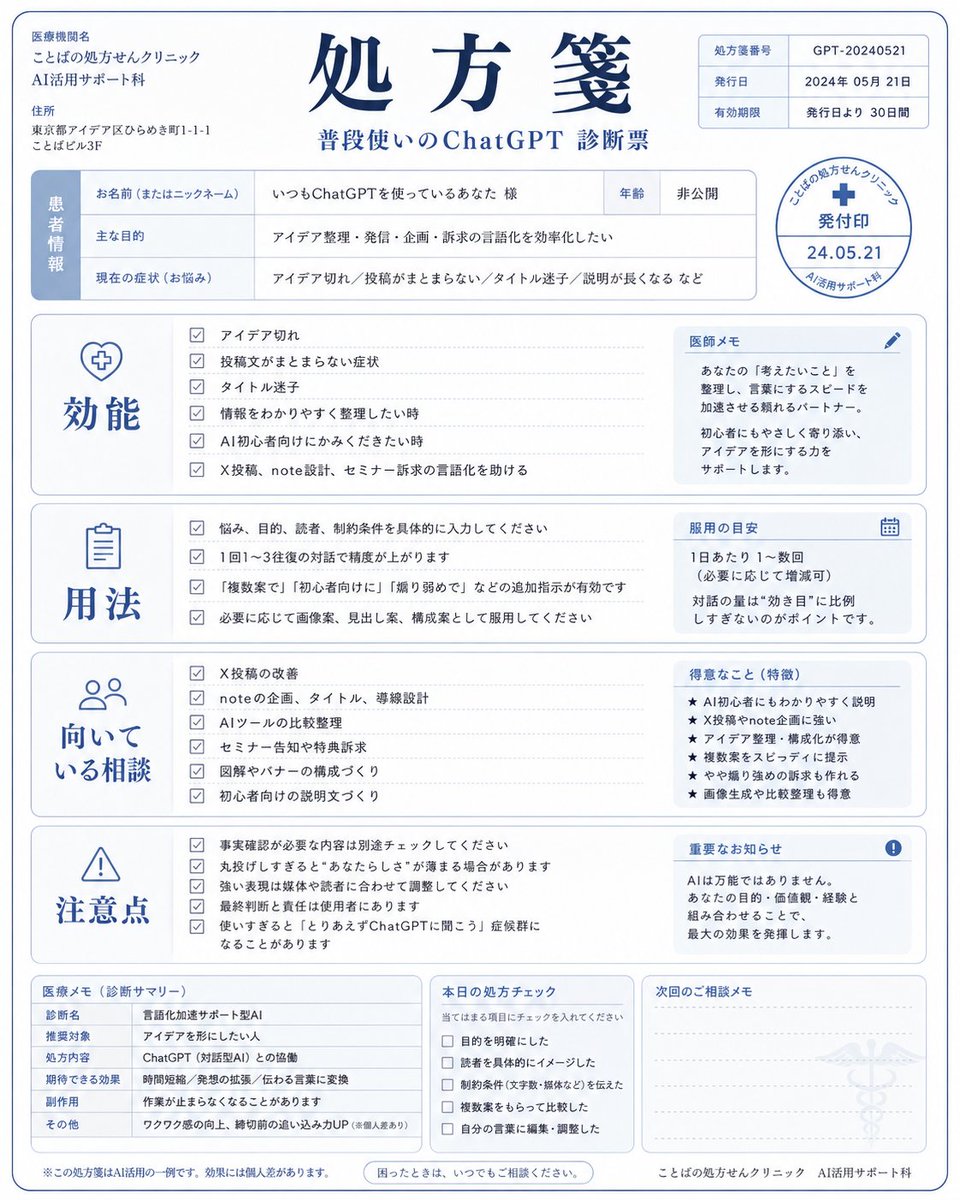
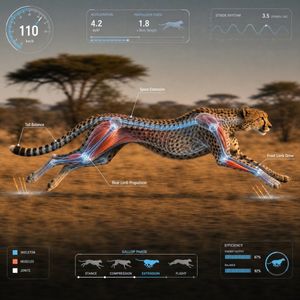
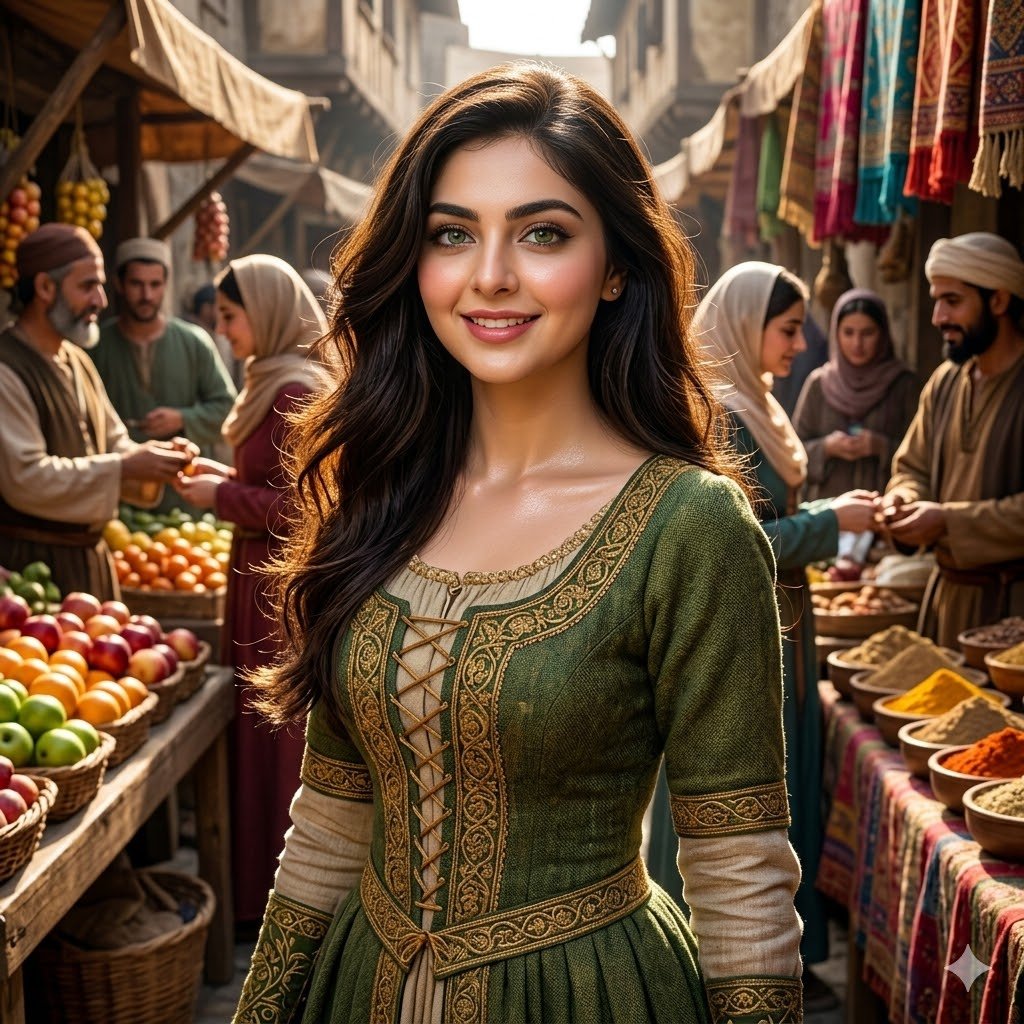
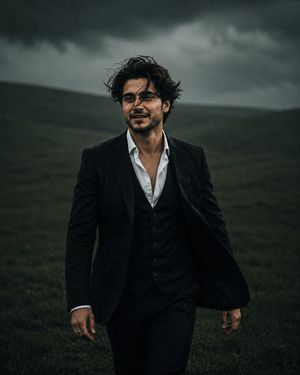
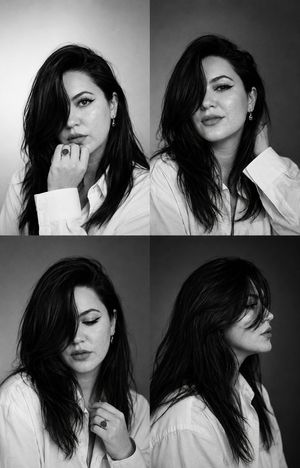
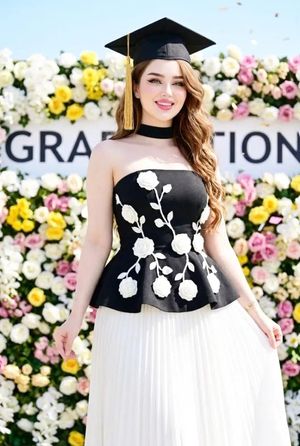
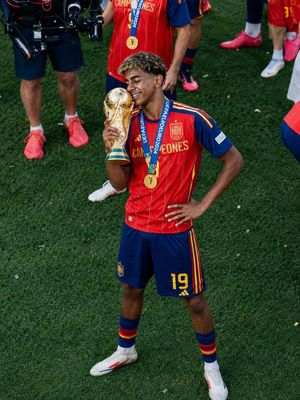
A highly structured, JSON-formatted prompt designed for generating a 4-panel collage featuring two celebrities, Sydney Sweeney and Ana de Armas, each shown in two distinct high-fashion looks. It specifies detailed outfits, beauty styles, lighting, and composition for an event analysis aesthetic. (free to use) — Free AI image template on PicX Studio.
{ "event_analysis": { "location": "Red Carpet ({argument name="event style" default="Cannes Film Festival style"})", "lighting": "Bright, outdoor natural light with professional flash", "total_subjects": 2, "total_looks": 4 }, "subjects": [ { "name": "Sydney Sweeney", "looks": [ { "outfit": { "style": "Elegant/Classic", "garment": "Full-length satin gown", "color": "{argument name="sydney gown color" default="Deep Red"}", "features": ["High neck", "Long sleeves", "Floor-length train"] }, "beauty": { "hair": "Blonde, side-parted, loose waves", "makeup": "Soft glam, neutral tones" } }, { "outfit": { "style": "Glamorous/Glittery", "garment": "Sequin embellished column dress", "color": "Metallic Gold", "features": ["Short sleeves", "Boat neck", "Form-fitting"] }, "beauty": { "hair": "Sleek high ponytail", "makeup": "Bold red lipstick, defined eyeliner" } } ] }, { "name": "Ana de Armas", "looks": [ { "outfit": { "style": "Gothic Romance/Couture", "garment": "Intricate lace overlay gown", "color": "Black", "features": ["Spaghetti straps", "Floral lace patterns", "Sheer details"] }, "beauty": { "hair": "Brunette, effortless beach waves", "makeup": "Smokey eye, nude lip" } }, { "outfit": { "style": "Sophisticated/Modern", "garment": "Tailored blazer dress", "color": "Black and White", "features": ["Sharp lapels", "Button-down white shirt inside", "Mini length"] }, "beauty": { "hair": "Sleek center-parted bun", "makeup": "Clean skin look, contoured cheeks" } } ] } ], "image_metadata": { "format": "4-panel collage", "orientation": "Landscape", "resolution_context": "High Definition" } }
Use Dual Celebrity Photo Shoot Analysis Prompt to plan an AI image around nano-banana-2 generation. Match the preview's composition first, then personalize the subject, setting, and mood for your own project.
Use the primary action to load the template settings in PicX Studio.
Adjust the subject and creative details for your destination.
Create the image, compare the result with the preview, and refine one variable at a time.
A continuous mix — similar concepts first, woven with same-model prompts and fresh picks from the catalog.
Choose the primary action to open PicX Studio with the available template settings. Review the model and format, personalize the creative direction, and generate when ready.
Yes. You can change the subject, setting, lighting, mood, format, and available model controls before creating your image.
This template is free to open and customize. Generation usage is shown in PicX Studio before you create.
Start with nano-banana-2, which is the model associated with this template. You can compare another compatible model for a different finish.
Follow a topic to a crawlable collection of related PicX Studio templates.
39,155 public templates available. Verified via the PicX Studio public templates API; refreshed hourly.
A continuous mix — similar concepts first, woven with same-model prompts and fresh picks from the catalog.