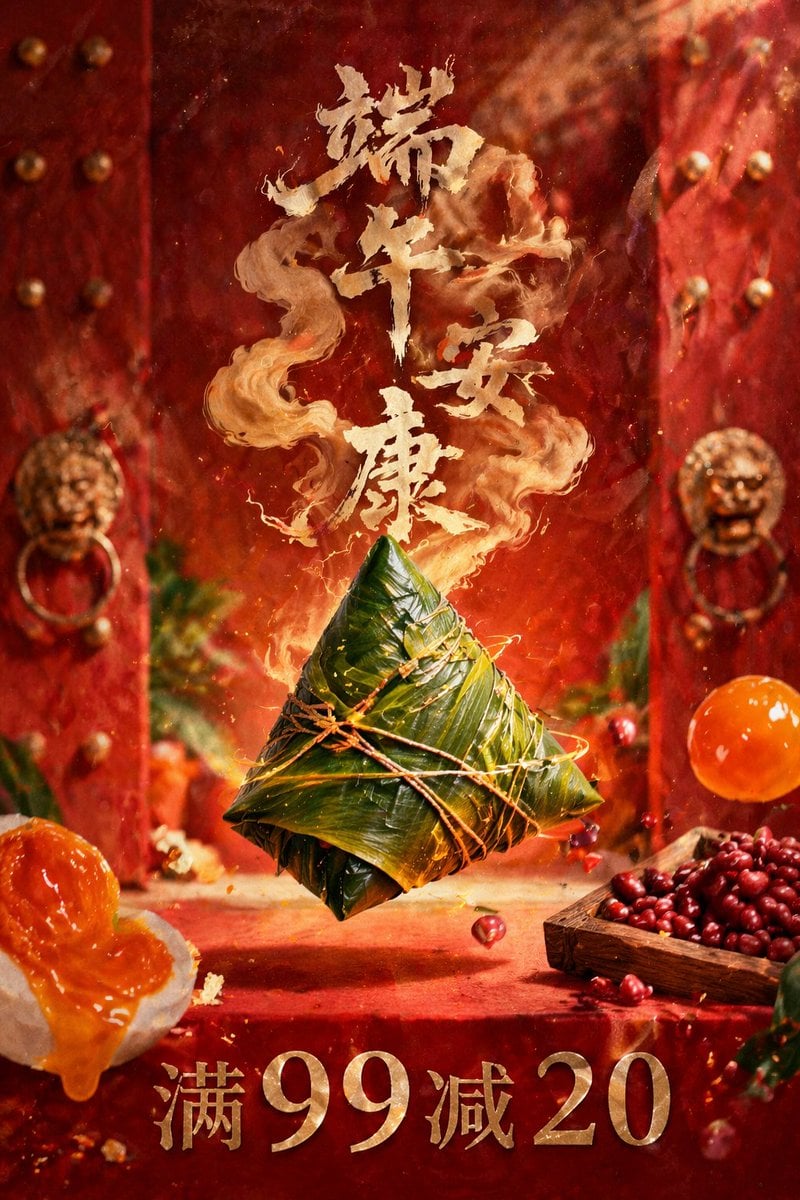
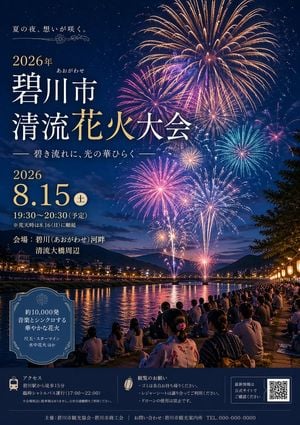
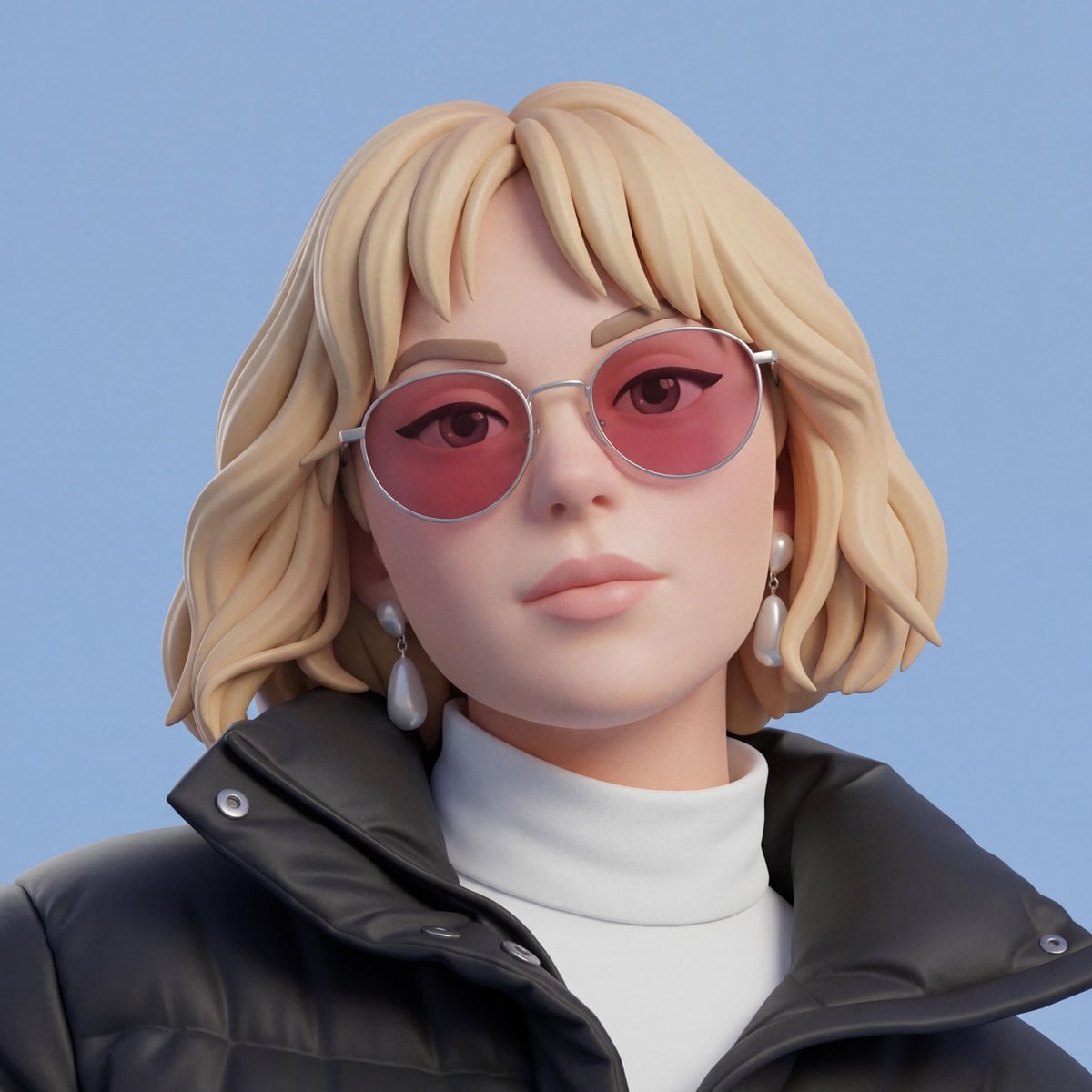
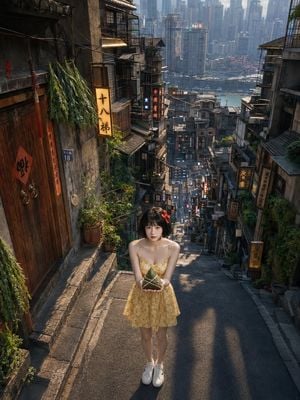
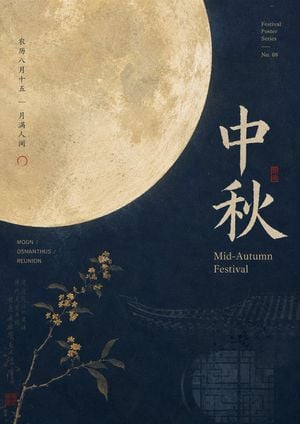
How do I use the Pixel Art Dragon Boat Festival Poster template?
Edit the prompt in the box under the preview — the template's model and format are already selected — and press Generate. Your version appears right on this page.
A prompt for creating pixel-art style celebration posters for festivals like the Dragon Boat Festival, featuring soft Morandi green tones and a 3:4 aspect ratio.

比例:3:4 主体:像素化{argument name="节日" default="端午节"}庆典海报 节日:{argument name="节日名称" default="端午节"} {argument name="日期" default="2026.06.19"} 色盘:绿色基调,莫兰迪色调,配少许撞色
比例:3:4 主体:像素化{argument name="节日" default="端午节"}庆典海报 节日:{argument name="节日名称" default="端午节"} {argument name="日期" default="2026.06.19"} 色盘:绿色基调,莫兰迪色调,配少许撞色
Edit the prompt in the box under the preview — the template's model and format are already selected — and press Generate. Your version appears right on this page.
Yes. You can change the subject, setting, lighting, mood, format, and available model controls before creating your image.
Opening and editing this template is free. Generating uses credits, shown on the Generate button when you are signed in.
Start with GPT Image 2, which is the model associated with this template. You can compare another compatible model for a different finish.
Follow a topic to a crawlable collection of related PicX Studio templates.