

How do I use the High-Fashion Vogue Beauty Cover Portrait Prompt template?
Choose the primary action to open PicX Studio with the available template settings. Review the model and format, personalize the creative direction, and generate when ready.
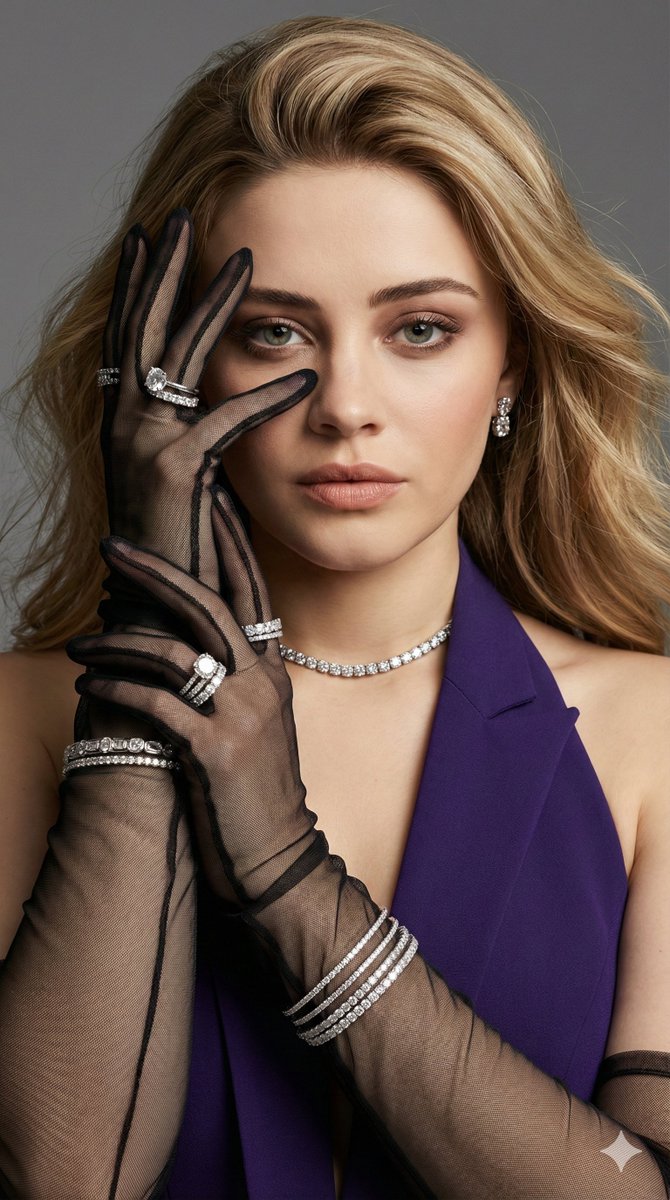
A highly detailed, structured prompt for generating a high-fashion editorial portrait resembling a Vogue beauty cover, featuring Josephine Langford. It specifies pose, accessories (like sheer black mesh gloves and layered diamond jewelry), outfit, makeup, and technical camera settings for a photorealistic result. (free to use) — Free AI image template on PicX Studio.
Magazine beauty cover portrait of {argument name="subject name" default="Josephine Langford"}. Front-facing, chin slightly lowered, eyes locked directly into camera with quiet confidence. One hand raised elegantly, fingers sculpted and spaced, partially framing one eye without covering the face. Pose is minimal, powerful, editorial no exaggeration. Accessories: Sheer black mesh gloves on both hands, multiple stacked diamond rings including a large solitaire, diamond eternity bands, layered slim diamond bangles and one thicker bracelet, diamond tennis choker fitted closely to the neck, matching diamond stud earrings. Outfit: Deep Purple halter-neck couture gown, clean neckline, luxury fabric, sharp tailoring. Hair & Makeup: Hair softly voluminous, natural movement. Makeup is Vogue beauty standard: flawless realistic skin texture, soft sculpted cheekbones, warm nude lips, refined lashes, subtle smoky eyes. Lighting & Camera: Soft directional studio lighting, gentle shadow sculpting, medium-format editorial lens, neutral gray background. 8K ultra-detailed, ultra-sharp focus, shallow depth of field, true-to-life skin texture, photorealistic, high-fashion editorial realism, aspect ratio 9 :16, steps 50, cfg scale 9.5
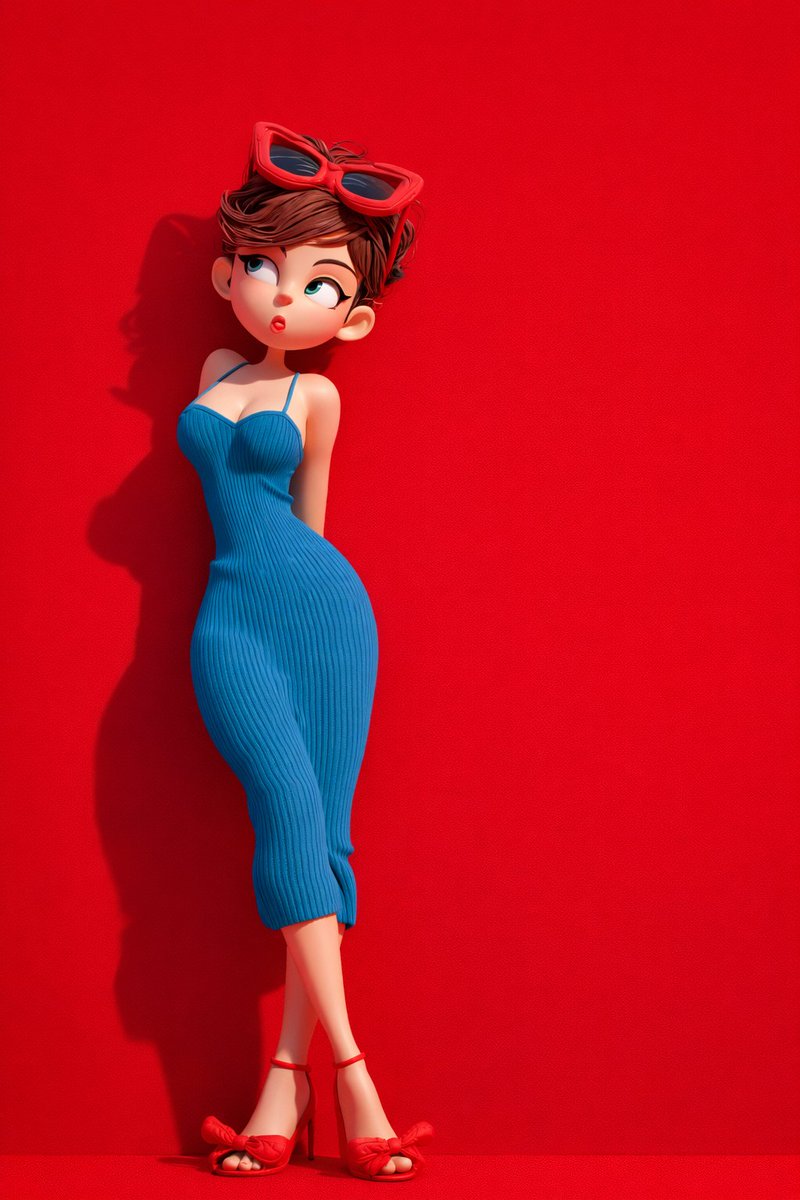
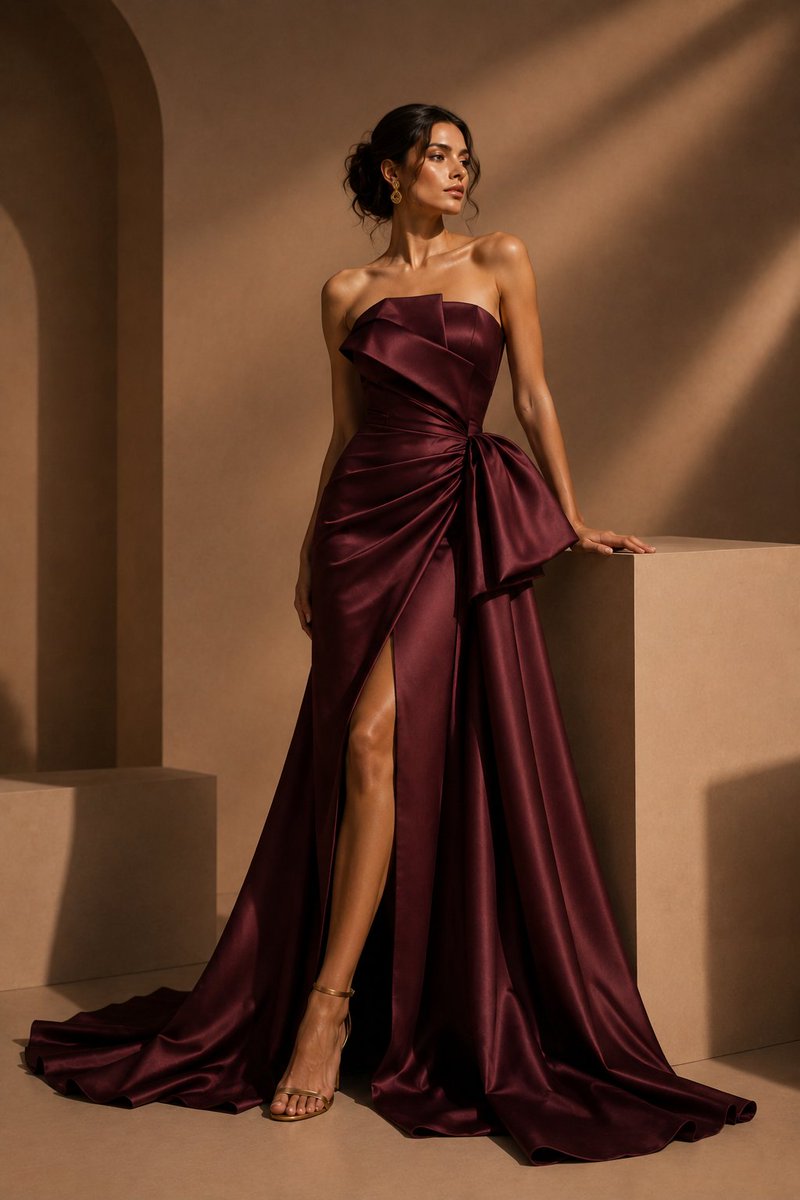
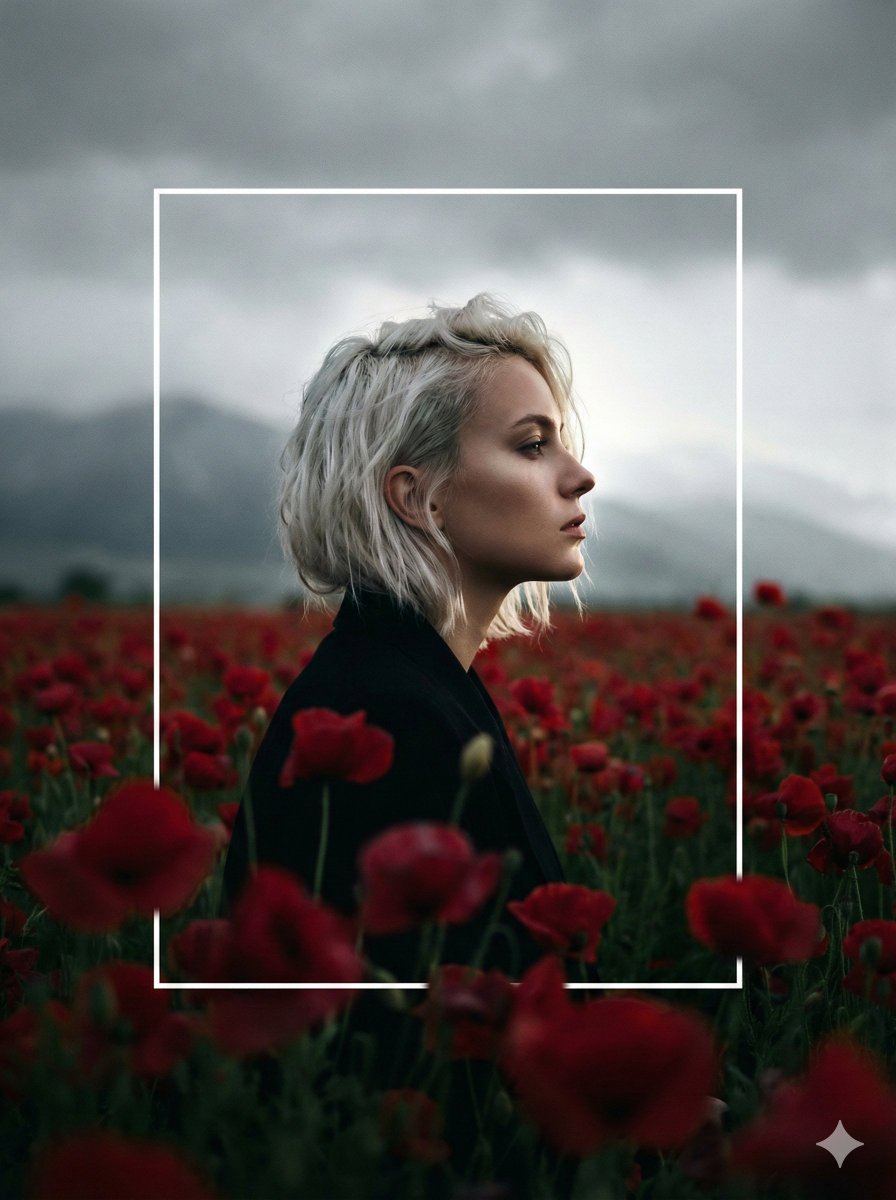
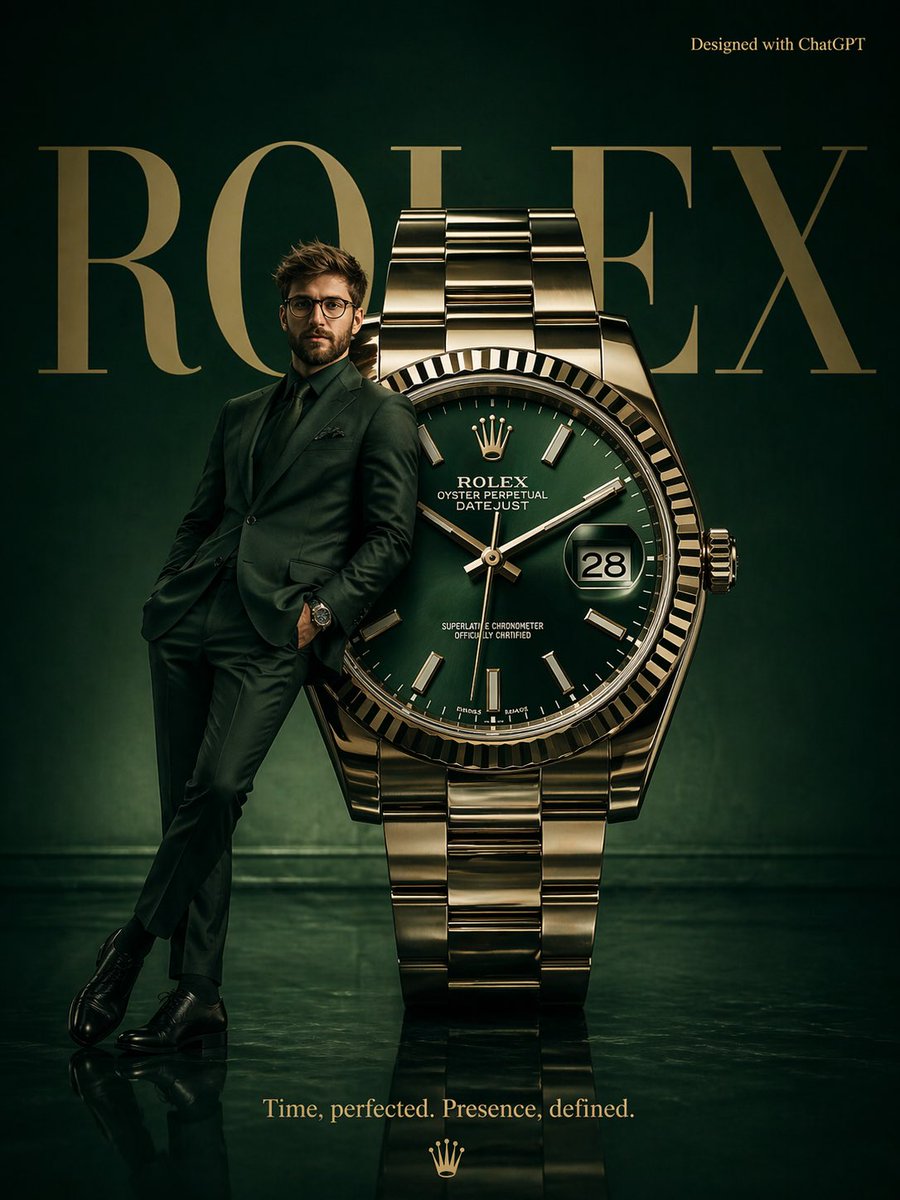
Use High-Fashion Vogue Beauty Cover Portrait Prompt to plan an AI image around nano-banana-2 generation. Match the preview's composition first, then personalize the subject, setting, and mood for your own project.
Use the primary action to load the template settings in PicX Studio.
Adjust the subject and creative details for your destination.
Create the image, compare the result with the preview, and refine one variable at a time.
A continuous mix — similar concepts first, woven with same-model prompts and fresh picks from the catalog.
Choose the primary action to open PicX Studio with the available template settings. Review the model and format, personalize the creative direction, and generate when ready.
Yes. You can change the subject, setting, lighting, mood, format, and available model controls before creating your image.
This template is free to open and customize. Generation usage is shown in PicX Studio before you create.
Start with nano-banana-2, which is the model associated with this template. You can compare another compatible model for a different finish.
Follow a topic to a crawlable collection of related PicX Studio templates.
39,155 public templates available. Verified via the PicX Studio public templates API; refreshed hourly.
A continuous mix — similar concepts first, woven with same-model prompts and fresh picks from the catalog.