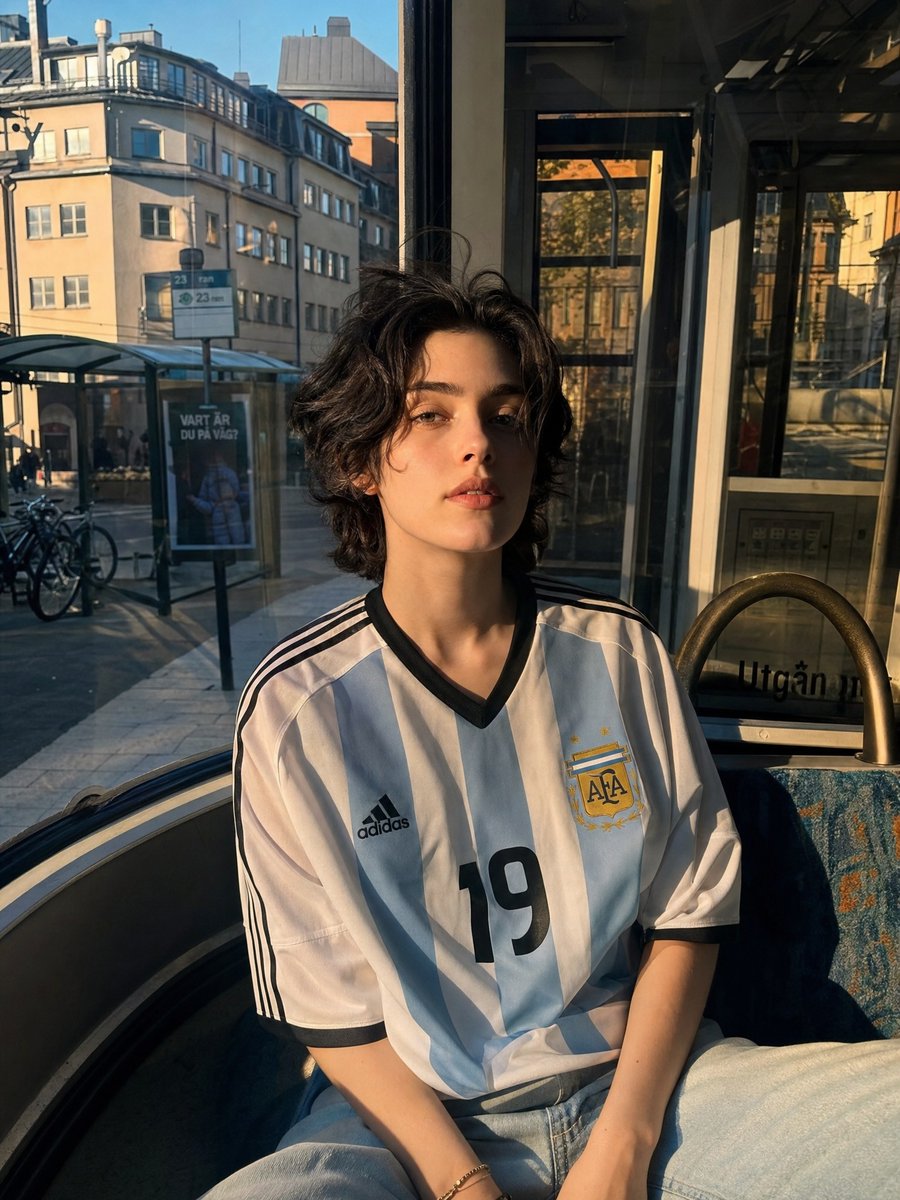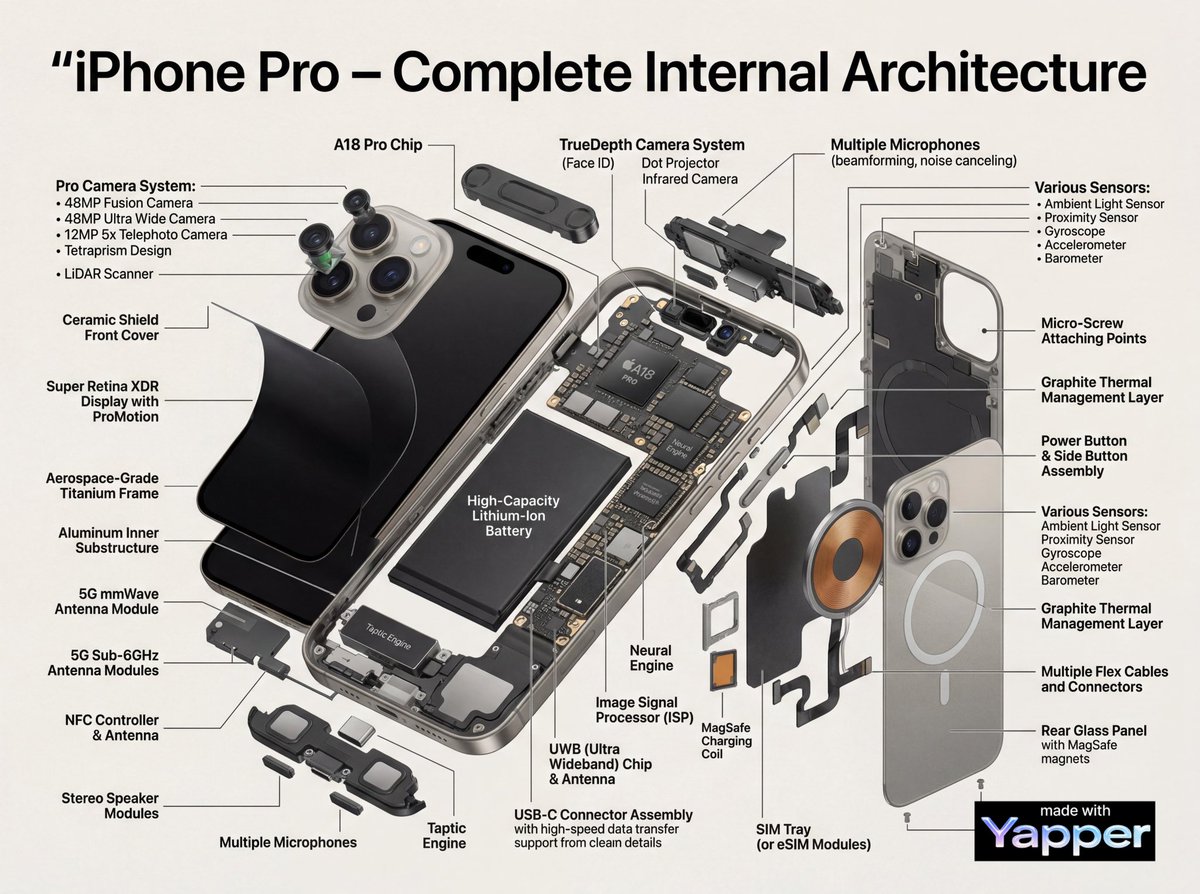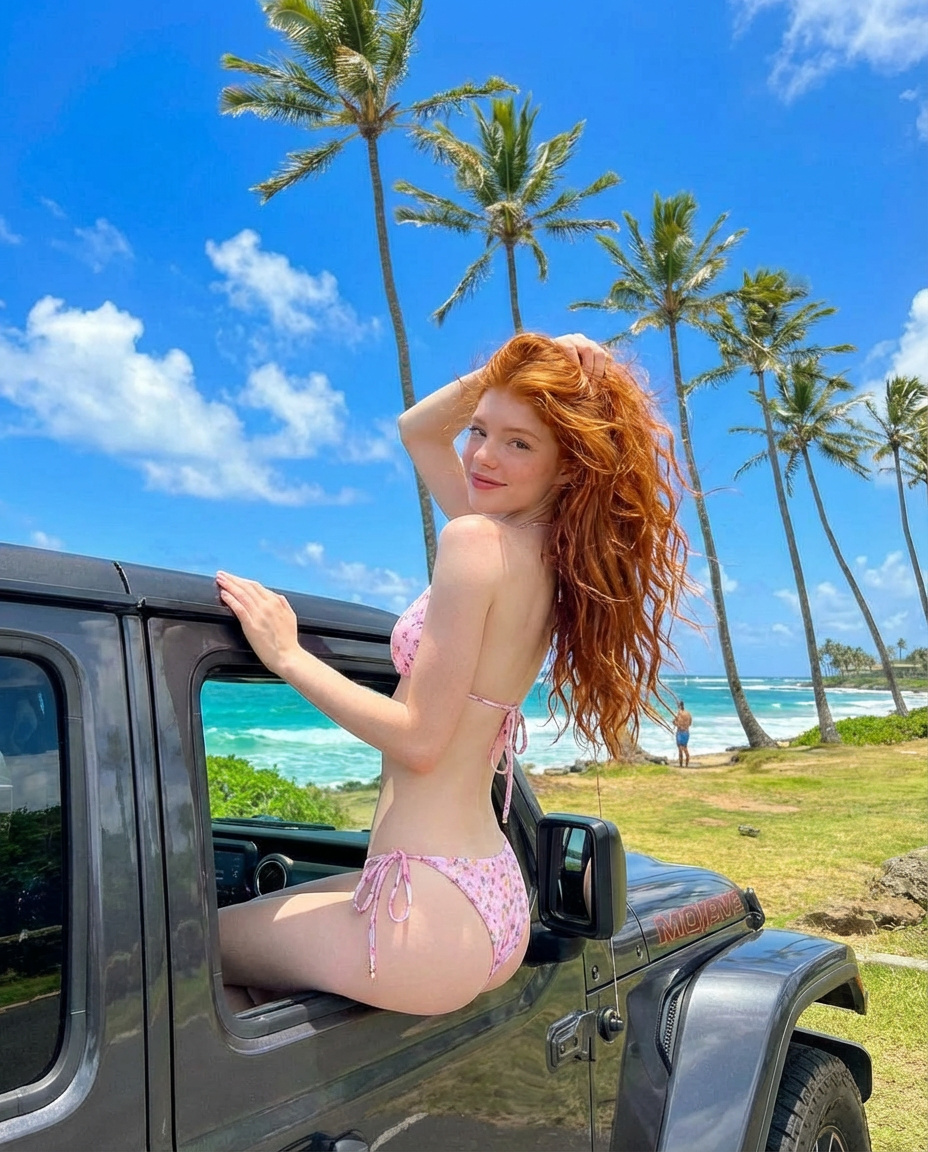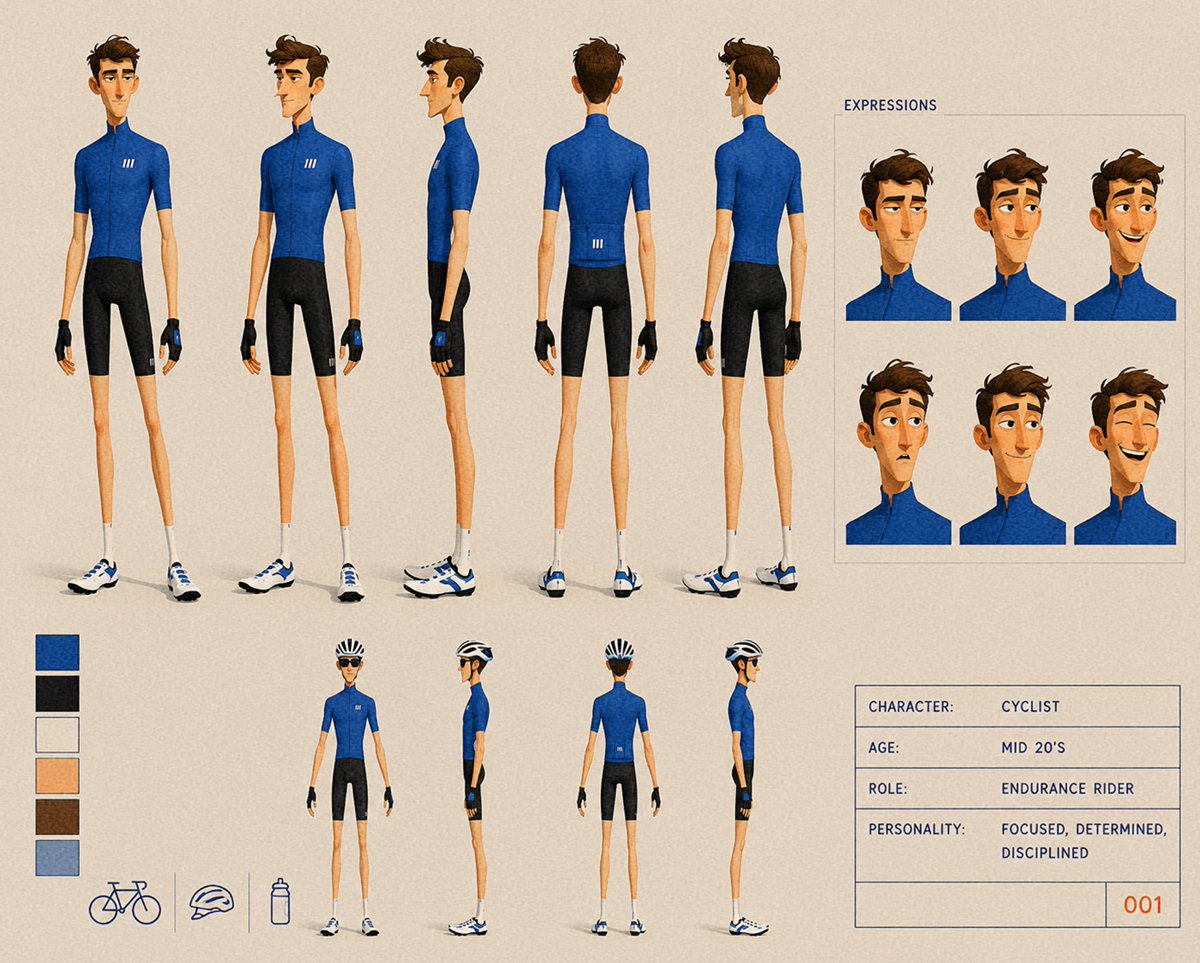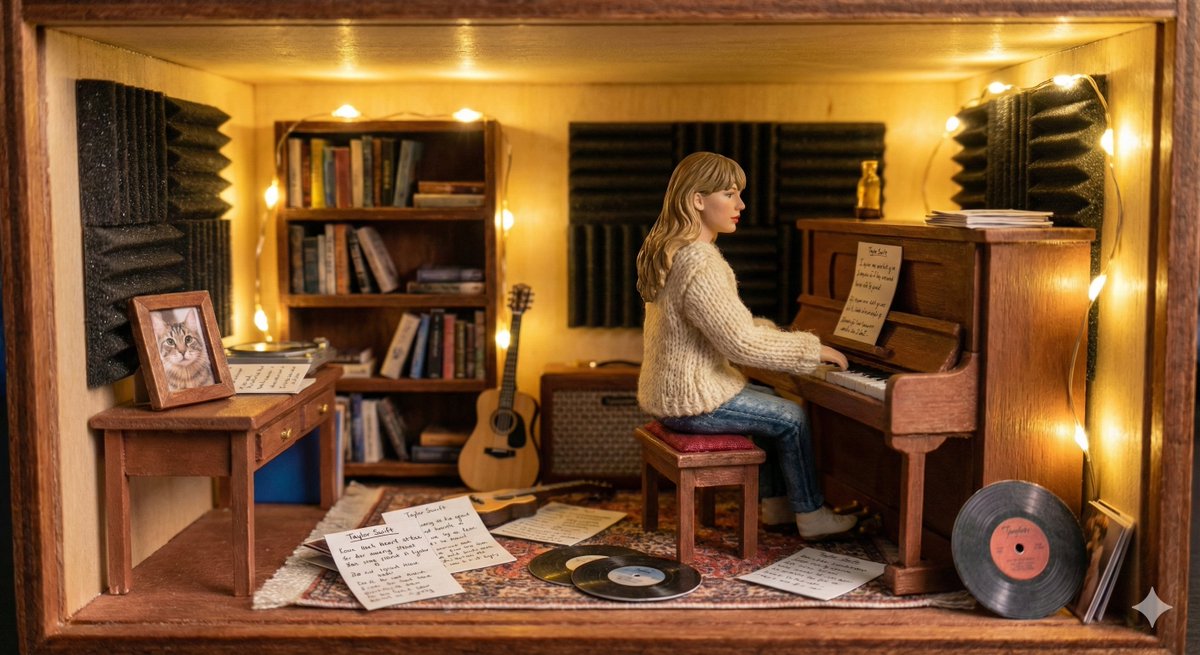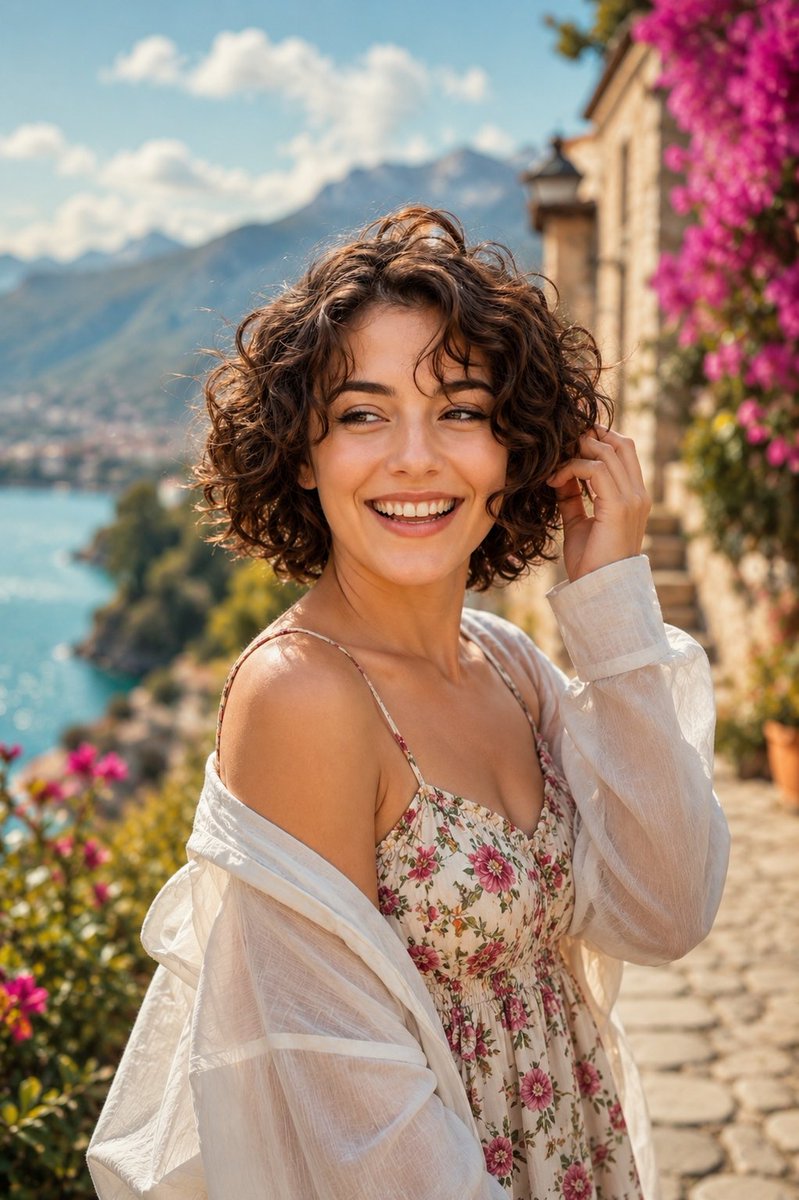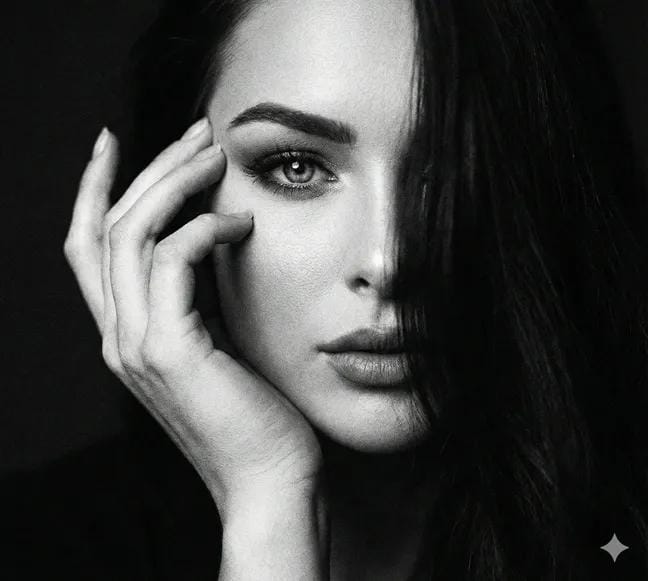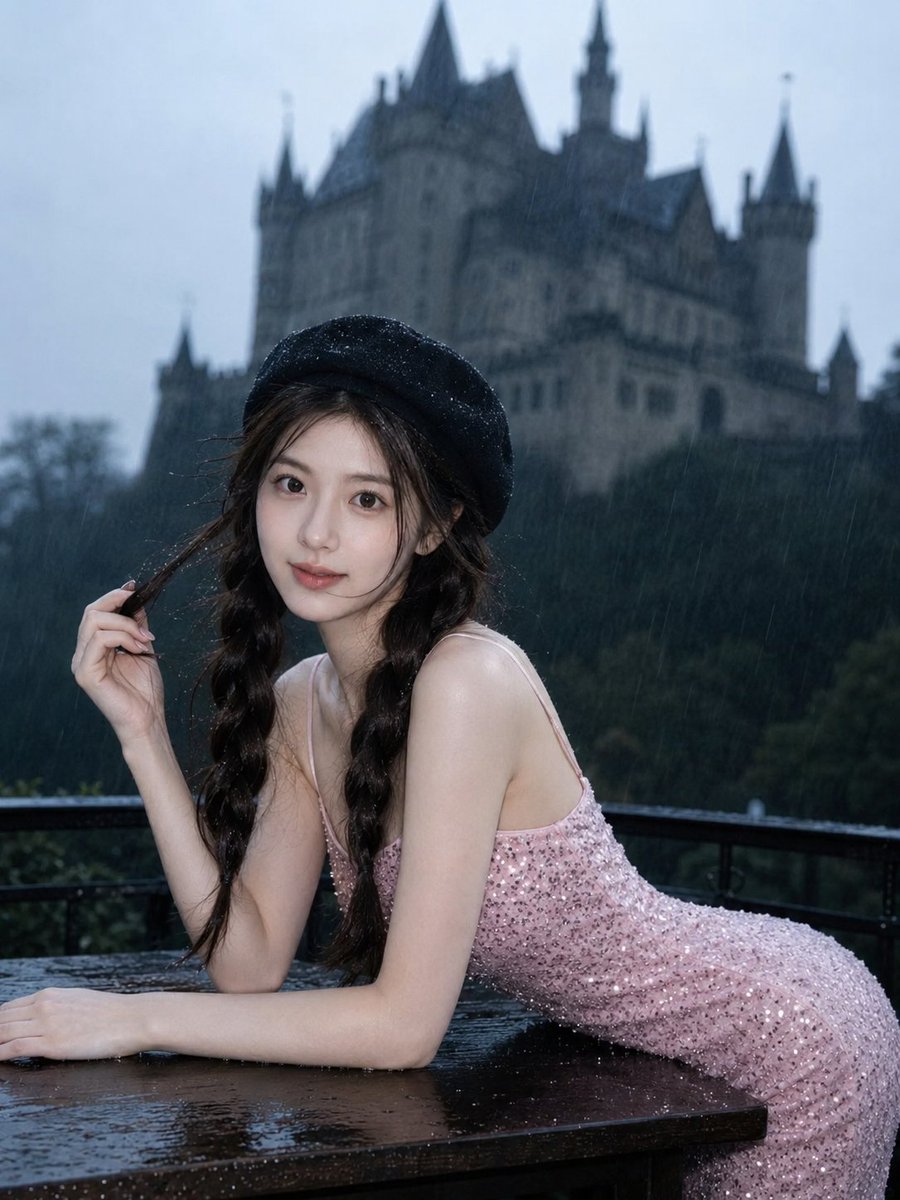
How do I use the Casual Fashion Grid Photoshoot template?
Choose the primary action to open PicX Studio with the available template settings. Review the model and format, personalize the creative direction, and generate when ready.
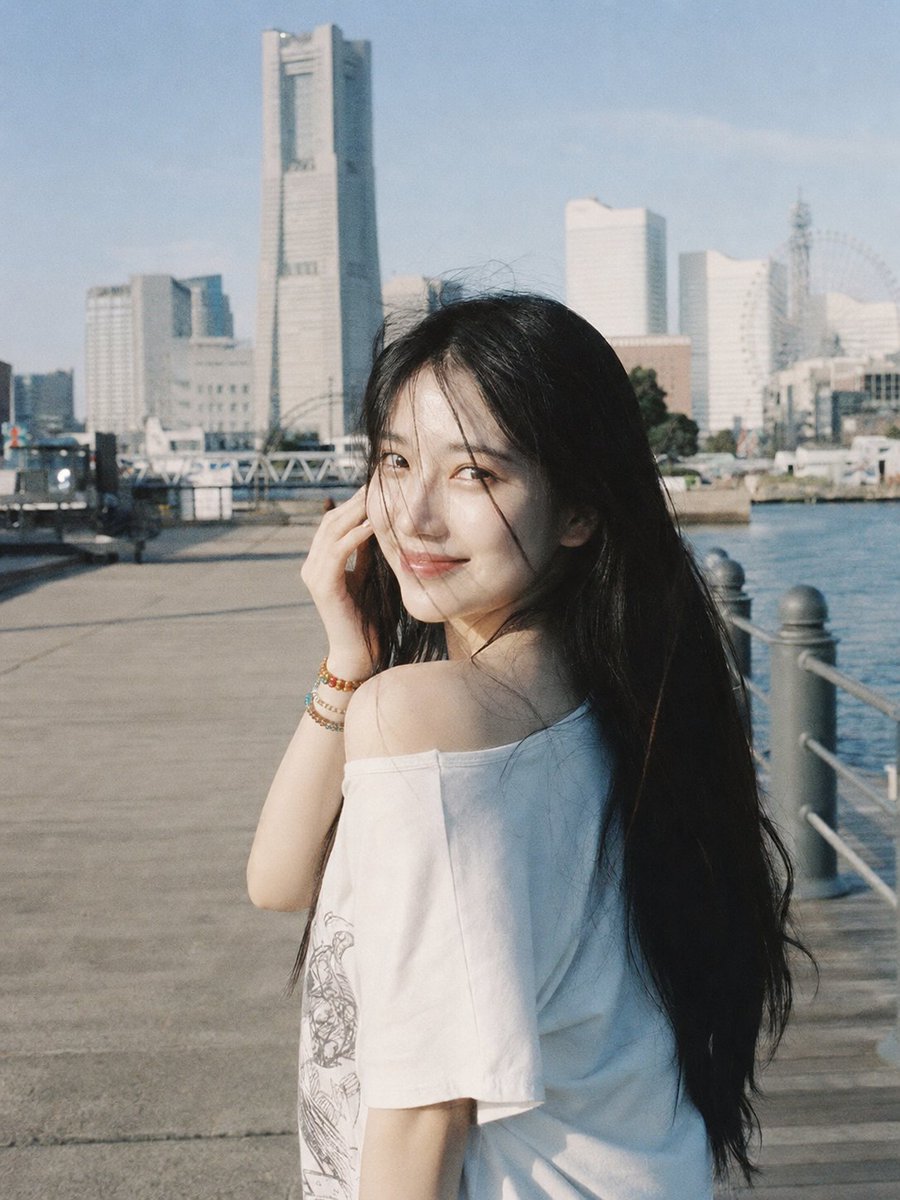
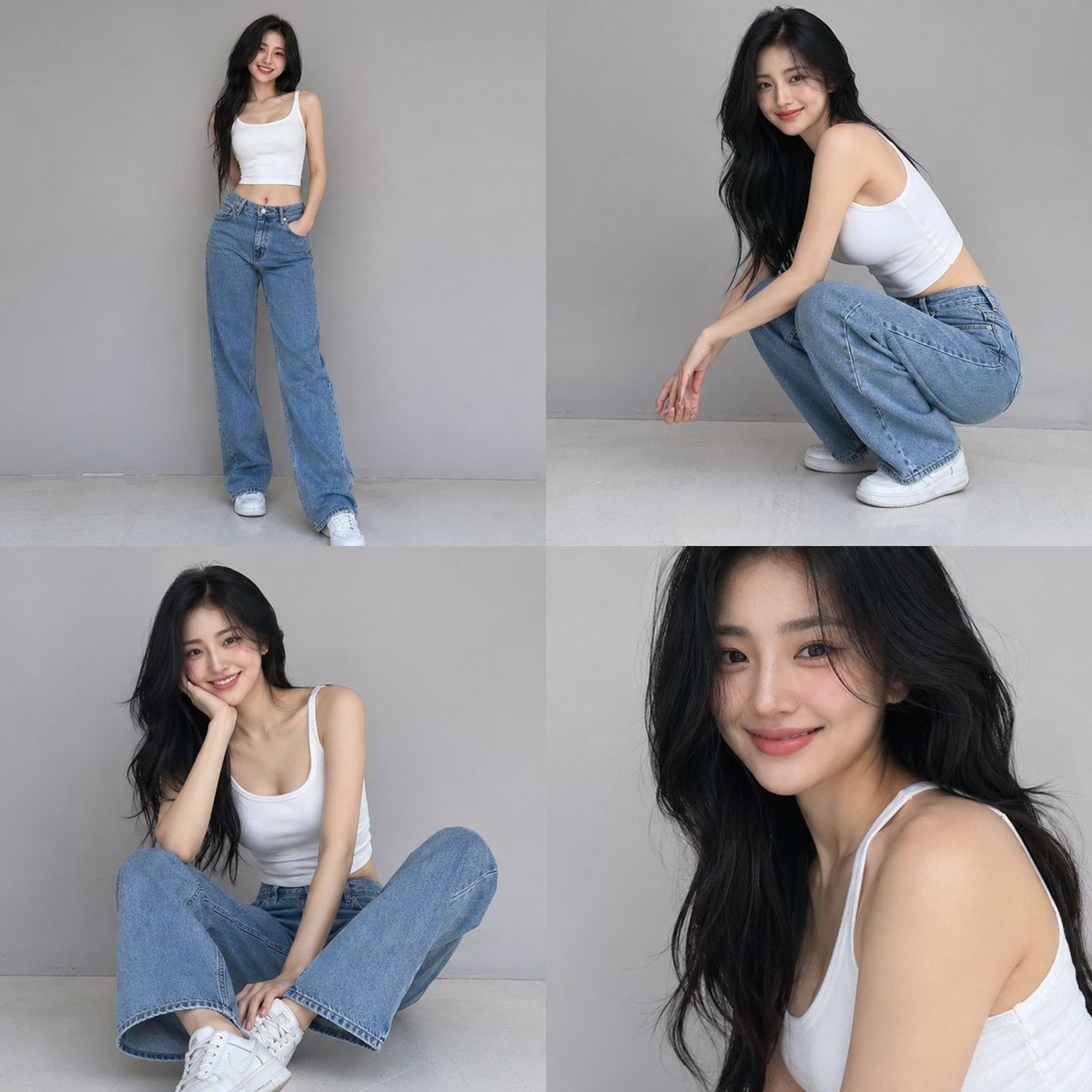
A structured JSON prompt for a 4-photo collage of a casual fashion photoshoot with detailed subject and lighting parameters. (free to use) — Free AI image template on PicX Studio.
{ "scene_type": "smartphone fashion portrait series", "composition": { "layout": "4-photo grid collage", "camera": "smartphone photography", "framing": [ "full body standing", "crouching pose", "casual seated pose", "upper body portrait" ], "angle": "eye-level, natural perspective", "aspect_ratio": "1:1 collage" }, "subject": { "gender": "{argument name="gender" default="female"}", "age": "{argument name="age" default="early 20s"}", "aesthetic": "extremely beautiful, sensual, candid", "appearance": { "skin_tone": "smooth light complexion", "face": "soft feminine features, natural symmetry, bright smile", "expression": "playful, warm, confident, subtly sensual", "eyes": "expressive, gentle gaze", "hair": { "color": "{argument name="hair color" default="deep black"}", "style": "long, loose waves", "texture": "soft, natural shine" }, "makeup": "natural glam, dewy skin, soft blush, subtle lip tint" }, "outfit": { "top": "white fitted sleeveless crop top", "bottom": "loose straight-leg blue jeans", "shoes": "casual white sneakers", "style": "minimal, effortless, modern casual" }, "pose_style": "relaxed, candid, playful fashion poses", "body_language": "confident yet soft, natural movements, gentle sensual elegance" }, "environment": { "location": "minimal studio backdrop", "background": "clean light gray seamless wall", "floor": "neutral studio floor", "lighting": { "type": "soft diffused studio lighting", "tone": "neutral", "shadows": "soft and natural", "highlights": "subtle skin glow" } }, "style": { "photography_type": "smartphone editorial fashion", "visual_tone": "minimalist, airy, modern", "mood": "candid, sensual elegance, fresh and confident", "color_palette": "white, denim blue, soft gray", "contrast": "low to medium", "grain": "very light natural grain" }, "rendering": { "realism": "ultra-realistic", "detail_level": "high skin and fabric texture detail", "sharpness": "high", "depth_of_field": "natural", "post_processing": "minimal, clean, slightly soft finish" }, "atmosphere": "modern, youthful, effortless beauty, subtle sensual charm" }
Use Casual Fashion Grid Photoshoot to plan an AI image around gpt-image-2 generation, themes such as en and gpt-image-2. Match the preview's composition first, then personalize the subject, setting, and mood for your own project.
Use the primary action to load the template settings in PicX Studio.
Adjust the subject and creative details for your destination.
Create the image, compare the result with the preview, and refine one variable at a time.
A continuous mix — similar concepts first, woven with same-model prompts and fresh picks from the catalog.
Choose the primary action to open PicX Studio with the available template settings. Review the model and format, personalize the creative direction, and generate when ready.
Yes. You can change the subject, setting, lighting, mood, format, and available model controls before creating your image.
This template is free to open and customize. Generation usage is shown in PicX Studio before you create.
Start with gpt-image-2, which is the model associated with this template. You can compare another compatible model for a different finish.
Follow a topic to a crawlable collection of related PicX Studio templates.
39,157 public templates available. Verified via the PicX Studio public templates API; refreshed hourly.
A continuous mix — similar concepts first, woven with same-model prompts and fresh picks from the catalog.