How do I use the Paparazzi Style Glamour Portrait with Hard Flash template?
Choose the primary action to open PicX Studio with the available template settings. Review the model and format, personalize the creative direction, and generate when ready.
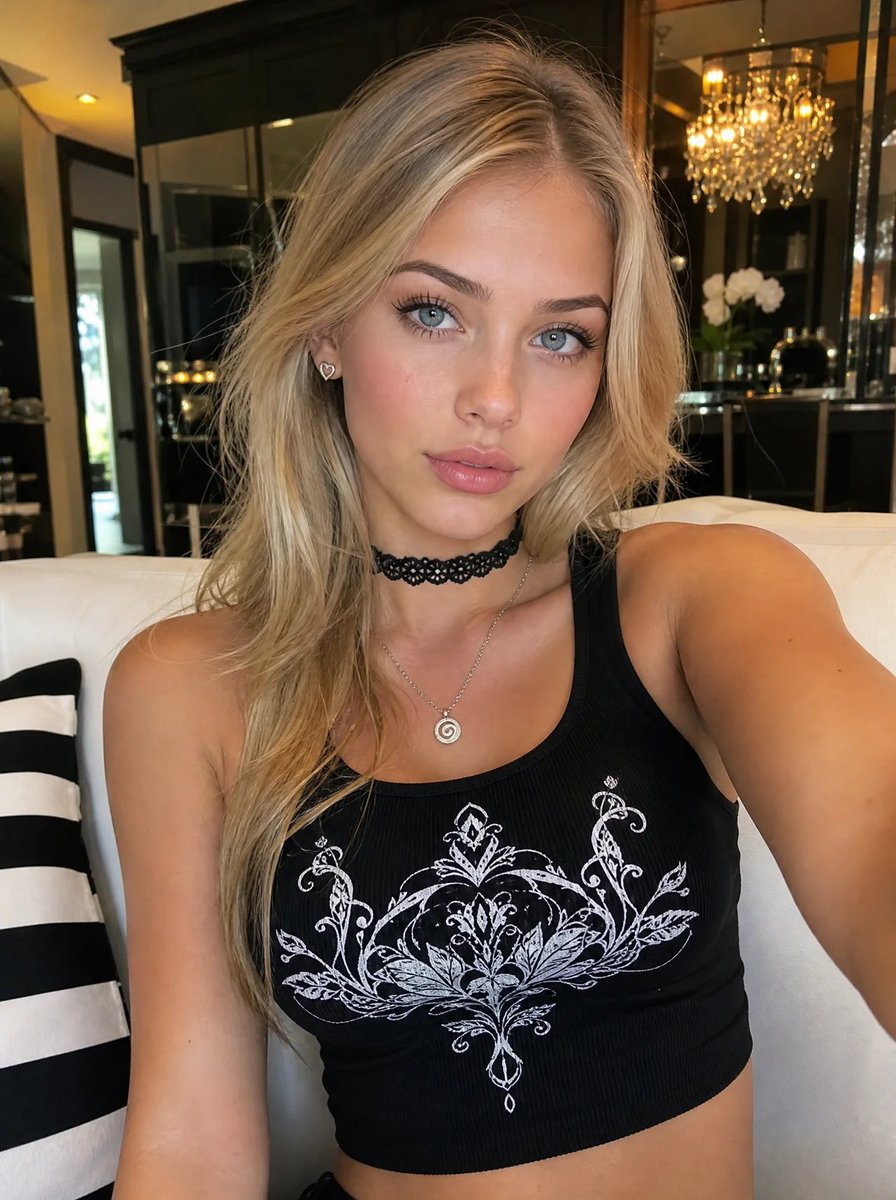
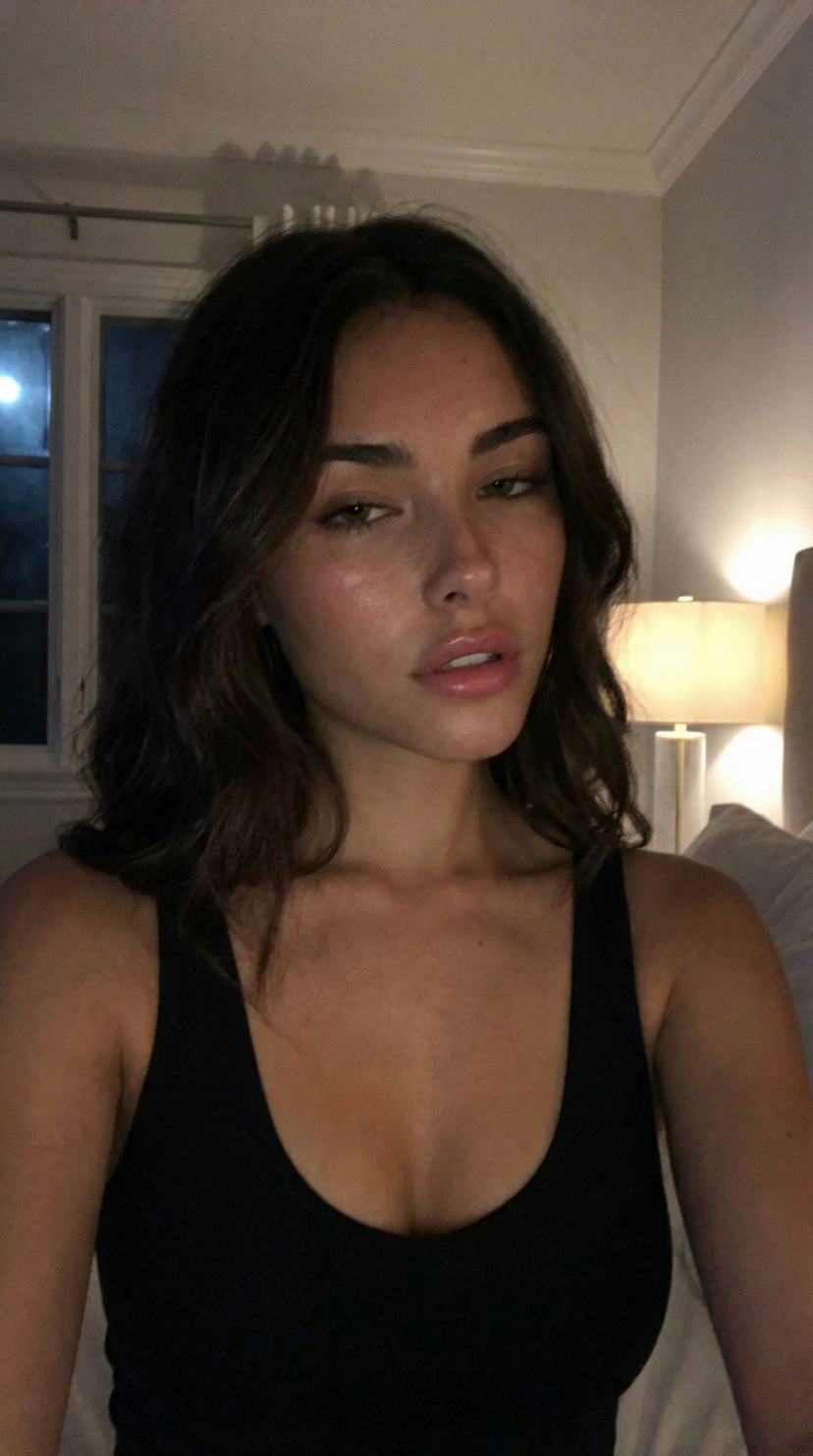
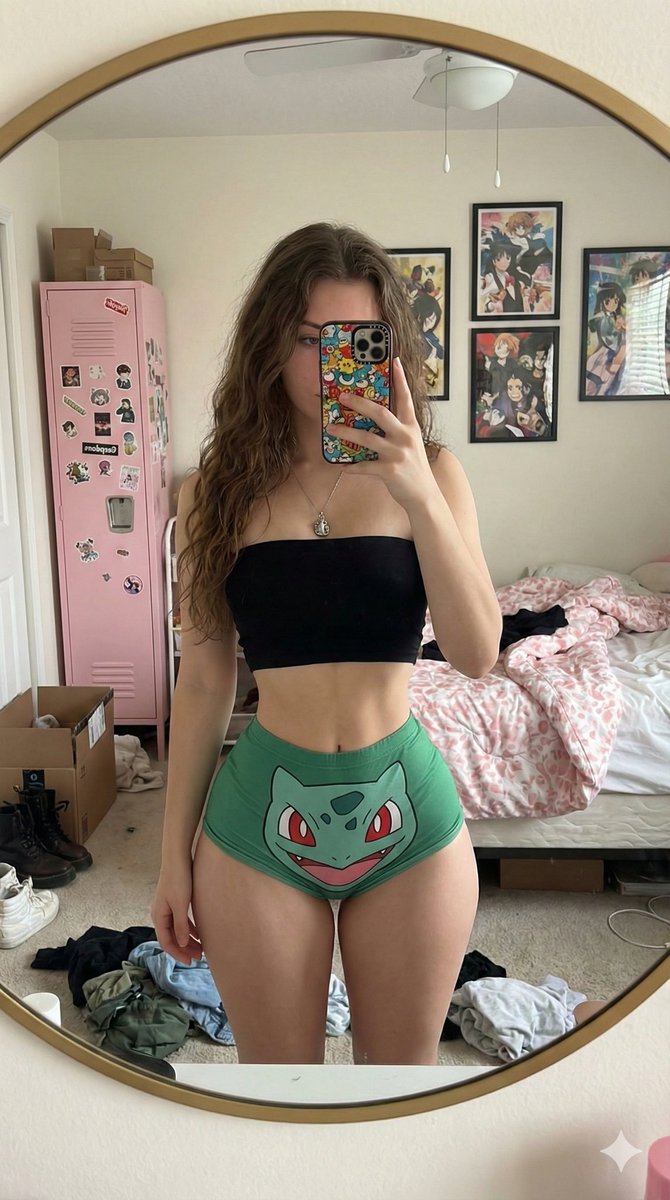
A highly detailed JSON prompt for generating a glamorous portrait with an early 2000s aesthetic, mimicking paparazzi or Terry Richardson's style. It specifies full glam makeup, voluminous dark hair, a white ribbed knit top, and critically, uses direct on-camera hard flash lighting to create high contrast and harsh drop shadows against a plain white wall. (free to use) — Free AI image template on PicX Studio.
{ "prompt_details": { "subject_appearance": { "demographics": "Young woman, fair complexion", "hair": "Voluminous, dark brunette, messy textured waves, deep side part, tousled look, high shine", "makeup": "Full glam, heavy bronze and copper smokey eyeshadow, winged eyeliner, thick false lashes, defined eyebrows, heavy contour, matte mauve-nude lipstick, luminous high-gloss skin finish" }, "apparel_and_styling": { "clothing": "White long-sleeved ribbed knit top, button-down henley style, plunging V-neckline, form-fitting", "accessories": "Delicate gold chain necklace with a small geometric pendant", "styling_aesthetic": "Early 2000s glam, Instagram model aesthetic, casual chic" }, "pose_and_expression": { "body_language": "Right hand running through hair lifting roots, head slightly tilted back and to the side", "facial_expression": "Sultry, confident, direct eye contact, parting lips slightly", "angle": "Medium close-up shot, front-facing" }, "environment": { "setting": "Indoor studio or interior wall", "background": "Plain white wall, minimal texture", "spatial_relation": "Subject standing close to the wall creating a visible cast shadow" }, "lighting": { "type": "Direct on-camera flash (hard flash)", "characteristics": "High contrast, harsh drop shadow behind the subject on the wall, specular highlights on forehead and cheeks, sharp fall-off", "vibe": "Paparazzi style, Terry Richardson aesthetic" }, "camera_technical": { "lens": "35mm or 50mm prime lens", "aperture": "f/8 (to capture sharp flash details)", "film_stock": "Kodak Portra 400 simulation", "focus": "Sharp focus on eyes and lips" }, "photorealism_and_mood": { "quality_tags": "Photorealistic, 8k resolution, highly detailed skin texture, pores visible, realistic hair strands", "mood": "Seductive, bold, intense, glamorous, raw", "color_grading": "Slightly warm undertones, high contrast" } } }
Use Paparazzi Style Glamour Portrait with Hard Flash to plan an AI image around nano-banana-2 generation. Match the preview's composition first, then personalize the subject, setting, and mood for your own project.
Use the primary action to load the template settings in PicX Studio.
Adjust the subject and creative details for your destination.
Create the image, compare the result with the preview, and refine one variable at a time.
A continuous mix — similar concepts first, woven with same-model prompts and fresh picks from the catalog.
Choose the primary action to open PicX Studio with the available template settings. Review the model and format, personalize the creative direction, and generate when ready.
Yes. You can change the subject, setting, lighting, mood, format, and available model controls before creating your image.
This template is free to open and customize. Generation usage is shown in PicX Studio before you create.
Start with nano-banana-2, which is the model associated with this template. You can compare another compatible model for a different finish.
Follow a topic to a crawlable collection of related PicX Studio templates.
39,155 public templates available. Verified via the PicX Studio public templates API; refreshed hourly.
A continuous mix — similar concepts first, woven with same-model prompts and fresh picks from the catalog.