How do I use the Dreamy Golden Hour Park Portrait Prompt template?
Choose the primary action to open PicX Studio with the available template settings. Review the model and format, personalize the creative direction, and generate when ready.
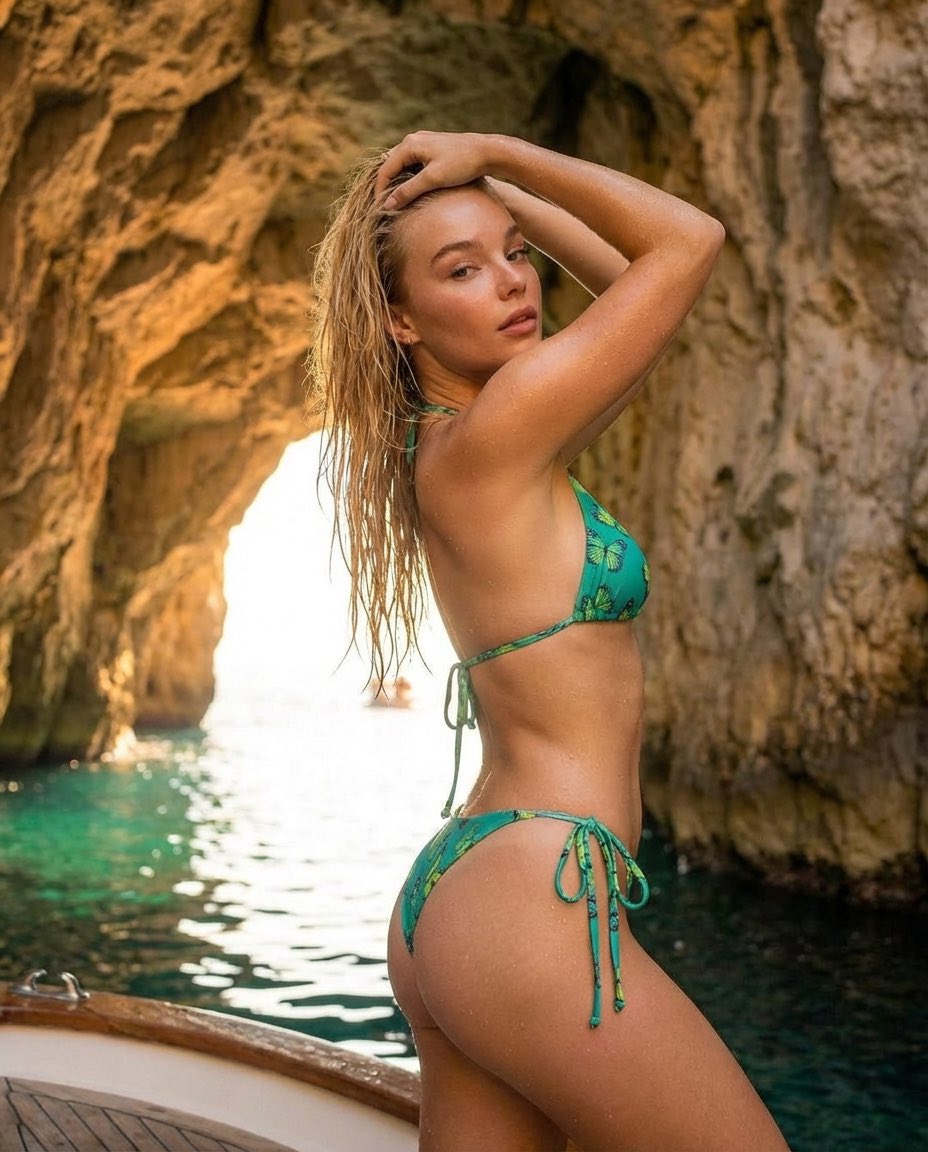
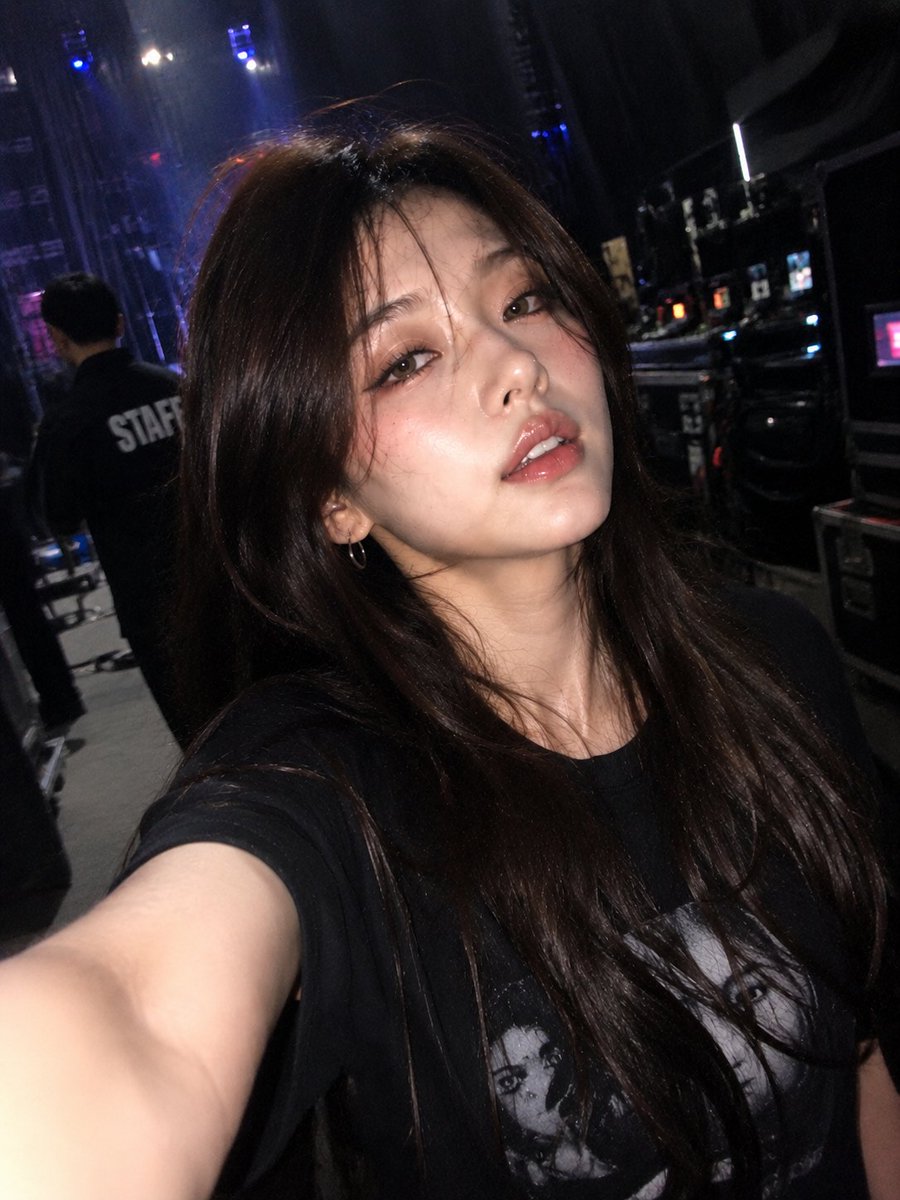
An ultra-realistic prompt for Gemini Nano Banana Pro 3.0 to generate a dreamy, high-quality portrait of a beautiful young woman with chestnut hair, wearing a tight white cropped t-shirt with a large red satin bow, sitting on a park bench during golden hour, emphasizing shallow depth of field and cinematic color grading. (free to use) — Free AI image template on PicX Studio.
masterpiece, best quality, ultra realistic portrait of an extremely beautiful 21-year-old woman, delicate symmetrical facial features, large expressive hazel eyes with long lashes, soft natural rosy flush on cheeks, full glossy lips in subtle nude-pink, slight dreamy pout and gentle head tilt looking slightly off-camera, long voluminous wavy chestnut-brown hair cascading naturally over shoulders with soft flyaways catching light, flawless smooth skin with subtle pores and micro-textures, wearing tight white cropped cotton t-shirt with deep plunging sweetheart neckline, thin fabric slightly stretched over chest, large oversized vibrant red satin bow attached at center as focal accent, high-waisted matte black seamless leggings hugging legs, sitting relaxed on weathered wooden park bench with legs casually apart and one hand resting on thigh, urban park background with slender white birch trees, green foliage and dappled sunlight, golden hour late afternoon warm sunlight filtering through leaves creating soft rim light and gentle highlights on hair and skin, cinematic color grading with subtle teal-orange tones, shallow depth of field, dreamy bokeh, photorealistic, hyperdetailed 8k, shot on Sony A1 with 85mm f/1.2 lens, natural outdoor lighting, film grain,
Use Dreamy Golden Hour Park Portrait Prompt to plan an AI image around nano-banana-2 generation. Match the preview's composition first, then personalize the subject, setting, and mood for your own project.
Use the primary action to load the template settings in PicX Studio.
Adjust the subject and creative details for your destination.
Create the image, compare the result with the preview, and refine one variable at a time.
A continuous mix — similar concepts first, woven with same-model prompts and fresh picks from the catalog.
Choose the primary action to open PicX Studio with the available template settings. Review the model and format, personalize the creative direction, and generate when ready.
Yes. You can change the subject, setting, lighting, mood, format, and available model controls before creating your image.
This template is free to open and customize. Generation usage is shown in PicX Studio before you create.
Start with nano-banana-2, which is the model associated with this template. You can compare another compatible model for a different finish.
Follow a topic to a crawlable collection of related PicX Studio templates.
39,155 public templates available. Verified via the PicX Studio public templates API; refreshed hourly.
A continuous mix — similar concepts first, woven with same-model prompts and fresh picks from the catalog.