
Woman in Classy Look
Woman in Classy Look is a ready photo look.
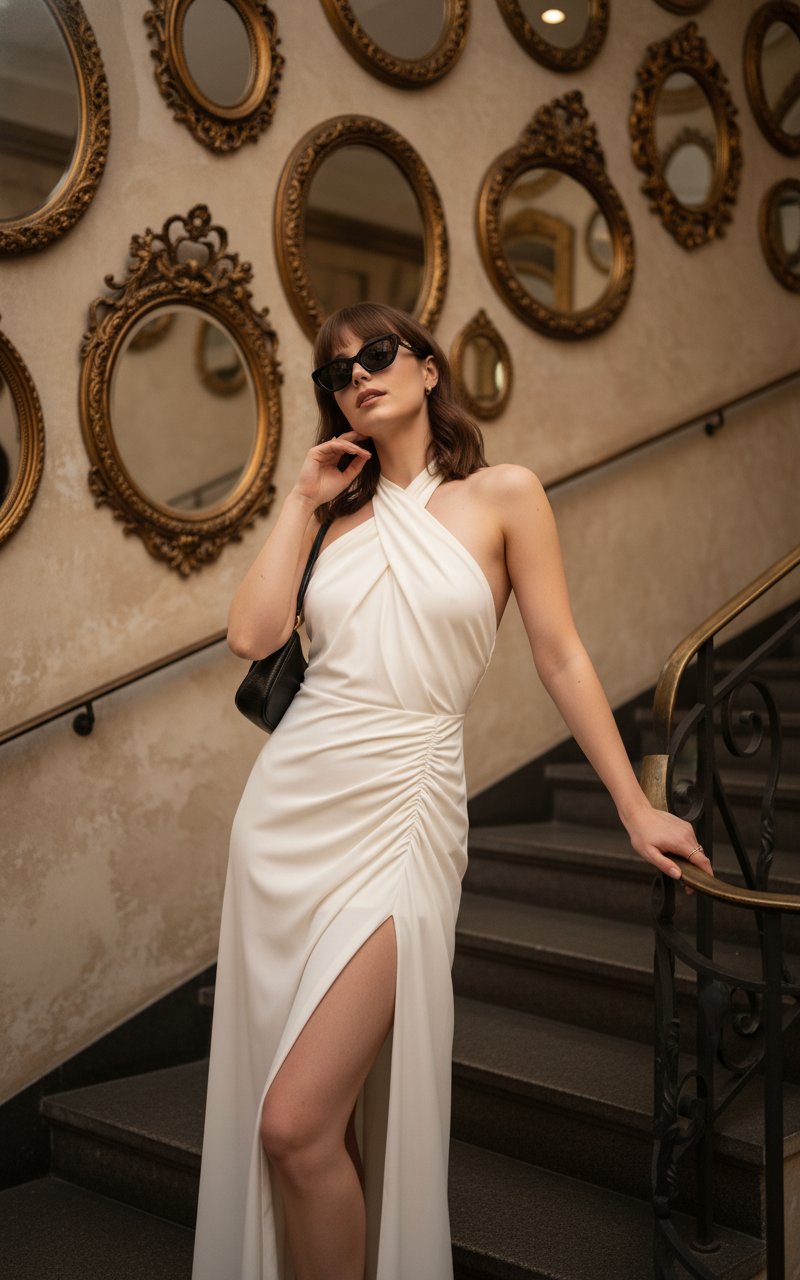
- Prompt included
- Model and format preset
- Premium template
The prompt behind this image
Copy the exact prompt behind Woman in Classy Look, or open it in the studio and make it yours.
A hyperrealistic, ultra-detailed full-shot photograph taken with an iPhone 17 Pro Max back camera, capturing uploaded image posing on a staircase in a dimly lit, uniquely decorated interior. uploaded image is looking directly at the camera with a confident expression, her head tilted slightly. She is wearing fashionable dark sunglasses, obscuring her eyes. She is dressed in an elegant, flowing white halter-neck dress that drapes gracefully, featuring some ruching details and a high slit on the side, revealing a glimpse of her leg. She carries a small black shoulder bag with a long strap, which contrasts with her white dress. Her right arm is bent, and her hand rests gently on her chin or jawline, showcasing a ring on her finger. Her left arm is resting on the dark metal handrail of the staircase. The staircase itself has dark, possibly stone or concrete steps, and a dark, ornate metal balustrade. The wall behind her is a textured, light beige or cream color, with a slightly distressed or aged appearance. It is adorned with an eclectic collection of mirrors of various shapes and sizes—oval, round, and intricately framed—creating an interesting visual mosaic. The lighting is low and atmospheric, casting soft shadows and highlighting the textures of the wall and her dress, contributing to the intimate and luxurious feel of the scene. The overall quality is sharp and highly detailed, emphasizing the fashion and the unique setting. Use photo reference for facial features.
How to use Woman in Classy Look in 3 steps
- 1Upload ImagePNG, JPG or paste
Add your photo
Upload the photo the template builds on. The prompt, model and format are already set.
- 2…a portrait of your subject in softgolden-hour light, 85mm…
Personalize
Edit the subject and creative details for your destination.
- 3Generate
Generate
Press Generate — your image is created in PicX Studio, so you can compare it with the original and refine one variable at a time.
More like this
Templates with the same subject, style or setup. Open one to see its prompt.
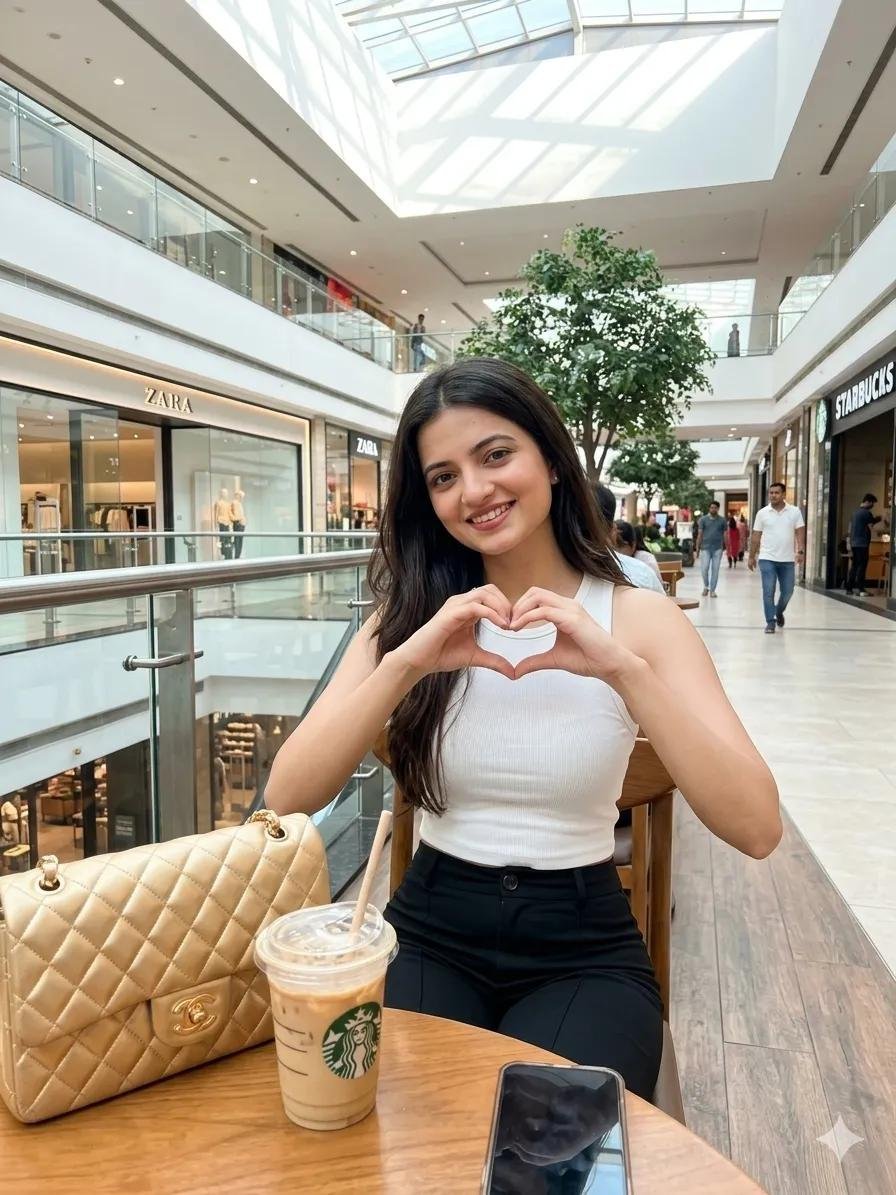
Woman in Mall with Chanel Bag - Heart Gesture

Floating Woman Above Cityscape with Notifications
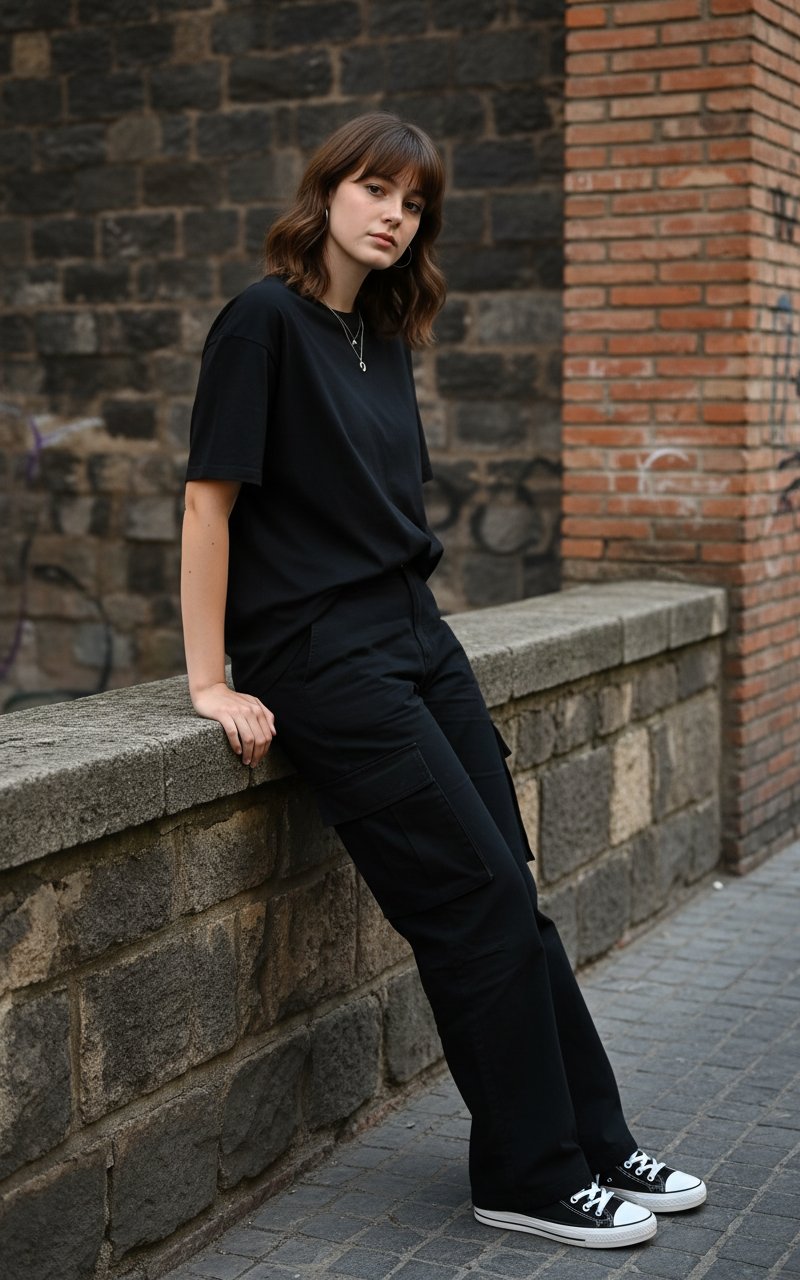
Standing by the wall
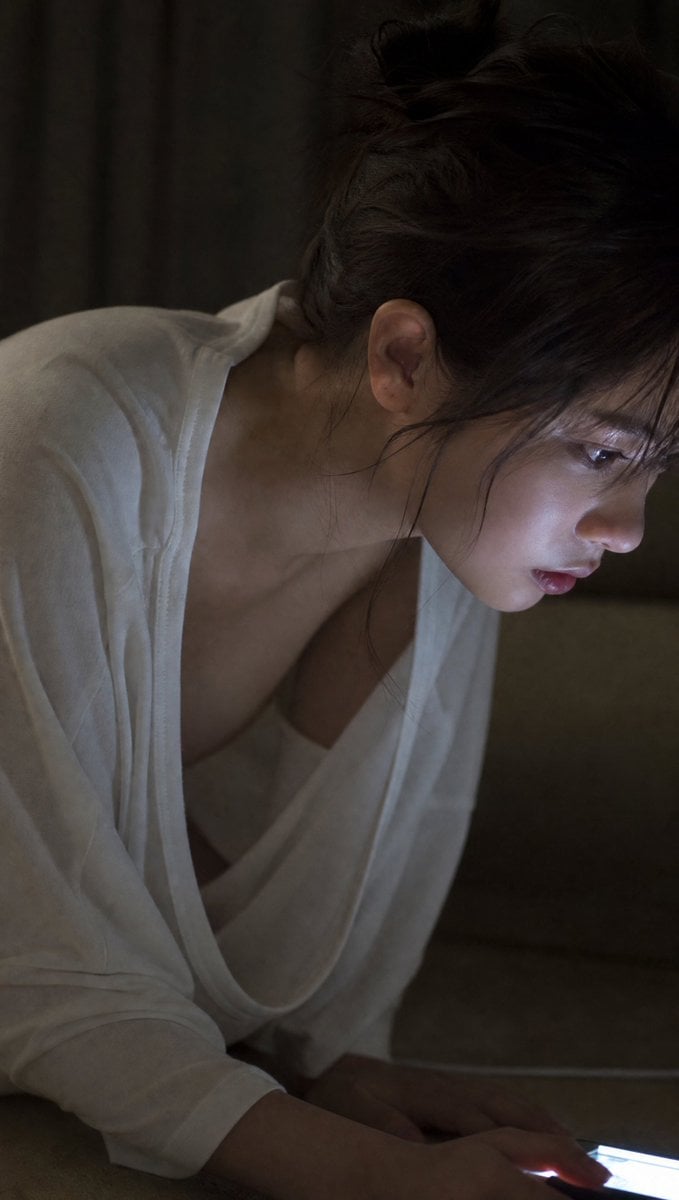
Moody Woman Looking at Phone
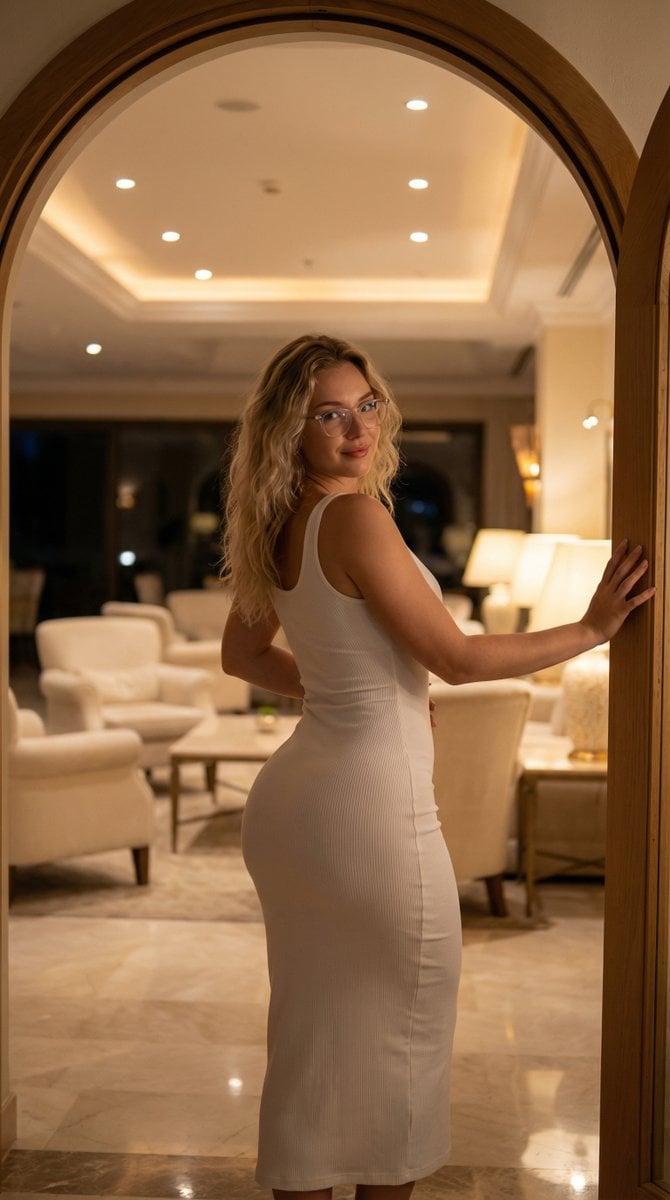
Elegant Curvy Woman Looking Back Over Shoulder
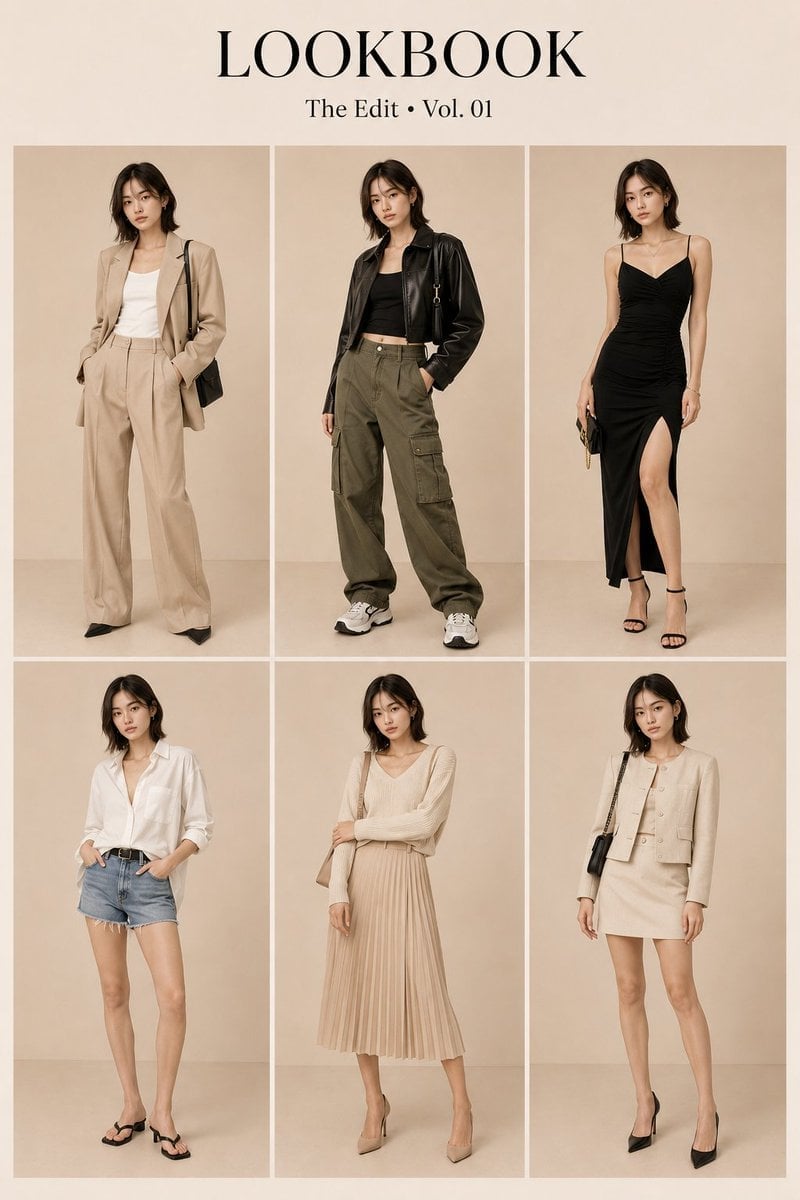
Korean Luxury Fashion Lookbook Grid
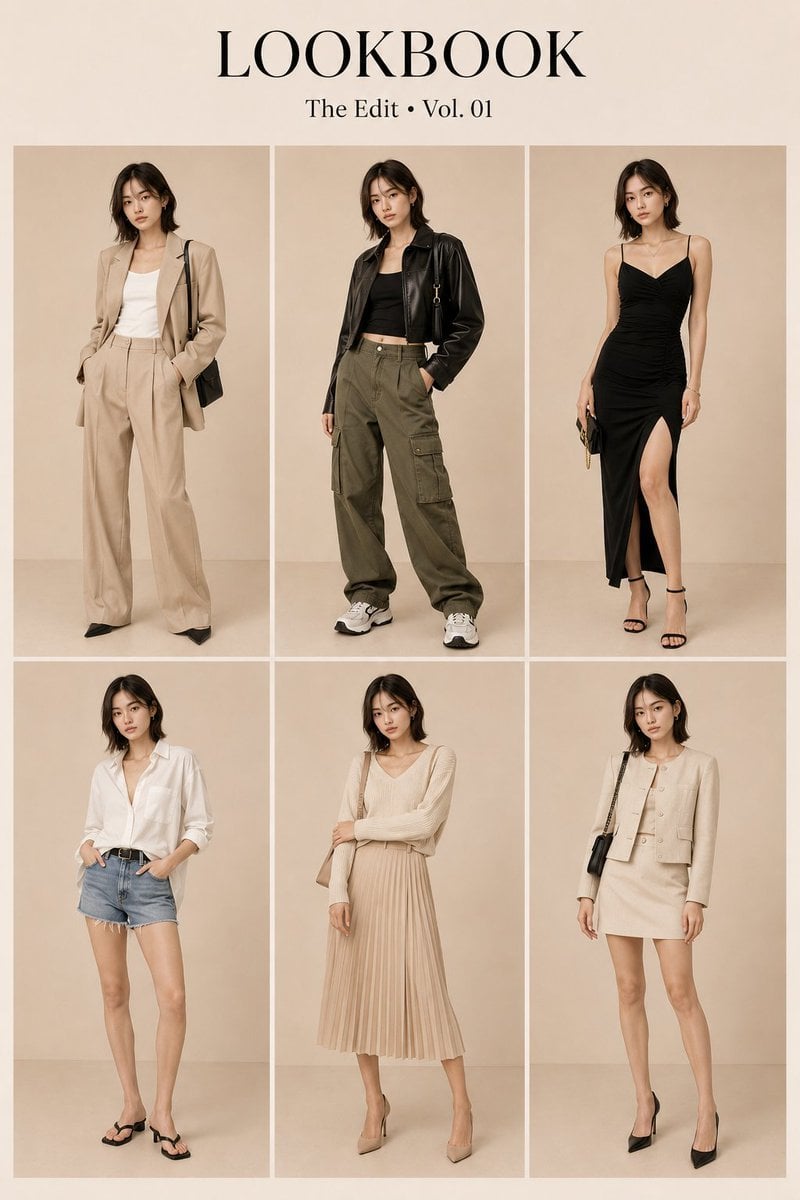
Korean Fashion Lookbook Grid Prompt
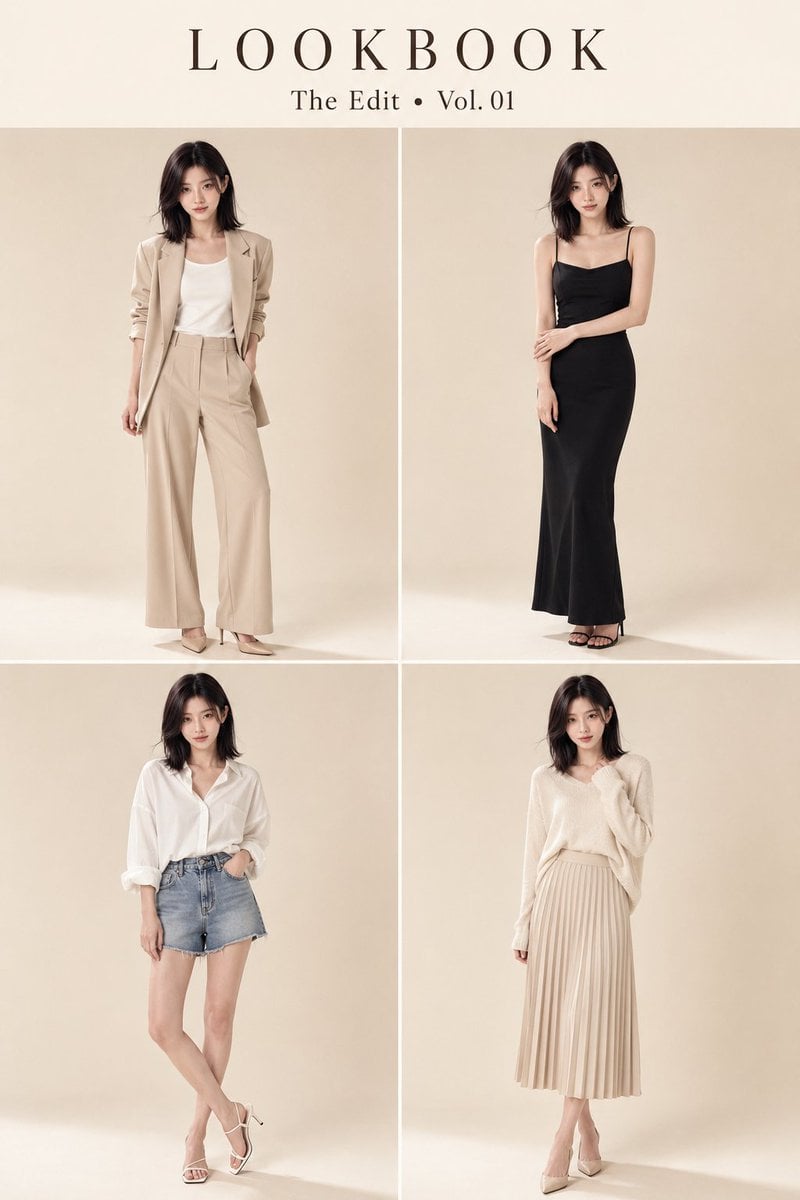
Character Consistent Korean Fashion Lookbook

Travel Photo of Man on Mountain Overlook
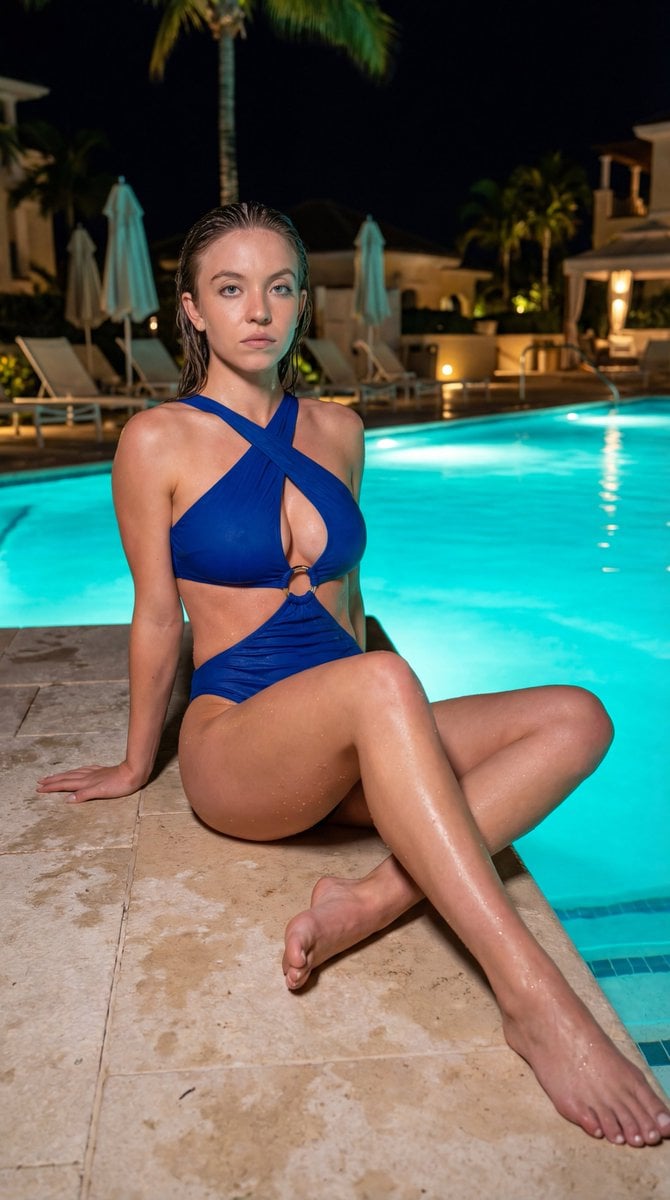
Wet Look Fashion Portrait JSON
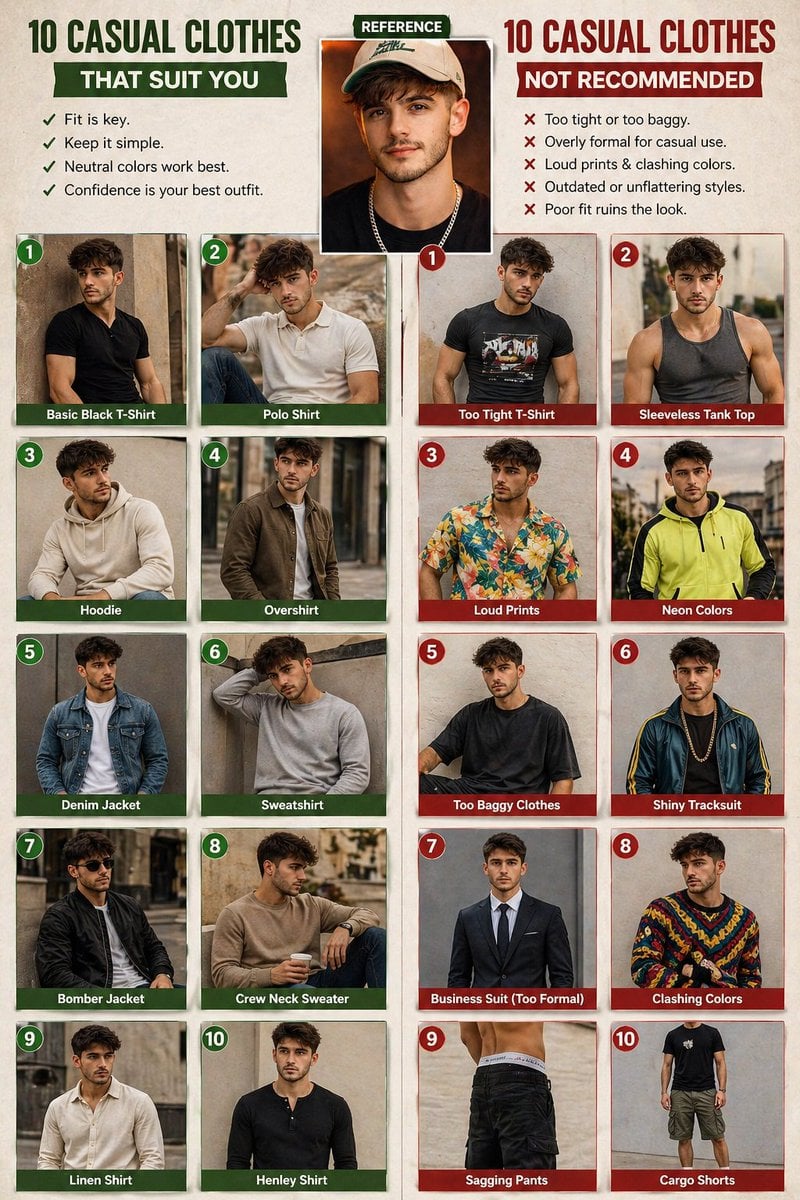
Casual fashion lookbook poster prompt
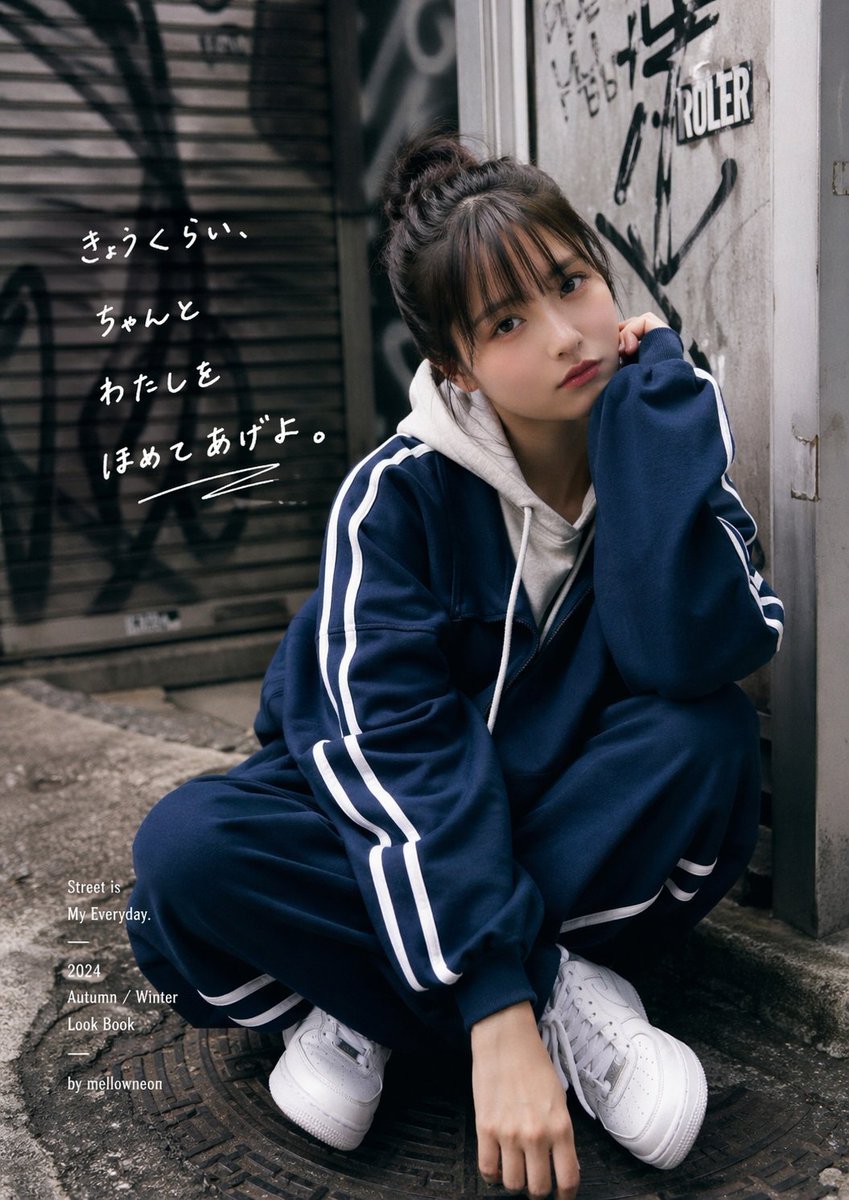
Urban Japanese Streetwear Lookbook Portrait
Make it yours
Woman in Classy Look works as-is. These are the safest ways to change it without losing the look.
Change one field
Copy a single group, rewrite it, and generate again so you can see what that field is doing.
Keep the frame, change the subject
Hold the composition and light of Woman in Classy Look, then swap wardrobe, props or the person for a new take.
| If the result… | Why | Fix |
|---|---|---|
| The result drifts from the preview | Too many fields changed at once. | Reuse Woman in Classy Look as-is first, then change one group — subject, light, or setting. |
| The model over-stylizes the scene | The prose prompt leaves finish and camera underspecified. | Add one camera or lighting sentence and stay on PicX Studio. |
More image prompts
Fresh picks from across the catalog.
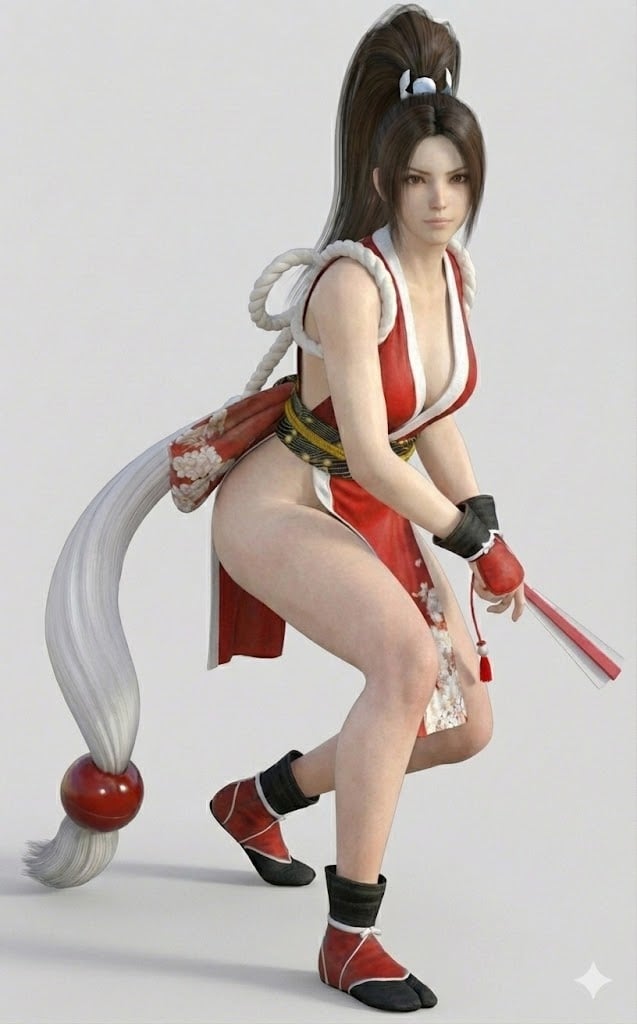
Bypassing Identity Restrictions with 3DCG Claim
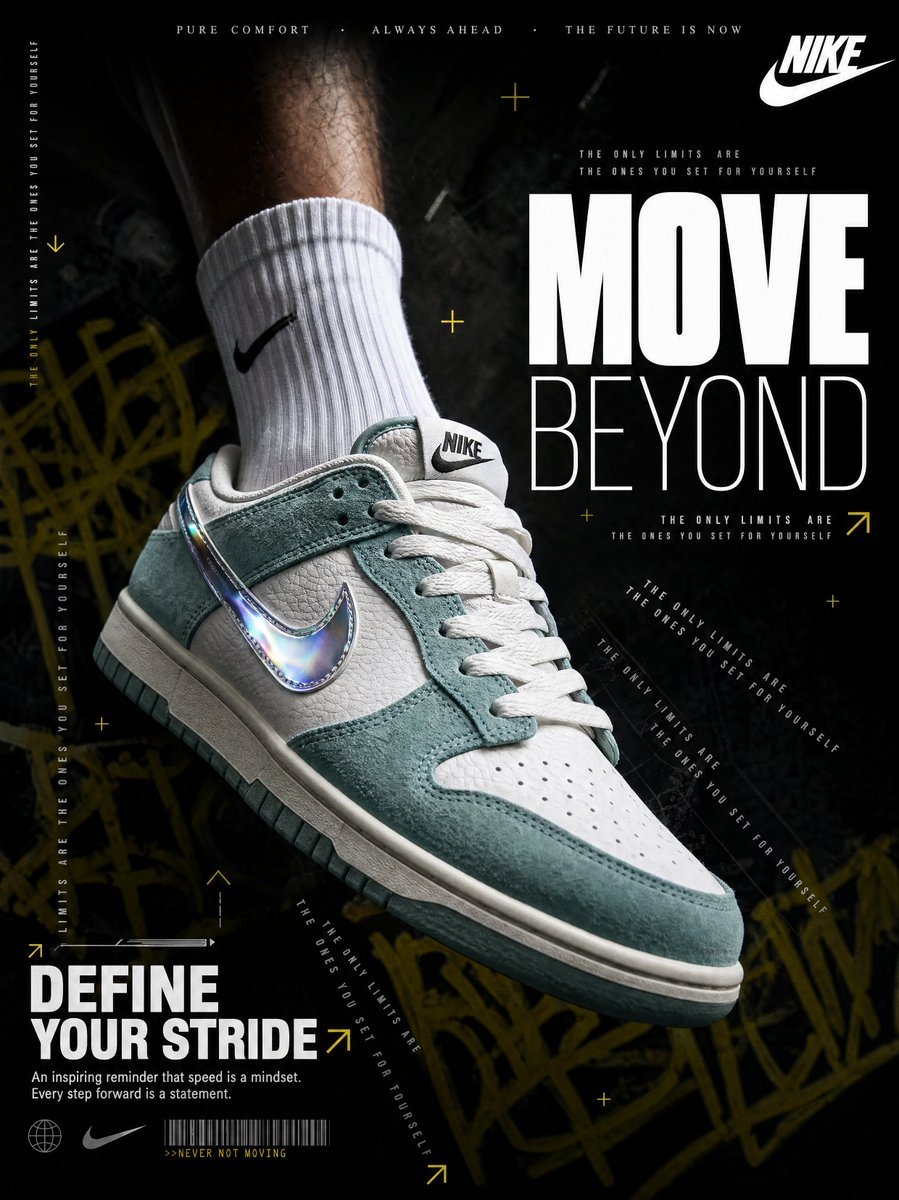
4K Nike Sneaker Advertisement Prompt

Chinese Schoolchildren at Corner Shop
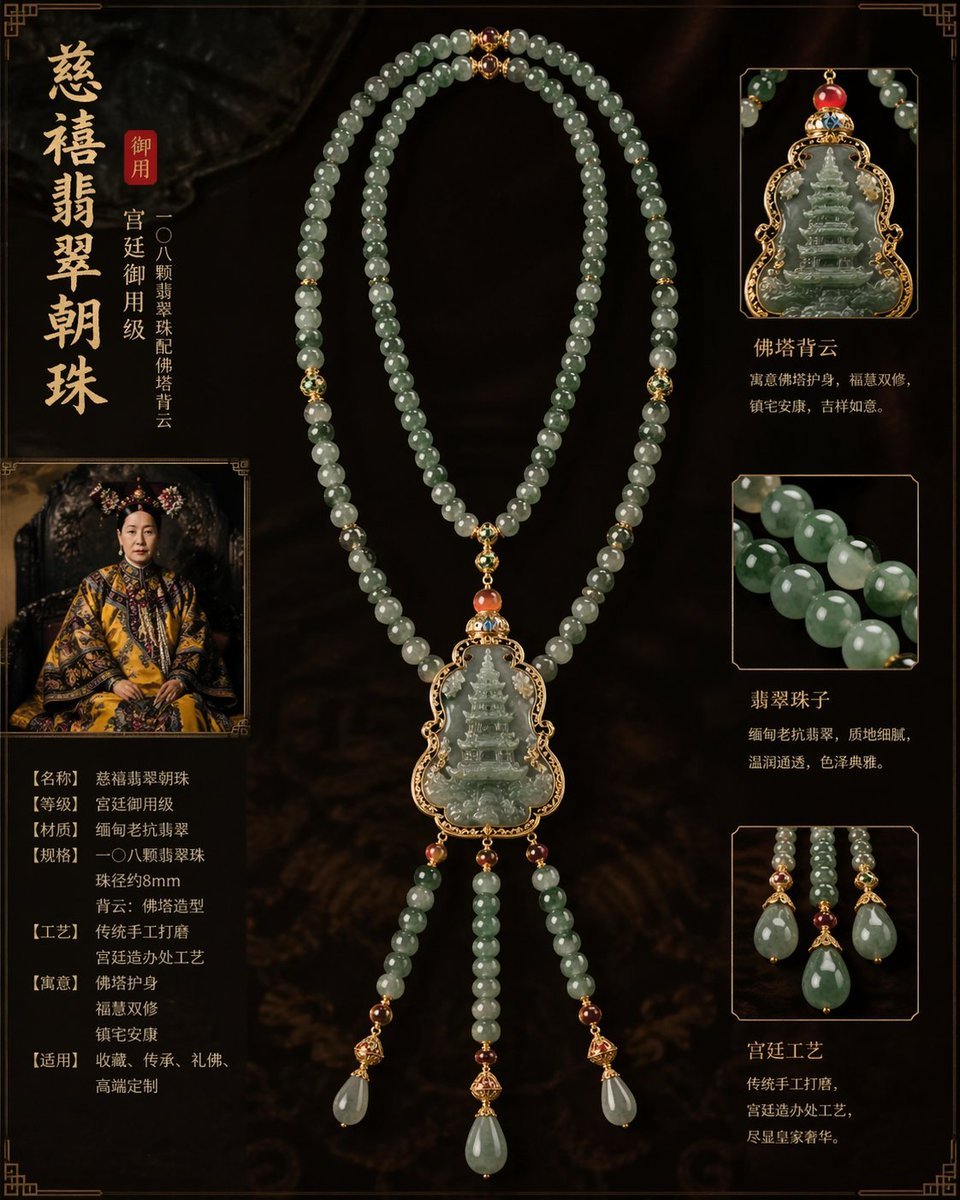
Imperial jewelry design prompt

Minecraft Speedrun Screenshot
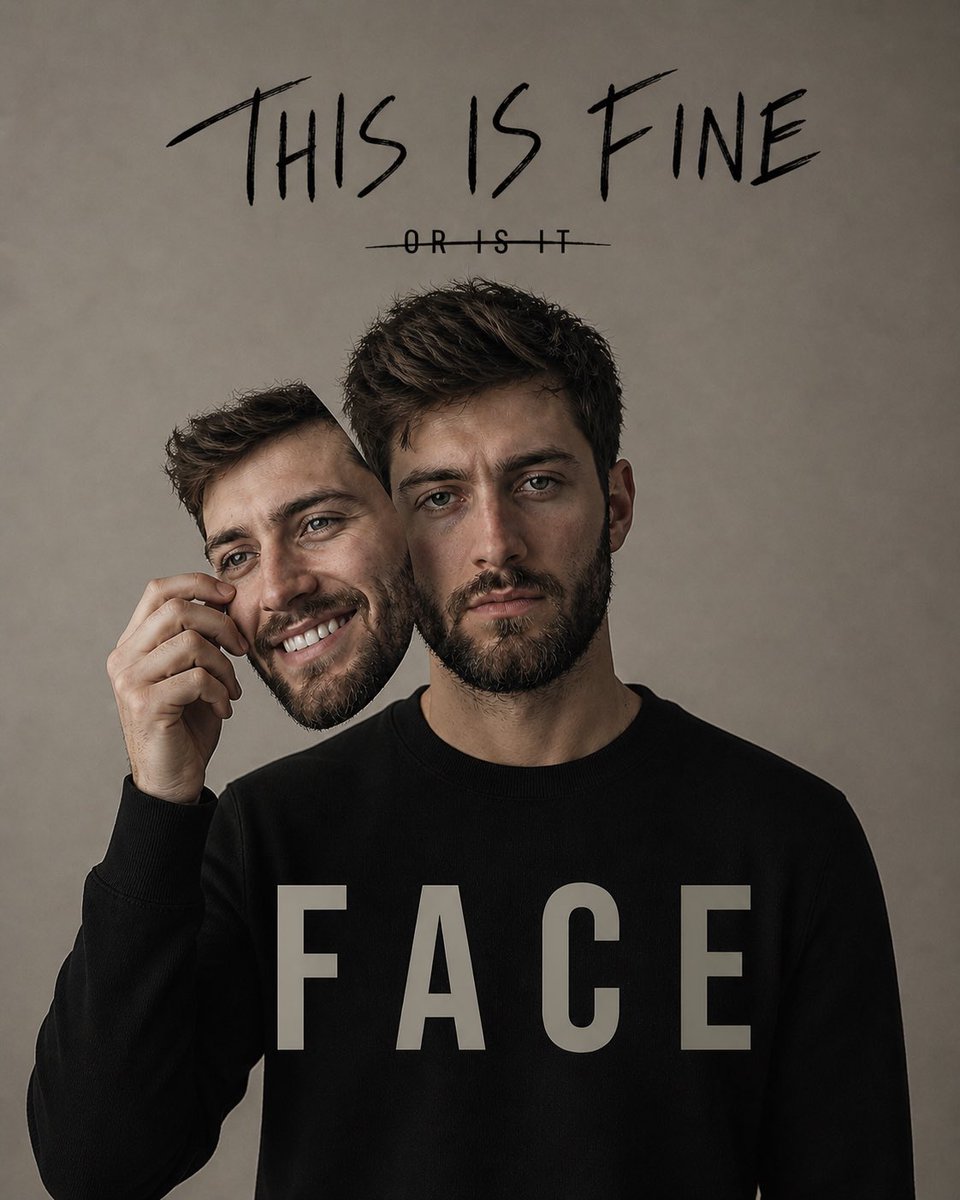
Dual Identity Surreal Portrait

Photoreal Tropical Waterfall Embrace

3D Cartographic City Diorama
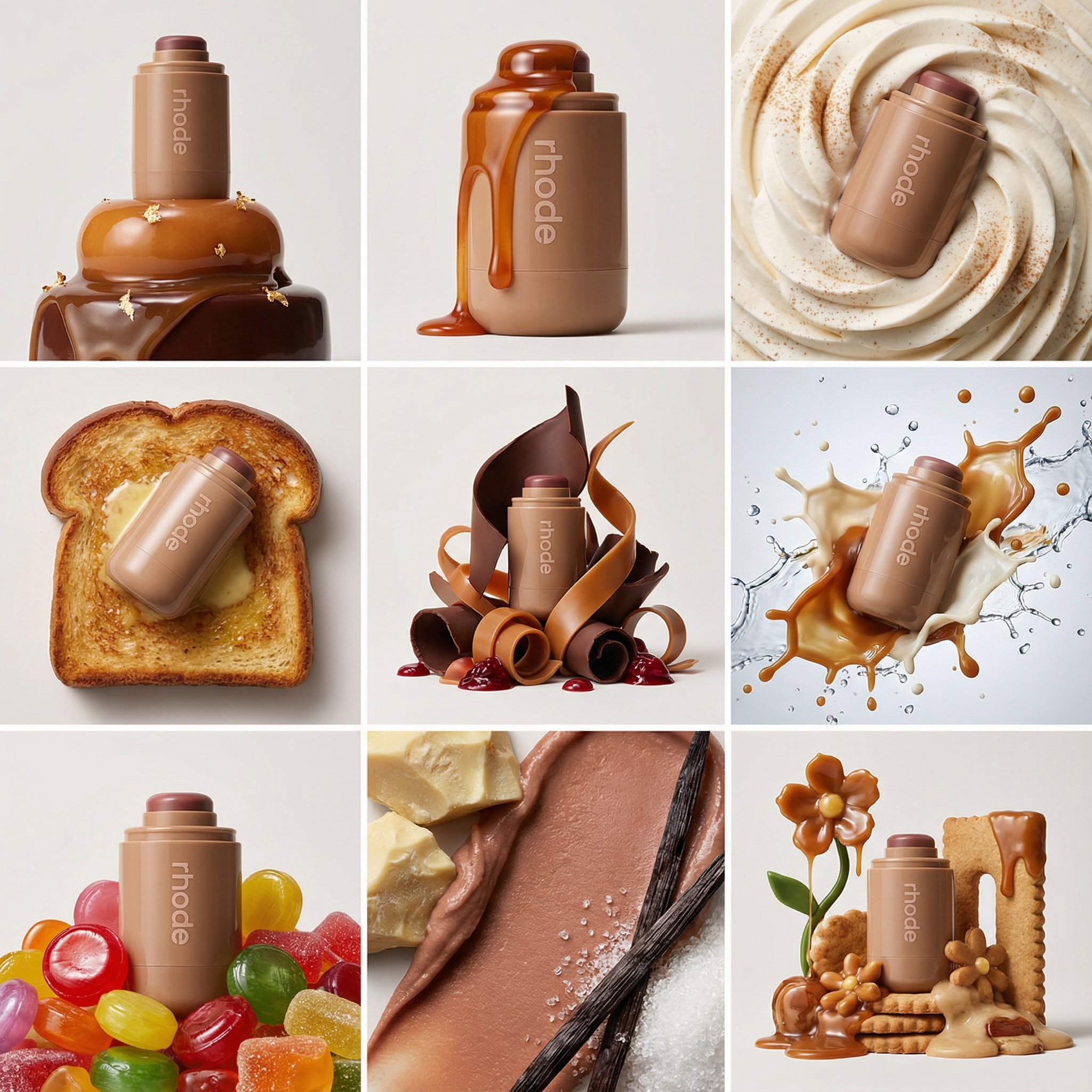
Nano Banana Pro Product Photography

Luxury Spa Day on Yacht Trio Prompt
Browse template categories
Woman in Classy Look questions
How do I use the Woman in Classy Look template?
Add your photo if the template asks for one, edit the prompt if you like — the template's model and format are already selected — and press Generate. Your version opens in PicX Studio.
Can I customize the Woman in Classy Look template?
Yes. You can change the subject, setting, lighting, mood, format, and available model controls before creating your image.
Is the Woman in Classy Look template free?
Opening and editing this template is free. Generating uses credits, shown on the Generate button when you are signed in.
Which AI model should I use?
Choose a compatible model in PicX Studio based on the style, speed, and output controls your project needs.
Looking for something else? Browse all templates.

Your photo, any look
Thousands of ready templates for every top image and video model, from one credit balance.