How do I use the Hyper-Realistic Vintage Sepia Portrait Prompt template?
Choose the primary action to open PicX Studio with the available template settings. Review the model and format, personalize the creative direction, and generate when ready.
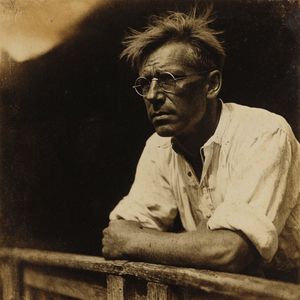
A prompt for generating a hyper-realistic portrait of a young woman winking, featuring a vintage sepia tone filter and warm monochrome photography style. Change the subject, setting, or lighting one variable at a time.

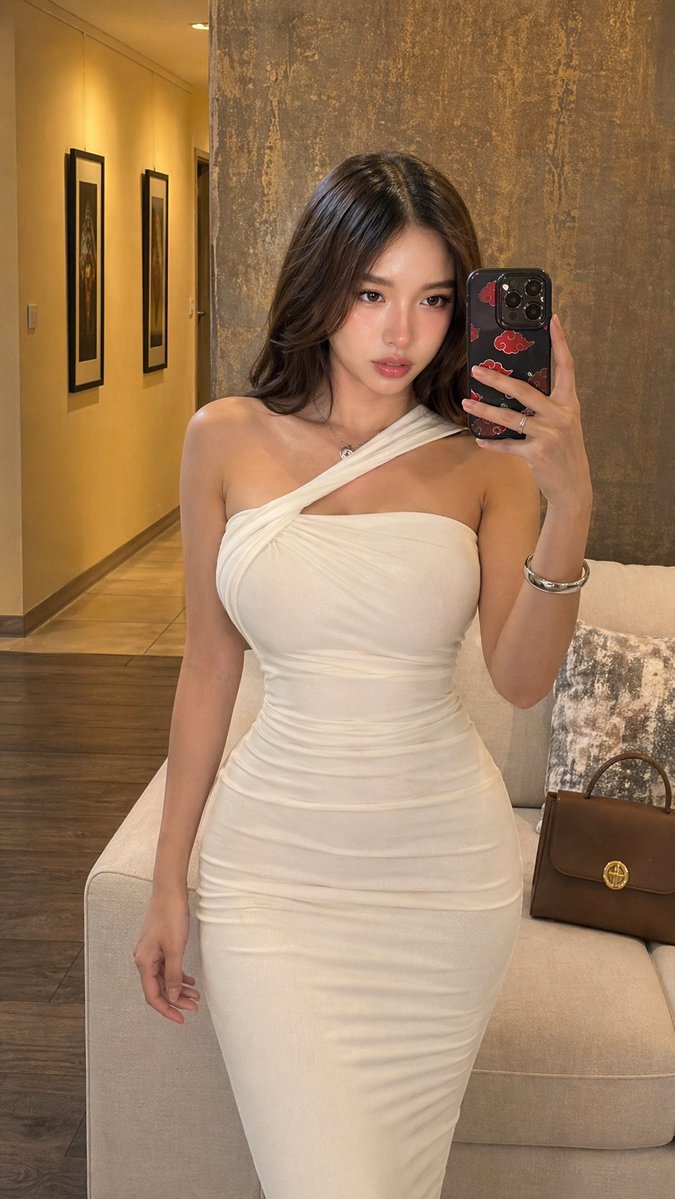
A hyper-realistic portrait of a beautiful young woman with long, loose wavy hair, winking one eye playfully at the camera with a subtle smirk. She is wearing a fitted, beige ribbed sleeveless crop top with side drawstring ruching details. The lighting is soft and diffused studio lighting. The background is a blurred vertical wood grain texture. The image has a vintage {argument name="filter type" default="sepia tone"} filter, warm monochrome photography style, highly detailed skin texture, shot on 35mm film, 85mm lens, depth of field, sharp focus on eyes --ar 2:3 --stylize 250
Choose the primary action to open PicX Studio with the available template settings. Review the model and format, personalize the creative direction, and generate when ready.
Yes. You can change the subject, setting, lighting, mood, format, and available model controls before creating your image.
This template is free to open and customize. Generation usage is shown in PicX Studio before you create.
Start with Nano Banana 2, which is the model associated with this template. You can compare another compatible model for a different finish.
Follow a topic to a crawlable collection of related PicX Studio templates.
43,474 public templates available. Verified via the PicX Studio public templates API; refreshed hourly.








![69-untitled — FORMAT: 15s / 145 BPM / 14 SHOTS
SUBJECT: @[image1]
WARDROBE: Clean modern outfit
ENVIRONMENT: Street / indoor transitions
MOOD: Discovery → contr](/_next/image?url=https%3A%2F%2Fcdn.picxstudio.com%2Fuploads%2Fpost69_img0_d45faecf-38c3-4bcb-81a4-f6eb1cf42bb2.jpg&w=828&q=100)

![118-google-nano-banana-pro-skincare-product- — A professional skincare shot of a [product container] with [cap/lid], labeled [brand, product, descriptor, volume](/_next/image?url=https%3A%2F%2Fcdn.picxstudio.com%2Fuploads%2Fpost118_img0_332898b8-29ea-42a9-87ab-9ed746a3f944.jpg&w=828&q=100)










![Naive doodle-style subject illustration — A doodle-style {argument name="subject" default="[subject]"}, naive lines, humorous shape exaggeration](https://pbs.twimg.com/media/G6Wl2YxbsAARB2b.jpg)












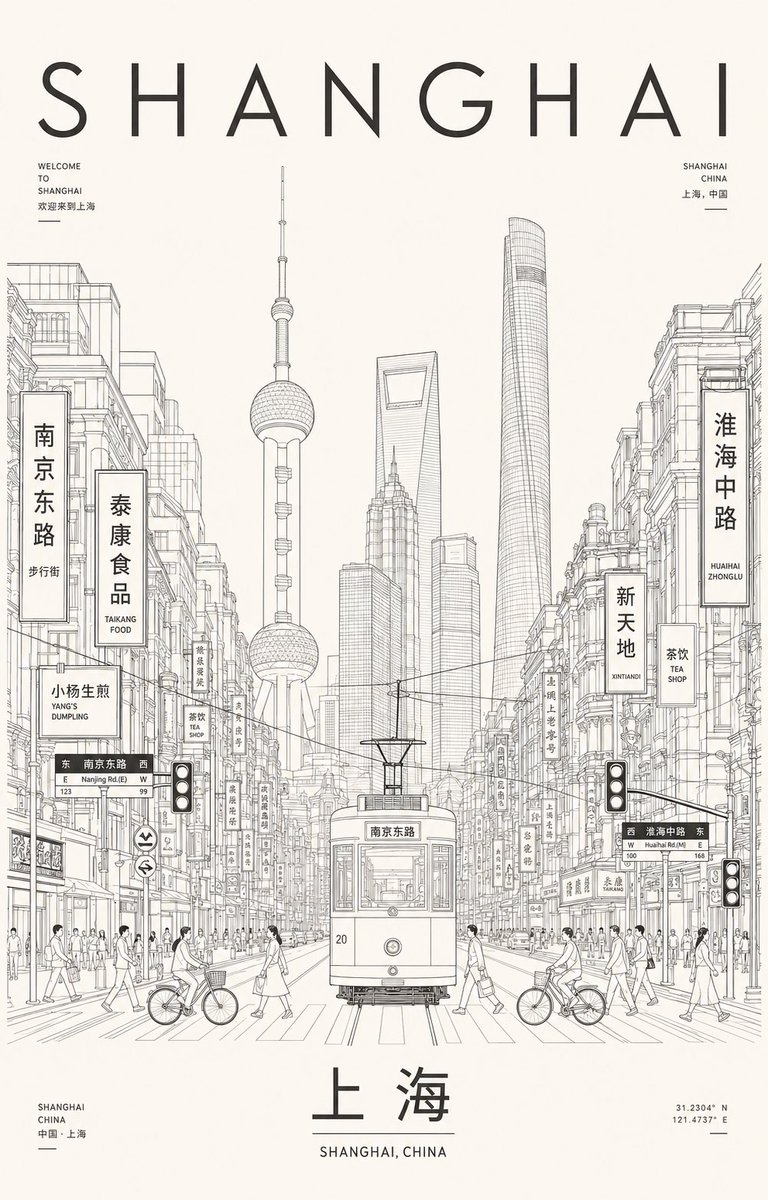

![Clean flat slide design style guide for NotebookLM — ブランドカラー:[{argument name="ブランドカラー" default="#06c7b0"}]
シンプルかつ清潔感のあるフラットデザイン。
均一な黒のアウトライン線で描かれた人物やアイコンを配置し、 パ](https://pbs.twimg.com/media/G7MnRUUasAAVzDG.jpg)


![Premium Top-Down Product Marketing Shot Prompt — A high-end editorial photo of a {argument name="product" default="[PRODUCT]"} placed flat on a {argument name="](https://pbs.twimg.com/media/G9_WTiEXQAAeAMC.jpg)




![Vehicle-Inspired Fashion Design Infographic — 请以图中的这台{argument name="车型" default="[车型名称]"}作为服装设计的灵感来源,做一张服装设计的信息图,集合真人模特展示,服装细节,理念解释,灵感来源,材质选择,草图绘制等等,信息图的版面设计和效](https://cms-assets.youmind.com/media/1777797582227_c9aw73_HHShWV8bIAAIfcB.jpg)