How do I use the Nighttime Street Photography in Paris template?
Choose the primary action to open PicX Studio with the available template settings. Review the model and format, personalize the creative direction, and generate when ready.
A detailed text prompt for generating an 8k ultra-realistic night photograph set on a street in Paris. Change the subject, setting, or lighting one variable at a time.

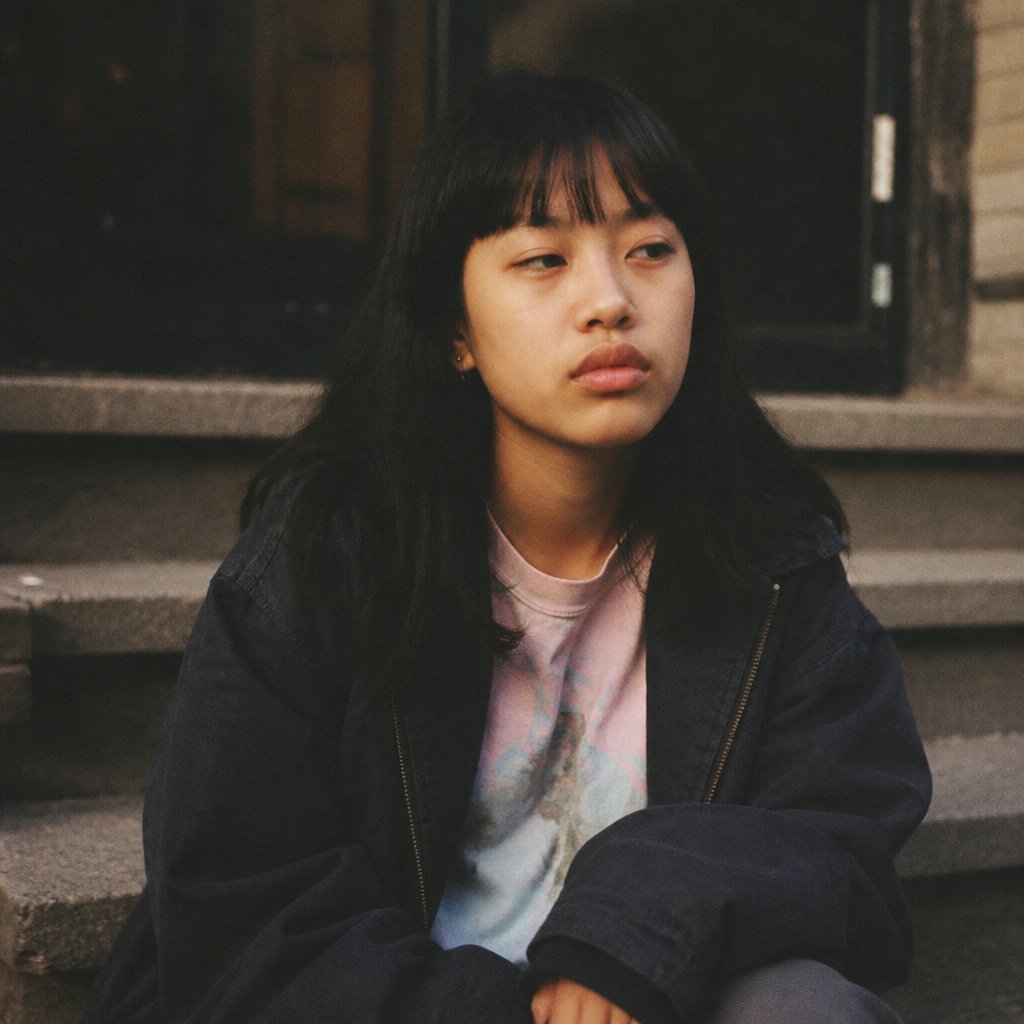
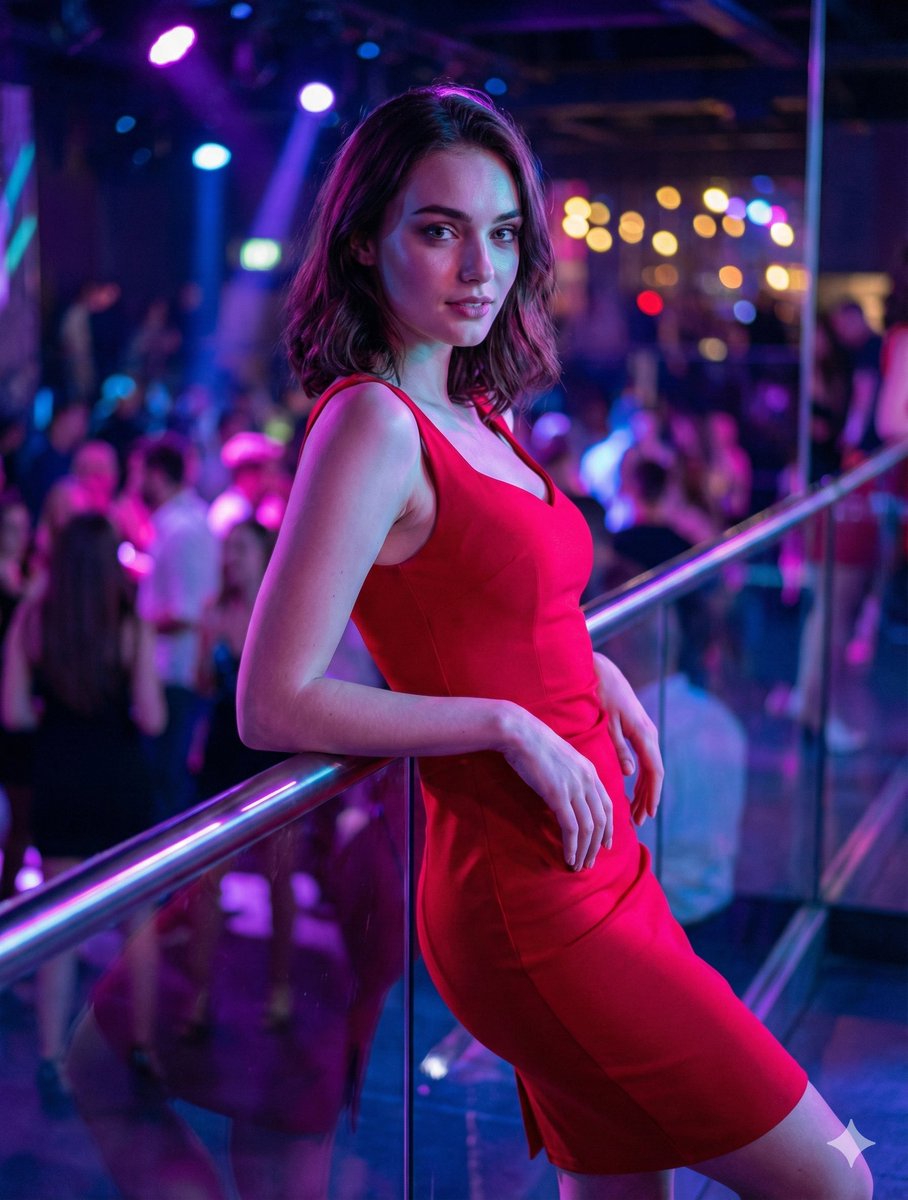
Girl: 19 years old Hair: Dark brown, naturally styled, realistic hair strands Skin: Slightly tanned Skin: Natural and radiant Makeup: Peach-toned lipstick, peach-toned blush, eyeliner Top: Lace bra visible from under the top, thin-strapped black crop top with a square neckline Bottom: Low-waisted, flared, dark blue jeans Shoes: Dark beige cowboy boots (under jeans) Setting: Nighttime, a street in {argument name="city" default="Paris"}, blurry traffic lights, blurry car headlights, sidewalk, a pole with a directional sign on the sidewalk (4 different directional signs, thin and thick) The girl's pose: She's hanging from the sign above that provides directions, with an attractive yet neutral gaze, spreading her legs slightly to the sides. Photography: 8k ultra-realistic, night photography, street photography, 9:16 aspect ratio
Choose the primary action to open PicX Studio with the available template settings. Review the model and format, personalize the creative direction, and generate when ready.
Yes. You can change the subject, setting, lighting, mood, format, and available model controls before creating your image.
This template is free to open and customize. Generation usage is shown in PicX Studio before you create.
Start with Nano Banana 2, which is the model associated with this template. You can compare another compatible model for a different finish.
Follow a topic to a crawlable collection of related PicX Studio templates.
43,474 public templates available. Verified via the PicX Studio public templates API; refreshed hourly.


















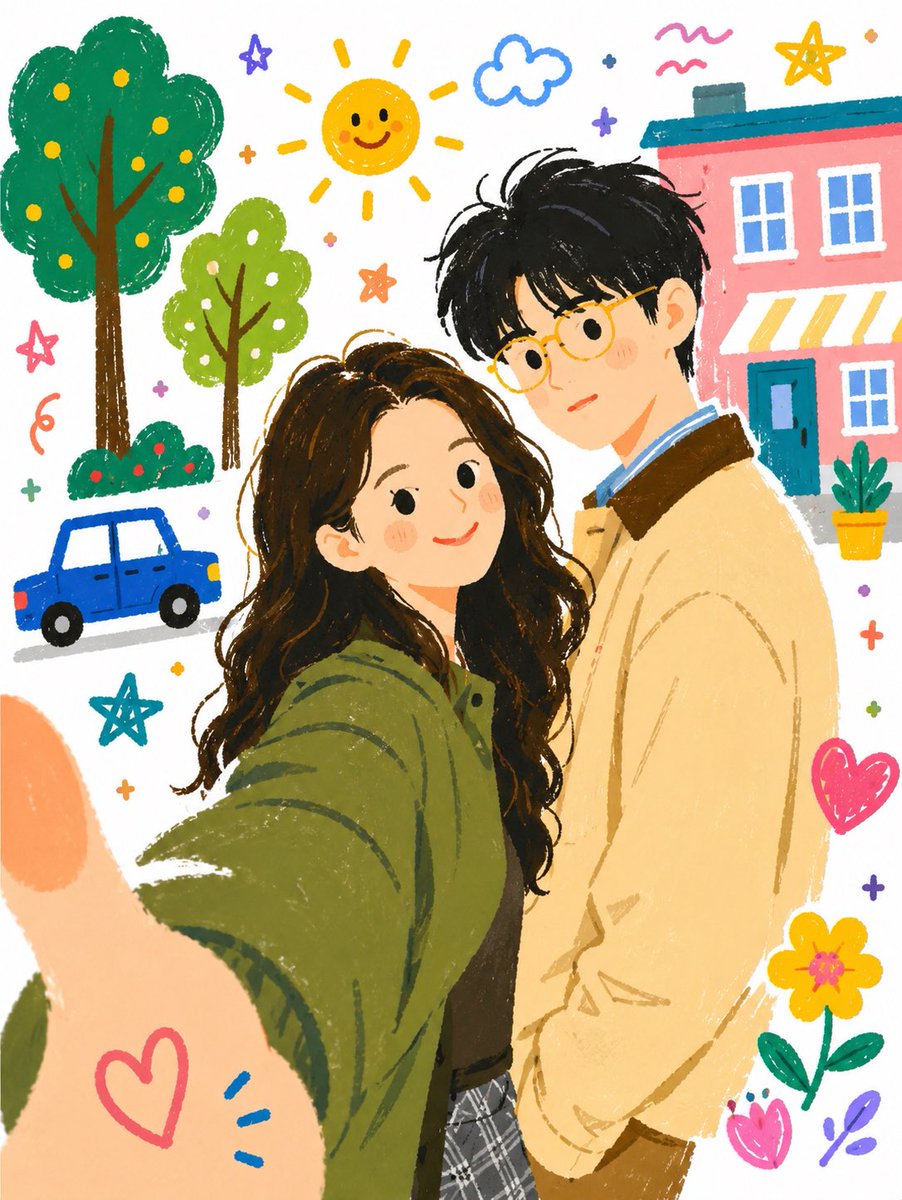
![Naive doodle-style subject illustration — A doodle-style {argument name="subject" default="[subject]"}, naive lines, humorous shape exaggeration](https://pbs.twimg.com/media/G6Wl2YxbsAARB2b.jpg)