How do I use the Golden Hour Yacht Candid Contact Sheet Prompt template?
Choose the primary action to open PicX Studio with the available template settings. Review the model and format, personalize the creative direction, and generate when ready.
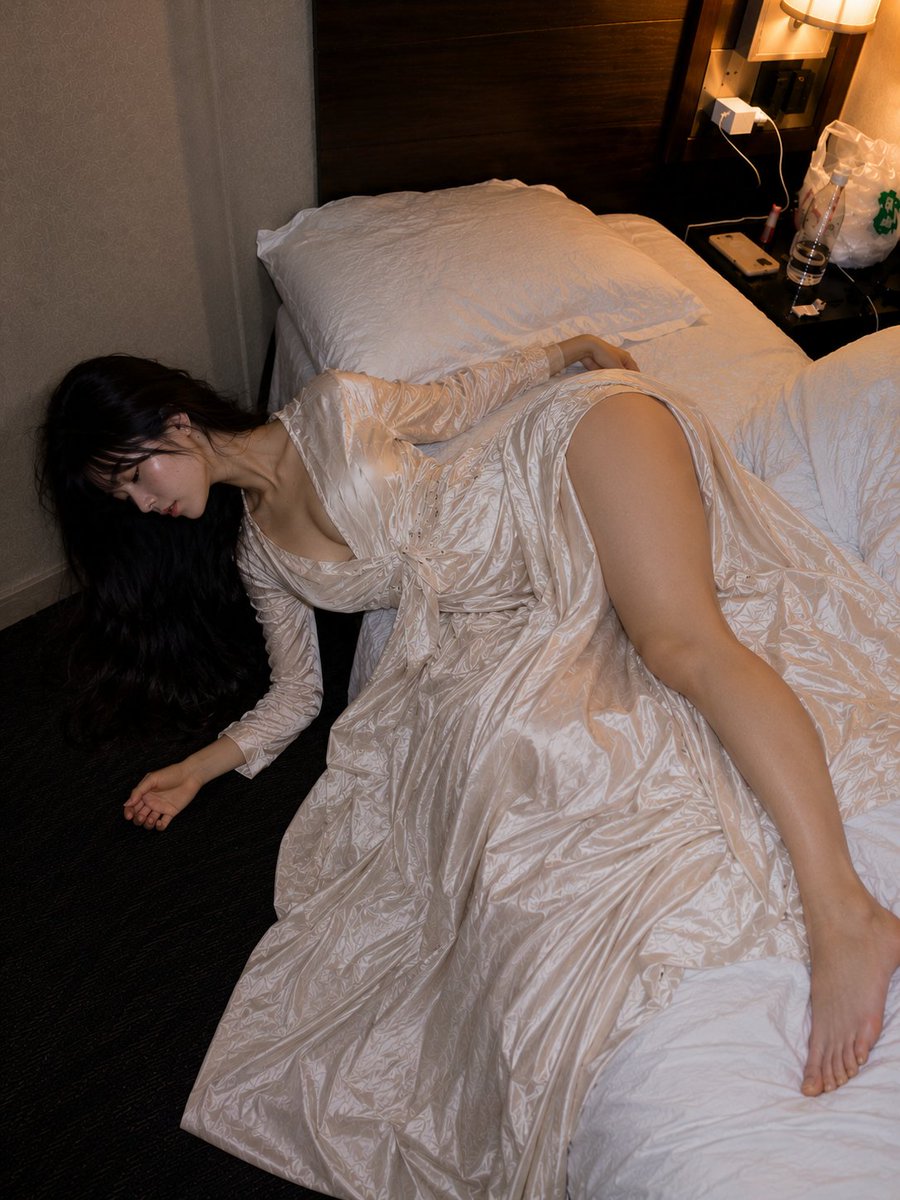
A structured JSON prompt for generating a 2x2 grid of candid, photorealistic luxury portraits of the same woman on a yacht during golden hour, ensuring identity preservation and changing only the pose and expression across the panels. (free to use) — Free AI image template on PicX Studio.
{ "generation_request": { "meta_data": { "tool": "NanoBanana Pro", "task_type": "yacht_golden_hour_candid_grid_2x2_no_text", "language": "en", "priority": "highest", "version": "v1.0_YACHT_GOLDEN_HOUR_SATIN_SLIP_2X2_CANDID" }, "input": { "mode": "image_to_image", "reference_image_usage": "maximum", "preserve_identity": true, "preserve_facial_features": true, "preserve_hairstyle": true, "preserve_wardrobe": true, "notes": "Use the reference as the primary anchor. Create a 2x2 grid featuring the SAME adult woman identity. Keep the yacht corridor setting, sea background, golden hour sunlight, and the same light satin slip dress. Change only pose/expression per panel. No text, no logos, no watermark." }, "output_settings": { "aspect_ratio": "4:5", "orientation": "portrait", "resolution_target": "ultra_high_res", "num_images": 1, "layout": { "type": "grid", "rows": 2, "cols": 2, "gutter": "thin", "outer_border": "none", "panel_consistency": "maximum" }, "sharpness": "natural_crisp", "grain": "very_subtle", "render_style": "photoreal_candid_luxury" }, "scene": { "concept": "golden hour yacht candid contact sheet", "environment": "modern white yacht corridor/deck walkway with railing, blue sea visible, distant small boat", "lighting": { "style": "natural golden hour sunlight", "key_light": "warm low sun from one side, soft shadow falloff", "fill": "sea bounce light, gentle", "highlights": "soft specular highlights on satin fabric", "avoid": "flash look, harsh studio light, HDR" }, "camera": { "lens": "28-50mm (phone-like but not distorted)", "distance": "mix of close-up and full-body across panels", "focus": "eyes sharp, background slightly soft" } }, "subject": { "type": "adult woman", "wardrobe": "light lavender / icy blue satin slip dress with delicate floral appliqué detail, no logos", "accessories": "small elegant earrings + thin necklace", "hair": "long brunette waves, natural movement", "makeup": "natural soft glam, warm blush, nude lips", "anatomy_rules": "realistic hands, correct fingers, accurate facial proportions" }, "expression_set": { "panel_01": "close-up leaning toward camera, big joyful smile, sunlit cheeks", "panel_02": "full-body standing in corridor, looking down shy smile, hands together", "panel_03": "3/4 side pose, hand on hip, relaxed confident smile, sea behind", "panel_04": "beauty close-up, calm expression, soft eye contact, jewelry visible" }, "quality_control": { "identity_lock": "strict", "hands_priority": "very_high", "avoid": [ "extra fingers", "missing fingers",
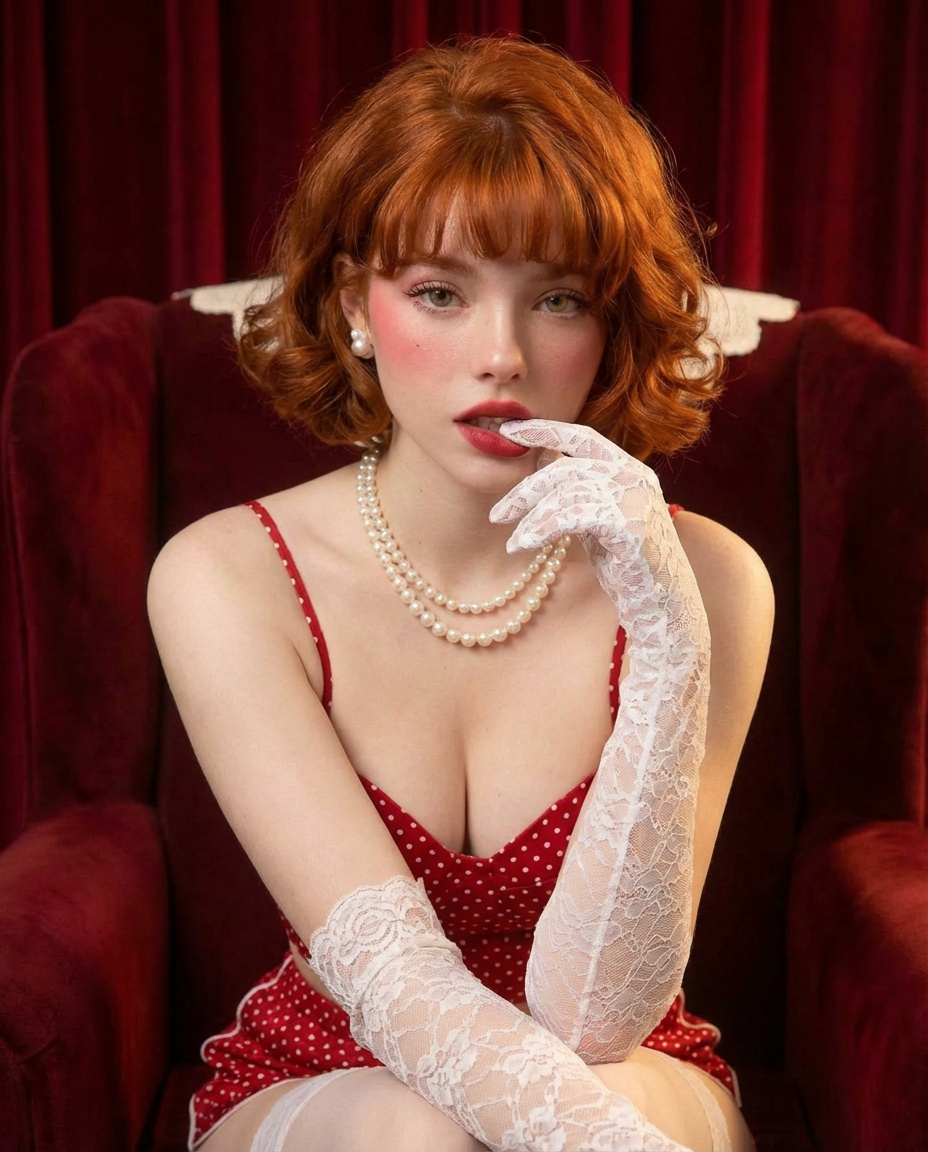
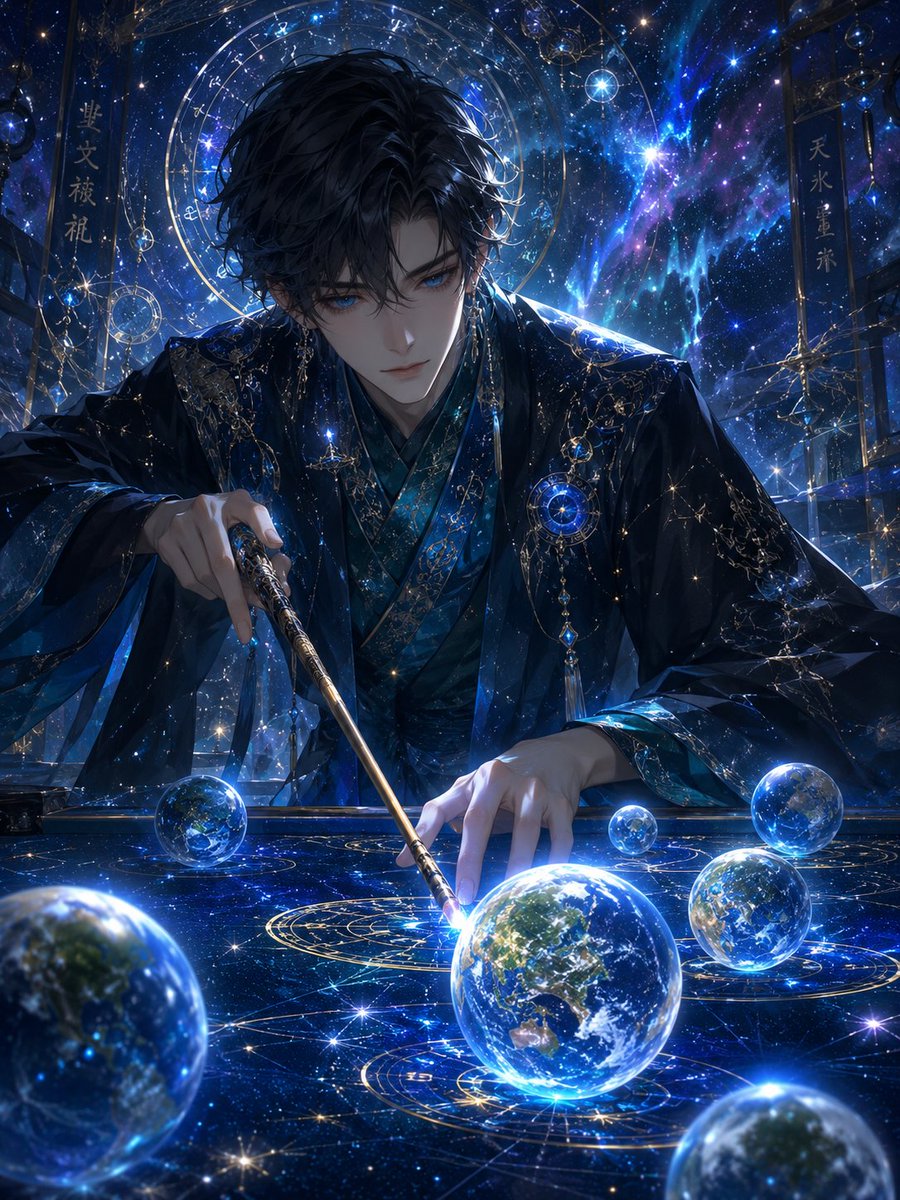
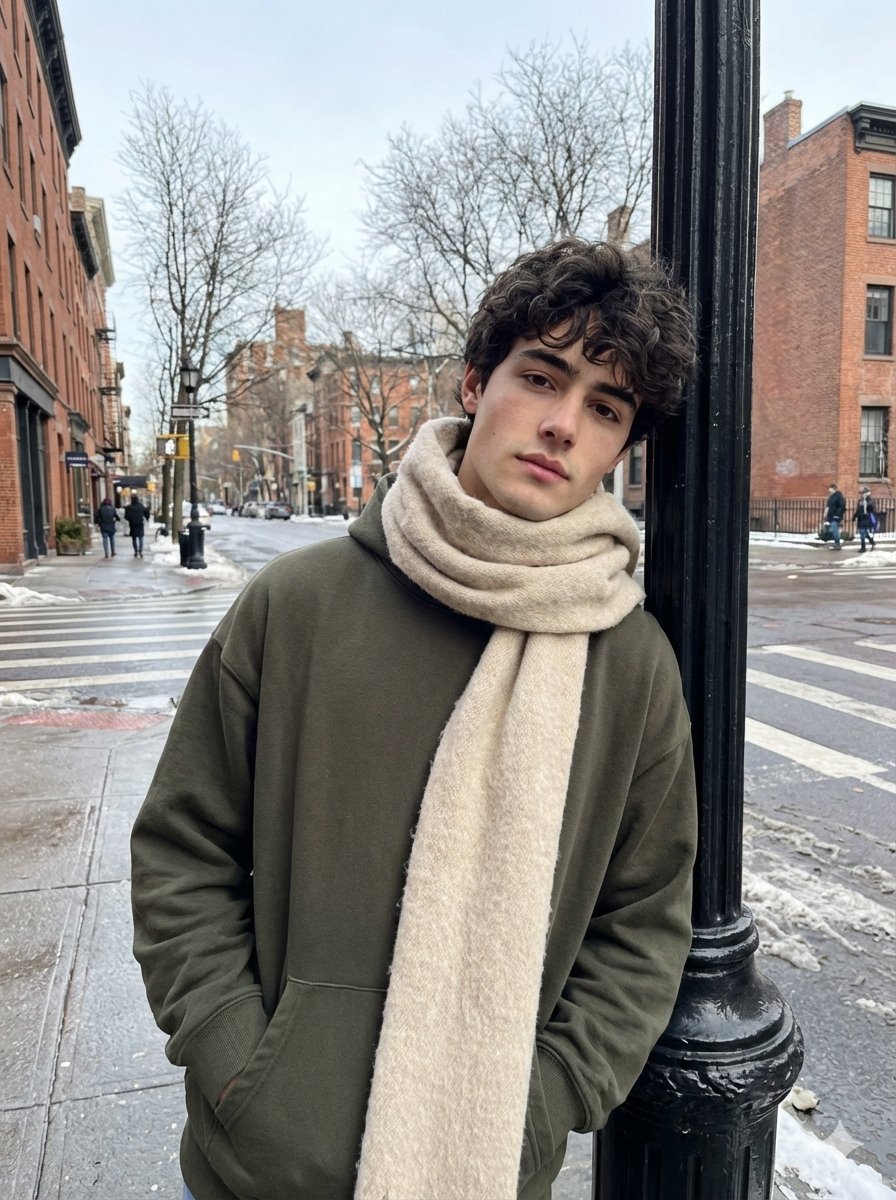
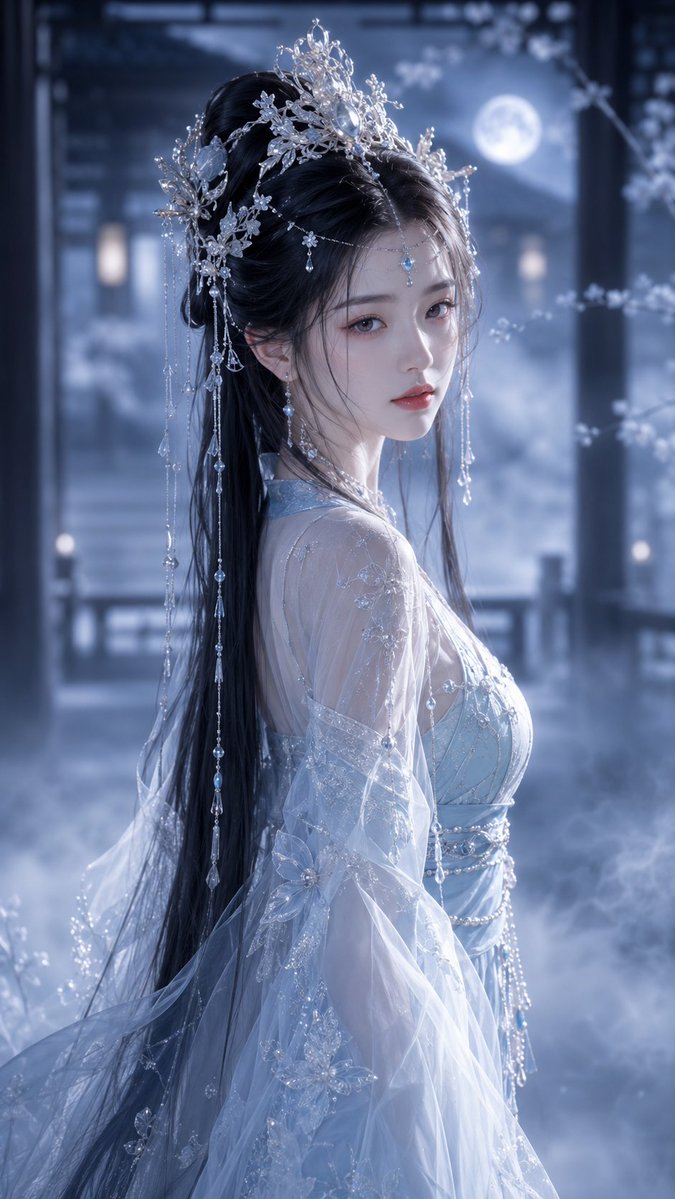
Use Golden Hour Yacht Candid Contact Sheet Prompt to plan an AI image around nano-banana-2 generation. Match the preview's composition first, then personalize the subject, setting, and mood for your own project.
Use the primary action to load the template settings in PicX Studio.
Adjust the subject and creative details for your destination.
Create the image, compare the result with the preview, and refine one variable at a time.
A continuous mix — similar concepts first, woven with same-model prompts and fresh picks from the catalog.
Choose the primary action to open PicX Studio with the available template settings. Review the model and format, personalize the creative direction, and generate when ready.
Yes. You can change the subject, setting, lighting, mood, format, and available model controls before creating your image.
This template is free to open and customize. Generation usage is shown in PicX Studio before you create.
Start with nano-banana-2, which is the model associated with this template. You can compare another compatible model for a different finish.
Follow a topic to a crawlable collection of related PicX Studio templates.
39,155 public templates available. Verified via the PicX Studio public templates API; refreshed hourly.
A continuous mix — similar concepts first, woven with same-model prompts and fresh picks from the catalog.