
Night Street Fashion
Night Street Fashion is a ready photo look.
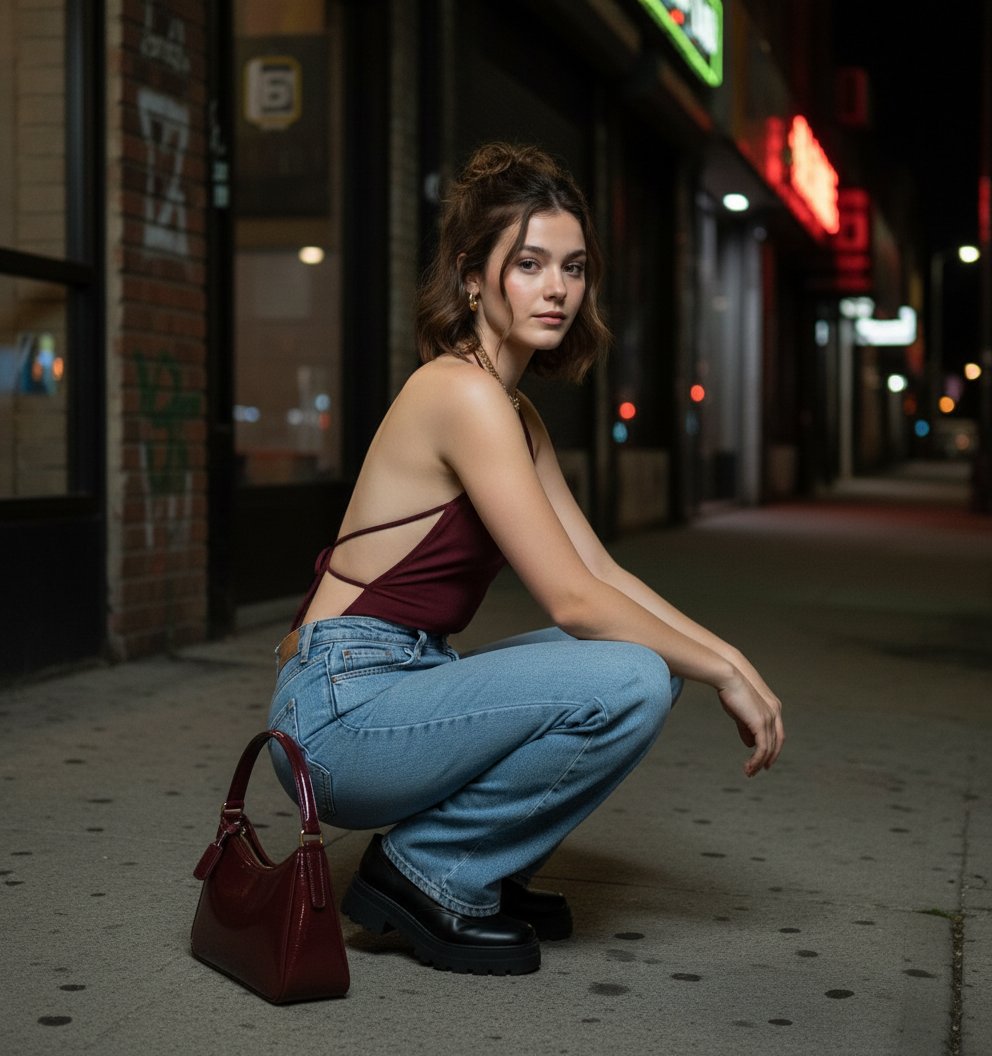
- Prompt included
- Model and format preset
- Free template
The prompt behind this image
Copy the exact prompt behind Night Street Fashion, or open it in the studio and make it yours.
Night street fashion photo of a stylish woman crouching on a dim city sidewalk, sharp and cinematic lighting, no background blur, visible street lights and building textures. She wears a deep burgundy halter-top with an open back and thin straps, low-rise baggy blue jeans, chunky shoes, and a matching burgundy handbag. Elegant messy updo with loose strands, subtle gold jewelry, soft glowing skin, natural makeup. Cool city nightlife mood, moody shadows, urban edgy energy, real film-like flash style, 2000s inspired street aesthetic, editorial street photography. Camera Style: Flash, documentary aesthetic, crisp details Background: Urban street, lit signs, building textures (sharp focus)
How to use Night Street Fashion in 3 steps
- 1
Open
The prompt is already in the box next to the preview, with the template's model and format selected.
- 2…a portrait of your subject in softgolden-hour light, 85mm…
Personalize
Edit the subject and creative details for your destination.
- 3Generate
Generate
Press Generate — your image is created in PicX Studio, so you can compare it with the original and refine one variable at a time.
More like this
Templates with the same subject, style or setup. Open one to see its prompt.
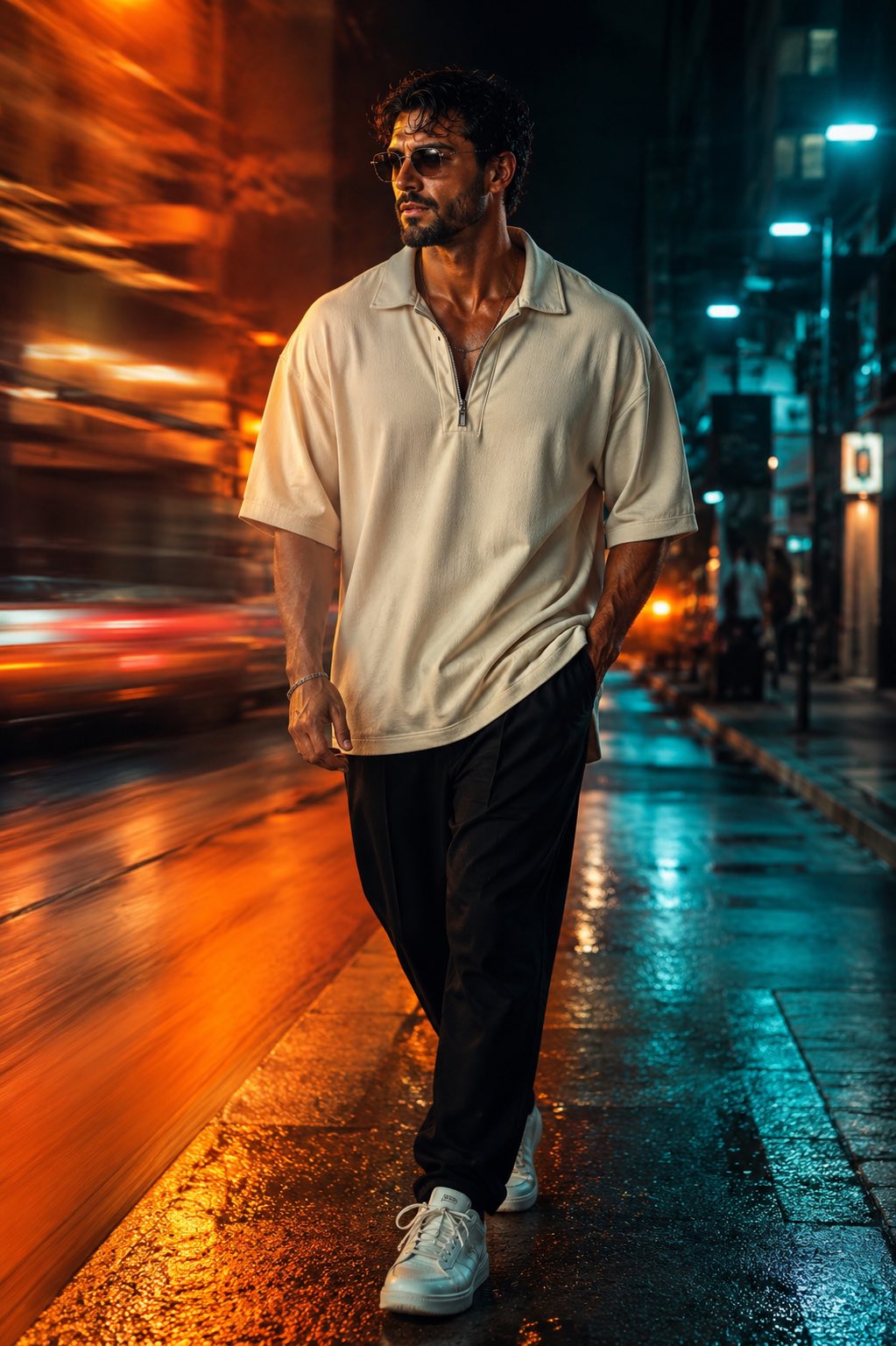
Face-Locked Cream Half-Zip Street Walk
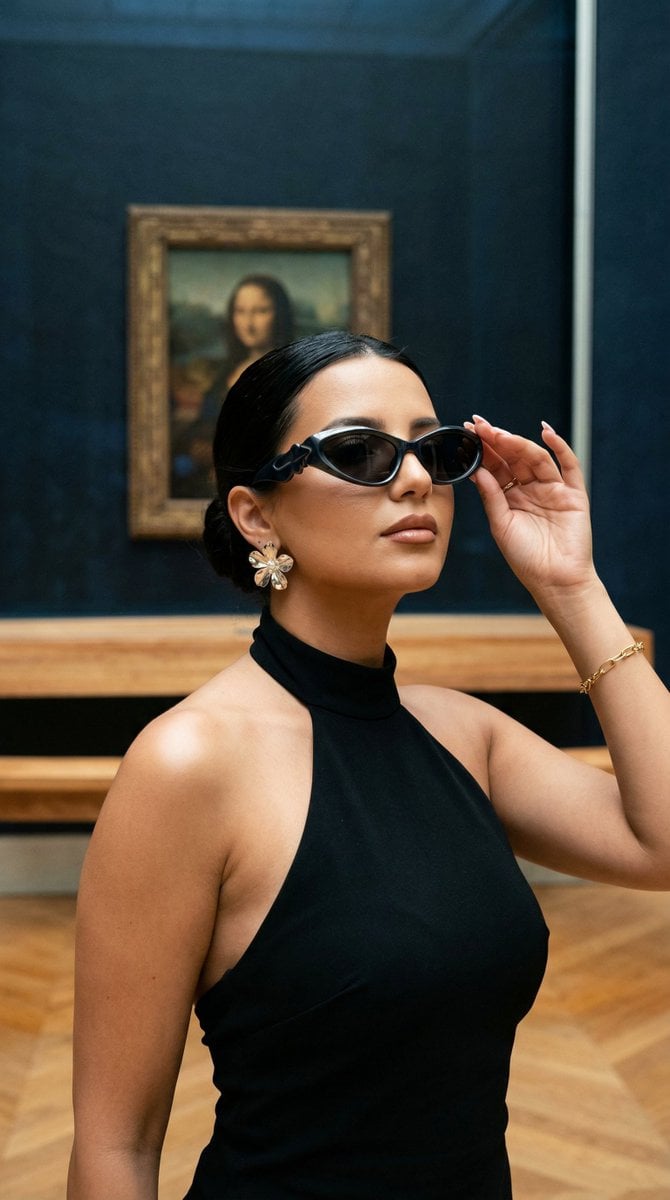
Nano Banana - Street Paris T-Shirt

Two Tickets, One Night
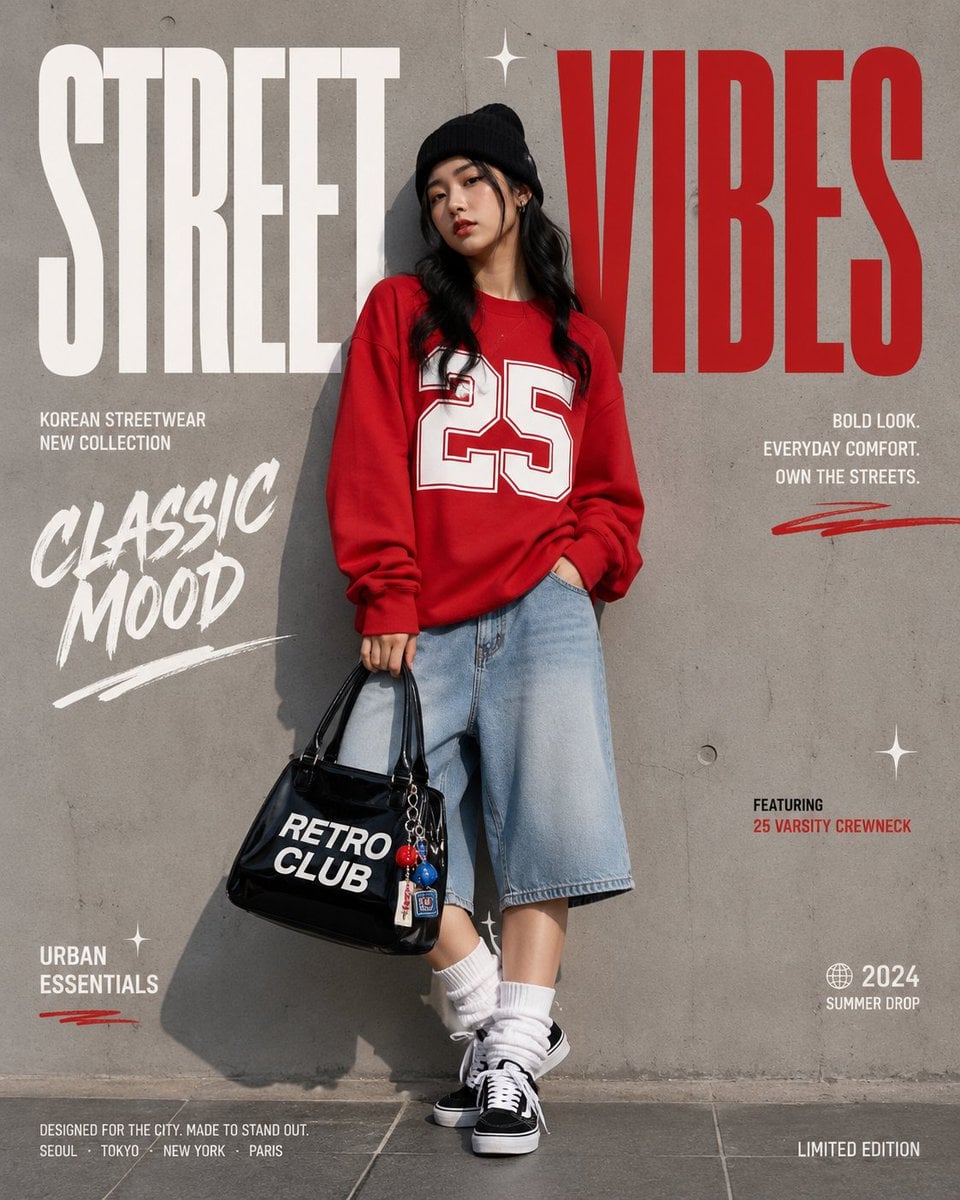
Korean Streetwear Minimalist Campaign Portrait
Cinematic Korean Streetwear Street Portrait
Frozen Street Luxe Graffiti Fashion Campaign
Blue Hour Editorial Fashion Portrait
Neon Night Crosswalk Candid Portrait
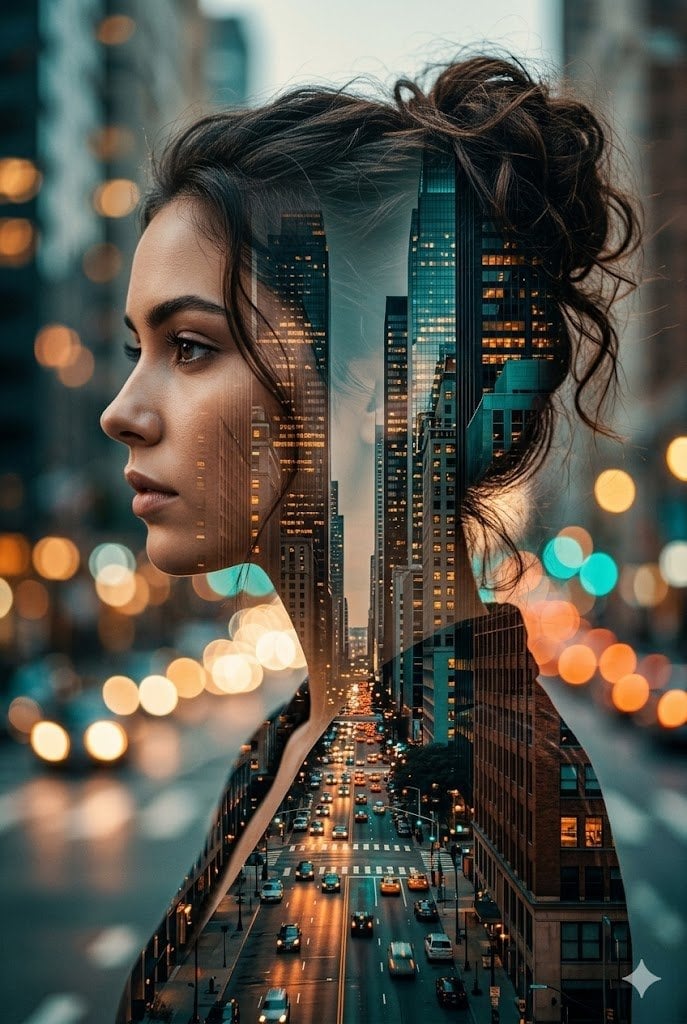
Double Exposure City Street Portrait
Neon Night Crosswalk Candid Portrait

Meet Me When It Rains
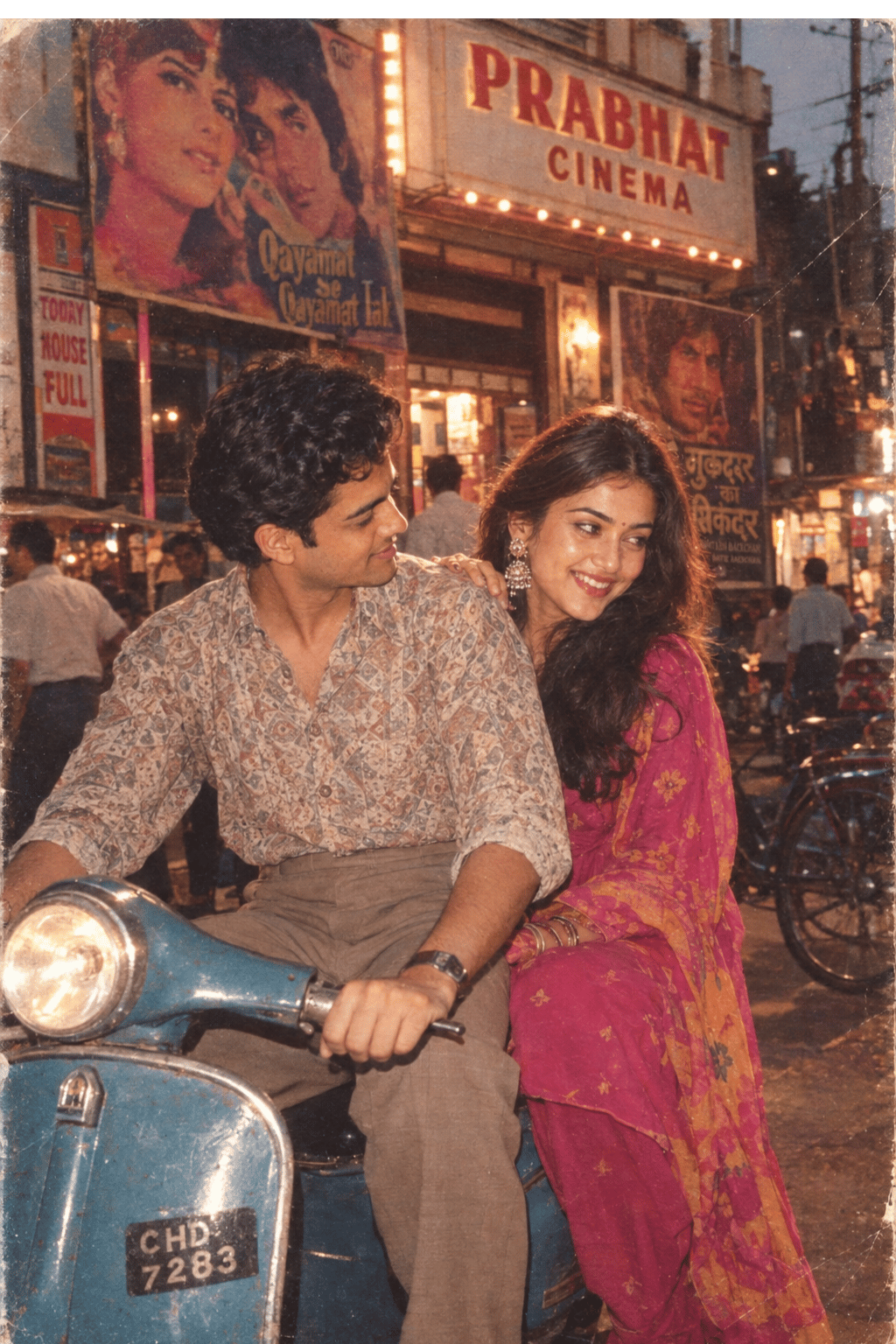
Two Hearts. One Scooter.
Make it yours
Night Street Fashion works as-is. These are the safest ways to change it without losing the look.
Change one field
Copy a single group, rewrite it, and generate again so you can see what that field is doing.
Keep the frame, change the subject
Hold the composition and light of Night Street Fashion , then swap wardrobe, props or the person for a new take.
| If the result… | Why | Fix |
|---|---|---|
| The result drifts from the preview | Too many fields changed at once. | Reuse Night Street Fashion as-is first, then change one group — subject, light, or setting. |
| The model over-stylizes the scene | The prose prompt leaves finish and camera underspecified. | Add one camera or lighting sentence and stay on PicX Studio. |
More image prompts
Fresh picks from across the catalog.
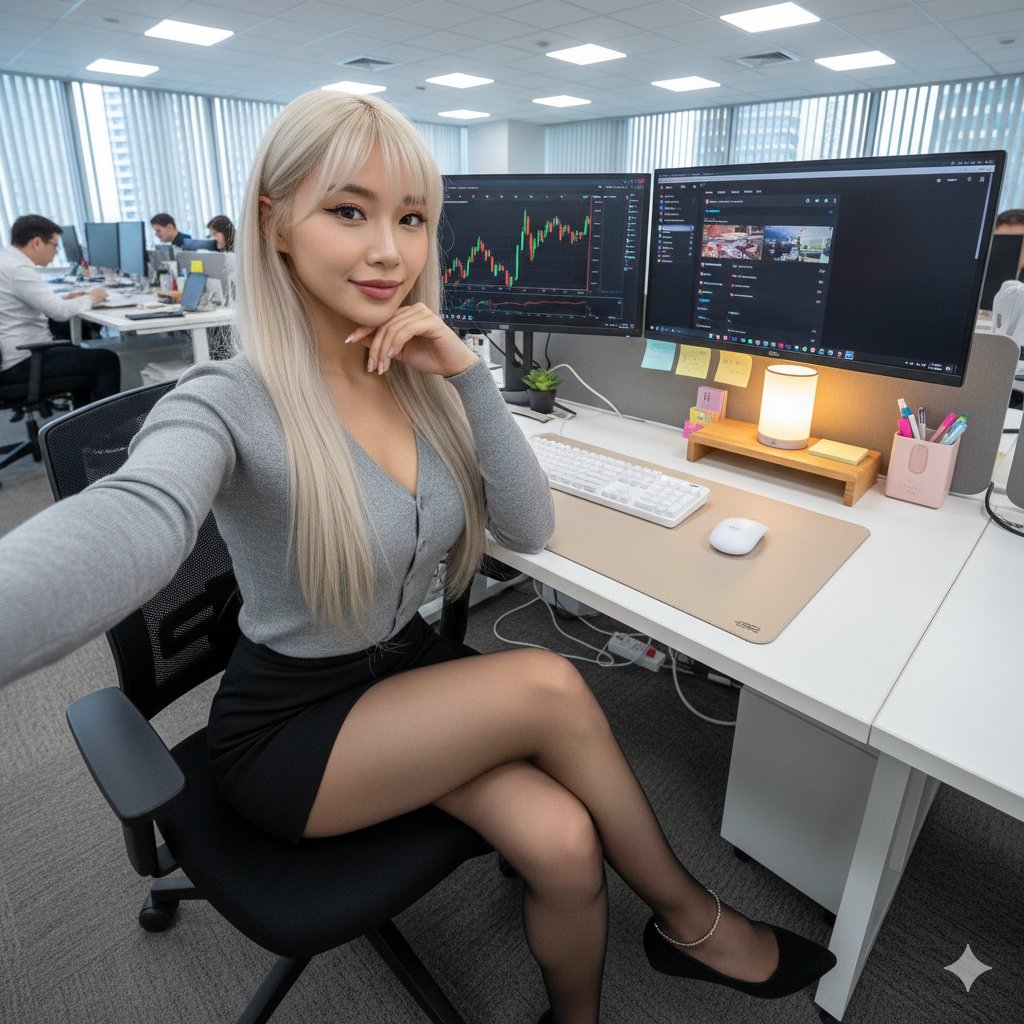
Corporate Office Trading Floor Selfie Prompt

Cinematic 3D logo with auto-assigned texture
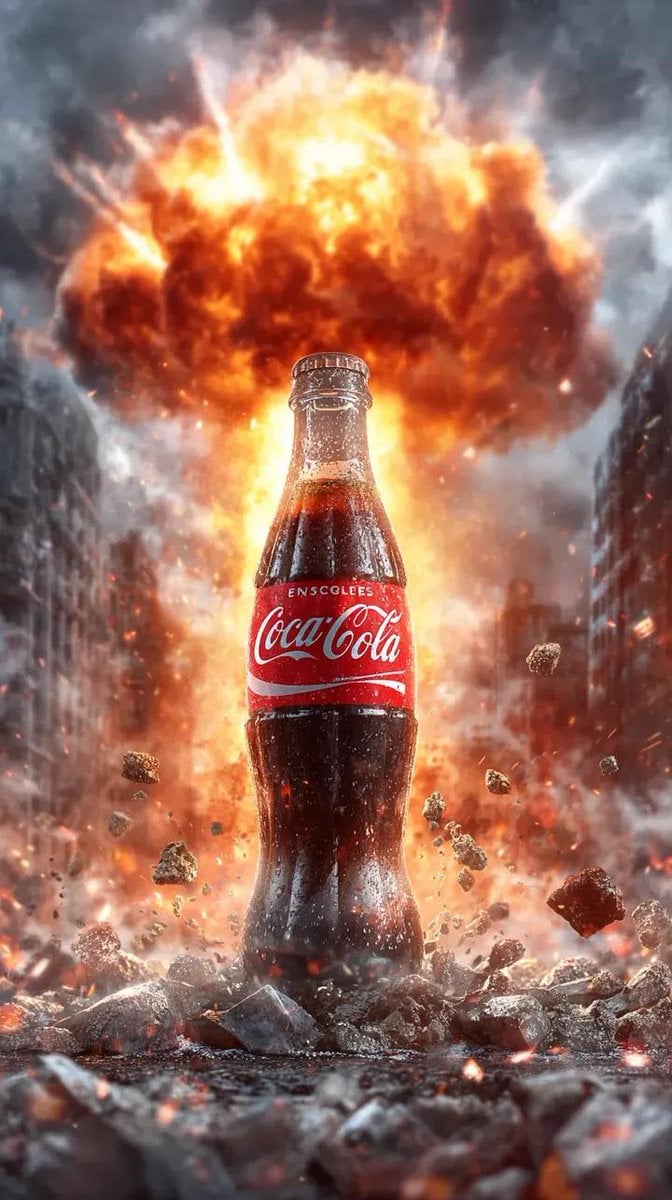
Cinematic Action Poster with Exploding Product Shot
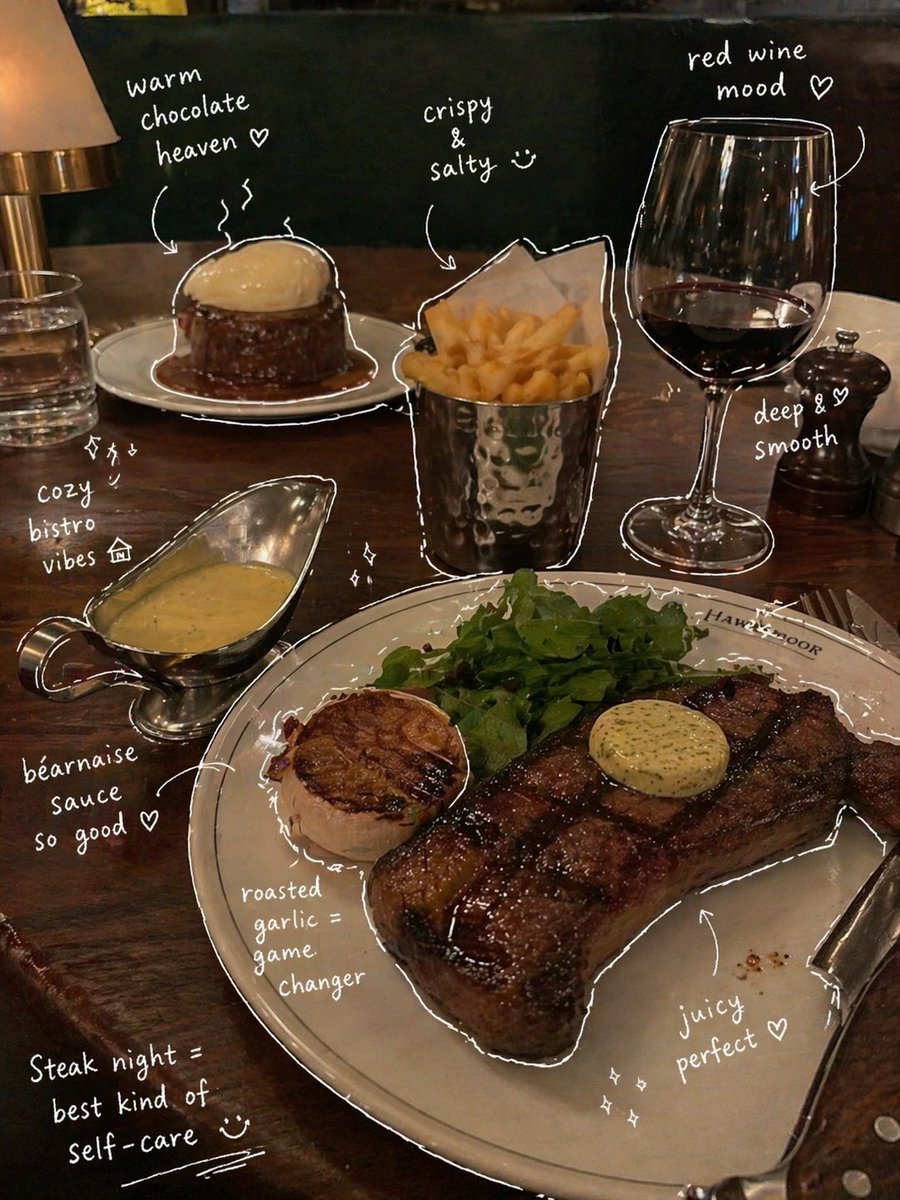
Hand-Drawn Annotated Food Diary Style
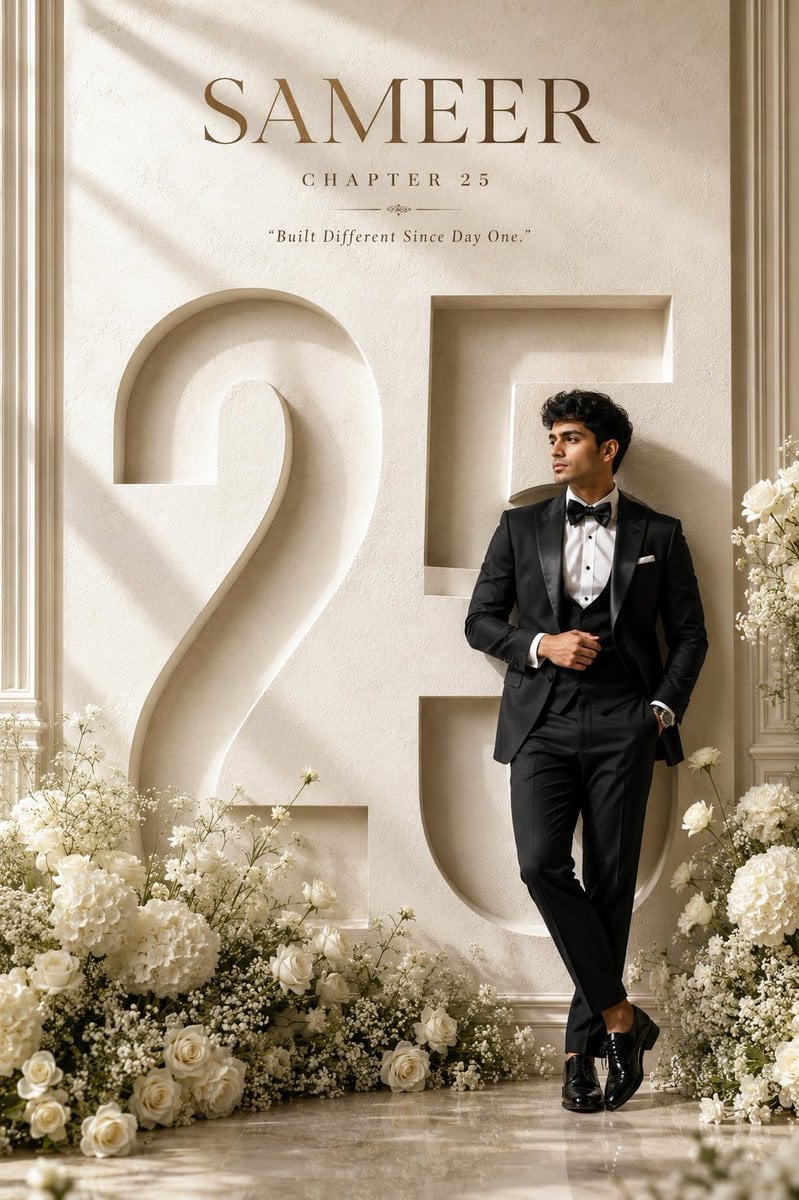
Luxury 25th Birthday Poster
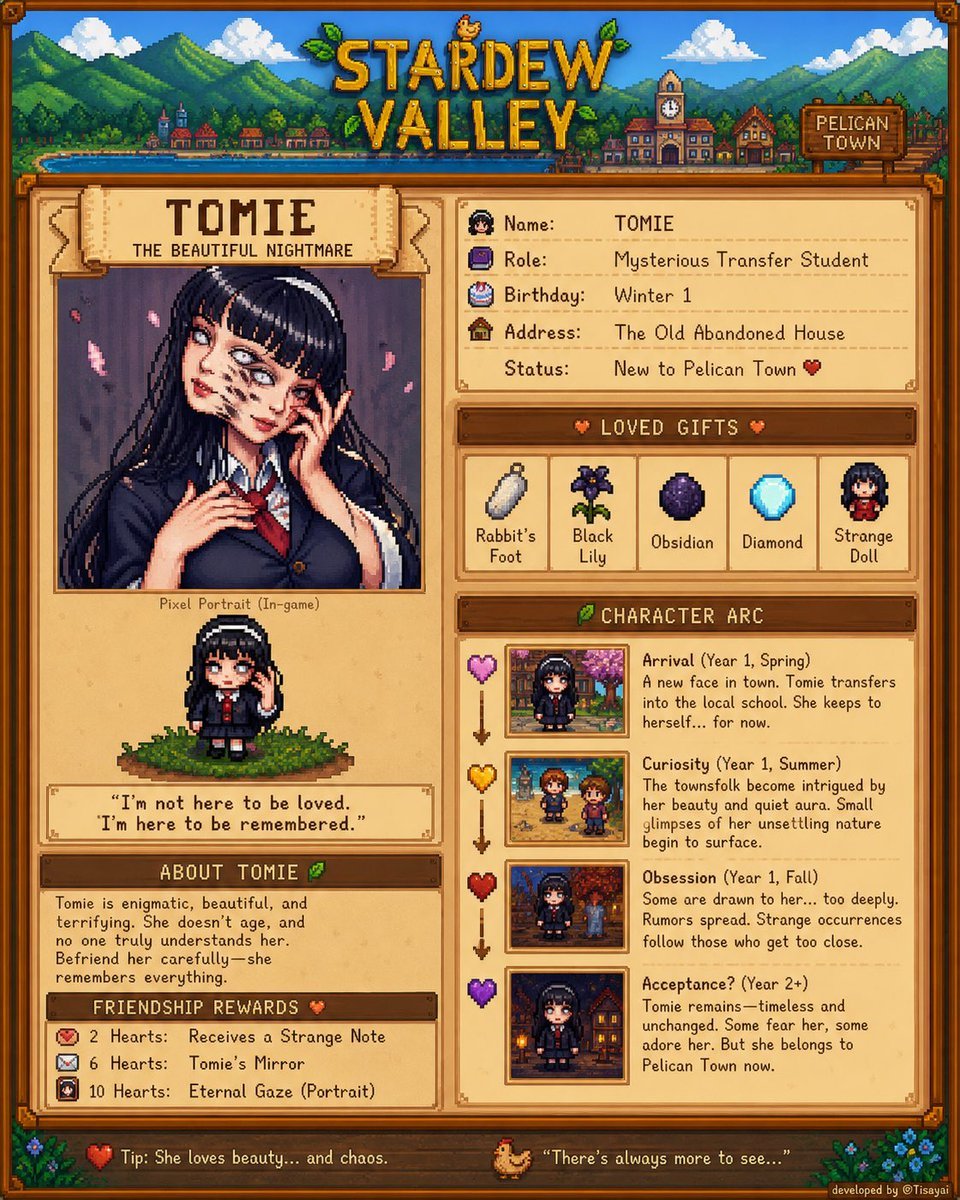
Stardew Valley Character Wiki Poster
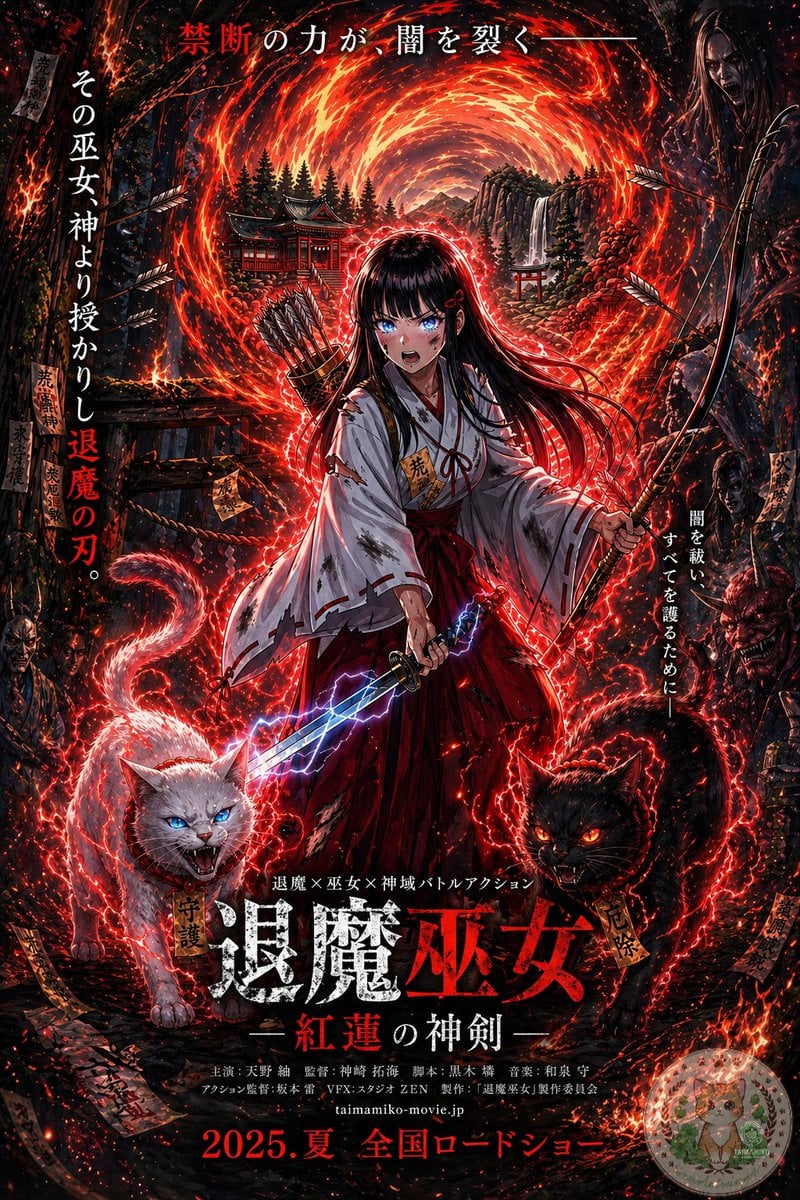
Anime Shrine Maiden Movie Poster
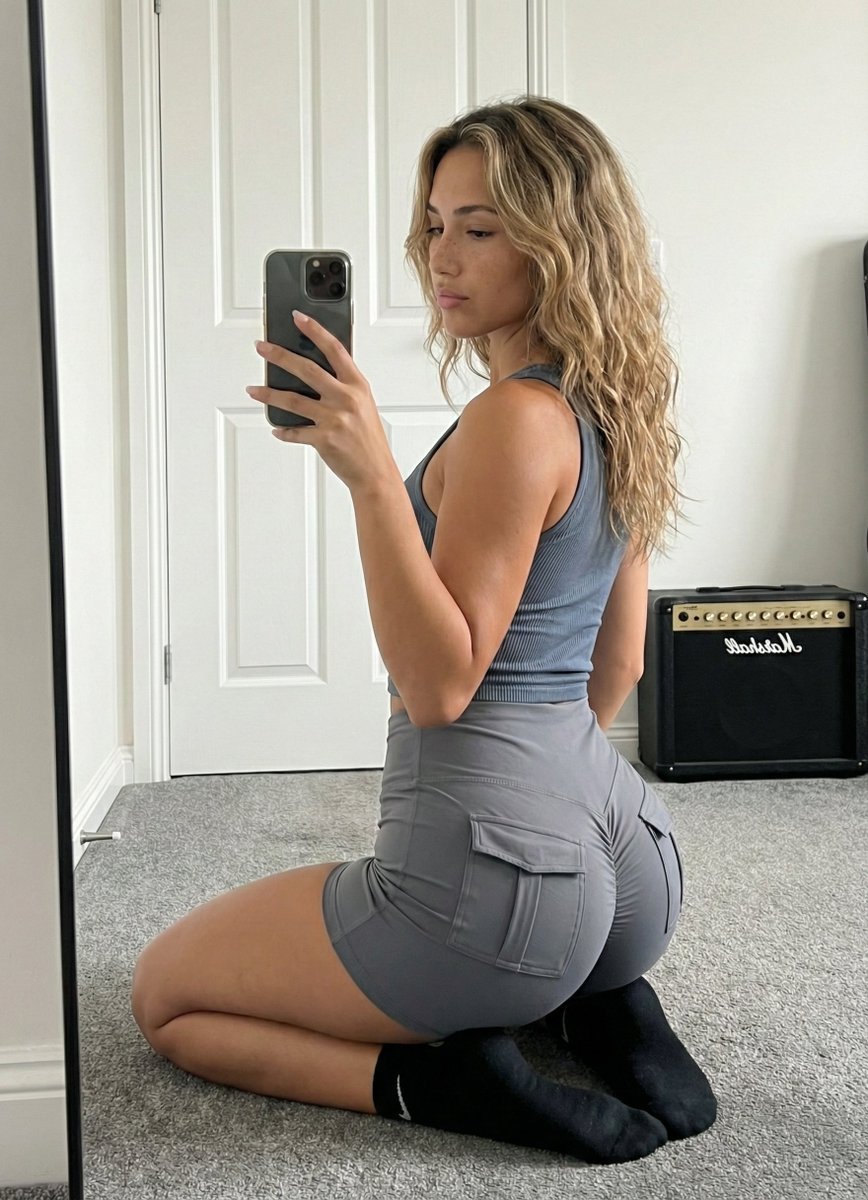
Mirror Selfie Athleisure Look with Detailed Anatomy
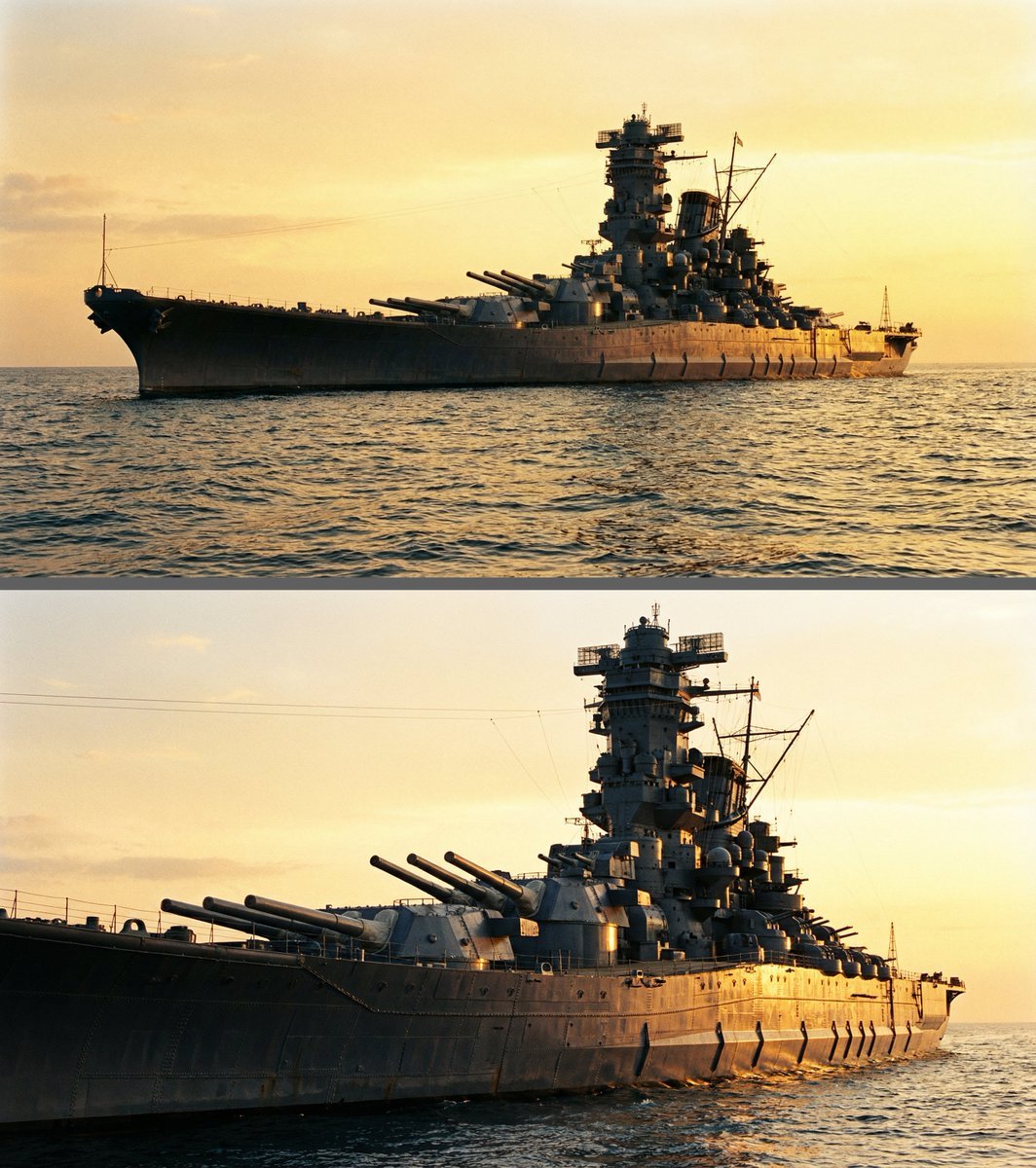
Colossal battleship at dawn illustration prompt
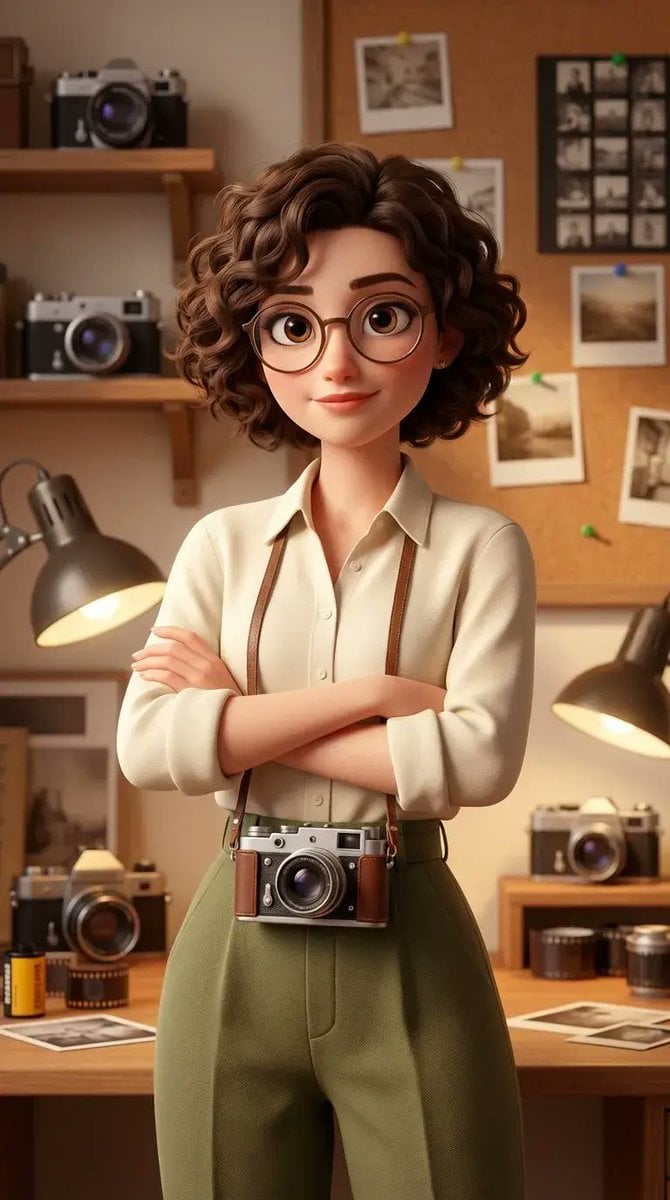
Stylized 3D Animated Female Photographer Character (Pixar Style)
Browse template categories
Night Street Fashion questions
How do I use the Night Street Fashion template?
Add your photo if the template asks for one, edit the prompt if you like — the template's model and format are already selected — and press Generate. Your version opens in PicX Studio.
Can I customize the Night Street Fashion template?
Yes. You can change the subject, setting, lighting, mood, format, and available model controls before creating your image.
Is the Night Street Fashion template free?
Opening and editing this template is free. Generating uses credits, shown on the Generate button when you are signed in.
Which AI model should I use?
Choose a compatible model in PicX Studio based on the style, speed, and output controls your project needs.
Looking for something else? Browse all templates.

Your photo, any look
Thousands of ready templates for every top image and video model, from one credit balance.