How do I use the Surreal Editorial: Miniature Makeup Artists template?
Choose the primary action to open PicX Studio with the available template settings. Review the model and format, personalize the creative direction, and generate when ready.
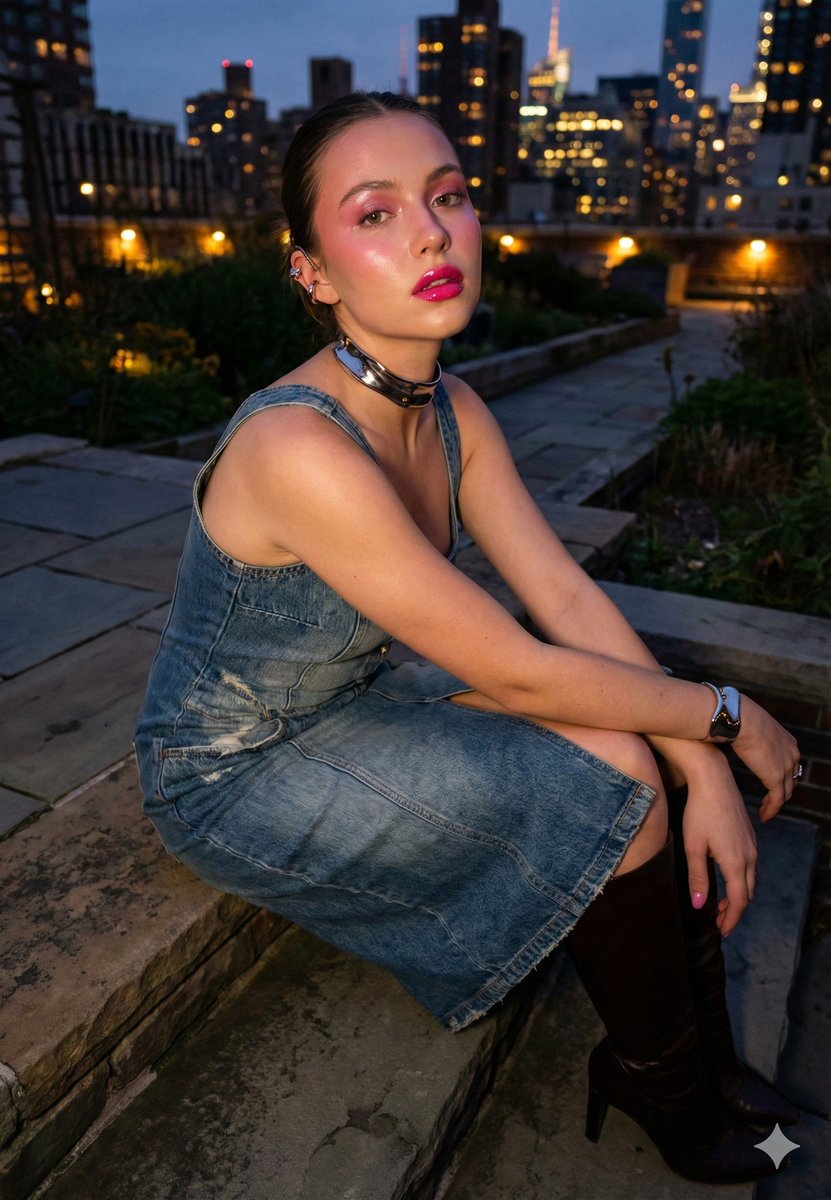
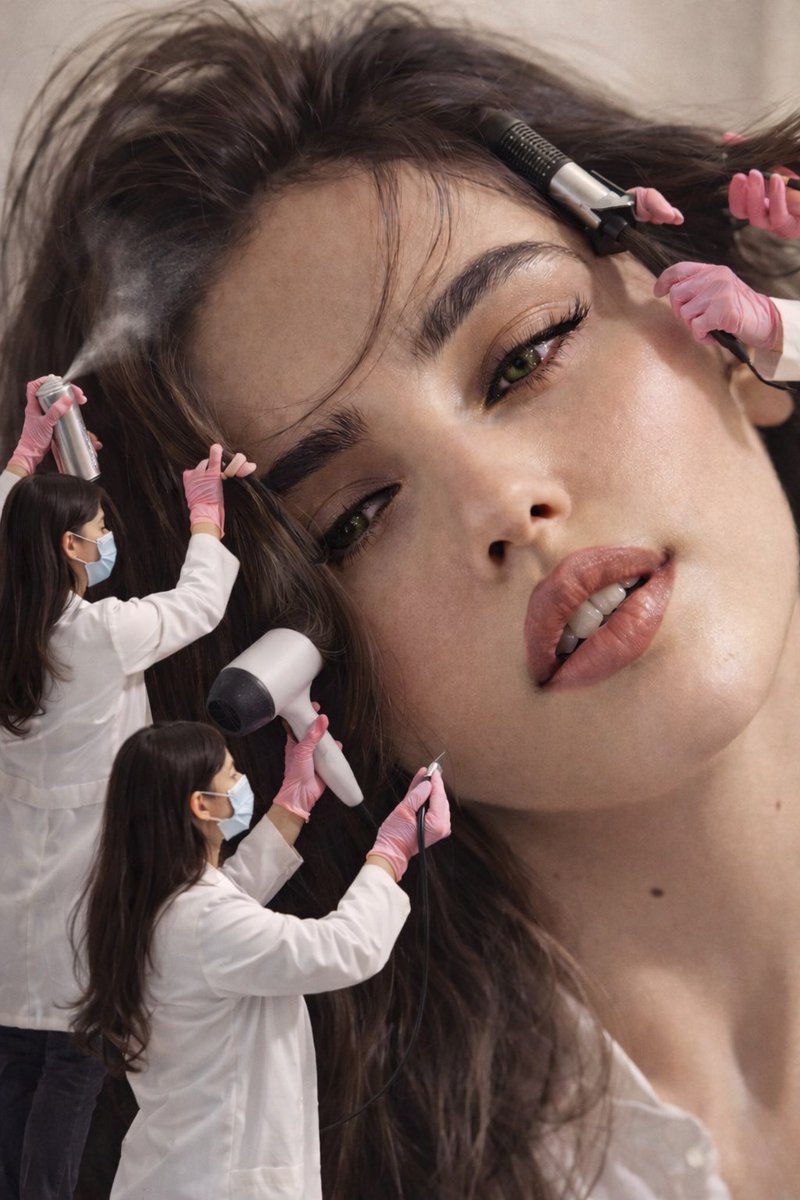
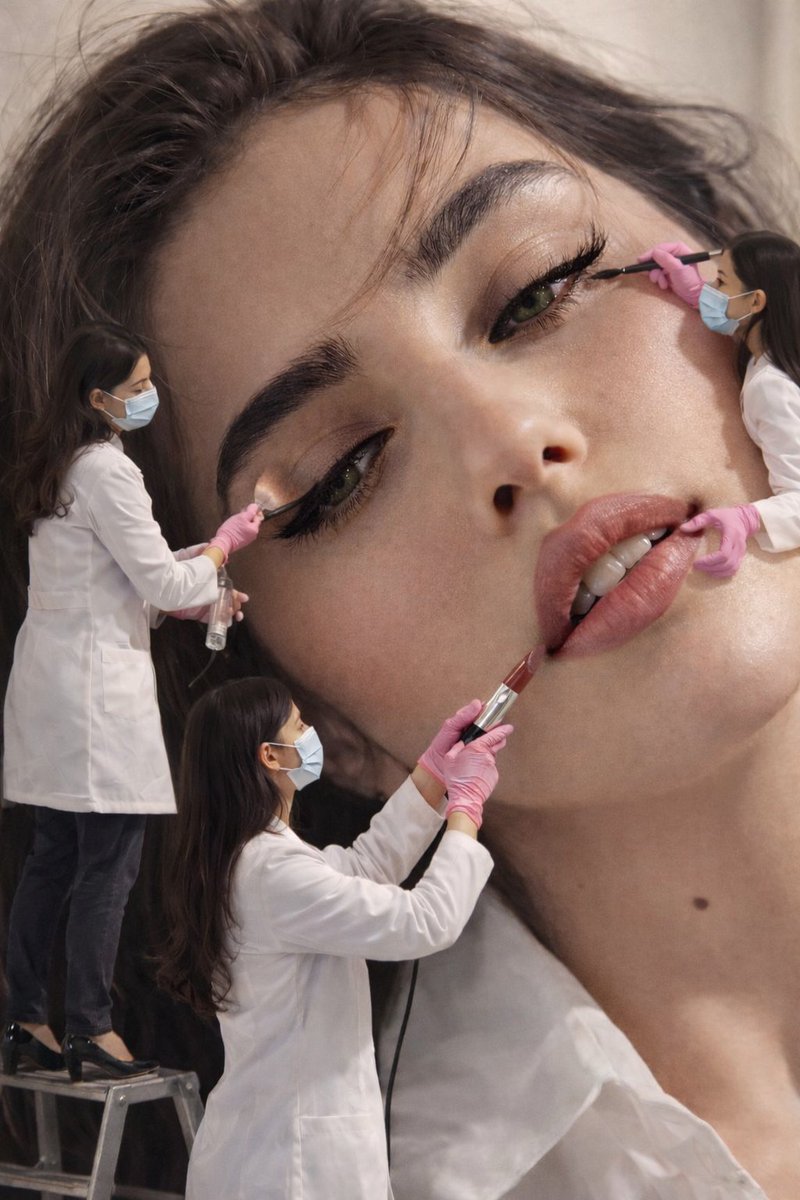
A detailed prompt for a surreal editorial fashion/beauty concept featuring an extreme close-up of a giant female face being attended to by multiple miniature human figures dressed as lab technicians, who are applying makeup using oversized tools. (free to use) — Free AI image template on PicX Studio.
{ "image_type": "surreal editorial fashion / beauty concept", "composition": { "framing": "extreme close-up portrait filling almost entire frame", "orientation": "vertical", "scale_contrast": "giant female face contrasted with multiple miniature human figures", "focus": "sharp focus on facial features and miniature figures simultaneously", "depth_of_field": "moderate depth, background softly blurred but still readable" }, "primary_subject": { "gender_presentation": "female", "face_position": "head tilted slightly, face angled diagonally across frame", "skin_texture": "smooth, natural skin with visible pores, soft glow", "skin_tone": "light warm beige", "facial_details": { "eyes": { "color": "green", "eyelashes": "long, dark, curled", "eyeliner": "black eyeliner visible along upper lash line", "gaze_direction": "eyes partially open, relaxed gaze slightly downward" }, "eyebrows": { "shape": "thick, natural, softly arched", "color": "dark brown" }, "lips": { "shape": "full lips", "finish": "glossy, natural sheen", "color": "muted rose / nude pink", "mouth_position": "slightly open, relaxed expression" }, "nose": { "shape": "straight bridge, soft tip", "lighting": "subtle highlight along bridge" } }, "hair": { "color": "dark brown", "texture": "soft, voluminous, slightly tousled", "placement": "hair spread across background and around face" } }, "miniature_figures": { "count": 4, "appearance": { "scale": "miniature human scale compared to face", "clothing": { "upper": "white lab coats", "lower": "dark pants", "footwear": "dark shoes, one figure standing on a small ladder" }, "accessories": { "gloves": "pink latex gloves", "masks": "light blue surgical masks" } }, "actions": [ { "tool": "hair dryer", "interaction": "blowing air onto hair near forehead" }, { "tool": "spray bottle", "interaction": "spraying mist near eyebrow/eye area" }, { "tool": "eyeliner brush", "interaction": "applying eyeliner to upper eyelid" }, { "tool": "lip gloss applicator", "interaction": "applying gloss to lower lip" } ], "pose_and_positioning": { "one_figure": "standing on a small ladder near hairline", "others": "standing directly on hair or face surface" } }, "lighting": { "type": "soft studio lighting", "direction": "even frontal and side lighting", "highlights": "gentle highlights on cheekbones, nose, lips", "shadows": "soft, minimal shadows maintaining facial contours" }, "color_palette": { "dominant_colors": [ "warm skin tones",
Use Surreal Editorial: Miniature Makeup Artists to plan an AI image around nano-banana-2 generation. Match the preview's composition first, then personalize the subject, setting, and mood for your own project.
Use the primary action to load the template settings in PicX Studio.
Adjust the subject and creative details for your destination.
Create the image, compare the result with the preview, and refine one variable at a time.
A continuous mix — similar concepts first, woven with same-model prompts and fresh picks from the catalog.
Choose the primary action to open PicX Studio with the available template settings. Review the model and format, personalize the creative direction, and generate when ready.
Yes. You can change the subject, setting, lighting, mood, format, and available model controls before creating your image.
This template is free to open and customize. Generation usage is shown in PicX Studio before you create.
Start with nano-banana-2, which is the model associated with this template. You can compare another compatible model for a different finish.
Follow a topic to a crawlable collection of related PicX Studio templates.
39,155 public templates available. Verified via the PicX Studio public templates API; refreshed hourly.
A continuous mix — similar concepts first, woven with same-model prompts and fresh picks from the catalog.