How do I use the Cyberpunk Elf Girl Full-Body Portrait template?
Choose the primary action to open PicX Studio with the available template settings. Review the model and format, personalize the creative direction, and generate when ready.
This prompt generates a clean full-body anime-style cyberpunk elf character illustration for use as a character design, standing sprite, or sci-fi fantasy concept art. Change the subject, setting, or lighting one variable at a time.
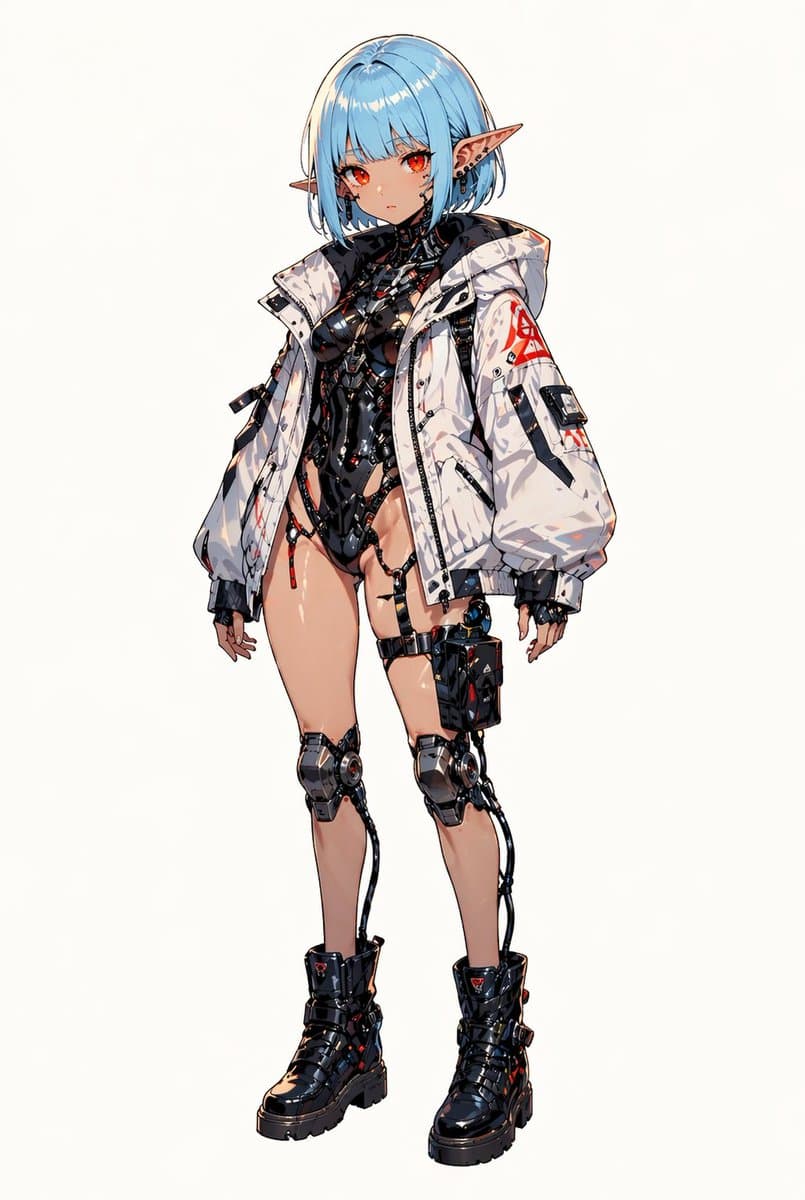
A full-body anime character illustration of a {argument name="character type" default="cyberpunk elf girl"} standing alone against a clean plain white background, centered and facing slightly left in a relaxed neutral pose with both arms hanging naturally. She has a short bob haircut in {argument name="hair color" default="icy light blue"}, straight blunt bangs, pale skin, large pointed elf ears, and vivid {argument name="eye color" default="glowing red-orange"} eyes with a calm, slightly serious expression. Her design blends fantasy and futuristic biomechanics: she wears 1 oversized white techwear hooded jacket with black lining, black straps, zipper details, and red warning-style markings on the sleeve; underneath is 1 glossy black biomechanical bodysuit with exposed cutout sections, cables, segmented armor plates, and intricate hard-surface cybernetic detailing around the torso and hips. She has 1 strapped black thigh pouch on her right thigh, 2 mechanical knee braces with visible circular joints, 2 external cables running from the knees downward, and 1 pair of chunky black combat boots with thick soles, buckles, and subtle red accents. Add small black earrings and tiny industrial accessories around the ears. Render in highly detailed polished manga-style line art with crisp edges, delicate cel shading, glossy highlights on the skin and latex-like surfaces, subtle red accent lights, and an overall premium sci-fi character concept art look. Keep the figure fully visible from head to boots with generous negative space and no props, scenery, text, or shadows beyond minimal grounding.
Choose the primary action to open PicX Studio with the available template settings. Review the model and format, personalize the creative direction, and generate when ready.
Yes. You can change the subject, setting, lighting, mood, format, and available model controls before creating your image.
This template is free to open and customize. Generation usage is shown in PicX Studio before you create.
Start with GPT Image 2, which is the model associated with this template. You can compare another compatible model for a different finish.
© 2026 PicX Studio. All rights reserved.

Follow a topic to a crawlable collection of related PicX Studio templates.
43,474 public templates available. Verified via the PicX Studio public templates API; refreshed hourly.

![86-hyper-realistic-ai-selfie-prompt-generat — Raw iPhone [model] photo, [shot type] of [character details: age, ethnicity, specific features], [hair with imperf](/_next/image?url=https%3A%2F%2Fcdn.picxstudio.com%2Fuploads%2Fpost86_img0_c444d40d-a07d-4013-8b75-e692799481c0.jpg&w=828&q=100)

![Ultra-realistic 8K full body portrait wearing a clean and pressed white — Ultra-realistic 8K full body portrait of [PERSON’S FULL NAME], wearing a clean and pre](https://images.meigen.ai/tweets/2011898760650170378/0.jpg)
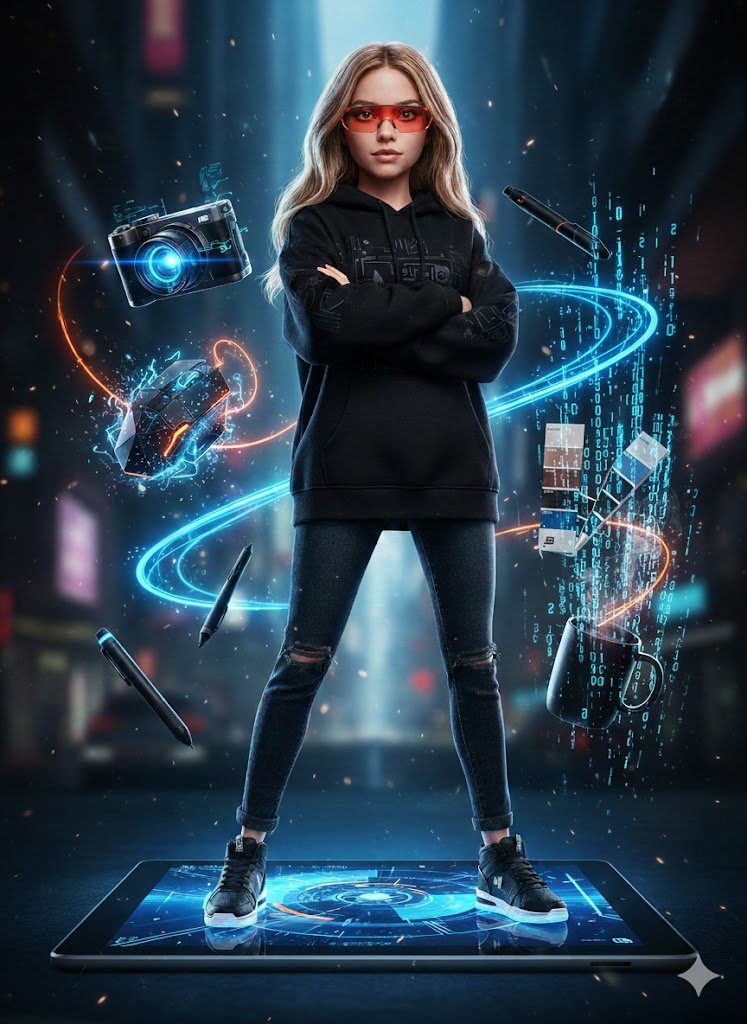




![Ultra-realistic 8K full body portrait wearing a clean and pressed white — Ultra-realistic 8K full body portrait of [PERSON’S FULL NAME], wearing a clean and pre](https://images.meigen.ai/tweets/2018389139826037141/0.jpg)
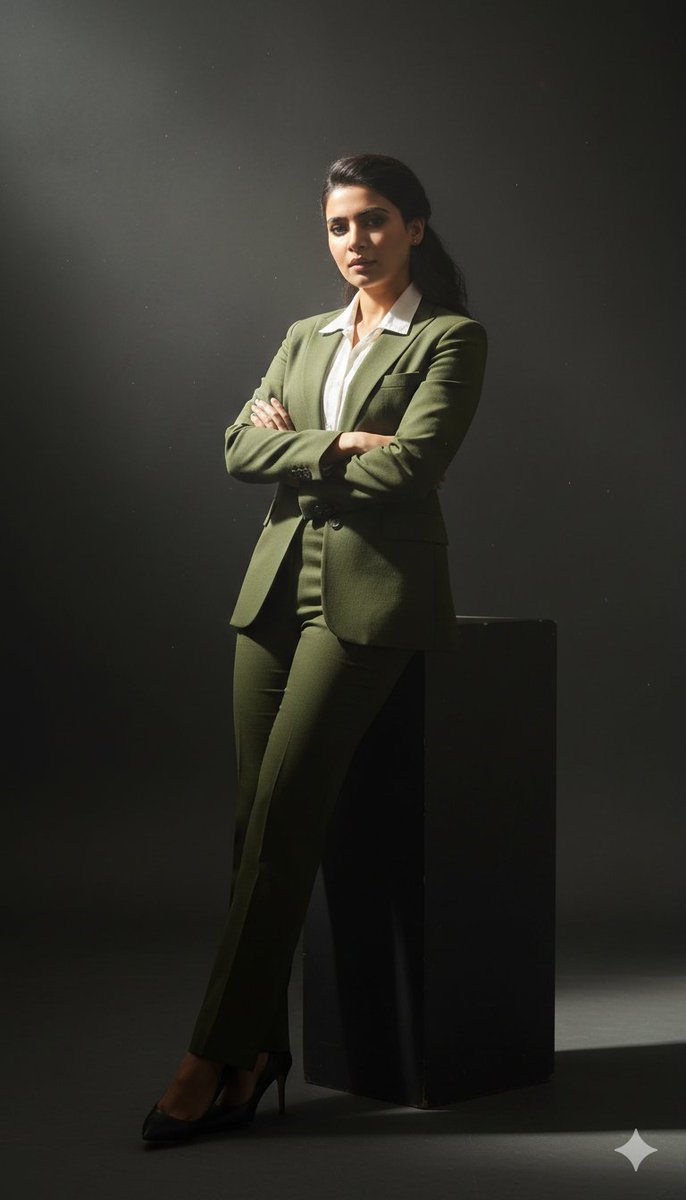
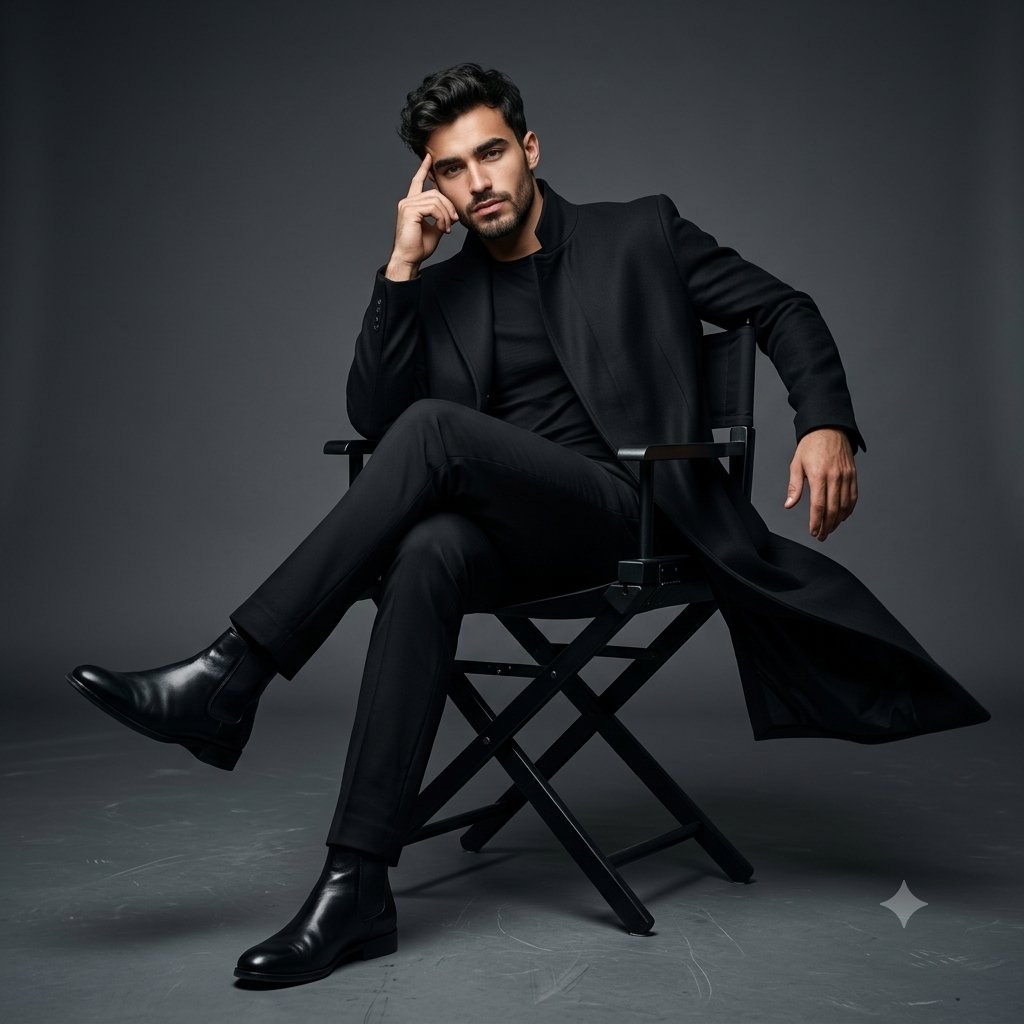
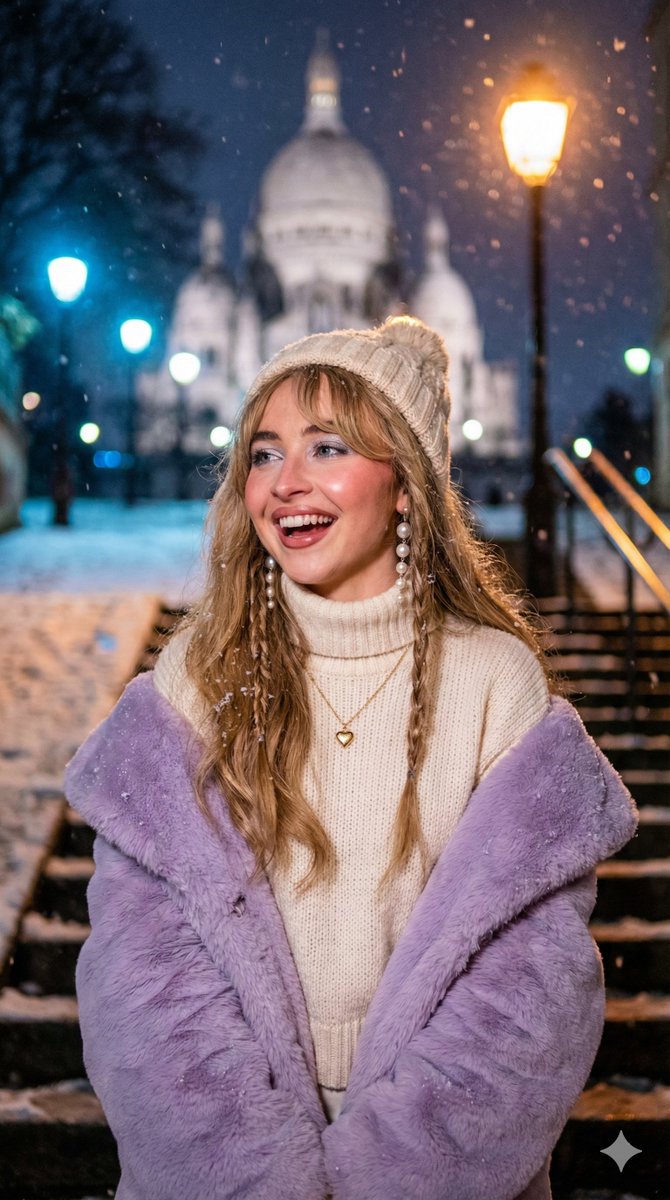


![Miniature, full-body, isometric, ultra-realistic figurine wearing their — Miniature, full-body, isometric, ultra-realistic figurine of [CHARACTER], wearing thei](https://images.meigen.ai/tweets/2011074818524029242/0.jpg)


![Minimalist Flat Vector Travel Poster — Premium minimalist flat-vector travel poster for {argument name="city name" default="[CITY_NAME]"}, 3:4 vertical format.](https://cms-assets.youmind.com/media/1787917359711_3ug846_HQX205cbMAA6F6S-300x400.jpg)



















![Minimalist 3D Isometric Car Showroom Model — A clean, minimalist 3D isometric model showcasing a [{argument name="location" default="car showroom"}], where [{ar](https://pbs.twimg.com/media/G_CbppYW0AEbevq.jpg)