How do I use the Cozy Indoor Portrait with Lace Bralette template?
Choose the primary action to open PicX Studio with the available template settings. Review the model and format, personalize the creative direction, and generate when ready.
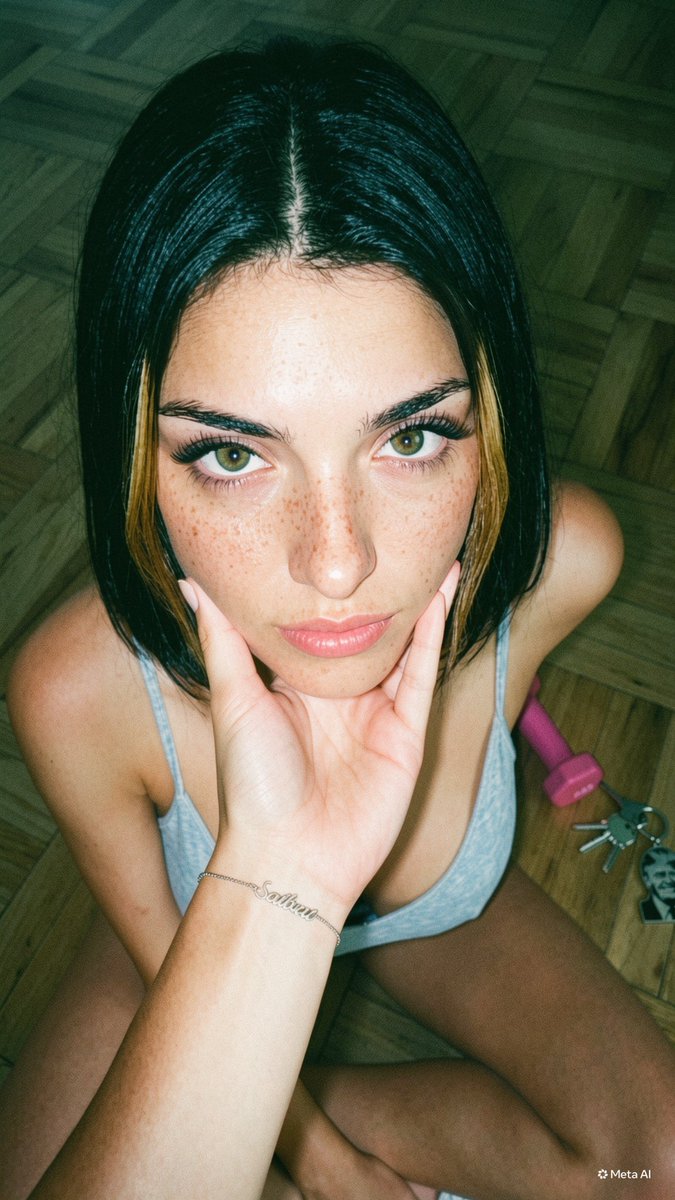
A detailed JSON prompt for generating a hyper-realistic portrait of a young woman sitting on a sofa in a cozy indoor setting, specifying details about her hair, skin texture, tattoos, and clothing (lace bralette and high-waisted shorts), emphasizing soft natural window lighting. Change the subject, setting, or lighting one variable at a time.

{ "subject": { "gender": "female", "age": "young adult", "hair": { "color": "dirty blonde with light highlights", "style": "long, straight, center part", "texture": "silky, falling over shoulders" }, "skin": { "tone": "fair to light tan", "texture": "high detail, realistic skin texture" }, "face": { "expression": "soft smile, looking directly at camera", "makeup": "natural look, soft pink lips" }, "body": { "build": "curvaceous, fit", "tattoos": { "left_forearm": "small stars and gothic numbers/text (1995 or similar)", "placement": "visible on outer wrist/forearm" } } }, "clothing": { "top": { "type": "bralette", "color": "white/cream", "material": "delicate floral lace", "details": "scalloped edges, plunging neckline, thin straps" }, "bottom": { "type": "high-waisted boy shorts/panties", "color": "{argument name="shorts color" default="dark red / burgundy"}", "material": "ribbed fabric", "fit": "tight, form-fitting" }, "accessories": { "jewelry": [ "thin gold chain necklace", "gold rings on fingers", "navel piercing (silver stud)" ] } }, "pose": { "posture": "sitting on sofa, leaning slightly forward", "hands": "resting between thighs/knees, clasped loosely", "gaze": "direct eye contact" }, "setting": { "environment": "indoor, cozy living room", "furniture": "light beige textured fabric sofa", "background": "soft focus, window with sheer white curtains on left, coffee table books on right" }, "lighting": { "style": "natural window light", "direction": "coming from the left", "quality": "soft, diffuse, creating gentle highlights on hair and skin" }, "style": { "quality": "8k, hyper-realistic, cinematic", "camera": "portrait photography, sharp focus on subject, bokeh background" } }
Choose the primary action to open PicX Studio with the available template settings. Review the model and format, personalize the creative direction, and generate when ready.
Yes. You can change the subject, setting, lighting, mood, format, and available model controls before creating your image.
This template is free to open and customize. Generation usage is shown in PicX Studio before you create.
Start with Nano Banana 2, which is the model associated with this template. You can compare another compatible model for a different finish.
Follow a topic to a crawlable collection of related PicX Studio templates.
43,474 public templates available. Verified via the PicX Studio public templates API; refreshed hourly.


![69-untitled — FORMAT: 15s / 145 BPM / 14 SHOTS
SUBJECT: @[image1]
WARDROBE: Clean modern outfit
ENVIRONMENT: Street / indoor transitions
MOOD: Discovery → contr](/_next/image?url=https%3A%2F%2Fcdn.picxstudio.com%2Fuploads%2Fpost69_img0_d45faecf-38c3-4bcb-81a4-f6eb1cf42bb2.jpg&w=828&q=100)
















![118-google-nano-banana-pro-skincare-product- — A professional skincare shot of a [product container] with [cap/lid], labeled [brand, product, descriptor, volume](/_next/image?url=https%3A%2F%2Fcdn.picxstudio.com%2Fuploads%2Fpost118_img0_332898b8-29ea-42a9-87ab-9ed746a3f944.jpg&w=828&q=100)



![Naive doodle-style subject illustration — A doodle-style {argument name="subject" default="[subject]"}, naive lines, humorous shape exaggeration](https://pbs.twimg.com/media/G6Wl2YxbsAARB2b.jpg)











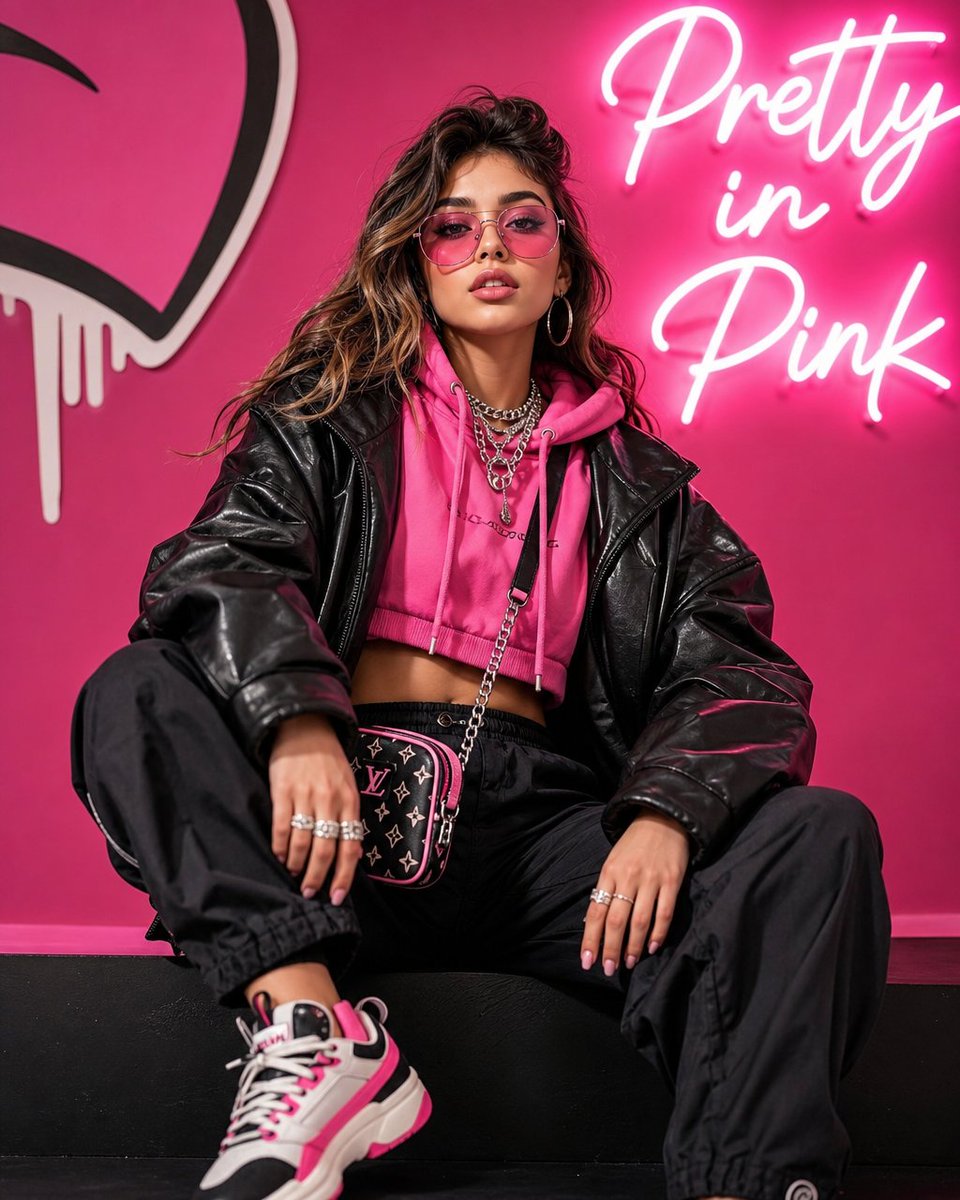

![Hyper-Detailed Prone Selfie with Anatomical Realism — (Vertical 9:16 smartphone aspect ratio). A raw, high-contrast [Mirror Capture] taken with an iPhone 17 Pro](https://pbs.twimg.com/media/G-UpvcKXAAAMYMT.jpg)




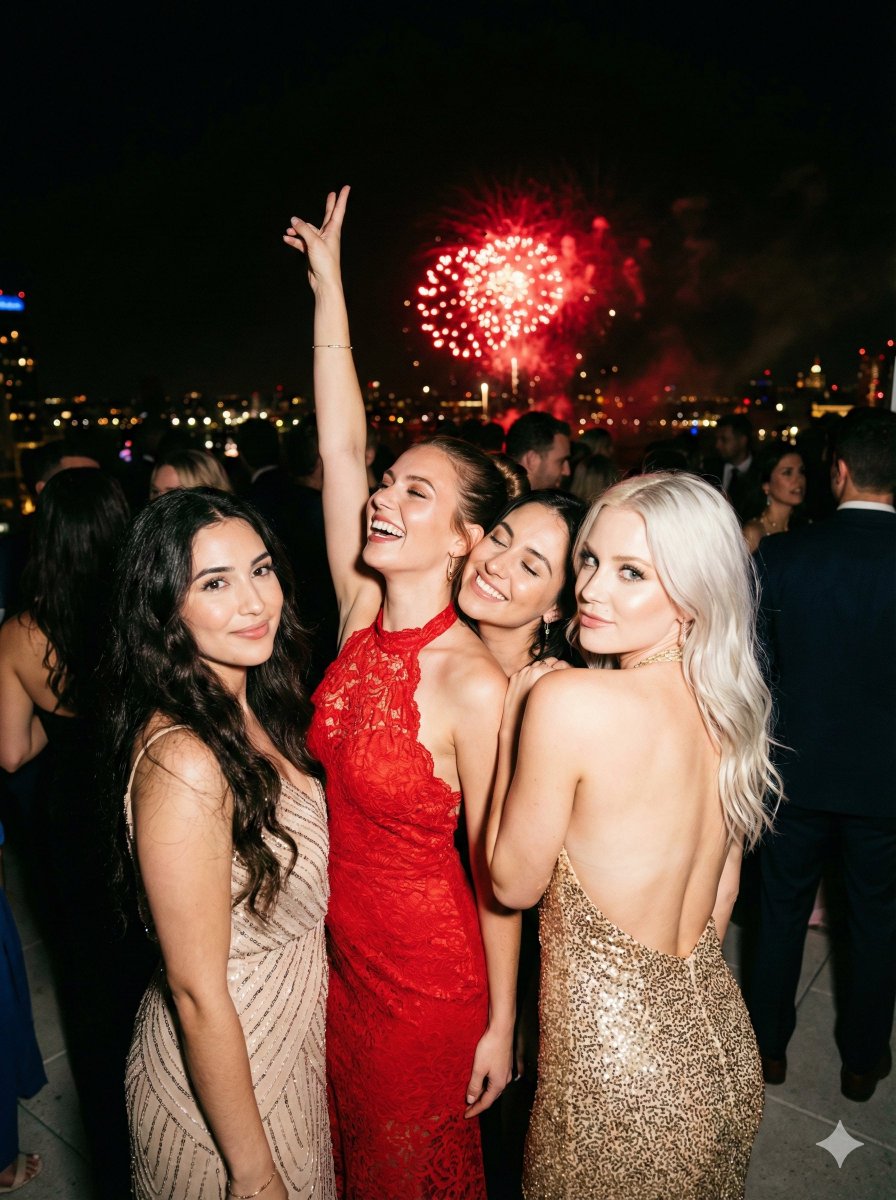





![Raw High-Fidelity iPhone 17 Pro Simulation — [Header]
(9:16). Raw high-fidelity full-body photograph, iPhone 17 Pro wide-angle lens simulation, captured from a](https://pbs.twimg.com/media/G_o8oBRWQAAdw5f.jpg)
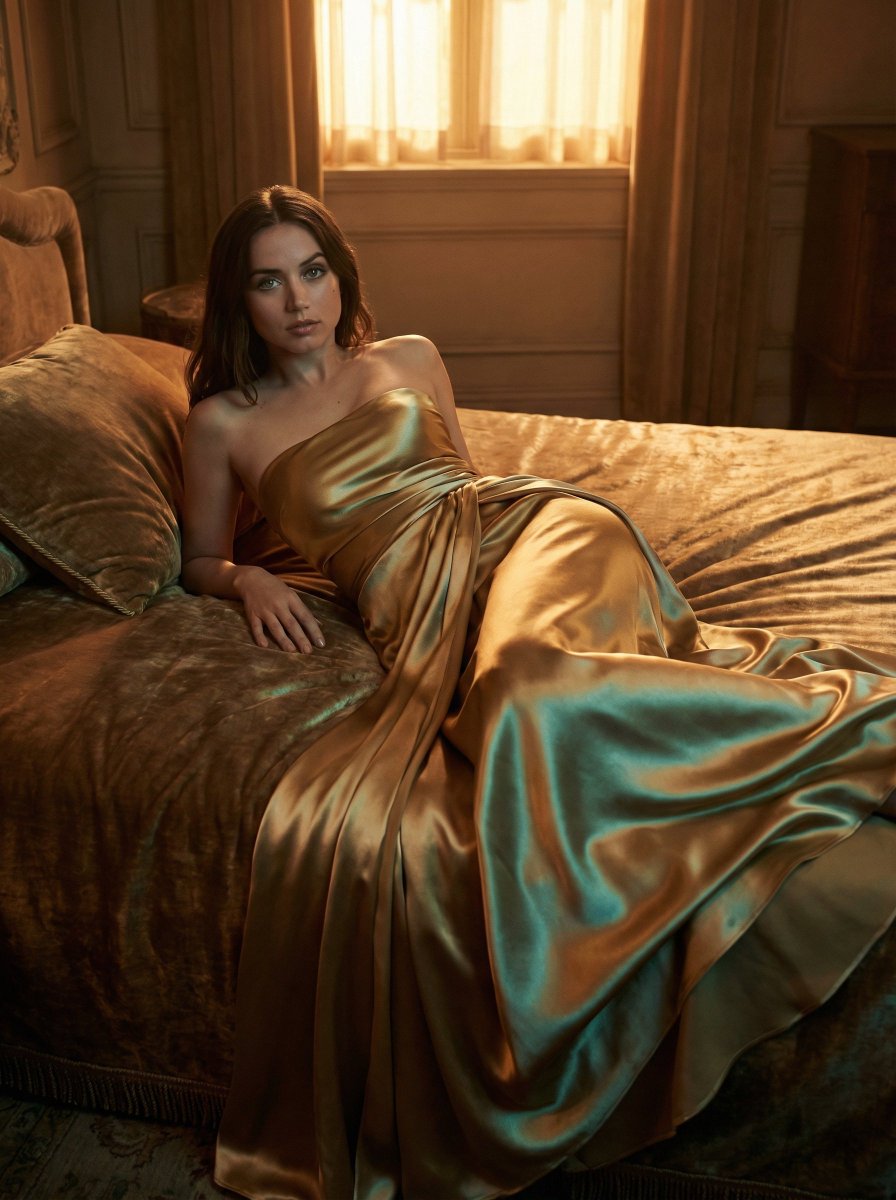
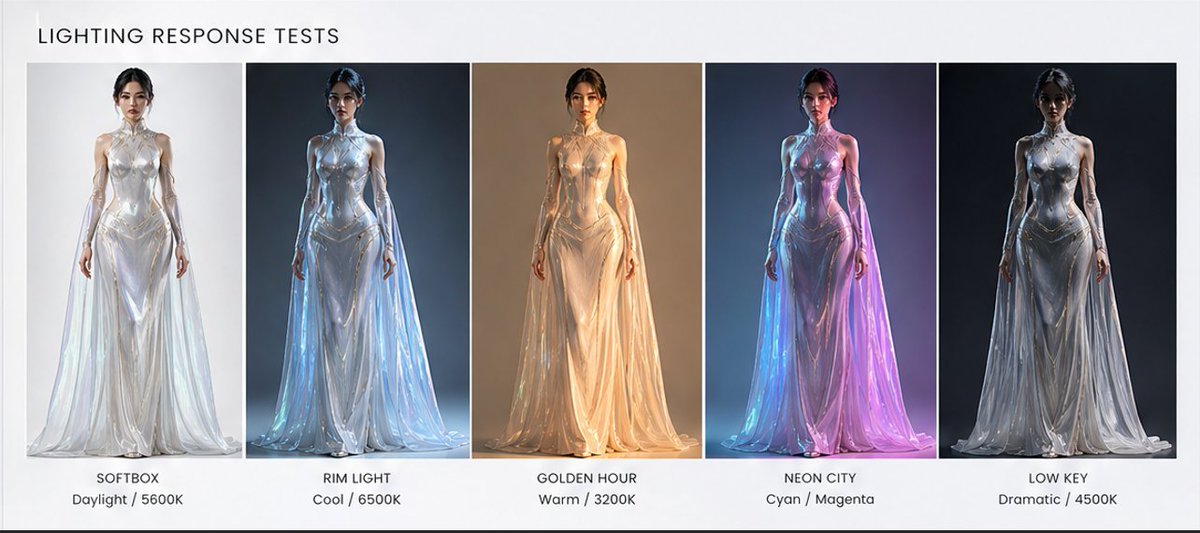

![Cutout Pop Product Photography Prompt — {argument name="product" default="[PRODUCT]"} suspended in front of a die-cut shape ({argument name="shape" default="cir](https://pbs.twimg.com/media/G9p17ttbwAAOwd-.jpg)
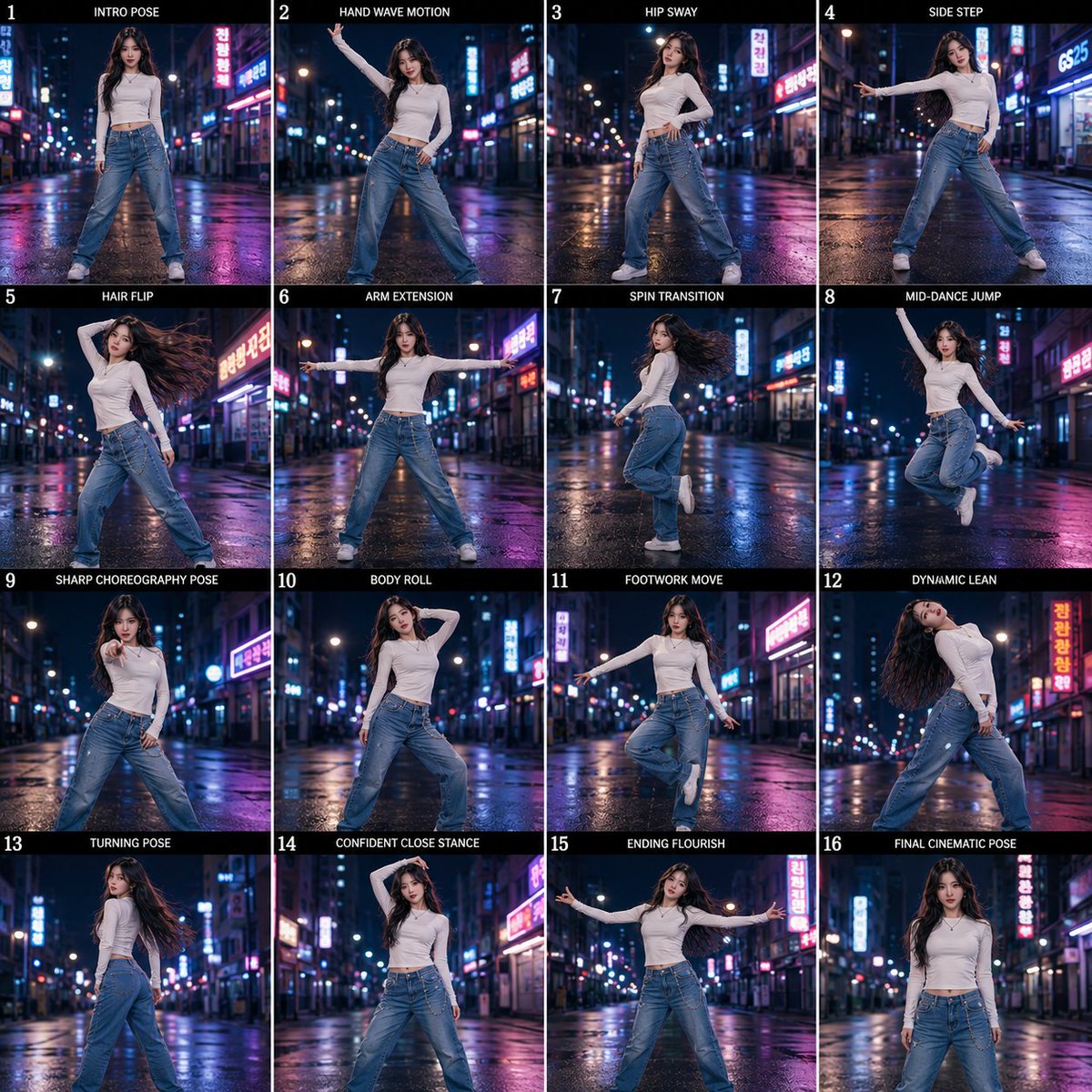

![Monochromatic Ivory Cinematic Portrait — [SUBJECT], contemplative cinematic frame, ultra-realistic film still; soft diffused window light wrapping gently around](https://pbs.twimg.com/media/G9ab356bAAAPE1n.jpg)