How do I use the Beach Sunset Model Shot Prompt template?
Choose the primary action to open PicX Studio with the available template settings. Review the model and format, personalize the creative direction, and generate when ready.
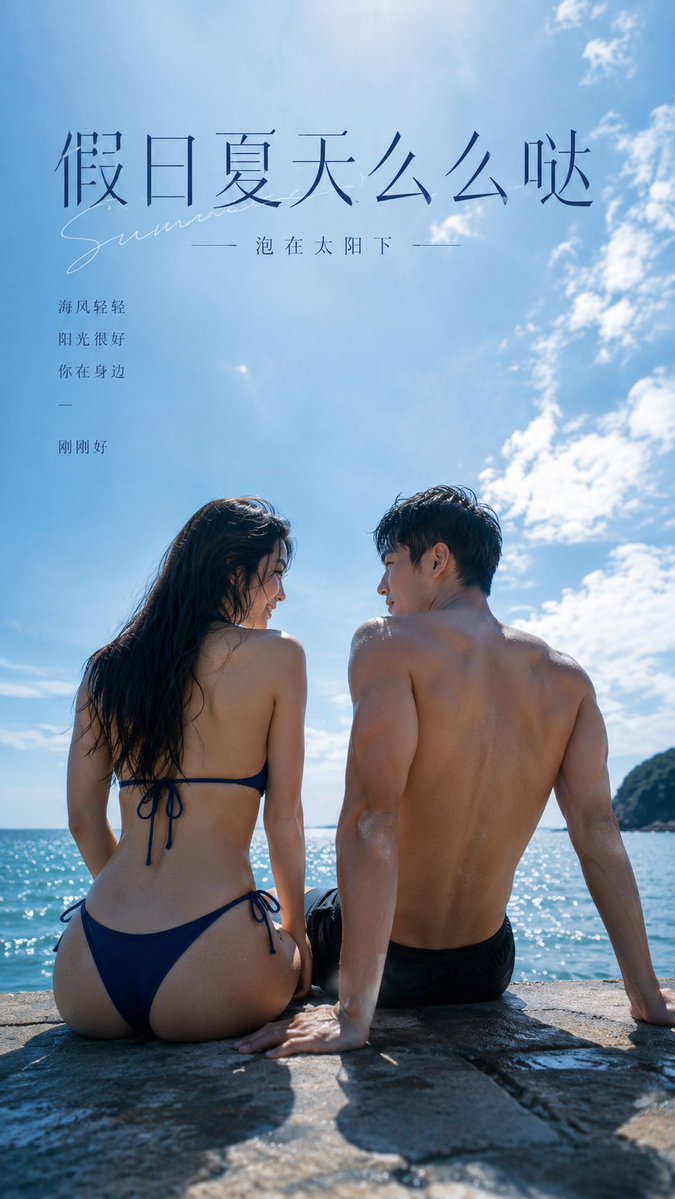
A detailed prompt for Nano Banana Pro specifying the generation of an ultra-realistic, wide-angle, low-angle photograph of a young woman on a beach at sunset. The prompt meticulously describes the subject's appearance (slim, tanned, natural blonde hair, full chest), outfit (white strapless bikini, mini skirt), pose (laughing, hand in hair), and the environment (deep blue sea, orange/navy sunset sky), emphasizing high resolution and smartphone camera style. (free to use) — Free AI image template on PicX Studio.
Woman; age: {argument name="age" default="19"} body: slim, visible veins, thin waist, full chest skin tone: tanned, with bikini tan lines skin: natural and radiant lips: large and full, dark peach–toned lipstick, glossy eyebrows: brushed with eyebrow gel eyelashes: full and separated hair: natural blonde, wavy, long, loose face: dark peach blush, sweet small nose bracelet: gold hands: delicate, slender fingers, minimal tattoos, thin gold rings arm: gold accessory worn on the upper arm necklace: summer-themed details top: Plain white strapless bikini Bottom: extra mini white skirt with ruffle detail Environment: sea, sky, palm trees, beach sea: deep blue with soft highlights from the setting sun sky: light blue with navy and orange clouds appearing at sunset, soft highlights Pose: standing on the beach slightly away from the sea, one hand in her hair, laughing, confident Photo: ultra-realistic, wide-angle lens, 8K resolution, shot on iPhone 17 Pro Max, 9:16 aspect ratio, long shot, slightly low angle, flash on
Use Beach Sunset Model Shot Prompt to plan an AI image around nano-banana-2 generation. Match the preview's composition first, then personalize the subject, setting, and mood for your own project.
Use the primary action to load the template settings in PicX Studio.
Adjust the subject and creative details for your destination.
Create the image, compare the result with the preview, and refine one variable at a time.
A continuous mix — similar concepts first, woven with same-model prompts and fresh picks from the catalog.
Choose the primary action to open PicX Studio with the available template settings. Review the model and format, personalize the creative direction, and generate when ready.
Yes. You can change the subject, setting, lighting, mood, format, and available model controls before creating your image.
This template is free to open and customize. Generation usage is shown in PicX Studio before you create.
Start with nano-banana-2, which is the model associated with this template. You can compare another compatible model for a different finish.
Follow a topic to a crawlable collection of related PicX Studio templates.
39,155 public templates available. Verified via the PicX Studio public templates API; refreshed hourly.
A continuous mix — similar concepts first, woven with same-model prompts and fresh picks from the catalog.