How do I use the Molten Voxel Transformation Prompt template?
Choose the primary action to open PicX Studio with the available template settings. Review the model and format, personalize the creative direction, and generate when ready.
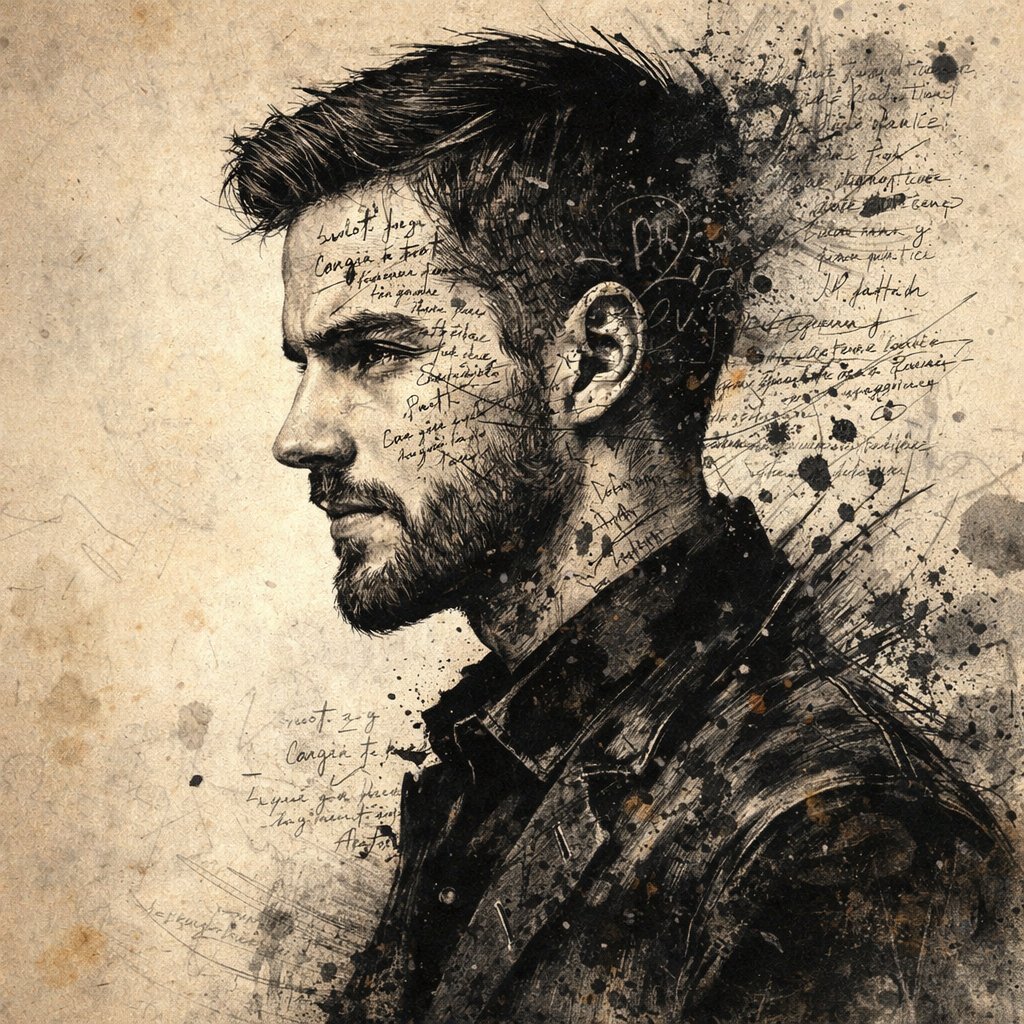
A prompt for Nano Banana Pro designed to transform an uploaded subject photo into a 'Molten Voxel' state. It mandates preserving the exact pose and geometry while rendering the subject as cooling volcanic rock with internal magma veins, using pyro-solver simulation and high-contrast, emissive lighting. (free to use) — Free AI image template on PicX Studio.
Input A is the subject photo. Preserve exact pose and scene geometry. Goal: Transform Input A into a "Molten Voxel" state. Rules: - Spatial Fidelity: Preserve every character's exact silhouette using "Voxel Grid Reconstruction." - Materiality: The subject is made of "{argument name="material" default="cooling volcanic rock"}" with "{argument name="internal features" default="internal magma veins"}." - Technical Spec: Pyro-solver simulation. The "voxels" should appear to be crumbling at the edges with "{argument name="smoke effect" default="black ash smoke"}" plumes. - Lighting: 100% emissive "{argument name="emissive light" default="Magma Glow"}" (intensity 3.0) from the cracks, casting orange light onto the surroundings. - Rendering: High-contrast, glowing embers, volumetric lighting. Output: ONE image, high-energy and destructive.
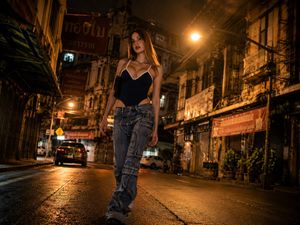
Use Molten Voxel Transformation Prompt to plan an AI image around nano-banana-2 generation. Match the preview's composition first, then personalize the subject, setting, and mood for your own project.
Use the primary action to load the template settings in PicX Studio.
Adjust the subject and creative details for your destination.
Create the image, compare the result with the preview, and refine one variable at a time.
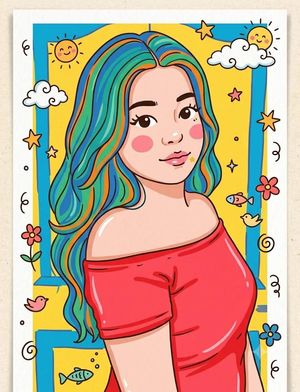
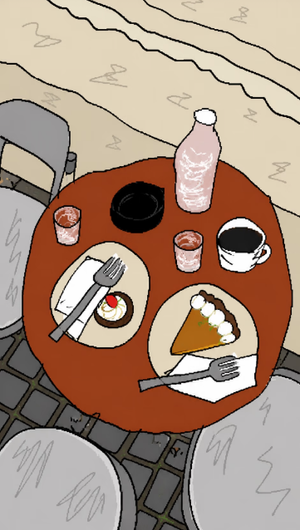
A continuous mix — similar concepts first, woven with same-model prompts and fresh picks from the catalog.
Choose the primary action to open PicX Studio with the available template settings. Review the model and format, personalize the creative direction, and generate when ready.
Yes. You can change the subject, setting, lighting, mood, format, and available model controls before creating your image.
This template is free to open and customize. Generation usage is shown in PicX Studio before you create.
Start with nano-banana-2, which is the model associated with this template. You can compare another compatible model for a different finish.
Follow a topic to a crawlable collection of related PicX Studio templates.
39,157 public templates available. Verified via the PicX Studio public templates API; refreshed hourly.
A continuous mix — similar concepts first, woven with same-model prompts and fresh picks from the catalog.