How do I use the Thai Urban Street Night Portrait template?
Choose the primary action to open PicX Studio with the available template settings. Review the model and format, personalize the creative direction, and generate when ready.
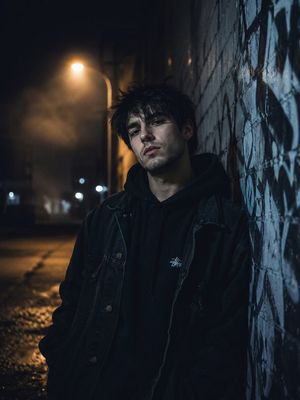
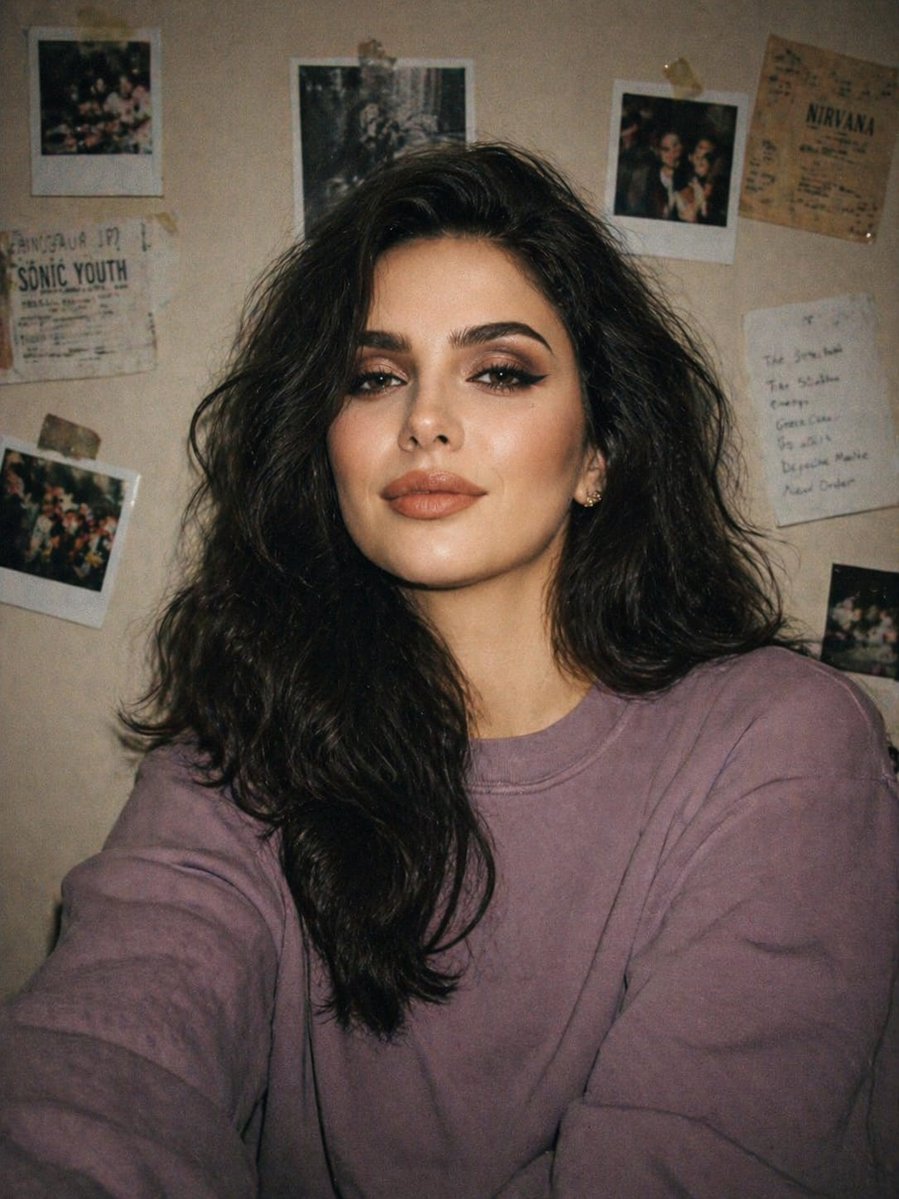
A prompt for transforming a model's photo into a cinematic nighttime shot set in a narrow, atmospheric street in Thailand.
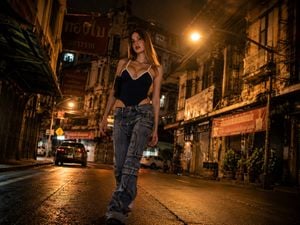
Low-angle cinematic photograph of the model in the attached image walking down the center of a narrow, old urban street in {argument name="location" default="Thailand"} at night. Facades of old, weathered buildings with Thai signs, metal balconies, and concrete textures. Dramatic nighttime lighting with streetlights casting a warm, golden light on the wet pavement, creating deep shadows and a melancholic, urban atmosphere. Dark, atmospheric film style, warm tones contrasted with deep blacks, high resolution, f/1.8, 4:3 aspect ratio
Choose the primary action to open PicX Studio with the available template settings. Review the model and format, personalize the creative direction, and generate when ready.
Yes. You can change the subject, setting, lighting, mood, format, and available model controls before creating your image.
This template is free to open and customize. Generation usage is shown in PicX Studio before you create.
Start with GPT Image 2, which is the model associated with this template. You can compare another compatible model for a different finish.
Follow a topic to a crawlable collection of related PicX Studio templates.