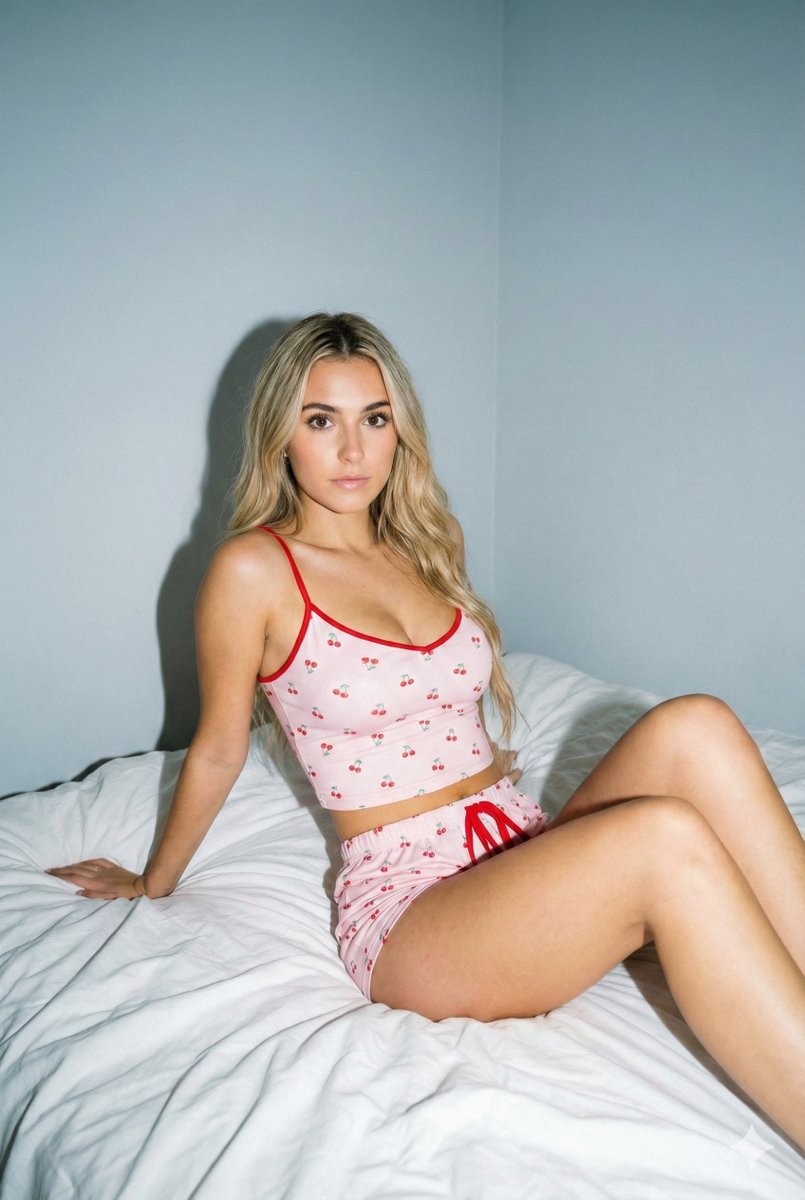
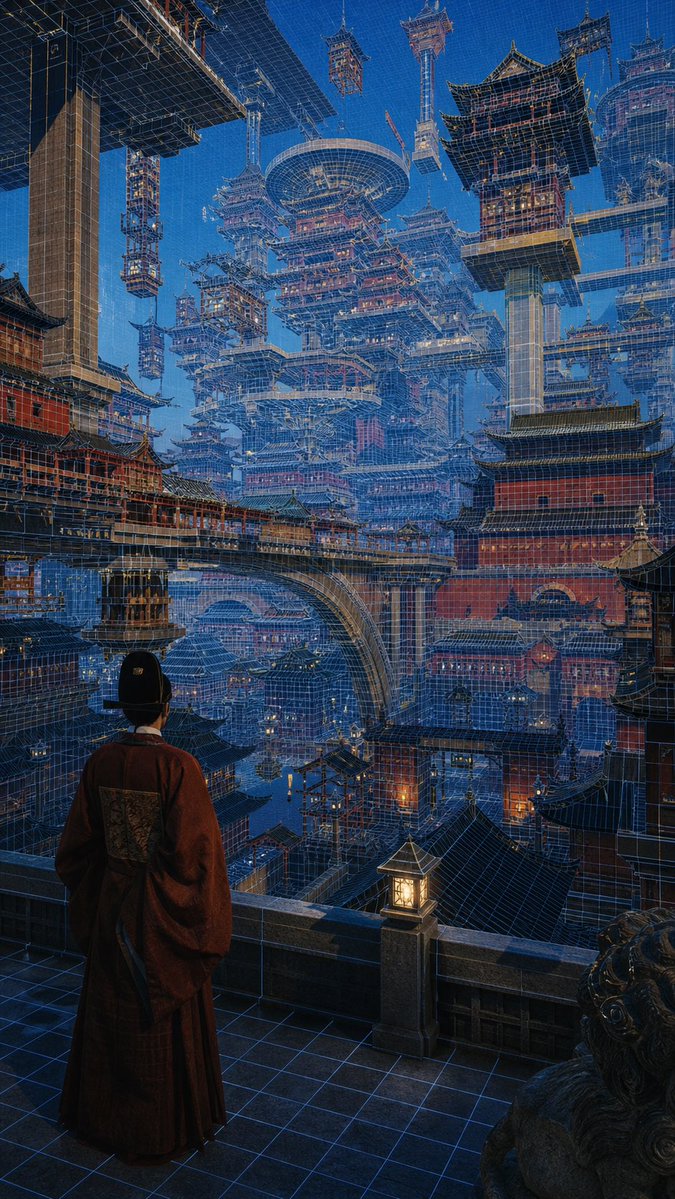
How do I use the Retro Pixel Art Profile Picture template?
Choose the primary action to open PicX Studio with the available template settings. Review the model and format, personalize the creative direction, and generate when ready.
Transforms a reference photo into a high-quality 16-bit or 32-bit retro pixel art sprite with a solid green background.

Create a square 1:1 profile picture using the {argument name="reference" default="uploaded image"} as the exact reference for the pose, composition, and {argument name="art style" default="pixel art style"}. Recreate the subject as detailed retro pixel art, with large visible pixels, defined stair-stepped edges, strong dark outlines, dramatic pixelated shading, vibrant colors, and a crisp 16-bit/32-bit arcade sprite look. Use only a flat solid {argument name="background" default="Pantone 354C green"} background (#00B140). No gradients, textures, text, logos, extra objects, or photorealism. Keep the raised glove, facial features, framing, and overall style exactly the same as the reference.
Choose the primary action to open PicX Studio with the available template settings. Review the model and format, personalize the creative direction, and generate when ready.
Yes. You can change the subject, setting, lighting, mood, format, and available model controls before creating your image.
This template is free to open and customize. Generation usage is shown in PicX Studio before you create.
Start with GPT Image 2, which is the model associated with this template. You can compare another compatible model for a different finish.
Follow a topic to a crawlable collection of related PicX Studio templates.