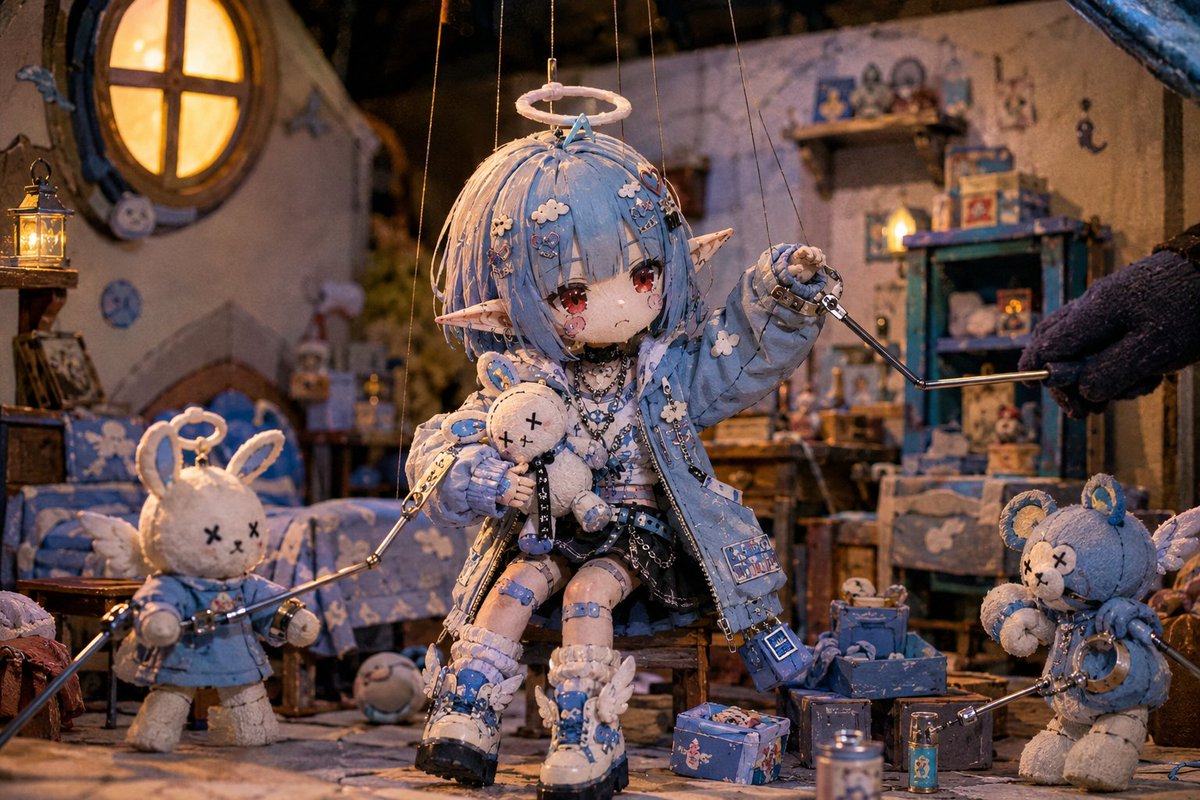
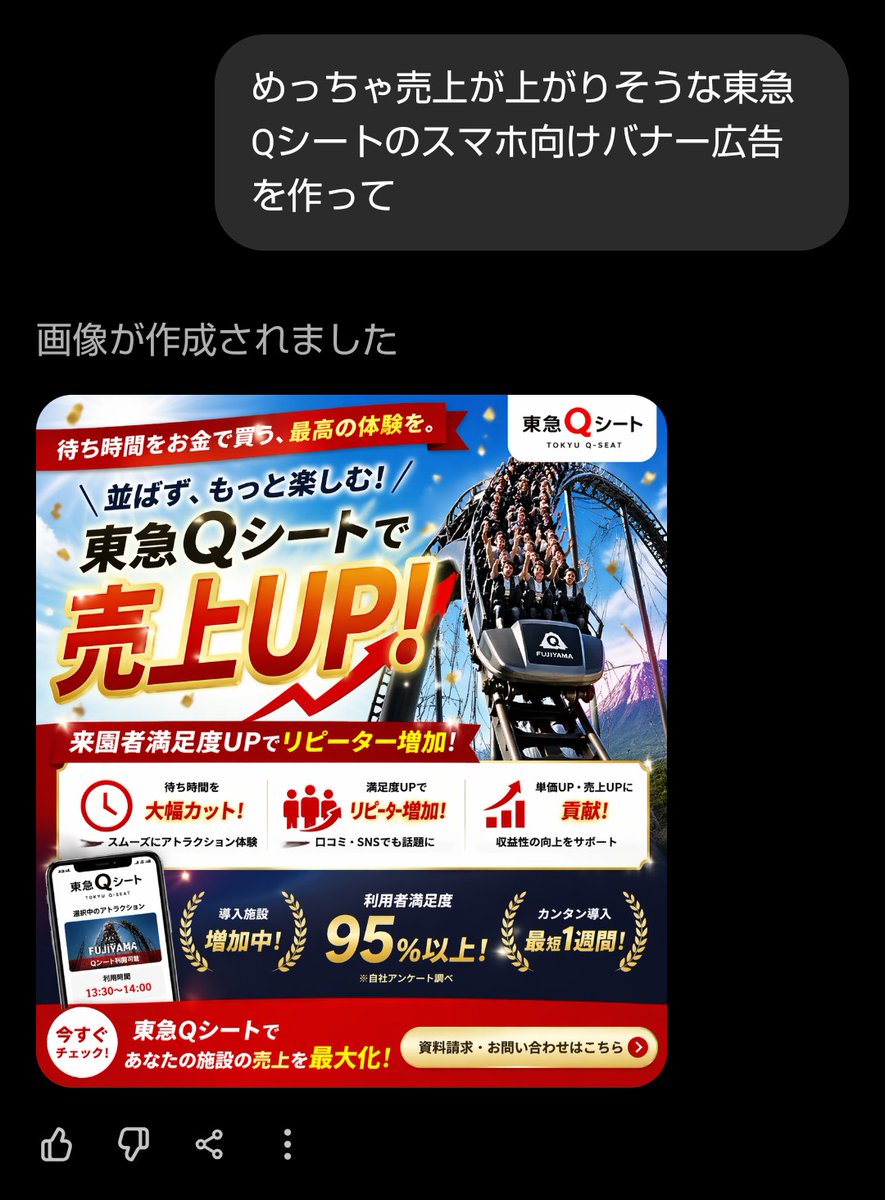
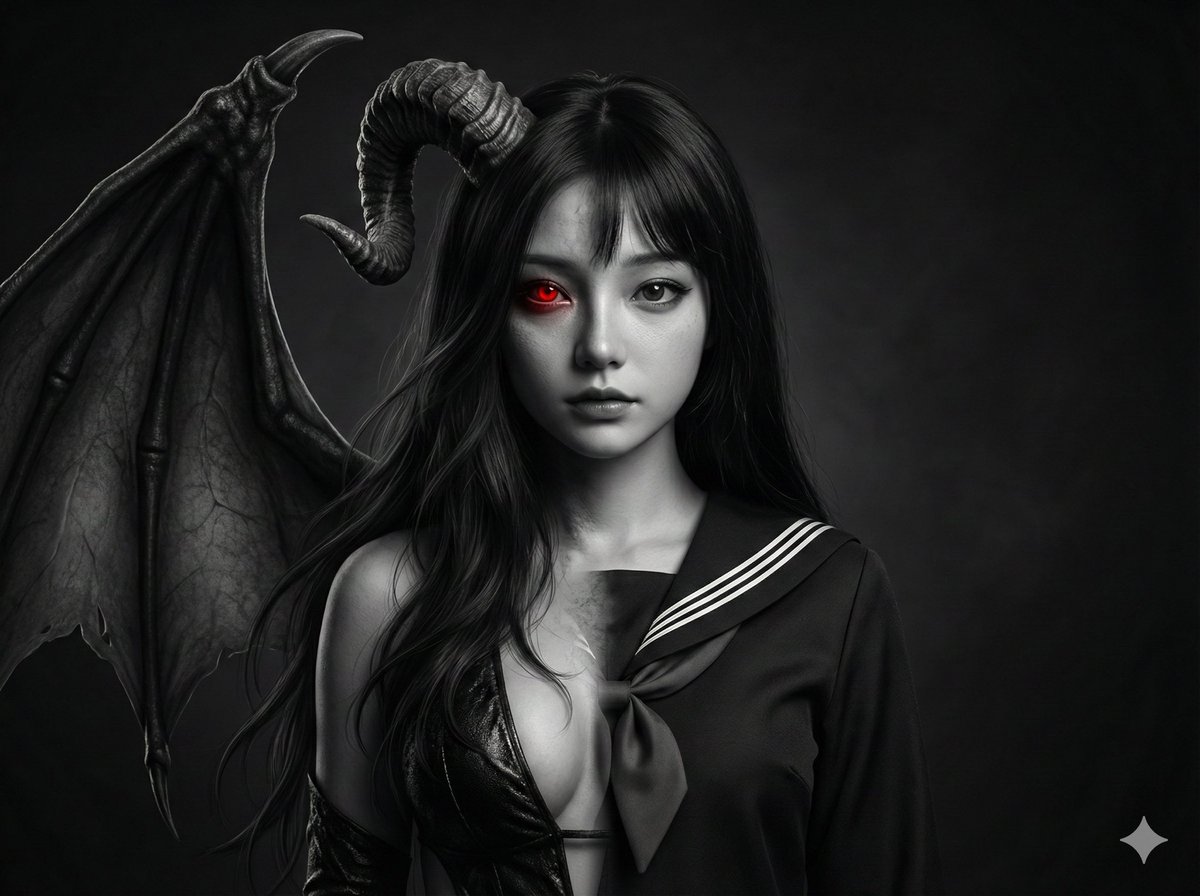
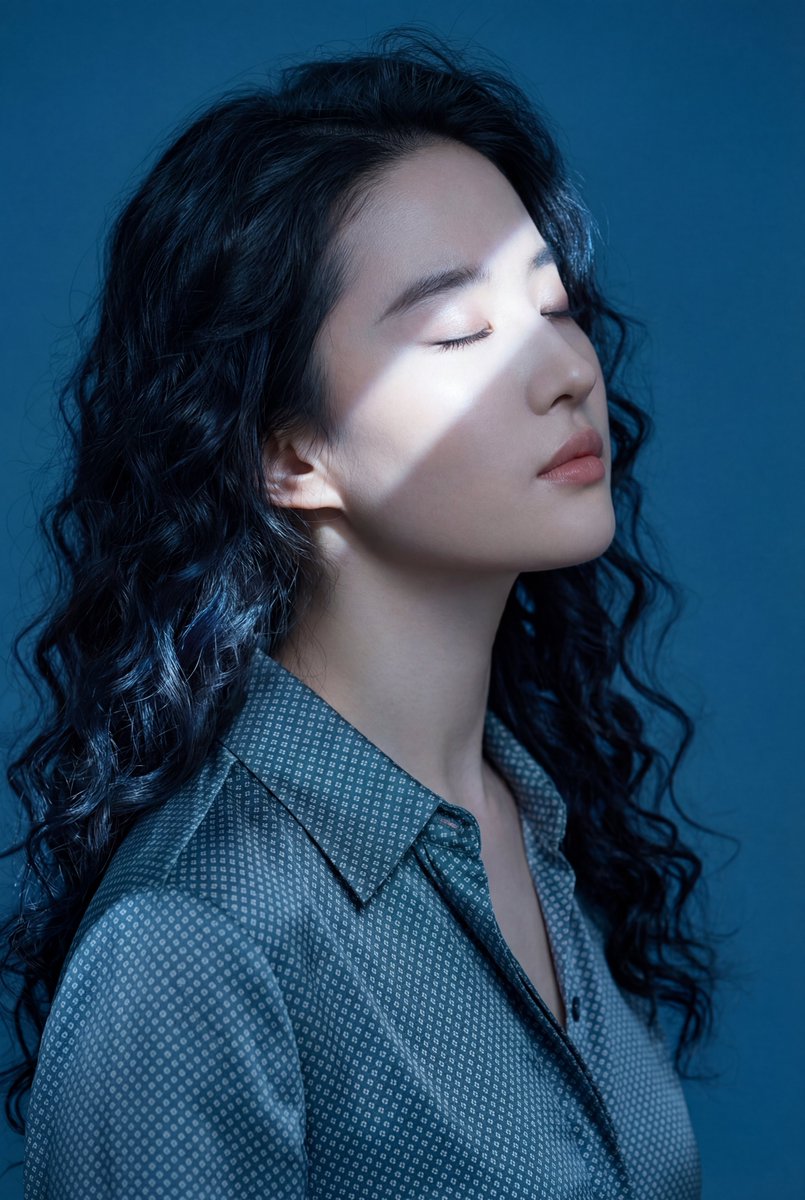
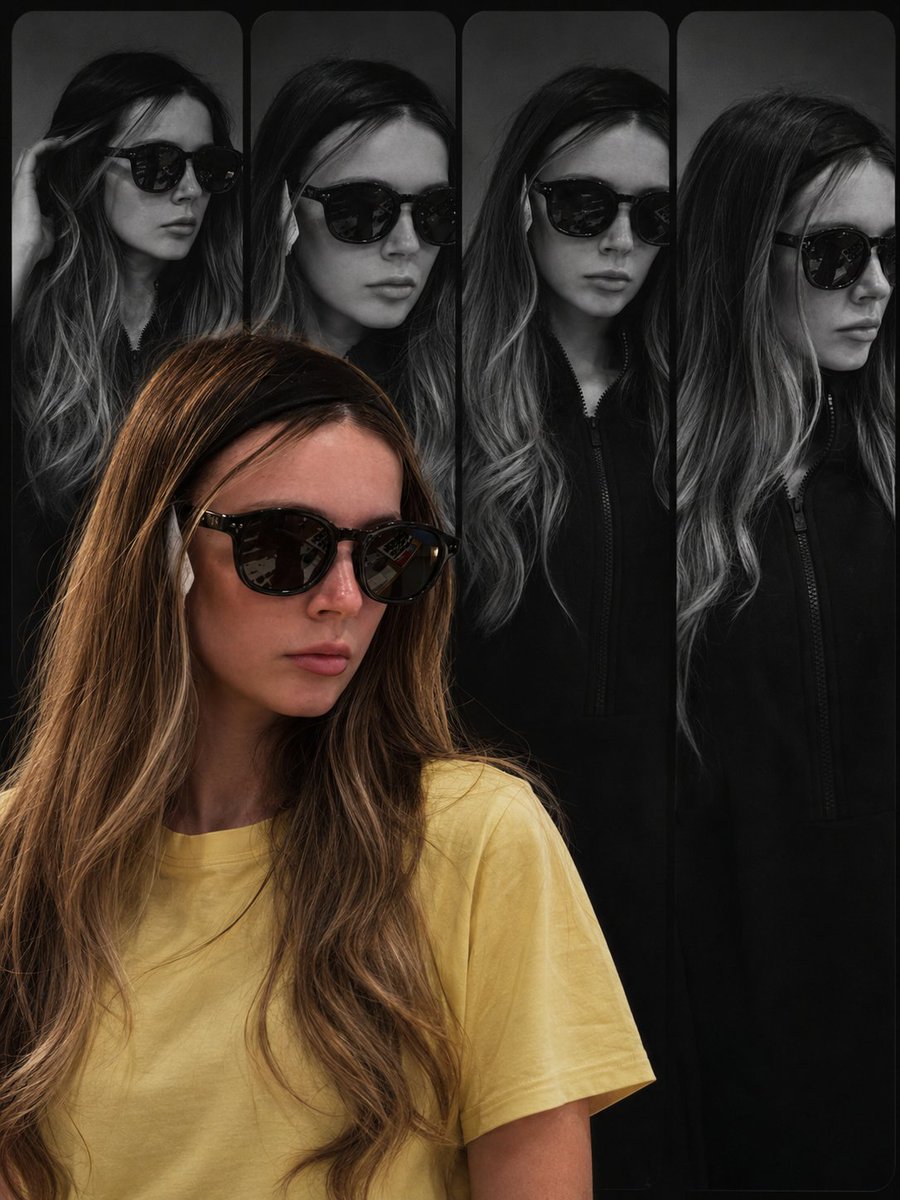
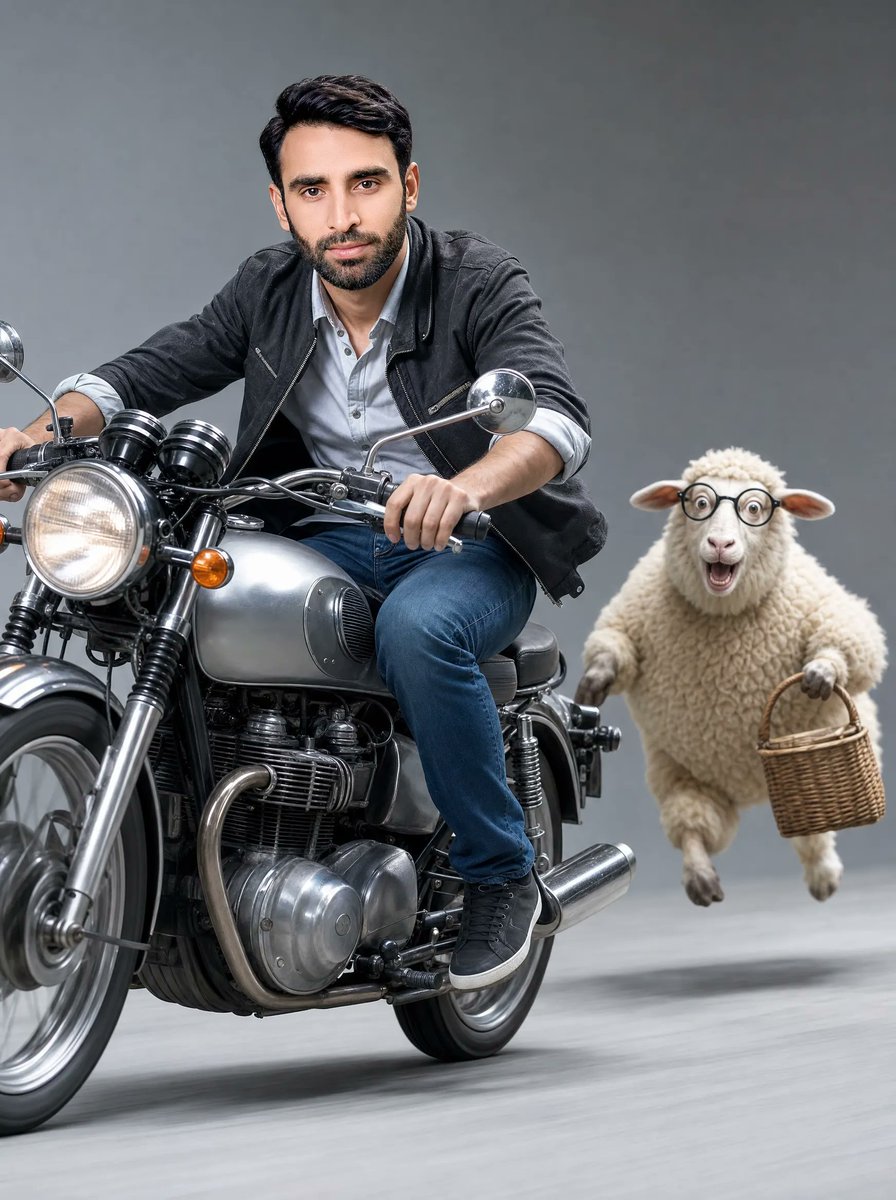
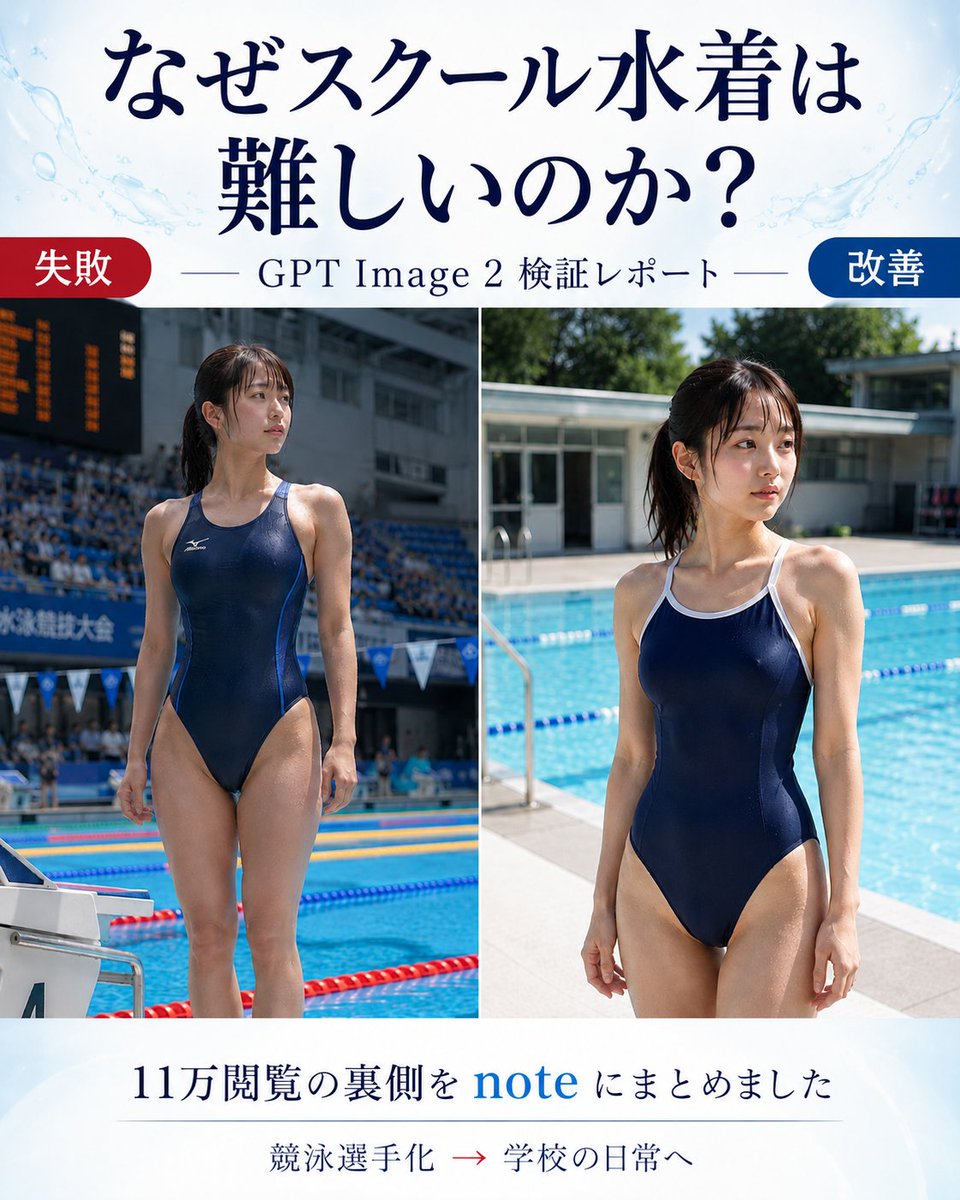
How do I use the Childlike MS Paint Café Redraw template?
Choose the primary action to open PicX Studio with the available template settings. Review the model and format, personalize the creative direction, and generate when ready.
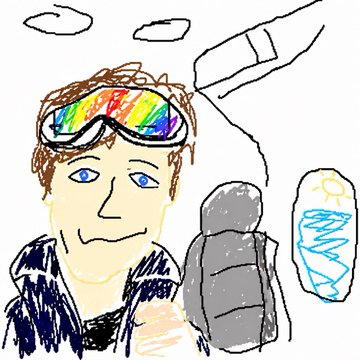
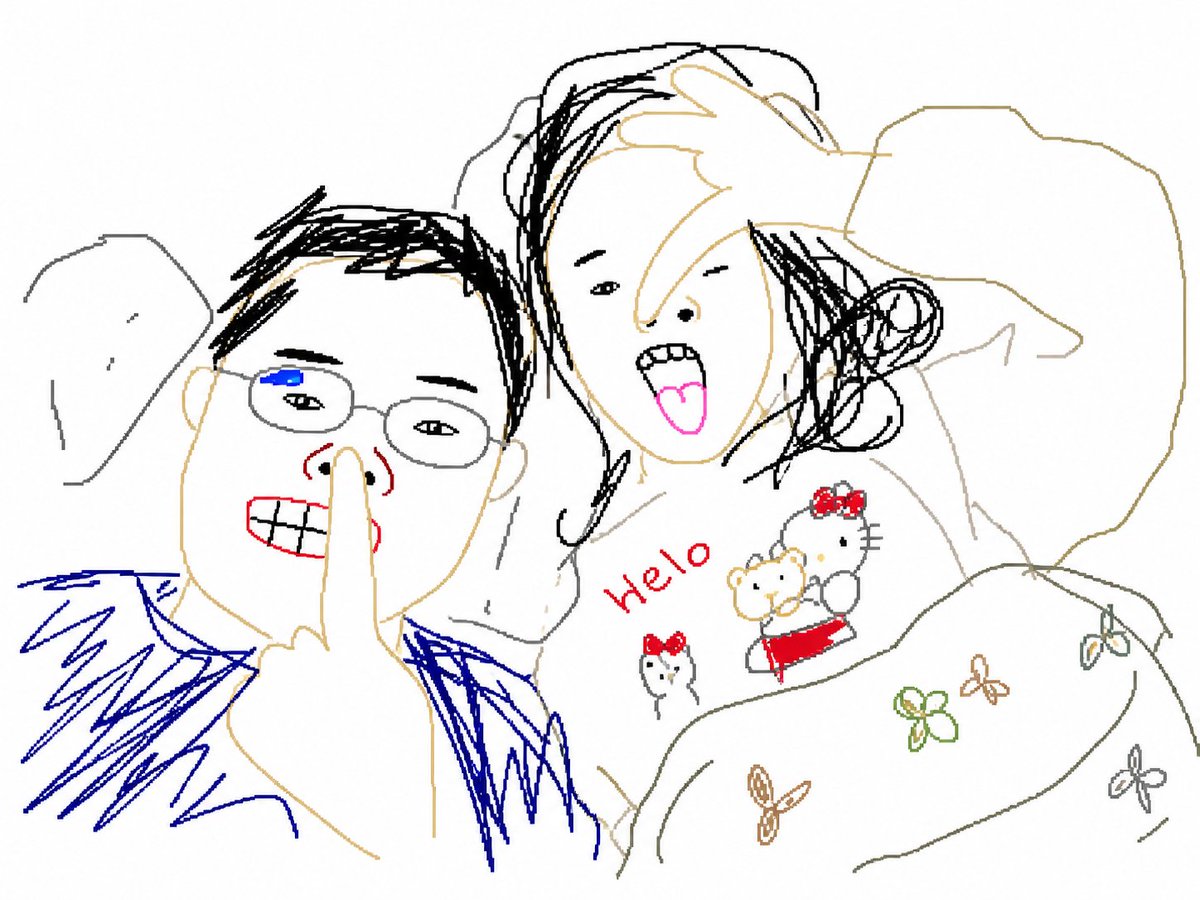
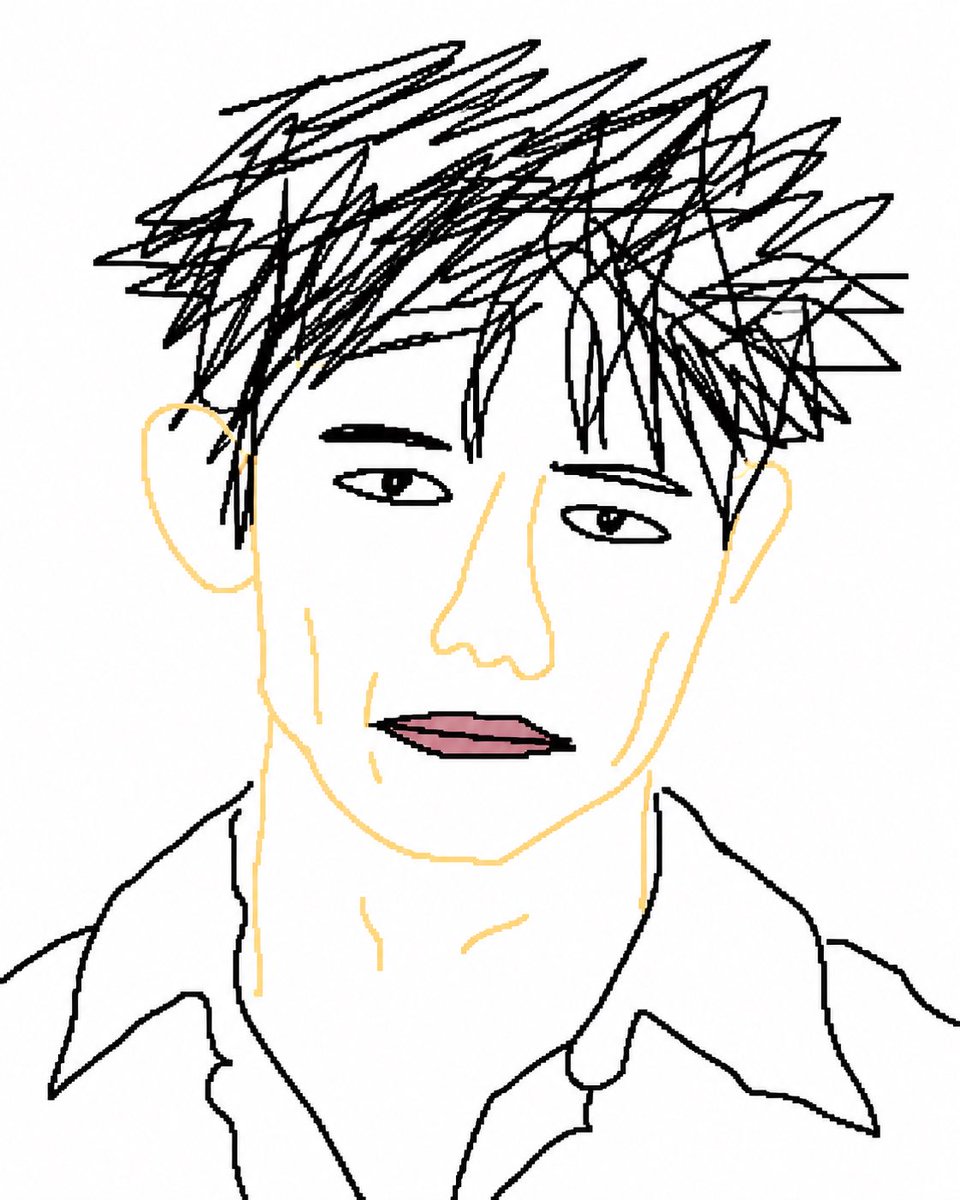
Transforms a reference photo into a rough childlike MS Paint-style illustration while preserving the original composition and objects. Change the subject, setting, or lighting one variable at a time.
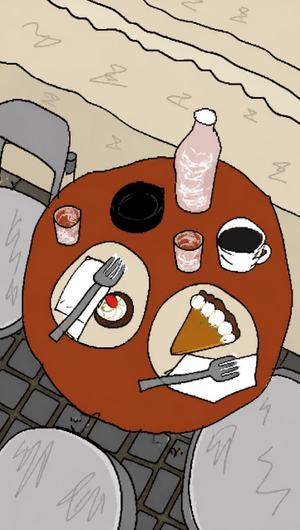
Using the provided reference image, redraw it as a clumsy, scribbly, childlike illustration. Keep the same composition, colors, objects, and overall café-table scene recognizable, but make everything look hand-drawn in MS Paint with a mouse: awkward outlines, wobbly proportions, flat fills, rough scribble textures, low-quality pixel-by-pixel edges, and simple shading. Preserve the visible items and their placement: the round rust-red table, two dessert plates, two forks with napkins, one coffee cup, one black bowl, one pink bottle, two small glasses, surrounding metal café chairs, stone pavement, and beige wall. Do not add new objects or polished realism; emphasize naive, messy, playful drawing quality.
Childlike MS Paint Café Redraw needs input media to work. Open it in the studio and these load alongside the prompt — pick whichever ones your chosen model can take.
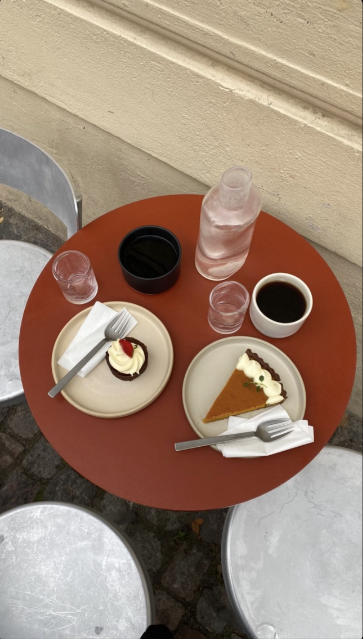
Choose the primary action to open PicX Studio with the available template settings. Review the model and format, personalize the creative direction, and generate when ready.
Yes. You can change the subject, setting, lighting, mood, format, and available model controls before creating your image.
This template is free to open and customize. Generation usage is shown in PicX Studio before you create.
Start with GPT Image 2, which is the model associated with this template. You can compare another compatible model for a different finish.
© 2026 PicX Studio. All rights reserved.

Follow a topic to a crawlable collection of related PicX Studio templates.
43,474 public templates available. Verified via the PicX Studio public templates API; refreshed hourly.










![Minimalist Flat Vector Travel Poster — Premium minimalist flat-vector travel poster for {argument name="city name" default="[CITY_NAME]"}, 3:4 vertical format.](https://cms-assets.youmind.com/media/1787917359711_3ug846_HQX205cbMAA6F6S-300x400.jpg)