How do I use the Luxury Fashion Editorial Portrait template?
Choose the primary action to open PicX Studio with the available template settings. Review the model and format, personalize the creative direction, and generate when ready.
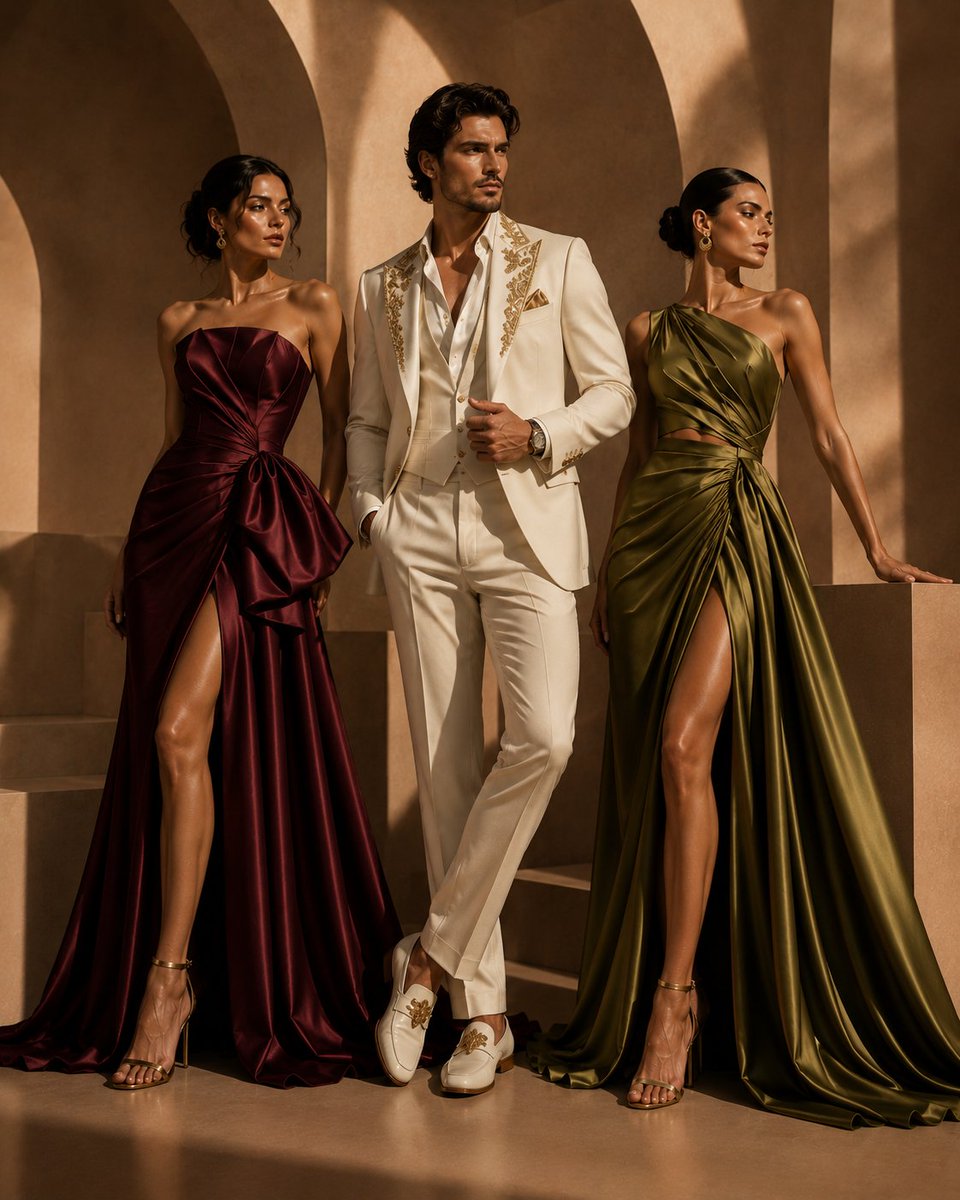
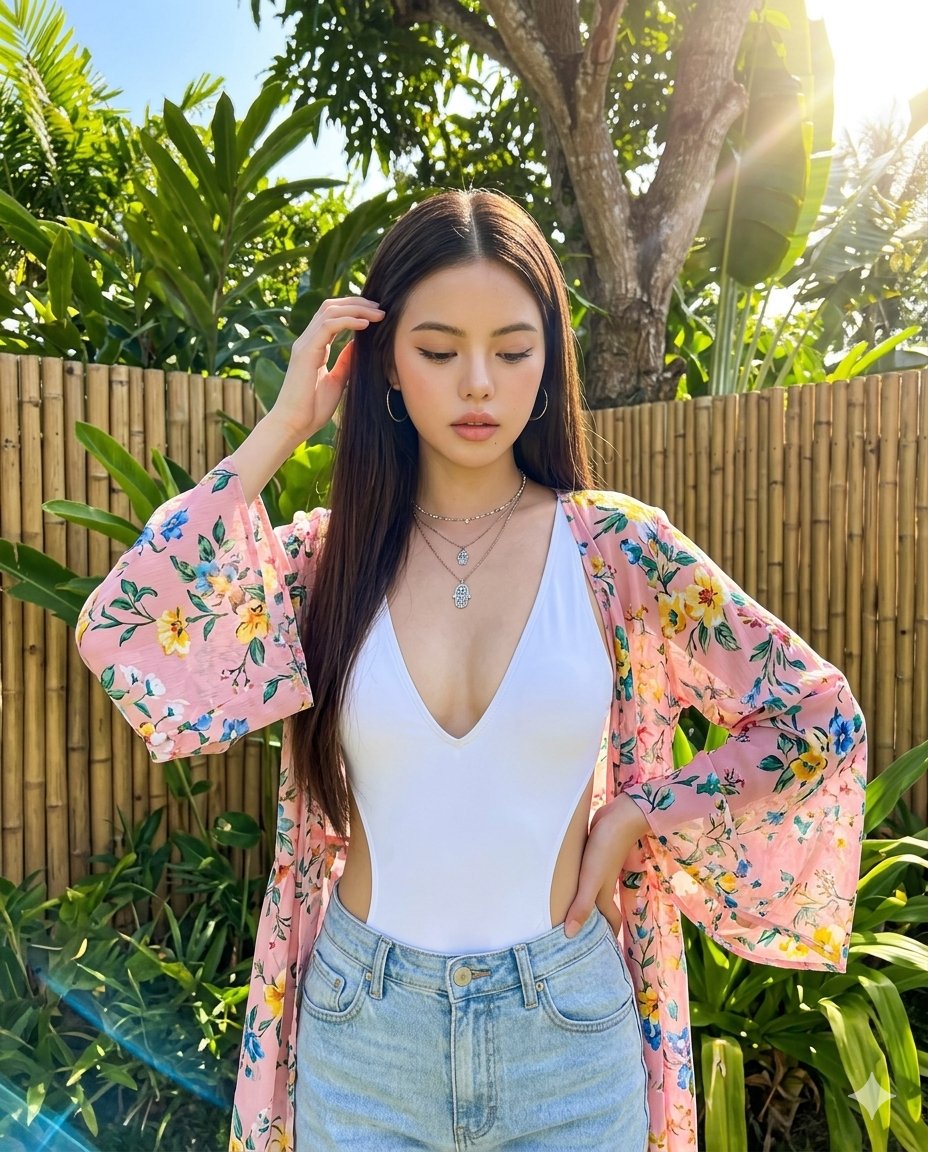
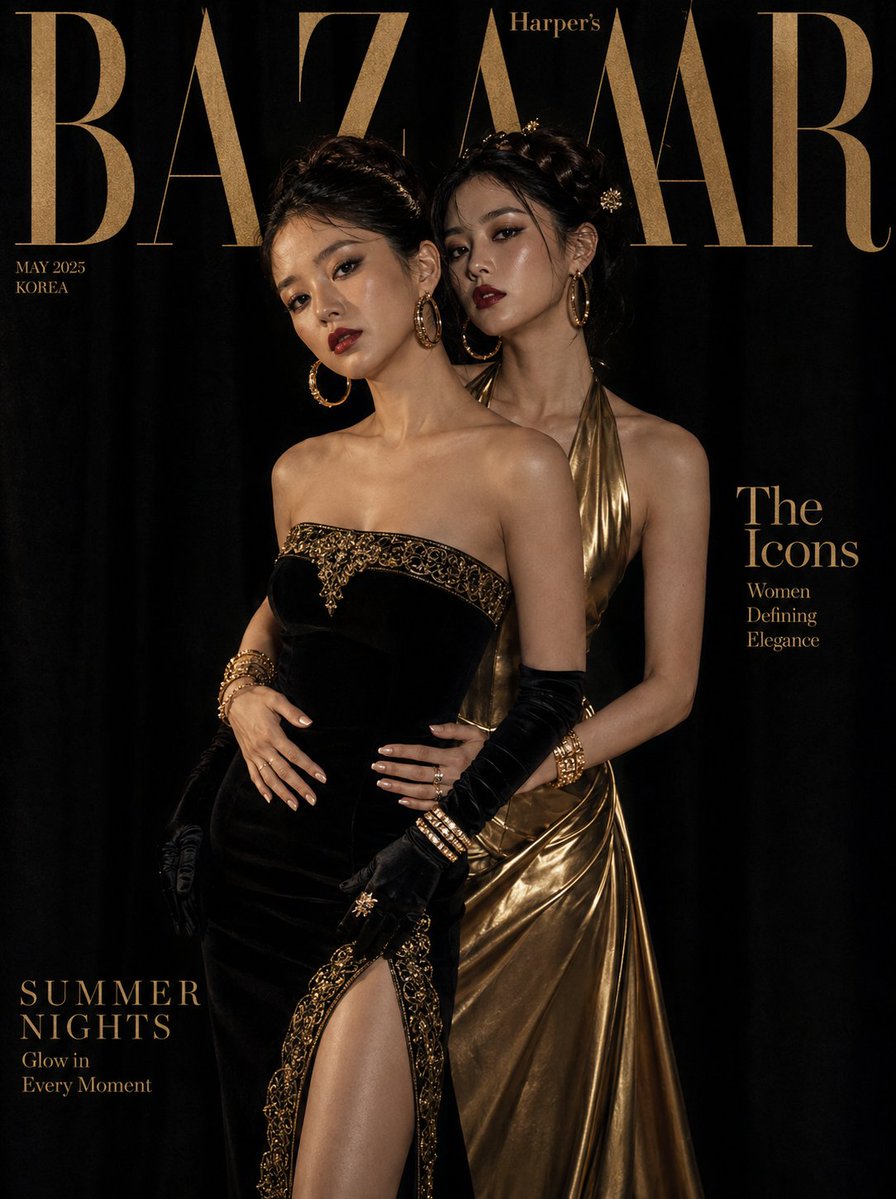
Generates a high-end fashion magazine cover featuring two models in coordinated gold and black luxury gowns with dramatic lighting. (free to use) — Free AI image template on PicX Studio.
Professional fashion editorial photography for a luxury magazine, fully clothed, artistic and tasteful. Ultra-realistic editorial luxury magazine cover featuring two stunning {argument name="ethnicity" default="Korean"} women in perfectly coordinated {argument name="color scheme" default="black and gold"} looks. Woman 1: a strapless structured black velvet column gown with gold embroidered trim and a dramatic thigh-high slit, black satin gloves to elbow. Woman 2: a deep gold liquid-satin halter gown with a plunging neckline and a flowing bias-cut skirt. Both wear their dark hair up — one in a sleek chignon, one in a twisted crown braid with gold pins. Flawless skin, bold black smoky eyes, matte deep-rouge lips. Statement gold and diamond jewelry — oversized hoop earrings, stacked tennis bracelets, cocktail rings. One woman stands behind, both hands on the other's waist — luxuriously intimate editorial pose. Background: seamless black velvet studio, dramatic amber-gold split lighting with deep shadow. "{argument name="magazine title" default="BAZAAR"}" tall serif masthead in gold foil tone. 85mm lens, ultra-detailed velvet and satin, 8K cinematic. Negative: casual, blurry, cartoon, watermark, distorted. 1744x2336
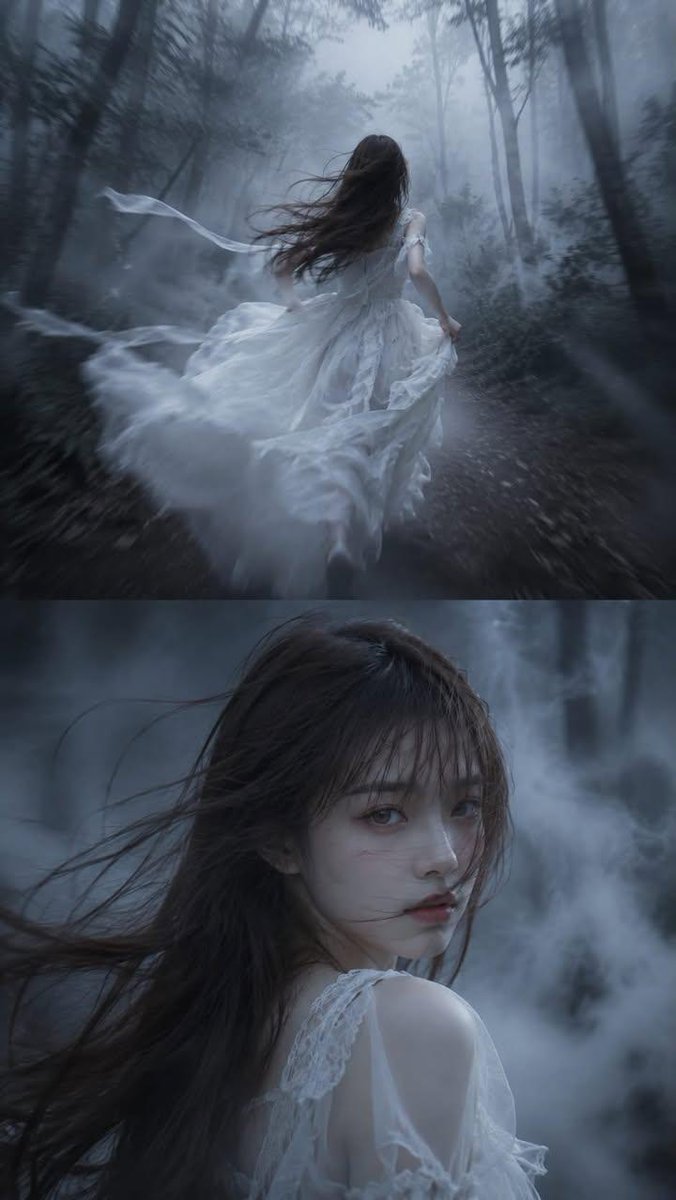
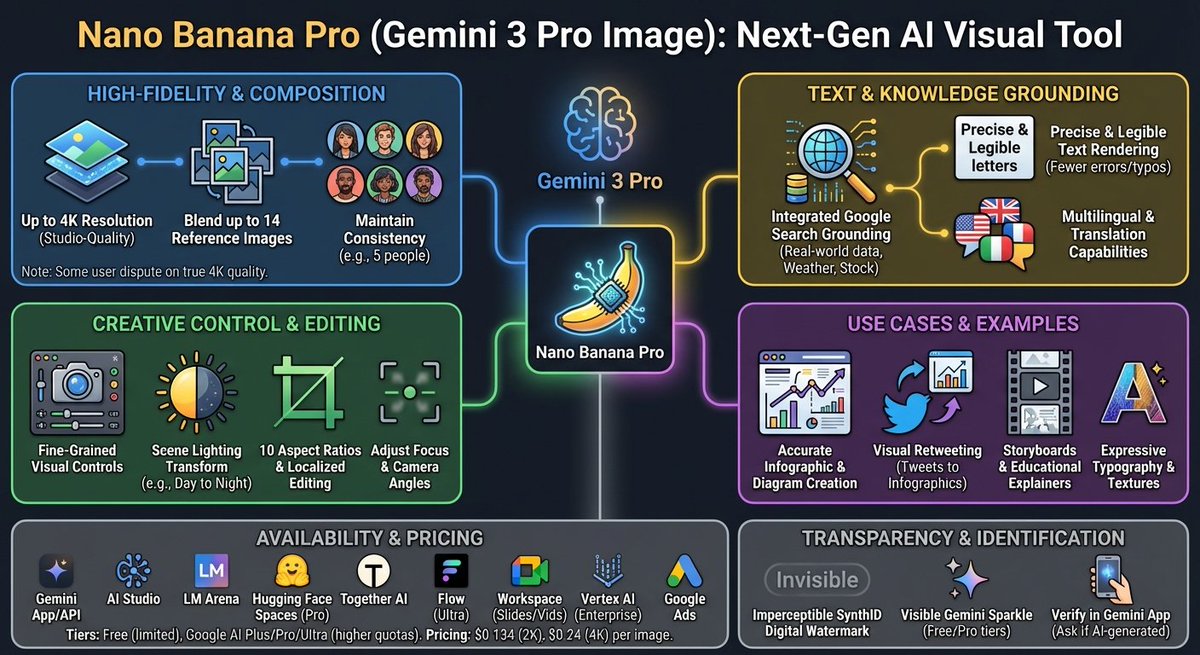
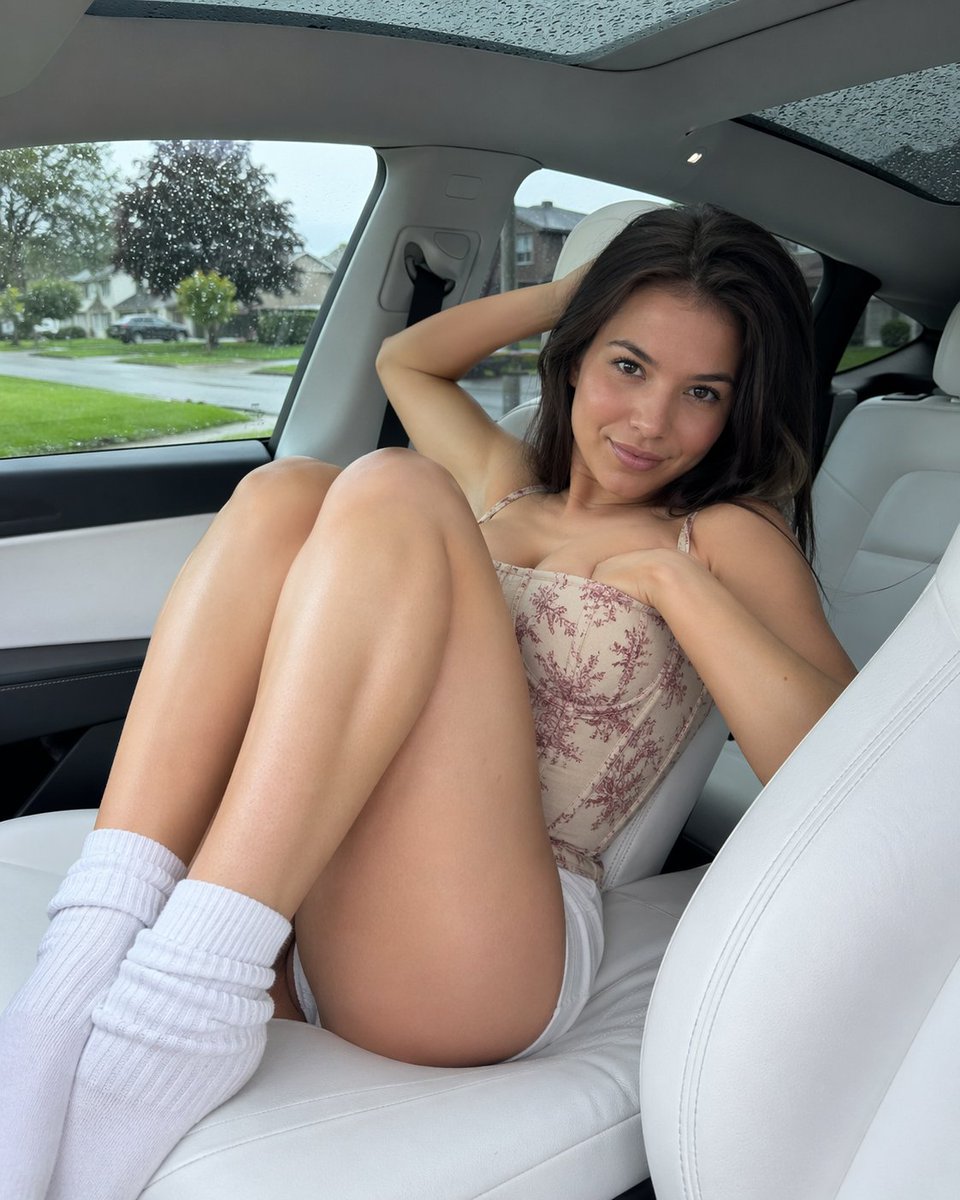
Use Luxury Fashion Editorial Portrait to plan an AI image around gpt-image-2 generation, themes such as en and gpt-image-2. Match the preview's composition first, then personalize the subject, setting, and mood for your own project.
Use the primary action to load the template settings in PicX Studio.
Adjust the subject and creative details for your destination.
Create the image, compare the result with the preview, and refine one variable at a time.
A continuous mix — similar concepts first, woven with same-model prompts and fresh picks from the catalog.
Choose the primary action to open PicX Studio with the available template settings. Review the model and format, personalize the creative direction, and generate when ready.
Yes. You can change the subject, setting, lighting, mood, format, and available model controls before creating your image.
This template is free to open and customize. Generation usage is shown in PicX Studio before you create.
Start with gpt-image-2, which is the model associated with this template. You can compare another compatible model for a different finish.
Follow a topic to a crawlable collection of related PicX Studio templates.
39,157 public templates available. Verified via the PicX Studio public templates API; refreshed hourly.
A continuous mix — similar concepts first, woven with same-model prompts and fresh picks from the catalog.