
Sunflower Garden Portrait with Instagram Collage Overlay
A complex, multi-layered prompt for Gemini Nano Banana Pro that takes an uploaded image of a woman and transforms it into a hyperrealistic DSLR-quality portrait set in a sunflower garden during golden hour…
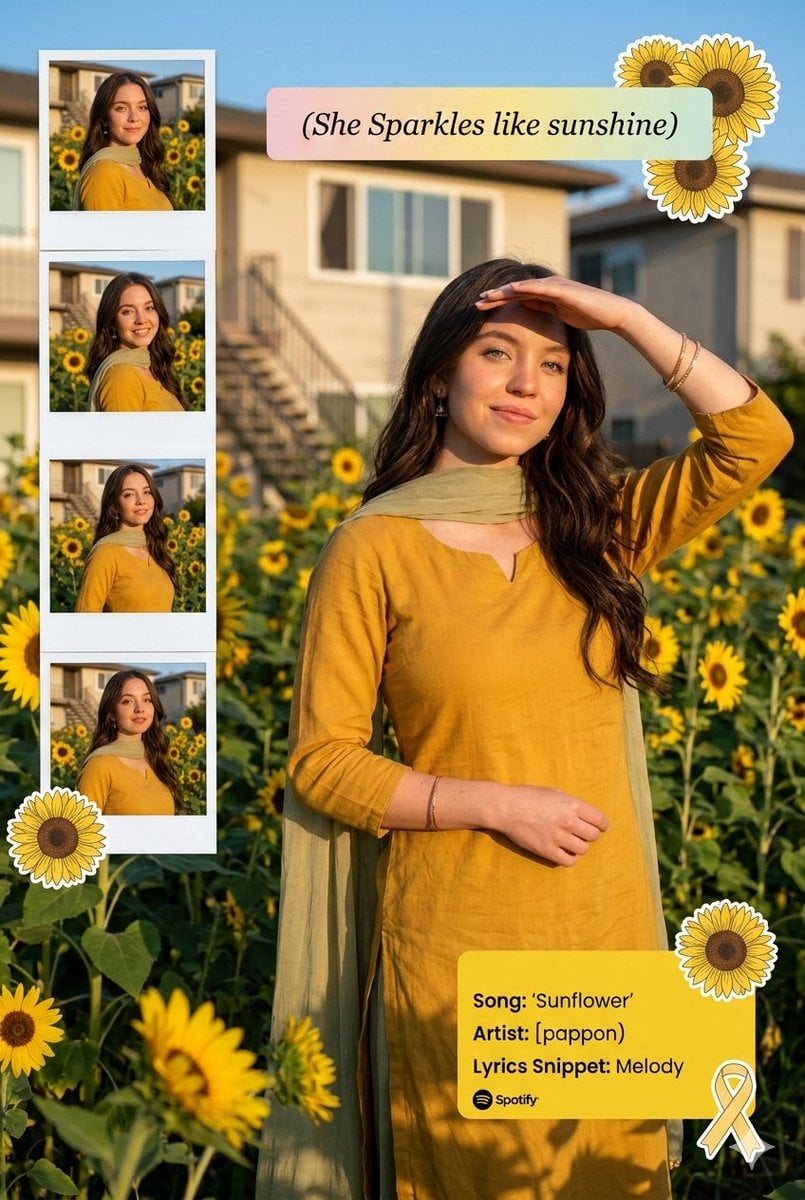
- Prompt included
- Model and format preset
- Premium template
The prompt behind this image
Copy the exact prompt behind Sunflower Garden Portrait with Instagram Collage Overlay, or open it in the studio and make it yours.
Transform this image (UPLOAD YOUR IMAGE) into a 64K DSLR-quality shot resolution ultra-hyperrealistic cinematic bright outdoor lifestyle portrait of a young woman (same face as the uploaded image) standing in a blooming sunflower garden during golden hour. Vertical 2:3 composition with creative collage elements layered into the frame. A cheerful young woman (same face as the uploaded image) with long, wavy dark brown hair flowing naturally over her shoulders. She is smiling softly with her eyes opened, radiating warmth and serenity. One hand is lifted to her forehead as if shielding sunlight, creating a candid sun-kissed pose. Her posture is relaxed and graceful, slightly turned to the side. She is wearing:- A mustard yellow traditional kurta (flowy, soft cotton fabric) A light olive-green dupatta draped elegantly over her shoulders Minimal jewelry (small earrings, delicate bangles)Natural makeup with warm tones and glowing skin The fabric moves slightly with a gentle breeze, adding softness and motion. Environment & Background:- Outdoor garden filled with bright yellow sunflowers at various heights A residential building in the background with stairs and windows Clear blue sky with warm sunlight casting natural shadows Subtle garden greenery and grass in foreground Natural daylight creating soft highlights on hair and outfitArtistic & Graphic Elements:- Creative Instagram collage layout with: A vertical photo-strip on the left side containing 4 smaller candid images of the same woman in slightly different poses (Polaroid-style frames) A soft pastel caption box that reads: "{argument name="caption" default="She Sparkles like sunshine"}" Decorative illustrated sunflower stickers placed around the main subject (one near her shoulder, one near the bottom) A soft yellow Spotify-style music overlay card on the right side displaying: Song: "{argument name="song" default="Sunflower"}" Artist: "{argument name="artist" default="[pappon)"}"Lyrics Snippet:- "Melody" Small ribbon/bow sticker accent near the music card Lighting & Mood:- Warm golden hour sunlight Natural soft shadows Bright, vibrant color grading Slight glow effect for dreamy aesthetic Cheerful, feminine, wholesome vibe Youthful Instagram influencer aesthetic Camera & Technical Details:- Shot on a full-frame DSLR 50mm lens, f/2.8 aperture Shallow depth of field (soft background blur) High dynamic range Ultra-detailed fabric texture and hair strands 64K resolutionClean, vibrant, high-saturation color grading Overall Mood & Theme:- Sunshine aesthetic Happy, carefree, radiant energy Soft romantic vibe Social media reel/post cover style Cottagecore meets modern Instagram collage. Octane render, Ultra-hyperrealistic & Unreal Engine 5.
How to use Sunflower Garden Portrait with Instagram Collage Overlay in 3 steps
- 1Upload ImagePNG, JPG or paste
Add your photo
Upload the photo the template builds on. The prompt, model and format are already set.
- 2…a portrait of your subject in softgolden-hour light, 85mm…
Personalize
Edit the subject and creative details for your destination.
- 3Generate
Generate
Press Generate — your image is created in PicX Studio, so you can compare it with the original and refine one variable at a time.
More like this
Templates with the same subject, style or setup. Open one to see its prompt.

Found Photograph: Us, 1970

80s Couple Studio Portrait

80s Bollywood Star

80s Golden Hour Cinema

Me in 1985

1985 Studio Portrait
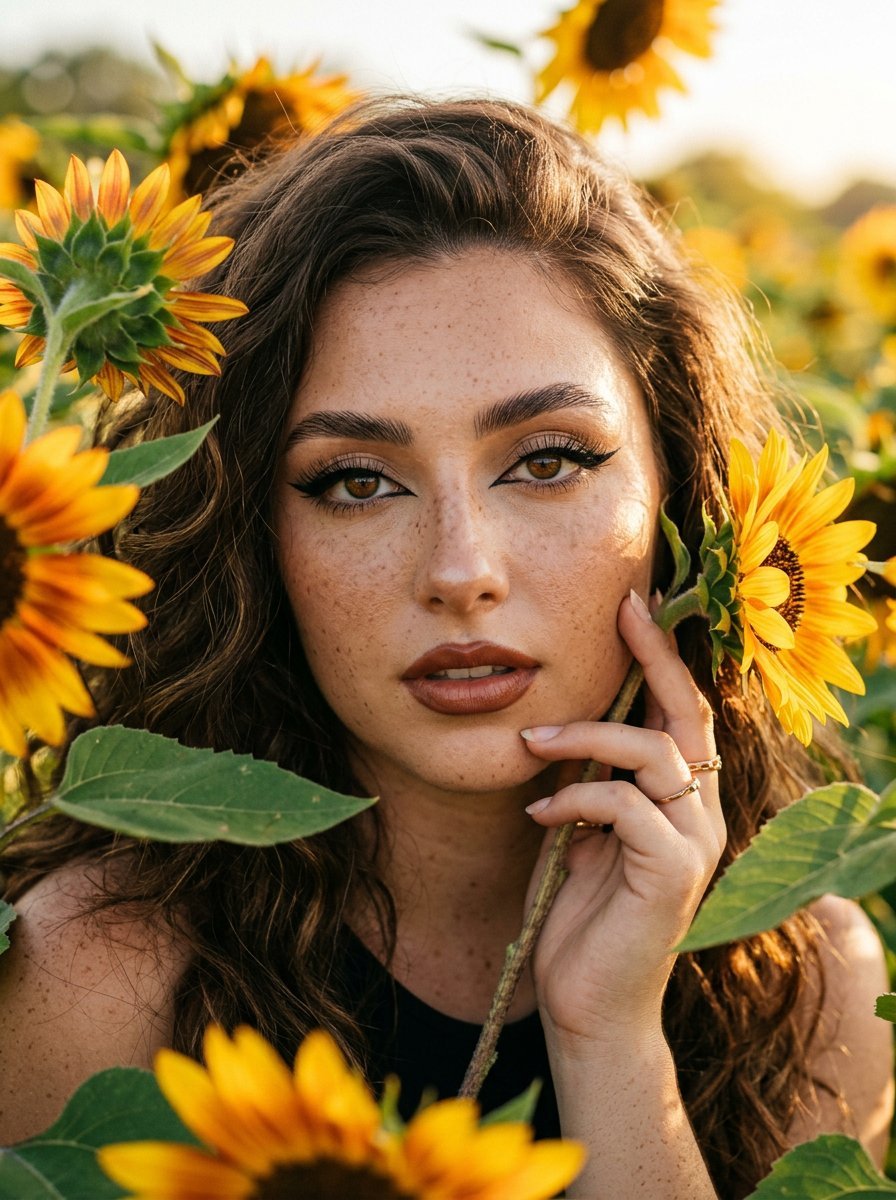
Sunflowers and Cinematic Eye-Lip Portrait

Hyper-Realistic Minecraft POV Portrait
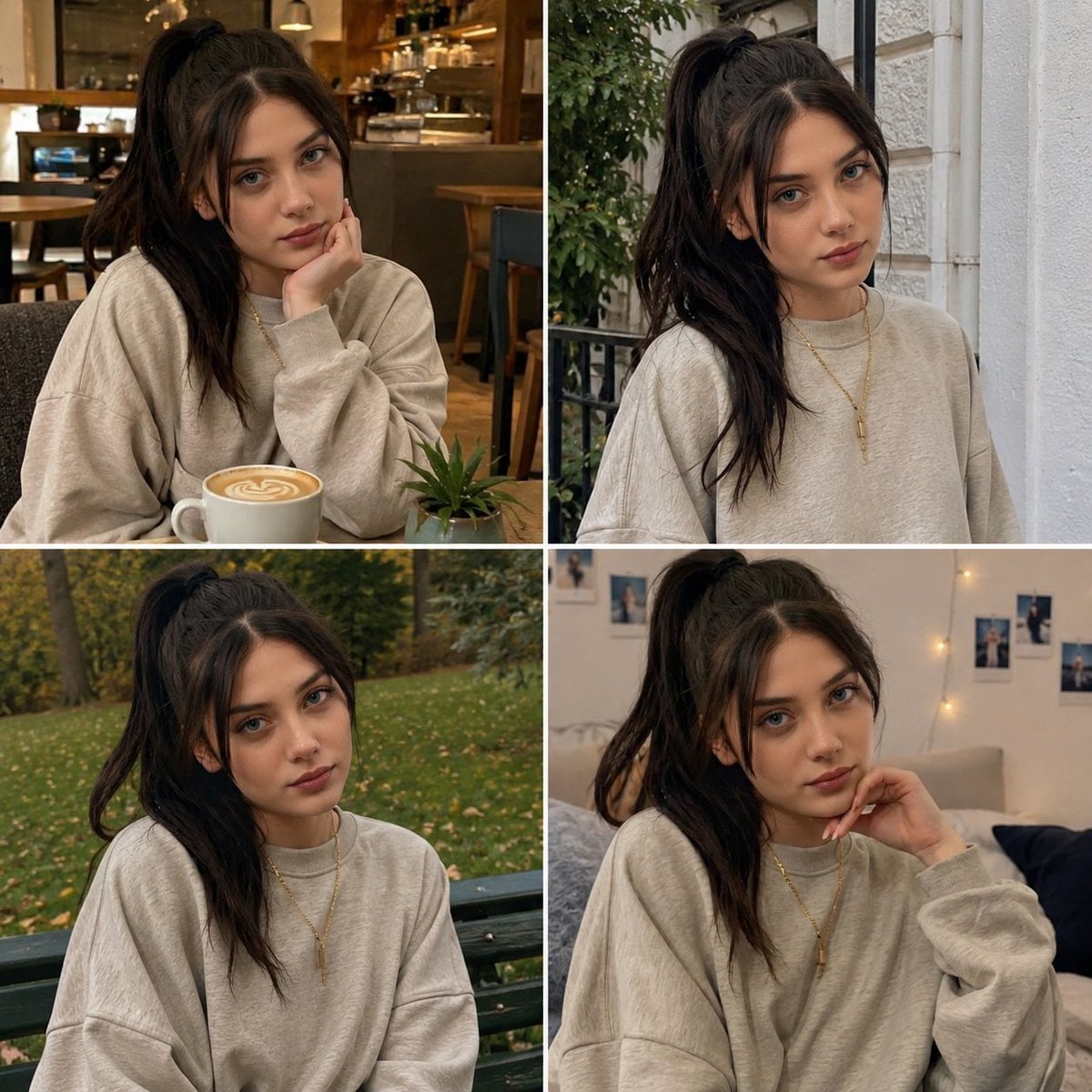
Candid Woman with Sunflower Portrait
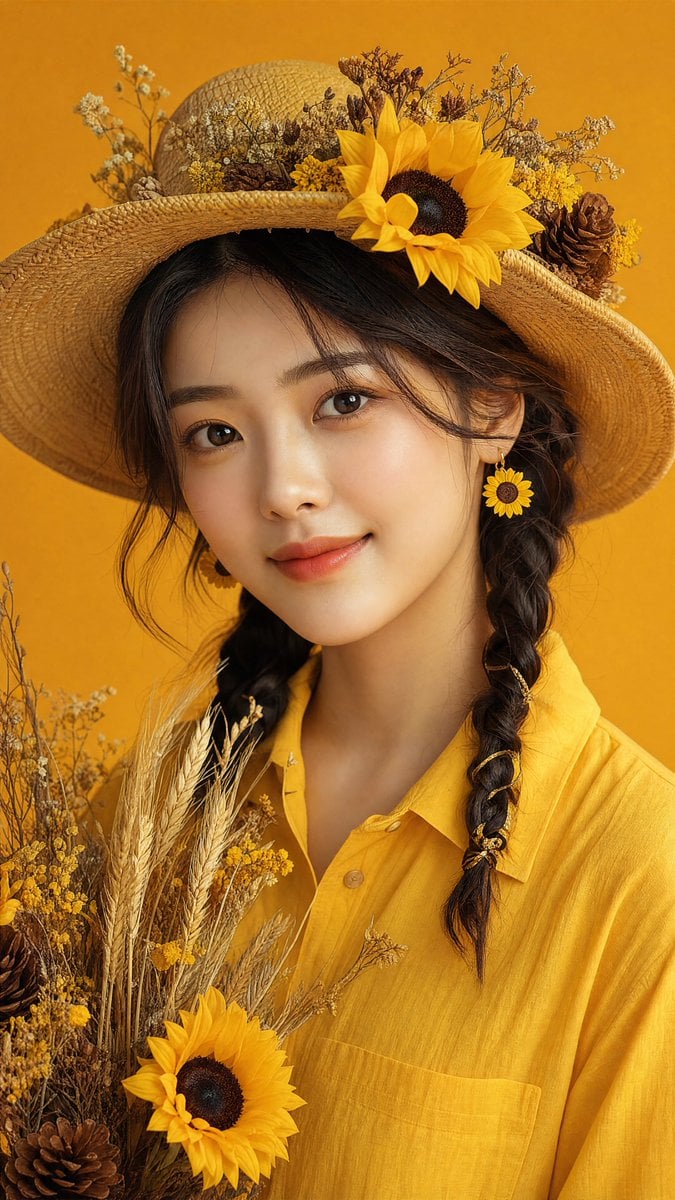
Sunflower Straw Hat Portrait

Cinematic Golden Hour Garden Portrait

Sunflower Field Frame Portrait
Make it yours
Sunflower Garden Portrait with Instagram Collage Overlay works as-is. These are the safest ways to change it without losing the look.
Change one field
Copy a single group, rewrite it, and generate again so you can see what that field is doing.
Keep the frame, change the subject
Hold the composition and light of Sunflower Garden Portrait with Instagram Collage Overlay, then swap wardrobe, props or the person for a new take.
| If the result… | Why | Fix |
|---|---|---|
| The result drifts from the preview | Too many fields changed at once. | Reuse Sunflower Garden Portrait with Instagram Collage Overlay as-is first, then change one group — subject, light, or setting. |
| The model over-stylizes the scene | The prose prompt leaves finish and camera underspecified. | Add one camera or lighting sentence and stay on Nano Banana 2. |
More Nano Banana 2 templates
Other prompts made for Nano Banana 2.

Photorealistic Leaf Shaped Like a Dragon

K-Pop Idol Portrait Grid for Rapid Selection

Poetic Rain Forest Portrait During Golden Hour

Urban Street Portrait with Cartoon Inner Self Duo

Candid Nighttime Photo with Cat Prompt

High-Concept 3D Diorama Generation Prompt

Cinematic Futuristic Studio Portrait Template

Skincare Editorial Photography Collage Prompt

Hyper-Realistic Commercial Product Photography (Splash Effect)

Hyper-Realistic Nightclub Portrait Prompt
More image prompts
Fresh picks from across the catalog.

Luxury Showroom Scene with Red Supercar and All-Black Outfit

Bold Tennis Fashion Ad
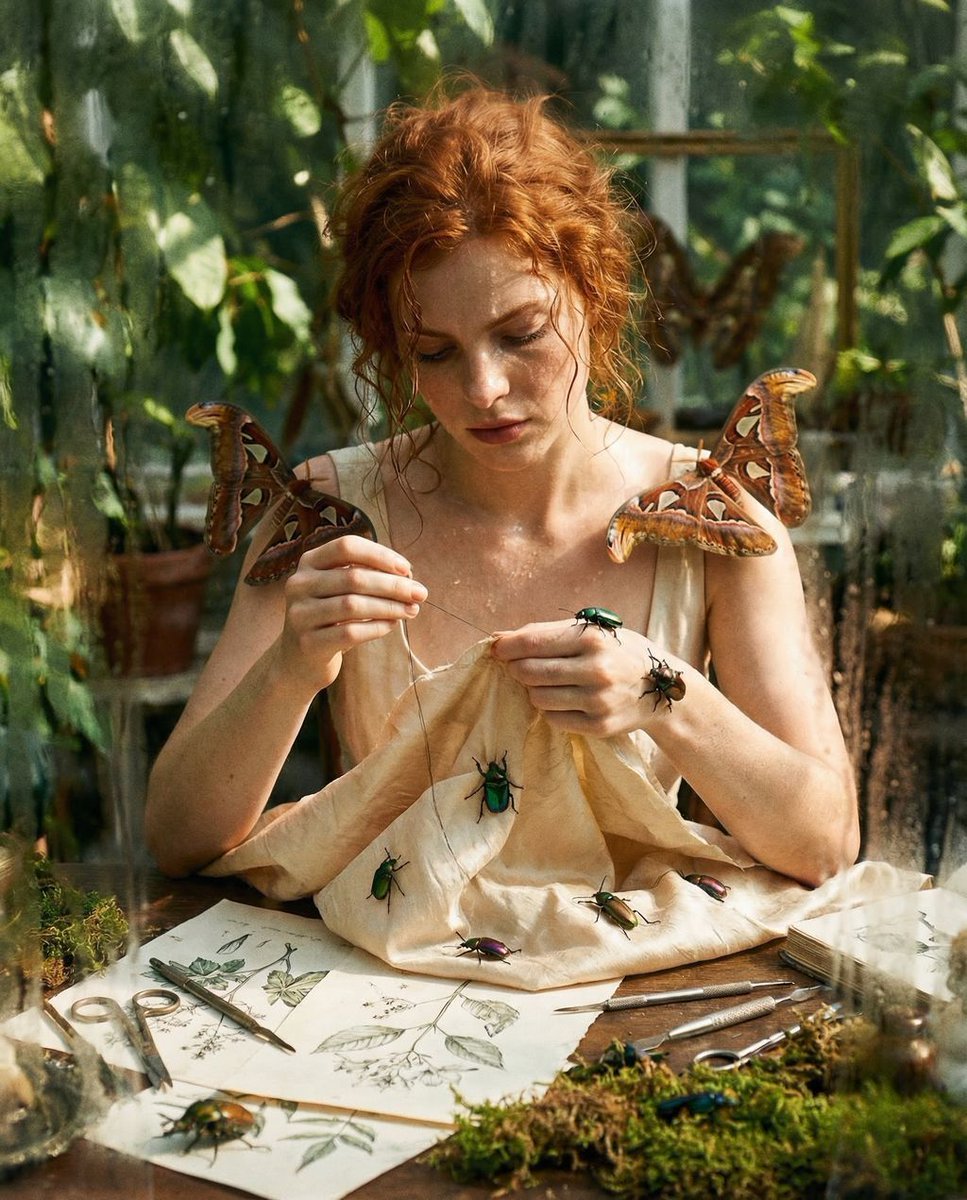
Surreal High Fashion Editorial Prompt with Living Insects

Complex AI Model Analysis Infographic

Style Transfer for Cinematic Live-Action Keyframes

Anime Police Mannequin Fashion Display
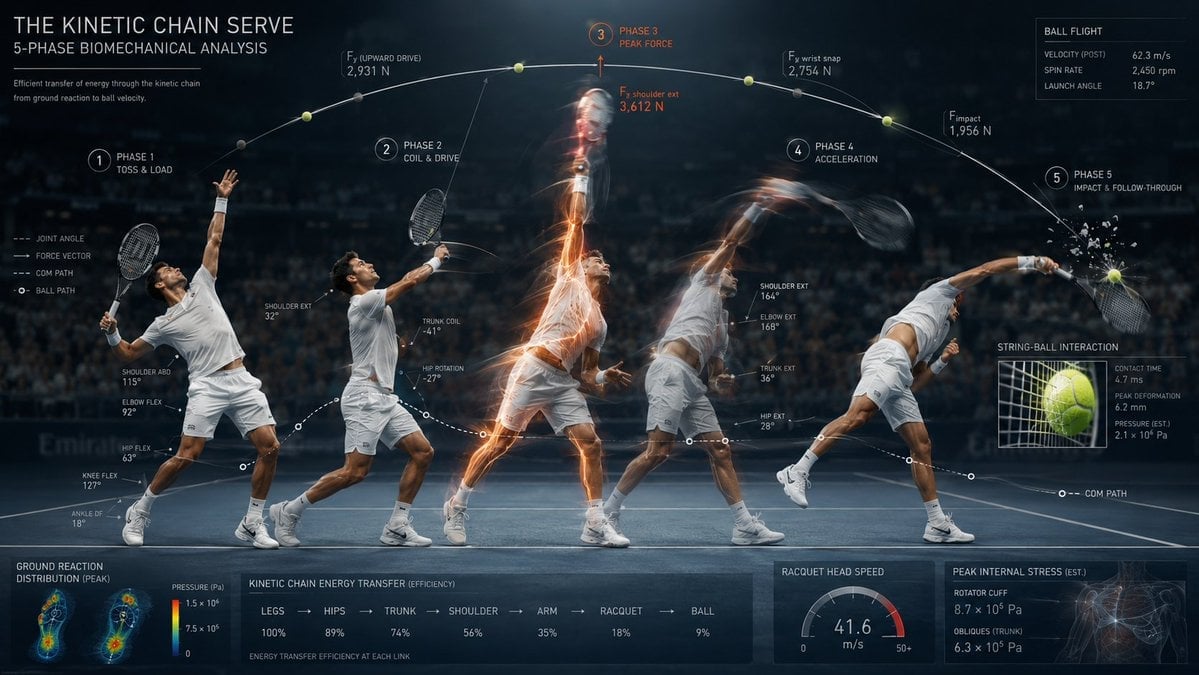
Stroboscopic Multi-Exposure Sports Action

Visual Novel Composite Layout

Stylized Baba Yaga Hut
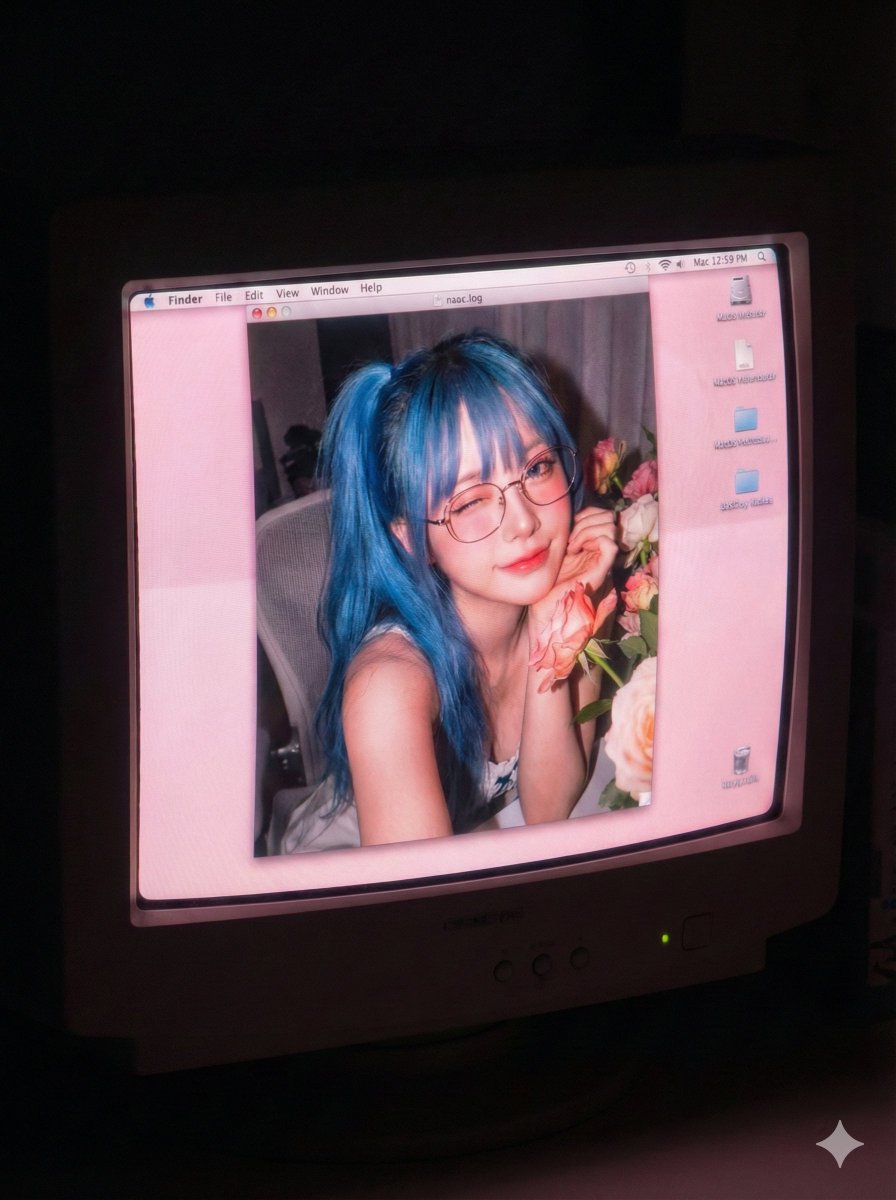
Old Computer Effect Portrait Prompt
Browse template categories
Sunflower Garden Portrait with Instagram Collage Overlay questions
How do I use the Sunflower Garden Portrait with Instagram Collage Overlay template?
Add your photo if the template asks for one, edit the prompt if you like — the template's model and format are already selected — and press Generate. Your version opens in PicX Studio.
Can I customize the Sunflower Garden Portrait with Instagram Collage Overlay template?
Yes. You can change the subject, setting, lighting, mood, format, and available model controls before creating your image.
Is the Sunflower Garden Portrait with Instagram Collage Overlay template free?
Opening and editing this template is free. Generating uses credits, shown on the Generate button when you are signed in.
Which AI model should I use?
Start with Nano Banana 2, which is the model associated with this template. You can compare another compatible model for a different finish.
Looking for something else? Browse all templates.

Your photo, any look
Thousands of ready templates for every top image and video model, from one credit balance.