
Childlike Abstract Drip Painting
Generates a wide chaotic abstract expressionist canvas with layered splatters, loops, drips, and rough childlike painterly texture.
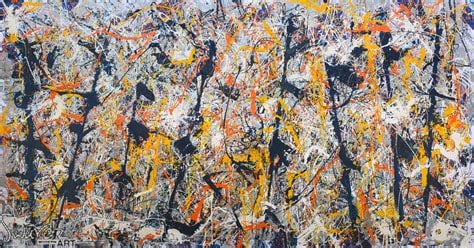
- Prompt included
- Model and format preset
- Free template
The prompt behind this image
Copy the exact prompt behind Childlike Abstract Drip Painting, or open it in the studio and make it yours.
Create an abstract expressionist painting that looks like a chaotic childlike drip painting on a wide horizontal canvas, inspired by mid-century action painting. Use a dense all-over composition with no central subject: layered splatters, scribbles, loops, tangled lines, and drips covering the entire surface. The background should be mottled off-white, pale gray, beige, and dusty blue with scraped, rough texture. Add energetic paint marks in exactly five dominant color groups: black/navy heavy splashes and vertical streaks, white web-like drips, bright orange looping strokes, golden yellow splatters and trails, and small muted red accents. Make the brushwork feel spontaneous, messy, and physical, with thick impasto-like ridges, thrown paint, scratchy crayon-like lines, and overlapping transparent layers. Include faint childlike doodle energy without recognizable figures, objects, words, or readable signature. The image should be a photographed painting, slightly grainy, high detail, edge-to-edge paint coverage, museum-art texture, landscape aspect ratio, expressive and chaotic but visually balanced.
How to use Childlike Abstract Drip Painting in 3 steps
- 1Upload ImagePNG, JPG or paste
Add your photo
Upload the photo the template builds on. The prompt, model and format are already set.
- 2…a portrait of your subject in softgolden-hour light, 85mm…
Personalize
Edit the subject and creative details for your destination.
- 3Generate
Generate
Press Generate — your image is created in PicX Studio, so you can compare it with the original and refine one variable at a time.
More like this
Templates with the same subject, style or setup. Open one to see its prompt.
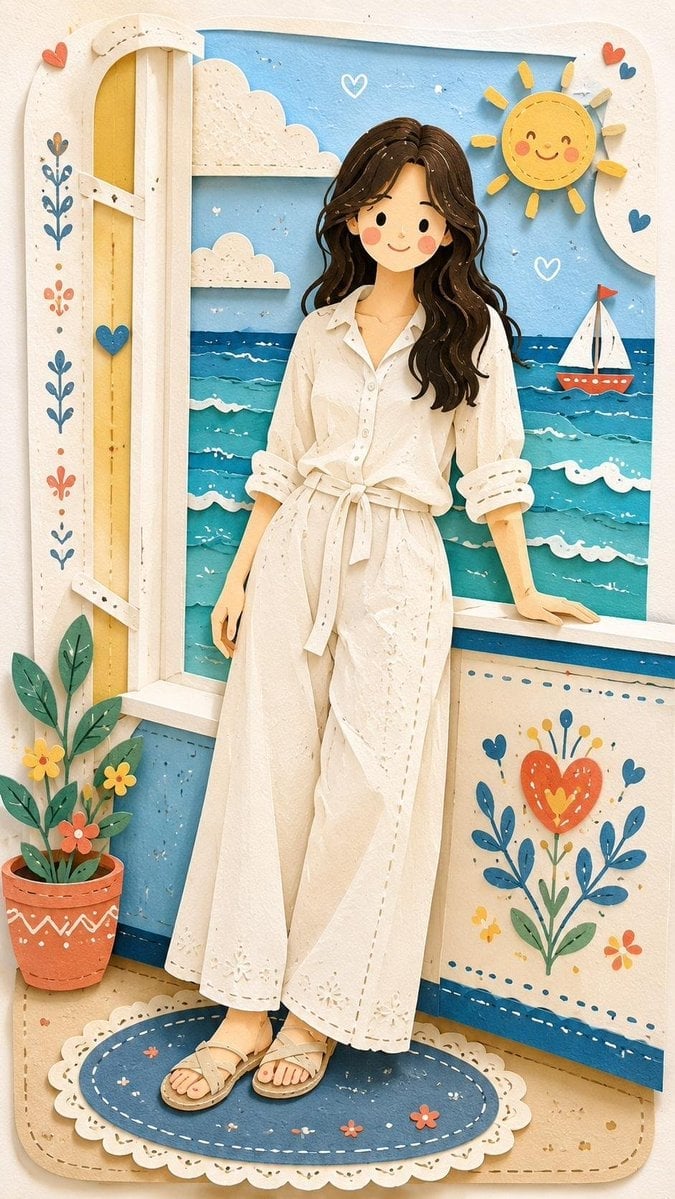
Decorative Folk Flat Paper Cut Illustration
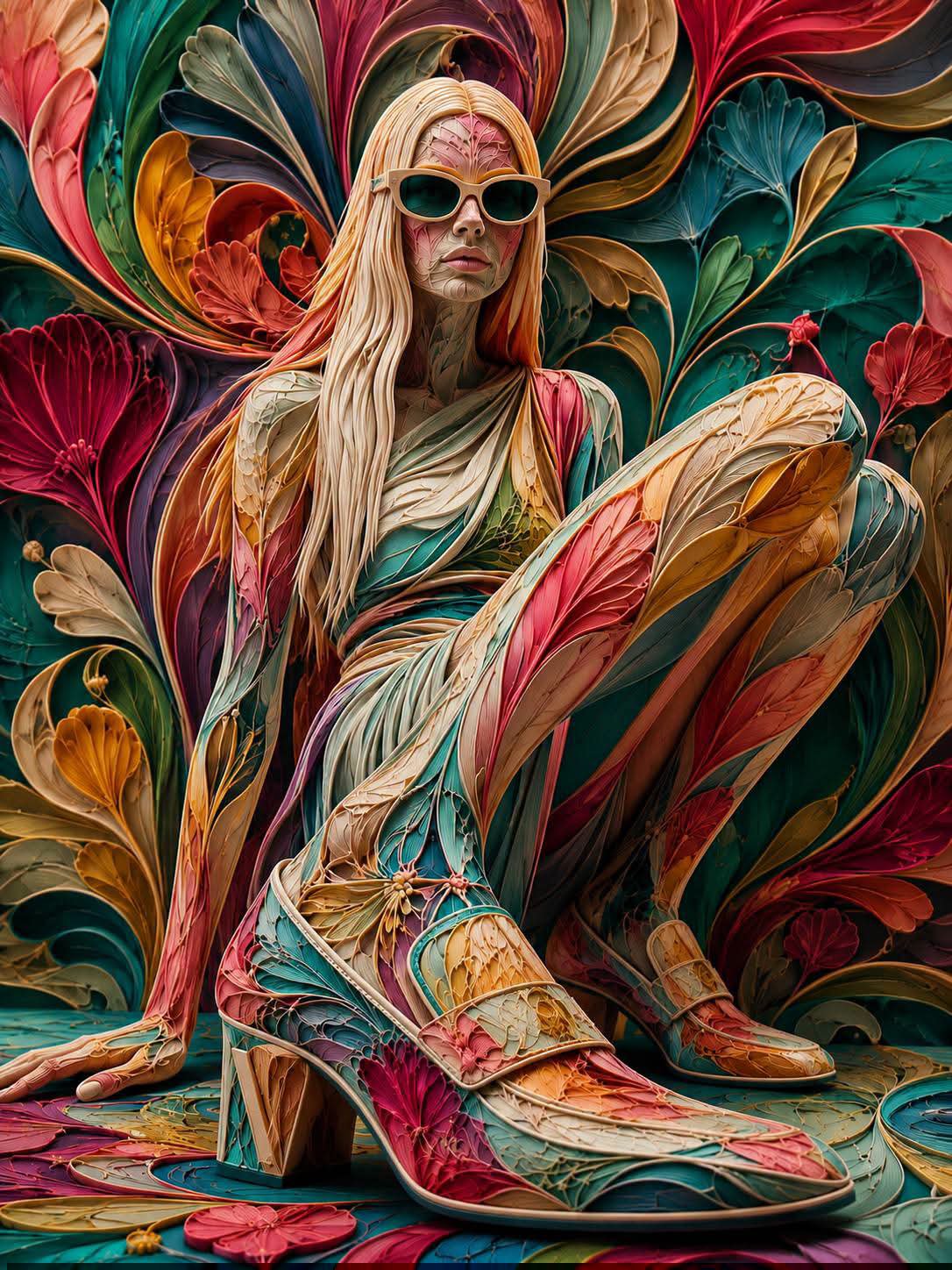
Floraverse Botanical Fusion
FLORAVERSE BOTANICAL FUSION
Clay Miniature Landmark Travel Diorama
Abstract Cat Girl and Gentle Cat Painting
Abstract Fine-Art Editorial Portrait
Childlike Koala Hanging From Tree
Impasto Oil Architectural Painting
Retro-Modern Neon Anime Painting
Abstract Expressionist Paint Eruption
Macro Drip Food Photography
Music Album Cover Abstract Liquid Mercury
Make it yours
Childlike Abstract Drip Painting works as-is. These are the safest ways to change it without losing the look.
Change one field
Copy a single group, rewrite it, and generate again so you can see what that field is doing.
Keep the frame, change the subject
Hold the composition and light of Childlike Abstract Drip Painting, then swap wardrobe, props or the person for a new take.
| If the result… | Why | Fix |
|---|---|---|
| The result drifts from the preview | Too many fields changed at once. | Reuse Childlike Abstract Drip Painting as-is first, then change one group — subject, light, or setting. |
| The model over-stylizes the scene | The prose prompt leaves finish and camera underspecified. | Add one camera or lighting sentence and stay on GPT Image 2. |
More GPT Image 2 templates
Other prompts made for GPT Image 2.

Six VTuber Japanese Logo Sheet

Realistic Portrait of Woman and Deer

The Vista Modular Condo Poster

AI Model Routing Comparison Infographic

2.5D Anime Art Board

Isometric Productivity Desk Scene

New York Double Exposure Poster

Four-Panel AI Landscape Comparison

Japanese Tatami Lifestyle Magazine Cover

NESCAFÉ Coffee Map Poster
More image prompts
Fresh picks from across the catalog.
Structured Prompt for Messy Bedroom Mirror Selfie (Alev Character, Raw Flash)
Golden hour rooftop portrait photography prompt
Torn-Paper Couple Studio Collage
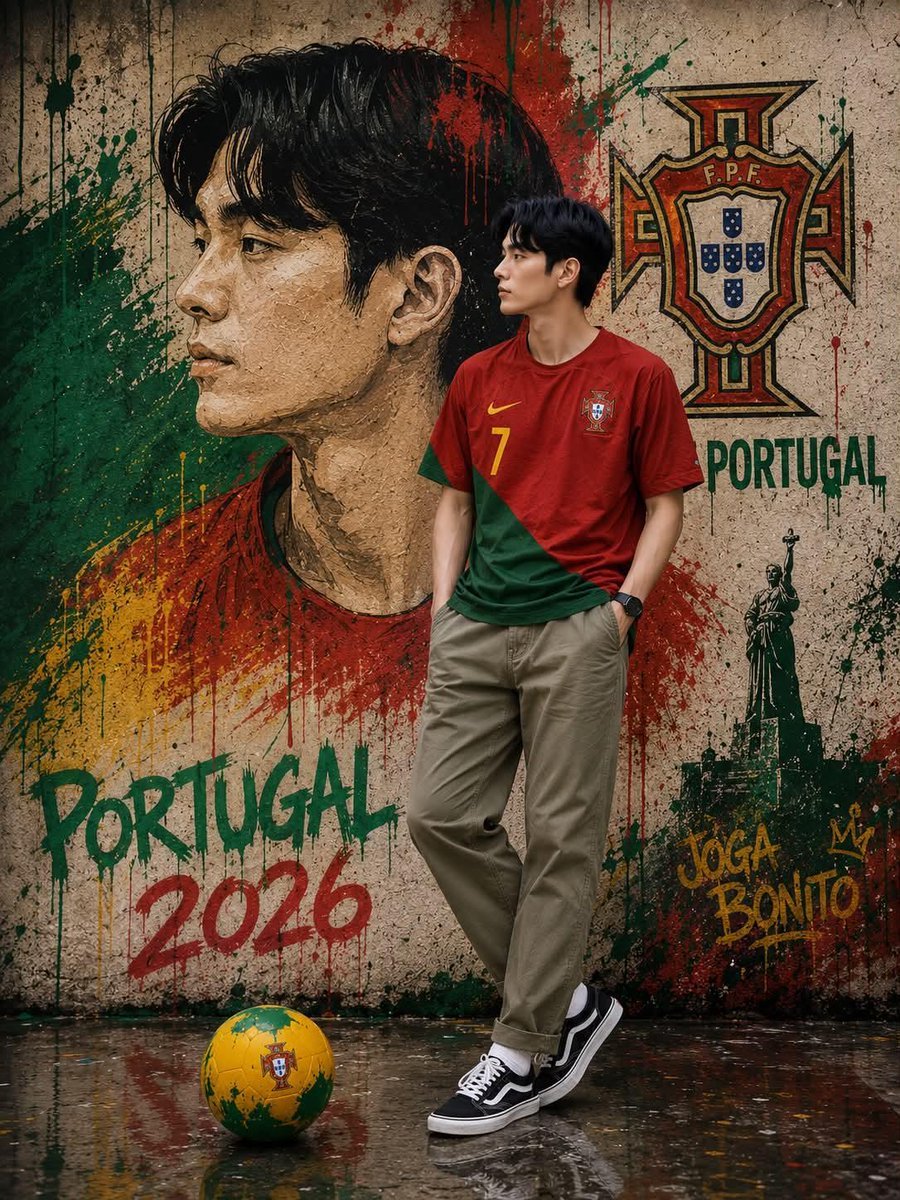
South Korean Graffiti Jersey Portrait
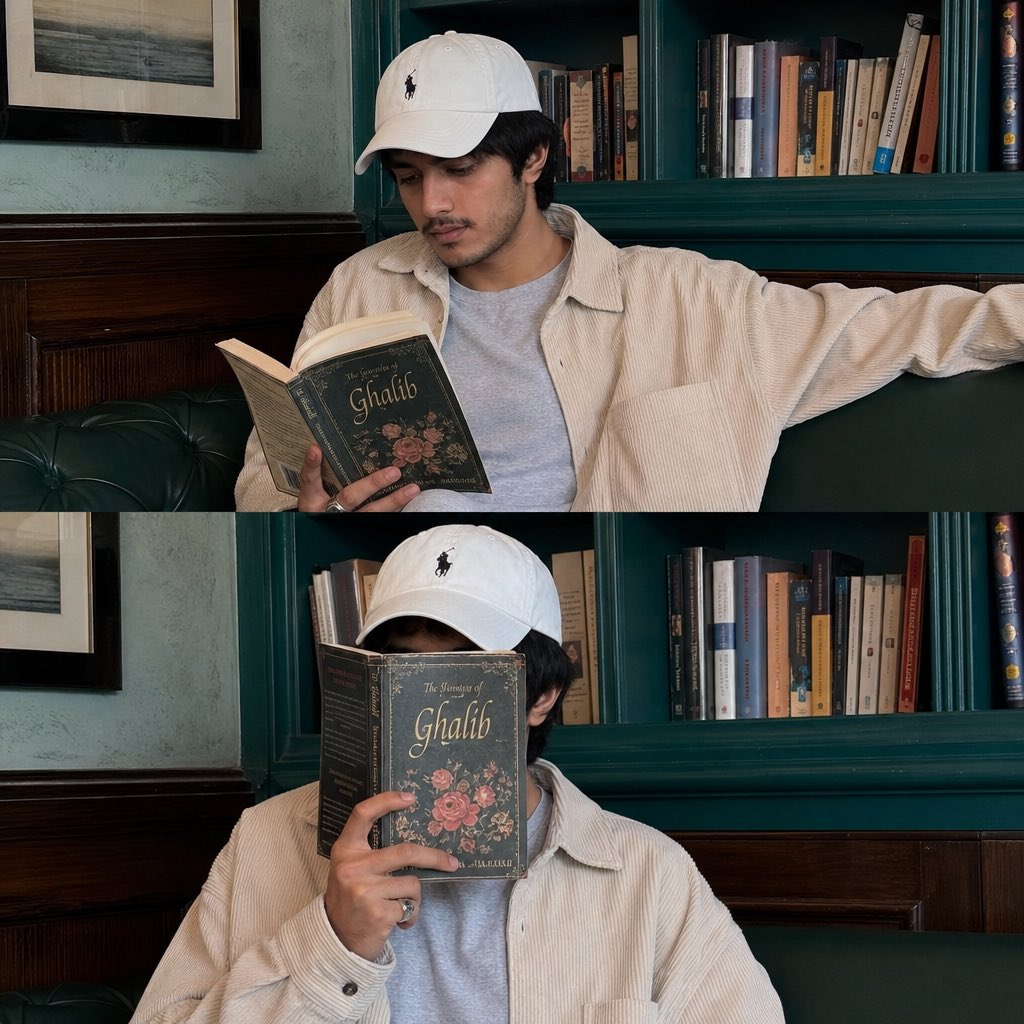
Instagram Lifestyle Collage Prompt
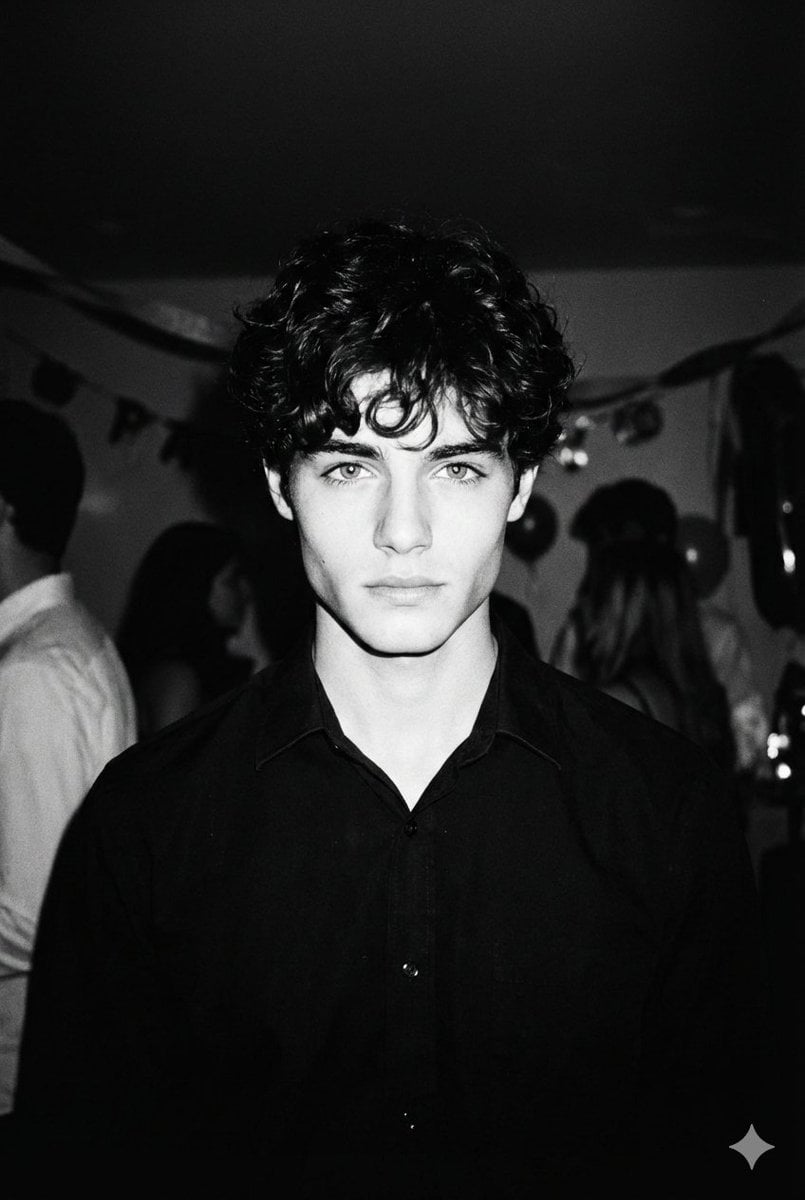
High-Contrast 90s Disposable Camera Portrait
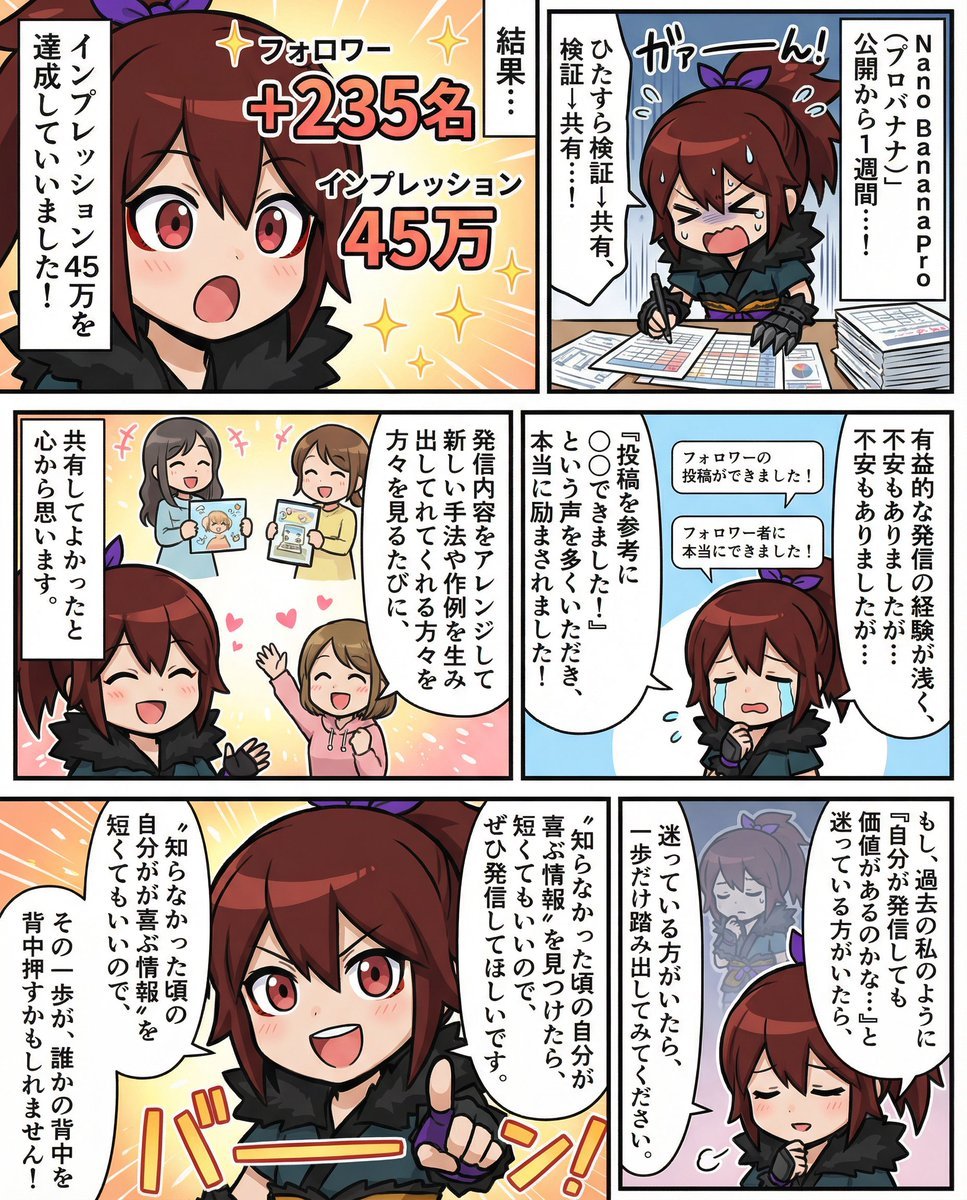
Moe-style full-color manga from given character and story
Indian Saree Fashion Portraits (Two Prompts)
Mixed Media Street Art Portrait
Vintage Moda Pier in Istanbul
Browse template categories
Childlike Abstract Drip Painting questions
How do I use the Childlike Abstract Drip Painting template?
Add your photo if the template asks for one, edit the prompt if you like — the template's model and format are already selected — and press Generate. Your version opens in PicX Studio.
Can I customize the Childlike Abstract Drip Painting template?
Yes. You can change the subject, setting, lighting, mood, format, and available model controls before creating your image.
Is the Childlike Abstract Drip Painting template free?
Opening and editing this template is free. Generating uses credits, shown on the Generate button when you are signed in.
Which AI model should I use?
Start with GPT Image 2, which is the model associated with this template. You can compare another compatible model for a different finish.
Looking for something else? Browse all templates.

Your photo, any look
Thousands of ready templates for every top image and video model, from one credit balance.