How do I use the Cinematic Pet Photo Enhancer template?
Choose the primary action to open PicX Studio with the available template settings. Review the model and format, personalize the creative direction, and generate when ready.
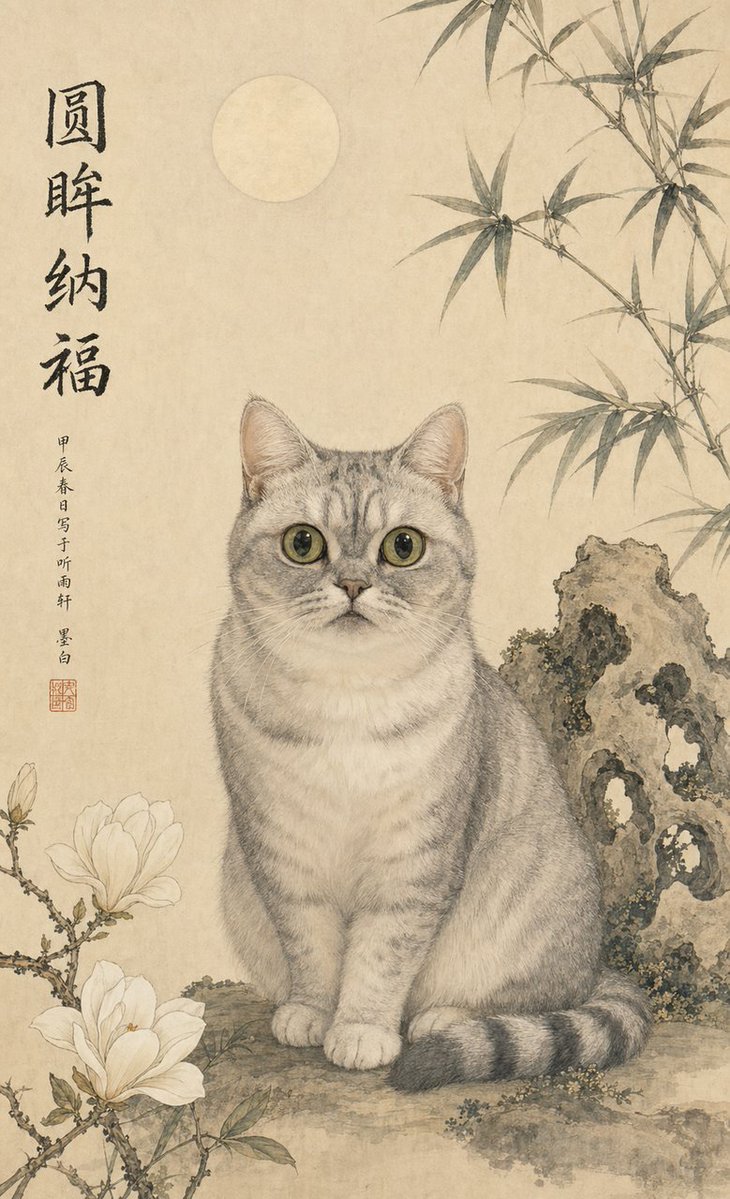
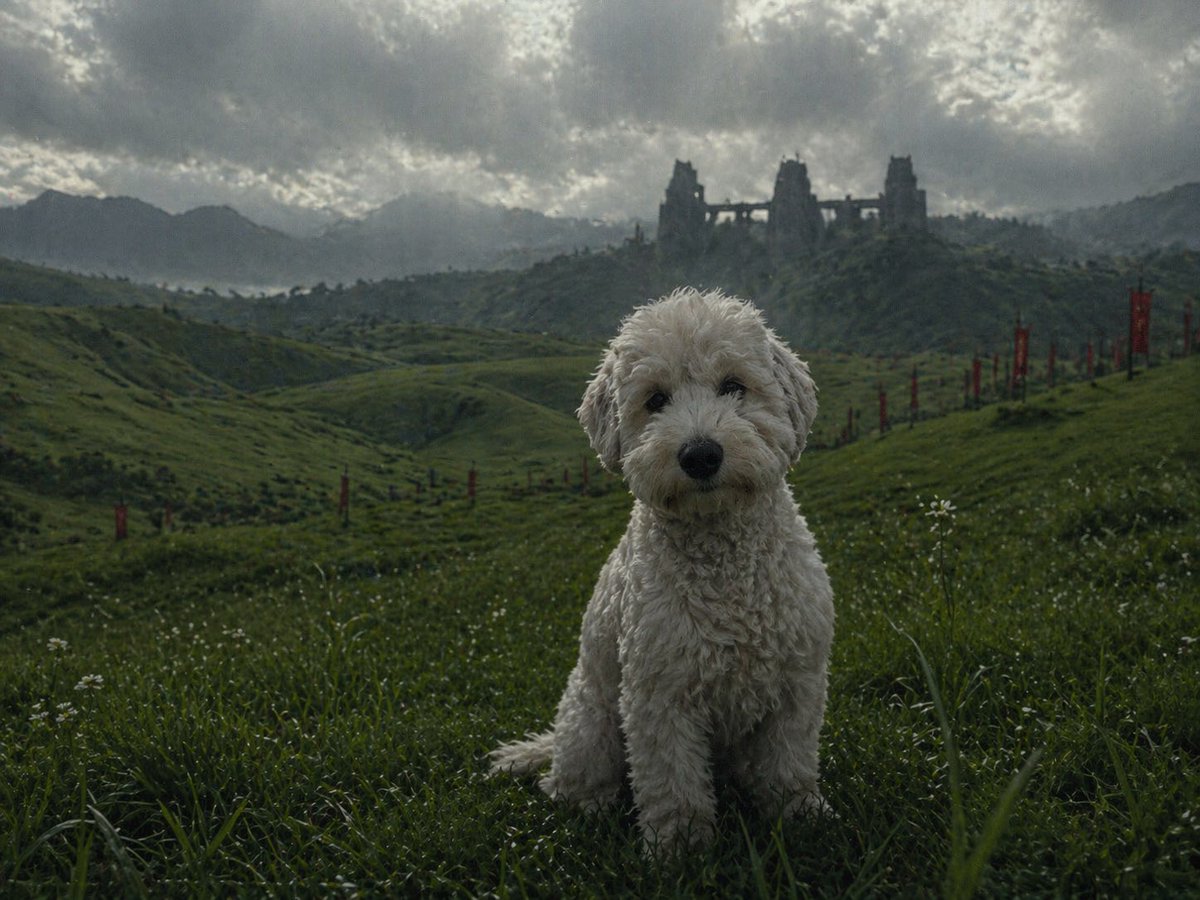
Transforms a low-resolution pet photo into a sharp, photorealistic cinematic-quality image while preserving identity and composition.
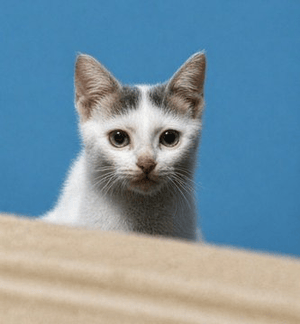
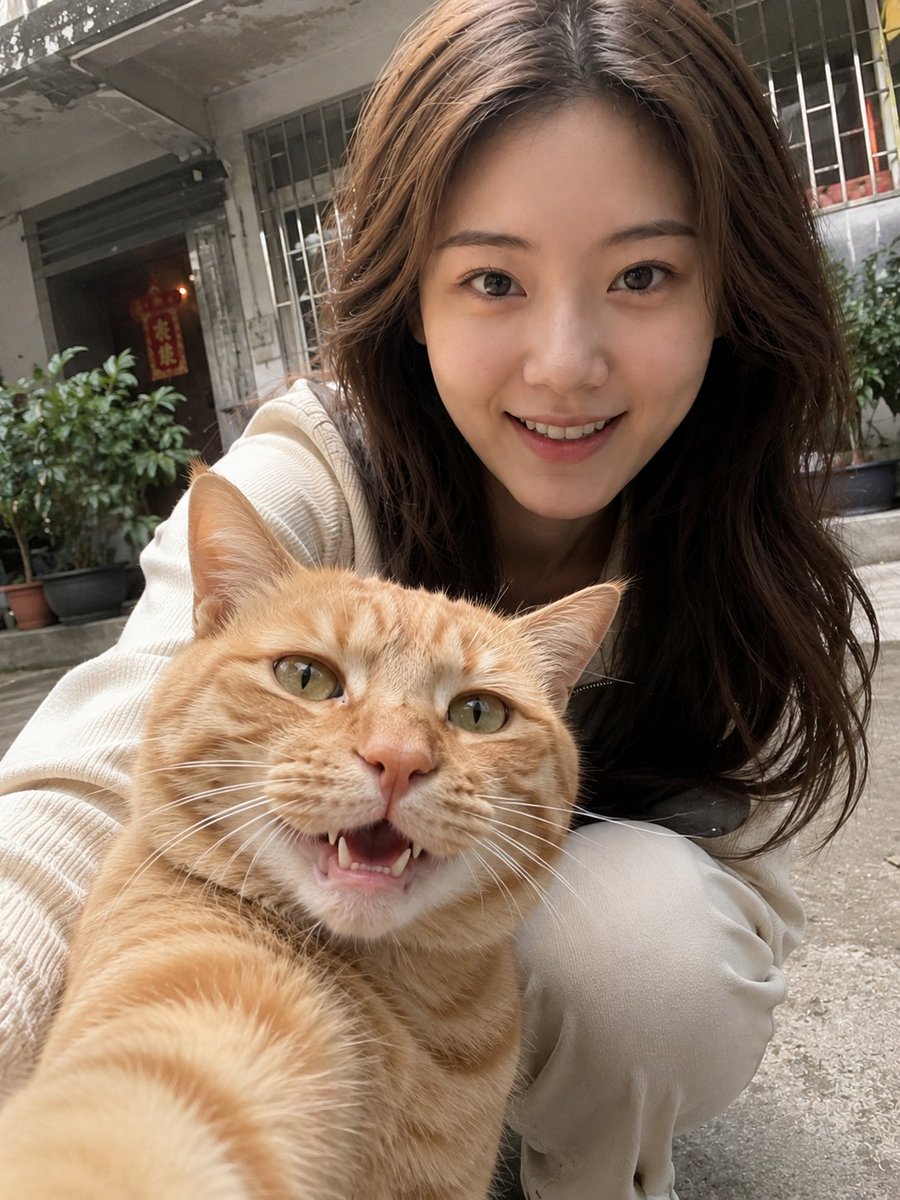
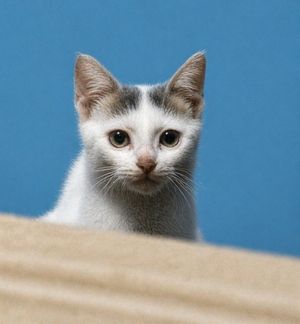
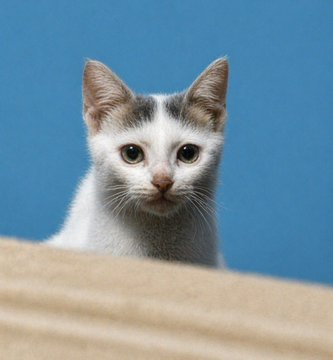
Using the provided reference image, enhance and upscale it into an ultra-premium cinematic-quality photo. Preserve the subject's identity, pose, framing, and overall composition 100%, including the kitten behind the foreground surface and the plain blue background. Recover realistic micro-details: sharp eyes, natural fur texture, fine whiskers, detailed ears, subtle facial features, and cleaner depth. Remove blur, pixelation, noise, and compression artifacts while keeping the image photorealistic, high contrast, studio-quality, and natural. Target {argument name="image quality" default="8K ultra-premium cinematic"} with {argument name="detail emphasis" default="sharp eyes, pores/fur, and realistic hair"}; do not change the cat into a different animal, alter the pose, add objects, add text, or modify the composition.
Cinematic Pet Photo Enhancer needs input media to work. Open it in the studio and these load alongside the prompt — pick whichever ones your chosen model can take.
Choose the primary action to open PicX Studio with the available template settings. Review the model and format, personalize the creative direction, and generate when ready.
Yes. You can change the subject, setting, lighting, mood, format, and available model controls before creating your image.
This template is free to open and customize. Generation usage is shown in PicX Studio before you create.
Start with GPT Image 2, which is the model associated with this template. You can compare another compatible model for a different finish.
© 2026 PicX Studio. All rights reserved.

Follow a topic to a crawlable collection of related PicX Studio templates.