How do I use the Full-Bleed Crane Park Key Art template?
Choose the primary action to open PicX Studio with the available template settings. Review the model and format, personalize the creative direction, and generate when ready.
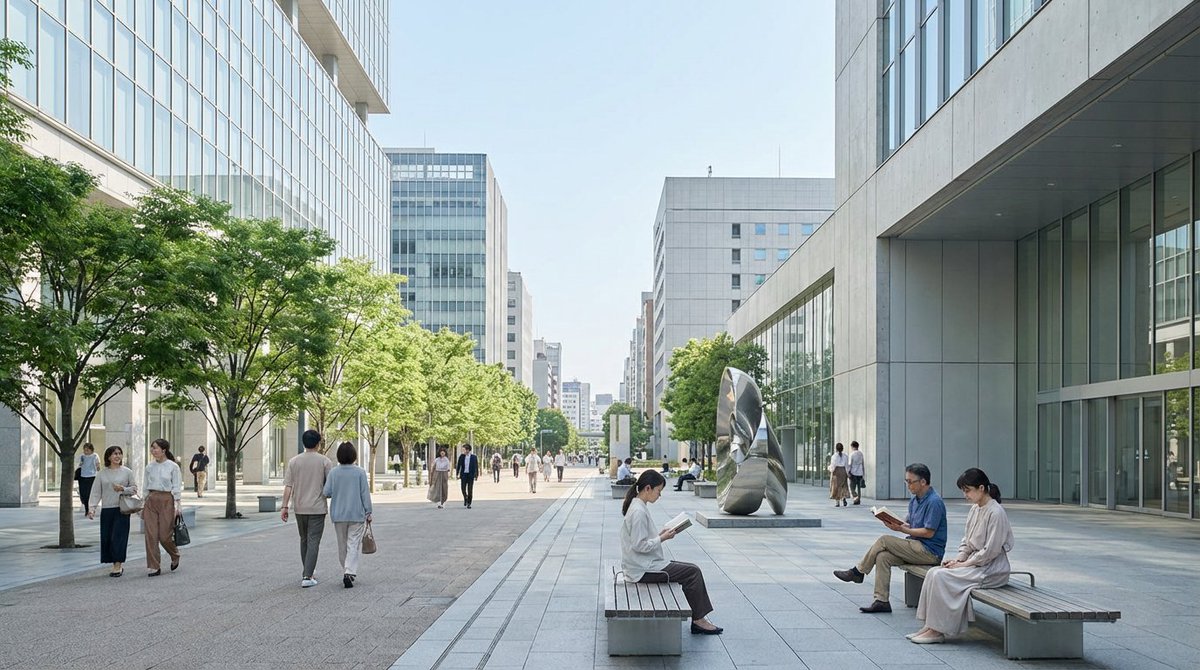
Transforms a concept-board reference into a clean full-bleed cinematic environment illustration while preserving the original painterly style.
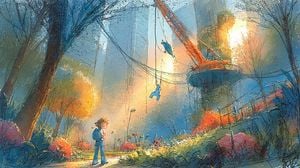
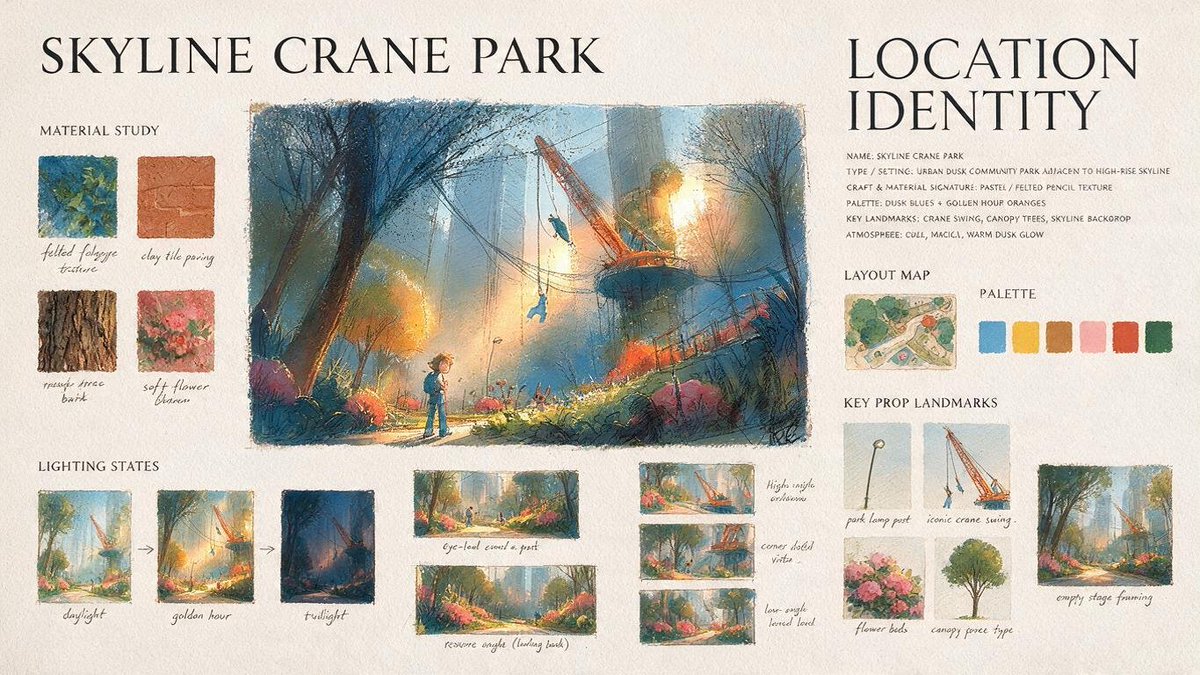
Using the provided reference image, isolate and regenerate only the central park illustration as a full-bleed wide cinematic artwork. Remove all presentation-board elements, typography, swatches, maps, thumbnails, labels, margins, and paper background. Expand the central scene to fill a {argument name="aspect ratio" default="16:9 landscape"} canvas while preserving the same painterly concept-art style, dusk blue-and-gold lighting, crane-park environment, child figure, swing/crane landmark, flowers, trees, and atmospheric urban skyline. Increase clarity and detail without making it look photorealistic; keep the textured gouache/pastel brushwork and hand-painted grain. Make it suitable as a clean environment key art image with no text or UI elements.
Full-Bleed Crane Park Key Art needs input media to work. Open it in the studio and these load alongside the prompt — pick whichever ones your chosen model can take.
Choose the primary action to open PicX Studio with the available template settings. Review the model and format, personalize the creative direction, and generate when ready.
Yes. You can change the subject, setting, lighting, mood, format, and available model controls before creating your image.
This template is free to open and customize. Generation usage is shown in PicX Studio before you create.
Start with GPT Image 2, which is the model associated with this template. You can compare another compatible model for a different finish.
Follow a topic to a crawlable collection of related PicX Studio templates.