How do I use the Ulzzang/Douyin Selfie Portrait Prompt template?
Choose the primary action to open PicX Studio with the available template settings. Review the model and format, personalize the creative direction, and generate when ready.
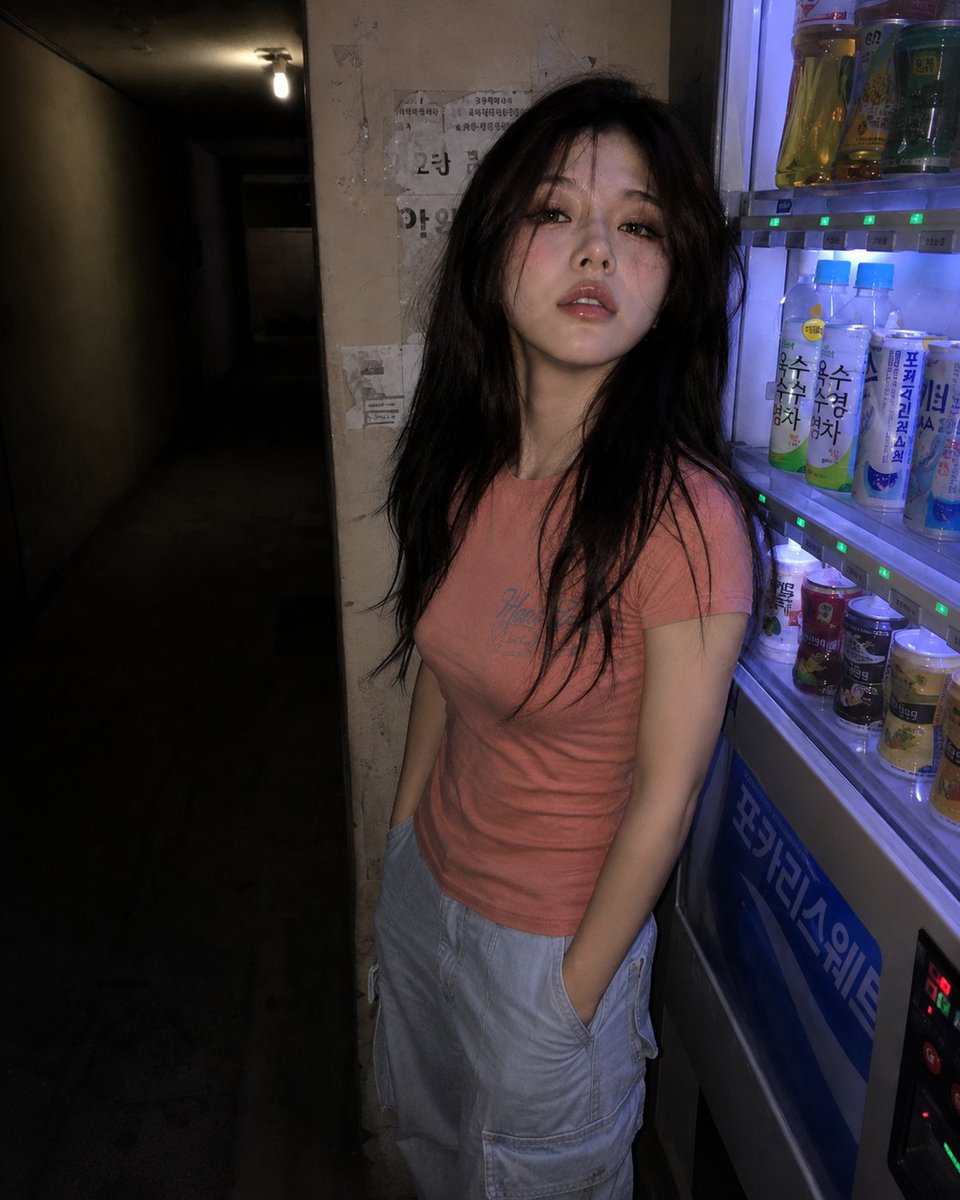
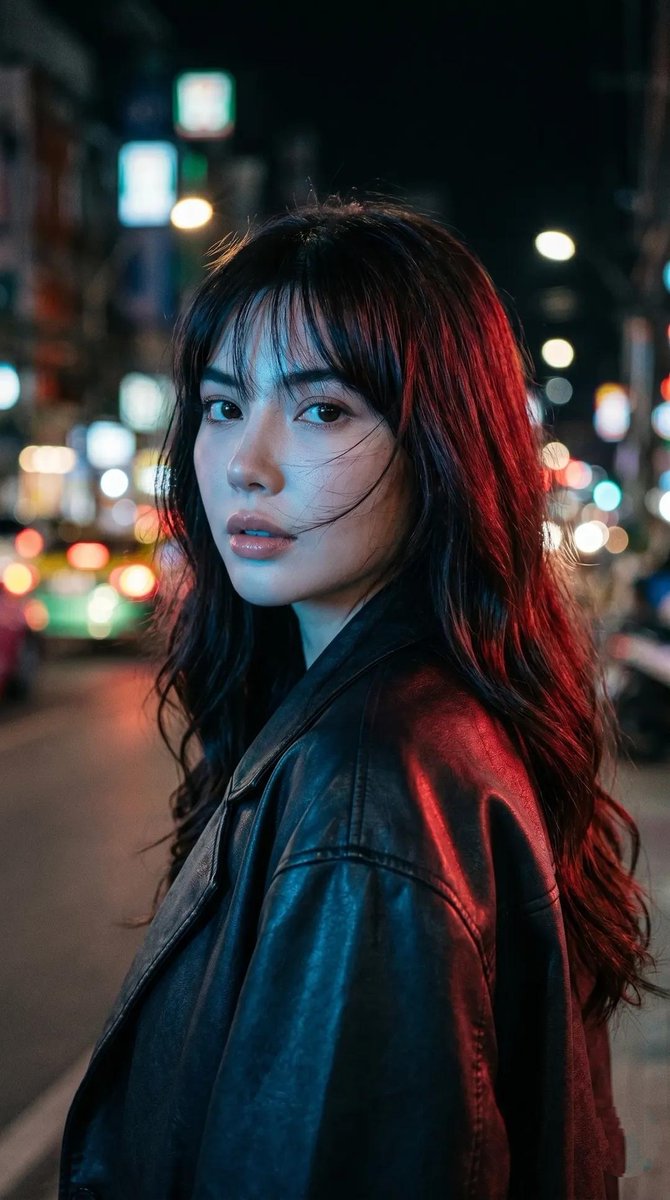
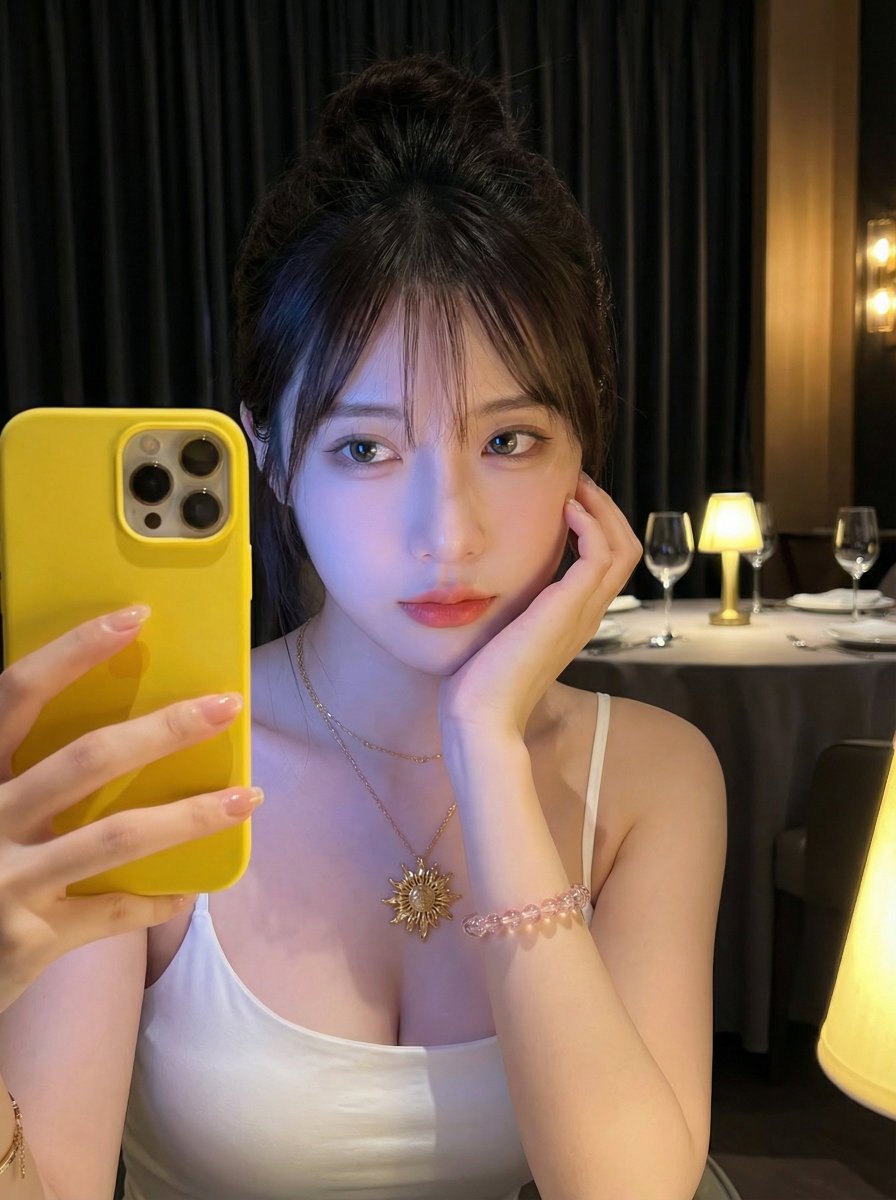
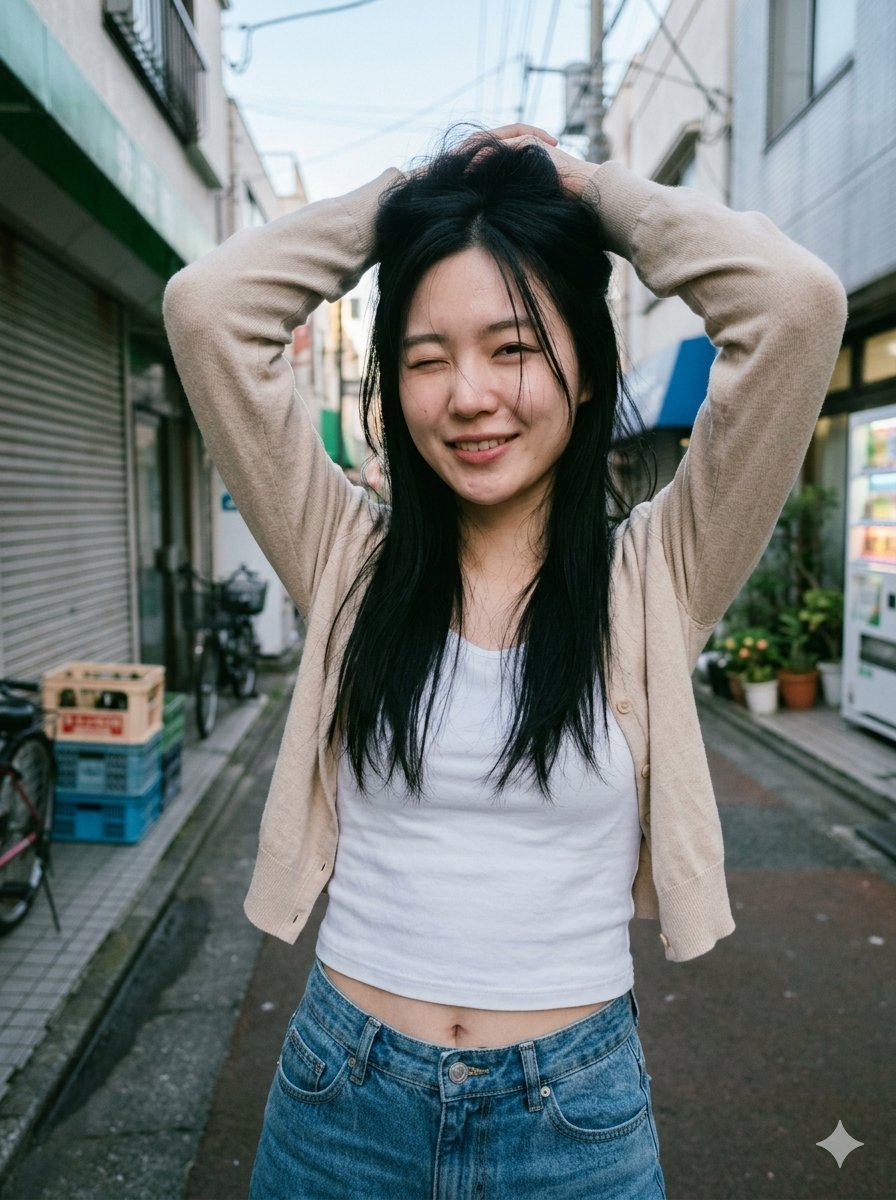
A highly specific image generation prompt for Google Gemini Nano Banana Pro 3.0, requesting an ultra-detailed, photorealistic close-up selfie of a beautiful young East Asian woman in the style of Korean/Chinese ulzzang and Douyin influencers, detailing makeup, hair, clothing (vintage band T-shirt), and camera settings (front-facing smartphone camera, natural light). (free to use) — Free AI image template on PicX Studio.
{ "subject": "a very beautiful young woman taking a close-up selfie", "age": "19-22 years old", "ethnicity": "East Asian with slight Western mix, fair porcelain skin", "face": "perfect symmetrical heart-shaped face, small straight nose, high cheekbones, soft jawline, flawless smooth skin with no blemishes", "eyes": "large almond-shaped doe eyes, dark brown irises, long thick natural eyelashes, sharp winged eyeliner, subtle smoky lower eyeliner", "eyebrows": "thick straight Korean-style brows, perfectly groomed and filled", "makeup": "dewy glowing skin, soft pink blush on cheeks, matte rosy-nude lipstick, slight lip overlining for pouty look, subtle highlight on nose bridge and cupid's bow", "lips": "full pouty lips in a slight duck-face expression", "hair": "jet-black straight hair, shoulder-length with soft layers, center-parted, slightly messy front strands framing the face, glossy and healthy", "pose": "selfie taken with phone in right hand (arm visible at bottom right), head slightly tilted, looking directly at camera with soft seductive expression", "hand_gesture": "left hand raised doing a small peace sign (V sign) near her face, long clear acrylic nails with natural french tips", "clothing": "vintage black band T-shirt, slightly cropped/fitted, yellow and black graphic print on chest with distorted '{argument name="band name" default="ROADRUNNER"}' text in bold retro font and faded band photo underneath, soft worn cotton texture", "accessories": "large thin silver hoop earrings, oversized black rectangular sunglasses resting on top of her head", "background": "modern minimalist indoor setting, soft natural daylight, blurred white walls and ceiling, hint of a kitchen or hallway in the background", "lighting": "soft diffused natural window light from the front-left, gentle shadows, bright but not harsh, slight glow on skin", "camera": "front-facing smartphone camera, slight wide-angle selfie distortion, high resolution, sharp focus on face", "aesthetic": "Korean/Chinese ulzzang + douyin + soft e-girl, clean beauty, 2020s Instagram influencer vibe", "mood": "cute but slightly edgy, playful, confident, effortlessly cool", "quality_tags": "ultra-detailed, photorealistic, 8k, sharp focus, beautiful lighting, cinematic, highly detailed skin texture, realistic eyes reflection", "negative_prompt": "blurry, deformed, extra limbs, bad anatomy, overexposed, plastic skin, doll-like, text artifacts, watermark, logo" }
Use Ulzzang/Douyin Selfie Portrait Prompt to plan an AI image around nano-banana-2 generation. Match the preview's composition first, then personalize the subject, setting, and mood for your own project.
Use the primary action to load the template settings in PicX Studio.
Adjust the subject and creative details for your destination.
Create the image, compare the result with the preview, and refine one variable at a time.
A continuous mix — similar concepts first, woven with same-model prompts and fresh picks from the catalog.
Choose the primary action to open PicX Studio with the available template settings. Review the model and format, personalize the creative direction, and generate when ready.
Yes. You can change the subject, setting, lighting, mood, format, and available model controls before creating your image.
This template is free to open and customize. Generation usage is shown in PicX Studio before you create.
Start with nano-banana-2, which is the model associated with this template. You can compare another compatible model for a different finish.
Follow a topic to a crawlable collection of related PicX Studio templates.
39,155 public templates available. Verified via the PicX Studio public templates API; refreshed hourly.
A continuous mix — similar concepts first, woven with same-model prompts and fresh picks from the catalog.