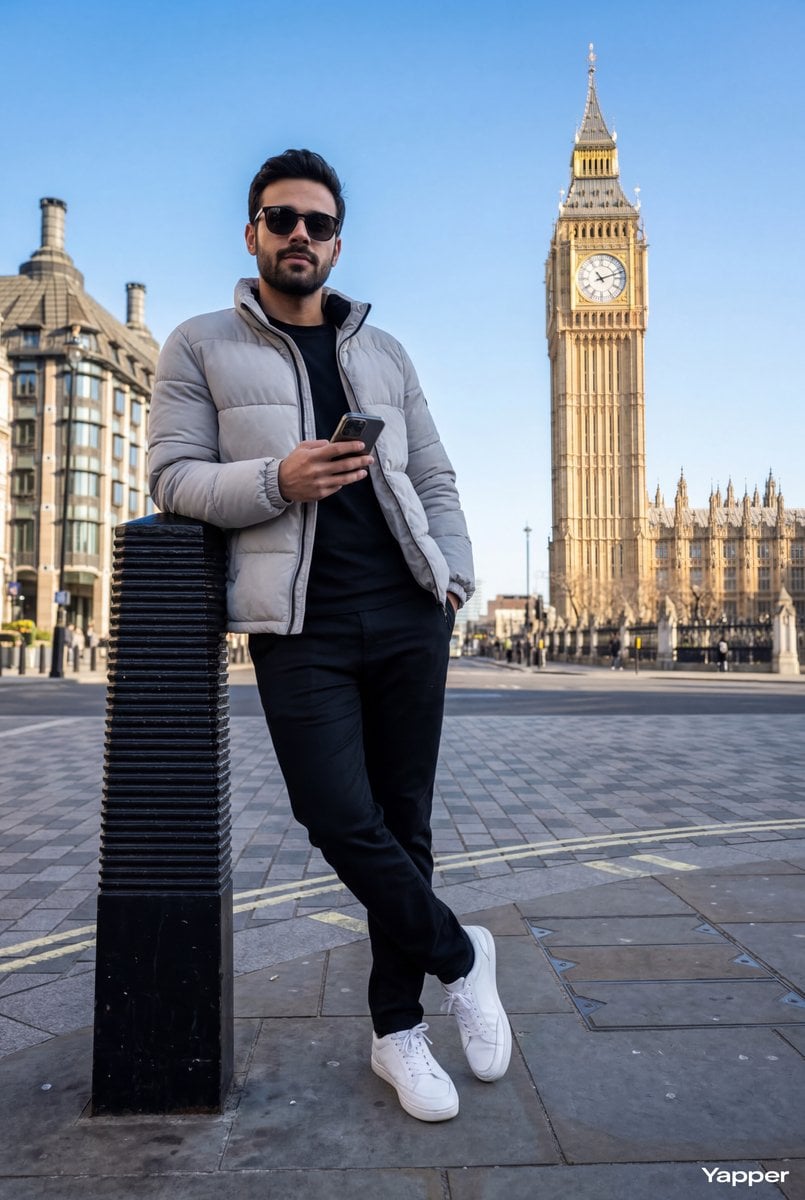
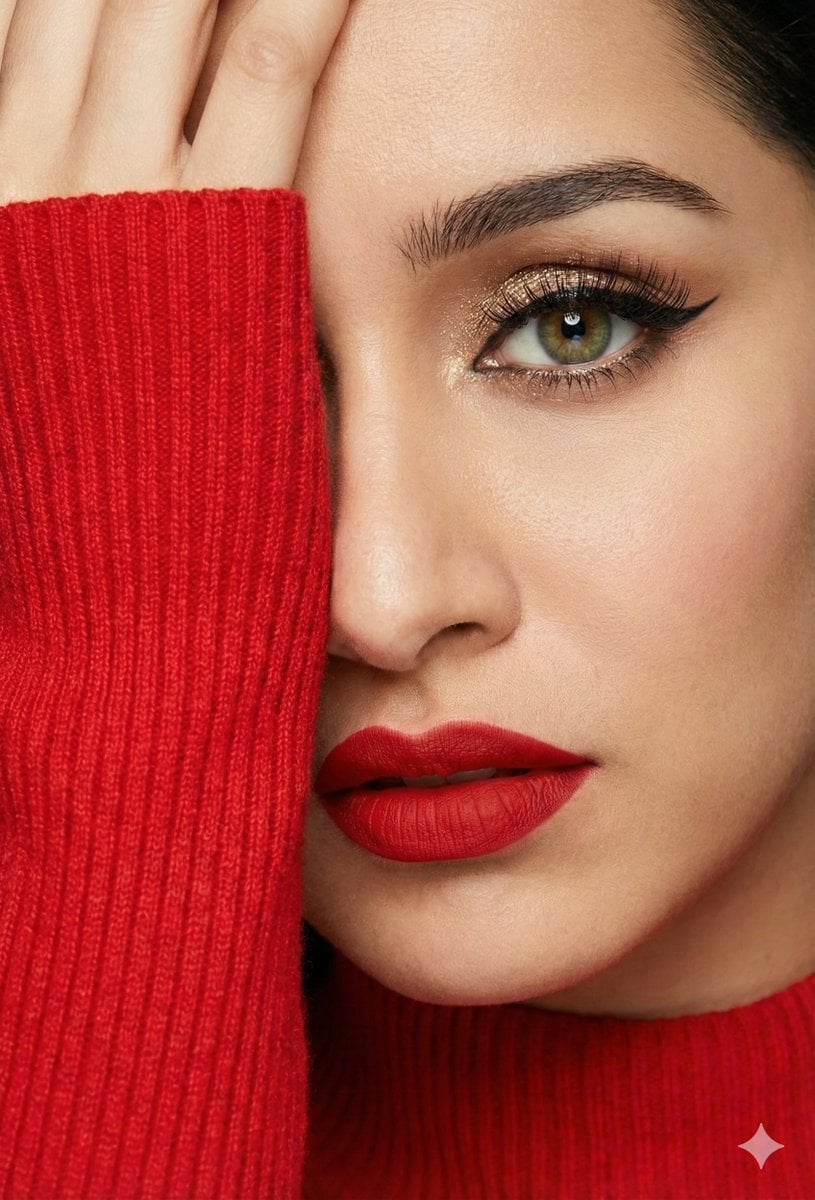
How do I use the 4K Street Style template?
Edit the prompt in the box under the preview — the template's model and format are already selected — and press Generate. Your version appears right on this page.
4K Street Style is a ready photo look.

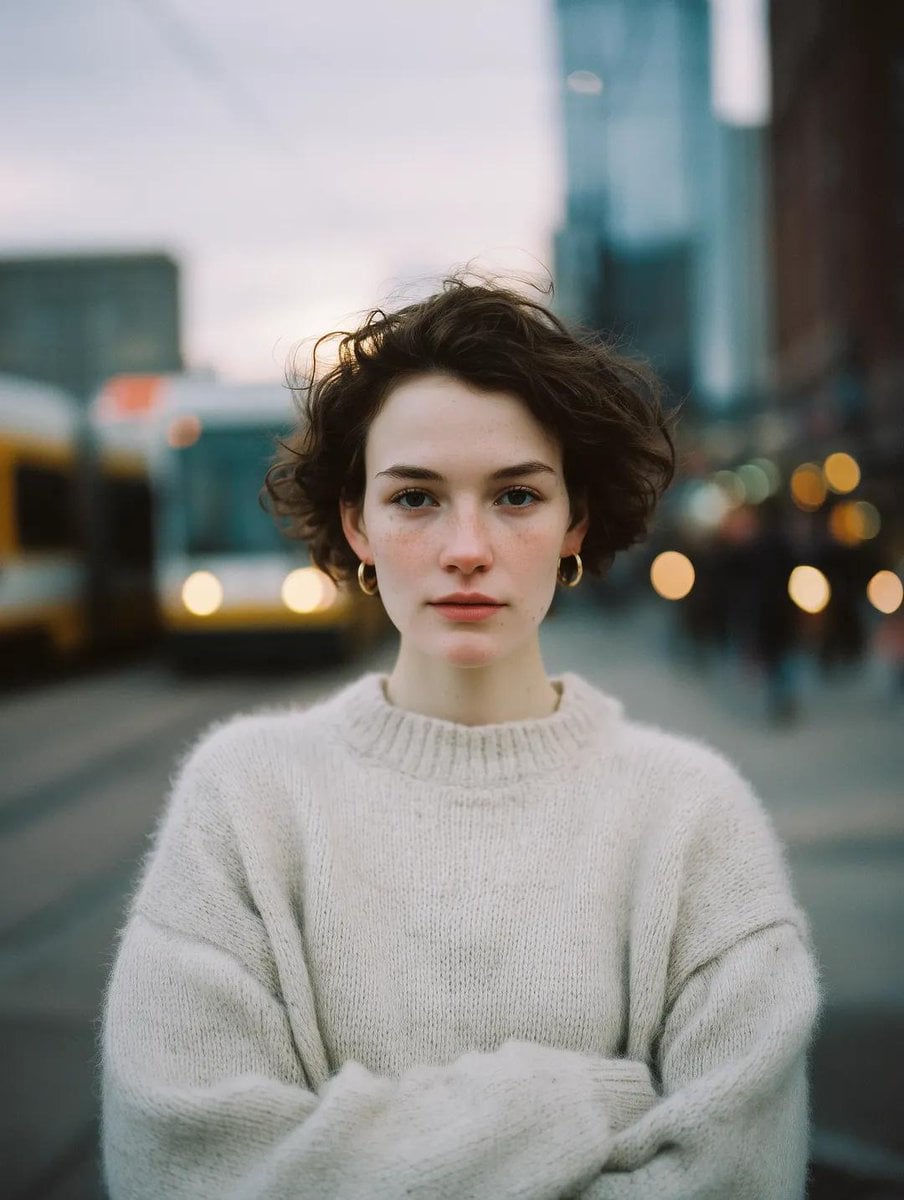
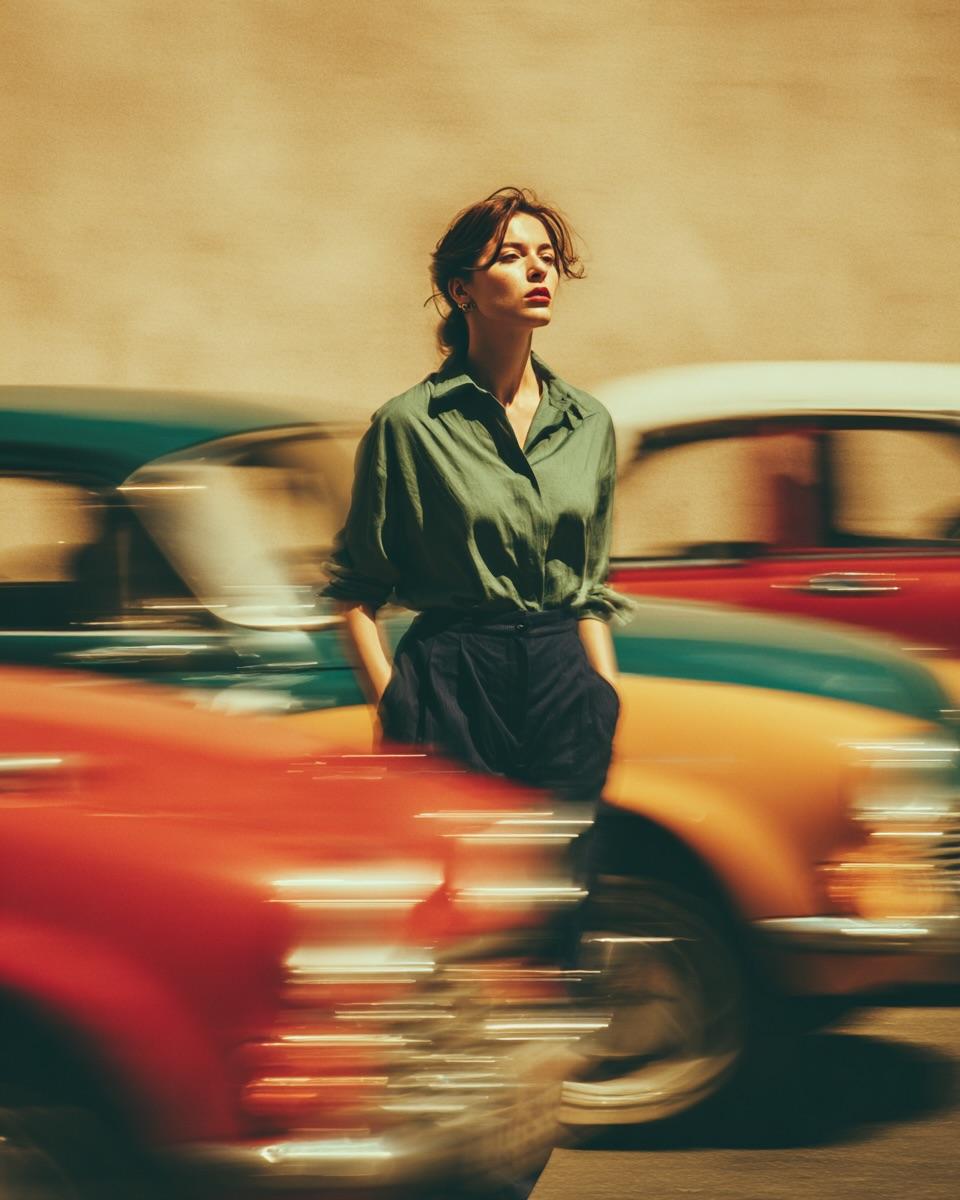
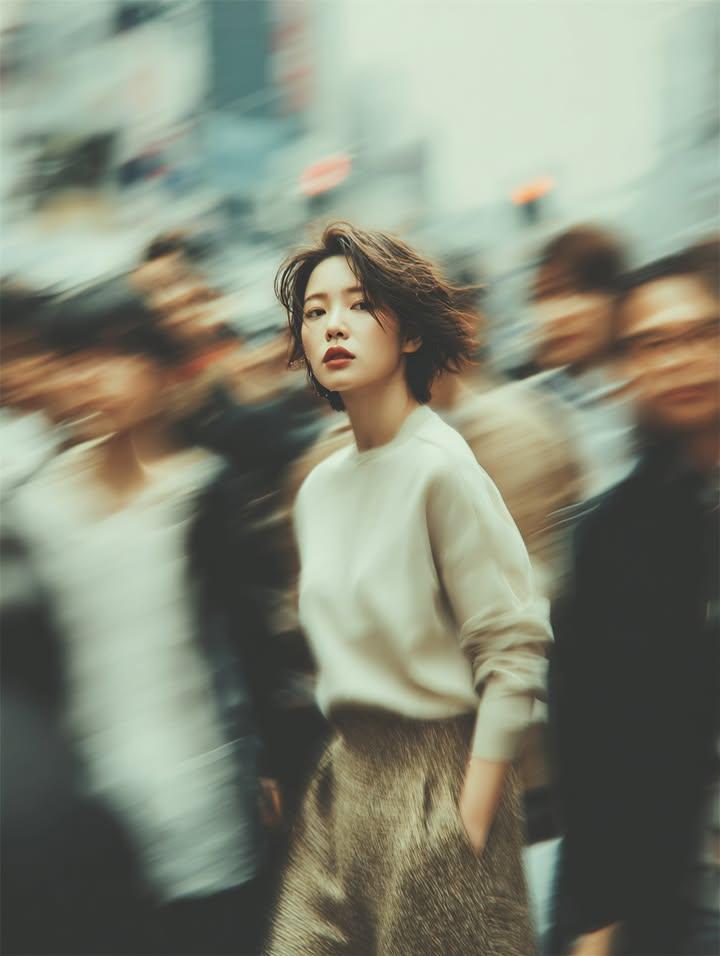
Ultra-realistic 4k street-style portrait of uploaded image walking confidently toward the camera, same pastel pink overcoat, white top, rose-tinted sunglasses, and gold hoop earrings. Short wavy brown hair with soft bangs moves naturally with her steps. Shot on an urban street with a softly blurred bus in the background, light motion bokeh, shallow depth of field. Modern chic editorial look, crisp focus, warm pastel tones.
Ultra-realistic 4k street-style portrait of uploaded image walking confidently toward the camera, same pastel pink overcoat, white top, rose-tinted sunglasses, and gold hoop earrings. Short wavy brown hair with soft bangs moves naturally with her steps. Shot on an urban street with a softly blurred bus in the background, light motion bokeh, shallow depth of field. Modern chic editorial look, crisp focus, warm pastel tones.
Edit the prompt in the box under the preview — the template's model and format are already selected — and press Generate. Your version appears right on this page.
Yes. You can change the subject, setting, lighting, mood, format, and available model controls before creating your image.
Opening and editing this template is free. Generating uses credits, shown on the Generate button when you are signed in.
Choose a compatible model in PicX Studio based on the style, speed, and output controls your project needs.
Follow a topic to a crawlable collection of related PicX Studio templates.