
Chinese Portrait Photography Book Page
A polished Chinese editorial book layout for a photography guide, ideal for generating premium tutorial pages with portrait imagery, diagrams, and structured text.
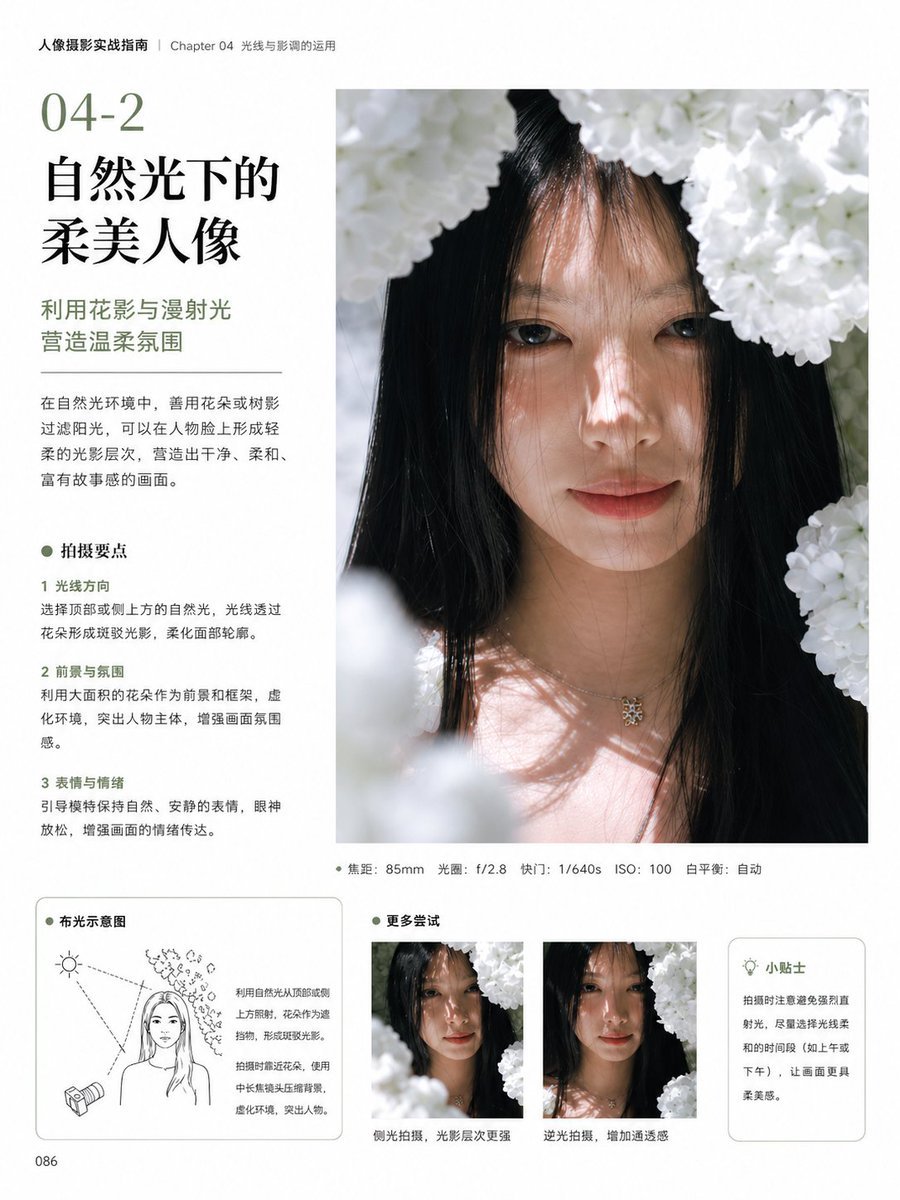
- Prompt included
- Model and format preset
- Free template
The prompt behind this image
Copy the exact prompt behind Chinese Portrait Photography Book Page, or open it in the studio and make it yours.
Create a clean, premium Chinese editorial book page for a photography tutorial, portrait orientation, minimalist magazine-style layout on an off-white paper background with generous margins and refined typography. The page is a single spread-like design with 5 clearly separated content blocks: a top header, a left text column, one large main portrait on the right, a bottom-left lighting diagram, and a bottom-right area containing 2 thumbnail examples plus 1 tip box. In the top header, place small Chinese text reading "人像摄影实战指南 | Chapter 04 光线与影响的运用". On the upper left, make a large chapter number in muted olive green reading "04-2", followed by a bold black Chinese title split across multiple lines: "自然光下的\n柔美人像". Below it, add a smaller olive-green subtitle: "利用花影与漫射光\n营造温柔氛围". Under the subtitle, include a short Chinese paragraph in black body text describing how natural surroundings and flowers or tree shadows can soften sunlight and create a clean, gentle, atmospheric portrait. Below that, create a section titled "● 拍摄要点" in olive green, followed by 3 numbered tips in Chinese body text: 1 "光线方向" with a sentence about choosing top or upper-side natural light and using floral shadows to soften facial contours; 2 "前景与氛围" with a sentence about using large soft foreground flowers to frame the scene and add depth; 3 "表情与情绪" with a sentence about guiding the model to keep a natural, calm expression and relaxed gaze. On the right side, place one large vertical portrait photo occupying the upper-right half of the page: a soft, airy close portrait of a young East Asian woman with long straight black hair, wearing a pale blush pink top and a delicate necklace, surrounded by abundant white hydrangea-like blossoms in the foreground and overhead, lit by diffused natural daylight with floral shadows and a gentle romantic mood, shallow depth of field, elegant editorial photography. Beneath the main photo, add a single line of small technical camera settings text in Chinese: "● 焦距:85mm 光圈:f/2.8 快门:1/640s ISO:100 白平衡:自动". In the bottom-left block, place a rounded-corner box containing a simple black-and-white hand-drawn lighting diagram with the title "● 布光示意图". Inside the diagram show 3 elements: a small sun icon at upper left, a camera icon at lower left, and a rear-view sketch of a standing woman centered, with dotted directional lines from the sun and labels in Chinese explaining that natural light from above front is softened by flowers into dappled diffused light, with flowers used as foreground and medium telephoto compression for a virtualized scene. In the bottom-right area, add a section title "● 更多尝试" in olive green above 2 small vertical thumbnail portraits of the same woman among white flowers. Give each thumbnail a short Chinese caption: left "侧光拍摄,光影层次更强", right "逆光拍摄,增加通透感". To the far right of the thumbnails, place a rounded rectangular tip box with the title "✦ 小贴士" and a short Chinese note advising to avoid direct harsh midday light and prefer soft light in the morning or late afternoon for a gentler image. Add a small page number "086" at the bottom left. Use elegant Chinese book typography, muted olive green accents, black body text, subtle gray divider lines, high-end publishing design, balanced whitespace, realistic print layout, and polished professional book typesetting.
How to use Chinese Portrait Photography Book Page in 3 steps
- 1Upload ImagePNG, JPG or paste
Add your photo
Upload the photo the template builds on. The prompt, model and format are already set.
- 2…a portrait of your subject in softgolden-hour light, 85mm…
Personalize
Edit the subject and creative details for your destination.
- 3Generate
Generate
Press Generate — your image is created in PicX Studio, so you can compare it with the original and refine one variable at a time.
More like this
Templates with the same subject, style or setup. Open one to see its prompt.

Mountain Valley Lifestyle Portrait

Portrait of a young woman in her early 20s walking calmly on a beautiful

A high-definition cinematic portrait of a sophisticated woman sitting

Realistic portrait 100 identical face, no editing allowed

2025 Aesthetic Photography

Found Photograph: Us, 1970

80s Couple Studio Portrait

80s Bollywood Star

80s Golden Hour Cinema

Me in 1985

1985 Studio Portrait

青蛇小青写真大片,绿色紧身蛇鳞裙,湿发红唇,妖娆妩媚
Make it yours
Chinese Portrait Photography Book Page works as-is. These are the safest ways to change it without losing the look.
Change one field
Copy a single group, rewrite it, and generate again so you can see what that field is doing.
Keep the frame, change the subject
Hold the composition and light of Chinese Portrait Photography Book Page, then swap wardrobe, props or the person for a new take.
| If the result… | Why | Fix |
|---|---|---|
| The result drifts from the preview | Too many fields changed at once. | Reuse Chinese Portrait Photography Book Page as-is first, then change one group — subject, light, or setting. |
| The model over-stylizes the scene | The prose prompt leaves finish and camera underspecified. | Add one camera or lighting sentence and stay on GPT Image 2. |
More GPT Image 2 templates
Other prompts made for GPT Image 2.

Six VTuber Japanese Logo Sheet

Realistic Portrait of Woman and Deer

The Vista Modular Condo Poster

AI Model Routing Comparison Infographic

2.5D Anime Art Board

Isometric Productivity Desk Scene

New York Double Exposure Poster

Four-Panel AI Landscape Comparison

Japanese Tatami Lifestyle Magazine Cover

NESCAFÉ Coffee Map Poster
More image prompts
Fresh picks from across the catalog.
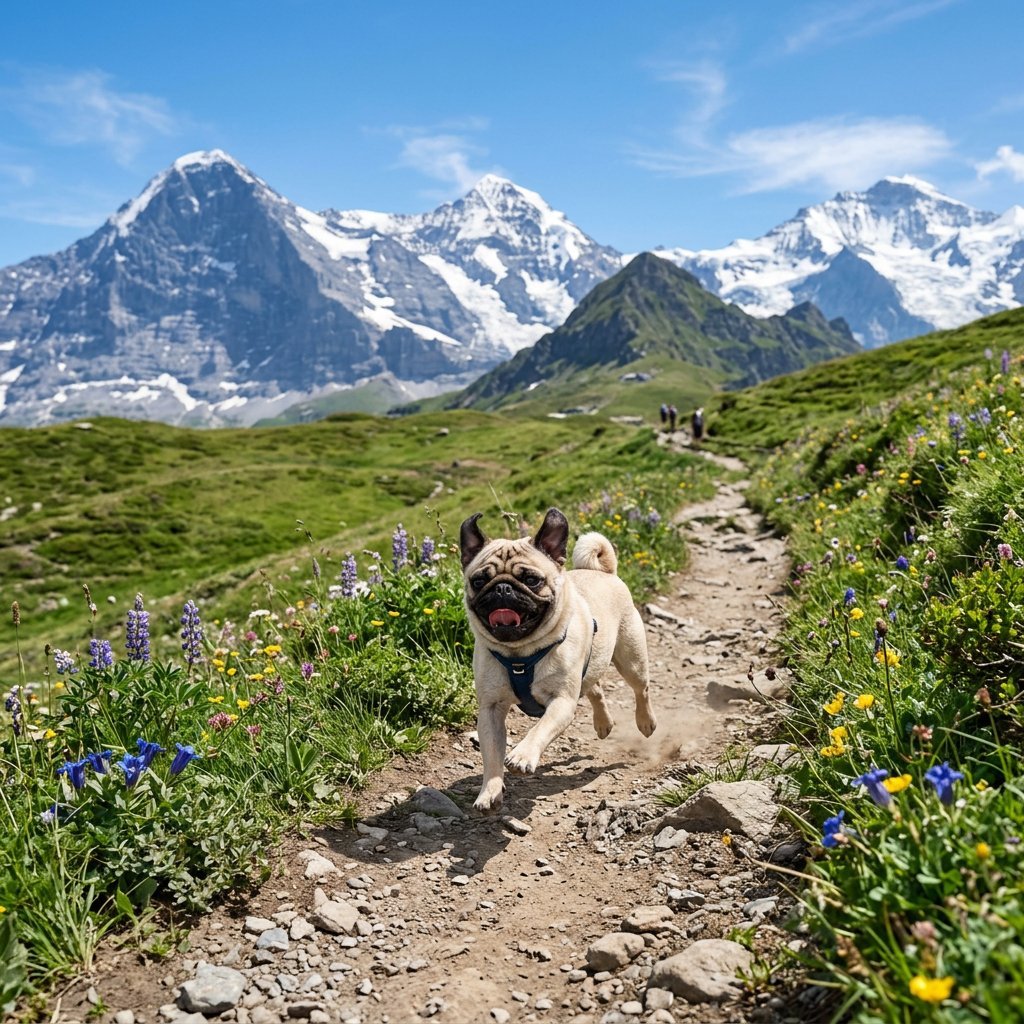
Pug Running on Alpine Trail
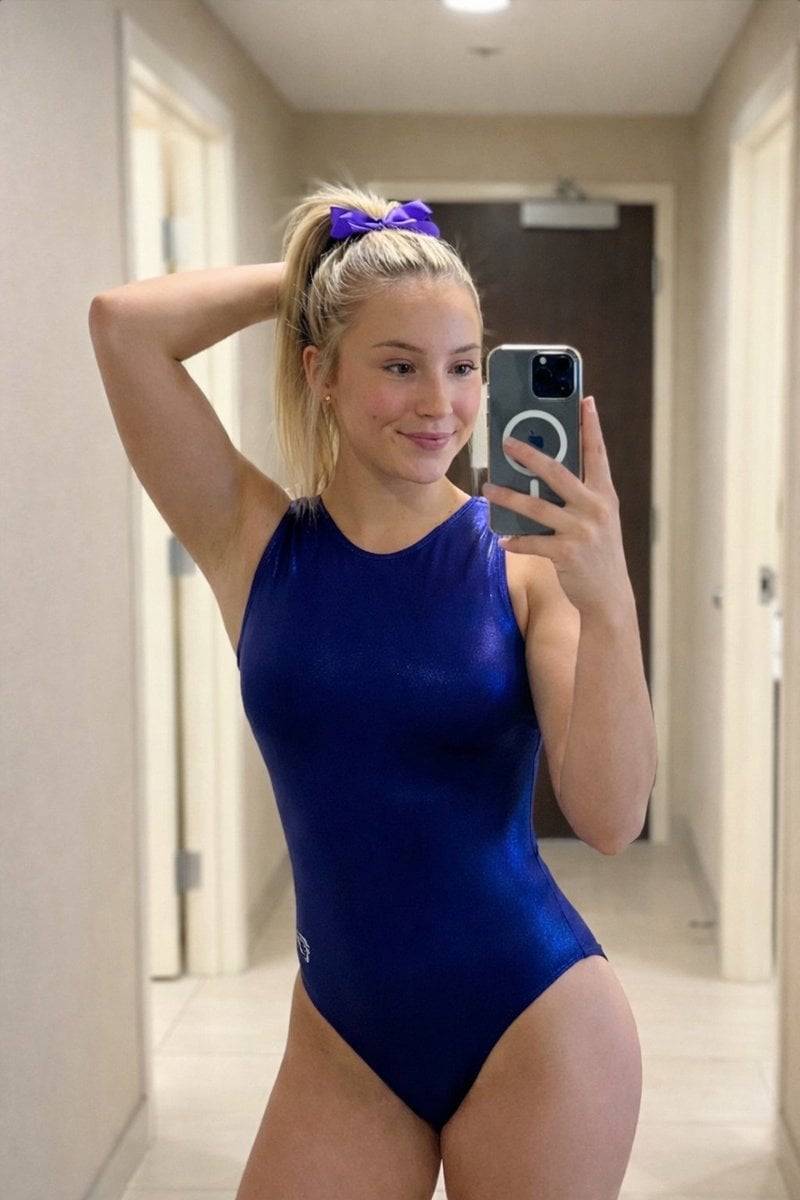
Photorealistic Mirror Selfie Portrait Prompt (Gymnastics Leotard)
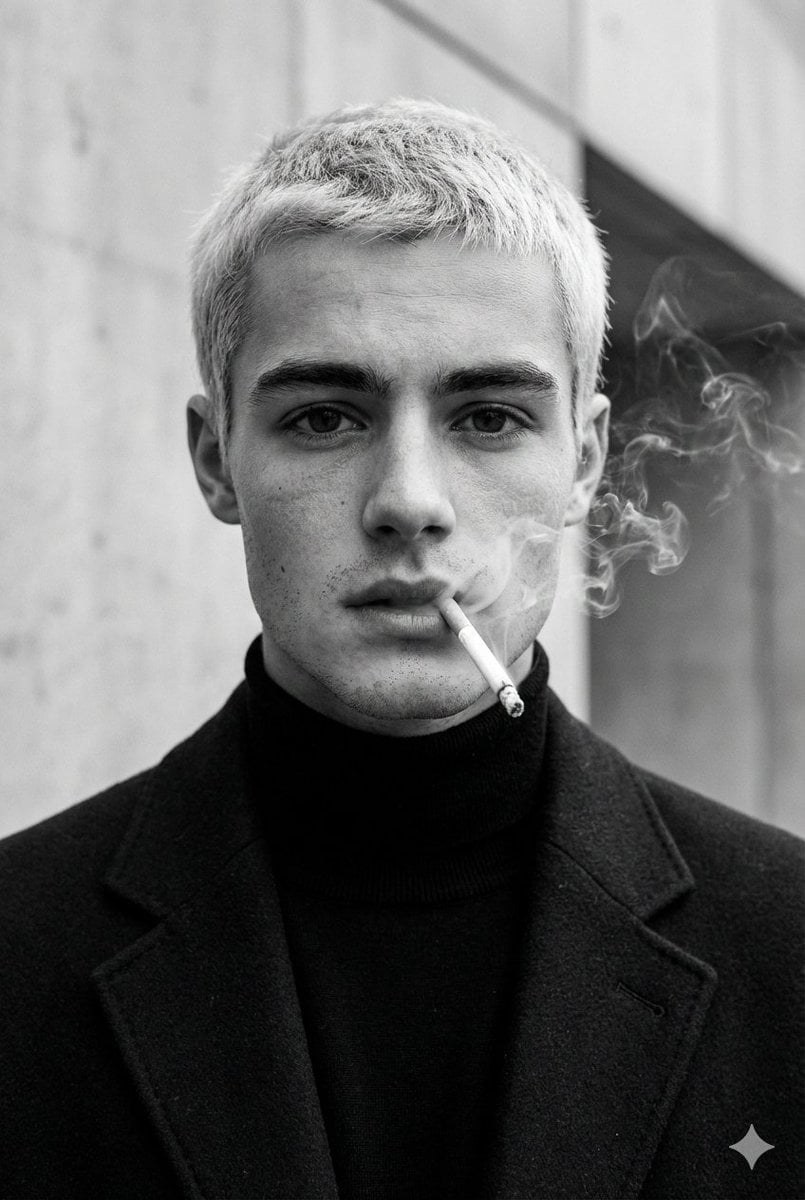
High-Fashion Black and White Portrait with Cigarette Smoke
Gpt2 Social Media Post Handwritten Realistic Letter
Monochrome Hypebeast Editorial with Airborne Action

Luxury Drink Advertisement Poster

Futuristic Energy Drink Ad Poster
Photorealistic manga-themed bedroom portrait
Summer Mother and Baby Sky Collage
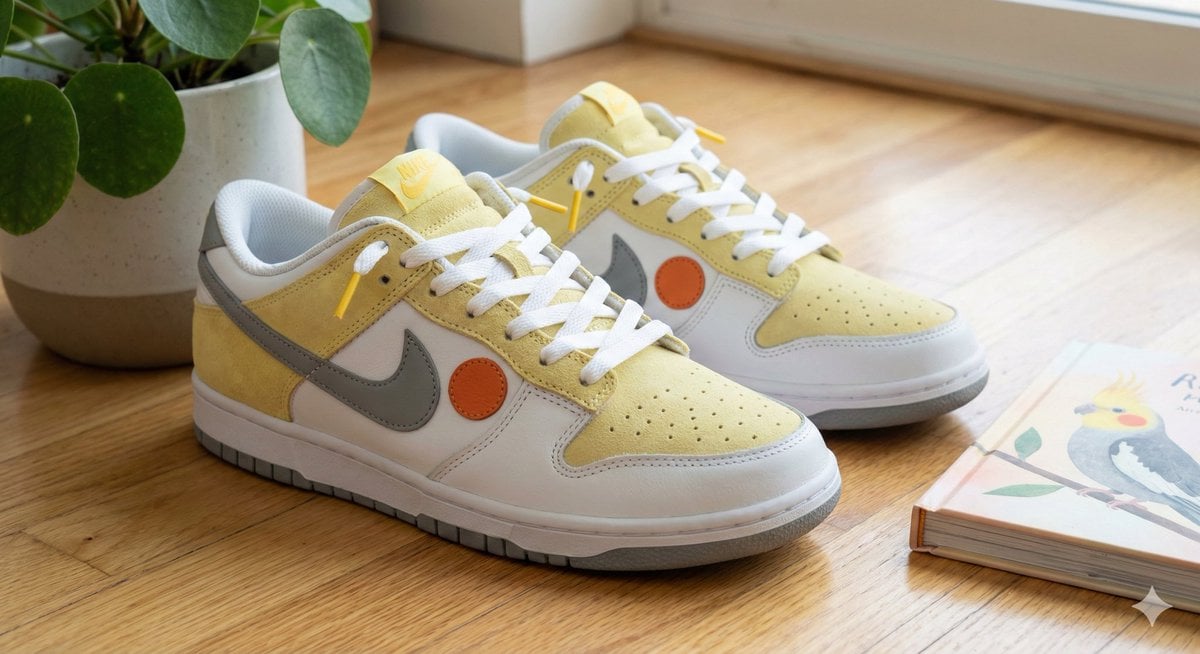
Cockatiel Model Sneakers Generated by Nano Banana Pro
Browse template categories
Chinese Portrait Photography Book Page questions
How do I use the Chinese Portrait Photography Book Page template?
Add your photo if the template asks for one, edit the prompt if you like — the template's model and format are already selected — and press Generate. Your version opens in PicX Studio.
Can I customize the Chinese Portrait Photography Book Page template?
Yes. You can change the subject, setting, lighting, mood, format, and available model controls before creating your image.
Is the Chinese Portrait Photography Book Page template free?
Opening and editing this template is free. Generating uses credits, shown on the Generate button when you are signed in.
Which AI model should I use?
Start with GPT Image 2, which is the model associated with this template. You can compare another compatible model for a different finish.
Looking for something else? Browse all templates.

Your photo, any look
Thousands of ready templates for every top image and video model, from one credit balance.