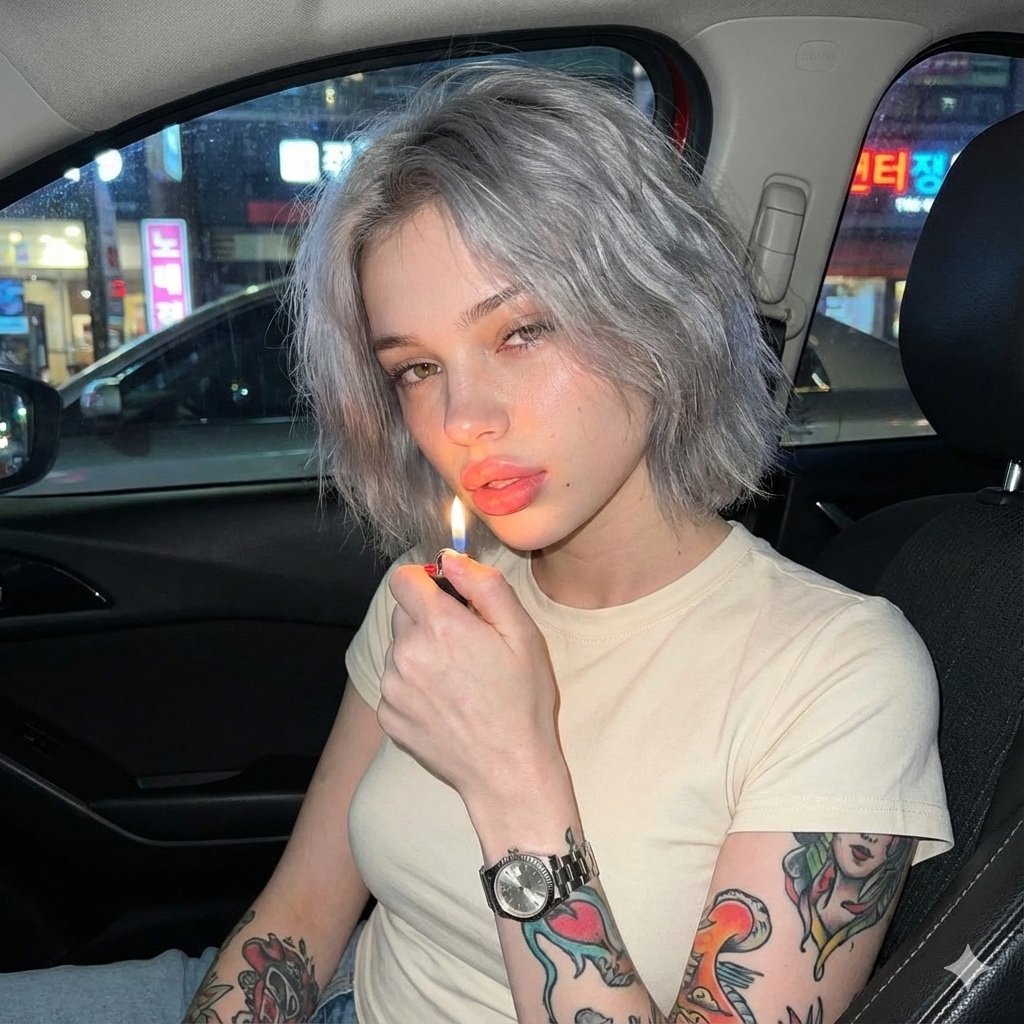
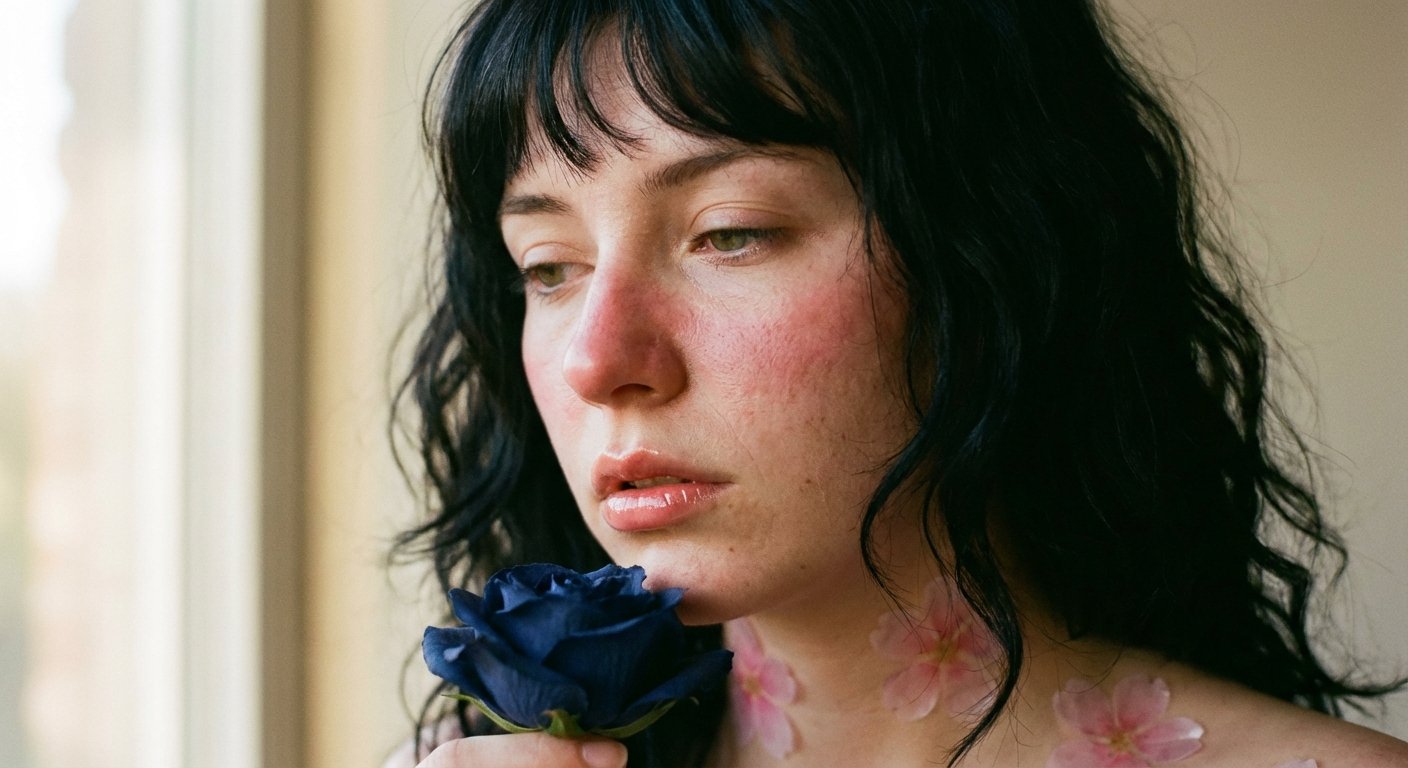
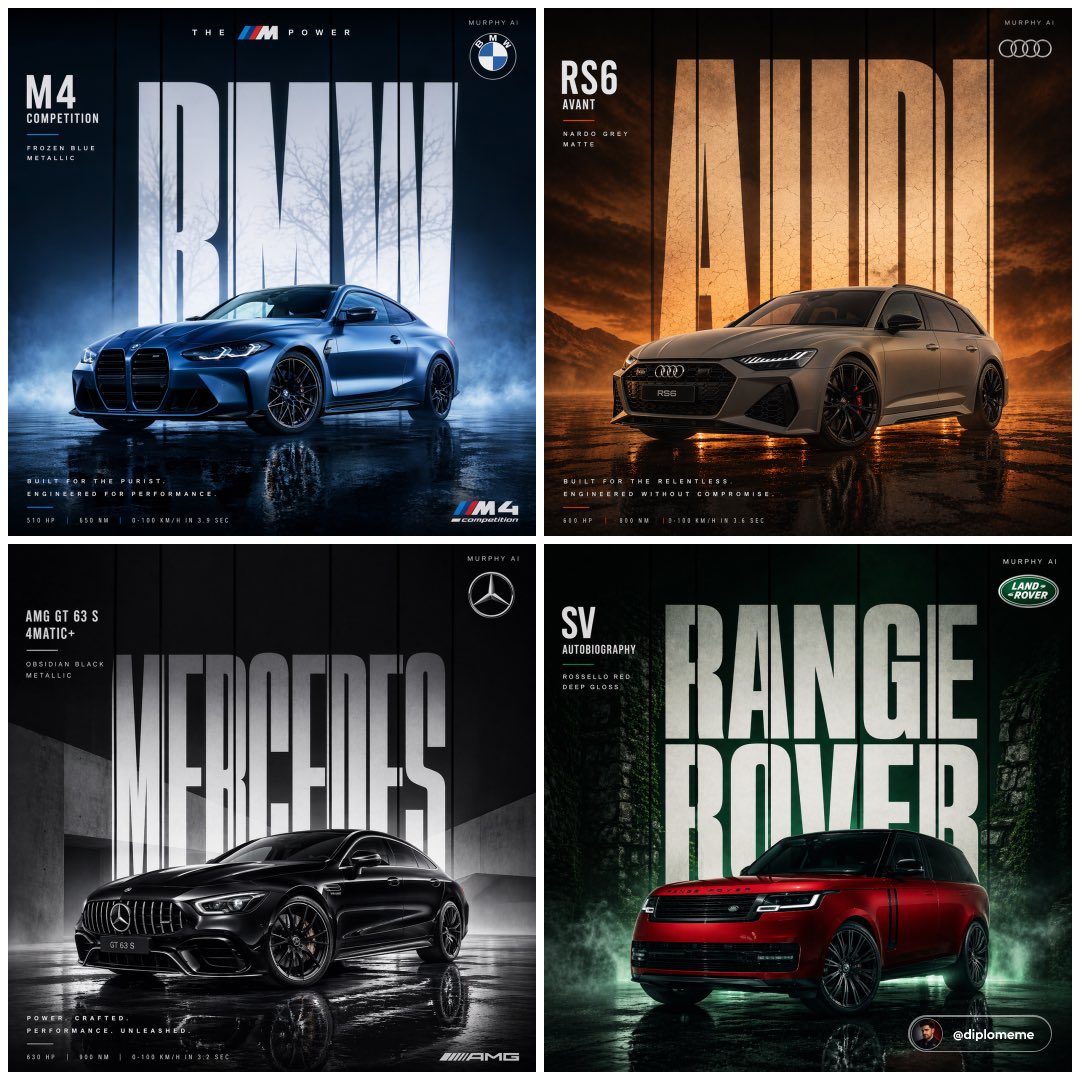
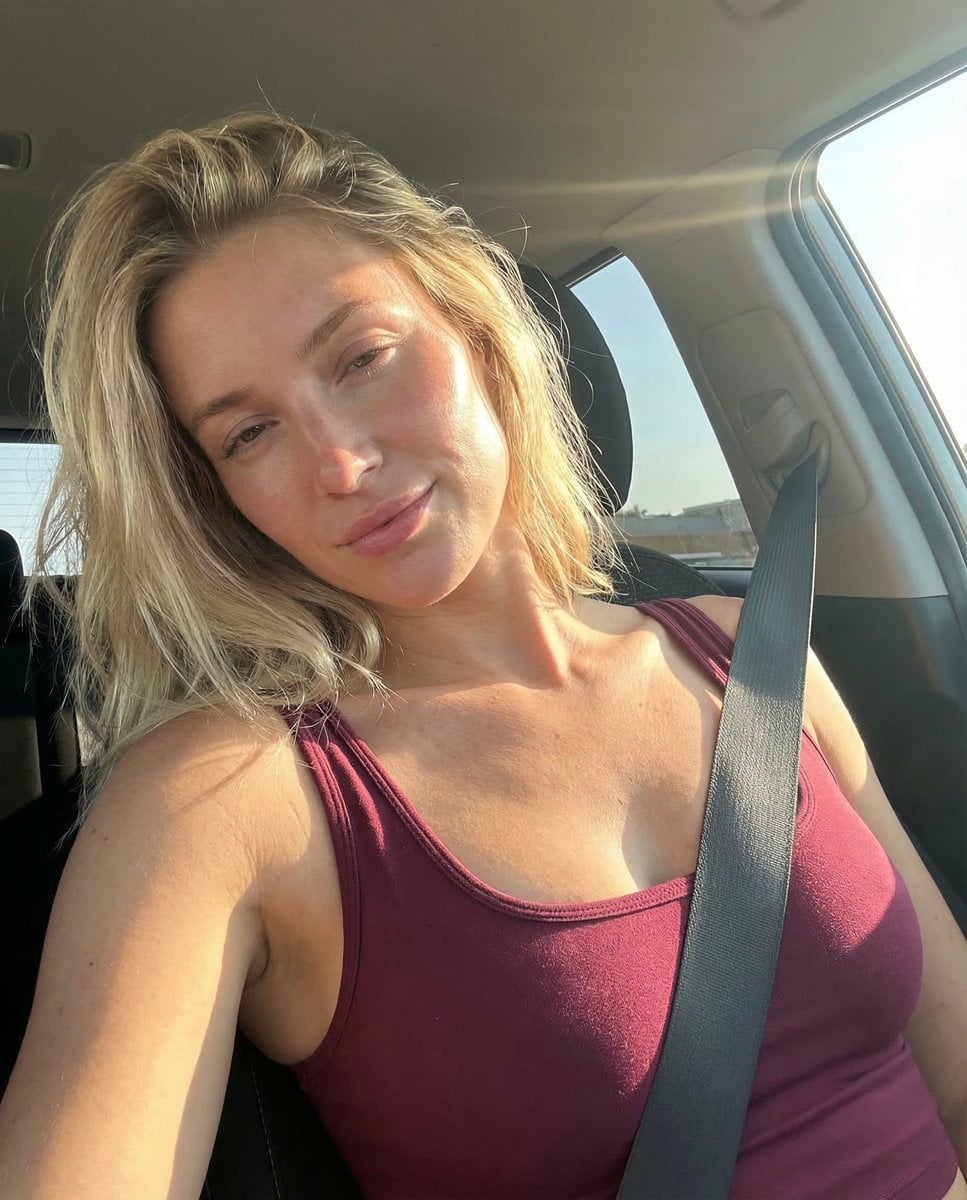
How do I use the Parked in Confidence template?
Edit the prompt in the box under the preview — the template's model and format are already selected — and press Generate. Your version appears right on this page.
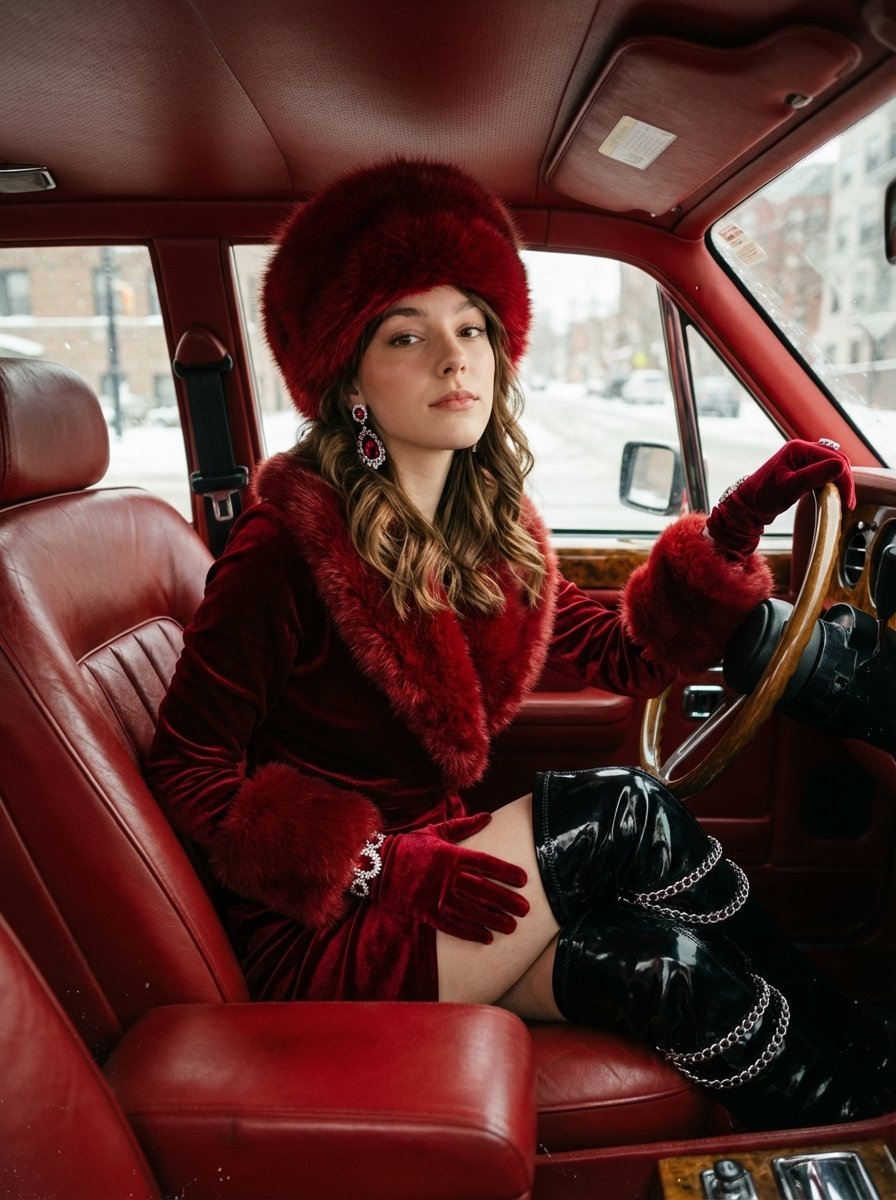
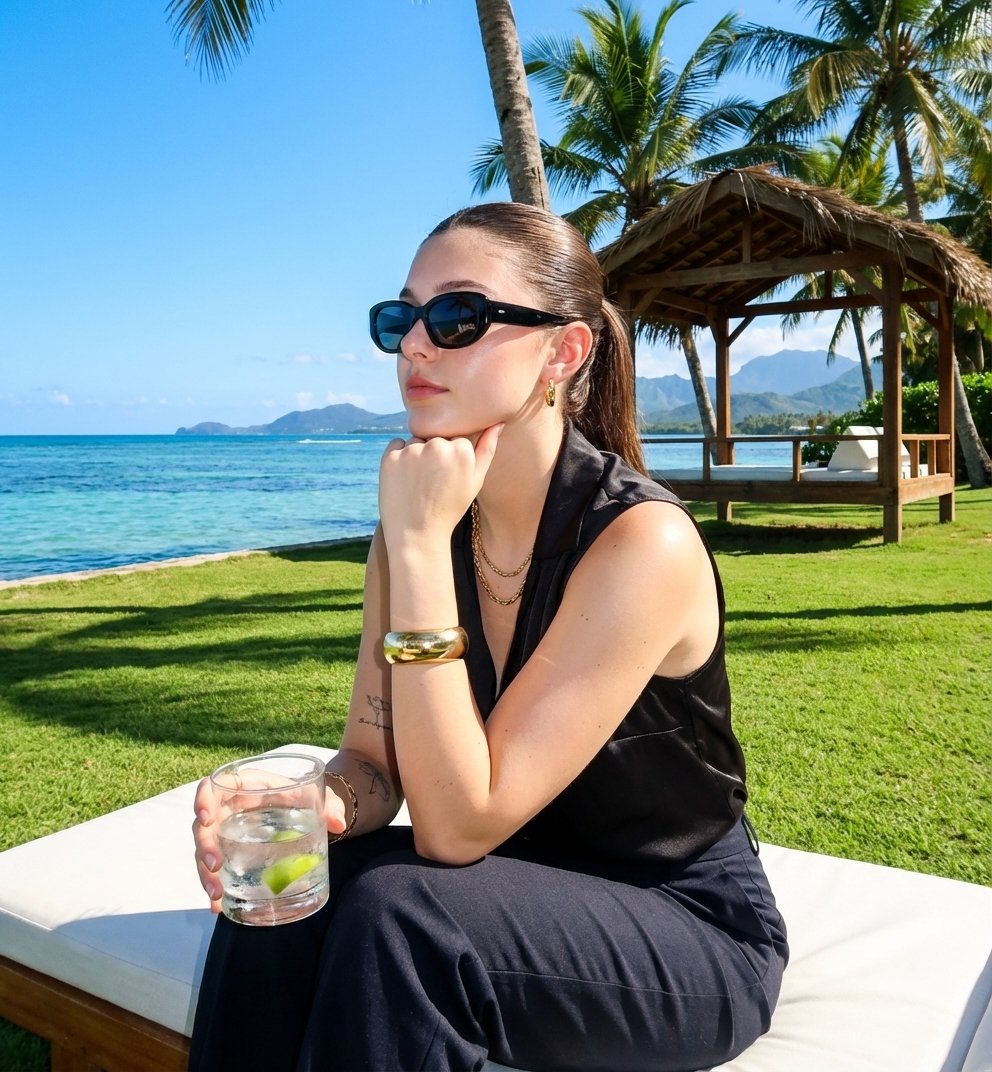
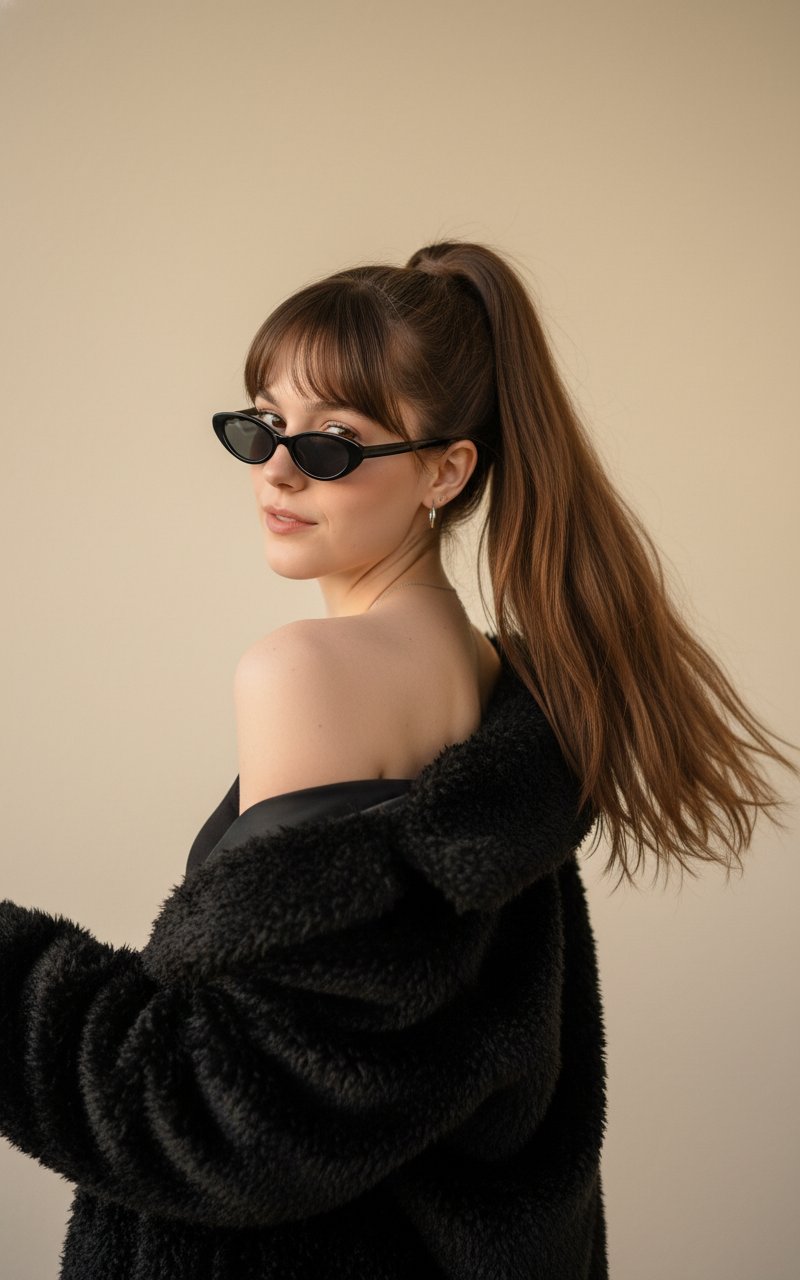
Parked in Confidence is a ready photo look.

{ "prompt": { "reference_photo": "Use the uploaded reference photo. Do not change the Subject’s facial features. The Subject must look 1000% identical to the uploaded images.", "scene": { "setting": "sleek, dimly lit luxury showroom", "subject_position": "seated slightly off-center on a bright red beanbag chair", "midground": "vivid red supercar with angular front bumper, sharp air intakes, and glossy black detailing", "background": { "ceiling": "bold, linear black slats running diagonally, creating depth with soft reflections", "right_side": "glossy black croc-embossed duffel bag on speckled concrete floor with diffused light reflections", "left_side": "another red beanbag and subtle racing-themed decor providing controlled pops of color", "mirrored_wall": "reversed silhouettes of showroom signage, racing helmet displays, and stylized circuit-track outlines" } }, "subject": { "identity": "must match reference photo with 1000% accuracy", "outfit": { "jacket": "matte black leather jacket with structured seams and folded cuffs", "trousers": "oversized black leather trousers pooling at the ankles", "shoes": "chunky black platform shoes with high-shine surfaces", "posture": "arms crossed in a relaxed, confident pose with subtle reflections emphasizing leather textures" } }, "supercar_details": { "lighting_effects": "sculpted hood shifting from deep shadows to bright reflections", "rims": "black rims under aerodynamic fenders", "windshield": "polished surface capturing faint interior reflections" }, "micro_details": [ "dust speckles on concrete", "tiny reflections across leather surfaces", "faint fingerprints on duffel bag’s glossy texture", "dramatic shadow falloff around shoes" ], "camera_style": "natural, authentic, HD look as if photographed with an iPhone camera", "constraints": { "face_modification": "none allowed — maintain all facial features exactly as in reference image" } } } Edit the image according to this prompt
{ "prompt": { "reference_photo": "Use the uploaded reference photo. Do not change the Subject’s facial features. The Subject must look 1000% identical to the uploaded images.", "scene": { "setting": "sleek, dimly lit luxury showroom", "subject_position": "seated slightly off-center on a bright red beanbag chair", "midground": "vivid red supercar with angular front bumper, sharp air intakes, and glossy black detailing", "background": { "ceiling": "bold, linear black slats running diagonally, creating depth with soft reflections", "right_side": "glossy black croc-embossed duffel bag on speckled concrete floor with diffused light reflections", "left_side": "another red beanbag and subtle racing-themed decor providing controlled pops of color", "mirrored_wall": "reversed silhouettes of showroom signage, racing helmet displays, and stylized circuit-track outlines" } }, "subject": { "identity": "must match reference photo with 1000% accuracy", "outfit": { "jacket": "matte black leather jacket with structured seams and folded cuffs", "trousers": "oversized black leather trousers pooling at the ankles", "shoes": "chunky black platform shoes with high-shine surfaces", "posture": "arms crossed in a relaxed, confident pose with subtle reflections emphasizing leather textures" } }, "supercar_details": { "lighting_effects": "sculpted hood shifting from deep shadows to bright reflections", "rims": "black rims under aerodynamic fenders", "windshield": "polished surface capturing faint interior reflections" }, "micro_details": [ "dust speckles on concrete", "tiny reflections across leather surfaces", "faint fingerprints on duffel bag’s glossy texture", "dramatic shadow falloff around shoes" ], "camera_style": "natural, authentic, HD look as if photographed with an iPhone camera", "constraints": { "face_modification": "none allowed — maintain all facial features exactly as in reference image" } } } Edit the image according to this prompt
Edit the prompt in the box under the preview — the template's model and format are already selected — and press Generate. Your version appears right on this page.
Yes. You can change the subject, setting, lighting, mood, format, and available model controls before creating your image.
Opening and editing this template is free. Generating uses credits, shown on the Generate button when you are signed in.
Choose a compatible model in PicX Studio based on the style, speed, and output controls your project needs.
Follow a topic to a crawlable collection of related PicX Studio templates.