How do I use the Analog Portrait Template template?
Edit the prompt in the box under the preview — the template's model and format are already selected — and press Generate. Your version appears right on this page.
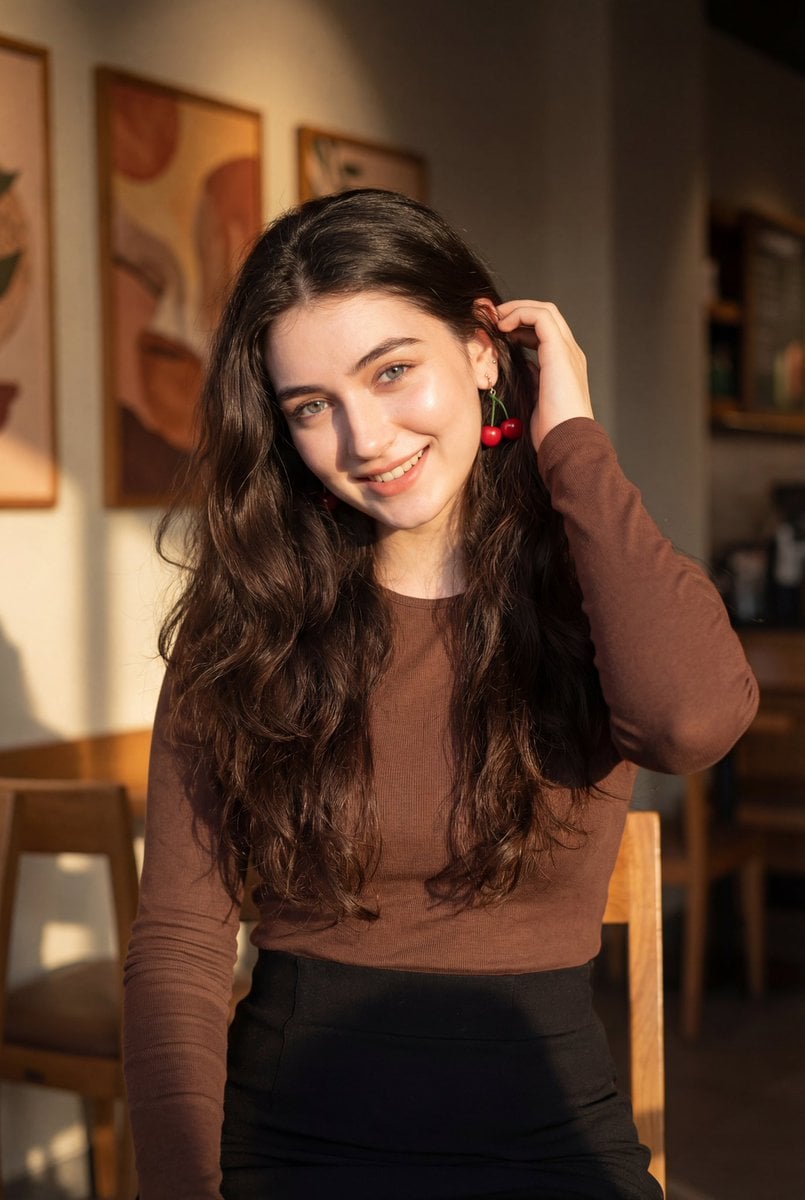
Analog Portrait Template is a ready photo look.

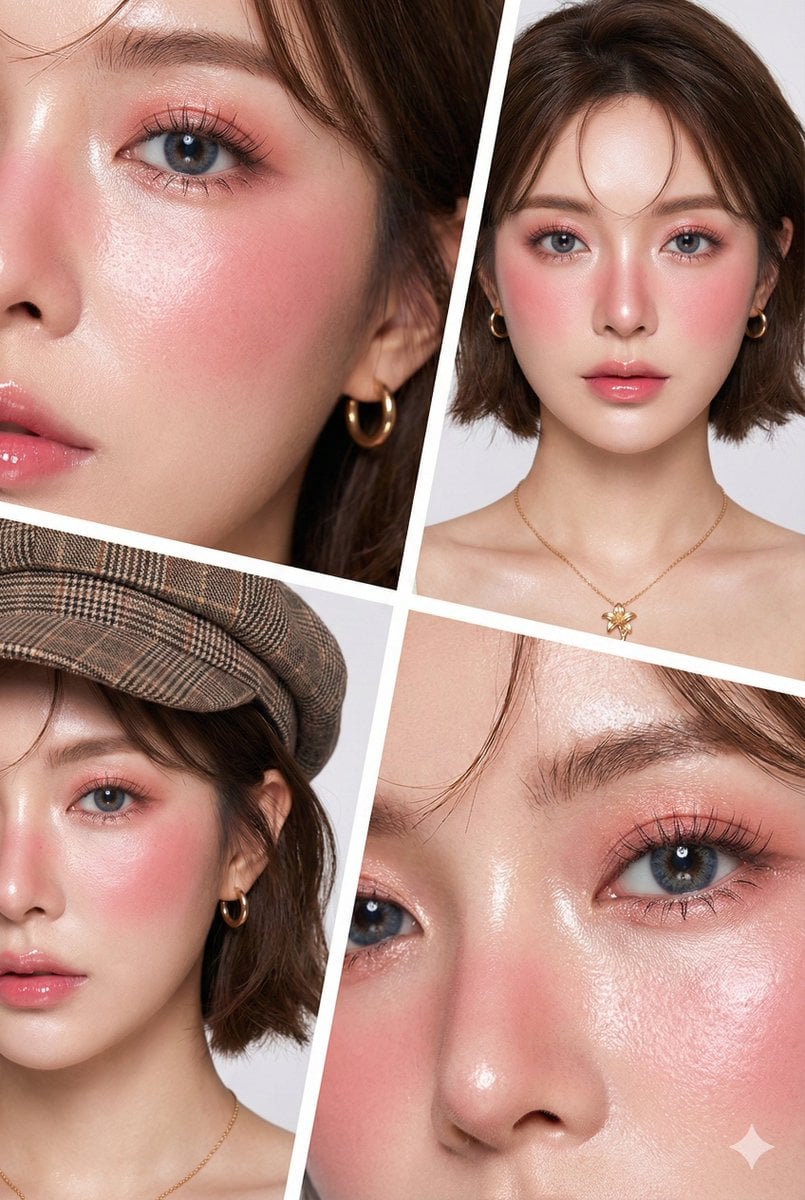
Create this and do not change the face. An artistic and emotional portrait photo of a beautiful young girl. Her face is shown very close-up, focusing on makeup that gives a “drunk” or feverish look (thick pink blush on her cheeks and nose) and glossy lips. Her hair is black, slightly wavy and messy, with bangs covering her forehead. She is holding a dark blue flower that contrasts with her pale white skin. Her eyes look sad and gaze slightly downward to the side, as if she is daydreaming. On her upper chest/collarbone area, there is a sticker or painting of transparent pink flower petals. The lighting is soft and warm, giving a dreamy feel. The photo texture has film-like noise or grain, similar to old analog photography.
Create this and do not change the face. An artistic and emotional portrait photo of a beautiful young girl. Her face is shown very close-up, focusing on makeup that gives a “drunk” or feverish look (thick pink blush on her cheeks and nose) and glossy lips. Her hair is black, slightly wavy and messy, with bangs covering her forehead. She is holding a dark blue flower that contrasts with her pale white skin. Her eyes look sad and gaze slightly downward to the side, as if she is daydreaming. On her upper chest/collarbone area, there is a sticker or painting of transparent pink flower petals. The lighting is soft and warm, giving a dreamy feel. The photo texture has film-like noise or grain, similar to old analog photography.
Edit the prompt in the box under the preview — the template's model and format are already selected — and press Generate. Your version appears right on this page.
Yes. You can change the subject, setting, lighting, mood, format, and available model controls before creating your image.
Opening and editing this template is free. Generating uses credits, shown on the Generate button when you are signed in.
Choose a compatible model in PicX Studio based on the style, speed, and output controls your project needs.
Follow a topic to a crawlable collection of related PicX Studio templates.