
Japanese Color-Coded Periodic Table
A clean educational poster showing the full periodic table in Japanese with pastel color coding by block, suitable for textbooks, classroom visuals, and science reference graphics.
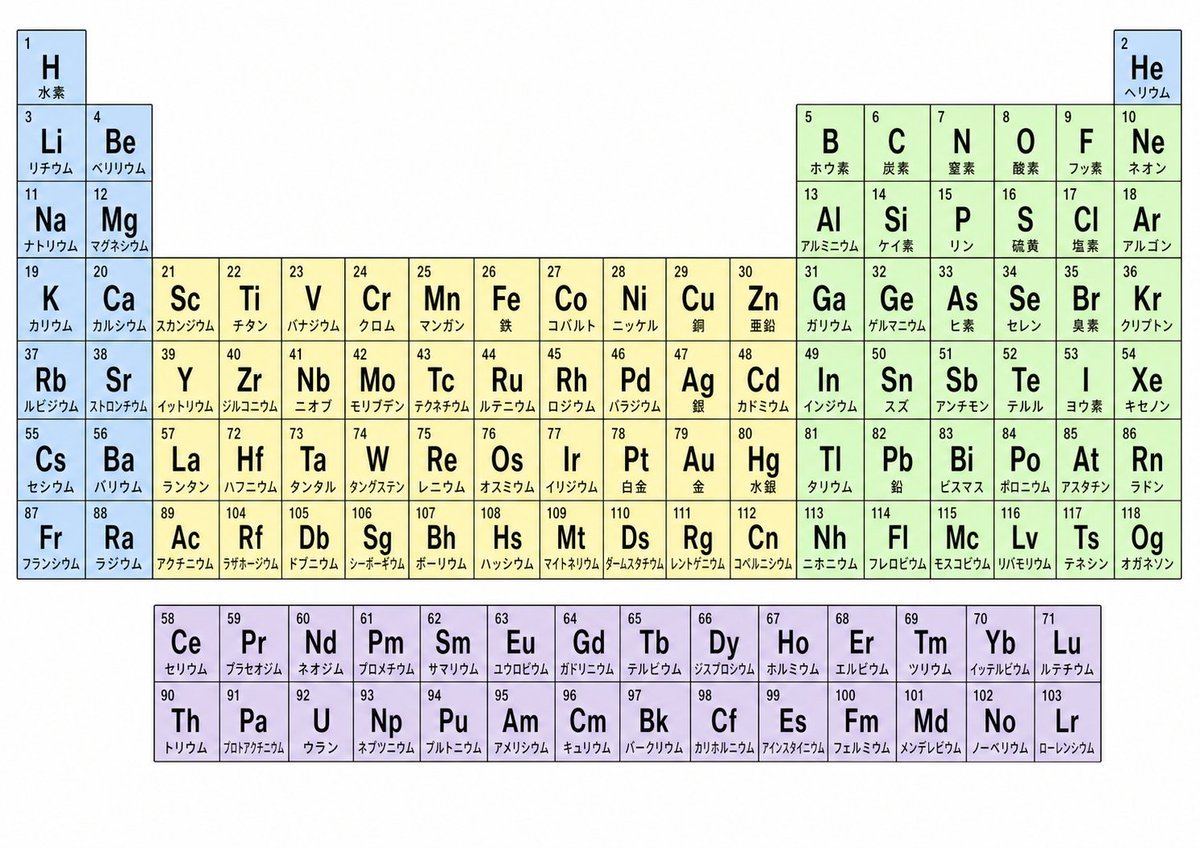
- Prompt included
- Model and format preset
- Free template
The prompt behind this image
Copy the exact prompt behind Japanese Color-Coded Periodic Table, or open it in the studio and make it yours.
{"type":"educational infographic","subject":"periodic table of the elements in Japanese","style":"clean flat textbook poster, crisp vector lines, white background, black text, minimalist scientific layout","language":"Japanese","canvas":{"orientation":"landscape","aspect_ratio":"16:9","background":"white","margin":"generous outer whitespace"},"table":{"grid":"standard 18-column periodic table","cell_style":{"border":"thin dark gray outline","corner_style":"square","fill":"pastel by block","number_position":"top-left","symbol_position":"large centered uppercase Latin letters","name_position":"small Japanese text near bottom"},"color_coding":{"s_block":"pale blue","d_block":"pale cream yellow","p_block":"pale mint green","f_block":"pale lavender"},"sections":[{"title":"main periodic table","position":"upper center","count":90,"labels":["H","He","Li","Be","B","C","N","O","F","Ne","Na","Mg","Al","Si","P","S","Cl","Ar","K","Ca","Sc","Ti","V","Cr","Mn","Fe","Co","Ni","Cu","Zn","Ga","Ge","As","Se","Br","Kr","Rb","Sr","Y","Zr","Nb","Mo","Tc","Ru","Rh","Pd","Ag","Cd","In","Sn","Sb","Te","I","Xe","Cs","Ba","La","Hf","Ta","W","Re","Os","Ir","Pt","Au","Hg","Tl","Pb","Bi","Po","At","Rn","Fr","Ra","Ac","Rf","Db","Sg","Bh","Hs","Mt","Ds","Rg","Cn","Nh","Fl","Mc","Lv","Ts","Og"]},{"title":"lanthanides row","position":"bottom left below main table","count":14,"labels":["Ce","Pr","Nd","Pm","Sm","Eu","Gd","Tb","Dy","Ho","Er","Tm","Yb","Lu"]},{"title":"actinides row","position":"bottom left under lanthanides","count":14,"labels":["Th","Pa","U","Np","Pu","Am","Cm","Bk","Cf","Es","Fm","Md","No","Lr"]}],"highlighted_special_positions":{"hydrogen":"top-left isolated blue cell","helium":"top-right isolated blue cell","lanthanum":"in main table after Ba","actinium":"in main table after Ra"},"content_requirements":{"each_cell_contains":["atomic number","chemical symbol","Japanese element name"],"examples":[{"symbol":"H","name":"水素","number":1},{"symbol":"He","name":"ヘリウム","number":2},{"symbol":"Fe","name":"鉄","number":26},{"symbol":"Au","name":"金","number":79},{"symbol":"Og","name":"オガネソン","number":118}]},"customization":{"headline":"none","legend":"none visible","title":"none visible on image"},"quality":"high-resolution, perfectly aligned cells, legible Japanese typography, accurate modern element list up to 118"}
How to use Japanese Color-Coded Periodic Table in 3 steps
- 1Upload ImagePNG, JPG or paste
Add your photo
Upload the photo the template builds on. The prompt, model and format are already set.
- 2…a portrait of your subject in softgolden-hour light, 85mm…
Personalize
Edit the subject and creative details for your destination.
- 3Generate
Generate
Press Generate — your image is created in PicX Studio, so you can compare it with the original and refine one variable at a time.
More like this
Templates with the same subject, style or setup. Open one to see its prompt.

Minecraft Japanese Research Lab Exploration

Japanese Architectural Concrete Studio Fashion Campaign

Japanese Minimalist Concrete Studio Fashion Editorial

Blue Backdrop Luxury Fashion Portrait Campaign
Themed Periodic Table Design
Culinary Periodic Table Display Board Generator
Food Analysis Periodic Table Display Board

Japanese Film Reflection Idol
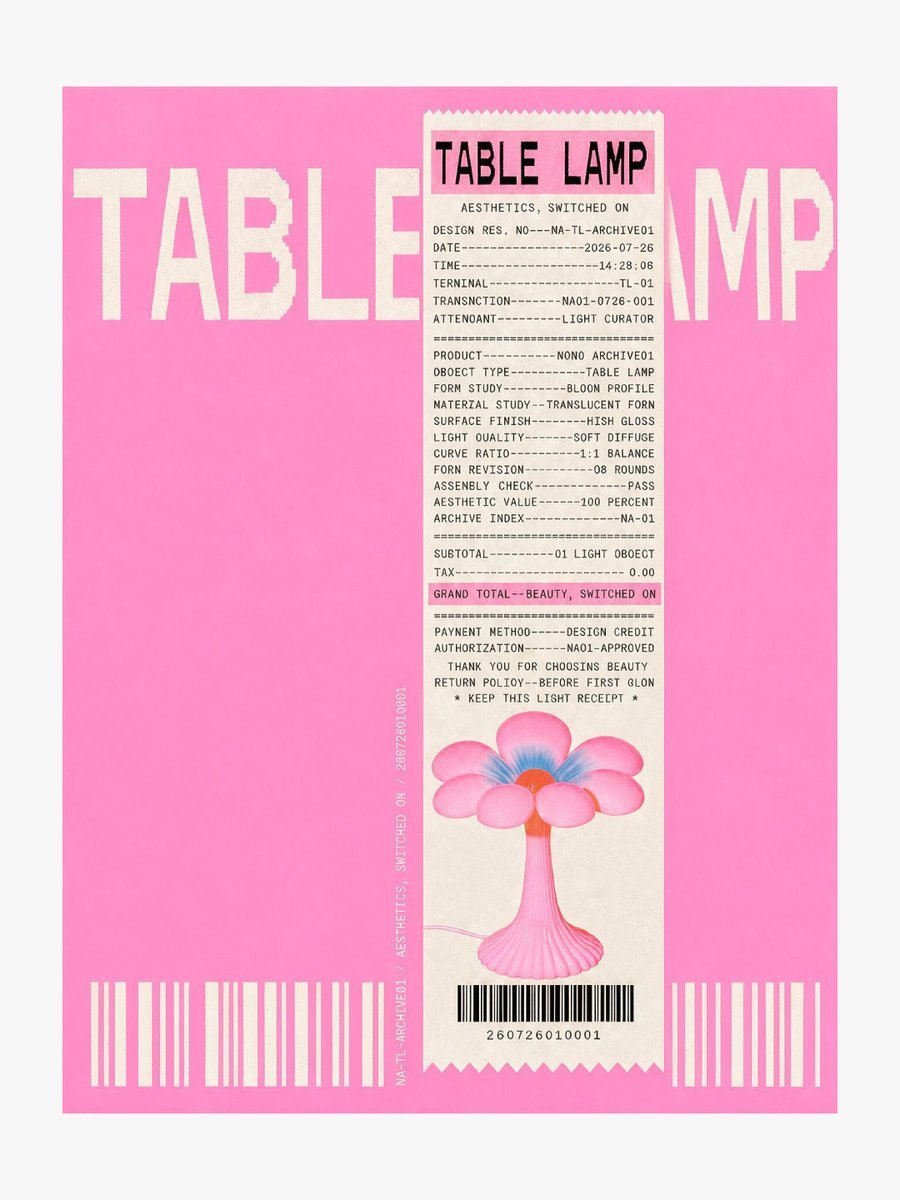
Thermal Receipt Table Lamp Poster

Six VTuber Japanese Logo Sheet

Lifestyle photography, cinematic color grading, shallow depth of field

Sleepy Hamster Watercolor Scene
Make it yours
Japanese Color-Coded Periodic Table works as-is. These are the safest ways to change it without losing the look.
Change one field
Copy a single group, rewrite it, and generate again so you can see what that field is doing.
Keep the frame, change the subject
Hold the composition and light of Japanese Color-Coded Periodic Table, then swap wardrobe, props or the person for a new take.
| If the result… | Why | Fix |
|---|---|---|
| The result drifts from the preview | Too many fields changed at once. | Reuse Japanese Color-Coded Periodic Table as-is first, then change one group — subject, light, or setting. |
| The model over-stylizes the scene | The prose prompt leaves finish and camera underspecified. | Add one camera or lighting sentence and stay on GPT Image 2. |
More GPT Image 2 templates
Other prompts made for GPT Image 2.

Realistic Portrait of Woman and Deer

The Vista Modular Condo Poster

AI Model Routing Comparison Infographic

2.5D Anime Art Board

Isometric Productivity Desk Scene

New York Double Exposure Poster

Four-Panel AI Landscape Comparison

NESCAFÉ Coffee Map Poster

Brutalist Cogito Chinese Typography Poster

Cinematic Luxury Terrace Portrait
More image prompts
Fresh picks from across the catalog.
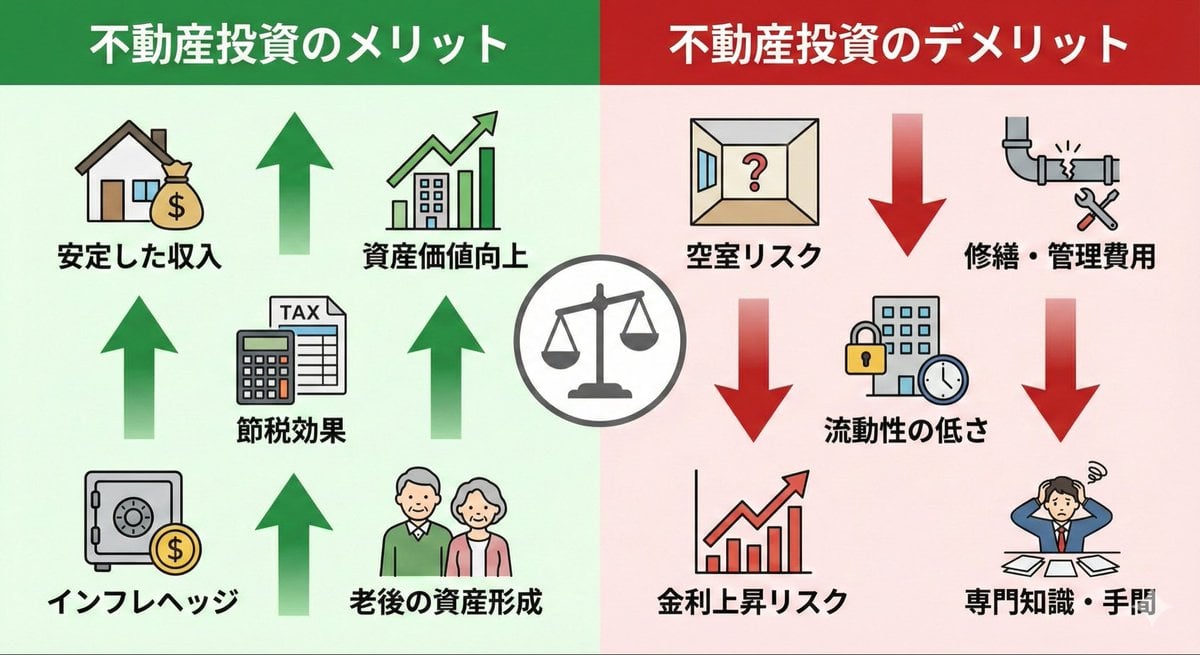
Pros and cons of real estate investment infographic
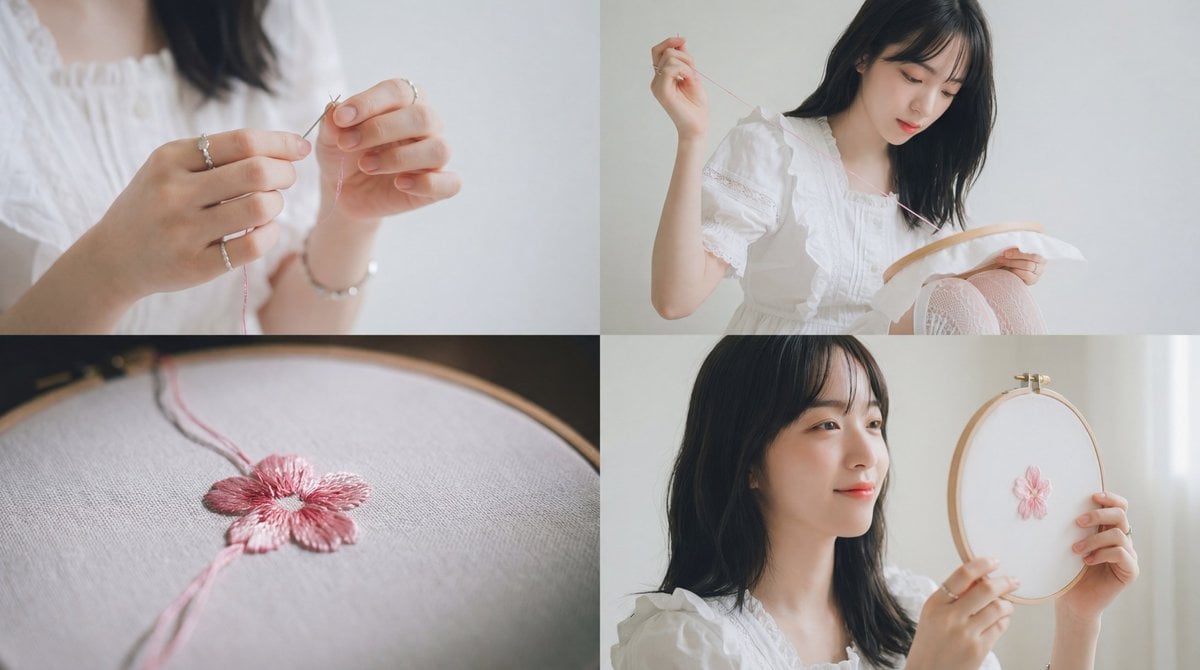
Cinematic Embroidery Scene Video
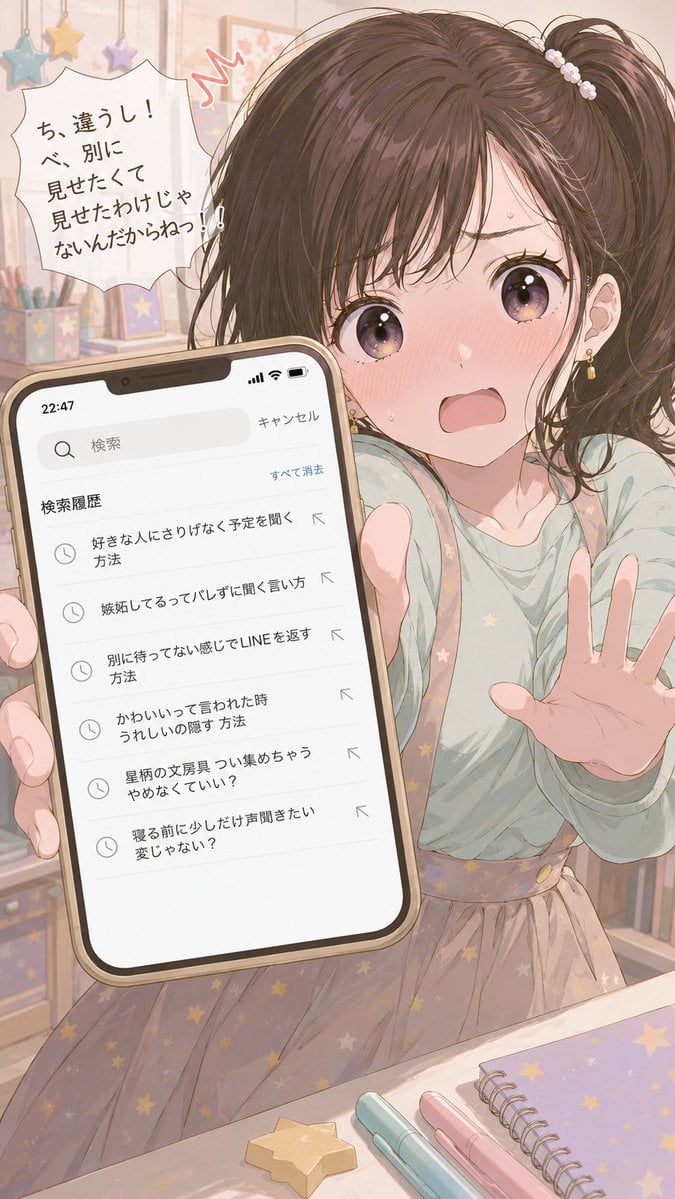
Character Search History UI

High-Fashion Urban Editorial Portrait with Grillz
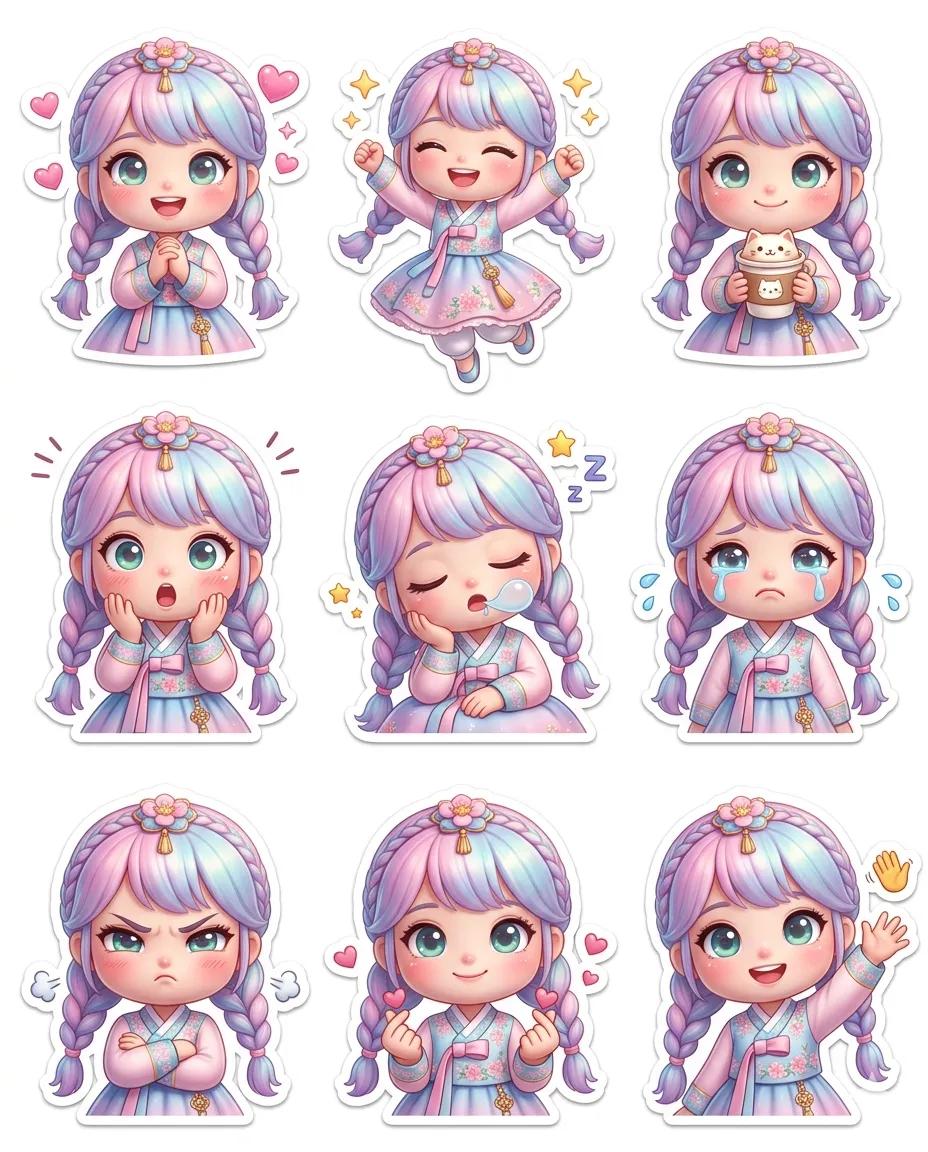
Pixar-Style Chibi Sticker Sheet
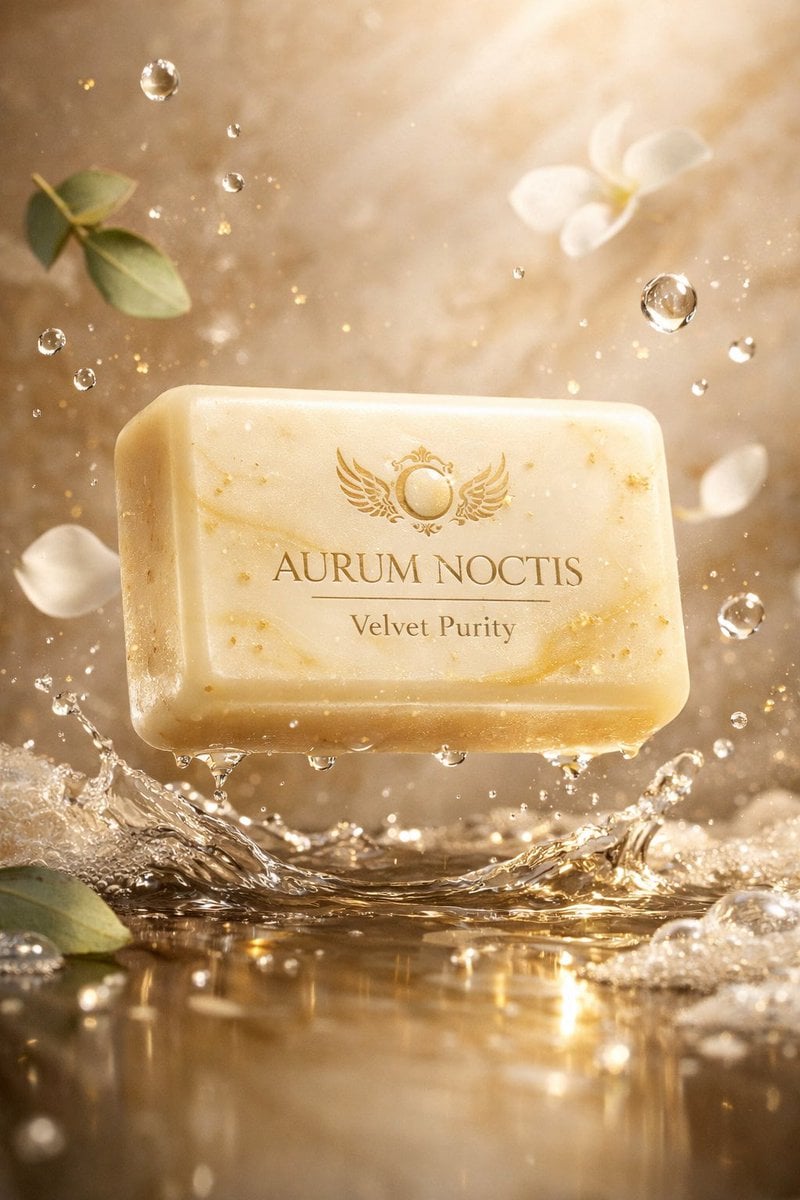
Ultra-Cinematic Luxury Artisan Soap Product Photography
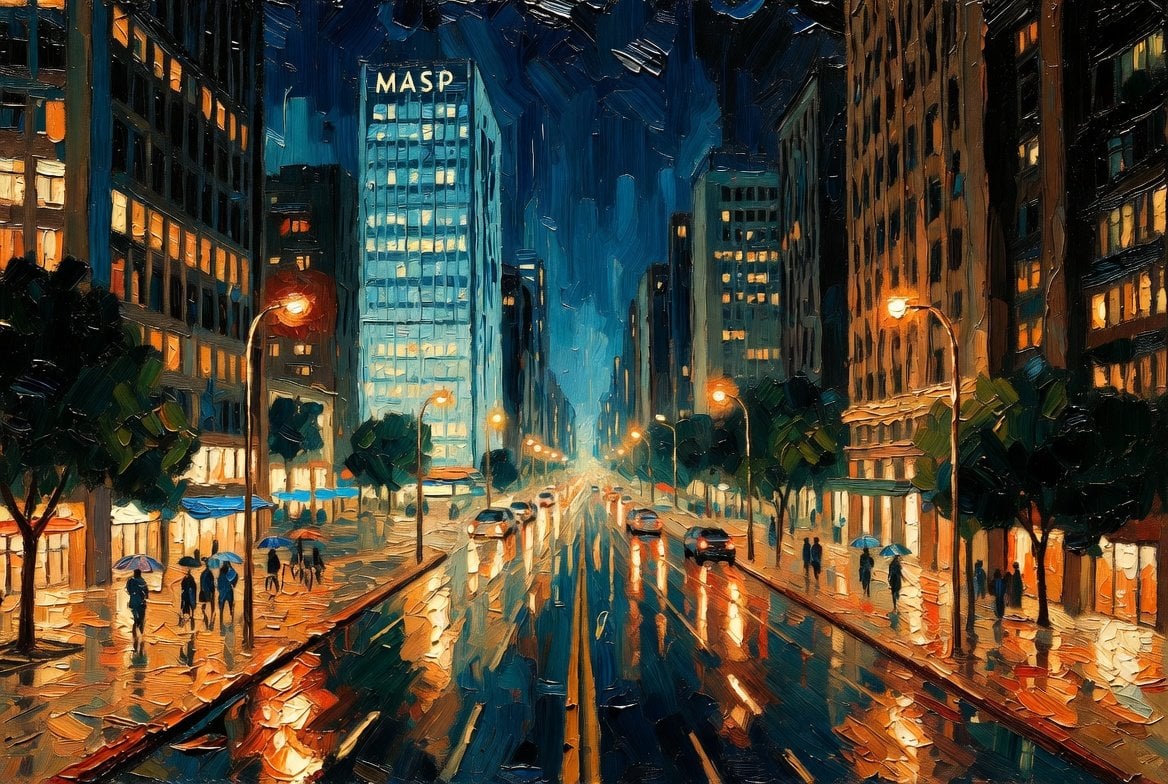
São Paulo Avenida Paulista Painting Prompt (JSON reference)

Patrick Bateman Meets Sparkle Beach Ken Prompt
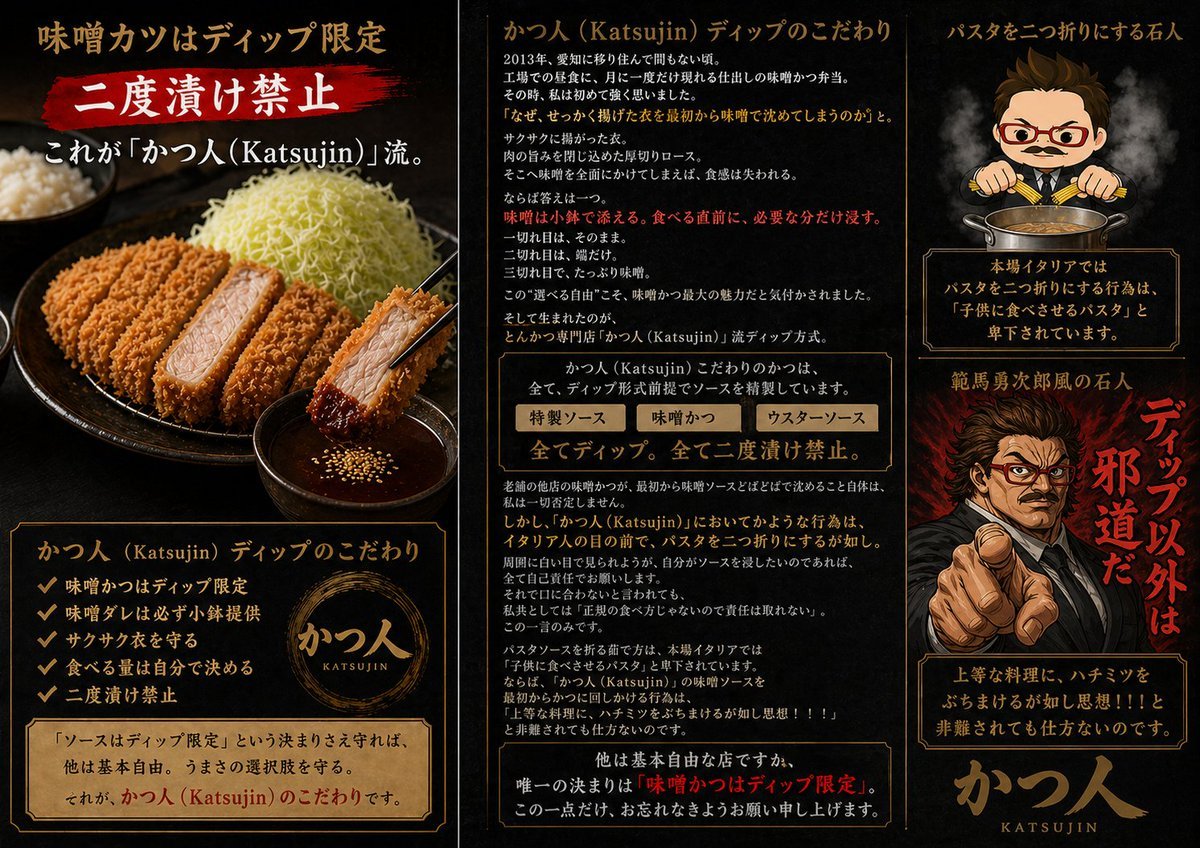
Katsujin Miso Katsu Dip-Only Poster

Censored Monochrome Manga Profile
Browse template categories
Japanese Color-Coded Periodic Table questions
How do I use the Japanese Color-Coded Periodic Table template?
Add your photo if the template asks for one, edit the prompt if you like — the template's model and format are already selected — and press Generate. Your version opens in PicX Studio.
Can I customize the Japanese Color-Coded Periodic Table template?
Yes. You can change the subject, setting, lighting, mood, format, and available model controls before creating your image.
Is the Japanese Color-Coded Periodic Table template free?
Opening and editing this template is free. Generating uses credits, shown on the Generate button when you are signed in.
Which AI model should I use?
Start with GPT Image 2, which is the model associated with this template. You can compare another compatible model for a different finish.
Looking for something else? Browse all templates.

Your photo, any look
Thousands of ready templates for every top image and video model, from one credit balance.