
Japanese GPT Image2 Campaign Comic
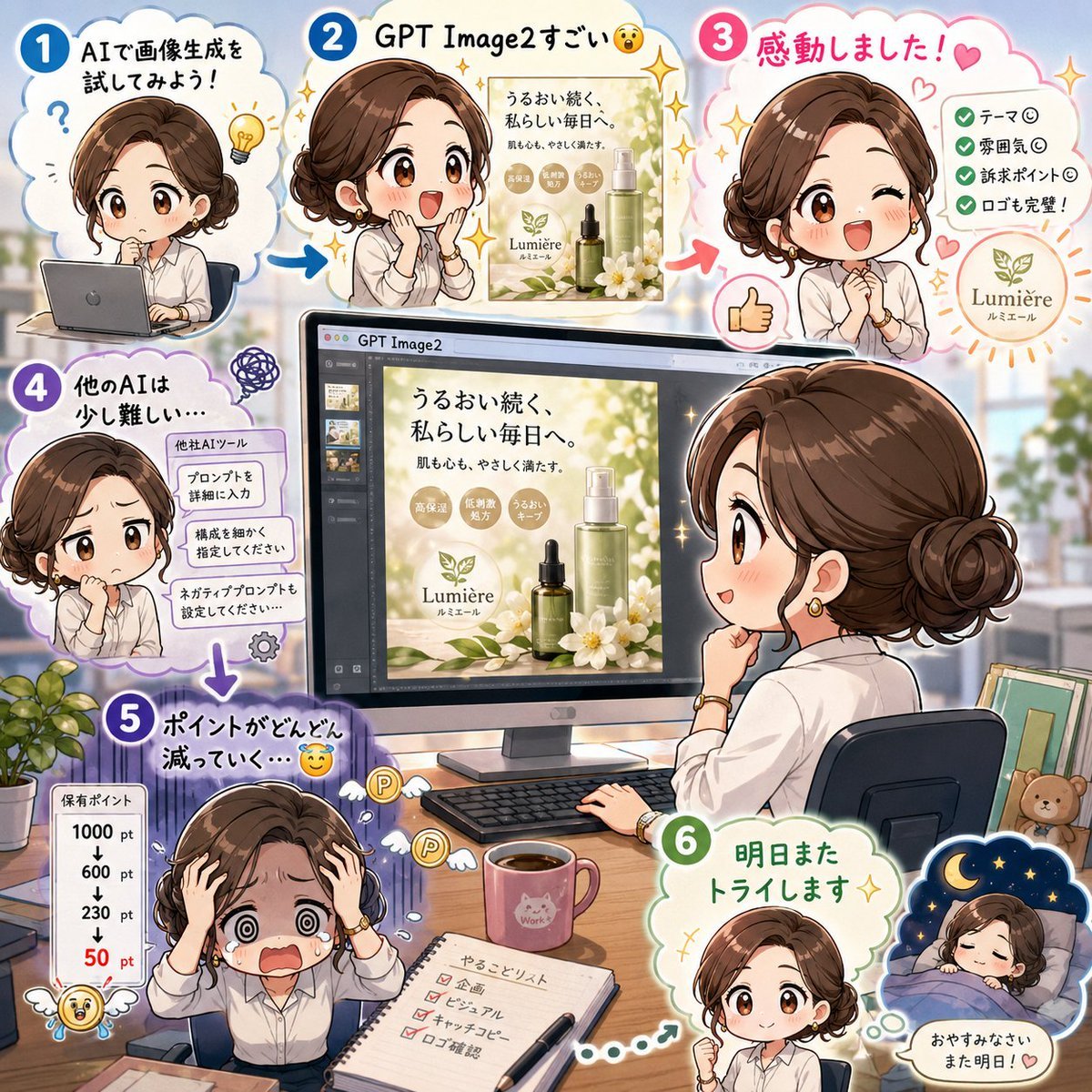
A cute six-step Japanese anime infographic showing an office worker testing GPT Image2 to create a skincare campaign poster.
- Prompt included
- Model and format preset
- Free template
The prompt behind this image
Copy the exact prompt behind Japanese GPT Image2 Campaign Comic, or open it in the studio and make it yours.
Goal: Create a square Japanese social-media comic infographic about trying GPT Image2 for making a campaign poster, with a cheerful office-work atmosphere and cute anime styling. Canvas: 1:1 square image, bright pastel palette, soft daylight office background, white cloud-shaped panels outlined in blue, pink, purple, and green, with sparkles, arrows, doodles, stickers, and expressive reaction icons. The overall design should feel like a polished explanatory X/Twitter post image. Main subject: A cute chibi/anime-style office woman with short wavy brown hair, white blouse, small gold accessories, and expressive poses, appearing repeatedly across the design. Keep faces anonymized/blank with a soft rectangular blur over each face. The same character appears exactly 7 times: 1) small at top left using a laptop, 2) upper center admiring a generated poster, 3) upper right giving a thumbs-up, 4) mid-left looking uncertain beside prompt instructions, 5) large right-side rear/side view seated at a desk looking at a monitor, 6) bottom left distressed with hands on head, 7) bottom right tucked in bed saying good night. Layout: Place six numbered story steps in rounded cloud panels around a central desktop monitor. Use large circular step numbers with white numerals: step 1 in blue at top left, step 2 in blue at top center, step 3 in pink at top right, step 4 in purple at left middle, step 5 in purple at bottom left, and step 6 in green at bottom right. Connect the steps with thick colorful arrows, including a blue arrow from step 1 to step 2, a pink arrow to step 3, a purple downward arrow to step 5, and a dotted green path toward step 6. Central object: A large computer monitor on a desk showing a design app interface labeled “GPT Image2” at the top. On the canvas inside the monitor is a skincare campaign poster for {argument name="brand name" default="Lumière"}, with Japanese headline text, product bottles, white flowers, green leaves, and gold circular benefit badges. Include a keyboard, mouse, coffee mug, notebook checklist, pen, small potted plant, and a tidy office desk. In the background, show a softly blurred modern office window with greenery. Text content: Use Japanese text in the artwork. Step 1 headline: “AIで画像生成を試してみよう!” with a question mark and lightbulb doodle. Step 2 headline: “GPT Image2すごい” followed by a surprised emoji, and show a small generated campaign poster preview. Step 3 headline: “感動しました!” with a heart; include a checklist with exactly 4 green check items: “テーマ◎”, “雰囲気◎”, “訴求ポイント◎”, “ロゴも完璧!”. Step 4 headline: “他のAIは少し難しい” with a scribble icon; include a mini card titled “他社AIツール” with exactly 3 stacked instruction boxes: “プロンプトを詳細に入力”, “構成を細かく指定してください”, “ネガティブプロンプトも設定してください…”. Step 5 headline: “ポイントがどんどん減っていく…” with a crying/sweating emoji; include a vertical point meter titled “保有ポイント” listing exactly 5 values: “1000 pt”, “600 pt”, “230 pt”, a downward arrow, and “50 pt” in red. Step 6 headline: “明日またトライします” with a sparkle. Bottom-right bedtime bubble: “おやすみなさい また明日!” with a heart. Poster details: The skincare ad should read {argument name="campaign headline" default="うるおい続く 私らしい毎日へ。"} and smaller copy “肌も心も、やさしく満たす。” Include exactly 3 gold benefit circles: “高保湿”, “敏感肌処方”, “うるおいキープ”. Show a clean logo mark of leaves above “Lumière / ルミエール”. Desk details: The open notebook at the bottom center should be labeled “やることリスト” and include exactly 5 checkbox items, with several checked in red; the visible items should include “企画”, “ビジュアル”, “キャッチコピー”, and “予算確認”. Add small decorative point coins flying away near the distressed character. Style constraints: Cute Japanese manga infographic, clean commercial design, rounded typography, thick white outlines around character cutouts, soft cel shading, high detail but readable at social-post size. Preserve the exact six-step count, the seven character appearances, and the visible Japanese labels. No watermark, no photorealism, no extra panels.
How to use Japanese GPT Image2 Campaign Comic in 3 steps
- 1Upload ImagePNG, JPG or paste
Add your photo
Upload the photo the template builds on. The prompt, model and format are already set.
- 2…a portrait of your subject in softgolden-hour light, 85mm…
Personalize
Edit the subject and creative details for your destination.
- 3Generate
Generate
Press Generate — your image is created in PicX Studio, so you can compare it with the original and refine one variable at a time.
More like this
Templates with the same subject, style or setup. Open one to see its prompt.

Blue Backdrop Luxury Fashion Portrait Campaign

Japanese Architectural Concrete Studio Fashion Campaign

Gpt2 E Commerce Main Image 9 Panel Product Tvc Storyboard
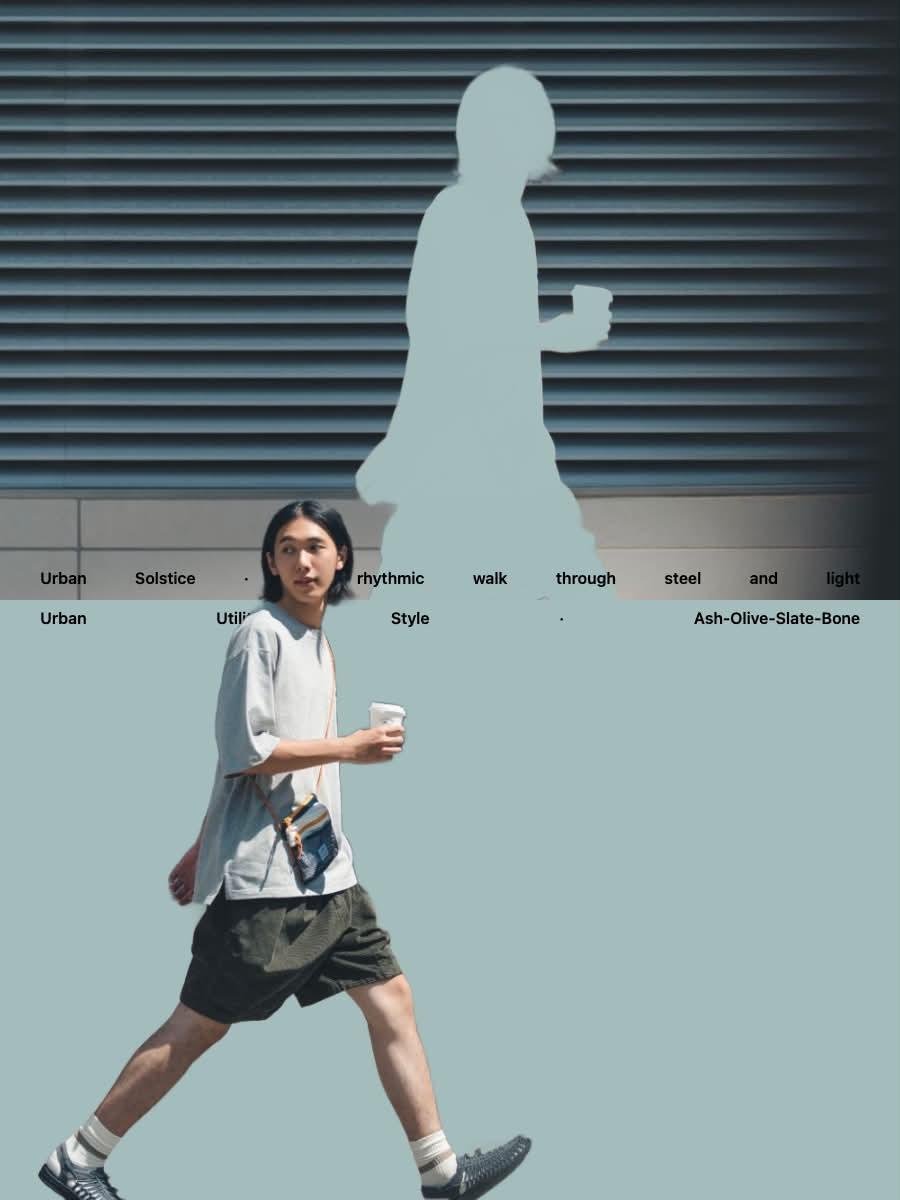
Japanese Minimalist Urban Fashion Campaign

Minecraft Japanese Research Lab Exploration
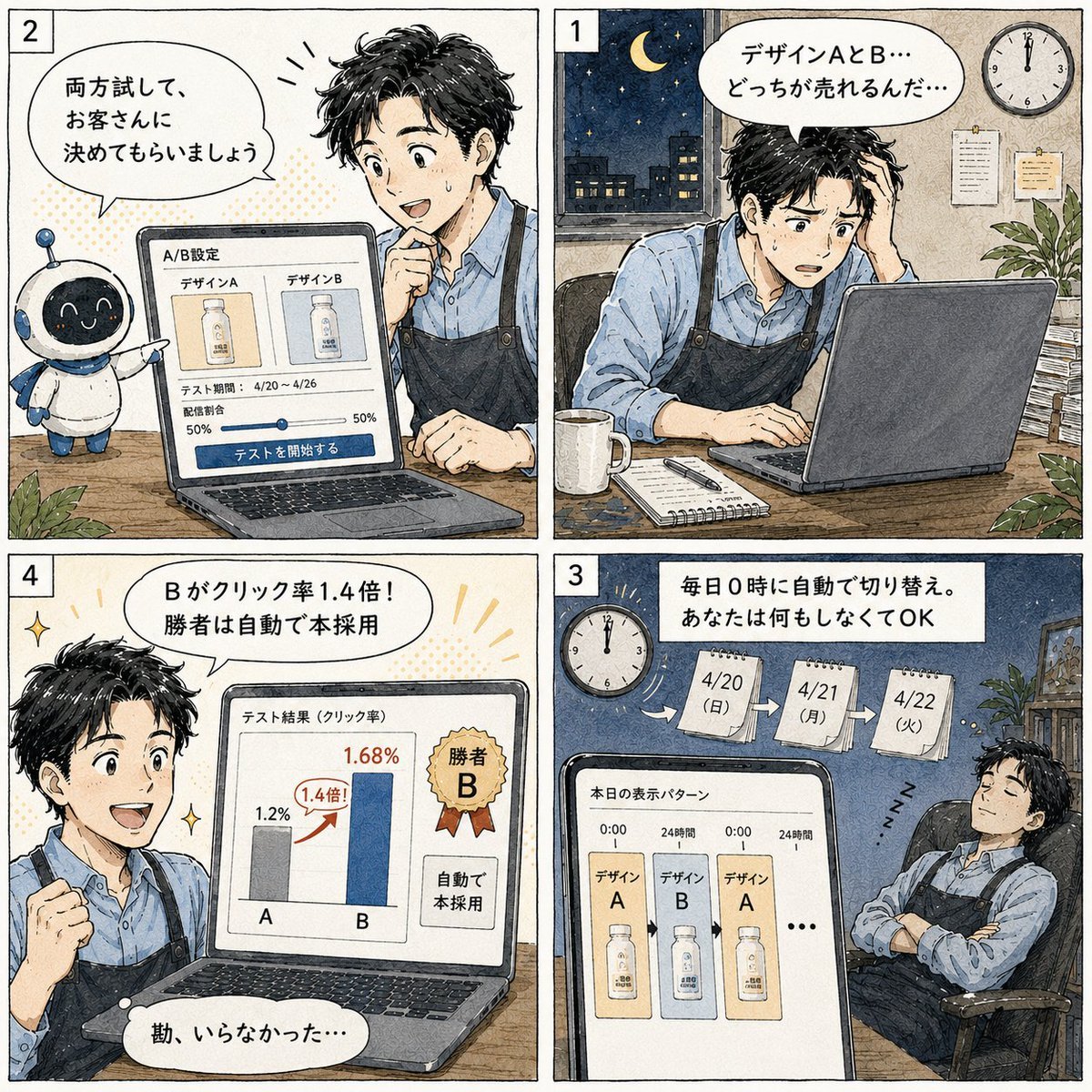
Japanese Manga A/B Testing Comic

Retro Pop-Art K-Fashion Ultraluxury Campaign Poster

Japanese Minimalist Concrete Studio Fashion Editorial

Monroe and Ash Mediterranean Luxury Fashion Campaign

Polo Ralph Lauren Luxury American Heritage Fashion Campaign

Retro Mirror Luxury Fashion Campaign Poster

Luxury Fashion Campaign Typography Poster System
Make it yours
Japanese GPT Image2 Campaign Comic works as-is. These are the safest ways to change it without losing the look.
Change one field
Copy a single group, rewrite it, and generate again so you can see what that field is doing.
Keep the frame, change the subject
Hold the composition and light of Japanese GPT Image2 Campaign Comic, then swap wardrobe, props or the person for a new take.
| If the result… | Why | Fix |
|---|---|---|
| The result drifts from the preview | Too many fields changed at once. | Reuse Japanese GPT Image2 Campaign Comic as-is first, then change one group — subject, light, or setting. |
| The model over-stylizes the scene | The prose prompt leaves finish and camera underspecified. | Add one camera or lighting sentence and stay on GPT Image 2. |
More GPT Image 2 templates
Other prompts made for GPT Image 2.

Six VTuber Japanese Logo Sheet

Realistic Portrait of Woman and Deer

The Vista Modular Condo Poster

AI Model Routing Comparison Infographic

2.5D Anime Art Board

Isometric Productivity Desk Scene

New York Double Exposure Poster

Four-Panel AI Landscape Comparison

Japanese Tatami Lifestyle Magazine Cover

NESCAFÉ Coffee Map Poster
More image prompts
Fresh picks from across the catalog.
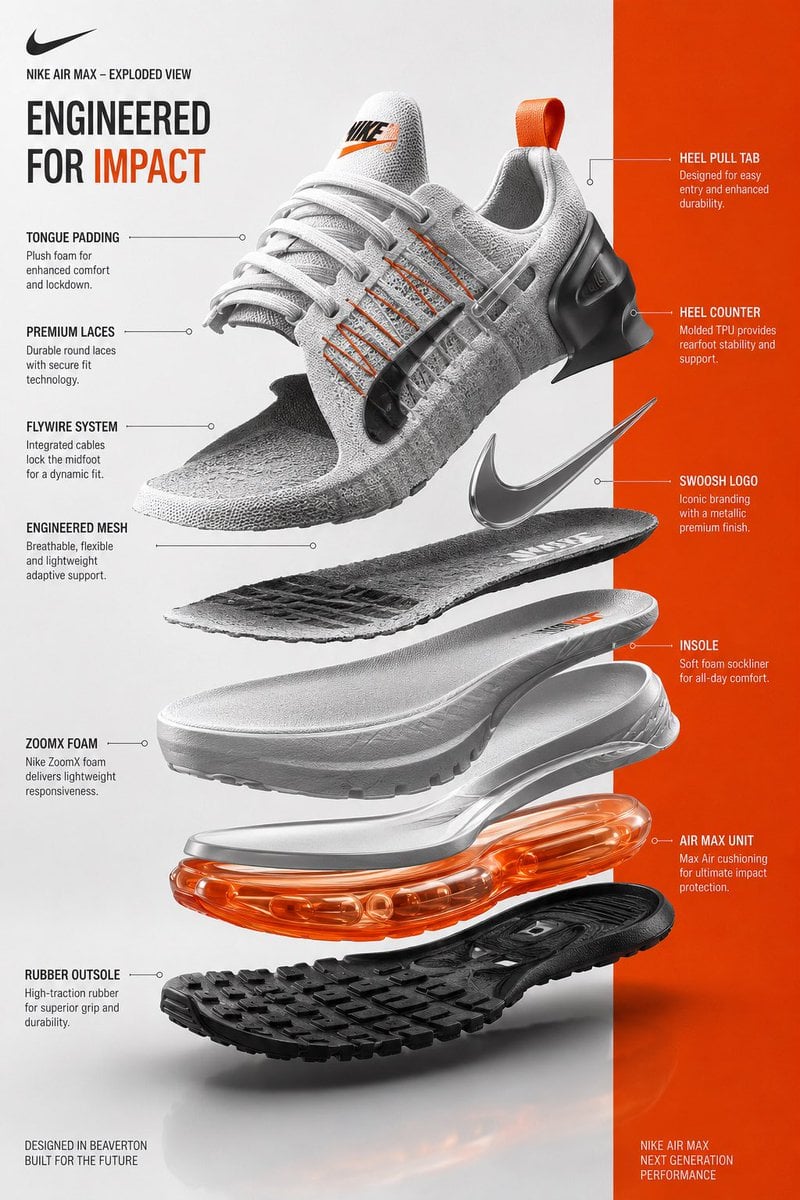
Exploded View Sneaker Infographic
Isometric 3D Miniature City Diorama with Holiday Theme
Cinematic Embroidery Scene Video
NanoBanana2
Moody Portrait with Diagonal Light Beam
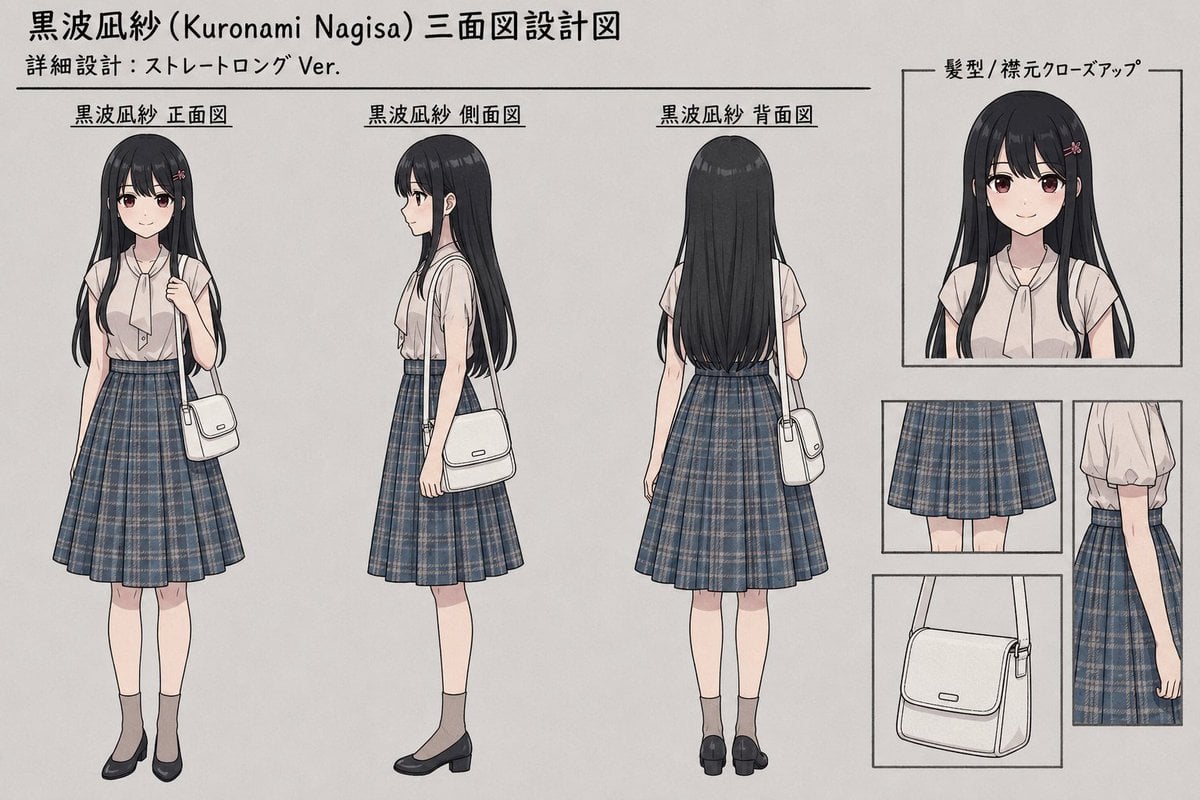
Anime Three-View Character Sheet
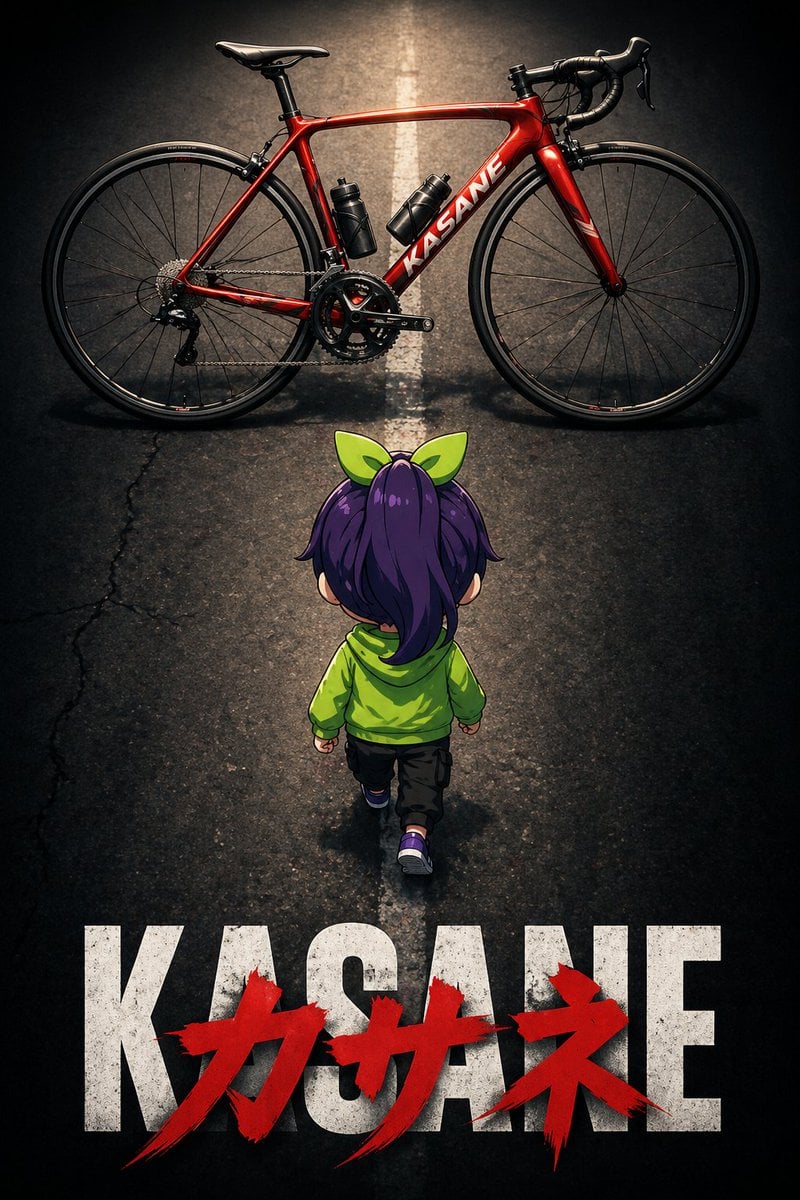
Dramatic Chibi Anime Poster
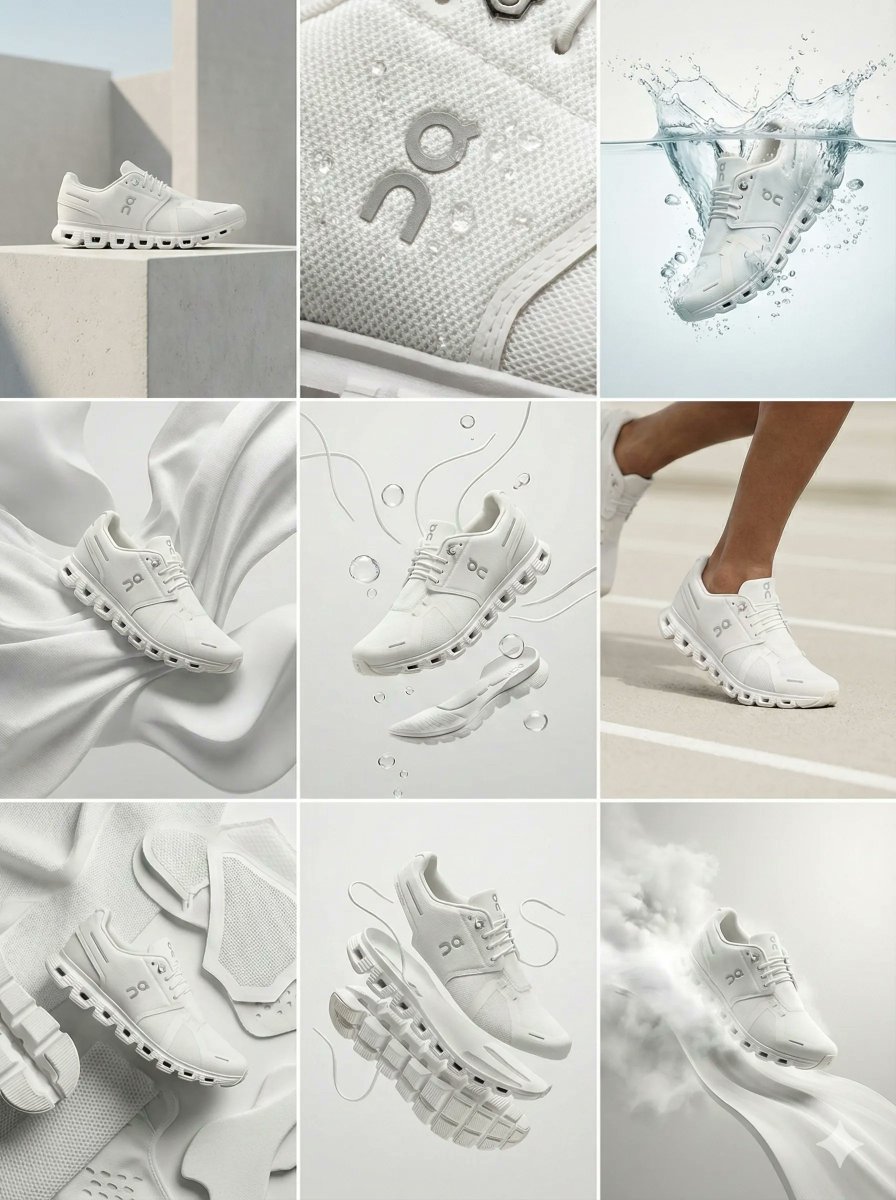
Nano Banana Pro Ad Generation Template
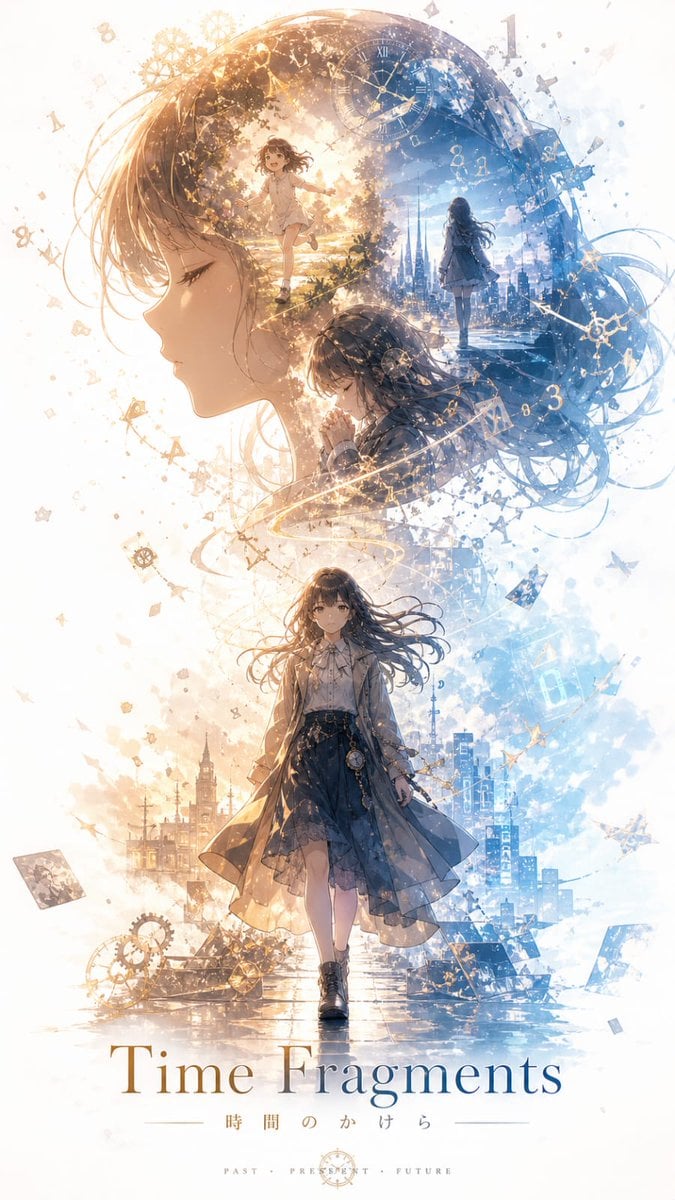
Time Fragments Anime Poster
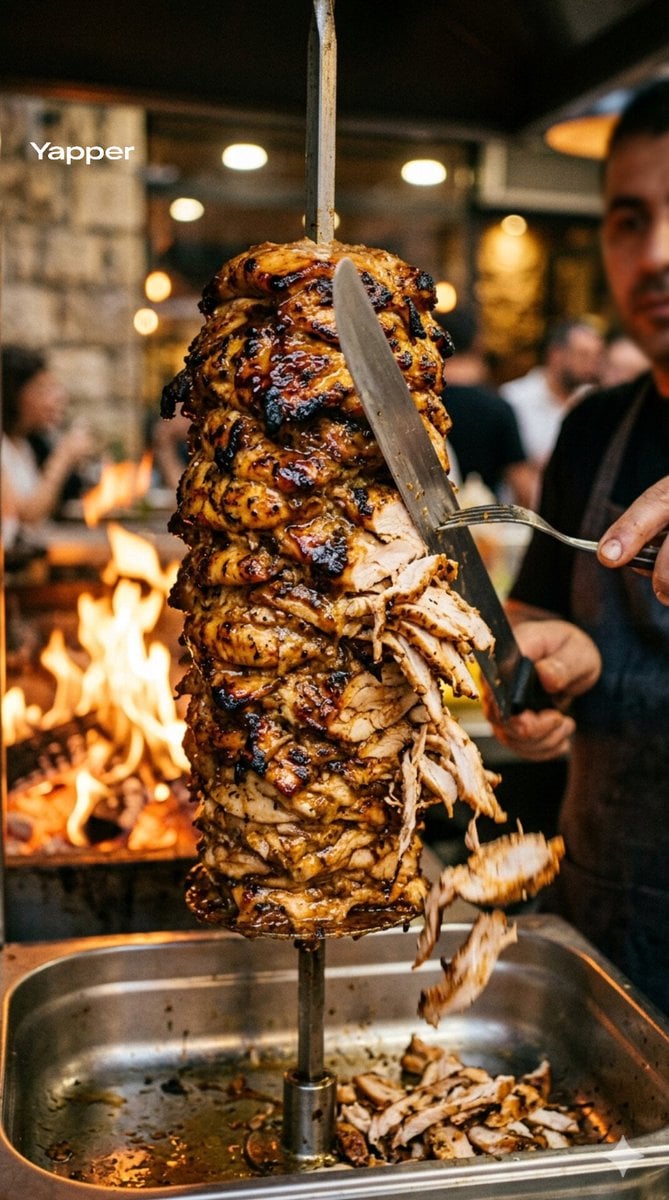
Cinematic Shawarma Rotisserie Shot
Browse template categories
Japanese GPT Image2 Campaign Comic questions
How do I use the Japanese GPT Image2 Campaign Comic template?
Add your photo if the template asks for one, edit the prompt if you like — the template's model and format are already selected — and press Generate. Your version opens in PicX Studio.
Can I customize the Japanese GPT Image2 Campaign Comic template?
Yes. You can change the subject, setting, lighting, mood, format, and available model controls before creating your image.
Is the Japanese GPT Image2 Campaign Comic template free?
Opening and editing this template is free. Generating uses credits, shown on the Generate button when you are signed in.
Which AI model should I use?
Start with GPT Image 2, which is the model associated with this template. You can compare another compatible model for a different finish.
Looking for something else? Browse all templates.

Your photo, any look
Thousands of ready templates for every top image and video model, from one credit balance.